

TESmart Knowledge · KVM & Workplace

News

Practical guides, setup tips, new products and technical knowledge for your multi-computer workplace.
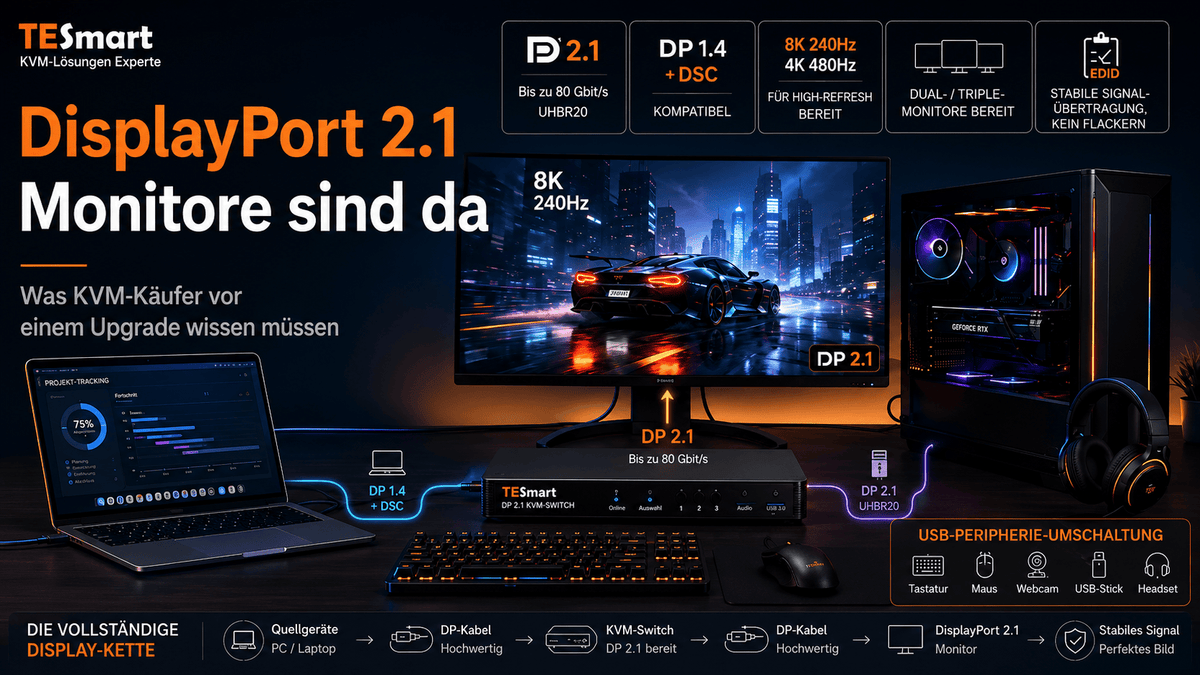
DisplayPort 2.1 und KVM-Switches: Was UHBR, DP80 und DSC für echte Setups bedeuten
DisplayPort 2.1 und KVM-Switches: Was UHBR, DP80 und DSC für echte Setups bedeuten

Inhaltsverzeichnis Einleitung Warum DisplayPort-2.1-Monitore 2026 mehr Aufmerksamkeit bekommen DisplayPort 2.1 ist nicht eine einzige Geschwindigkeit DisplayPort-2.1-Bandbreite erklärt: HBR3 vs. UHBR10 vs. UHBR20 Warum KVM-Käufer über den Monitoranschluss hinausdenken müssen Welche Displaymodi benötigen tatsächlich DP 2.1? Was DSC wirklich macht und...

Read moreabove DisplayPort 2.1 und KVM-Switches: Was UHBR, DP80 und DSC für echte Setups bedeuten

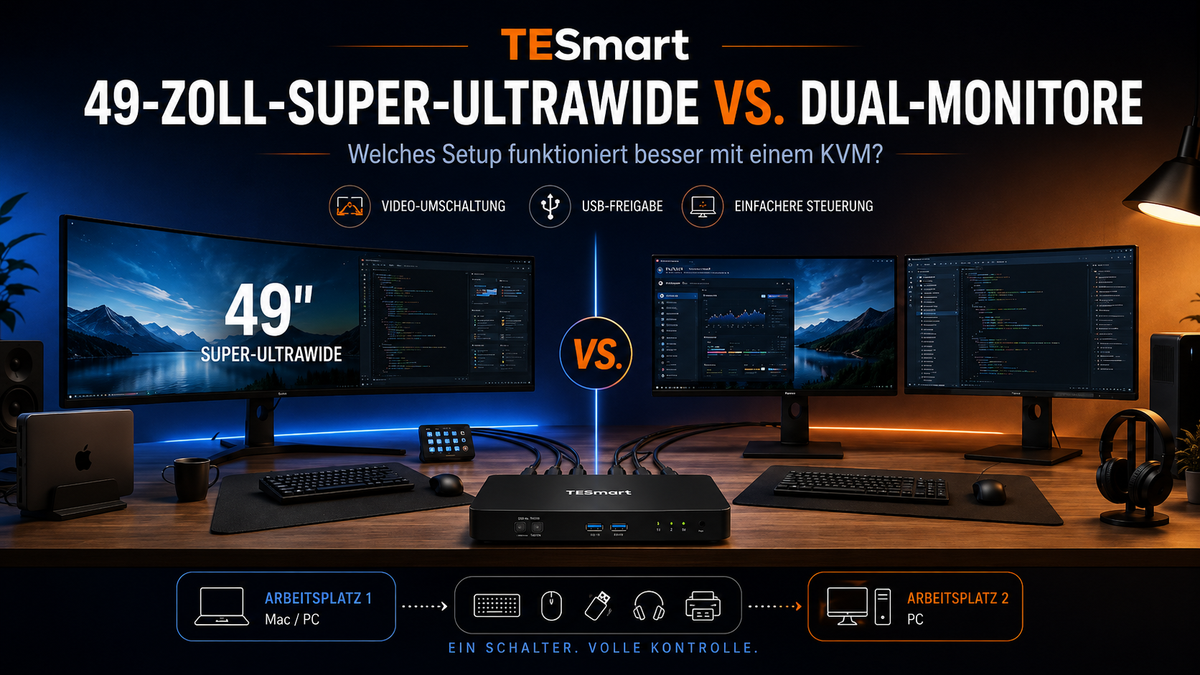
49-Zoll-Super-Ultrawide vs. Dual-Monitore: Welches KVM-Setup funktioniert besser?
49-Zoll-Super-Ultrawide vs. Dual-Monitore: Welches KVM-Setup funktioniert besser?

Inhaltsverzeichnis Einleitung Was Nutzer tatsächlich lösen möchten Warum 49-Zoll-Super-Ultrawide-Monitore auch 2026 sinnvoll bleiben Warum Dual-Monitor-Setups für viele Schreibtische weiterhin besser funktionieren Wie sich die KVM-Anforderungen zwischen Ultrawide und Dual-Monitoren unterscheiden Vergleich: Ultrawide, Dual-Monitore, Dock, Switch oder Kabelumstecken Was Sie vor...

Read moreabove 49-Zoll-Super-Ultrawide vs. Dual-Monitore: Welches KVM-Setup funktioniert besser?

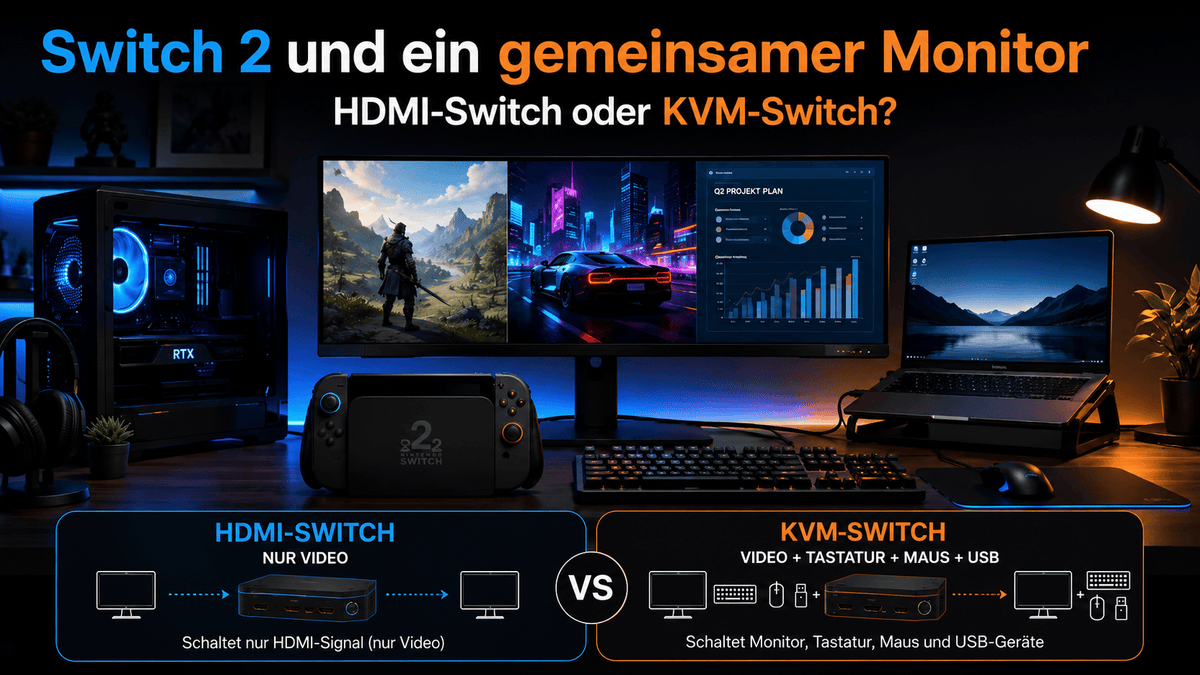
Nintendo Switch 2 Monitor-Setup: Wann reicht ein HDMI-Switch und wann lohnt sich ein KVM-Switch?
Nintendo Switch 2 Monitor-Setup: Wann reicht ein HDMI-Switch und wann lohnt sich ein KVM-Switch?
Inhaltsverzeichnis Einführung Warum Switch 2 gemeinsam genutzte Monitor-Setups häufiger macht HDMI-Switch vs. KVM-Switch: Der wirkliche Unterschied Wann ein HDMI-Switch für Nintendo Switch 2 ausreicht Wann ein KVM-Switch mehr Sinn ergibt Beispiel-Setup: Switch 2, Gaming-PC und Arbeitslaptop auf einem Schreibtisch Welches...

Read moreabove Nintendo Switch 2 Monitor-Setup: Wann reicht ein HDMI-Switch und wann lohnt sich ein KVM-Switch?

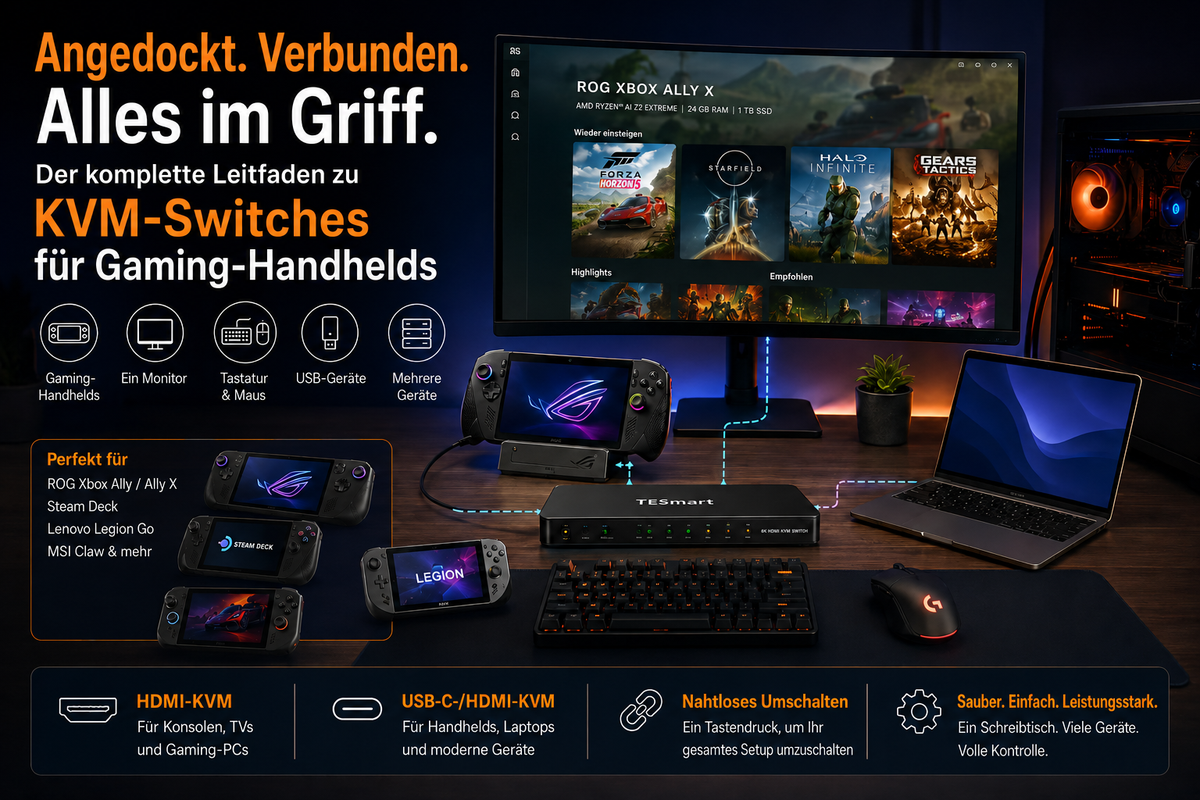
Gaming-Handhelds mit KVM nutzen: Setup-Guide für ROG Xbox Ally, Steam Deck, Dock, Monitor, Tastatur und Maus

Using gaming handhelds with KVM: Setup guide for ROG Xbox Ally, Steam Deck, dock, monitor, keyboard and mouse

Table of contents Introduction Why gaming handhelds are becoming docked desktop devices Dock vs. KVM: What is the actual difference? The real problem: One desk, too many gaming and work devices. How to build a docked gaming handheld setup using...

Read moreabove Using gaming handhelds with KVM: Setup guide for ROG Xbox Ally, Steam Deck, dock, monitor, keyboard and mouse

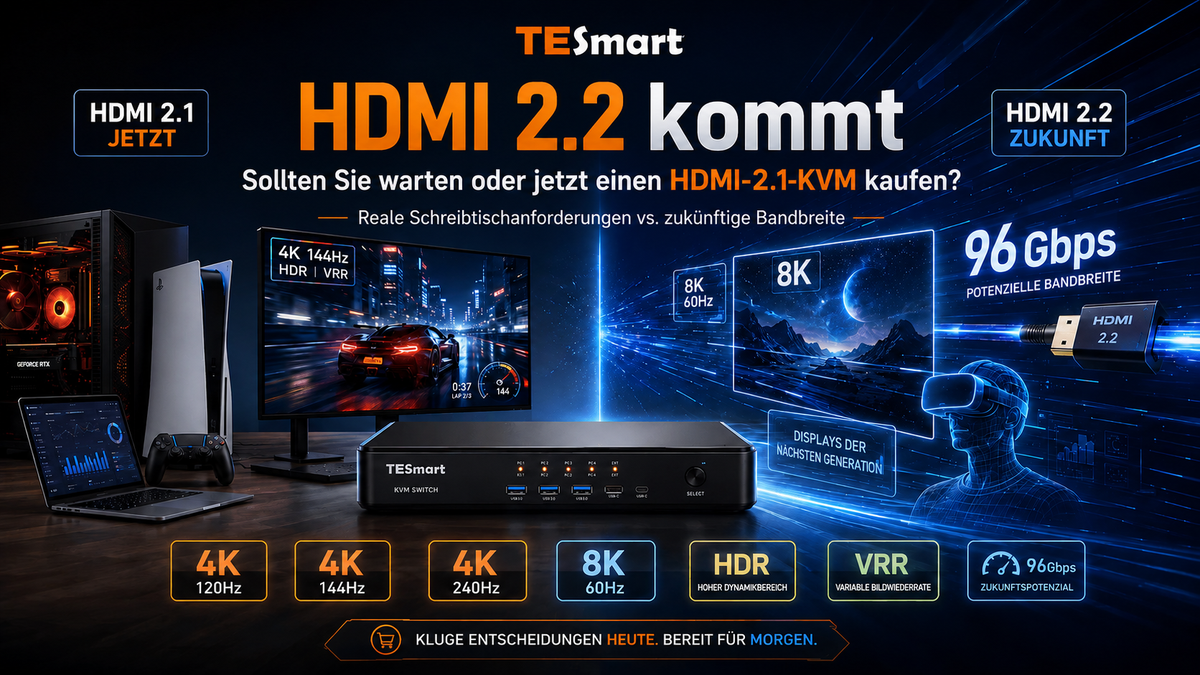
HDMI 2.2 erklärt: Sollten Sie auf einen HDMI-2.2-KVM warten oder einen HDMI-2.1-KVM-Switch für 4K 120Hz, 4K 144Hz und 8K 60Hz kaufen?

HDMI 2.2 explained: Should you wait for an HDMI 2.2 KVM or buy an HDMI 2.1 KVM switch for 4K 120Hz, 4K 144Hz and 8K 60Hz?

Table of contents Introduction What HDMI 2.2 actually changes HDMI 2.1 vs. HDMI 2.2: The practical difference Why most high-end desks still rely on HDMI 2.1 Why the HDMI 2.2 ecosystem will take time HDMI switch, USB-C dock or HDMI...

Read moreabove HDMI 2.2 explained: Should you wait for an HDMI 2.2 KVM or buy an HDMI 2.1 KVM switch for 4K 120Hz, 4K 144Hz and 8K 60Hz?

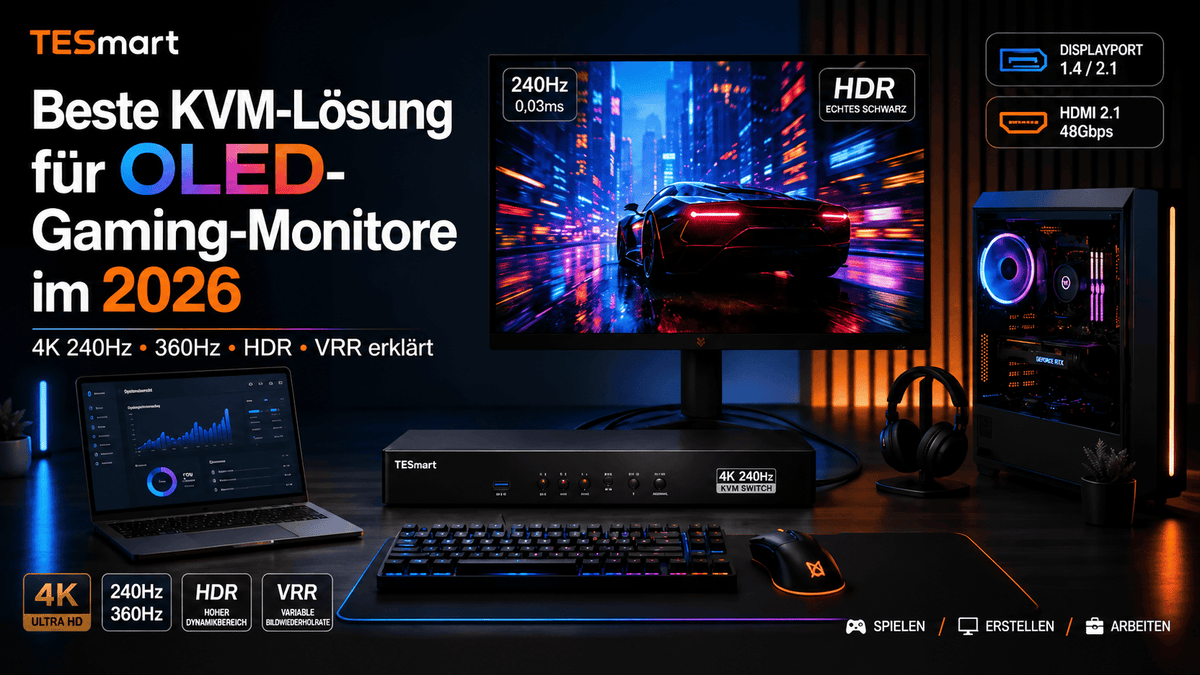
Bestes KVM-Setup für OLED-Gaming-Monitore 2026: 4K 240Hz, 360Hz, HDR und VRR erklärt

Best KVM setup for OLED gaming monitors 2026: 4K 240Hz, 360Hz, HDR and VRR explained

Table of contents Introduction Why OLED gaming monitors will make KVM selection more important in 2026 What 4K 240Hz, 360Hz, HDR and VRR really require Common OLED monitor KVM problems: Black screen, wake-up issues, EDID and refresh rate drops DisplayPort...

Read moreabove Best KVM setup for OLED gaming monitors 2026: 4K 240Hz, 360Hz, HDR and VRR explained
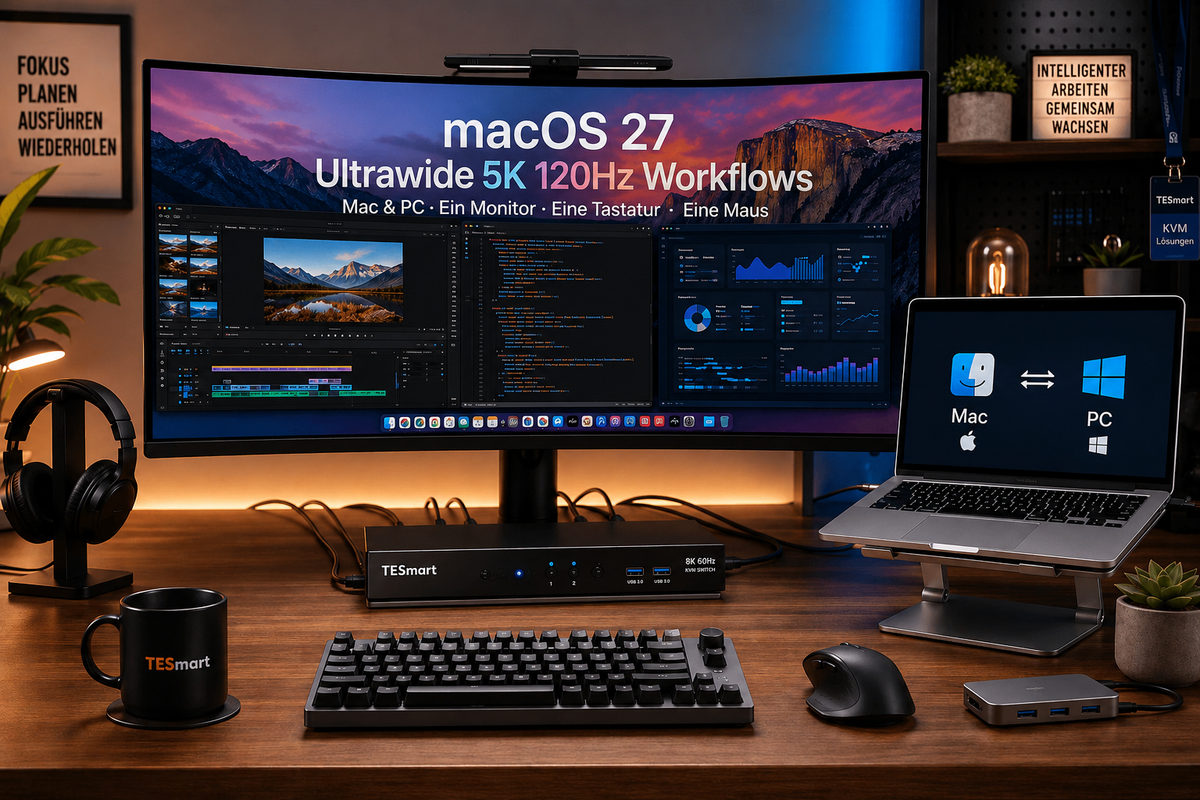
macOS 27 Ultrawide-Monitor-Setup für Mac und PC: KVM-Switch für 5K 120Hz, USB-C und DisplayPort-Workflows

macOS 27 ultrawide monitor setup for Mac and PC: KVM switch for 5K 120Hz, USB-C and DisplayPort workflows

Table of contents Introduction Why Mac users are switching to ultrawide and 5K 120Hz workflows Why a macOS 27" ultrawide monitor setup can get complicated Single-device display connection vs. multi-device KVM switching Why 5K 120Hz is not a simple display...

Read moreabove macOS 27 ultrawide monitor setup for Mac and PC: KVM switch for 5K 120Hz, USB-C and DisplayPort workflows

TESmart DKS202-M24 DP 1.4 Dual-Monitor-KVM: 8K@60Hz, Gaming, Workstation und Dual-PC-Setup erklärt

TESmart DKS202-M24 DP 1.4 Dual Monitor KVM: 8K@60Hz, Gaming, workstation and dual-PC setup explained
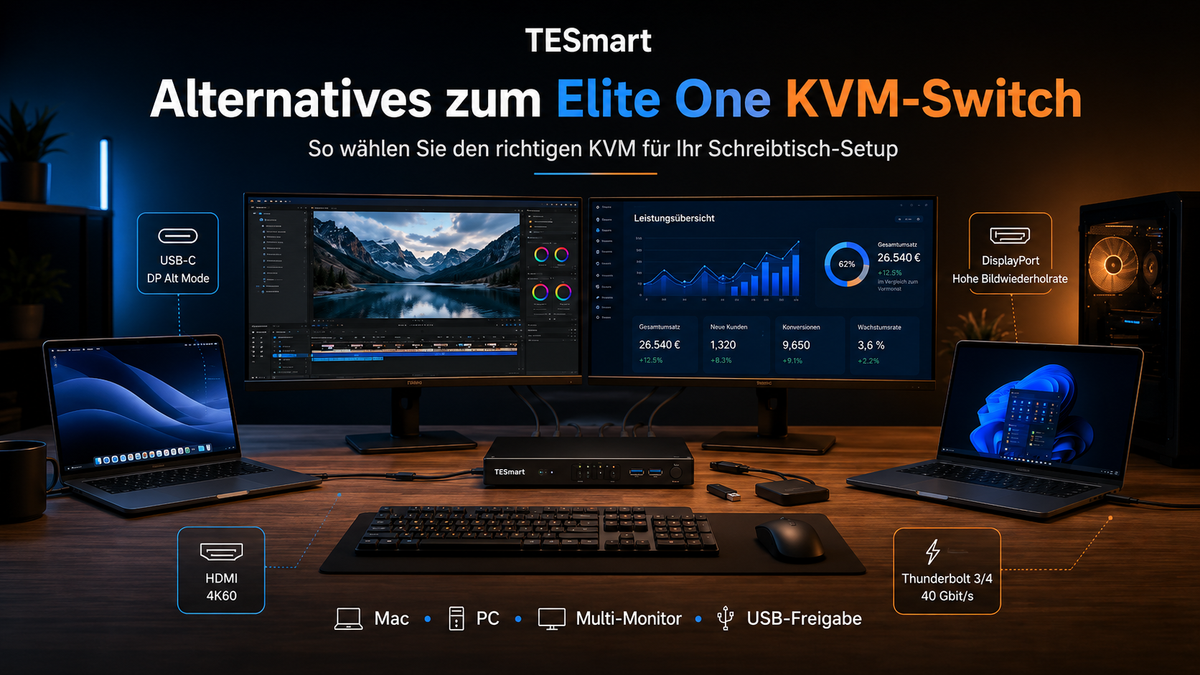
Table of contents Introduction What users really want to solve Why DP 1.4 is important for gaming and workstation KVM setups DP-1.4-KVM vs. HDMI-KVM vs. USB switch How the TESmart DKS202-M24 fits into a dual-monitor desk EDID, DSC, FEC, G-Sync...

Read moreabove TESmart DKS202-M24 DP 1.4 Dual Monitor KVM: 8K@60Hz, Gaming, workstation and dual-PC setup explained

KVM-Switch-Alternative zu Elite One: Setup-Guide für MacBook, Windows-PC, Dual-Monitor- und Multi-Monitor-Desks

KVM Switch Alternative to Elite One: Setup Guide for MacBook, Windows PC, Dual Monitor and Multi-Monitor Desks

Table of contents Introduction Why users are looking for alternatives to the Elite One KVM switch The real question is: What does your desktop setup need to switch? HDMI, DisplayPort, USB-C or Thunderbolt compatible workflows: Which alternative makes sense? Comparison...

Read moreabove KVM Switch Alternative to Elite One: Setup Guide for MacBook, Windows PC, Dual Monitor and Multi-Monitor Desks

🎁 BLACKFRIDAY has been copied to your clipboard!
Coupon here!