

TESmart Knowledge · KVM & Workplace

News

Practical guides, setup tips, new products and technical knowledge for your multi-computer workplace.

So verbinden Sie PS5/Xbox/Switch mit dem Pro Display XDR

How to connect PS5/Xbox/Switch to Pro Display XDR

The x401-x4 kschlepp features a sleek connection to the WordStudio Disp5, which branches out Xbox and Switch with massive extra time in 4K 60G via Thunderbolt™, without requiring drivers. Local display (cameras, microphones, six speakers) remained operational. Supports the use of Thunderbolt on Chrysanthem Connector and... I.M.P. The ideal professional seeks the work and entertainment of a one-screen center.

Read moreabove How to connect PS5/Xbox/Switch to Pro Display XDR
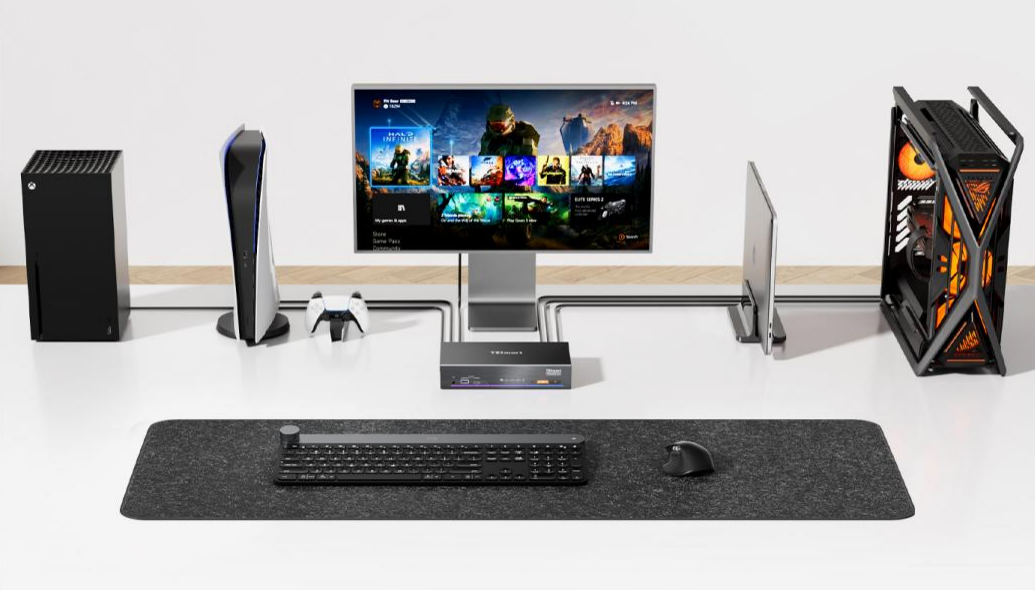
PS5/Xbox/Switch mit Studio Display über Thunderbolt™-kompatiblen KVM verbinden

Connectez PS5/Xbox/Switch à Studio Display via KVM compatible Thunderbolt™
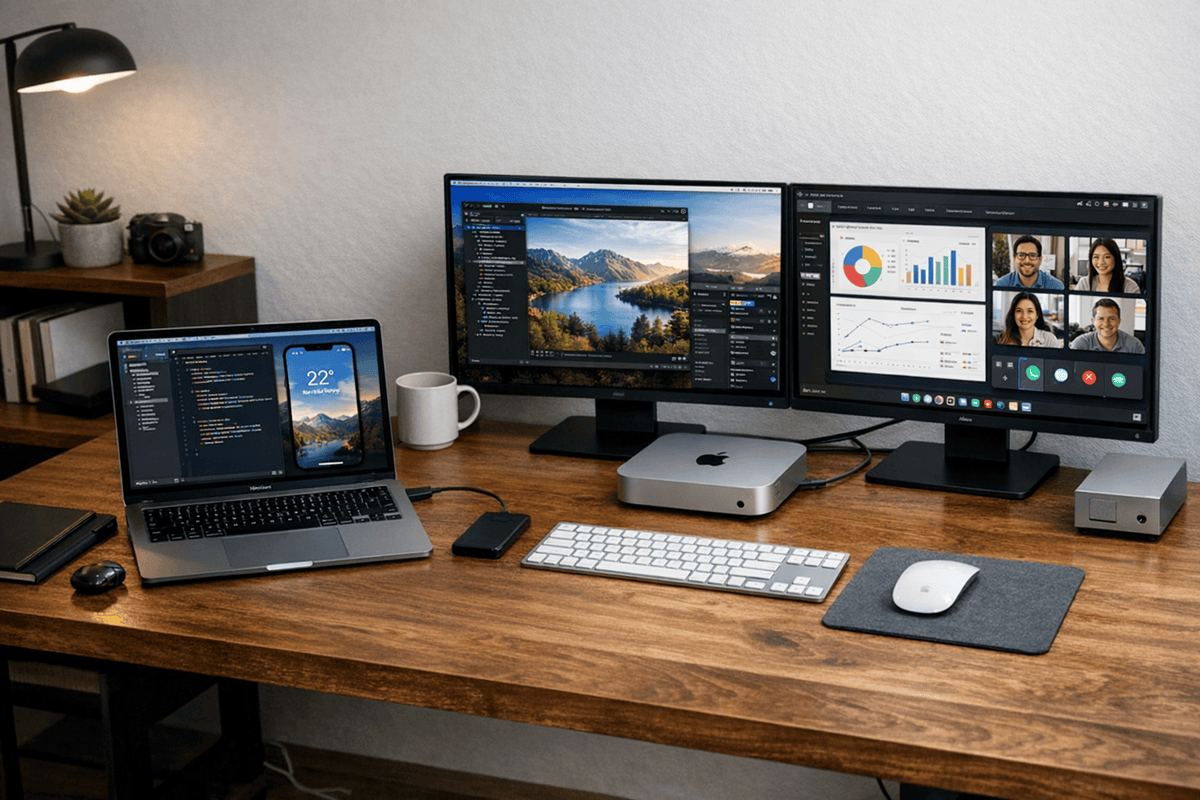
Si vous utilisez un écran Apple Studio Display, mais que, du fait de sa connexion Thunderbolt exclusive, vous ne pouvez pas l'utiliser, vous devrez le connecter à un ordinateur.™- Connexion sans entrée HDMI, pas de PS5/PS4, Besoin de connecter une...

Read moreabove Connectez PS5/Xbox/Switch à Studio Display via KVM compatible Thunderbolt™

Bester KVM-Switch für ein MacBook-Dual-Monitor-Setup

Best KVM switch for a MacBook dual monitor setup
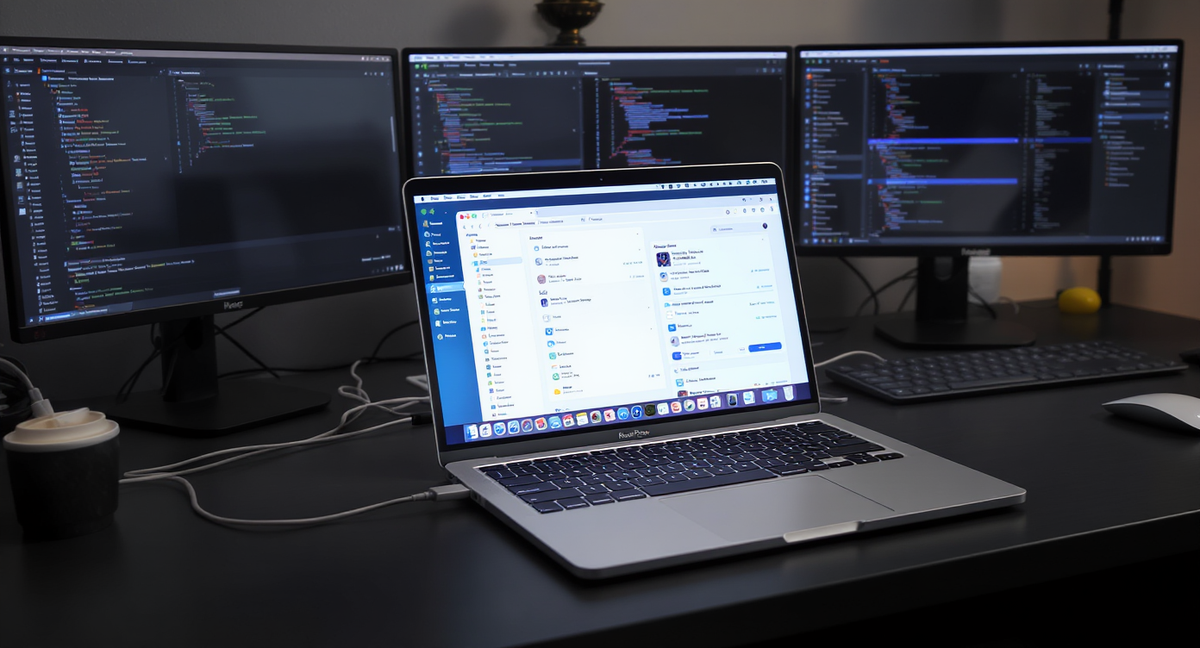
Table of contents Introduction Why a MacBook dual-monitor desk often needs more than just one dock For whom a dual-monitor KVM setup is particularly useful What to look for when choosing the right KVM switch How to choose a KVM...

Read moreabove Best KVM switch for a MacBook dual monitor setup

So schließen Sie mehrere Monitore an ein MacBook an

How to connect multiple monitors to a MacBook
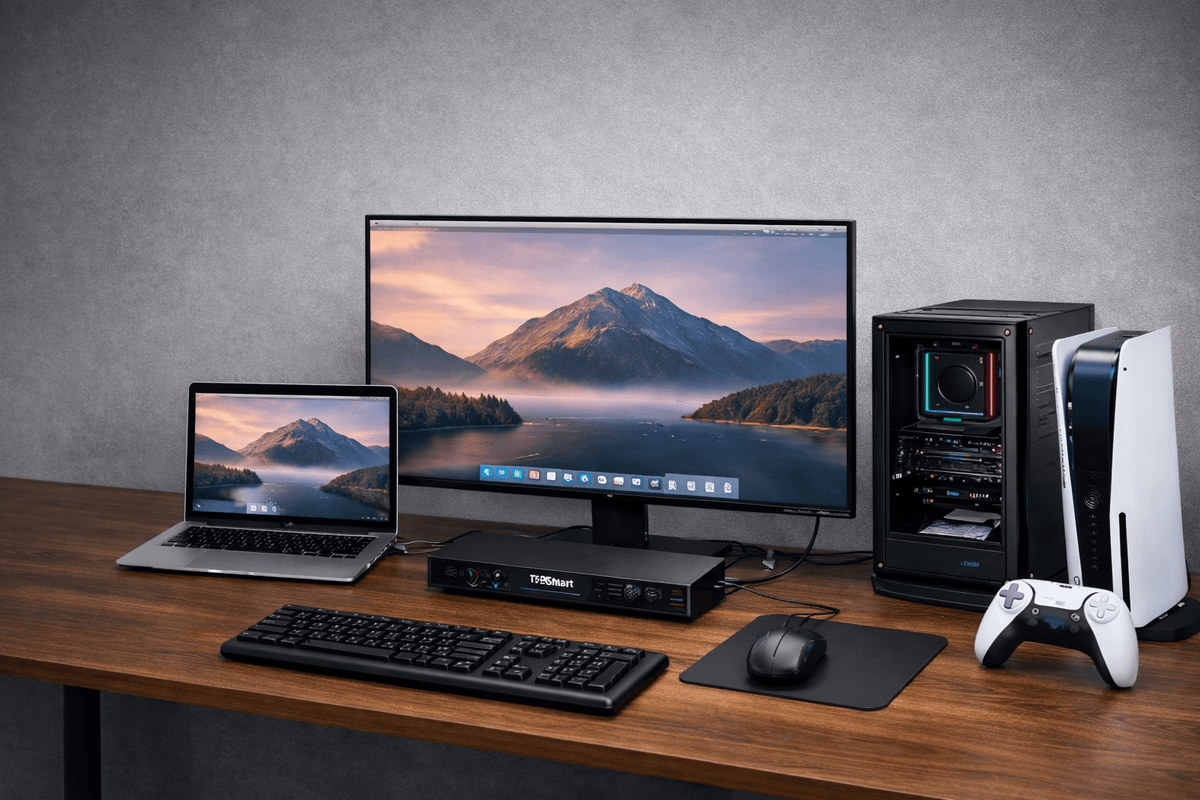
Table of contents Introduction Why many MacBook users need more screen space What a multi-monitor setup with MacBook really requires How to choose the right setup for your workflow When a dock is sufficient – ​​and when a KVM makes...

Read moreabove How to connect multiple monitors to a MacBook

How to Connect PS5 or Nintendo Switch to Apple Studio Display (Without a Mac Bridge)

How to Connect PS5 or Nintendo Switch to Apple Studio Display (Without a Mac Bridge)

Table of contents Introduction Why Thunderbolt displays cannot accept HDMI signals Can the PS5 work with Apple Studio Display? The traditional Mac Bridge workaround Why Capture-Based Workflows Fail for Gaming Hybrid Thunderbolt KVM architecture Use of the TESmart THK401-X4 Example...

Read moreabove How to Connect PS5 or Nintendo Switch to Apple Studio Display (Without a Mac Bridge)
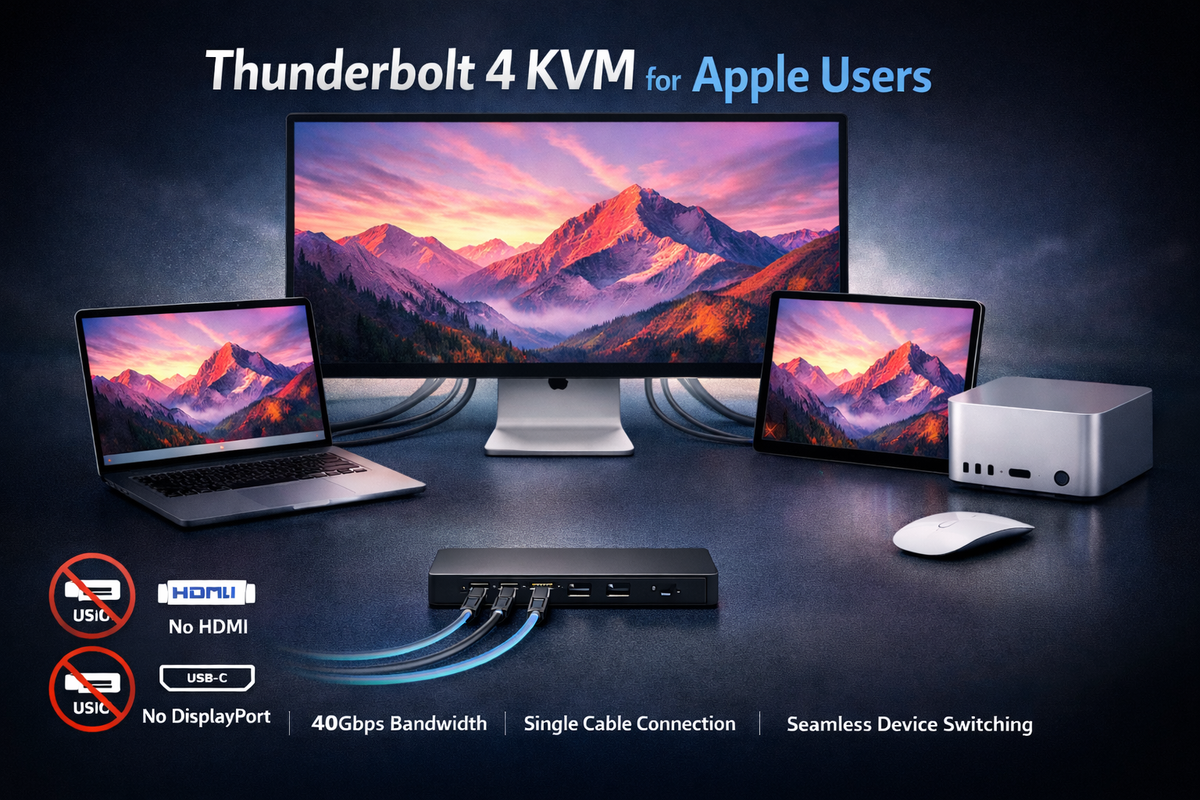
Best Thunderbolt KVM Switch for Apple Studio Display
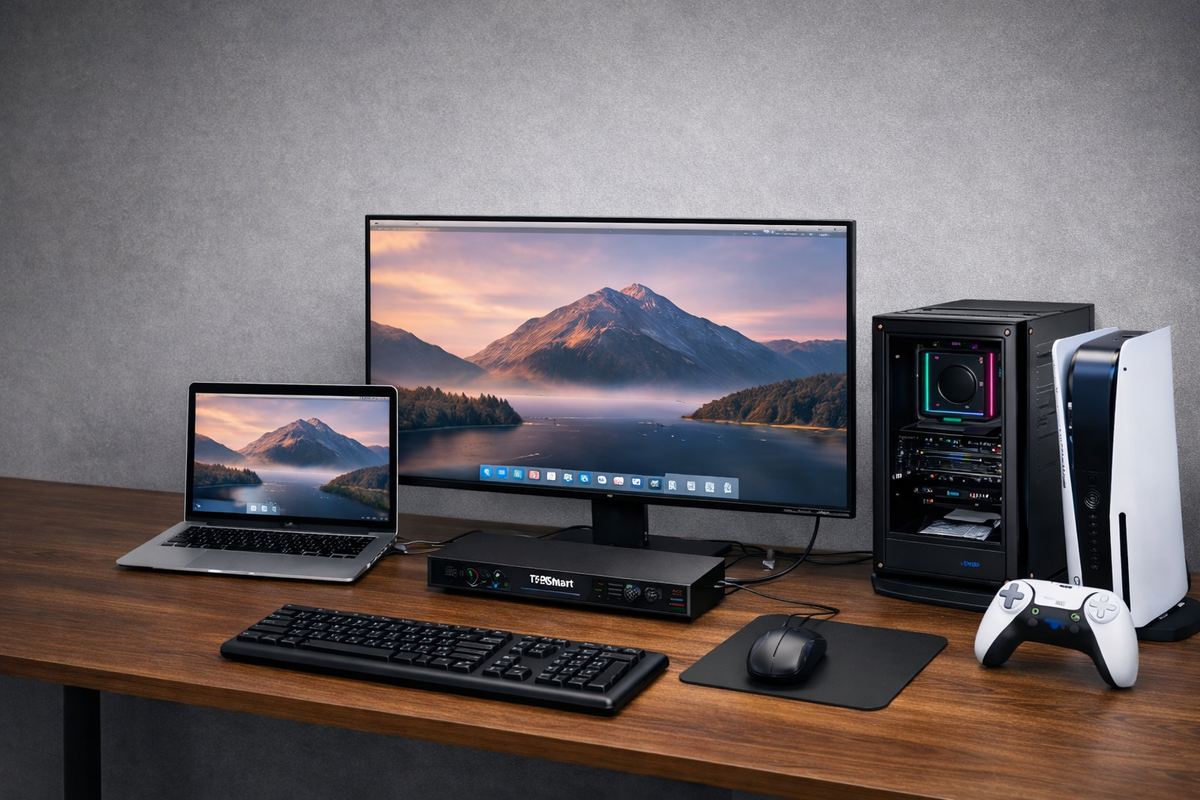
Best Thunderbolt KVM Switch for Apple Studio Display
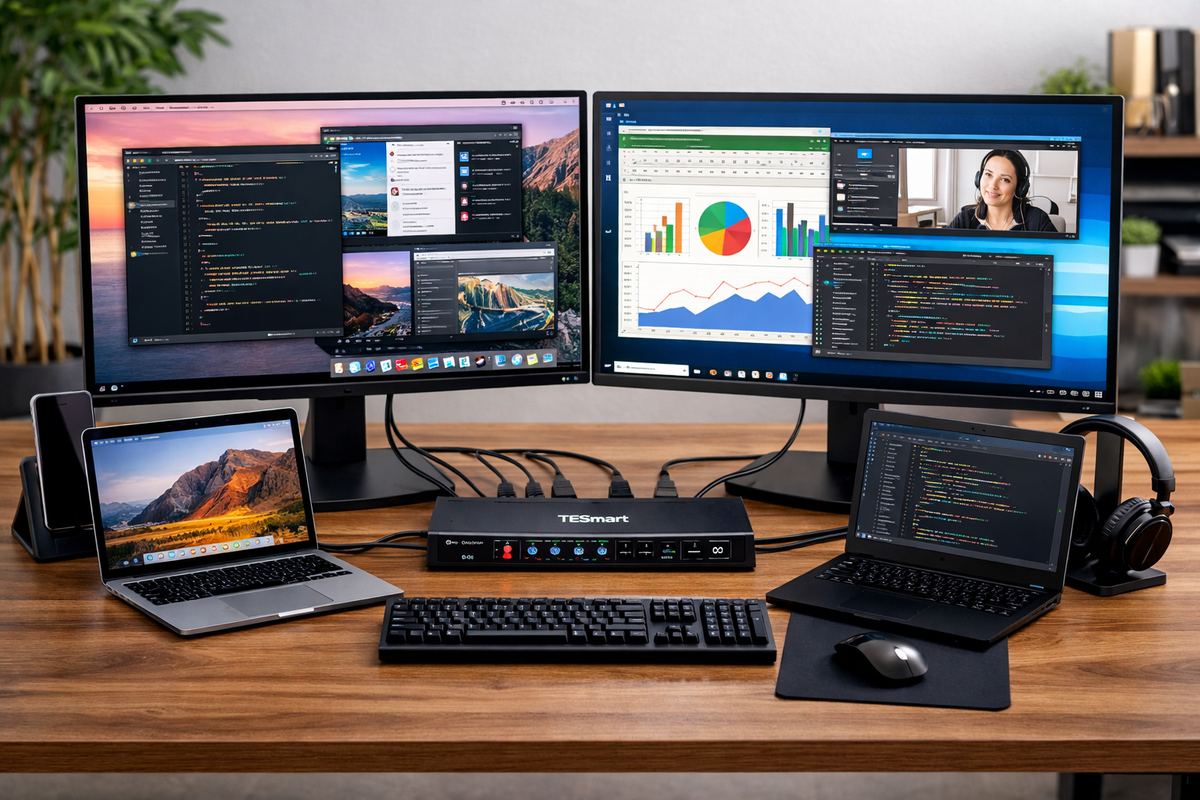
Thunderbolt KVM Switch for Apple Studio Display: A Practical Guide for Multi-Computer Workstations Table of contents Introduction Common multi-computer workflows for Apple Studio Display What makes a Thunderbolt KVM special Using TKS202-X4 with Apple Thunderbolt Displays Advantages of using TKS202-X4...

Read moreabove Best Thunderbolt KVM Switch for Apple Studio Display
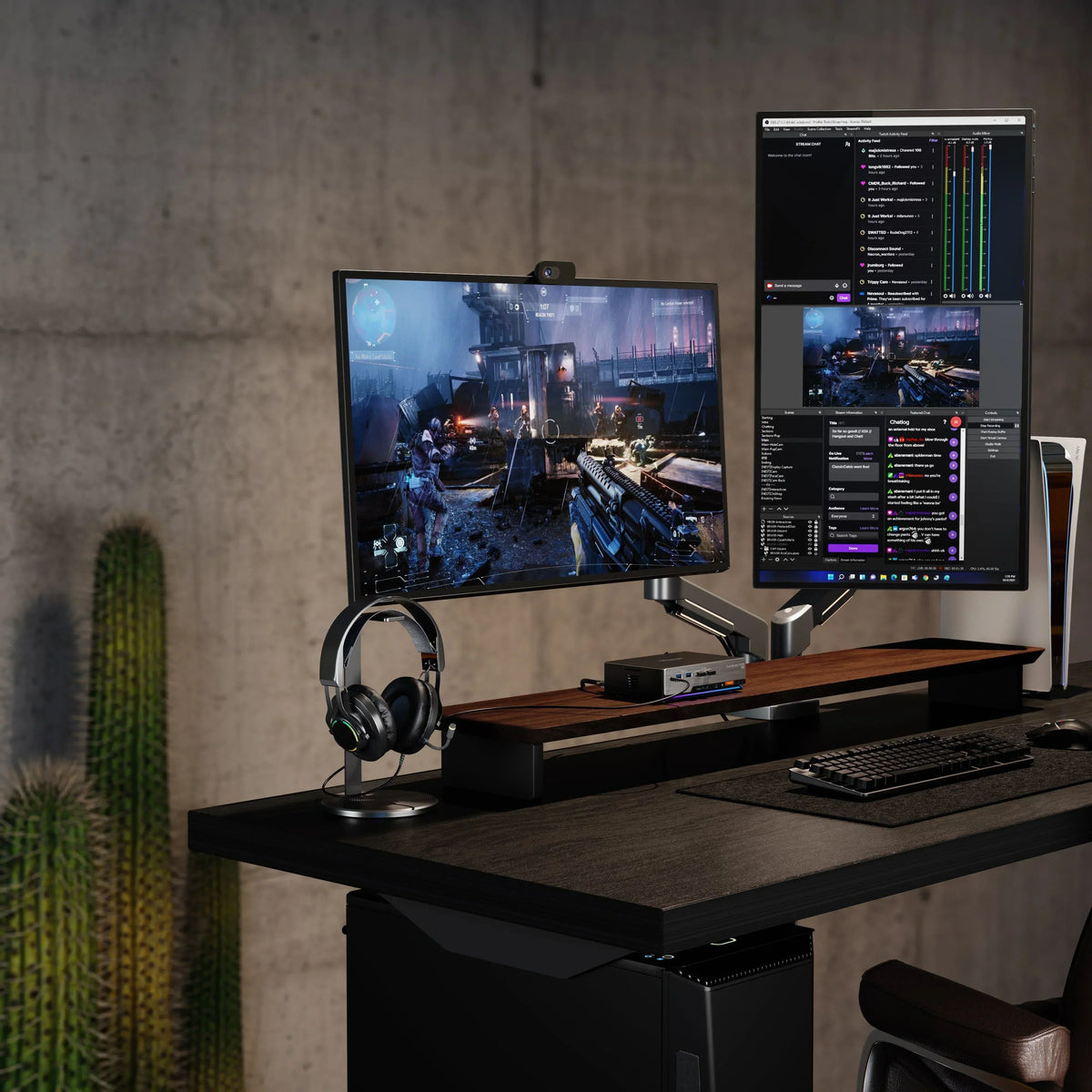
Apple Studio Display KVM-Leitfaden: Warum die meisten KVM-Switches nicht funktionieren – und warum Thunderbolt die richtige Lösung ist

Apple Studio Display KVM Guide: Why Most KVM Switches Don't Work - and Why Thunderbolt is the Right Solution

Table of contents Introduction Apple's new display family raises a more practical question. For an Apple display shared with mixed devices, the THK401-X4 is a natural fit. For a true dual-Thunderbolt studio, the TKS202-X4 was designed for a different purpose....

Read moreabove Apple Studio Display KVM Guide: Why Most KVM Switches Don't Work - and Why Thunderbolt is the Right Solution

Erfahren Sie, warum die meisten KVM-Switches mit Apple Studio Display nicht funktionieren, welche Rolle Thunderbolt wirklich spielt und welche KVM-Lösung für gemischte Geräte oder echte Dual-Thunderbolt-Setups geeignet ist.

Learn why most KVM switches don't work with Apple Studio Display, what role Thunderbolt really plays, and which KVM solution is suitable for mixed devices or true dual Thunderbolt setups.

Table of contents Introduction Apple Studio Display is a Thunderbolt device, not just a monitor. Why HDMI and USB-C KVM switches don't work with Apple Studio Display No Thunderbolt controller No Thunderbolt device detection Adapters cannot solve the problem Can...

Read moreabove Learn why most KVM switches don't work with Apple Studio Display, what role Thunderbolt really plays, and which KVM solution is suitable for mixed devices or true dual Thunderbolt setups.

Der beste Gaming-KVM-Switch 2025: Warum der TESmart DKS202-M24 herausragt

The best gaming KVM switch 2025: Why the TESmart DKS202-M24 stands out

In 2025, a truly high-quality gaming experience will no longer simply mean owning a powerful GPU or a monitor with a high refresh rate. The real bottleneck often lies within the signaling chain itself. – from the graphics card to...

Read moreabove The best gaming KVM switch 2025: Why the TESmart DKS202-M24 stands out

🎁 BLACKFRIDAY has been copied to your clipboard!
Coupon here!