


Monitorkonfiguration

Max. Auflösung
Gerätekonfiguration

Stabile Anzeige
Kopierschutz

USB-Geräte gemeinsam nutzen
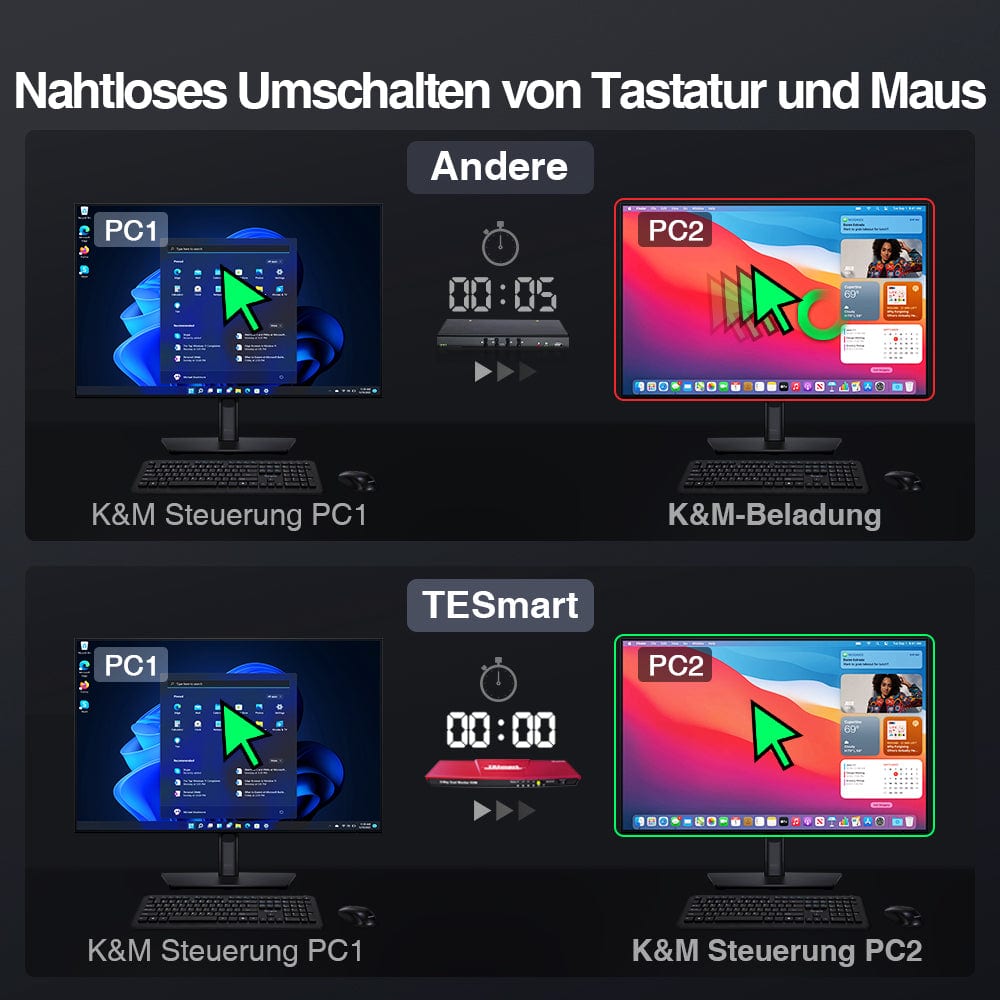
Tastatur und Maus
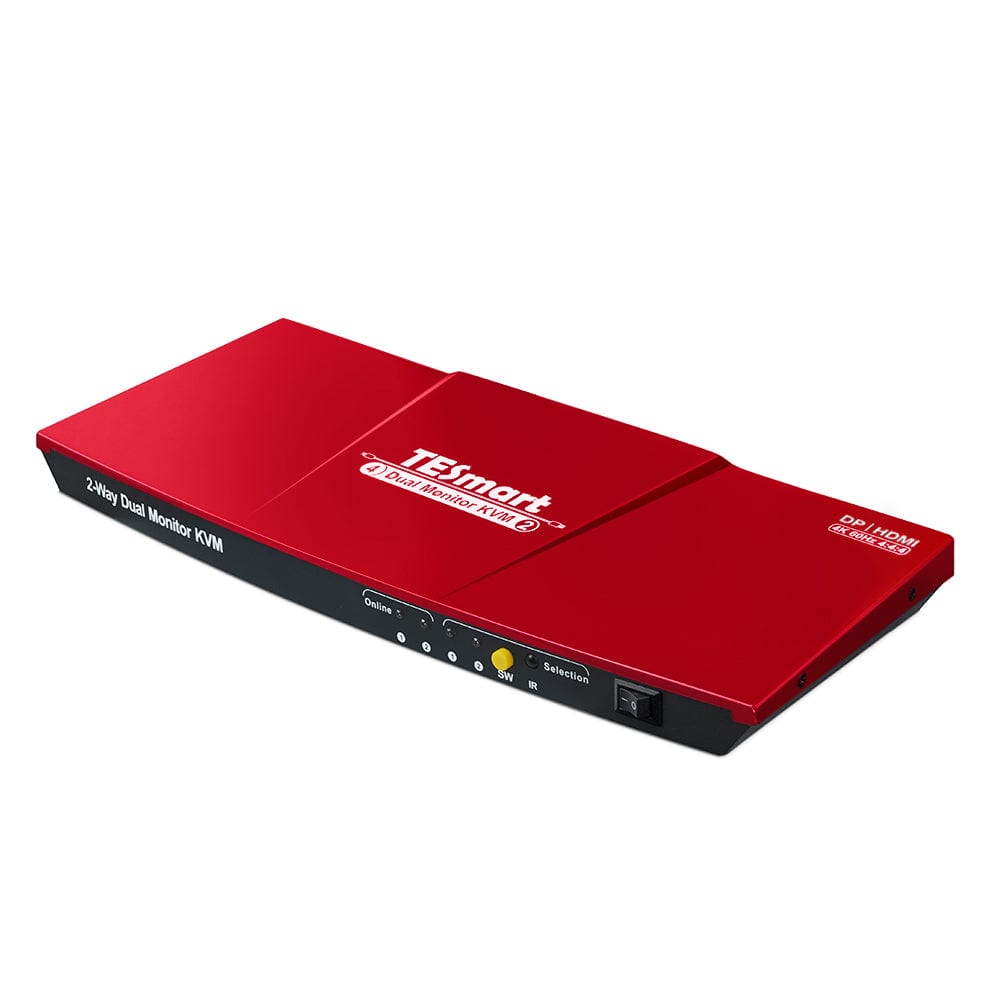
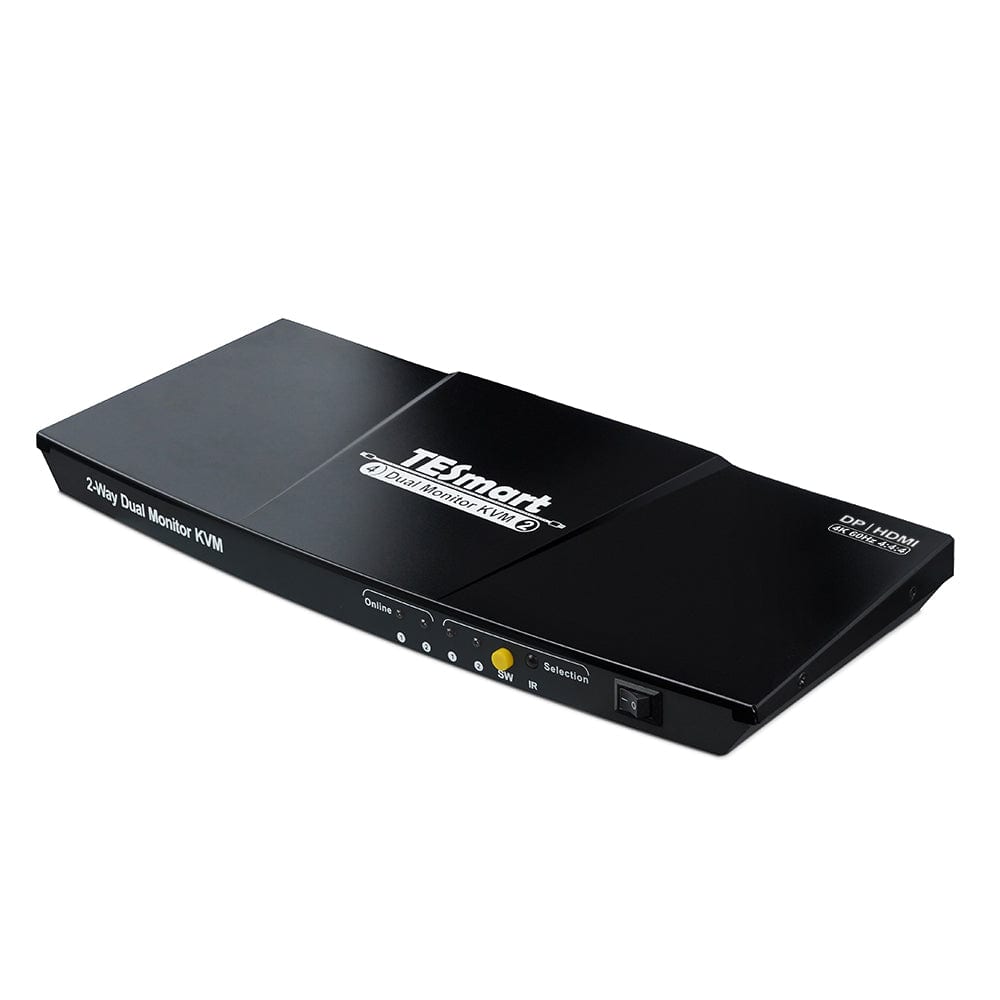
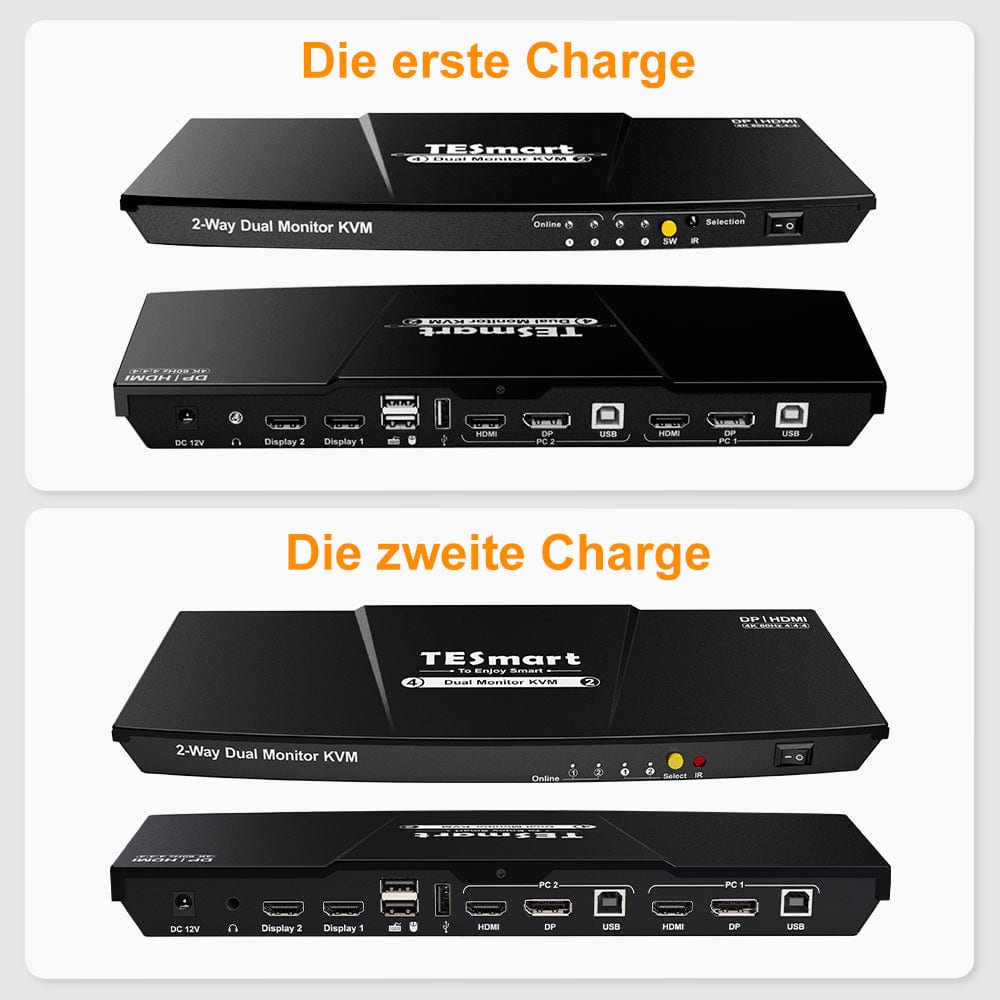
2 port dual monitor KVM switch HDMI+DP 4K60Hz with USB hub
Connect two computers with HDMI and DisplayPort outputs to two HDMI monitors - with dual 4K60, EDID emulation, and shared USB and audio peripherals.
Monitorkonfiguration
Max. Auflösung
Gerätekonfiguration
Stabile Anzeige
Kopierschutz
USB-Geräte gemeinsam nutzen
Tastatur und Maus
5 Jahre Garantie (2 + 3) bei Kauf auf tesmart.de
2 port dual monitor KVM switch HDMI+DP 4K60Hz with USB hub
Why HDK202-E23?
Overview
01
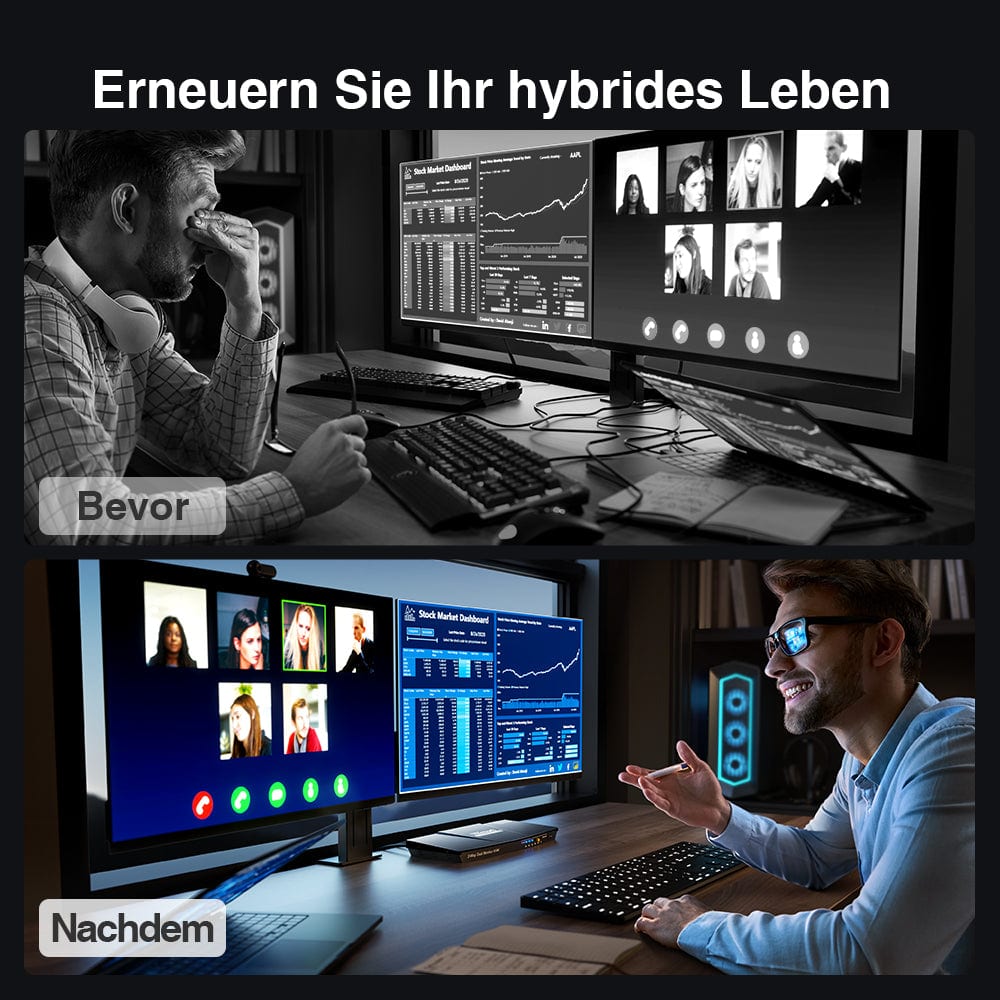
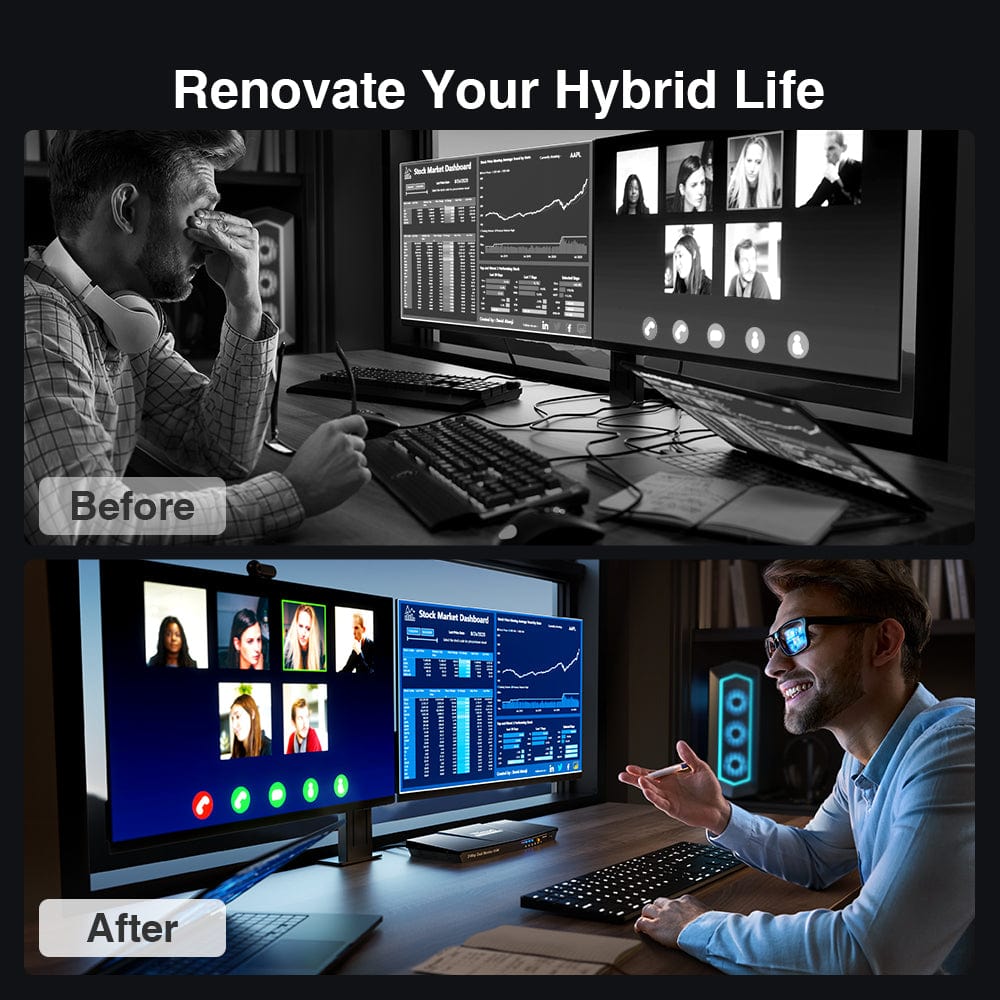
Two PCs. One workstation with two monitors.
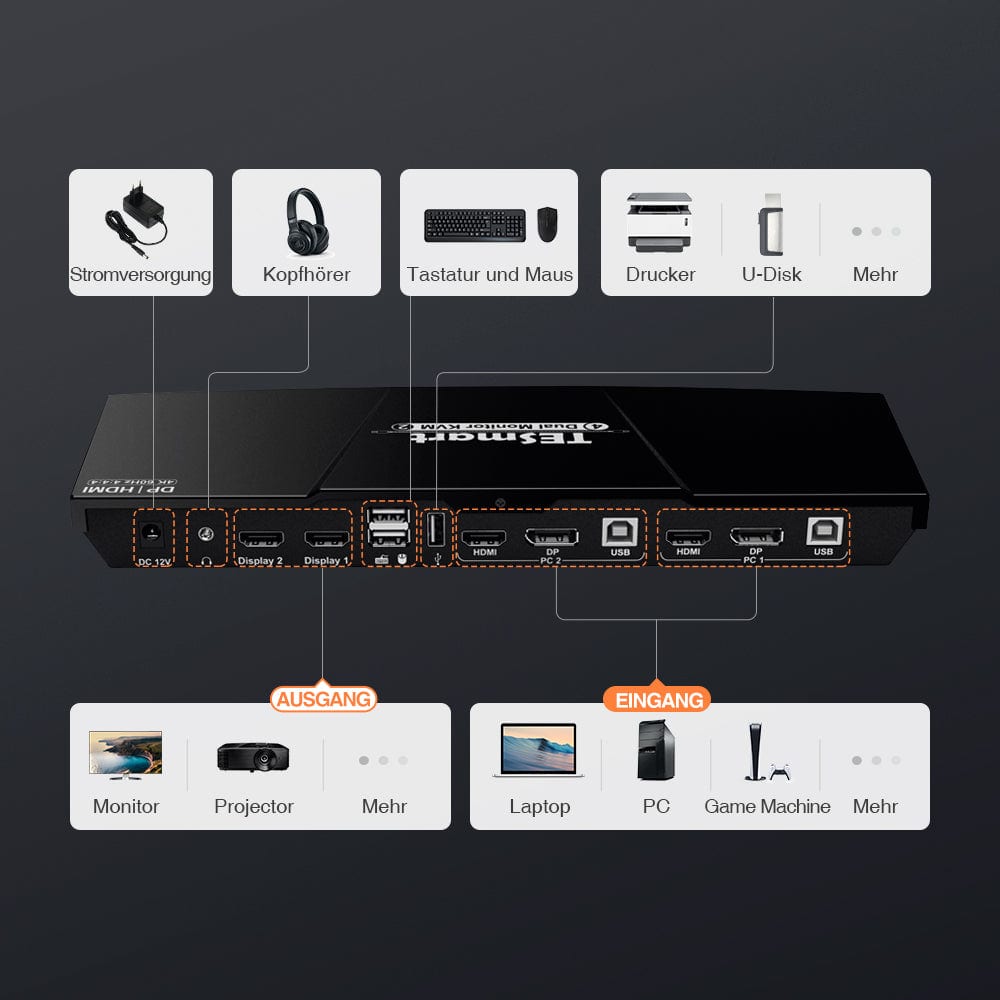
Use two HDMI monitors, a keyboard, and a mouse with two computers. Each computer provides an HDMI signal, a DisplayPort signal, and USB.
02
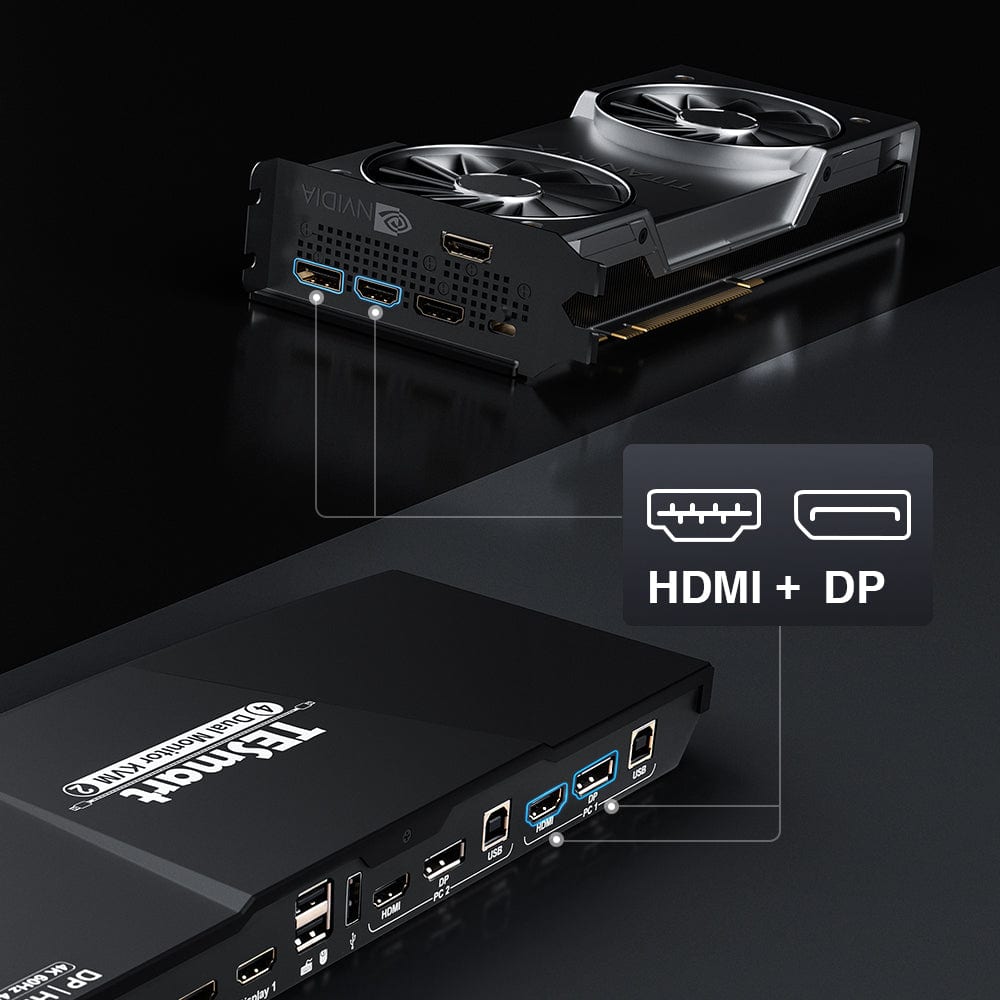
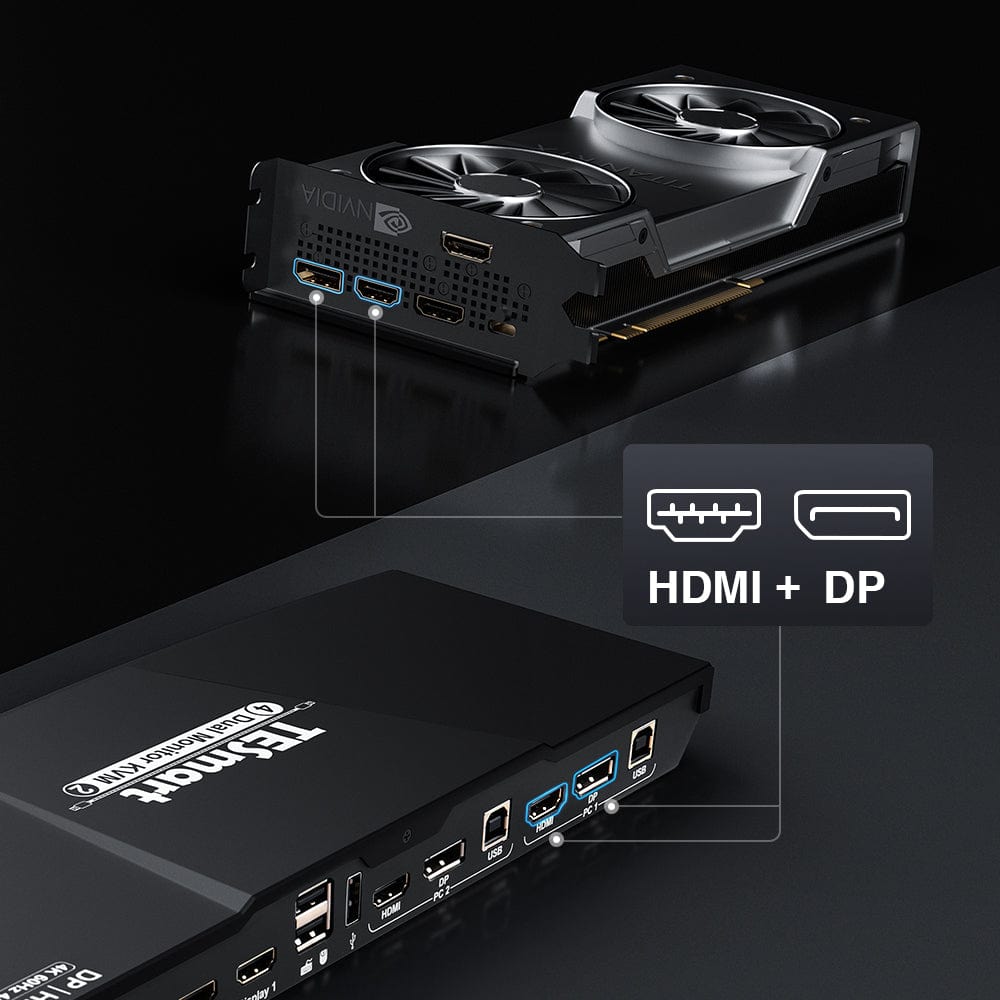
For computers with HDMI and DisplayPort output
Use the standard video connections found on computers with mixed outputs. The KVM switch routes the two video signals to your two HDMI monitors.
03
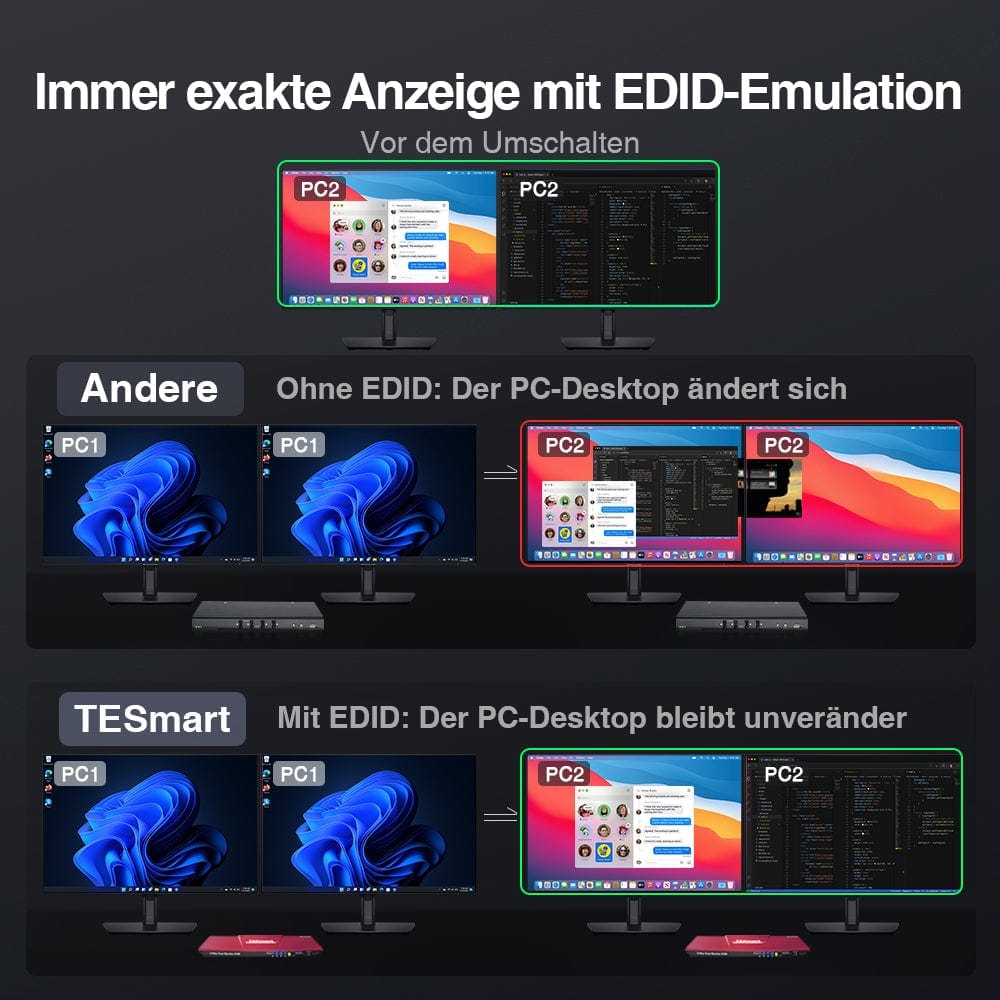
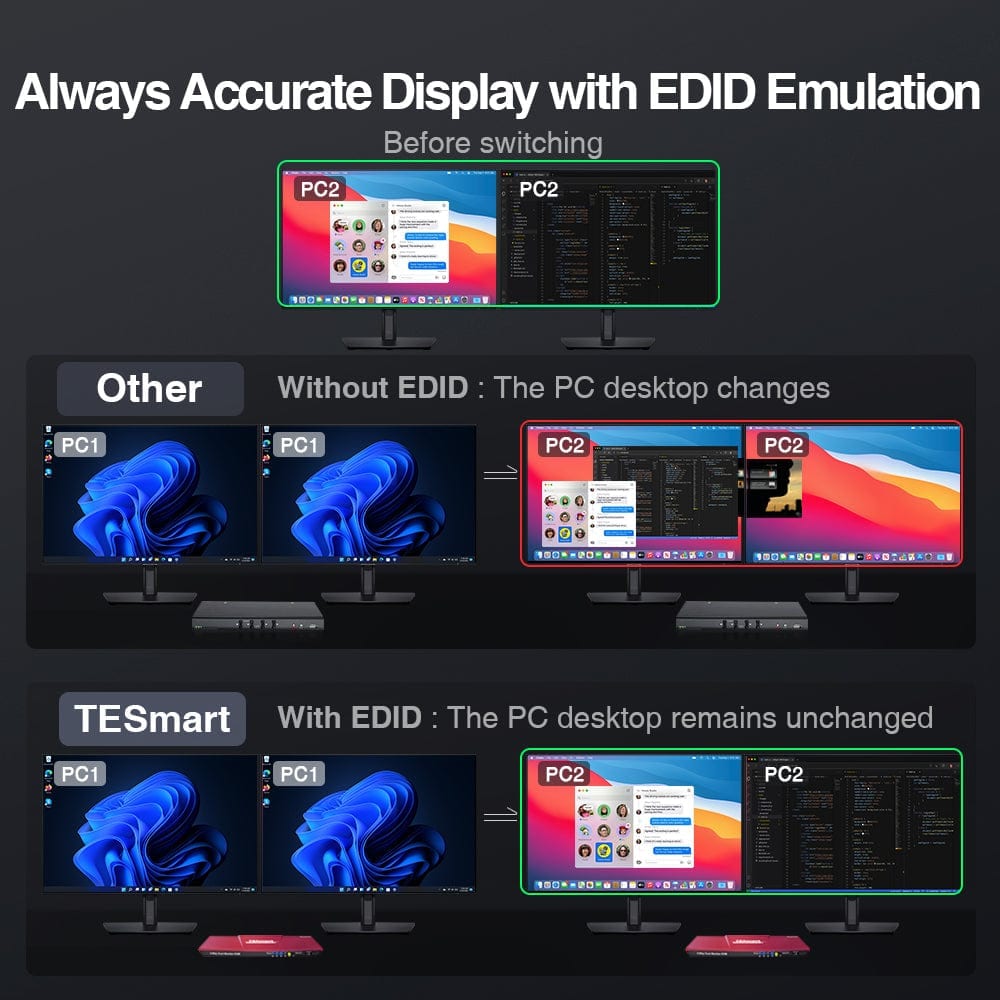
EDID keeps the window arrangement stable
Monitor information remains available for every connected computer. This reduces window shifting and resolution changes when switching between monitors.
05
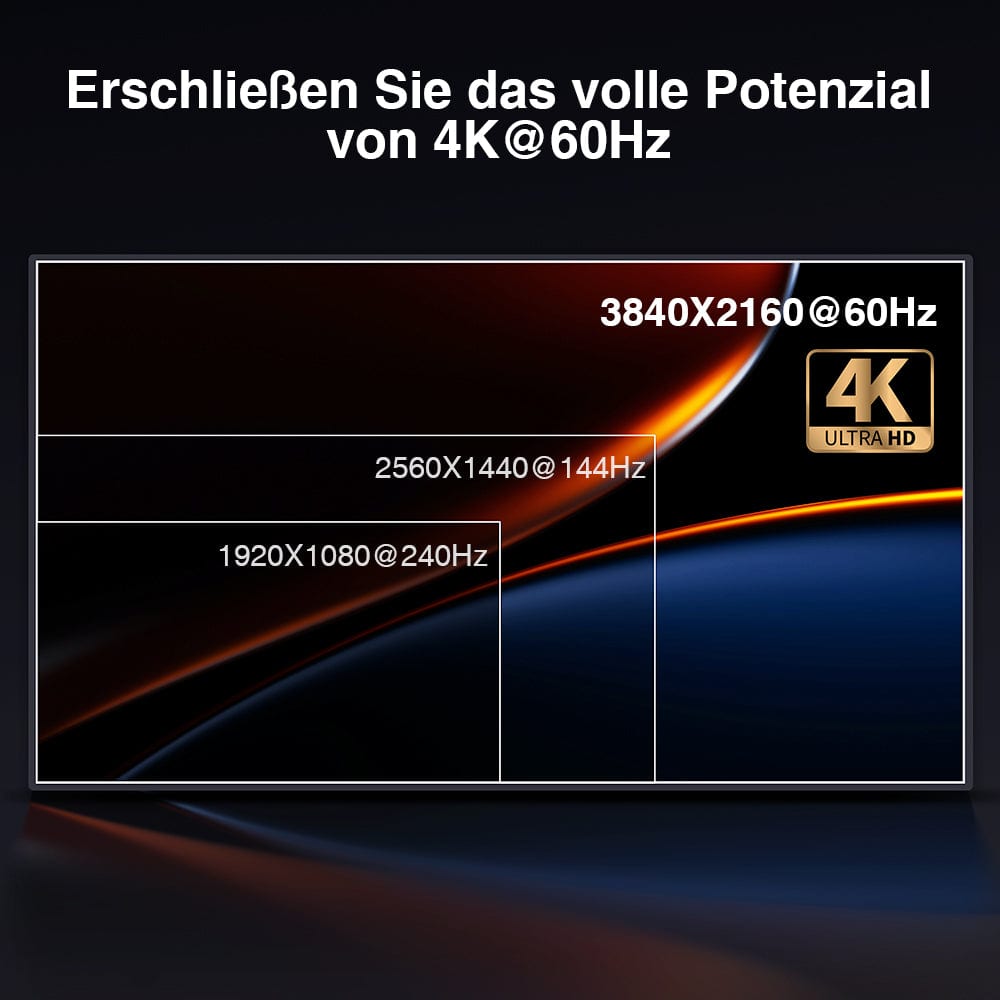
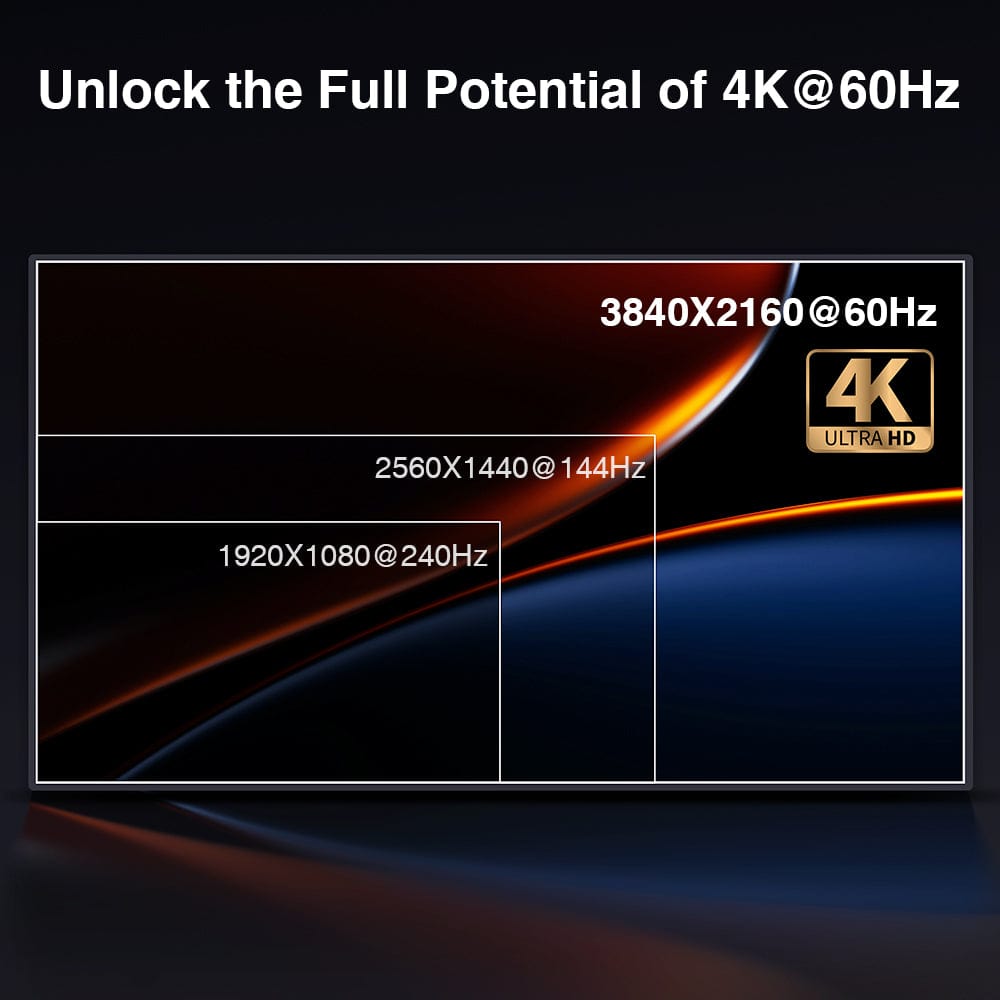
Two 4K60s
Use two compatible HDMI monitors, each with a resolution of up to 3840 × 2160 at 60 Hz, depending on the capabilities of the computer and cables.
04
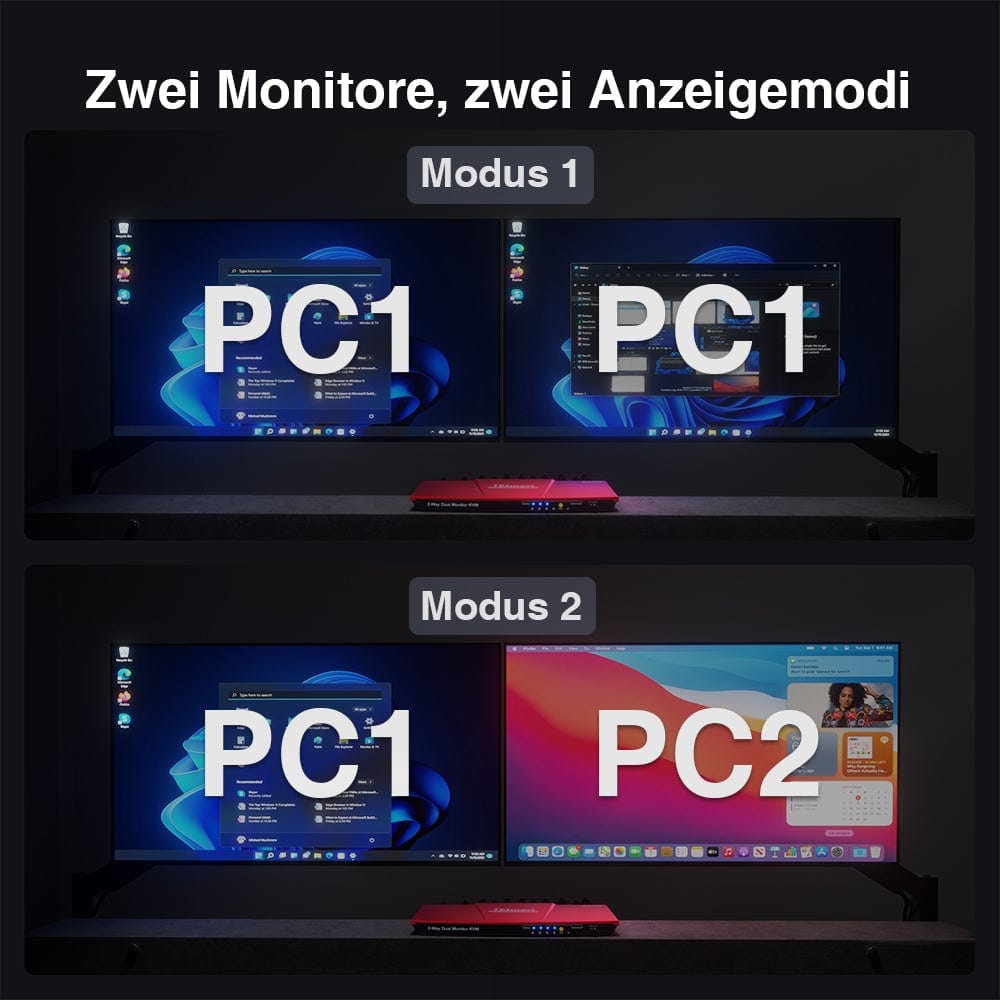
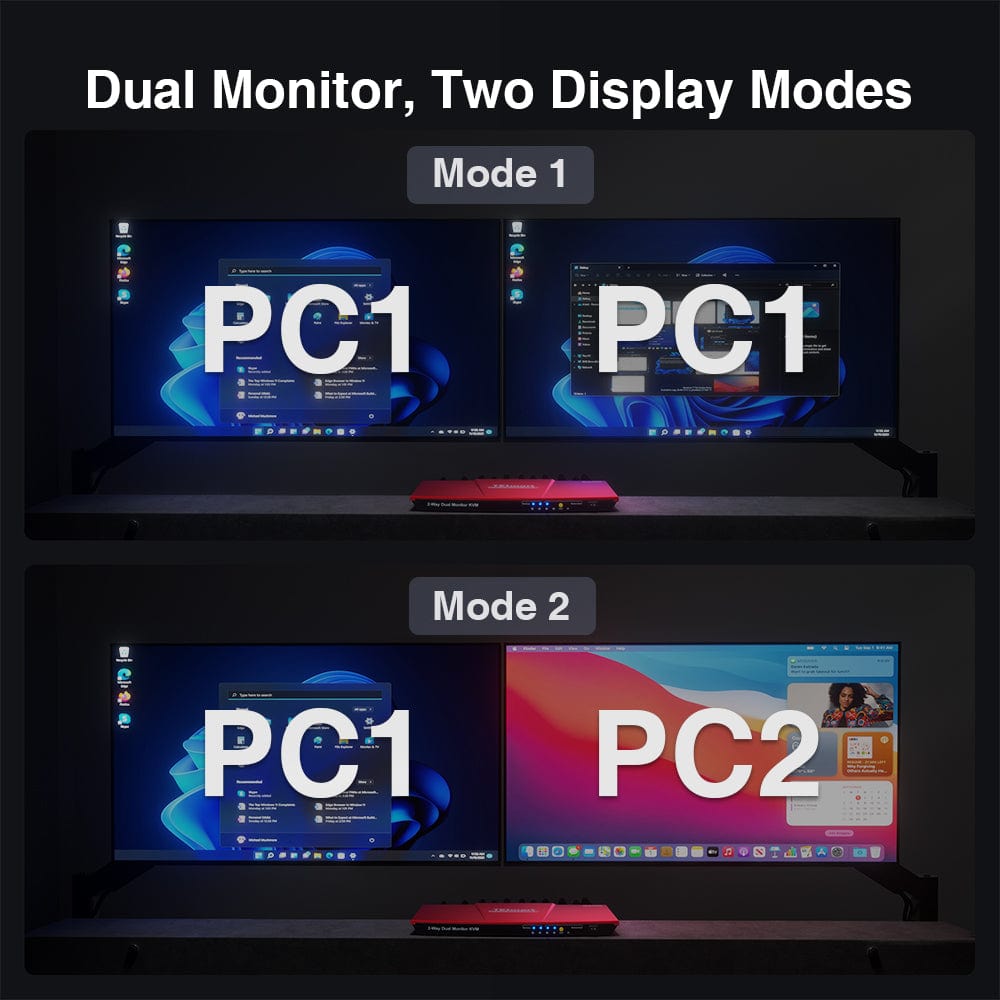
Two flexible display modes
Use both monitors with one computer, or display a different computer on each screen.
06
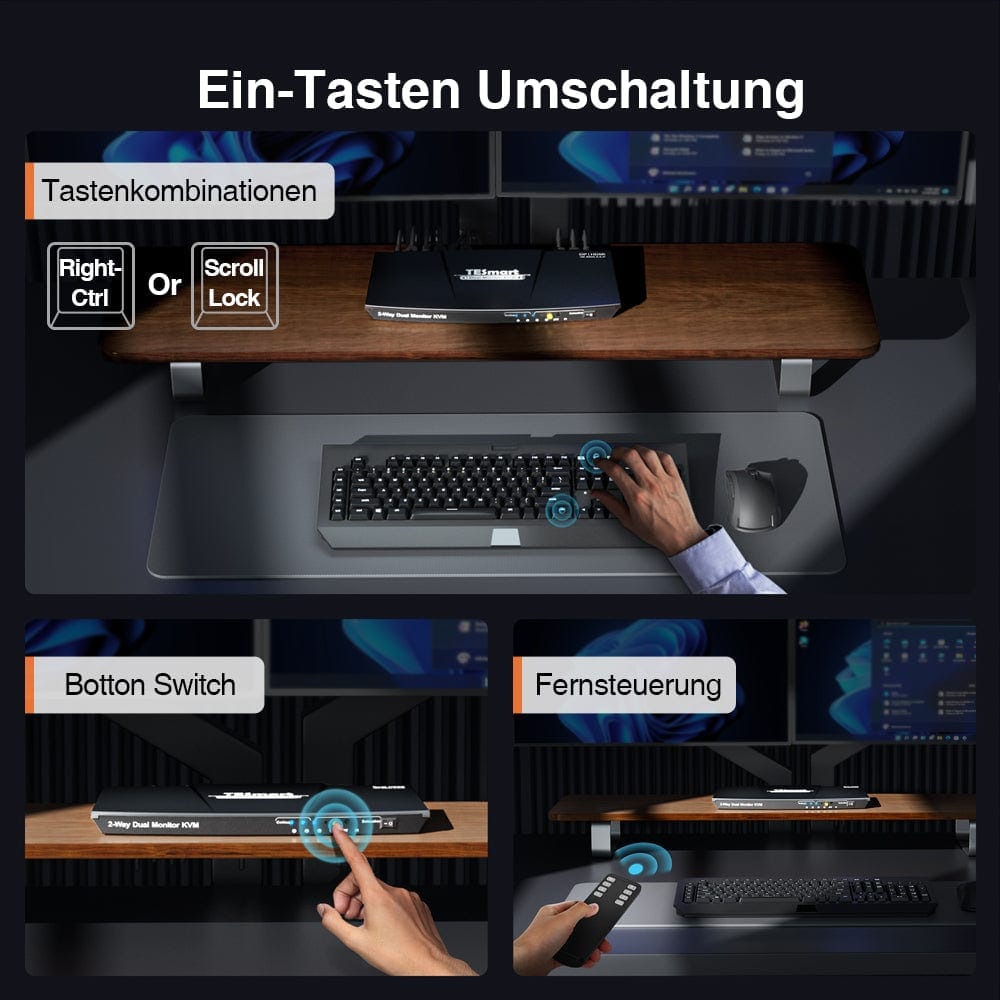
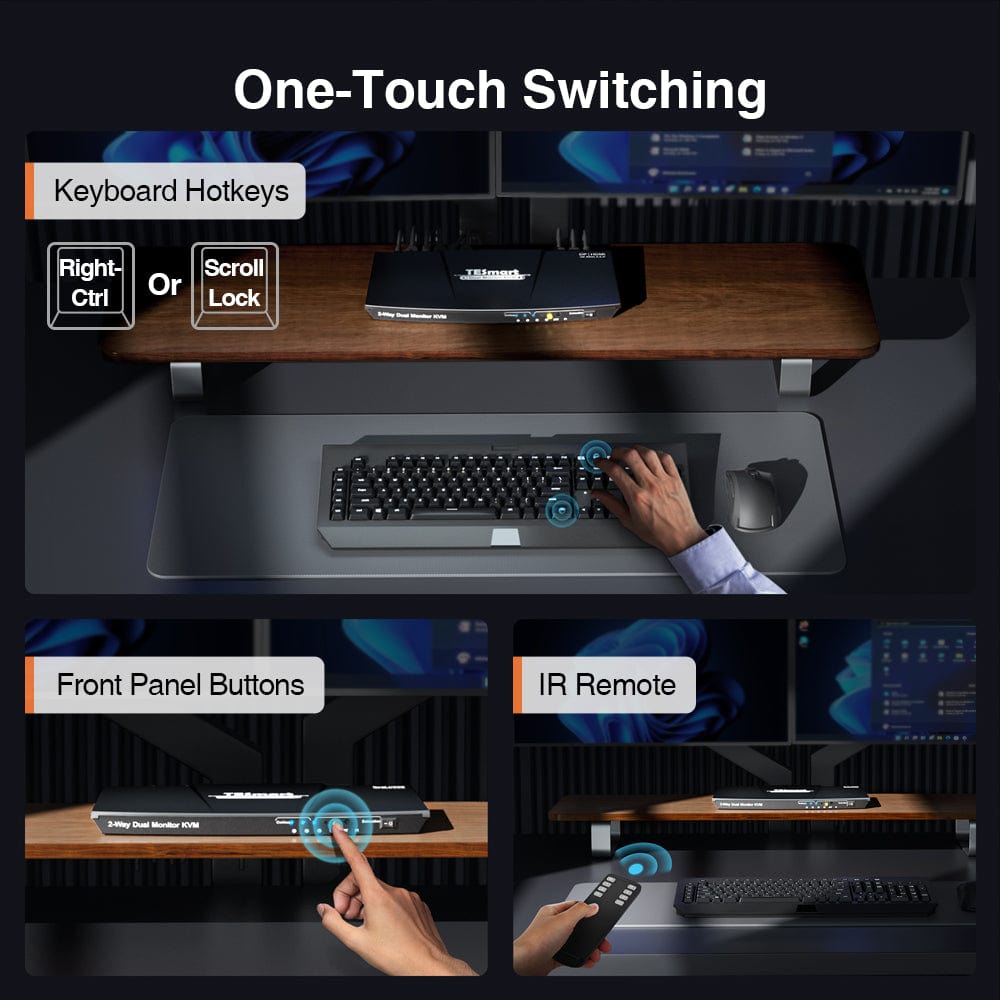
Three convenient switching methods
Select the active system using keyboard hotkeys, front panel buttons, or the IR remote control.
07
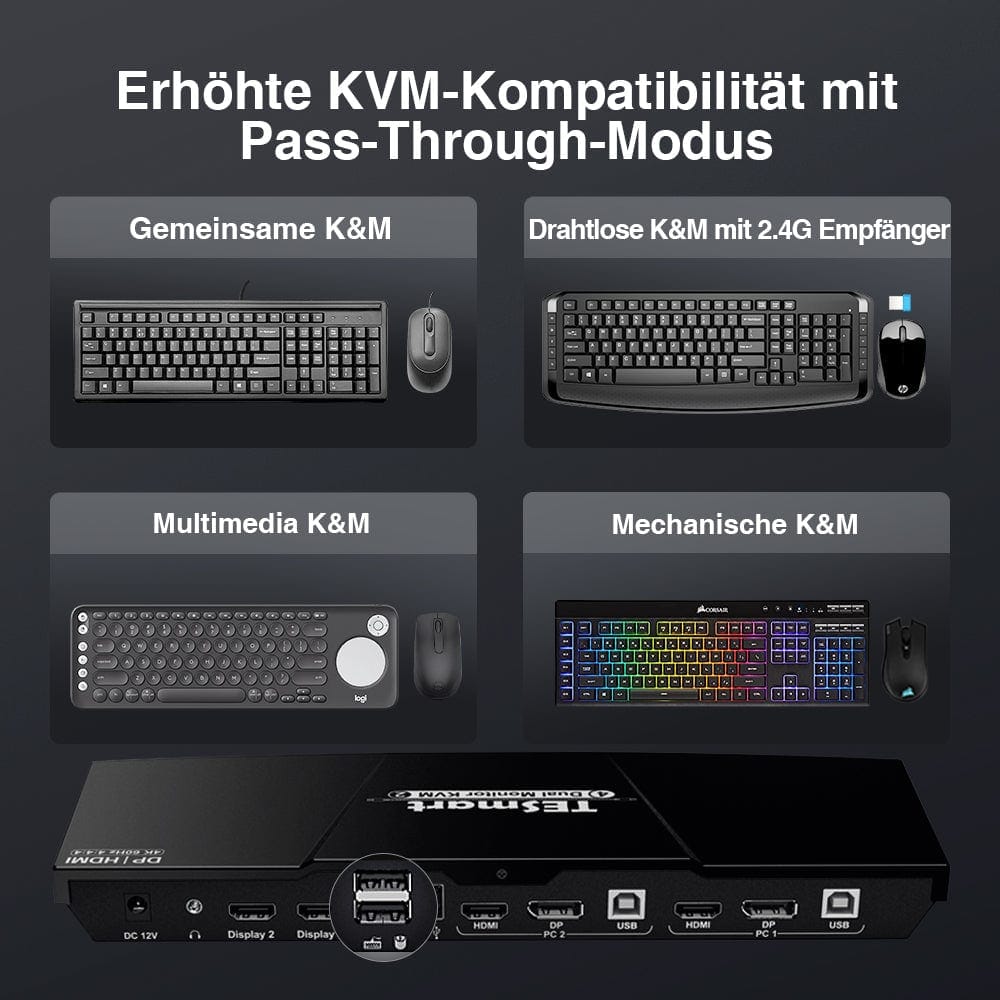
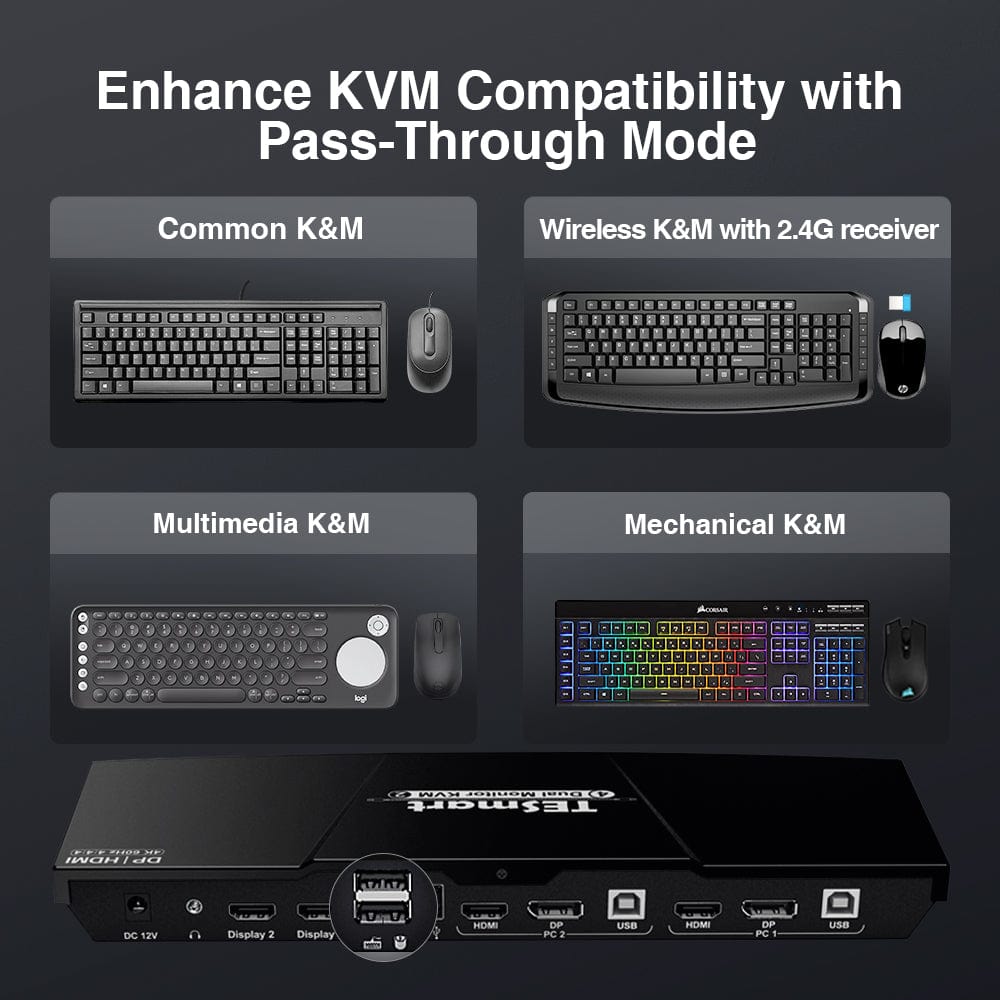
Keyboard and mouse passthrough
Separate peripheral ports improve compatibility with common wired, wireless, and mechanical keyboards and mice.
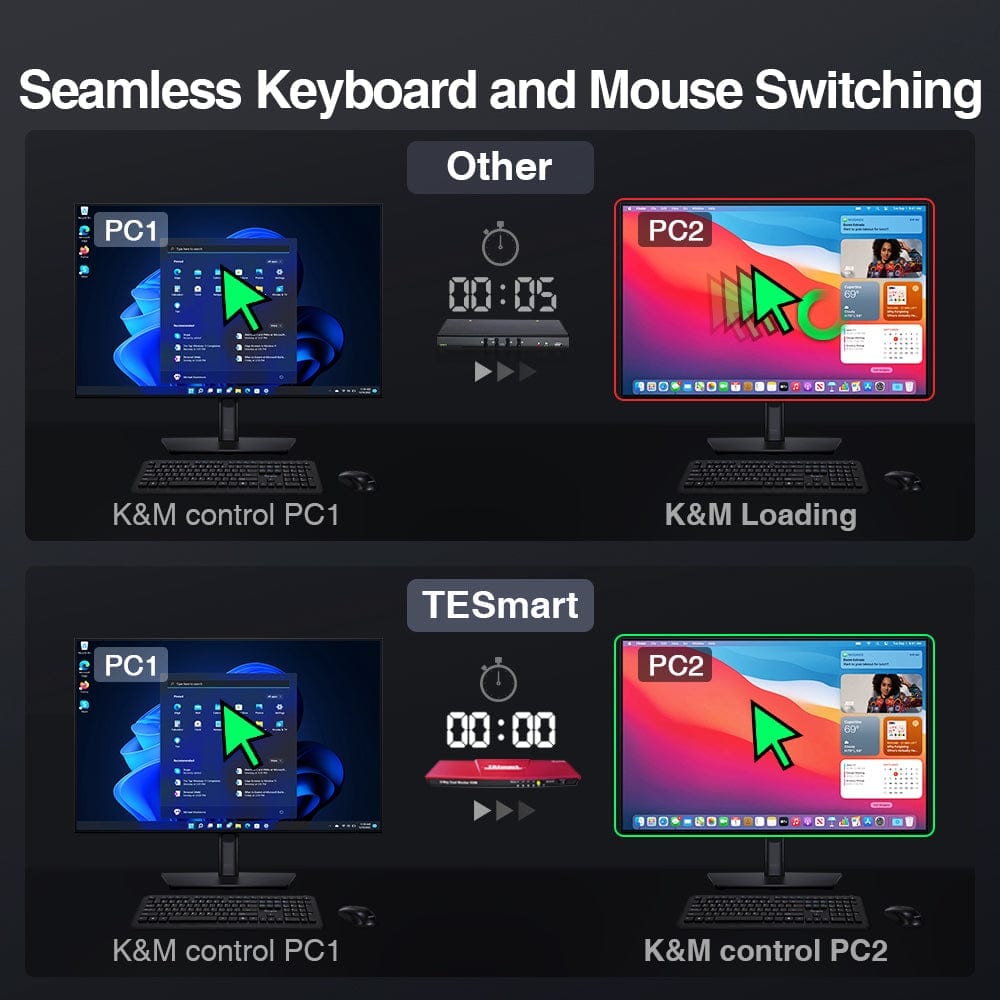
Switch directly between peripherals
Operate the systems using the same keyboard and mouse at one console.
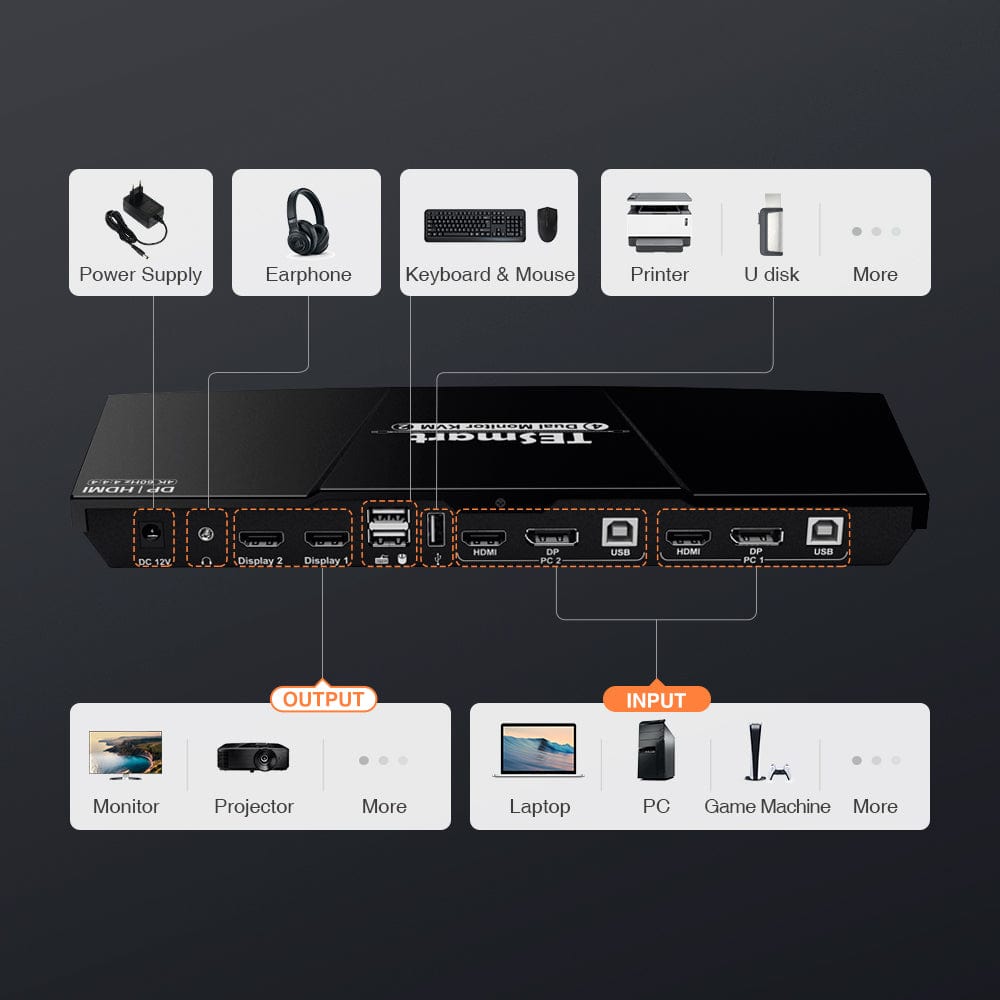
USB and audio in one workstation
Enable compatible USB and audio devices for the selected computer.
Data & Support
Compatibility & Connections
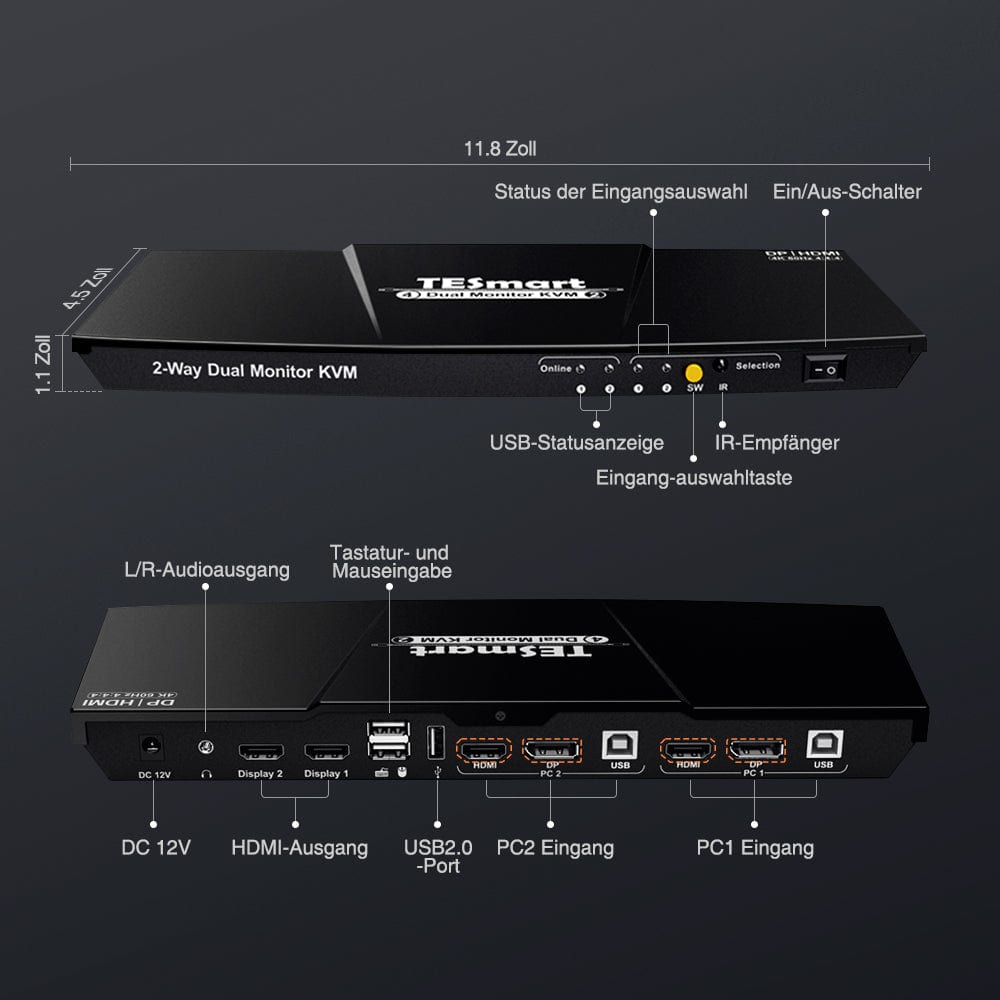
One HDMI video connection, one DisplayPort video connection and USB per computer.
To fully connect two monitors, each computer needs an HDMI output, a DisplayPort output, and USB.
Technical data
- Model: HDK202-E23/HDK0402A1U
- Configuration: 2 computers/2 HDMI monitors
- Image output: Up to 3840 × 2160 at 60Hz per monitor
- Computer connections: One HDMI video connection, one DisplayPort video connection and USB per computer
- Monitor connections: 2 × HDMI
- USB sharing: USB 2.0 sharing
- EDID emulation: Supported
- Switching: Keypad shortcuts, front panel buttons and IR remote control
Instructions & Downloads
Scope of delivery
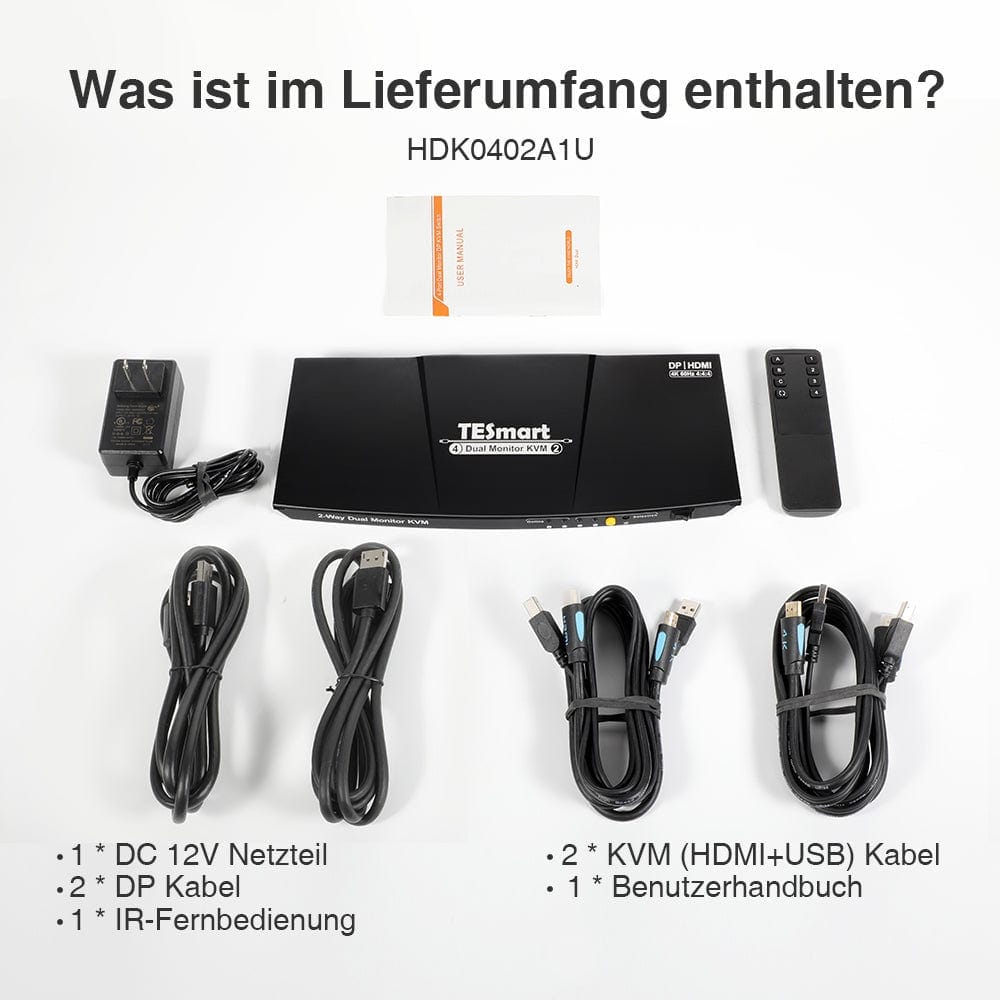
1 × HDK0402A1U KVM Switch
2 × HDMI/USB KVM Cable
2 × DisplayPort cable
1 × 12V DC power supply
1 × IR Remote Control
1×User manual
Frequently asked questions
You can find further answers in our Help Center.
What configuration is this model designed for?
The HDK202-E23/HDK0402A1U is designed for two computers and two HDMI monitors.
Which ports does every computer need?
One HDMI video connection, one DisplayPort video connection and USB per computer.
Which screen resolution is supported?
Up to 3840 × 2160 at 60 Hz per monitor. Actual output depends on source, cables, and monitor.
How can I switch between computers?
Keyboard hotkeys, front buttons and IR remote control.
What should I check before connecting my devices?
To fully connect two monitors, each computer needs an HDMI output, a DisplayPort output, and USB.
