

Monitorkonfiguration
Max. Auflösung

USB-Geschwindigkeit
Stabile Anzeige

Kopierschutz
Tastatur und Maus

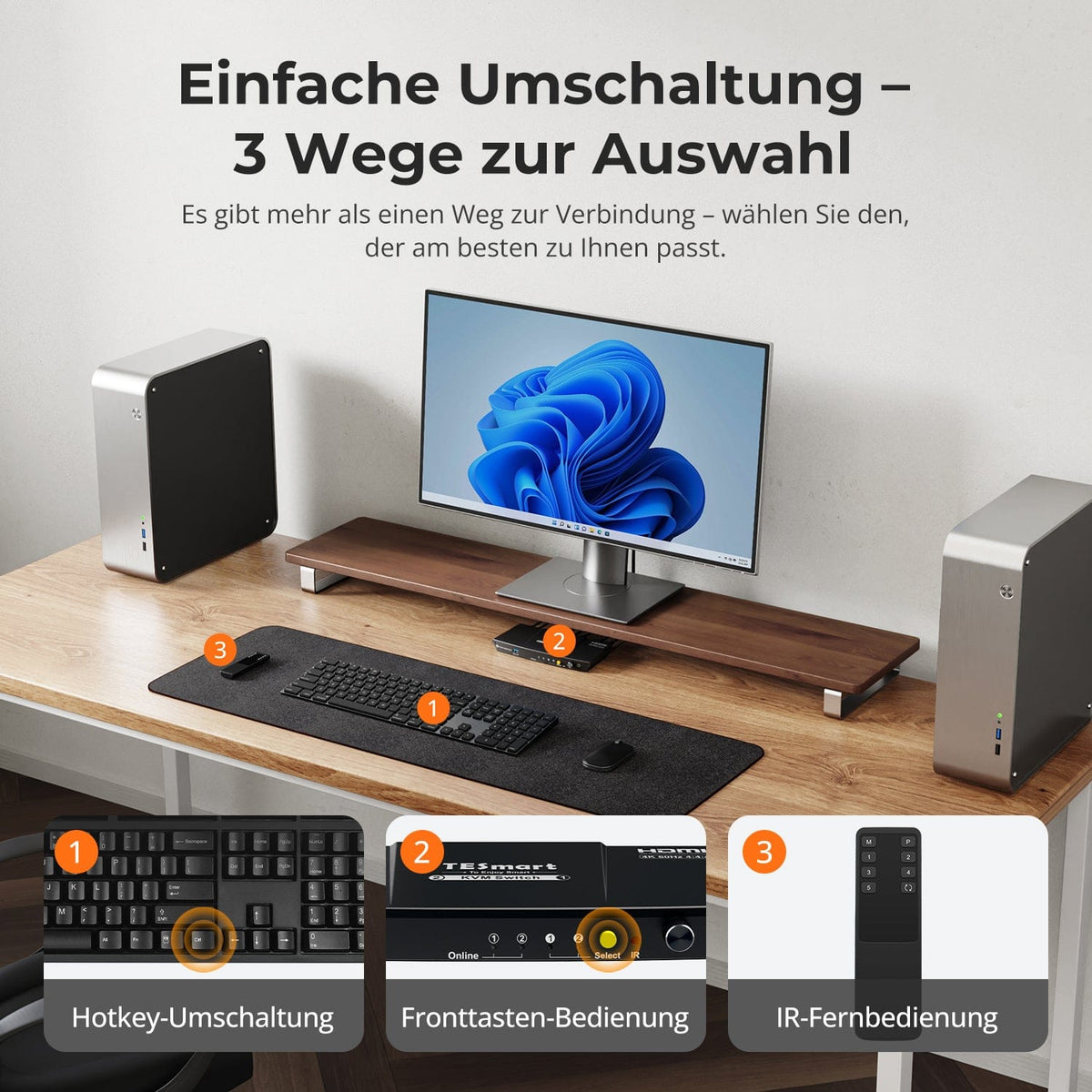
Umschaltmöglichkeiten
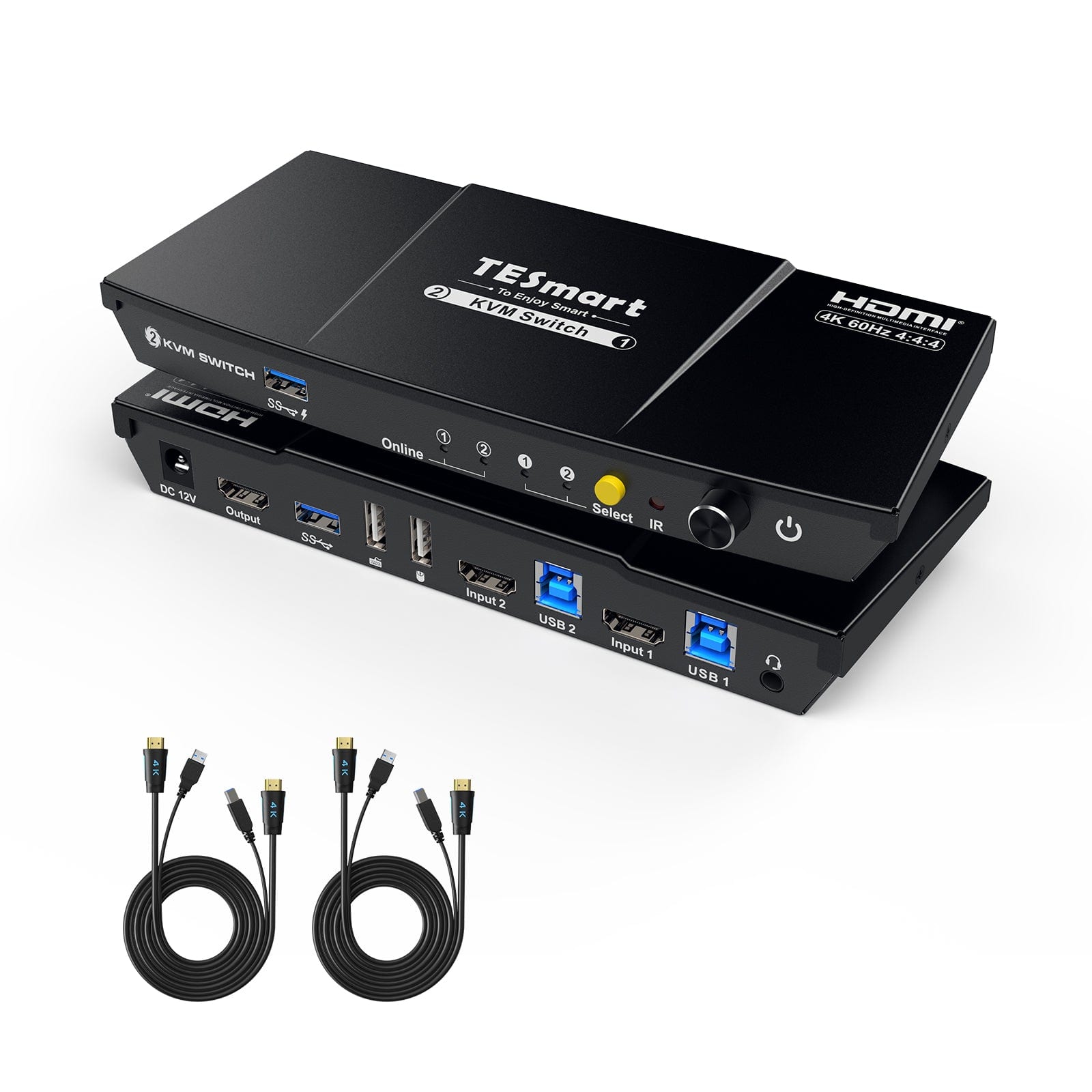
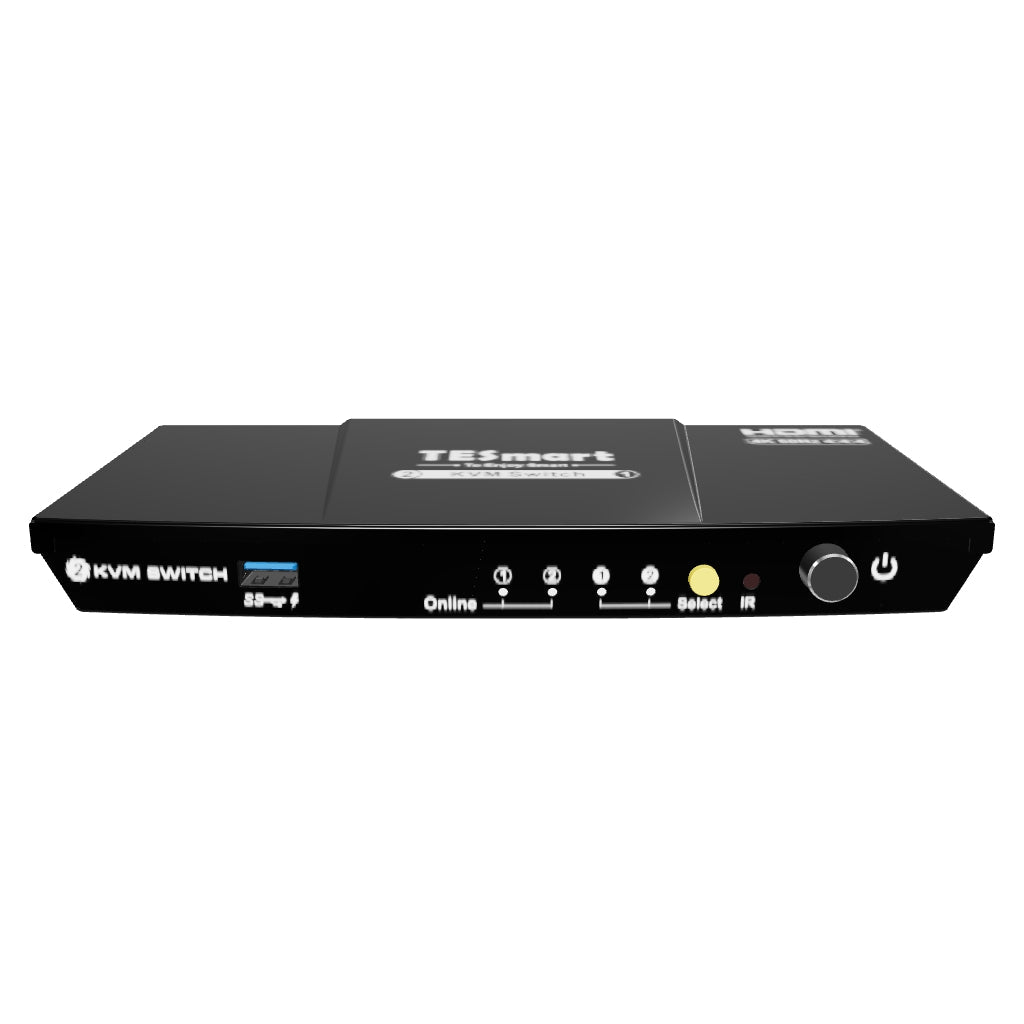
2×1 HDMI KVM | 4K60, EDID & USB hub
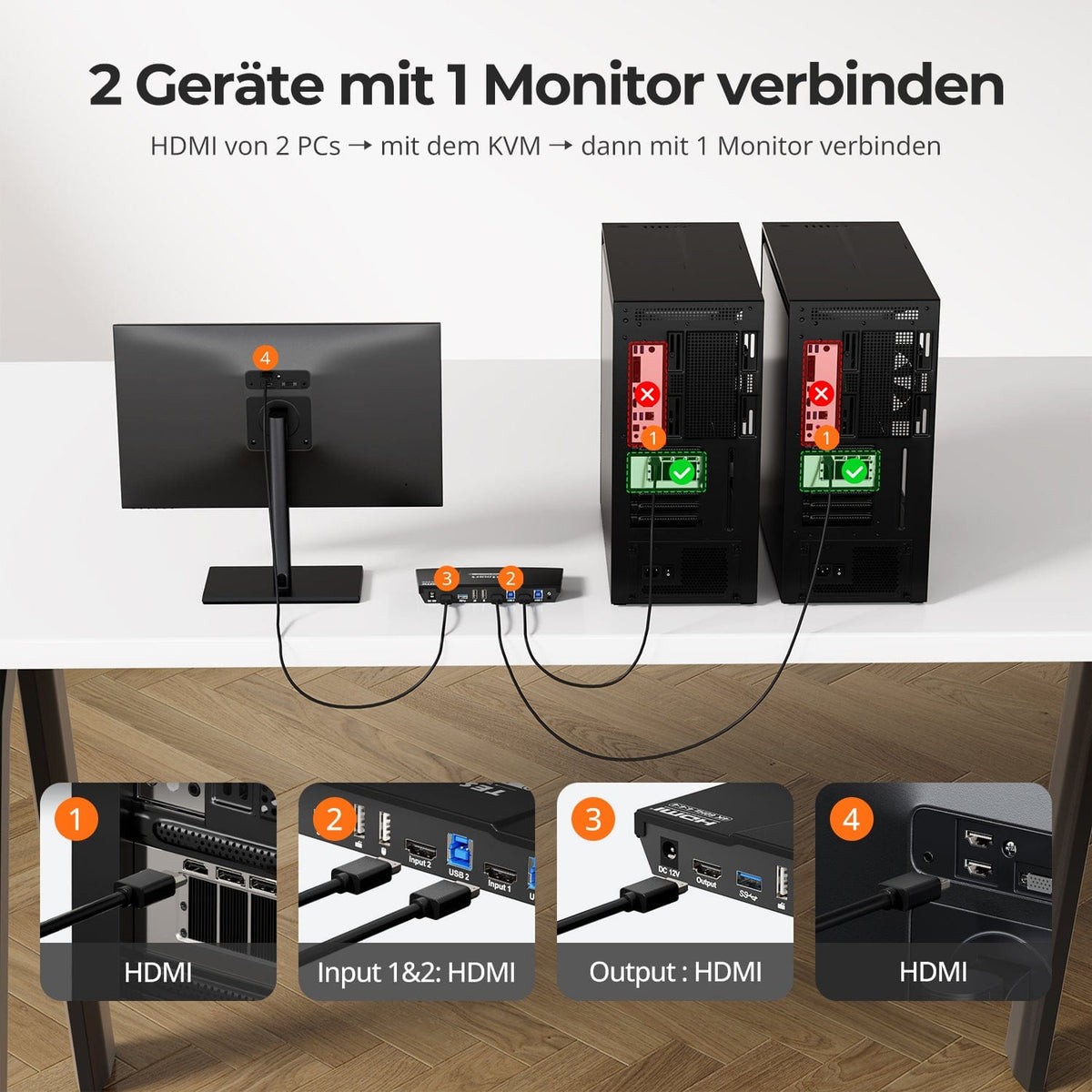
HKS201-P23-V2: 2 PCs share 1 HDMI monitor, keyboard and mouse - with up to 4K60, EDID and a shared USB hub.
Monitorkonfiguration
Max. Auflösung
USB-Geschwindigkeit
Stabile Anzeige
Kopierschutz
Tastatur und Maus
Umschaltmöglichkeiten
2×1 HDMI KVM | 4K60, EDID & USB hub
Why HKS201-P23-V2?
Overview
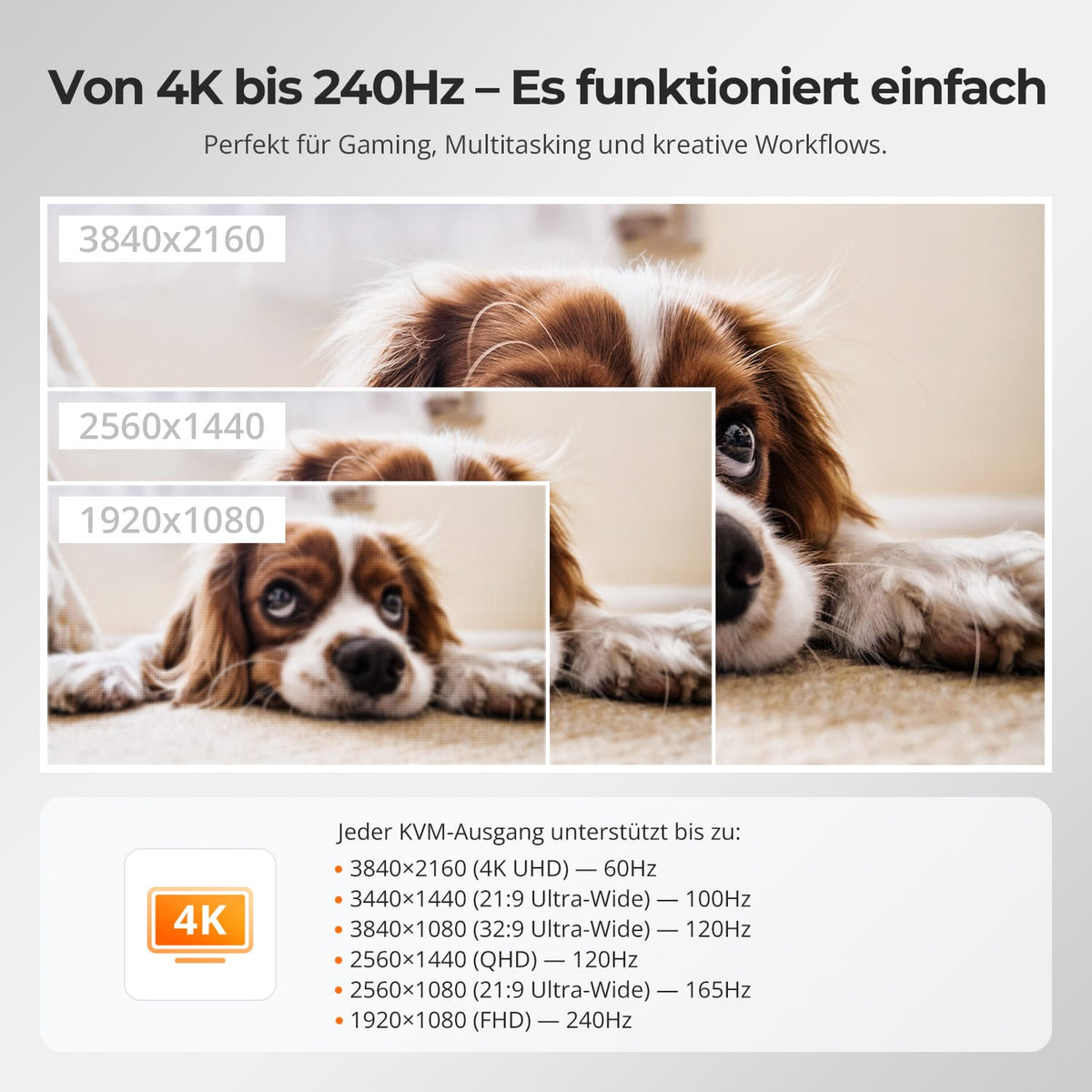
01
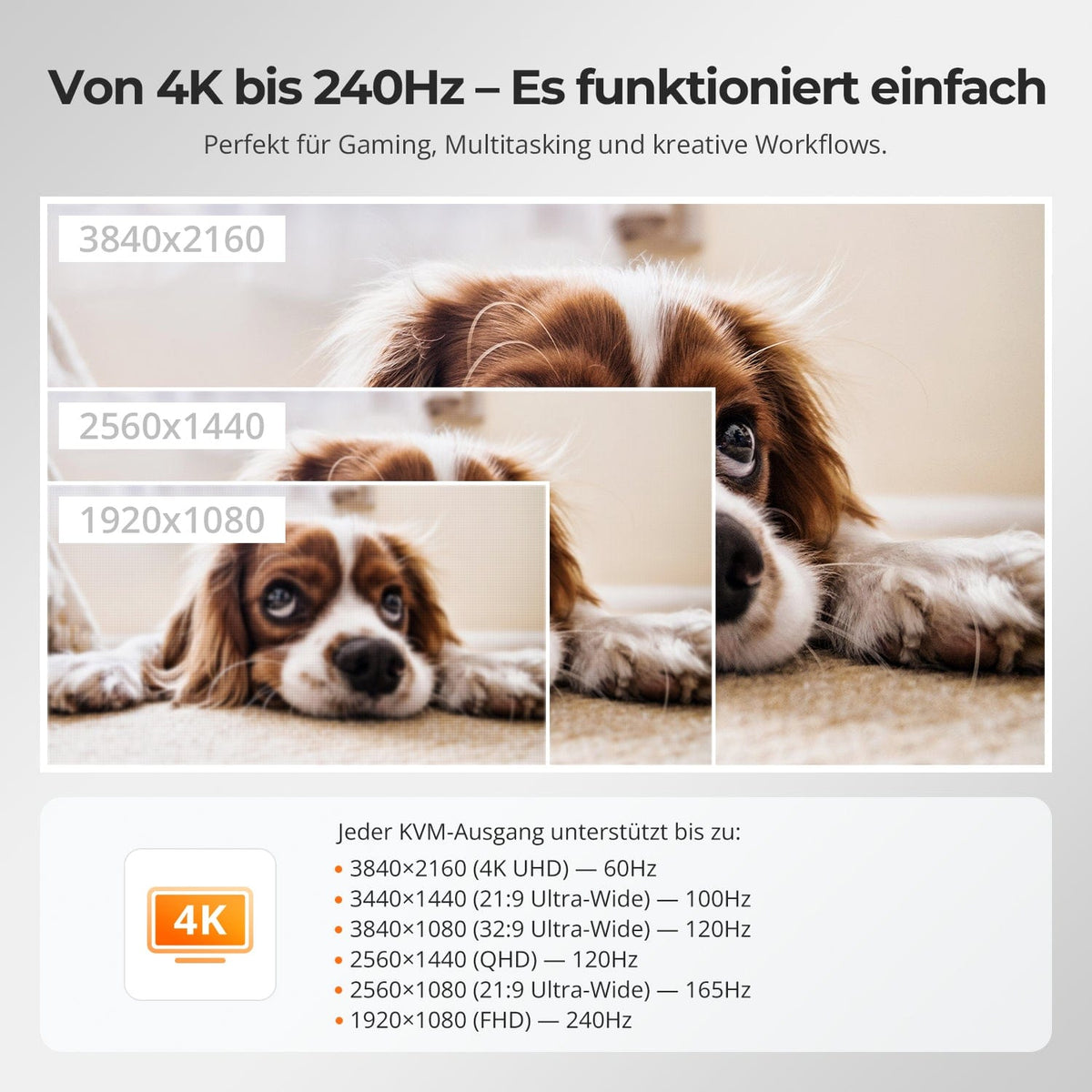
4K60 or higher frame rates at lower resolution
Up to 3840×2160@60Hz in 4:4:4. Higher refresh rates at lower resolutions require a compatible source, monitor, and cable.
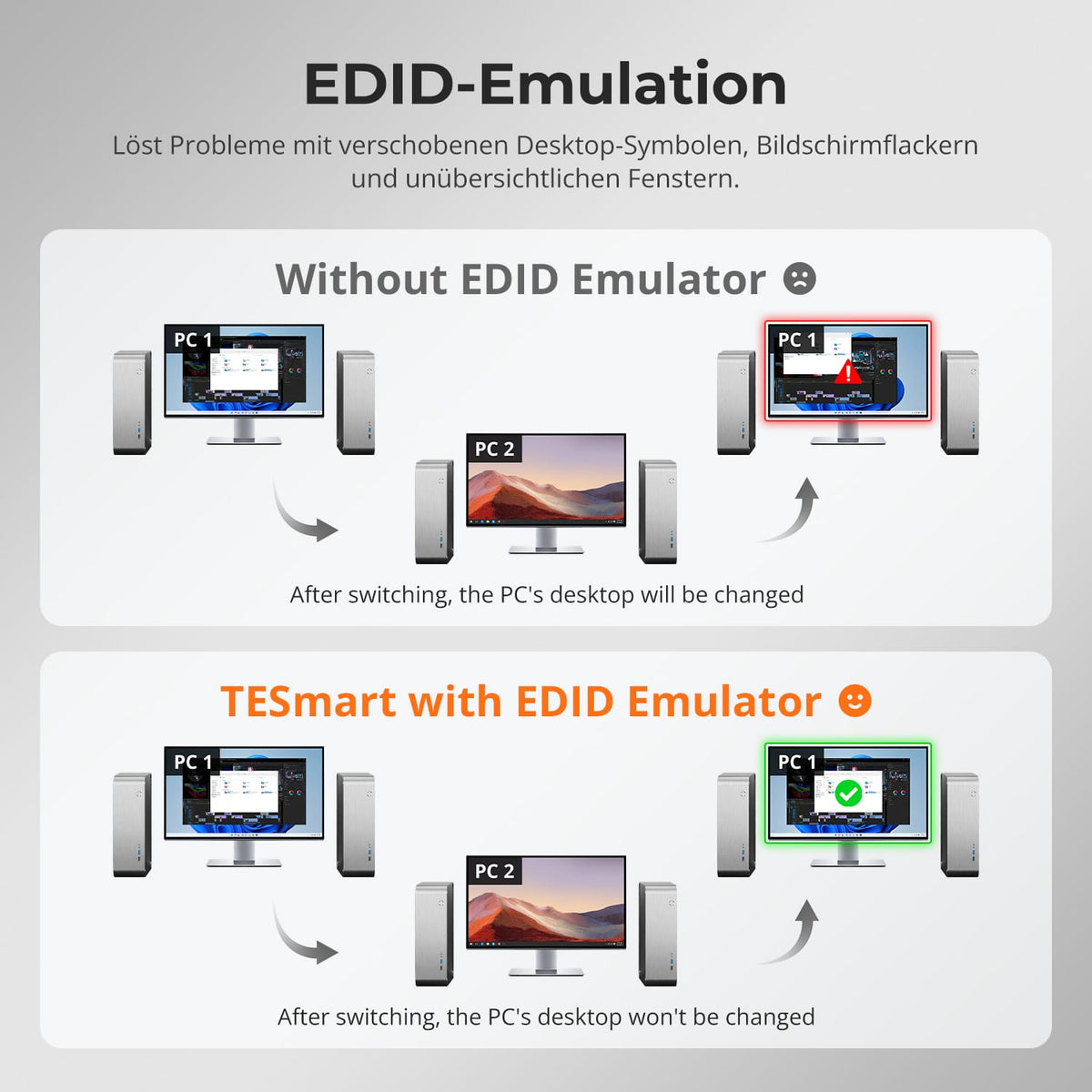
02
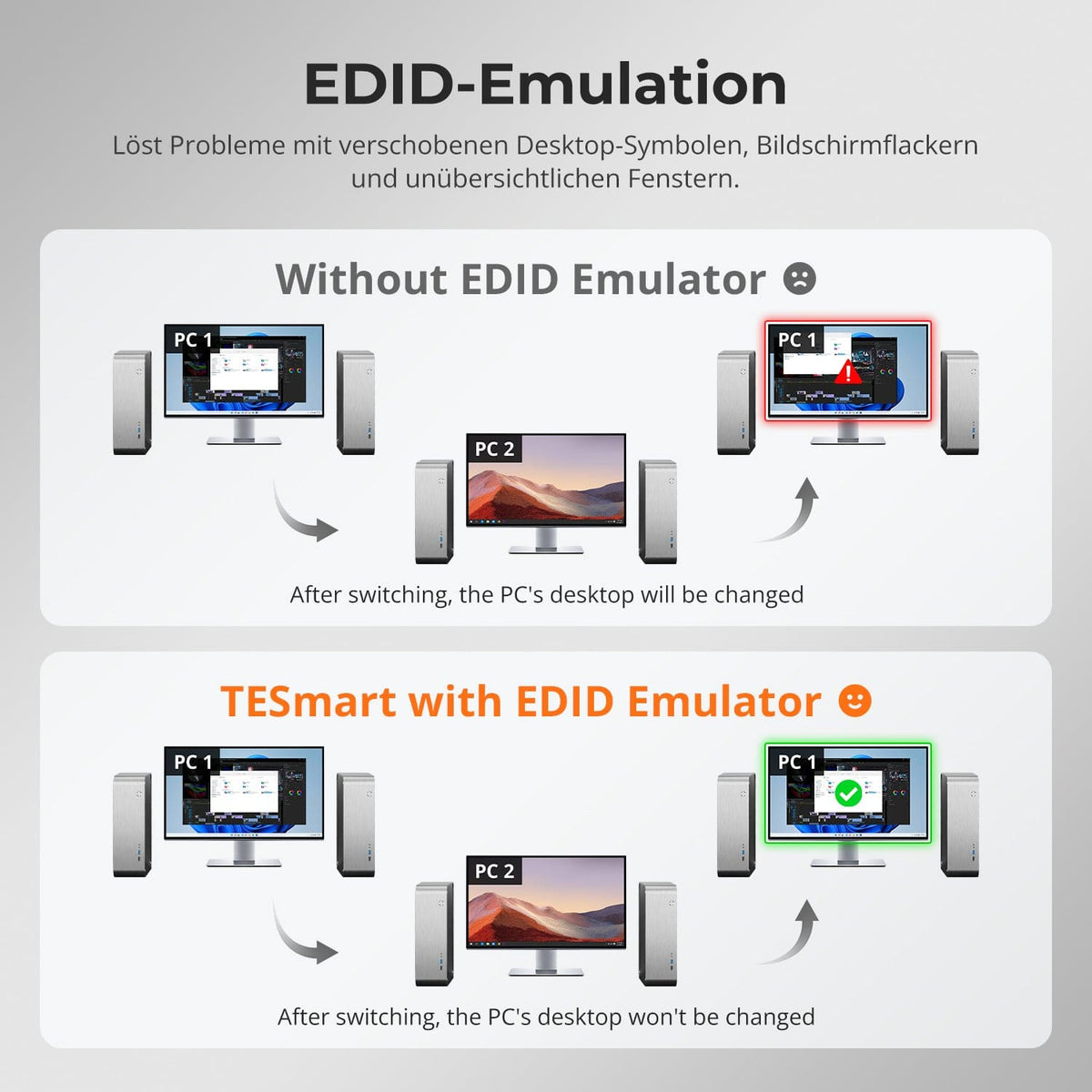
EDID preserves your desktop layout
EDID emulation keeps monitor information available for both computers and reduces re-detection, resolution changes, and moved windows.
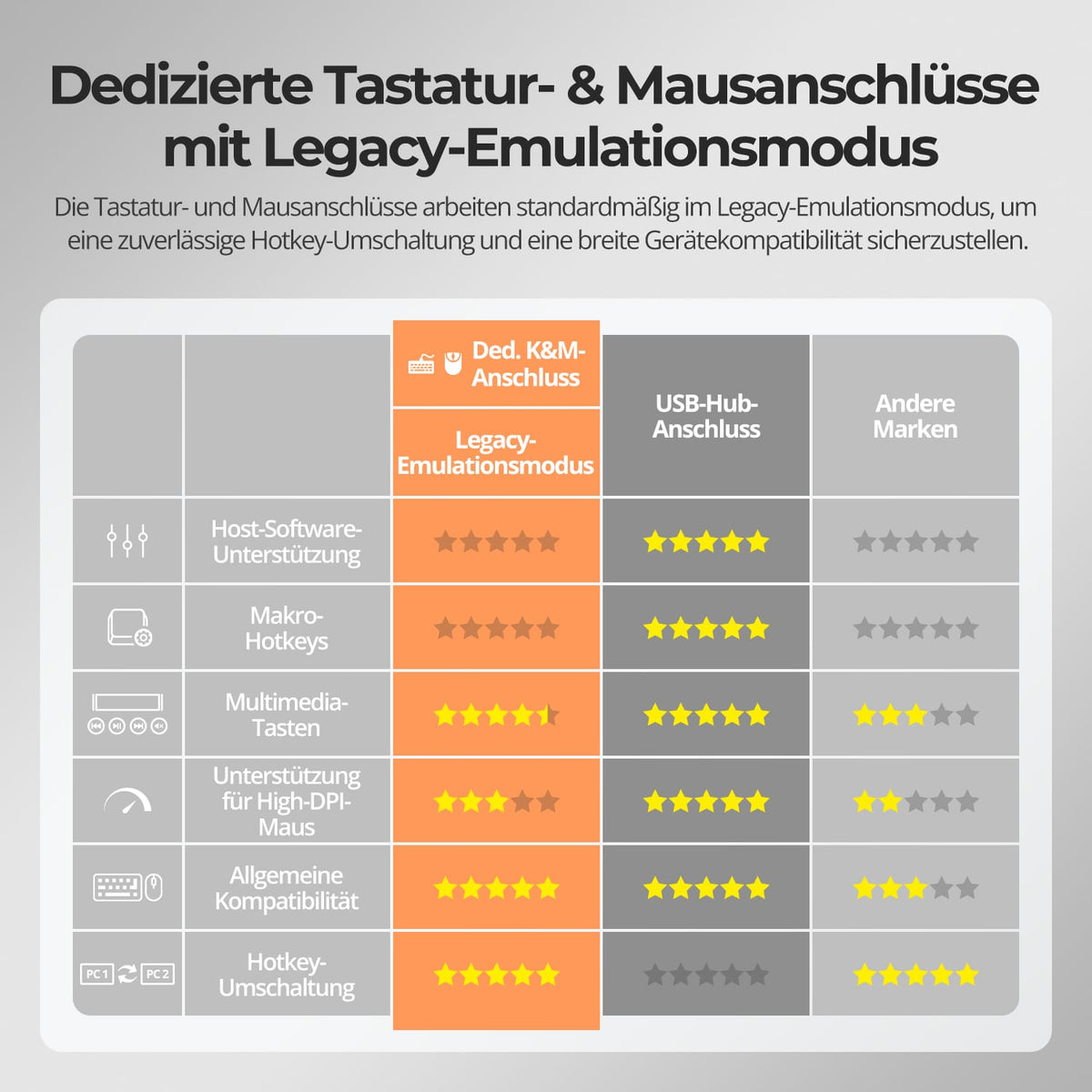
03
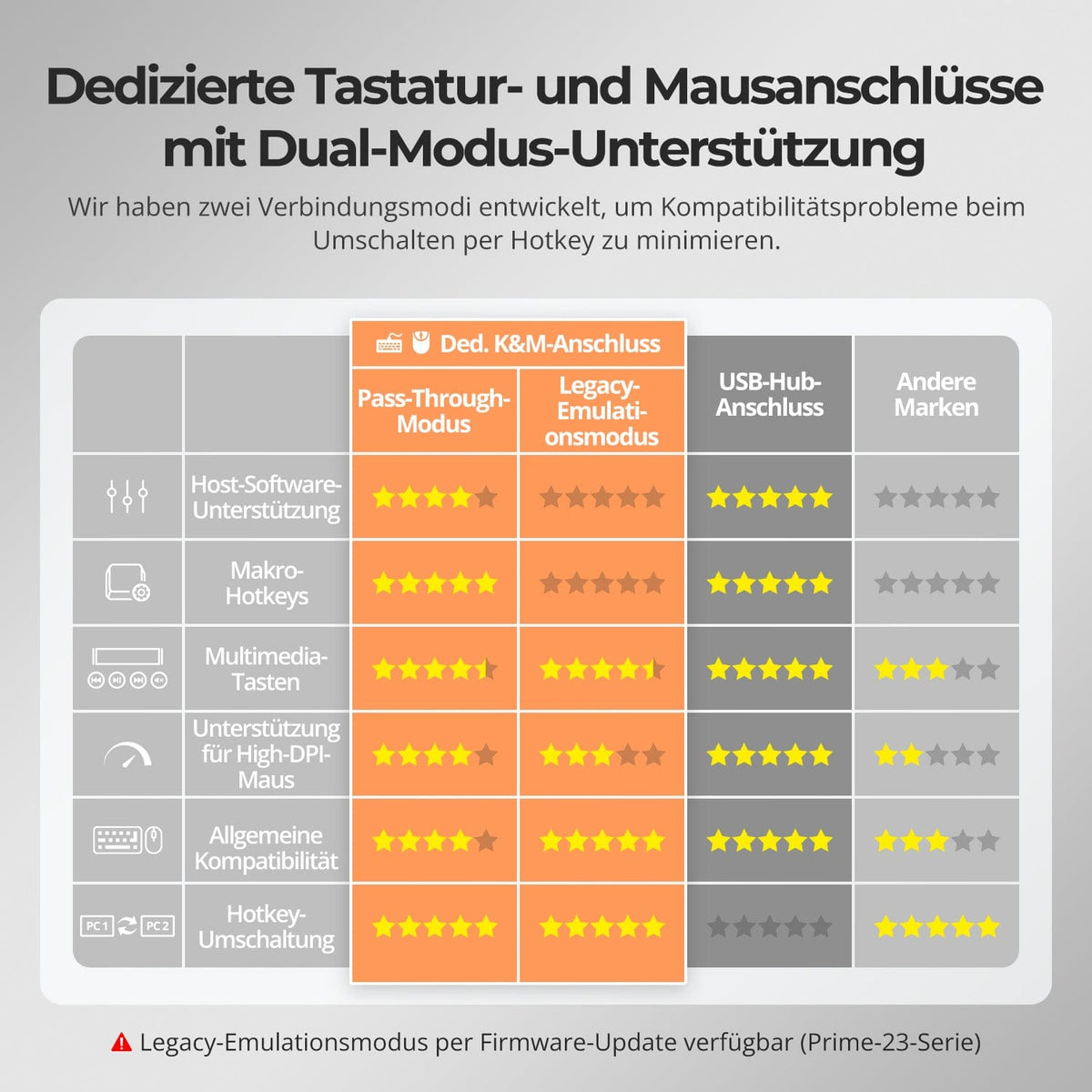
Dedicated keyboard/mouse ports with two modes
Pass-through is compatible with most modern keyboards and mice. An emulation mode offers an alternative for setups with specific compatibility requirements.
Data & Support
Compatibility & Connections
Technical data
Instructions & Downloads
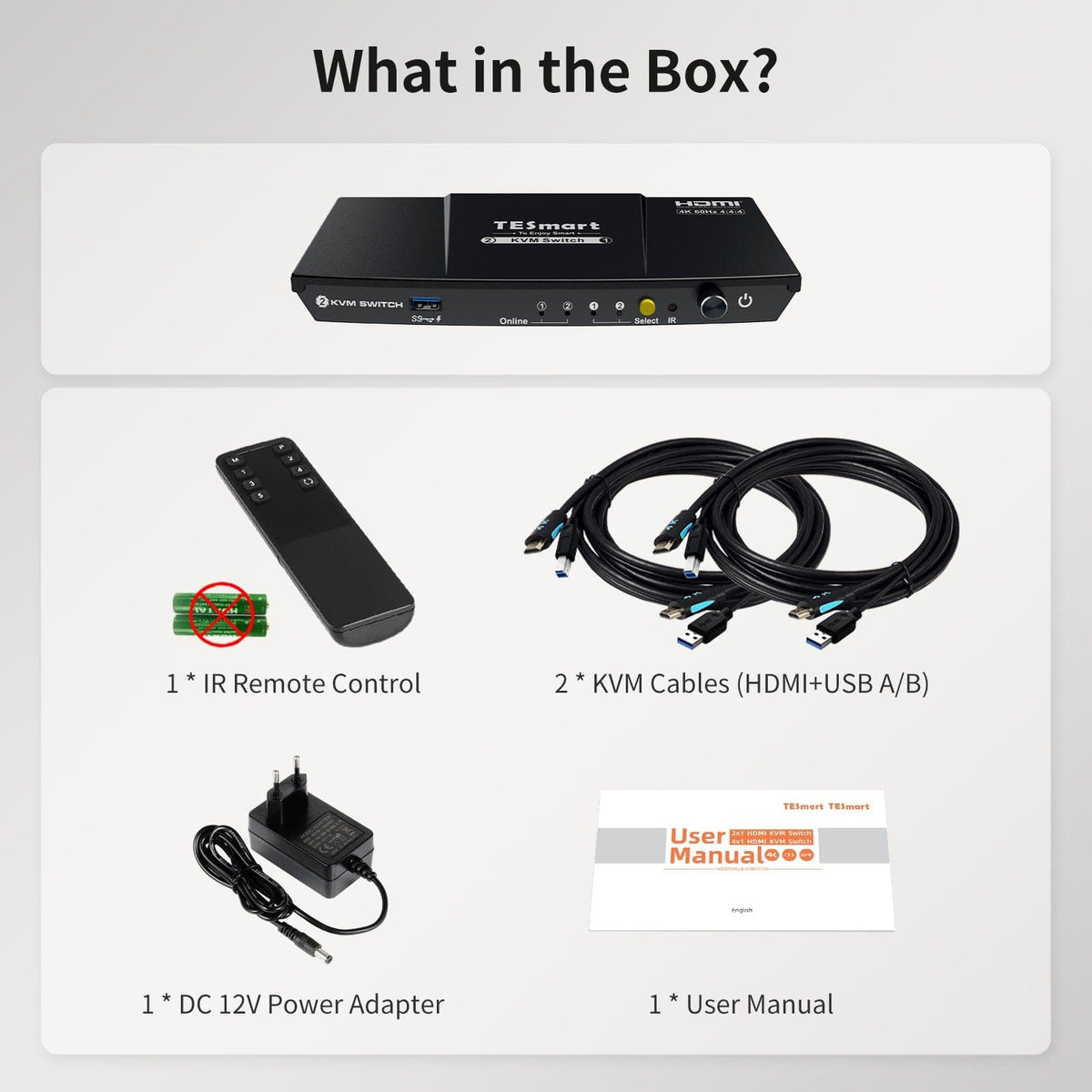
Scope of delivery
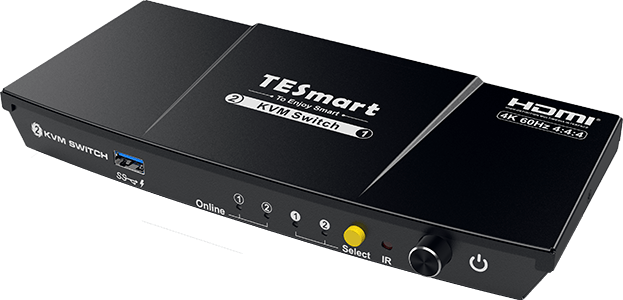
1×2×1 HDMI KVM Switch
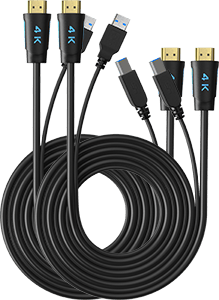
2 × KVM cables
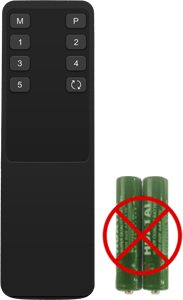
1 × IR Remote Control

1 × 12V DC power supply
1×User manual

Compare suitable models
Compare ports, image output, and sharing features for your workplace.
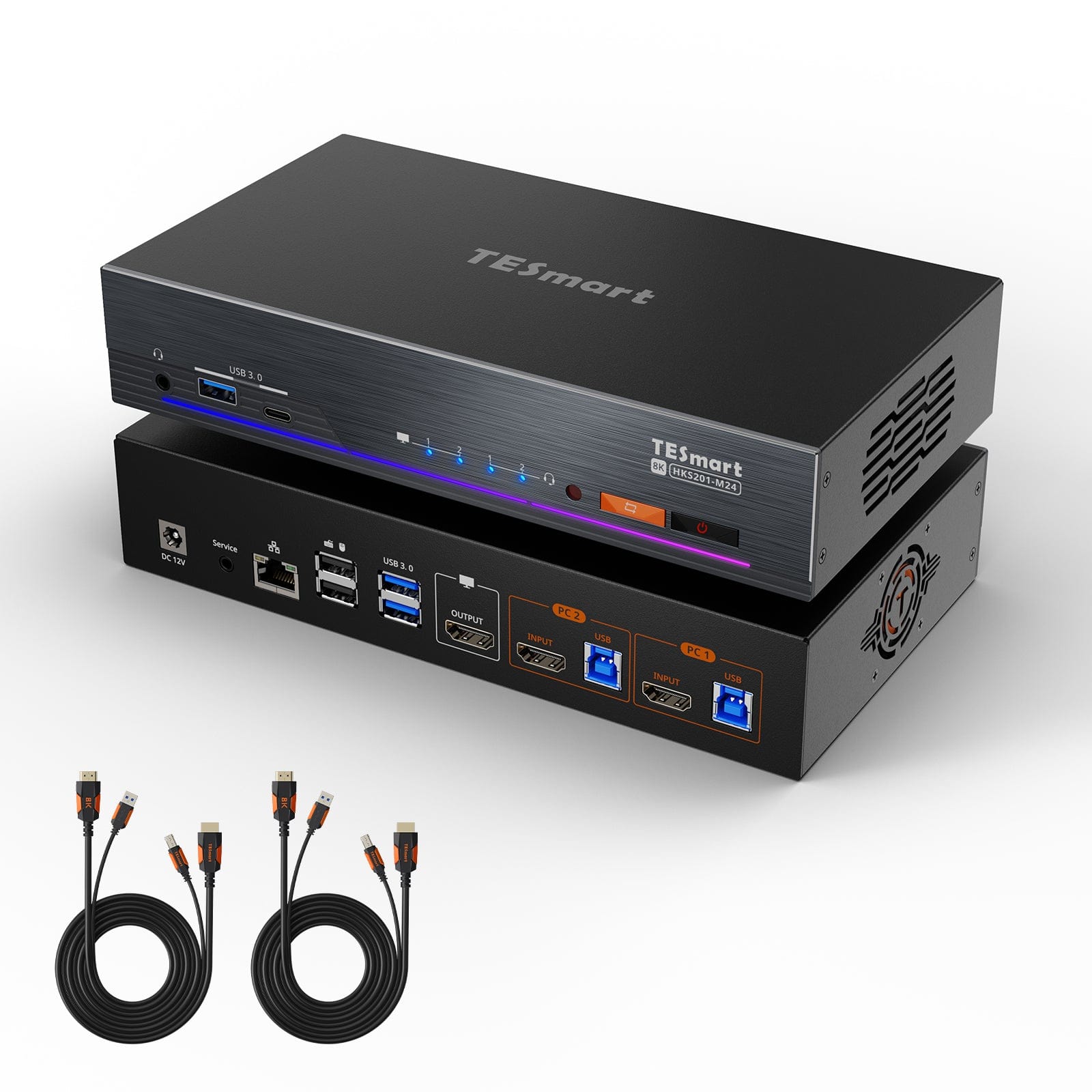
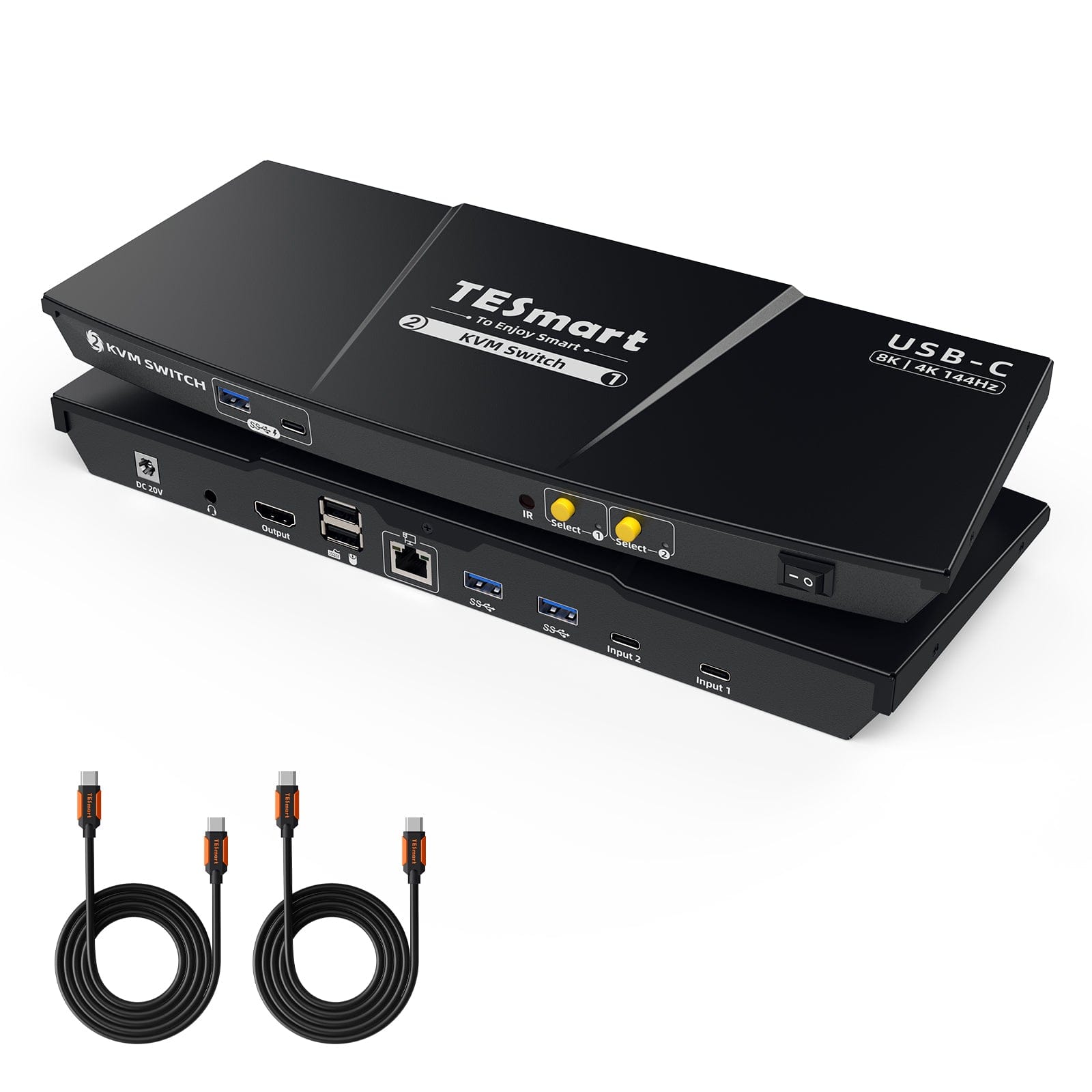
Model
HKS201-P23-V2
Model
HKS201-M24
Model
CKS201-M23
Computer count
2 computers
Computer count
2 computers
Computer count
2 USB-C laptops
Computer connections
Per PC: 1 × HDMI + USB
Computer connections
Per PC: 1 × HDMI + USB
Computer connections
Per laptop: 1 × USB-C with DisplayPort Alt mode
Monitor outputs
1 × HDMI
Monitor outputs
1 × HDMI
Monitor outputs
1 × HDMI
Image output
4K60
Image output
8K60/4K144
Image output
8K60/4K144
Shared USB devices
USB 3.0/5 Gbit/s
Shared USB devices
USB 3.0/5 Gbit/s
Shared USB devices
USB 3.0/5 Gbit/s
Charge laptop
Charge laptop
Charge laptop
Up to 60W per laptop
Shared network access
Shared network access
1000 Mbit/s
Shared network access
1000 Mbit/s
EDID emulation
EDID emulation
EDID emulation
Frequently asked questions
You can find further answers in our Help Center.
[Compatibility] Which computers does the HKS201-P23-V2 support?
Two computers with HDMI and USB share an HDMI monitor, keyboard, and mouse.
[Compatibility] What is the maximum supported resolution?
According to the instructions, up to 3840×2160@60Hz in 4:4:4. Higher refresh rates are possible at lower resolutions if the source and display support them.
[Compatibility] Which operating systems are supported?
According to the instructions, it works with Windows, macOS and common Linux systems.
[Functions] Does the HKS201-P23-V2 support EDID emulation?
Yes. EDID emulation keeps monitor information available for both computers and reduces the need for new detection and rearranged desktops.
[Connections] Can I share USB 3.0 devices?
Yes. Compatible USB 3.0 devices are shared with the selected computer – at speeds of up to 5 Gbps.
[Functions] What does Auto-Scan do?
Auto-Scan switches between powered-on computers for monitoring at a set interval.
[Load] Can I charge my smartphone or tablet using the KVM switch?
Yes. The front USB-A port charges compatible mobile devices.
[Switch] Can I use keyboard hotkeys?
Yes. Connect a compatible wired keyboard to the designated keyboard port and use the documented hotkeys.
[Furnishings] Does the KVM switch require software?
No special switching software is required for normal KVM operation.
