



Monitorkonfiguration
Max. Auflösung
Farbdarstellung

Gaming

Stabile Anzeige

Gemeinsames Netzwerk

USB-Geschwindigkeit
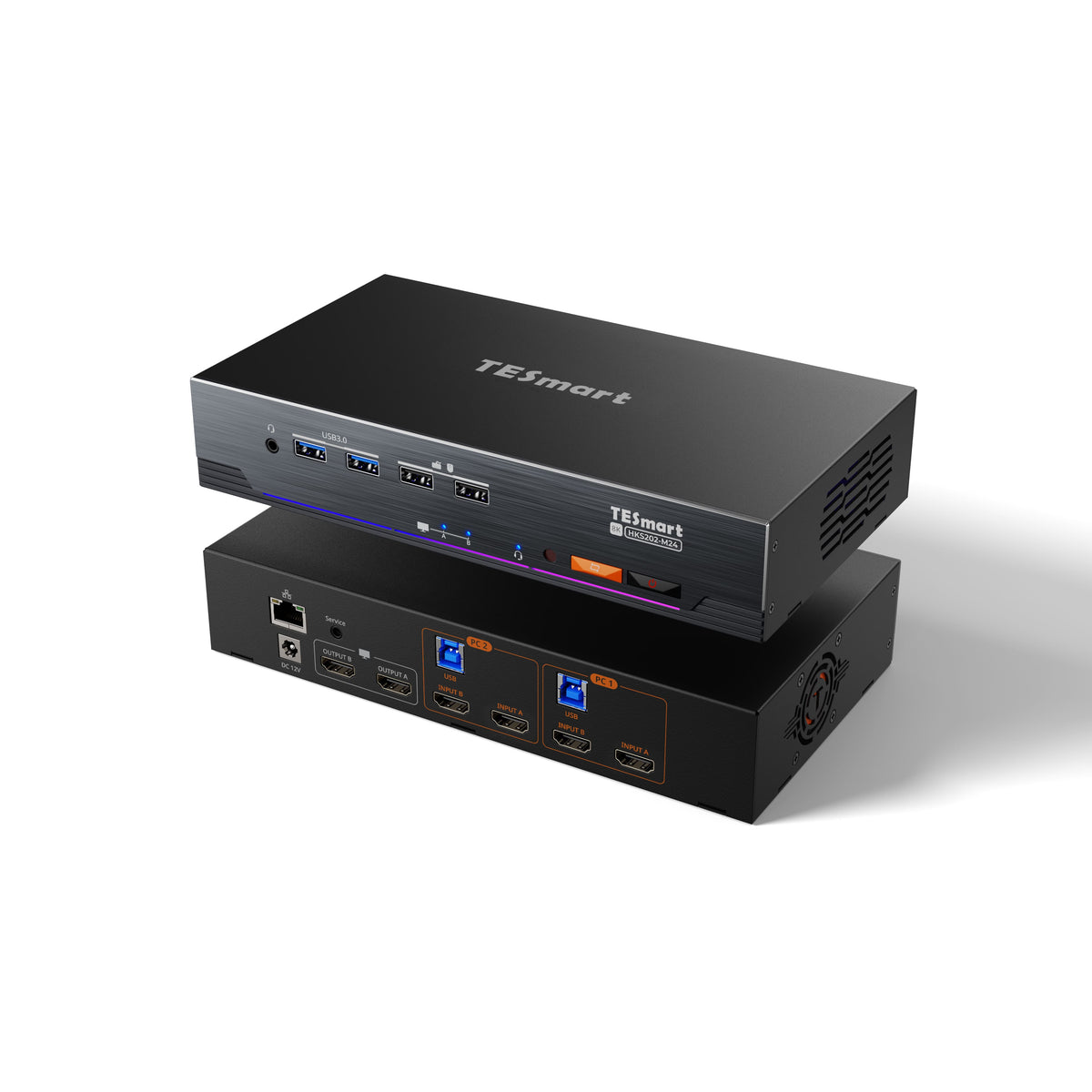
2×2 HDMI 2.1 KVM | 8K60/4K144 & EDID
JP-HKS202-M24 connects two PCs with two HDMI monitors: up to 8K60/4K144, EDID and shared USB devices. This template belongs to the Japanese model version.
Monitorkonfiguration
Max. Auflösung
Farbdarstellung
Gaming
Stabile Anzeige
Gemeinsames Netzwerk
USB-Geschwindigkeit
2×2 HDMI 2.1 KVM | 8K60/4K144 & EDID
Why JP-HKS202-M24?
Overview
01
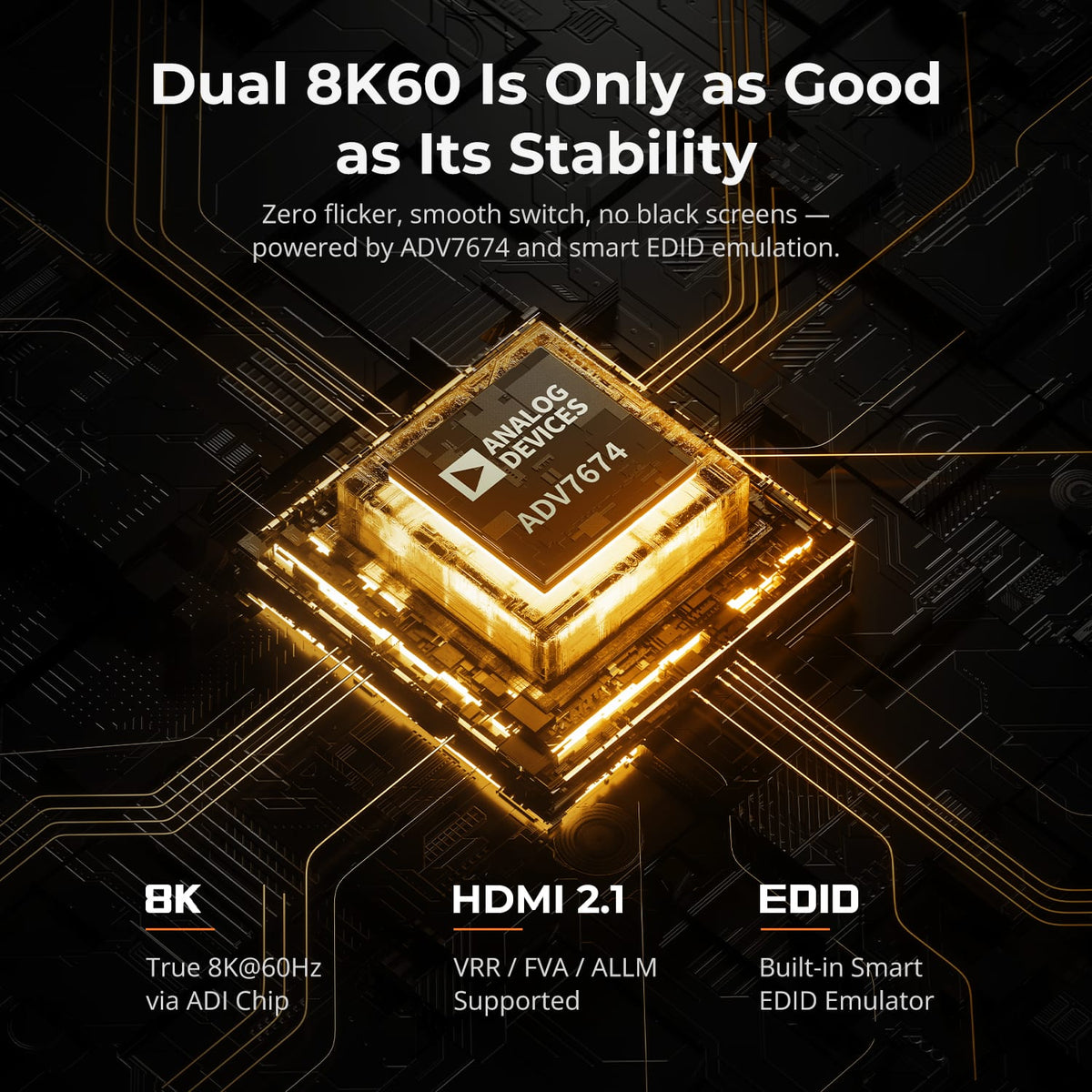
Stable switching with two 8K60s
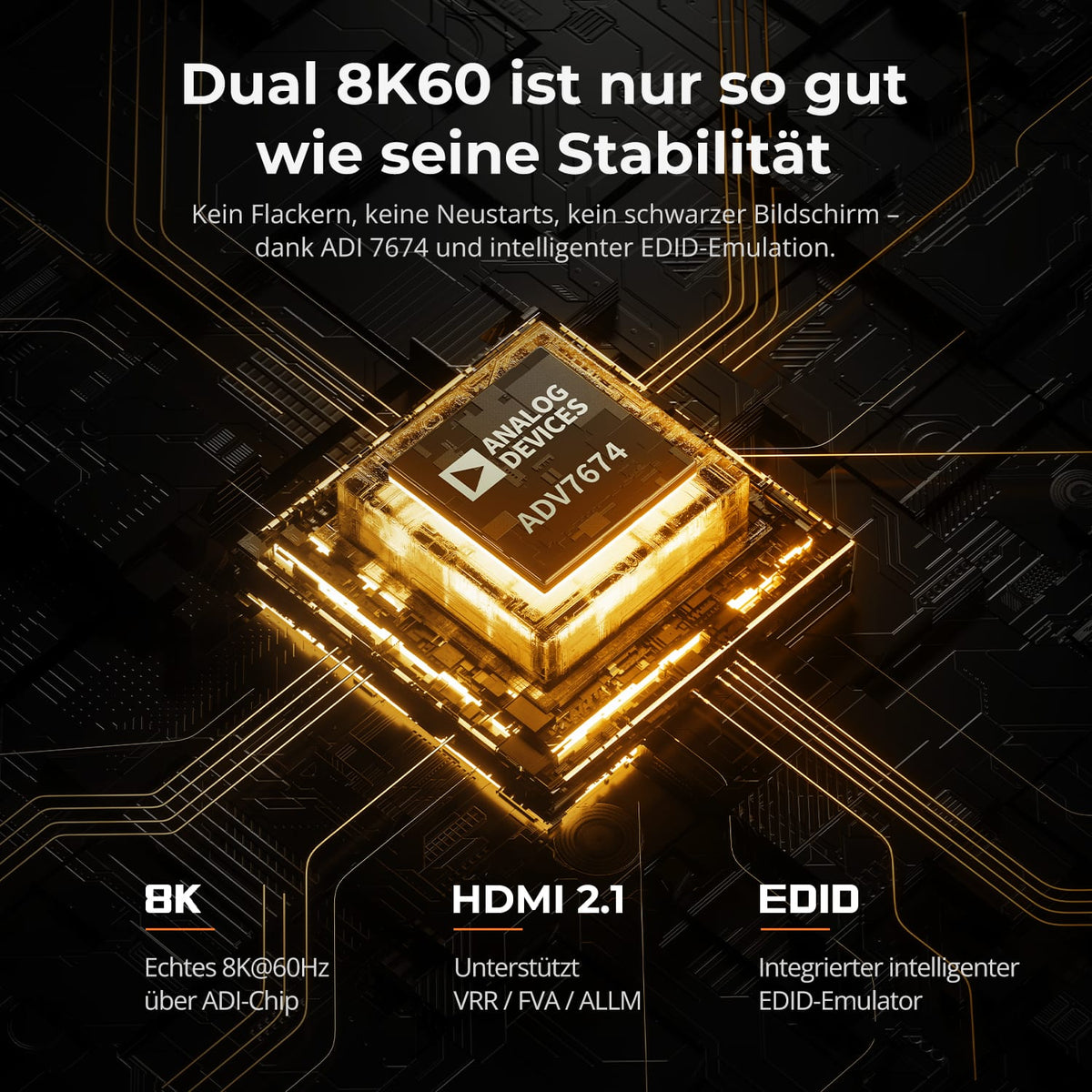
Two HDMI 2.1 connections support up to 8K@60Hz in 4:4:4. EDID keeps the monitor information available for both computers so that high-resolution desktops remain as stable as possible when switching.
02
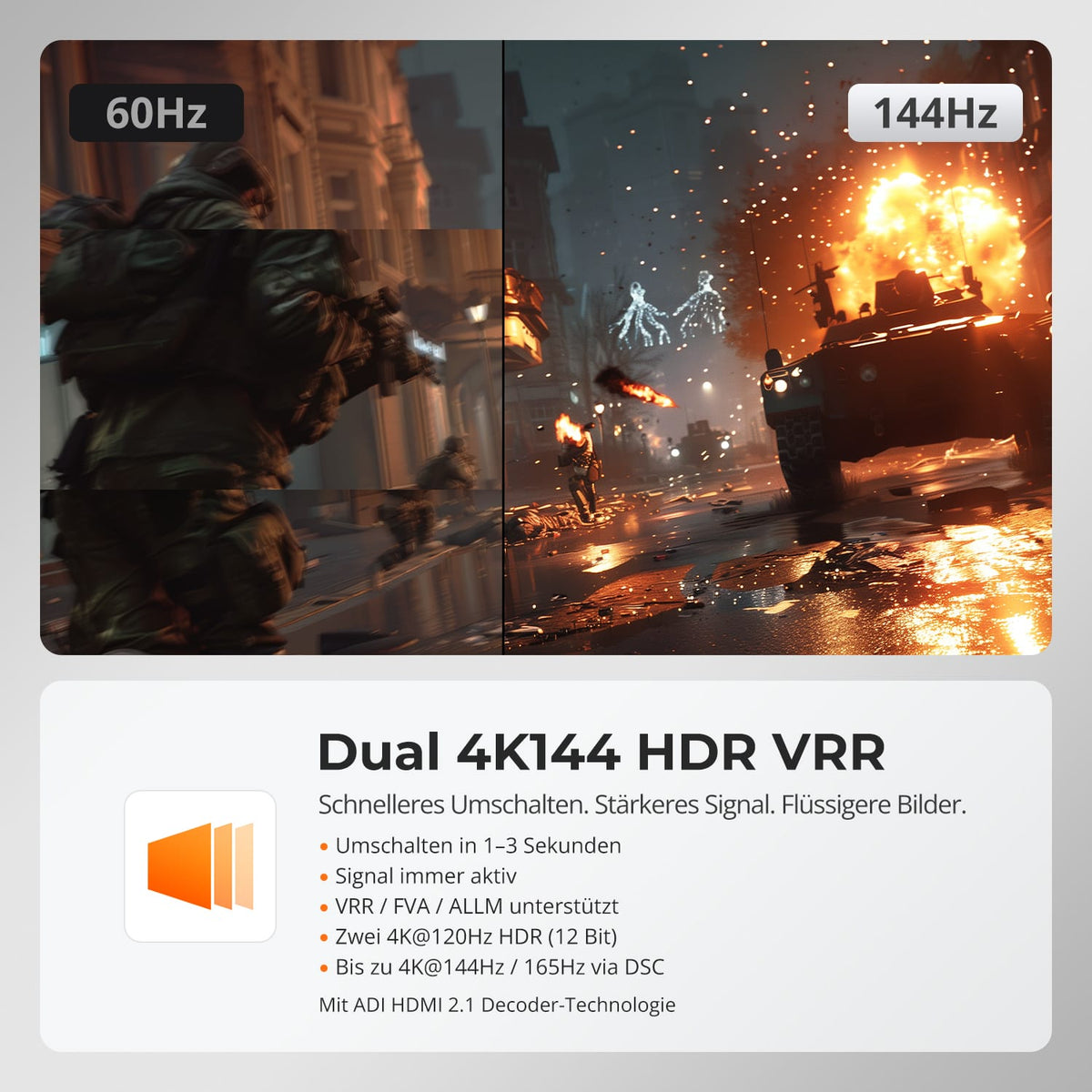
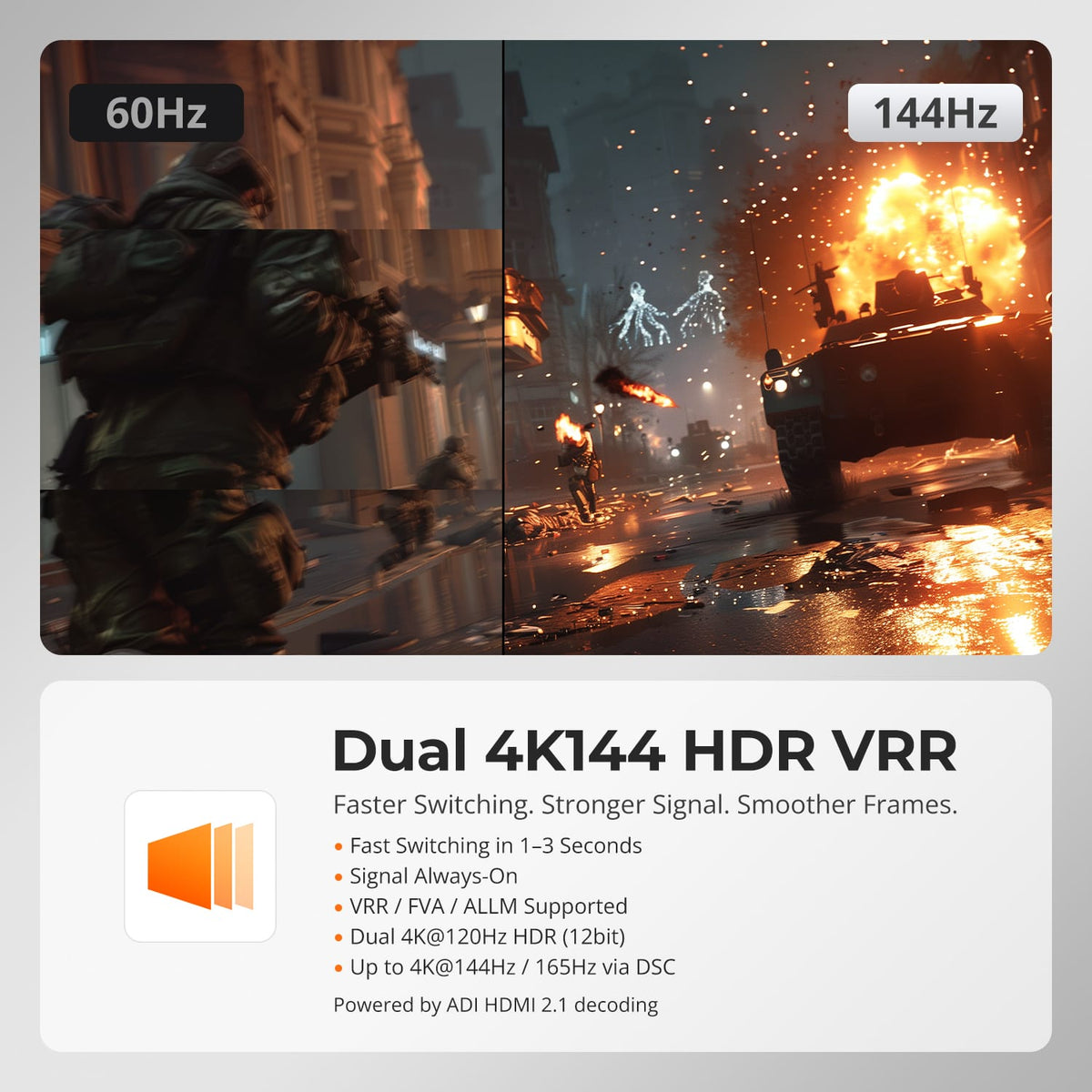
Two 4K144 channels for smooth images
Compatible gaming and creative systems utilize 4K@120/144Hz with HDR, VRR, FVA, and ALLM. The 48 Gbps HDMI 2.1 connection supports smooth motion and high image quality on both displays.
03
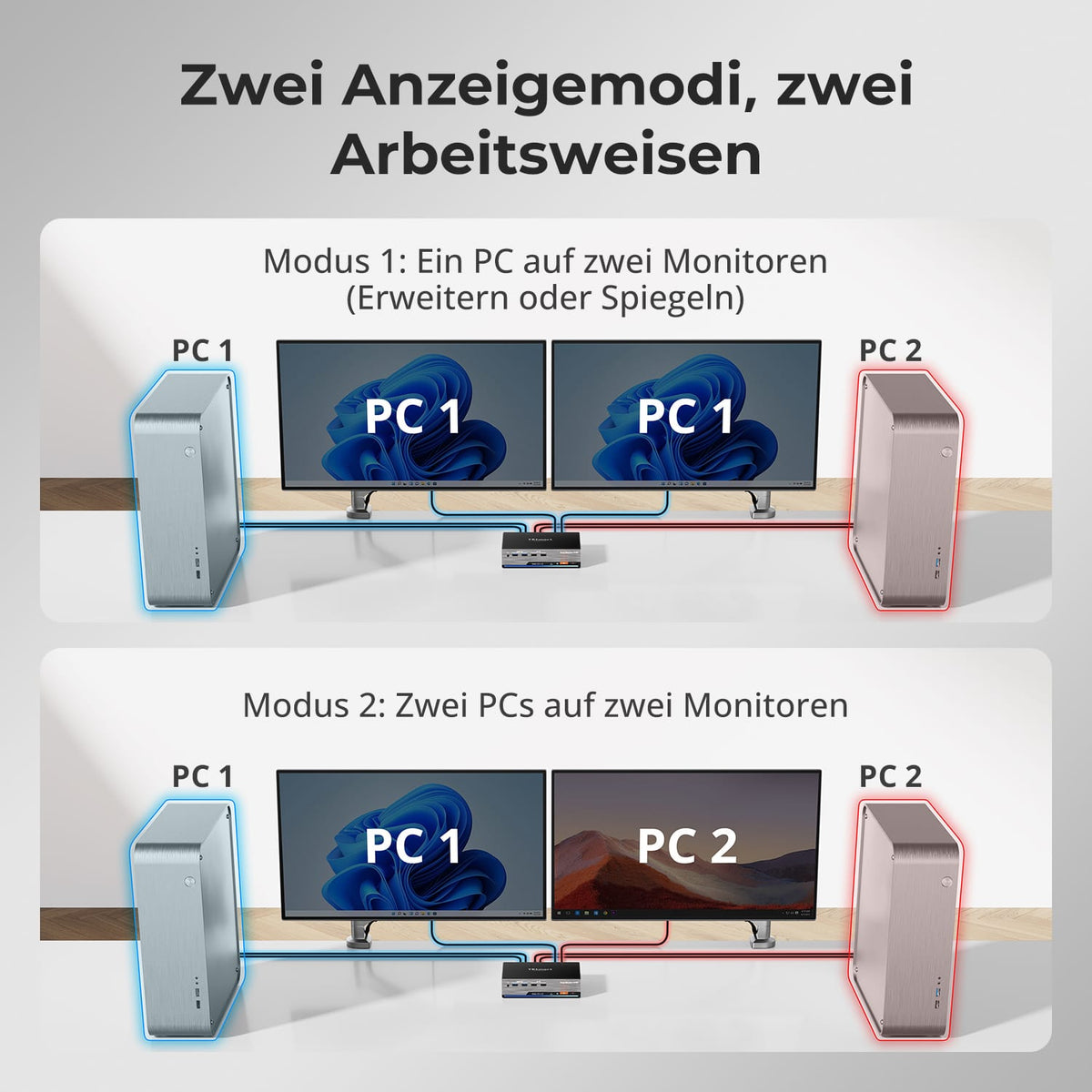
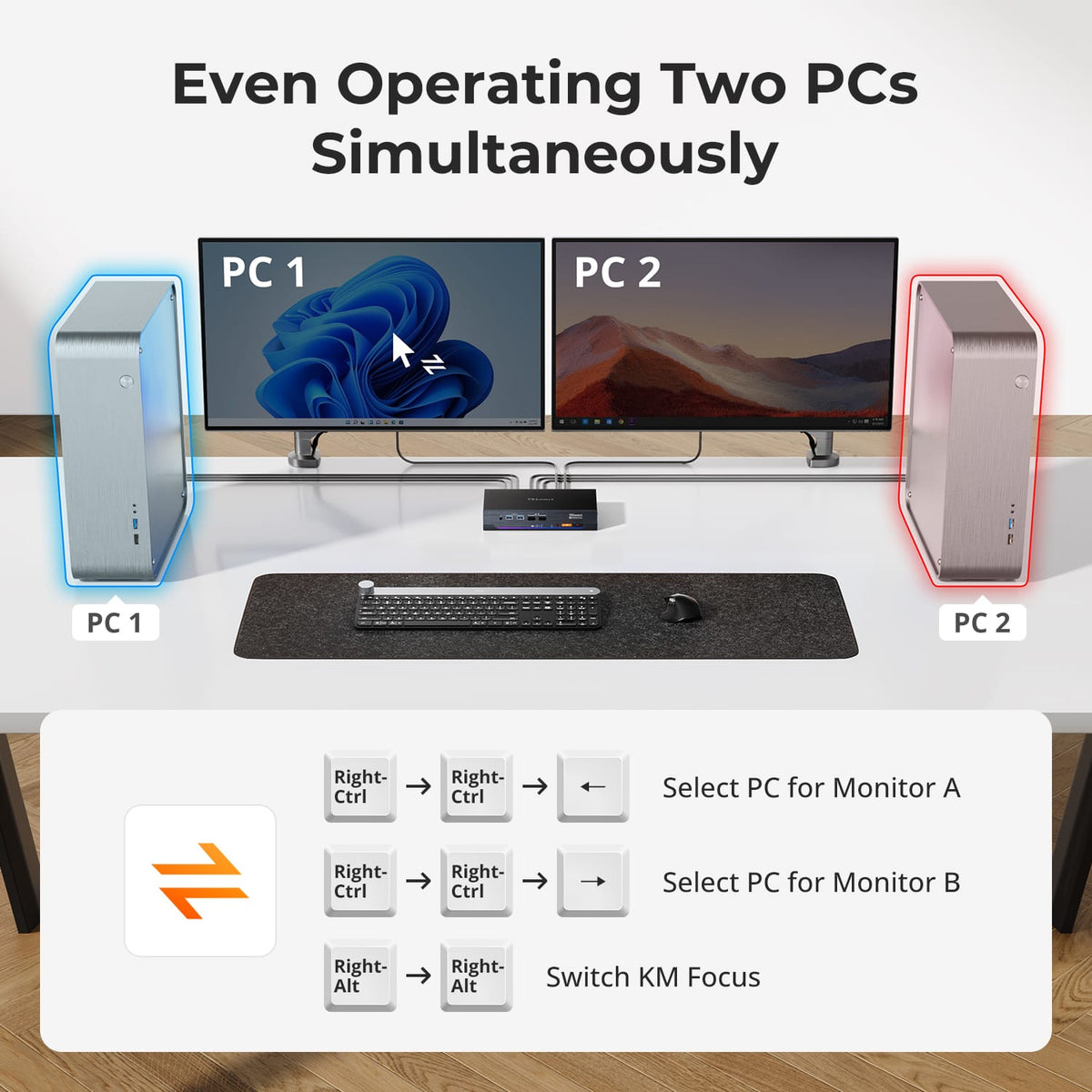
Two monitors, two ways of working
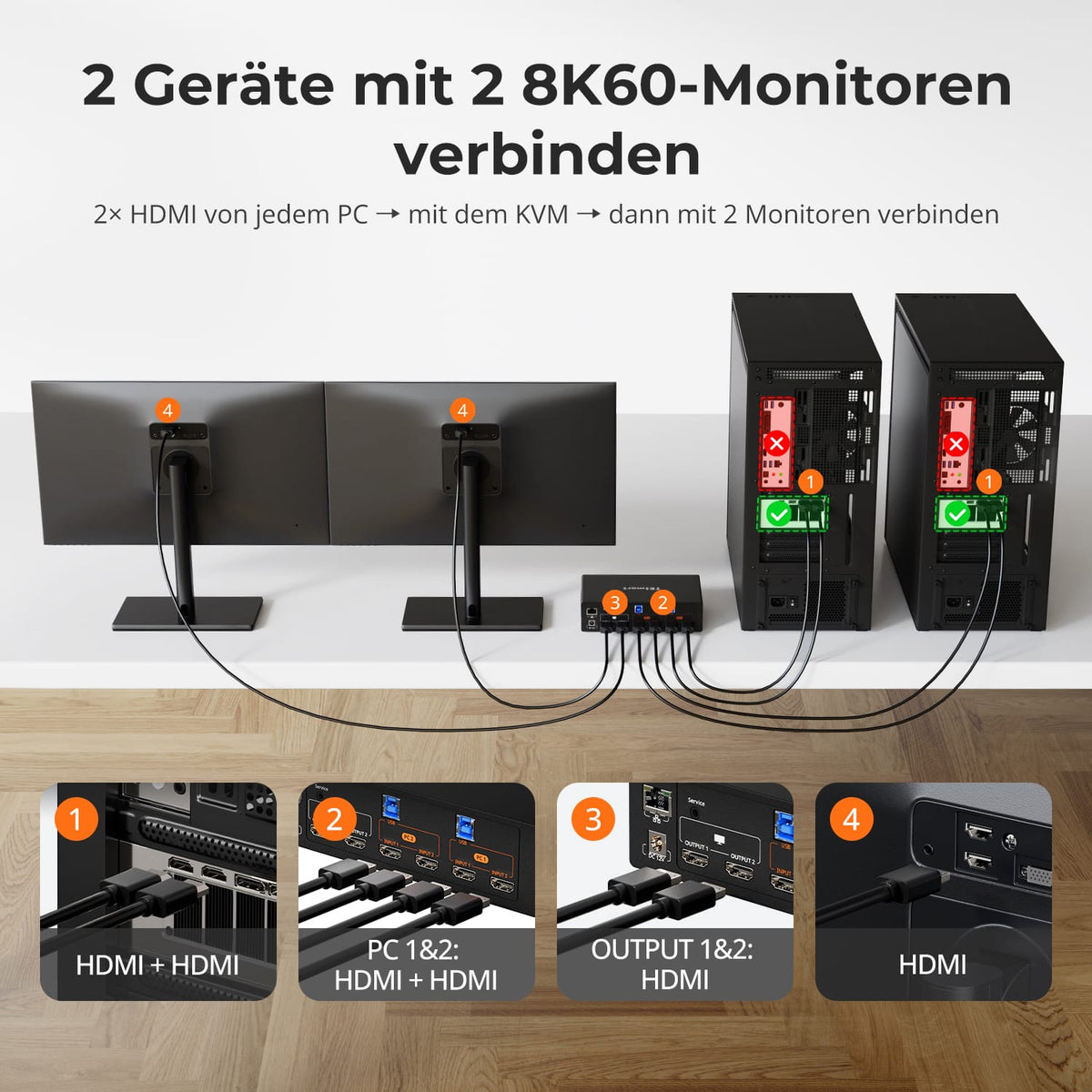
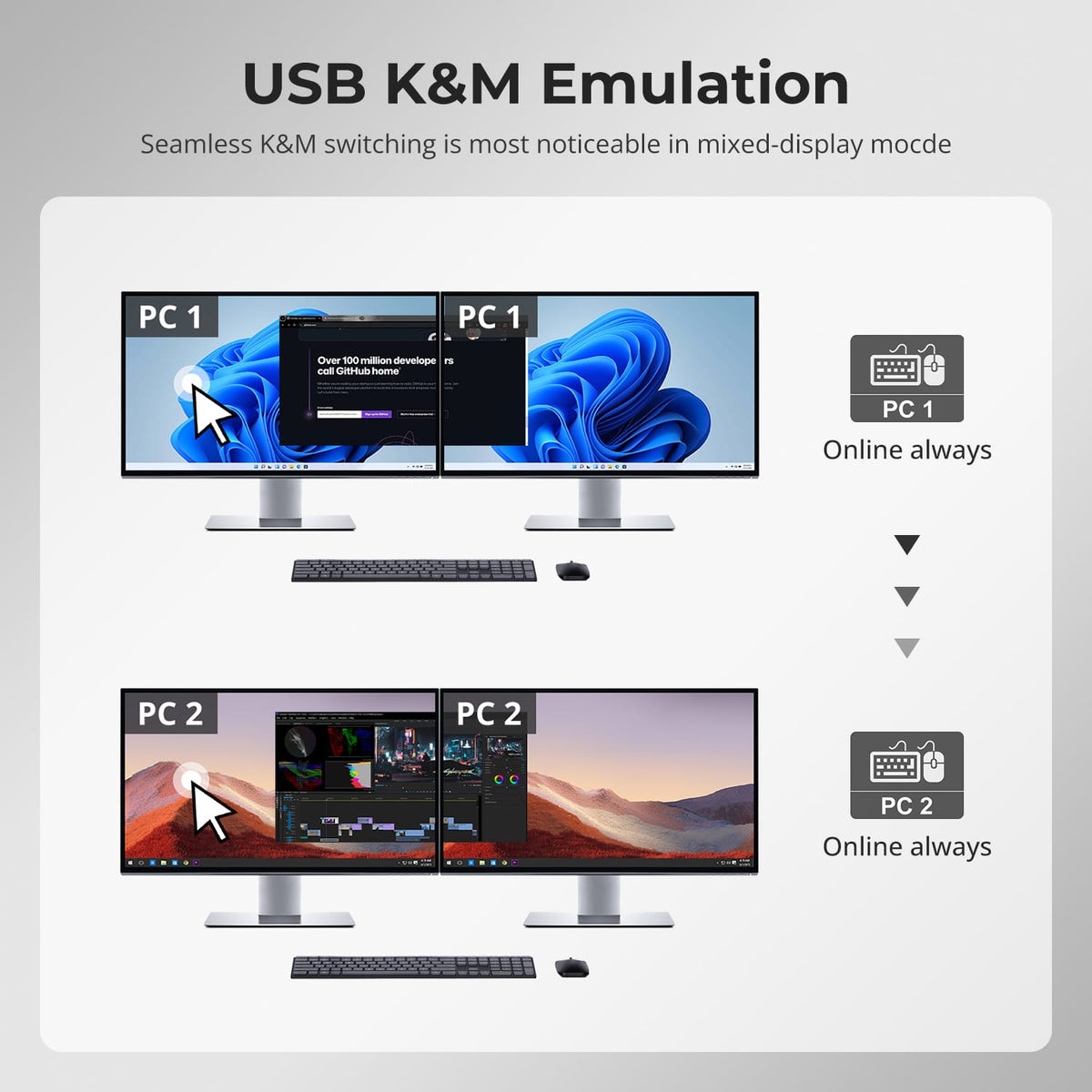
Use both monitors with one computer in extended or mirrored mode. Alternatively, display one computer on each monitor and switch keyboard and mouse control between them.
04
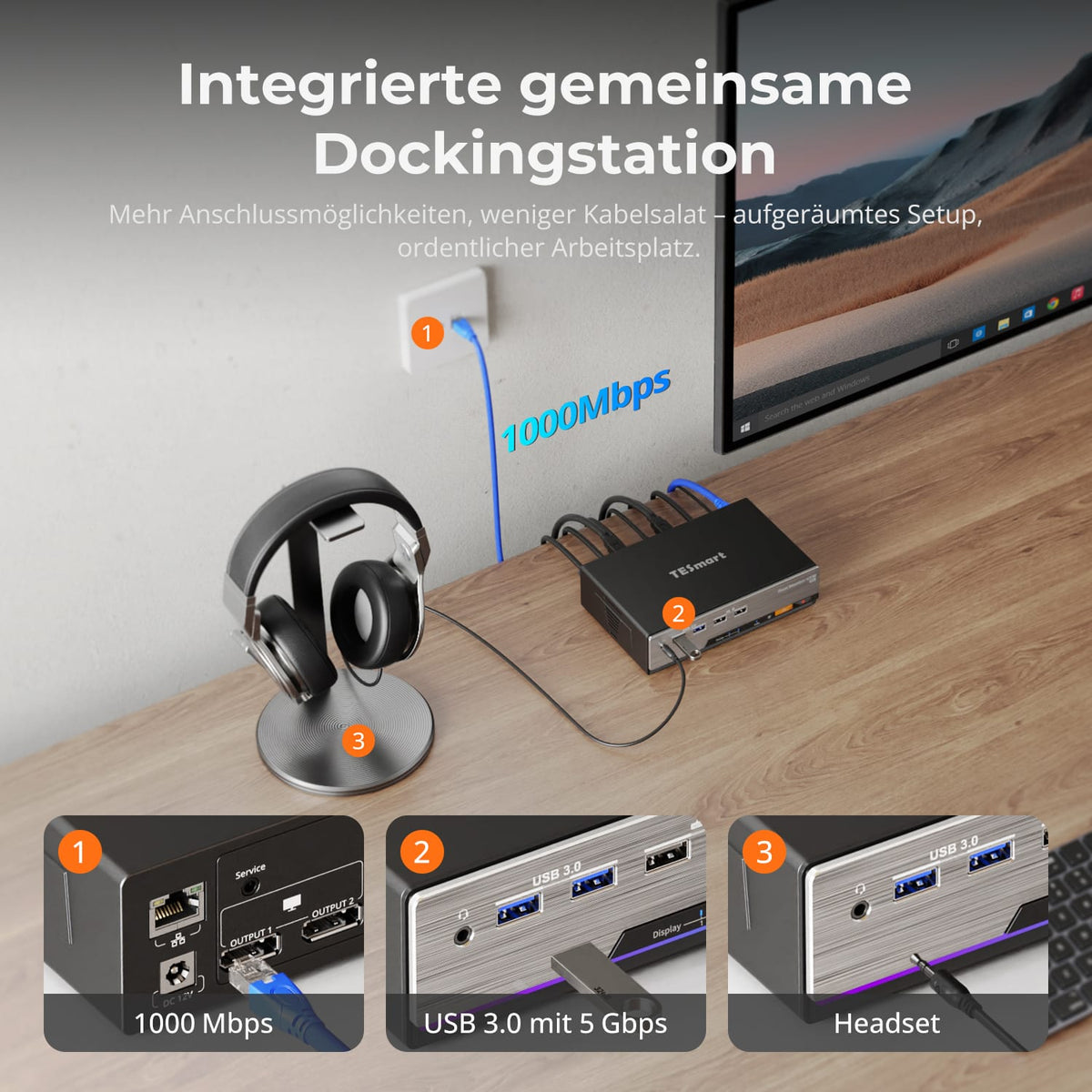
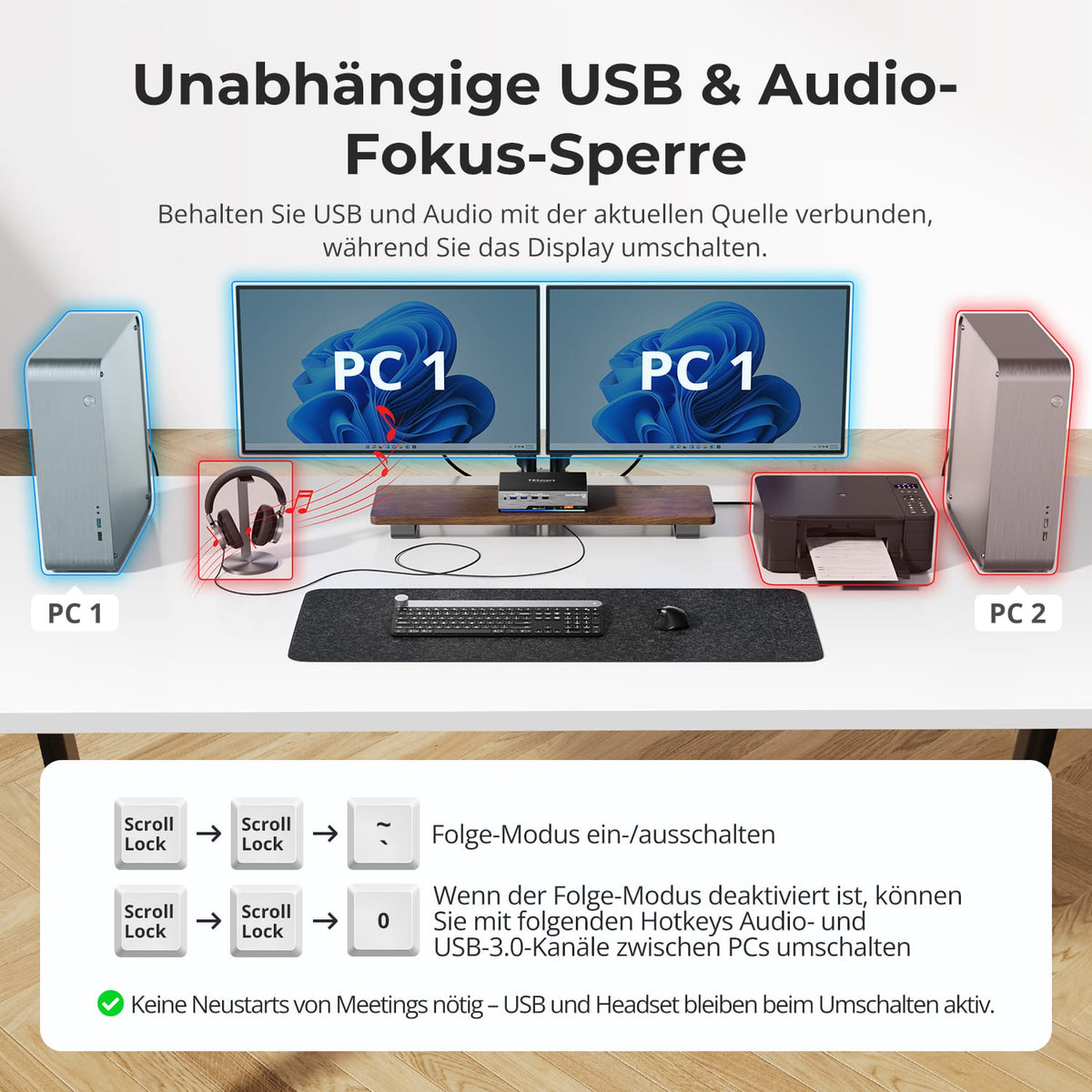
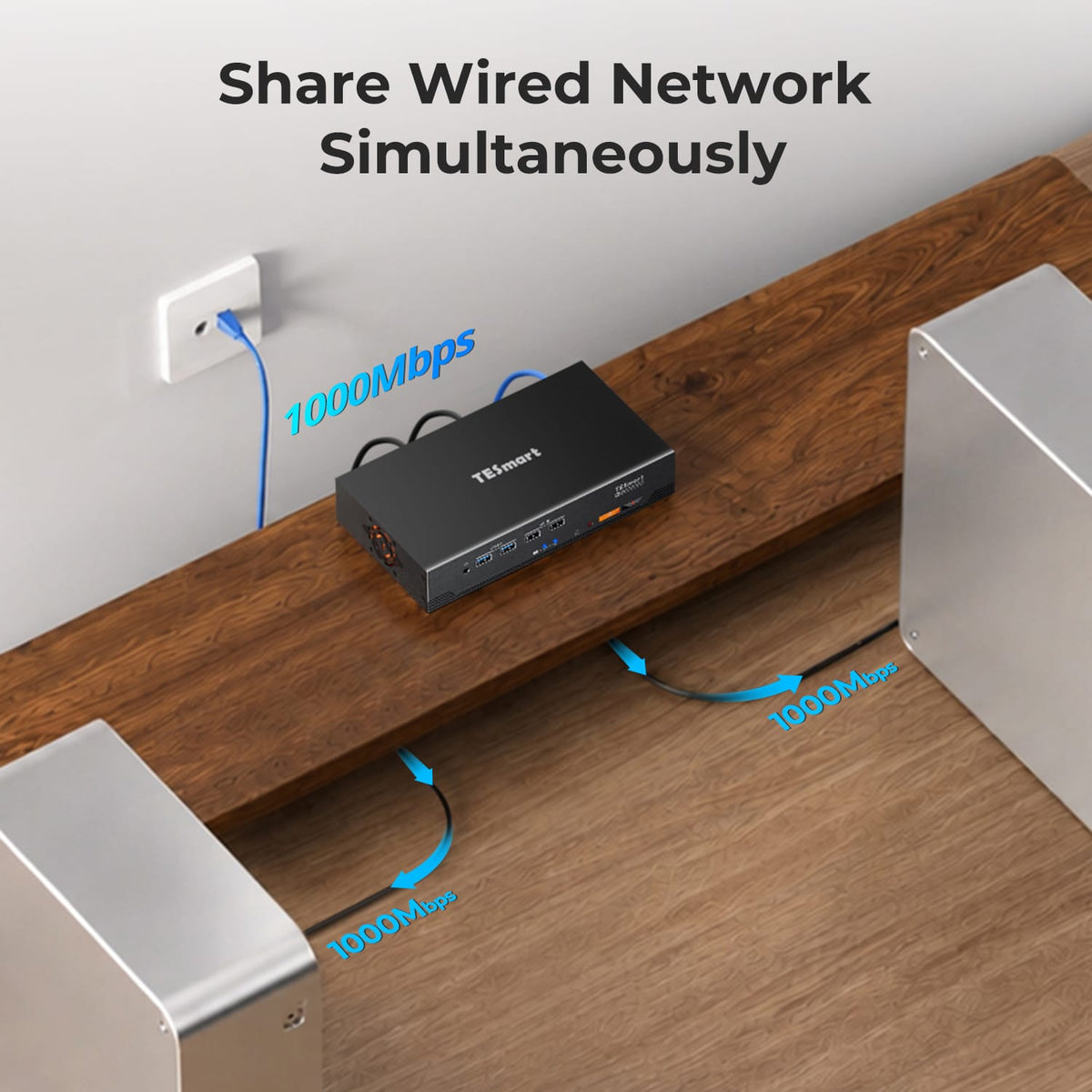
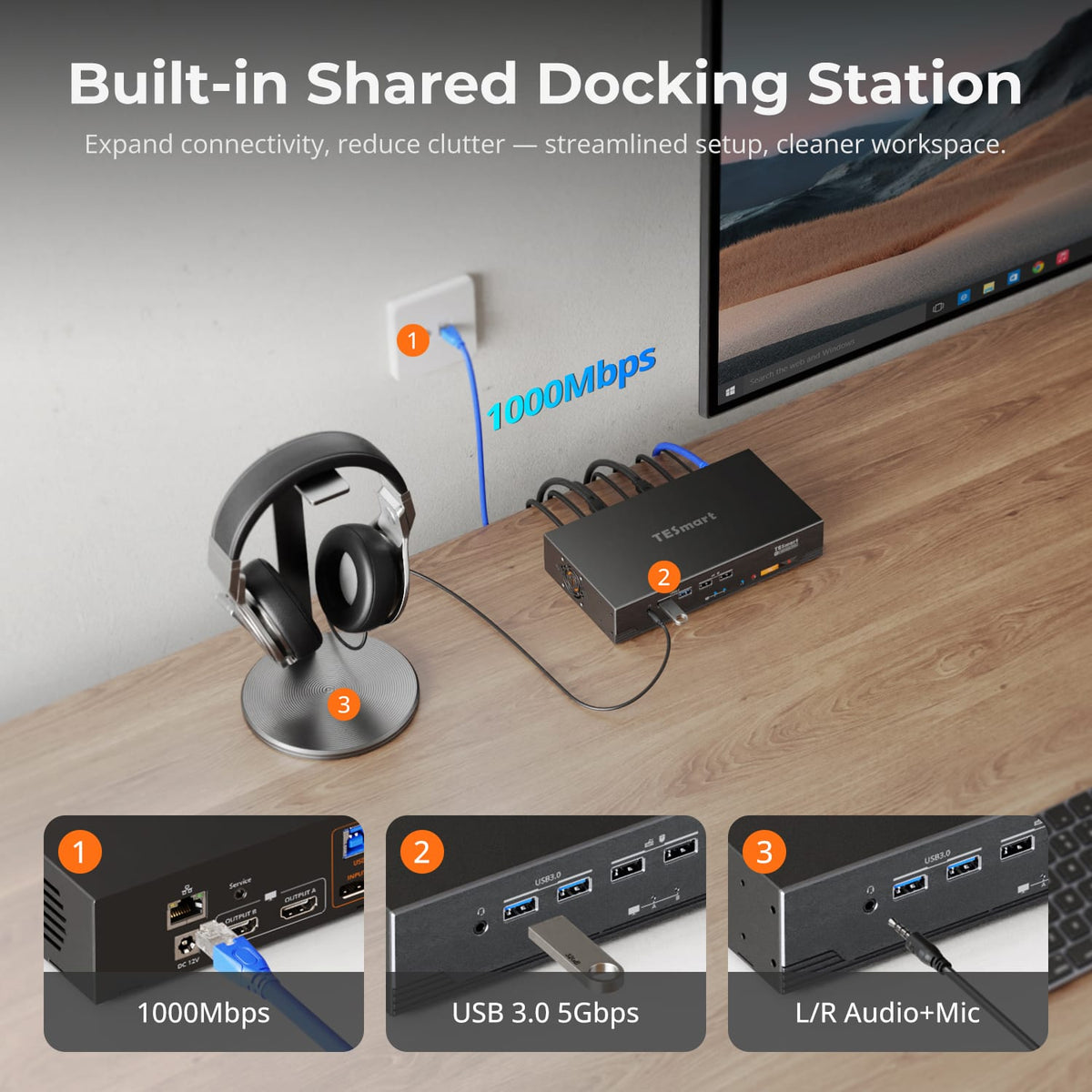
Shared dock integrated into KVM
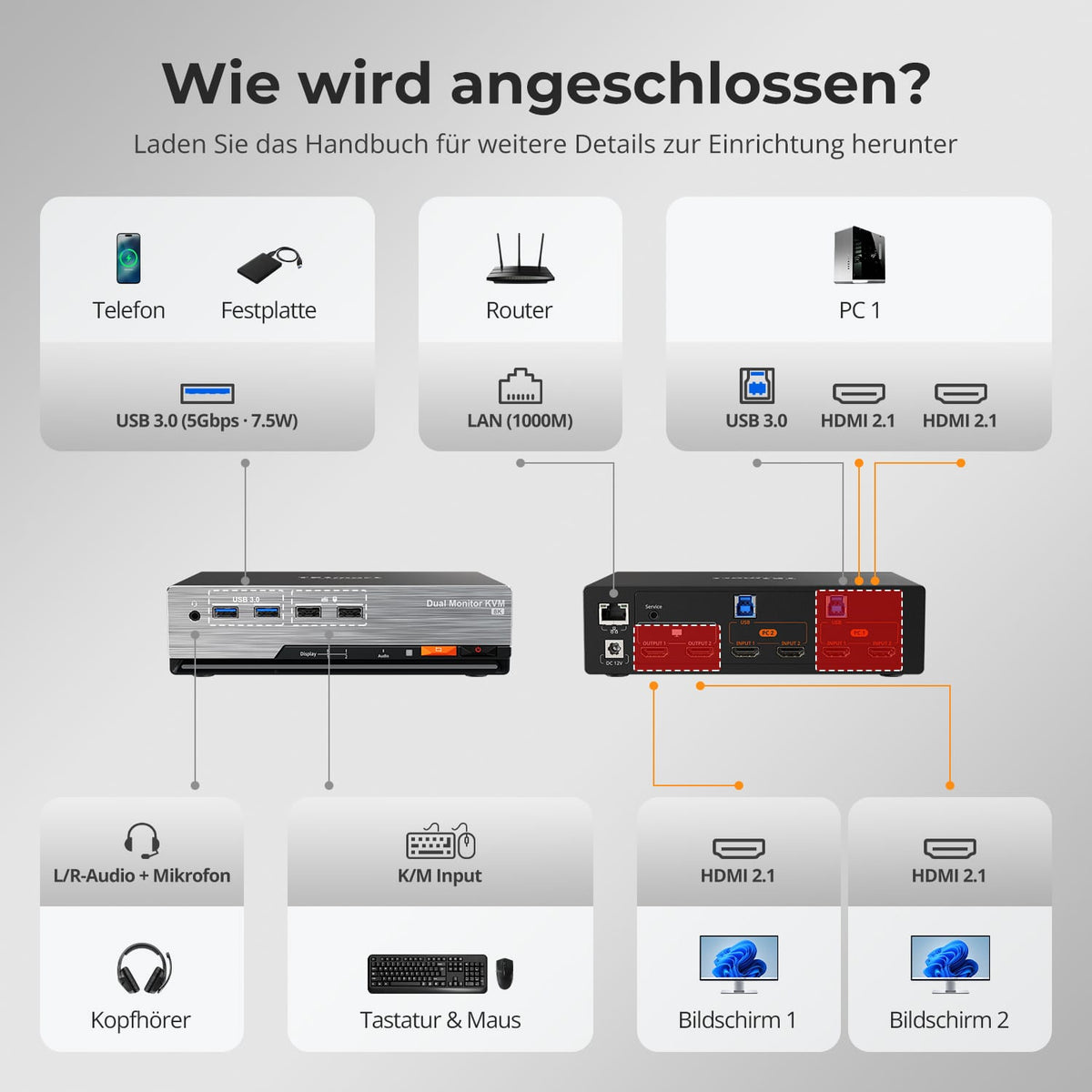
Share Gigabit Ethernet, USB 3.2 Gen 1 devices, and 3.5 mm audio through a single hub. This eliminates the need for separate switches and adapters in a dual-computer setup.
05
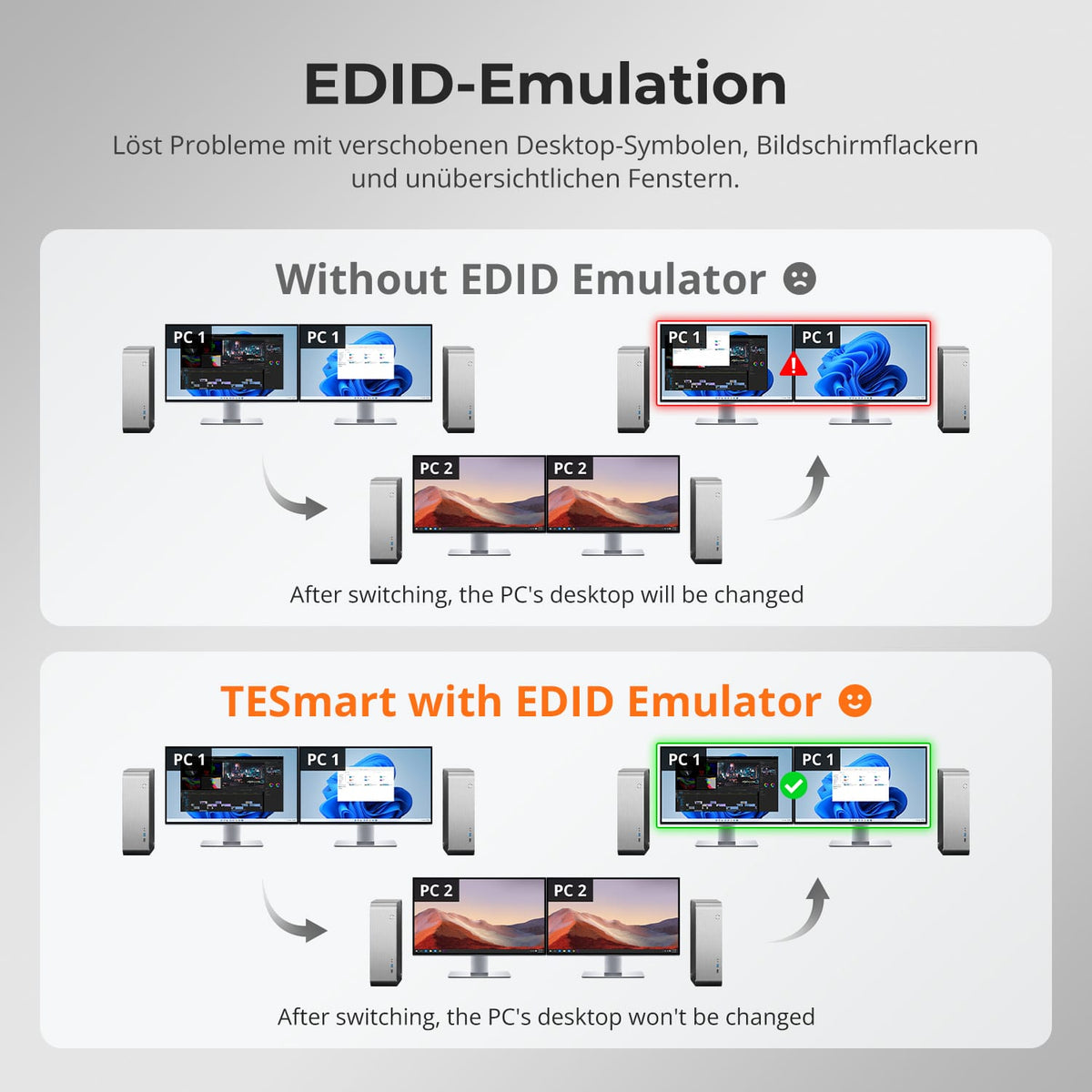
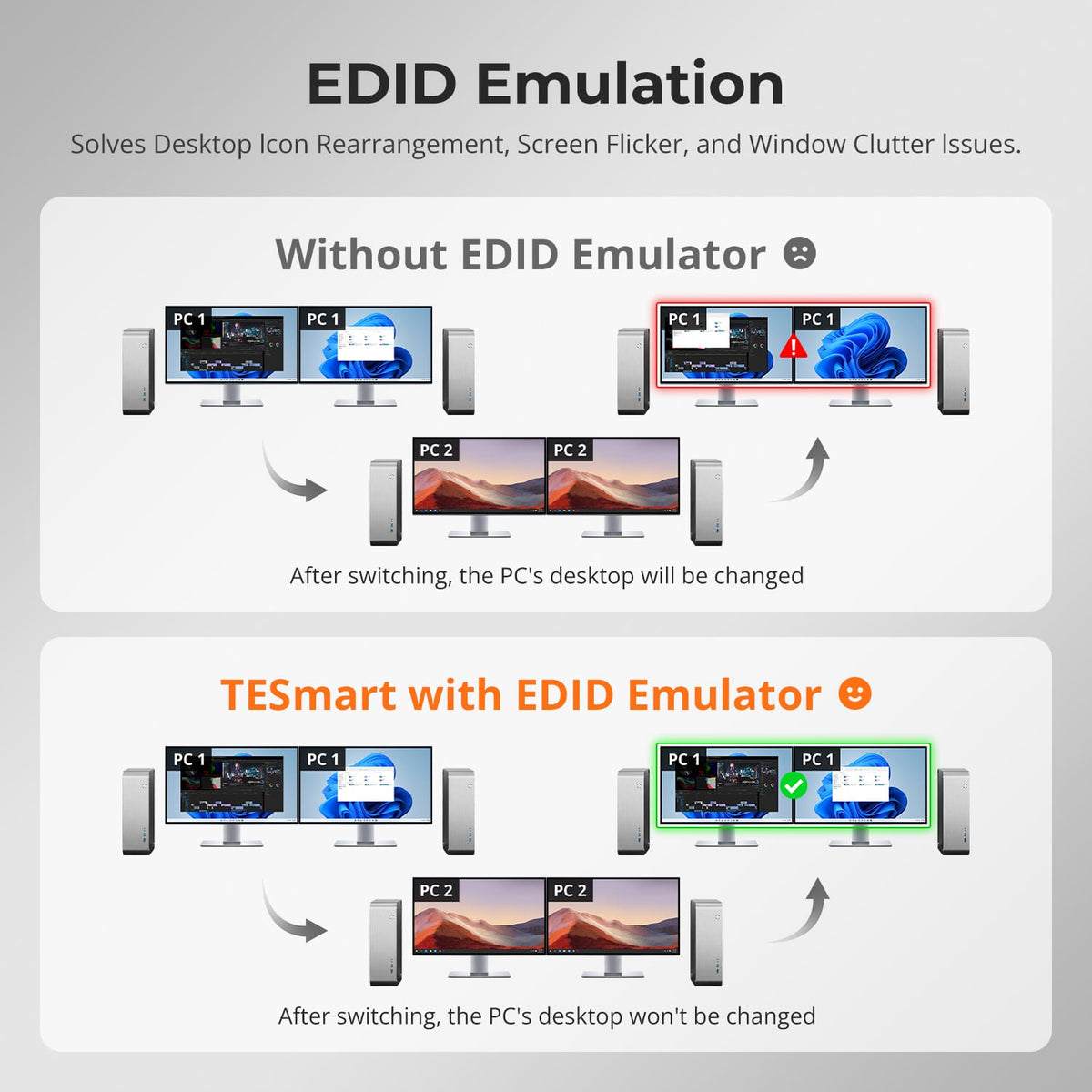
Your windows stay in place
EDID emulation keeps the display information available for both computers. This reduces the need for re-monitor detection, resolution changes, and window relocation when switching between monitors.
06
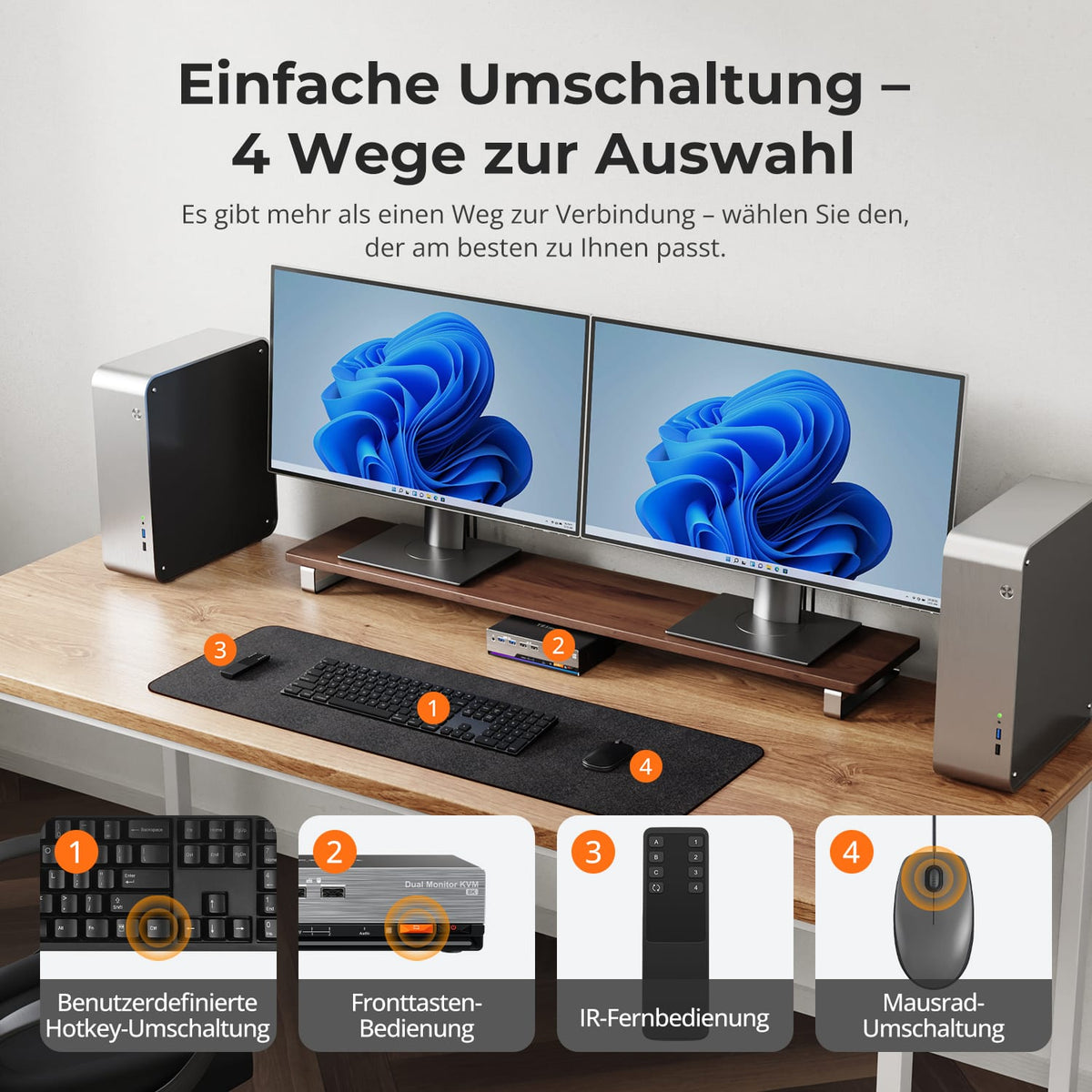
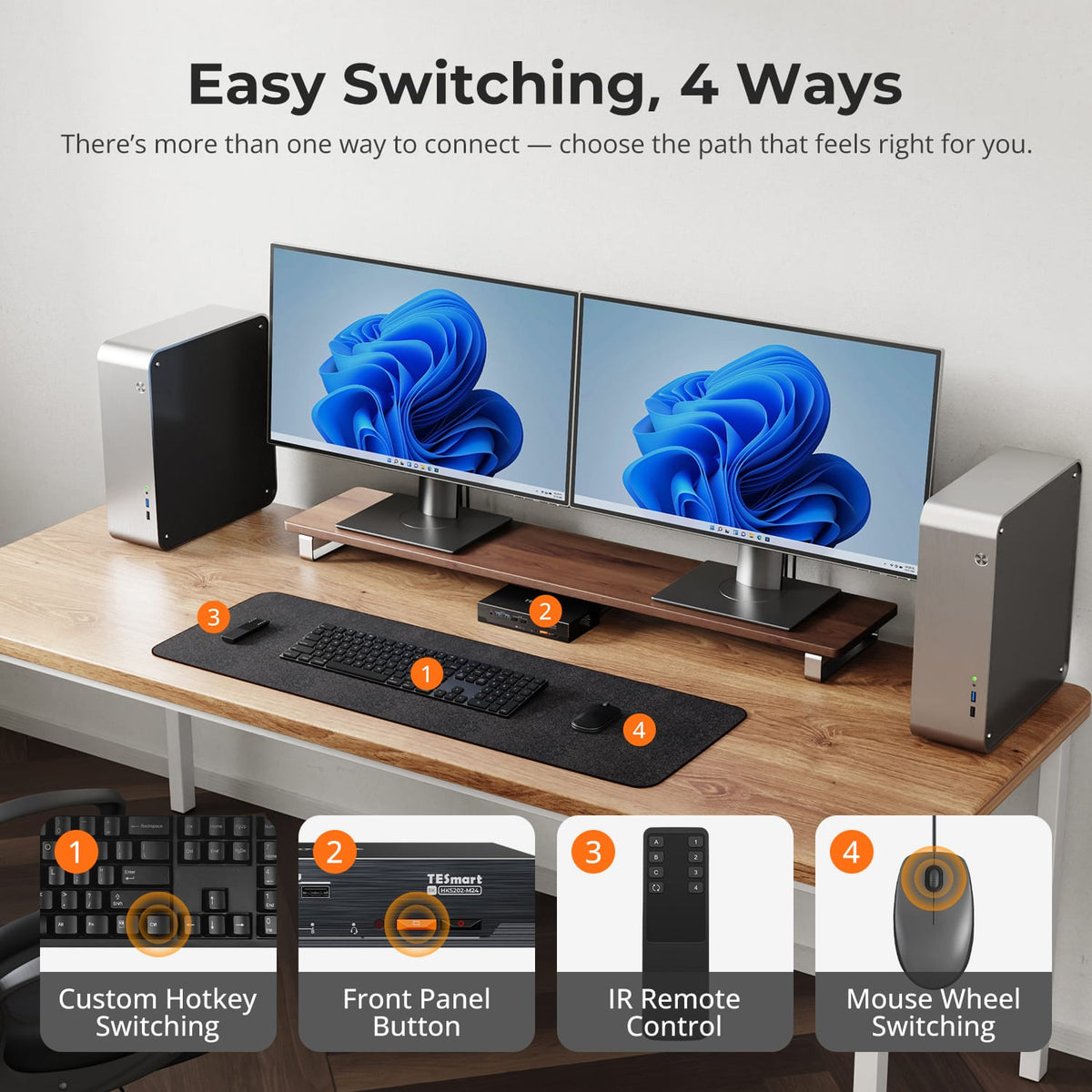
Switch it up as it suits you
Switch between the two computers using the control panel, IR remote control, keyboard hotkeys or mouse wheel, without having to unplug and replug the display cable.
07
08
09
Data & Support
Compatibility & Connections
Technical data
Instructions & Downloads
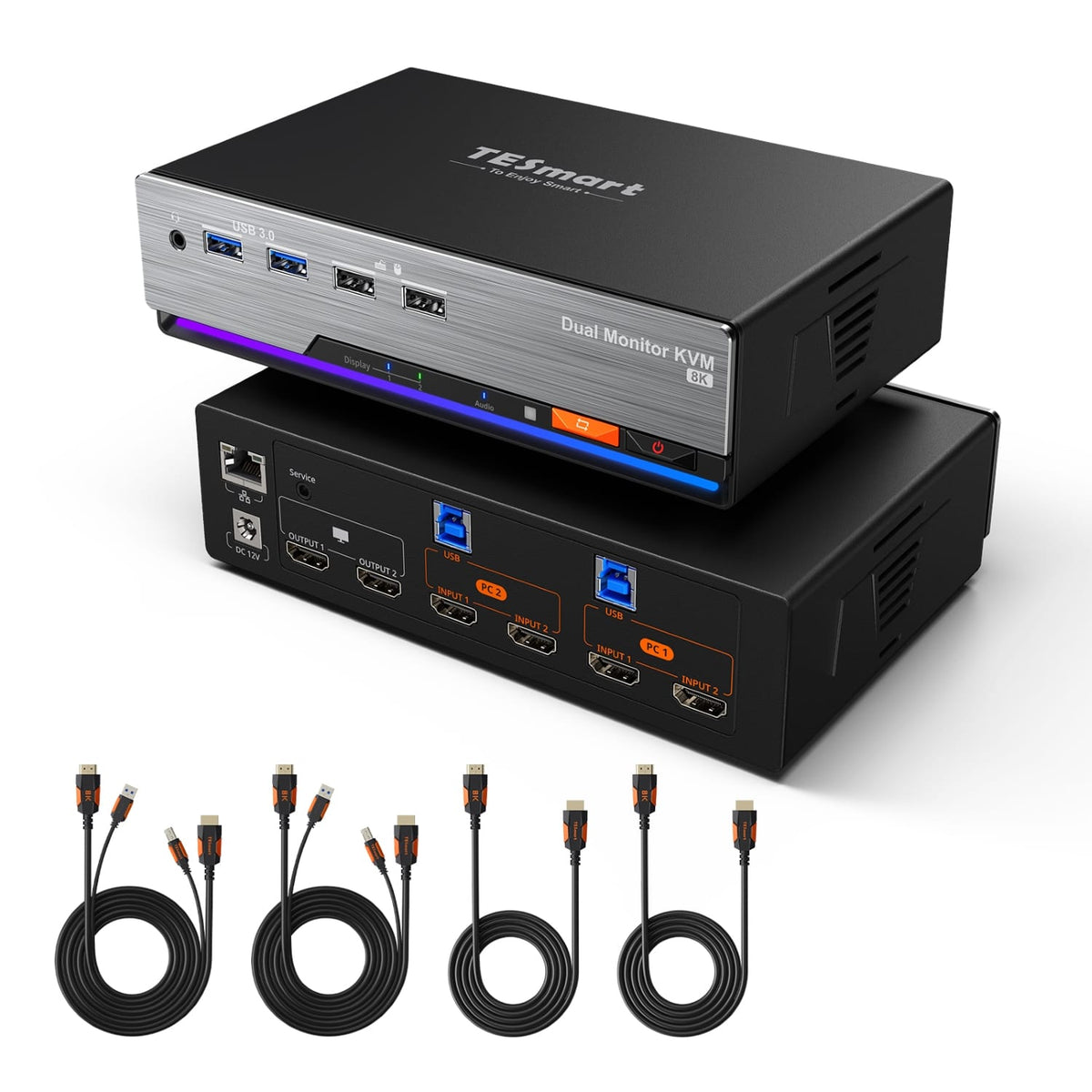
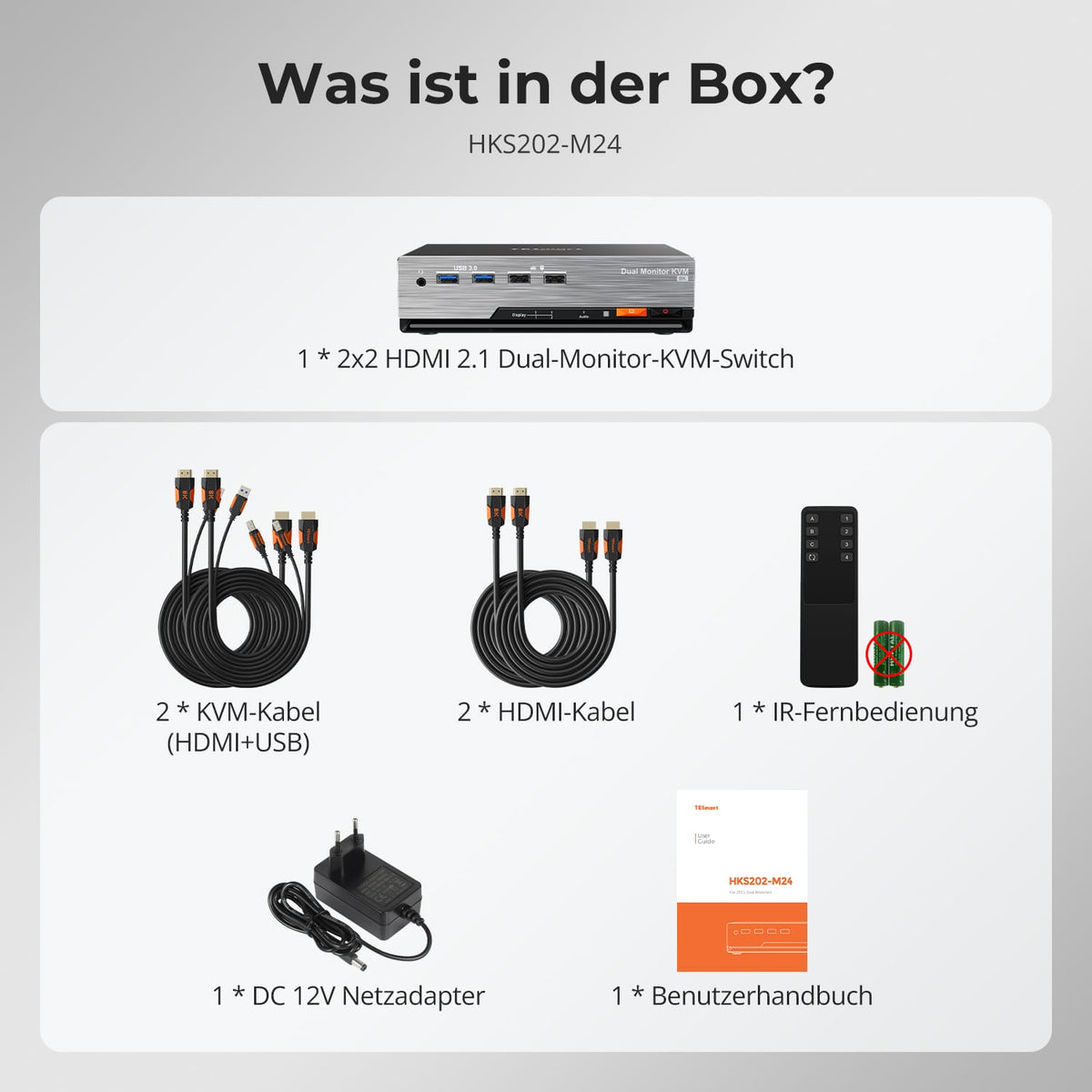
Scope of delivery
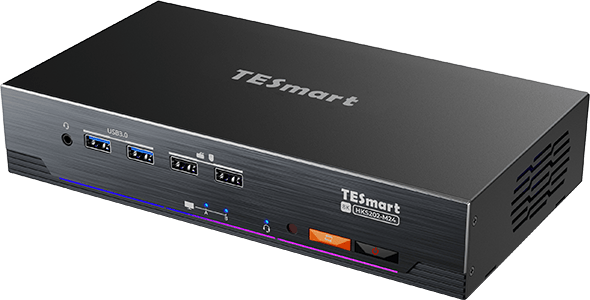
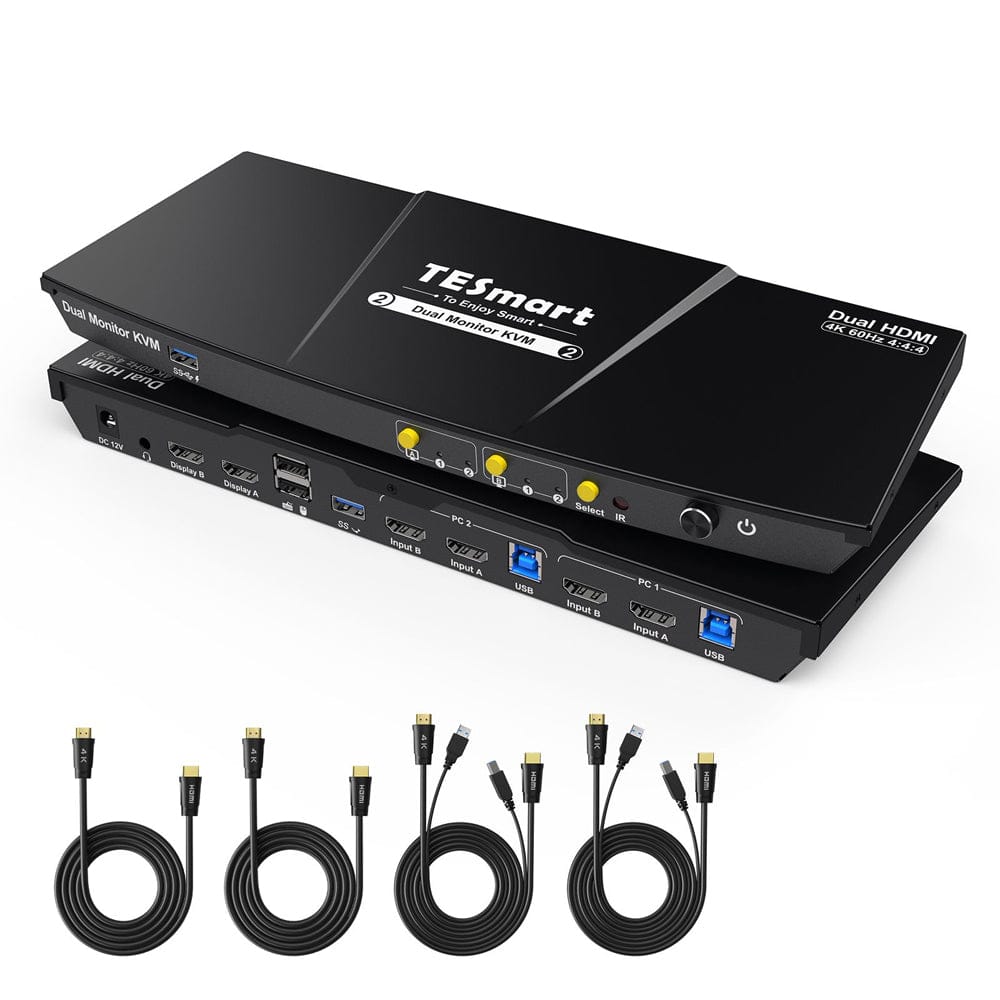
1×2×2 HDMI 2.1 KVM Switch
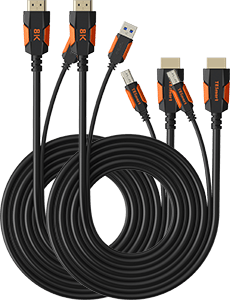
2 × KVM cables
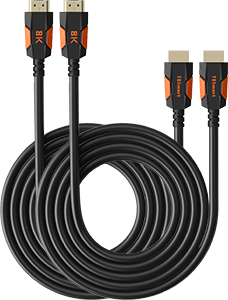
2 × HDMI Cable
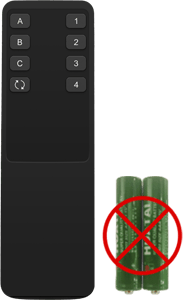
1 × IR Remote Control
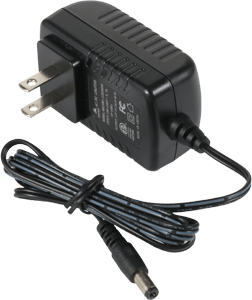
1 × 12V DC power supply
1×User manual
Product comparison
Wählen Sie die Modelle in den Menüs aus, um Anschlüsse, Bildausgabe und gemeinsam nutzbare Funktionen zu vergleichen.
Modell
JP-HKS202-M24
Modell
HKS202-M24-V2
Modell
HKS202-P23-V2
Computeranzahl
2 Computer
Computeranzahl
2 Computer
Computeranzahl
2 Computer
Computeranschlüsse
Je PC: HDMI + DisplayPort + USB
Computeranschlüsse
Je PC: 2 × HDMI + USB
Computeranschlüsse
Je PC: 2 × HDMI + USB
Monitorausgänge
2 × HDMI
Monitorausgänge
2 × HDMI
Monitorausgänge
2 × HDMI
Bildausgabe
8K60 / 4K144
Bildausgabe
8K60 / 4K144
Bildausgabe
4K60
Gemeinsame USB-Geräte
USB 3.0 / 5 Gbit/s
Gemeinsame USB-Geräte
USB 3.0 / 5 Gbit/s
Gemeinsame USB-Geräte
USB 3.0 / 5 Gbit/s
Laptop laden
Nein
Laptop laden
Nein
Laptop laden
Nein
Gemeinsamer Netzwerkzugang
1000 Mbit/s
Gemeinsamer Netzwerkzugang
1000 Mbit/s
Gemeinsamer Netzwerkzugang
Nein
EDID-Emulation
Ja
EDID-Emulation
Ja
EDID-Emulation
Nur im Anzeigemodus 1
Mehrmonitorbetrieb
Separate Videoausgänge an jedem Computer
Mehrmonitorbetrieb
Separate Videoausgänge an jedem Computer
Mehrmonitorbetrieb
Separate Videoausgänge an jedem Computer
Monitorvoraussetzungen
Jeder Computer muss 2 Monitore ansteuern können
Monitorvoraussetzungen
Jeder Computer muss 2 Monitore ansteuern können
Monitorvoraussetzungen
Jeder Computer muss 2 Monitore ansteuern können
Frequently asked questions
You can find further answers in our Help Center.
[Compatibility] Which computers does JP-HKS202-M24 support?
Connect two computers. Each computer requires two HDMI video outputs and a USB connection for full dual-monitor KVM functionality.
[Compatibility] What is the maximum supported resolution?
According to the instructions, up to 8K@60Hz in 4:4:4, backward compatible with 4K@60/120/144Hz. Actual output depends on GPU, displays, cables, and selected video format.
[Compatibility] What is required for VRR or high refresh rates in 4K?
The GPU, both HDMI cables, and the monitor must support the desired HDMI 2.1 features and refresh rate. VRR, FVA, ALLM, and DSC require support along the entire connection.
[Functions] What display modes are available?
Display a computer on both screens in extended or mirrored mode. Alternatively, keep a different system visible on each monitor while you switch keyboard and mouse controls.
[Functions] Does the JP-HKS202-M24 support EDID emulation?
Yes. EDID emulation keeps the monitor information available for both computers and reduces the need for re-detection of displays and window movement when switching.
[Connections] Can both computers share Ethernet and USB devices?
Yes. The KVM offers shared Gigabit Ethernet and USB 3.2 Gen 1 ports for compatible devices.
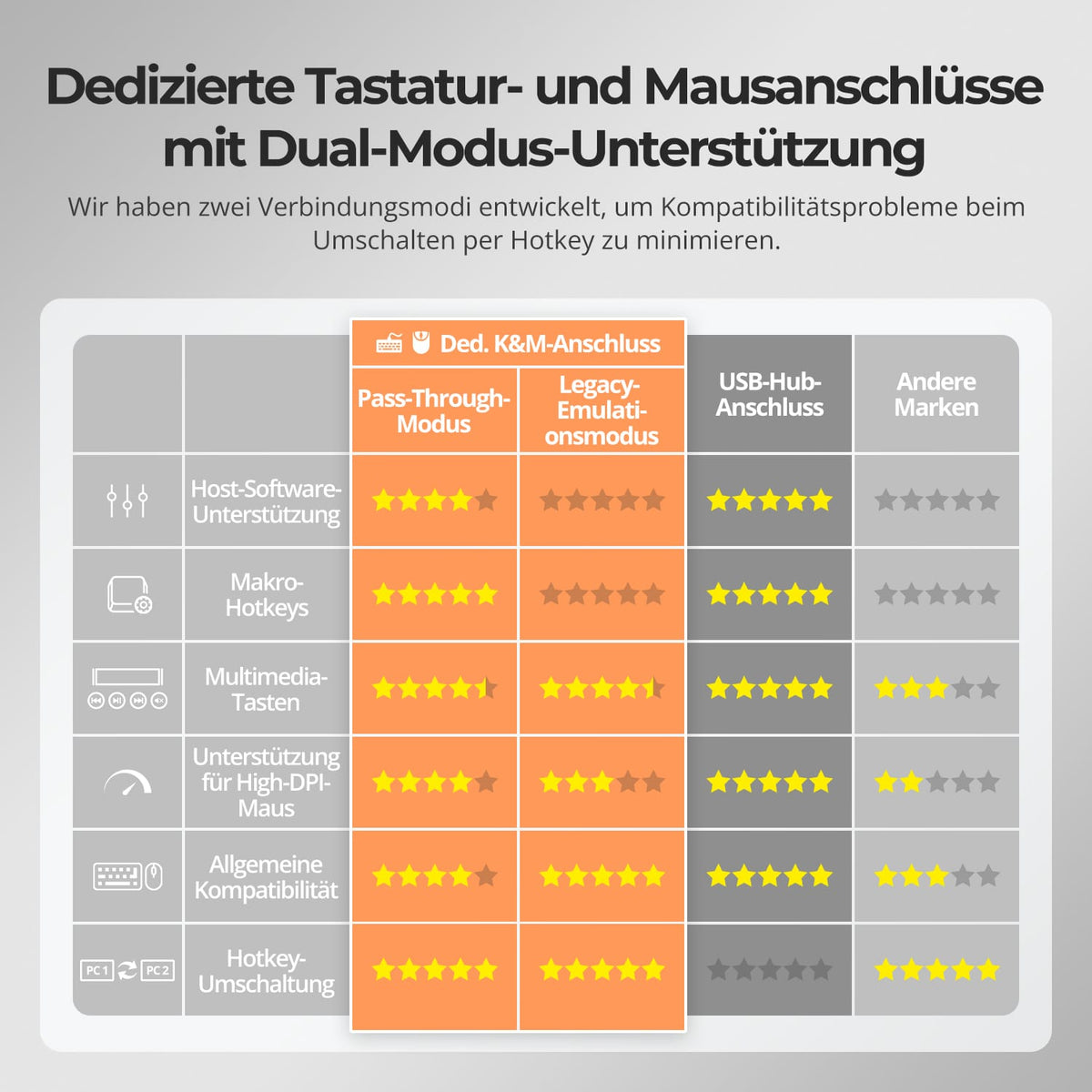
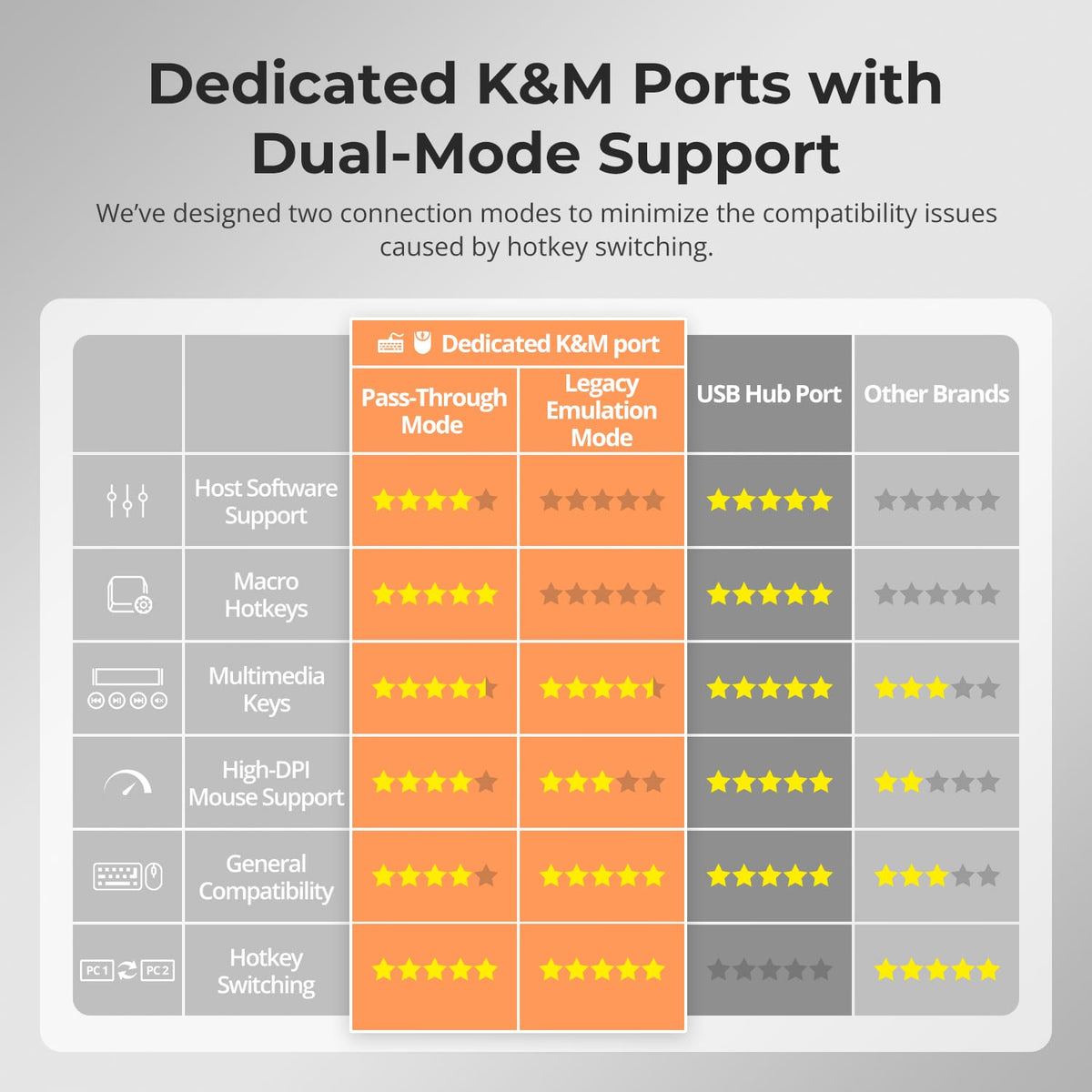
[Functions] What are Pass-Through Mode and Legacy Emulation Mode?
Pass-through mode is compatible with most modern keyboards and mice. Legacy emulation mode offers an alternative for basic keyboard, mouse, and hotkey compatibility.
[Furnishings] How do I switch between computers?
Via control panel, IR remote control, keyboard hotkeys or mouse wheel.
[Furnishings] Do I need software for the KVM?
No special switching software is required for normal KVM operation. Connected USB devices may still require their own drivers.
