TESmart Knowledge · KVM & Workplace

News

Practical guides, setup tips, new products and technical knowledge for your multi-computer workplace.
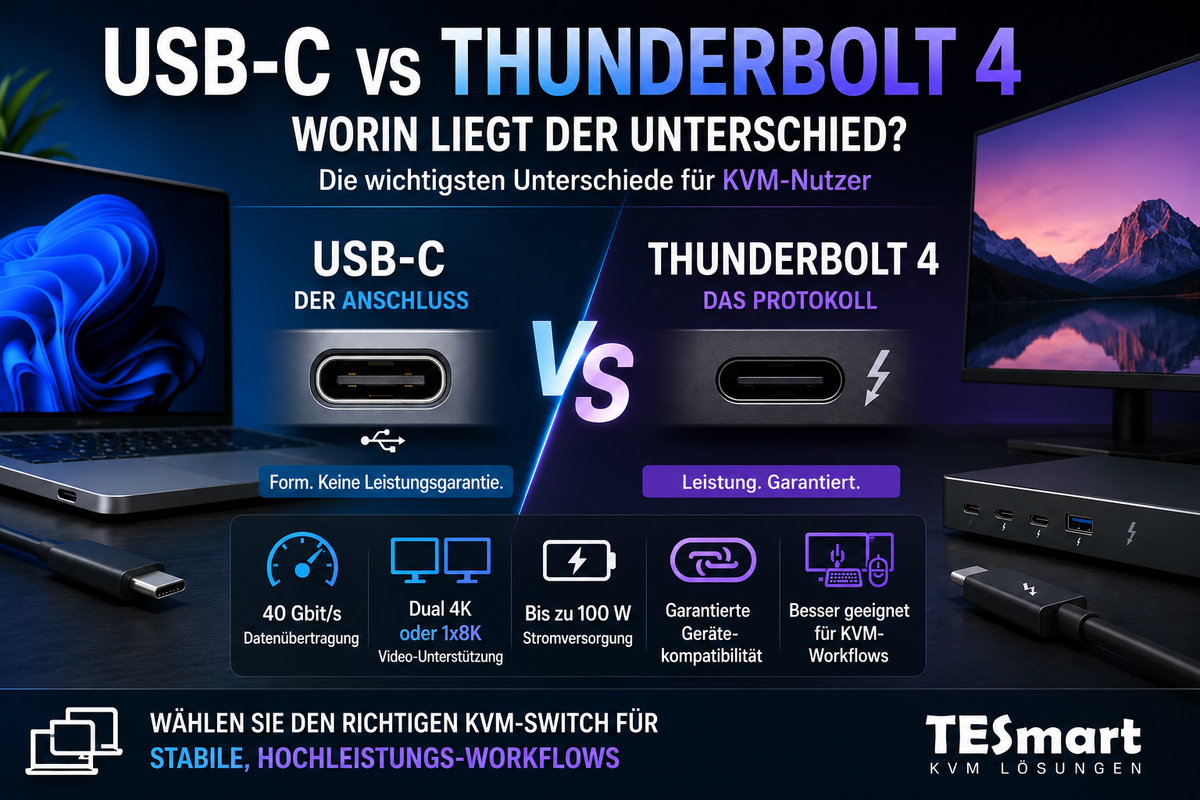
USB-C vs. Thunderbolt 4: Worin liegt der Unterschied?

USB-C vs. Thunderbolt 4: What's the difference?
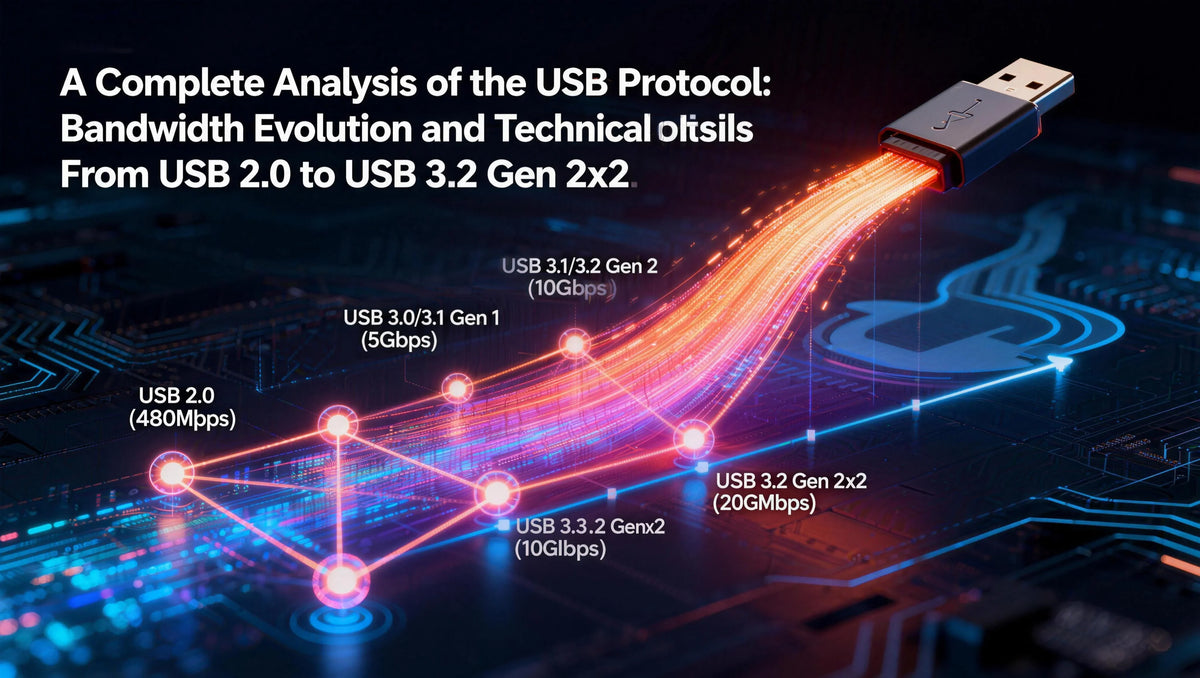
Table of contents Introduction Why USB-C and Thunderbolt 4 are so easily confused USB-C is a connector, Thunderbolt 4 is a protocol. USB-C vs. Thunderbolt 4: The most important differences Why the capabilities of a port are important for monitors,...

Read moreabove USB-C vs. Thunderbolt 4: What's the difference?
Vollständige Analyse der USB-Protokolle: Bandbreitenentwicklung und technische Unterschiede von USB 2.0 bis USB 3.2 Gen 2x2

Complete analysis of USB protocols: bandwidth evolution and technical differences from USB 2.0 to USB 3.2 Gen 2x2

When transferring a 5GB HD movie from your computer to an external hard drive, USB 2.0 takes about 13 minutes, USB 3.2 Gen 1 about 1 minute, while USB 3.2 Gen 2x2 only takes a short 17 seconds. The evolution...

Read moreabove Complete analysis of USB protocols: bandwidth evolution and technical differences from USB 2.0 to USB 3.2 Gen 2x2

Thunderbolt-Schnittstellenentwicklung: Vollständiger Vergleich von Thunderbolt 3, 4 und 5 – Neue Maßstäbe für Konnektivität

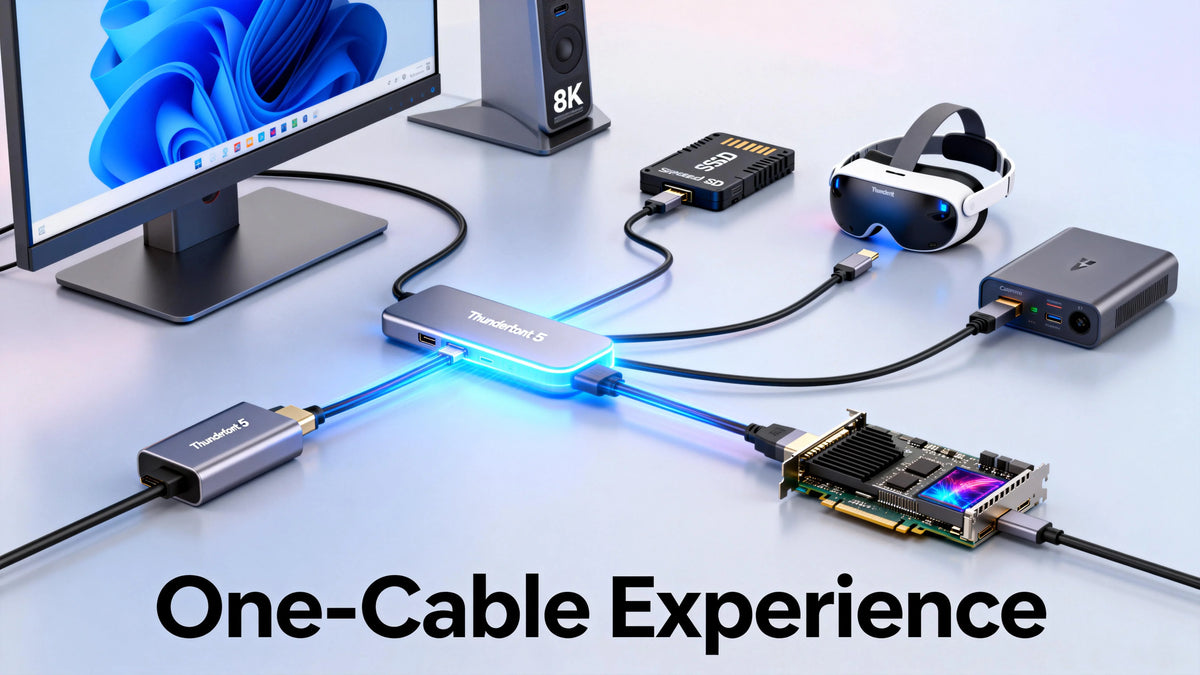
Thunderbolt Interface Development: Complete Comparison of Thunderbolt 3, 4, and 5 - Reshaping Connectivity

How long does it take to transfer an 80 GB 8K movie to a 4 TB SSD? Thunderbolt 3 takes about 40 seconds, Thunderbolt 4 about 30 seconds, and the upcoming Thunderbolt 5 would theoretically only take about 16 seconds....

Read moreabove Thunderbolt Interface Development: Complete Comparison of Thunderbolt 3, 4, and 5 - Reshaping Connectivity

Wie TESmart KVM Hotkeys funktionieren: Vollständige Erklärung für effiziente Multi-Computer-Steuerung

How TESmart KVM Hotkeys Work: Complete Explanation for Efficient Multi-Computer Control
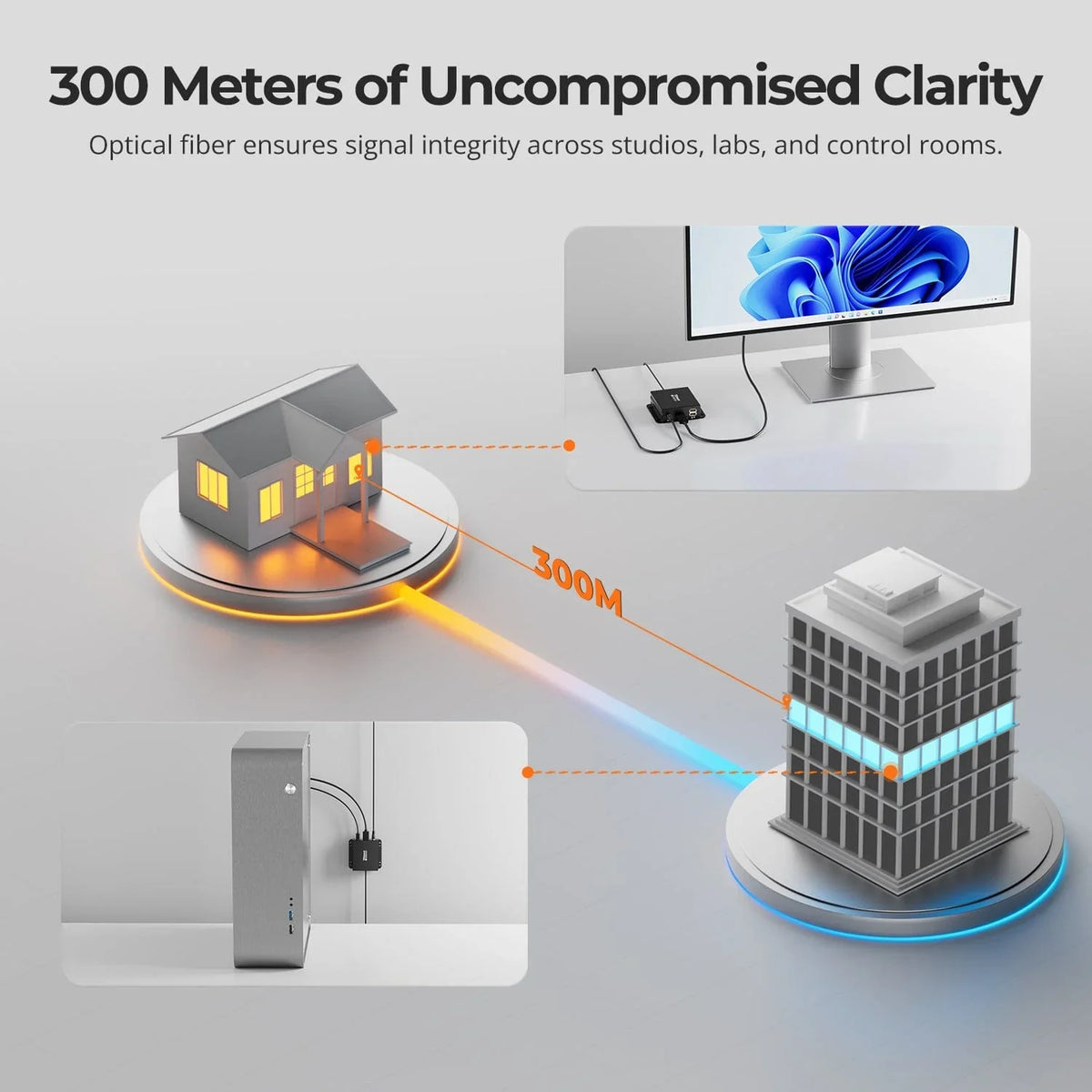
A complete technical guide to design, use, and compatibility Hotkey switching is one of the most efficient control mechanisms on TESmart KVM switches. For users managing multiple computers, displays, and peripherals, hotkeys enable fast, uninterrupted switching directly from the keyboard....

Read moreabove How TESmart KVM Hotkeys Work: Complete Explanation for Efficient Multi-Computer Control

DKE30SS-M25: Leitfaden zur Auswahl der passenden LC-LC OM4 Glasfaser für zuverlässige Hochgeschwindigkeitsverbindungen

DKE30SS-M25: Guide to selecting the right LC-LC OM4 fiber for reliable high-speed connections
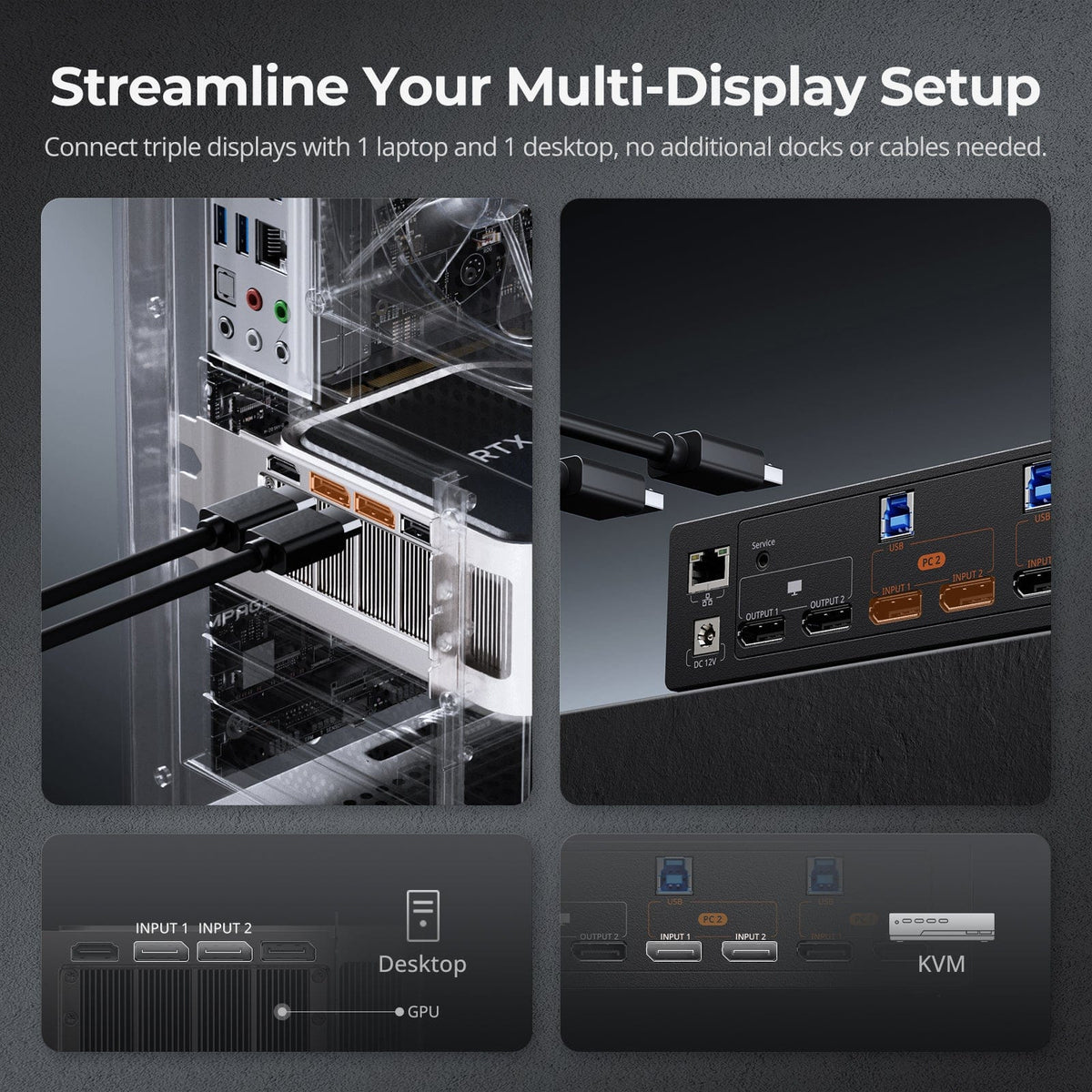
Choosing the right fiber optic cable is crucial for high-speed devices such as the DKE30SS-M25. Using the wrong fiber type is one of the most common causes of connection problems – even if the connection appears physically correct. This guide...

Read moreabove DKE30SS-M25: Guide to selecting the right LC-LC OM4 fiber for reliable high-speed connections

DisplayPort 1.2 vs. 1.4 vs. 2.1: Leistungsunterschiede, Vergleich und Zukunftsausblick

DisplayPort 1.2 vs. 1.4 vs. 2.1: Performance differences, comparison and future outlook
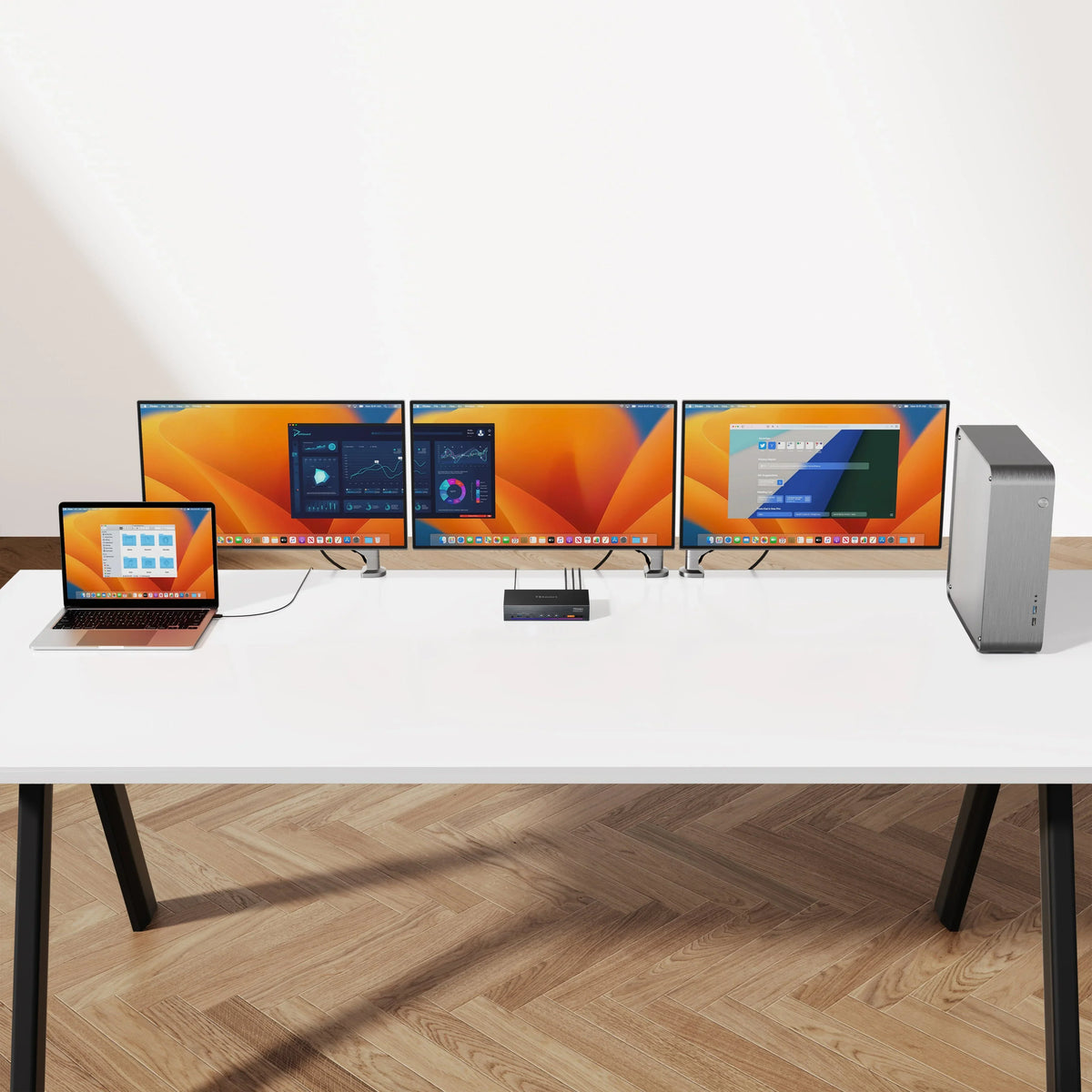
introduction In the world of modern home entertainment and gaming, HDMI has undoubtedly become the preferred connection standard. Many televisions, game consoles, Blu-ray players, and home theater PCs (HTPCs) use HDMI for transmitting video and audio. However, the situation is...

Read moreabove DisplayPort 1.2 vs. 1.4 vs. 2.1: Performance differences, comparison and future outlook

Detaillierte Betrachtung: Wie DisplayLink "Video" in USB-Daten umwandelt und es wieder als Displaysignale herstellt

Detailed look: How DisplayLink converts "video" into USB data and restores it as display signals
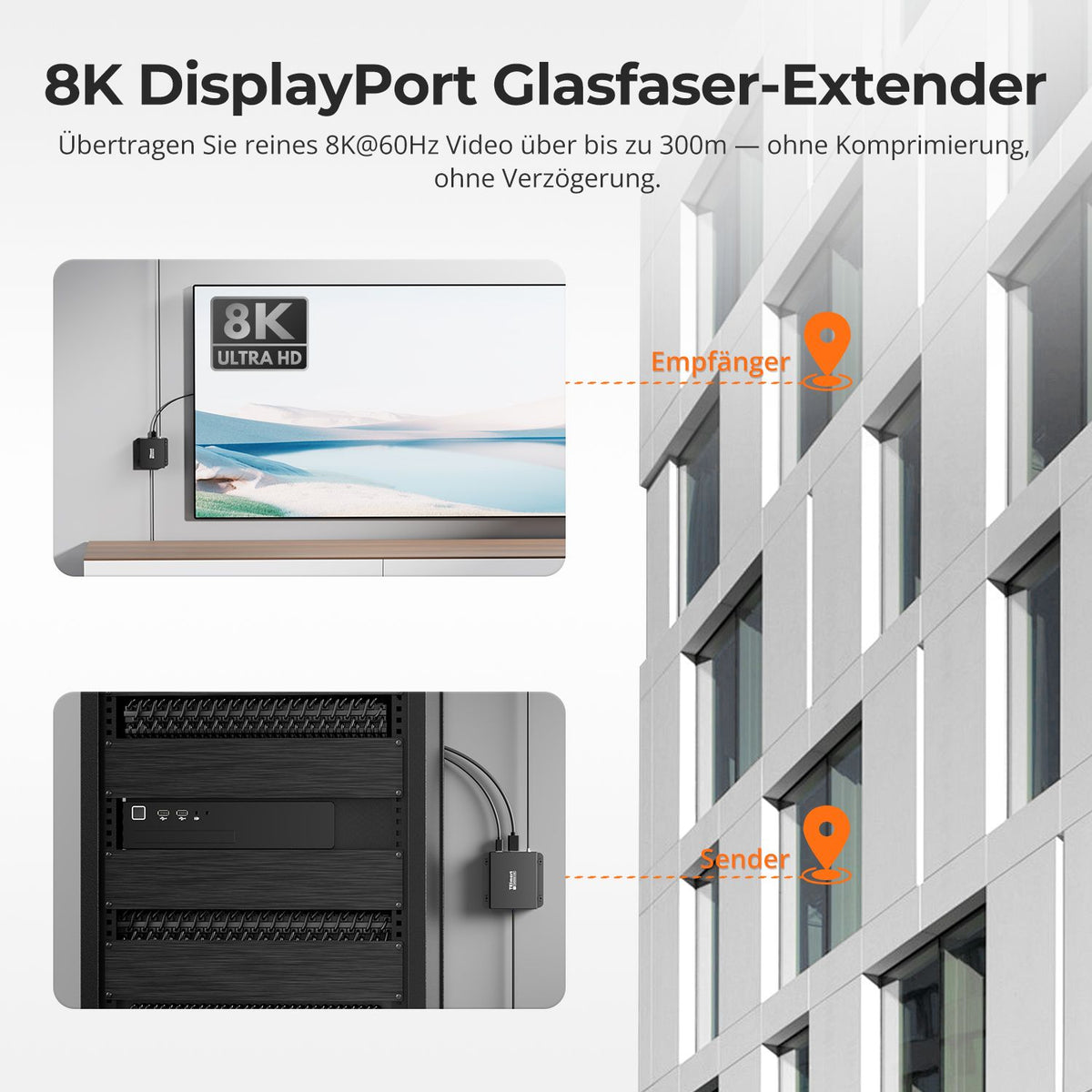
Introduction 1. Core Working Principle of DisplayLink 2. Key Features and Technical Advantages 3. DisplayLink in Multi-Monitor Systems 4. Limitations of DisplayLink 5. Conclusion Introduction In recent years, DisplayLink technology has established itself as a key solution for overcoming the...

Read moreabove Detailed look: How DisplayLink converts "video" into USB data and restores it as display signals

Grenzen sprengen: 8K DisplayPort Verlängerung über 300m mit OM4-Faser

Pushing boundaries: 8K DisplayPort extension over 300m with OM4 fiber
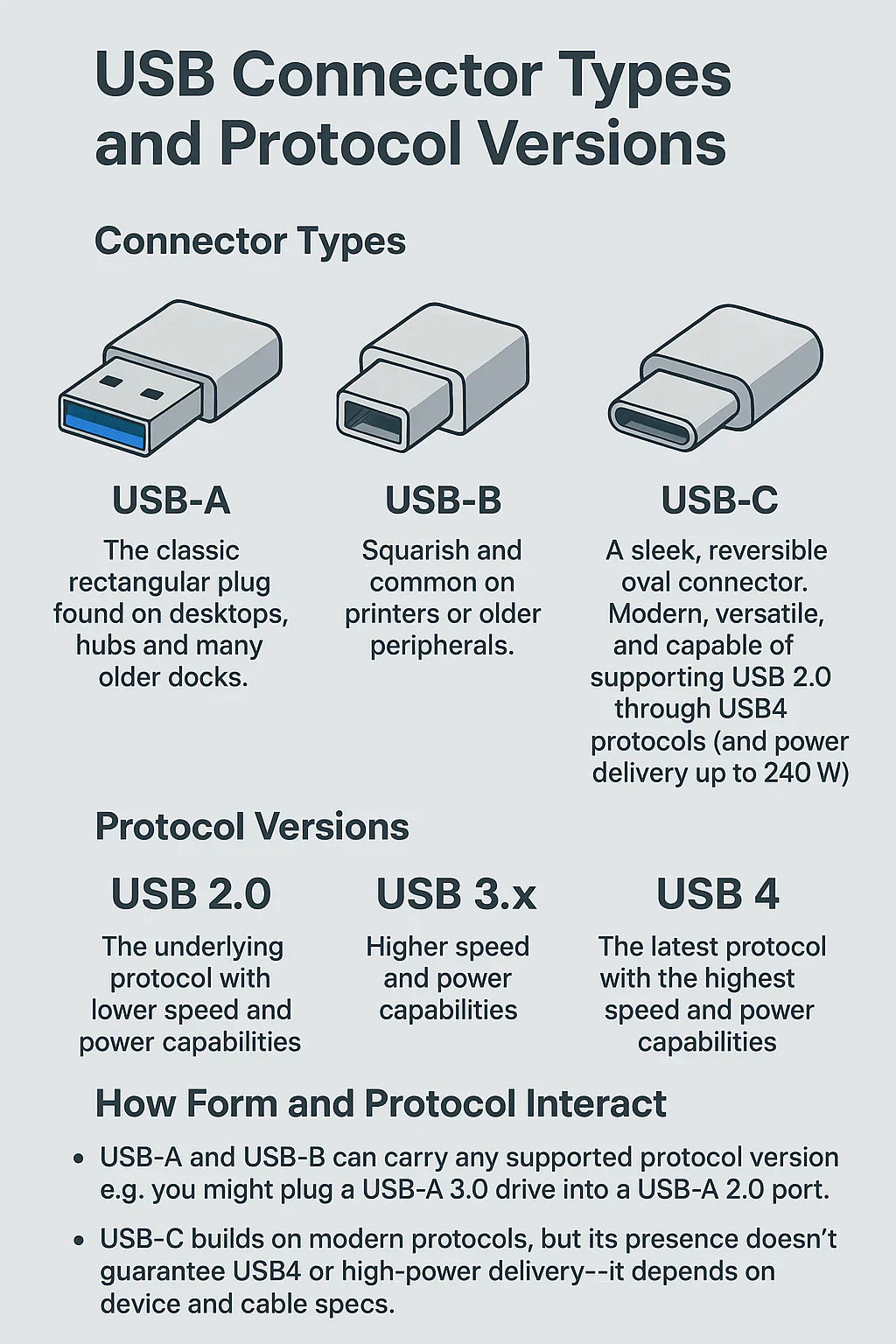
Table of contents Introduction Technical Highlights Breakthroughs & Applications Comparison with traditional solutions Key advantages Conclusion FAQ Introduction With the development of display technology, the demand for ultra-high-resolution content is growing rapidly. While 4K is widespread, 8K has become the...

Read moreabove Pushing boundaries: 8K DisplayPort extension over 300m with OM4 fiber

USB A, B, C vs. USB 2.0, 3.x, 4.0: Was ist der Unterschied?

USB A, B, C vs. USB 2.0, 3.x, 4.0: Was ist der Unterschied?

EinleitungWenn jemand fragt: „Was ist der Unterschied zwischen USB-A, B, C und USB 2.0, 3.0, 4.0?“, führt das oft zu Verwirrung. Der Schlüssel liegt darin: USB‑A/B/C bezeichnet die physischen Steckertypen, während USB 2.0/3.0/3.1/3.2/4.0 die zugrunde liegende Protokollversion beschreibt – jeweils...

Read moreabove USB A, B, C vs. USB 2.0, 3.x, 4.0: Was ist der Unterschied?

🎁 BLACKFRIDAY has been copied to your clipboard!
Coupon here!