



Monitorkonfiguration
Max. Auflösung
Gerätekonfiguration
Stabile Anzeige
Anzeigetechnik
Laptop laden
Gemeinsames Netzwerk
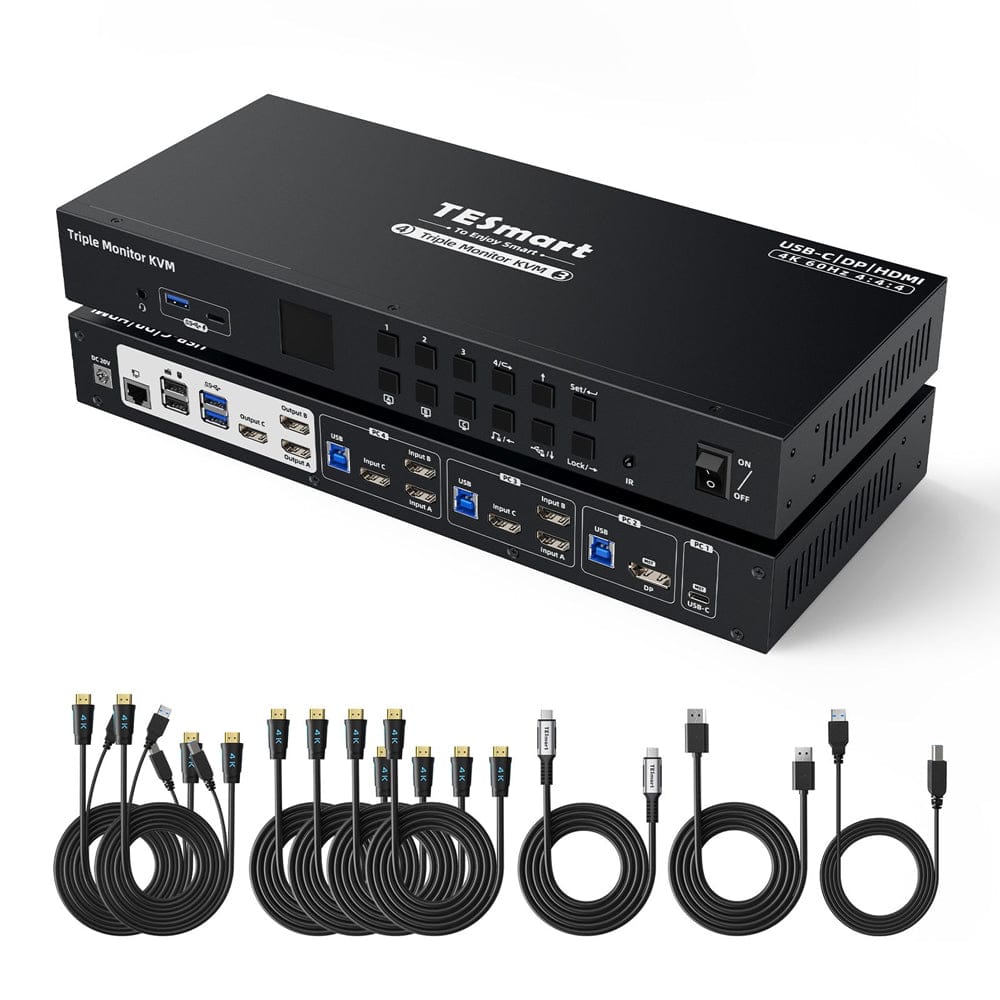
Three Monitor MST KVM Docking Station Kit - 4K60Hz, EDID for 1 Laptop & 3 PCs
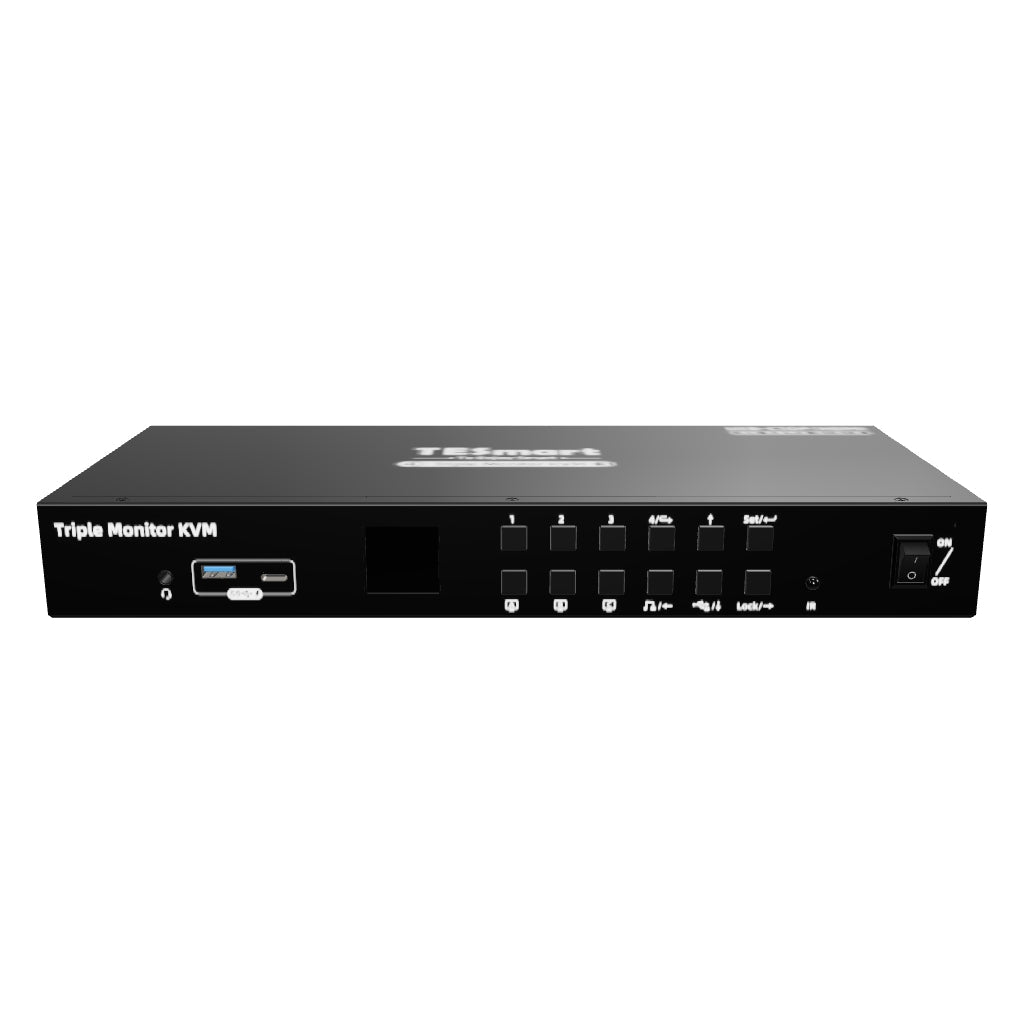
HDC403-P23-N connects two USB-C laptops and two desktop PCs with three HDMI monitors. MST, EDID and shared USB devices simplify switching between systems.
Monitorkonfiguration
Max. Auflösung
Gerätekonfiguration
Stabile Anzeige
Anzeigetechnik
Laptop laden
Gemeinsames Netzwerk
Three Monitor MST KVM Docking Station Kit - 4K60Hz, EDID for 1 Laptop & 3 PCs
Why HDC403-P23-N?
Overview
01
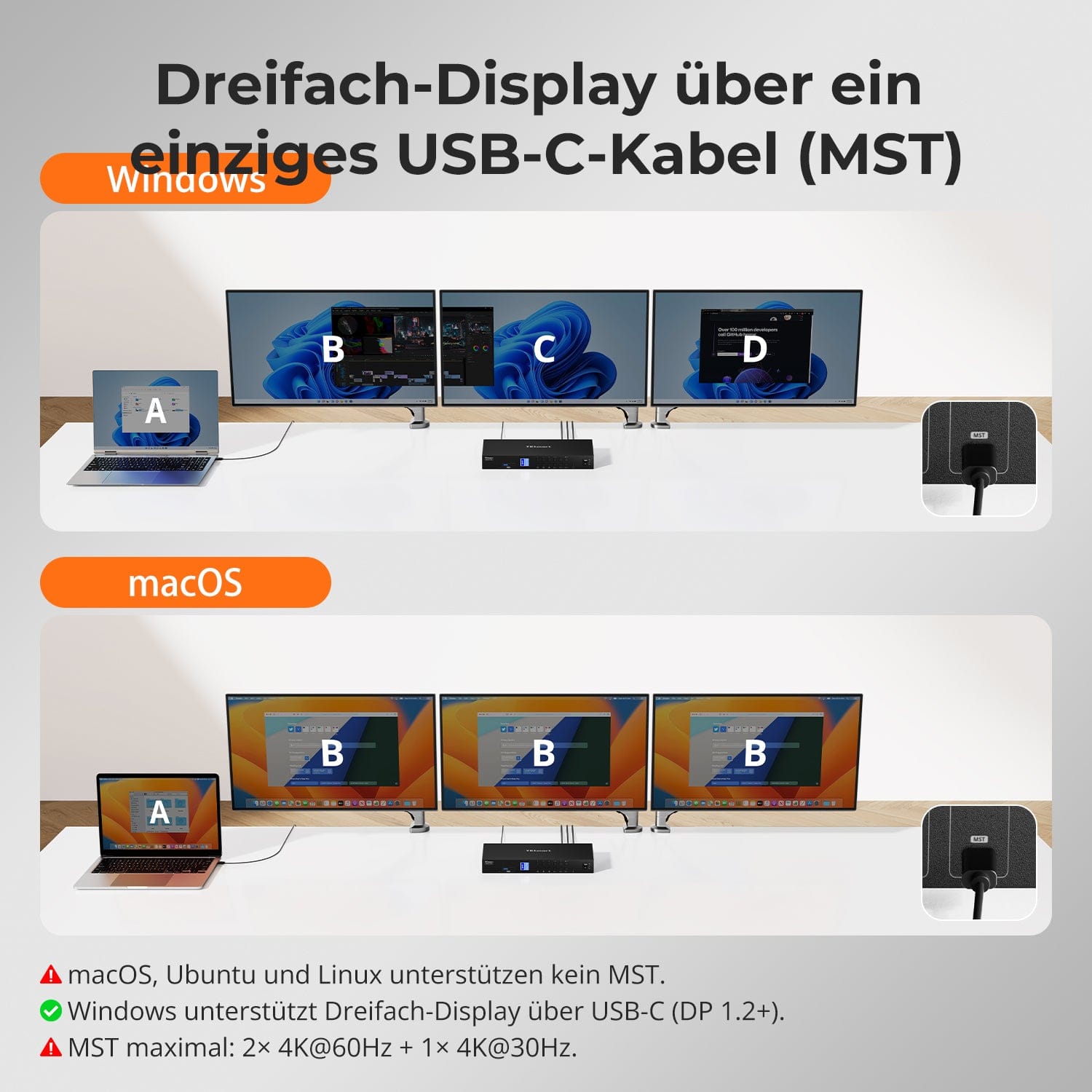
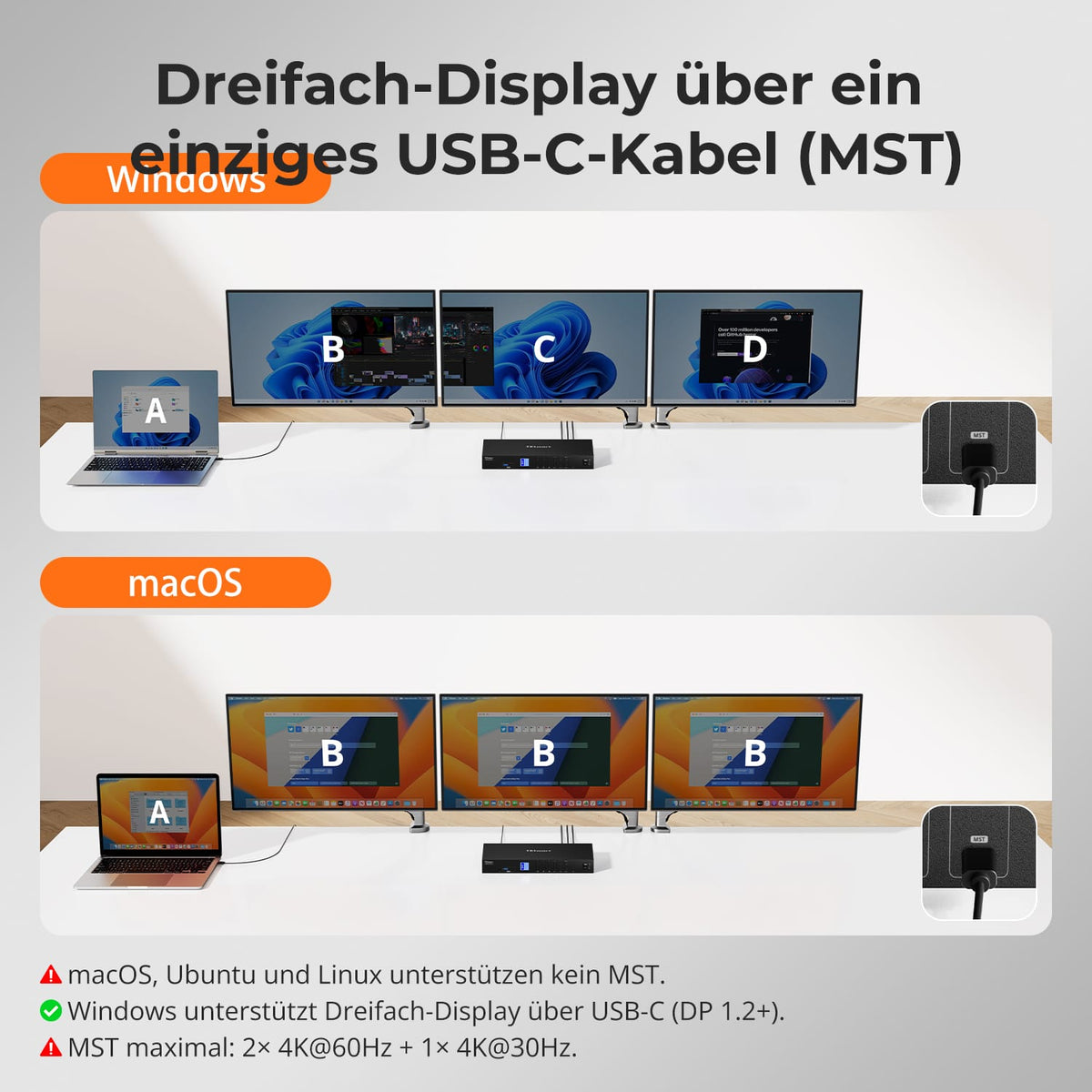
Three displays via one USB-C port
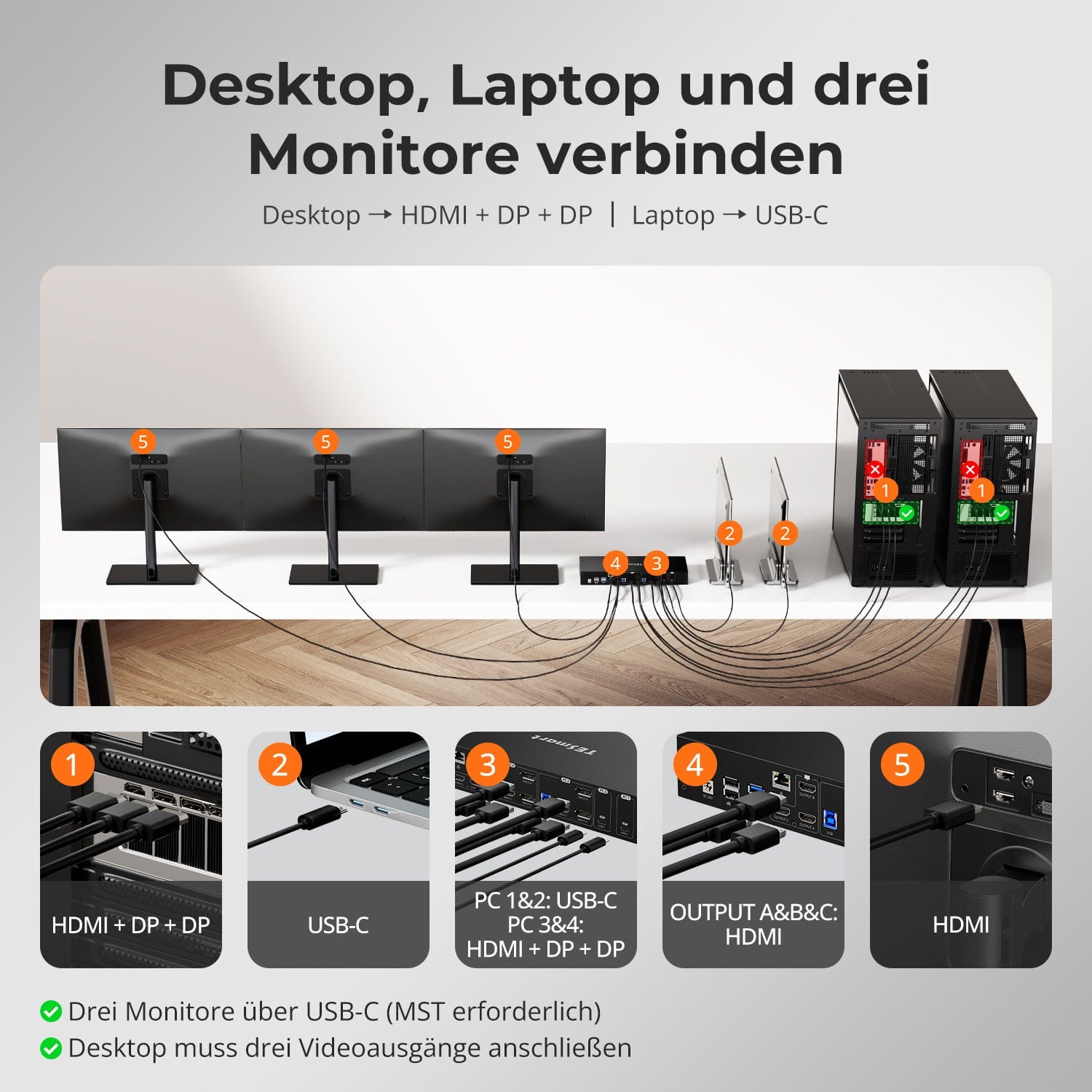
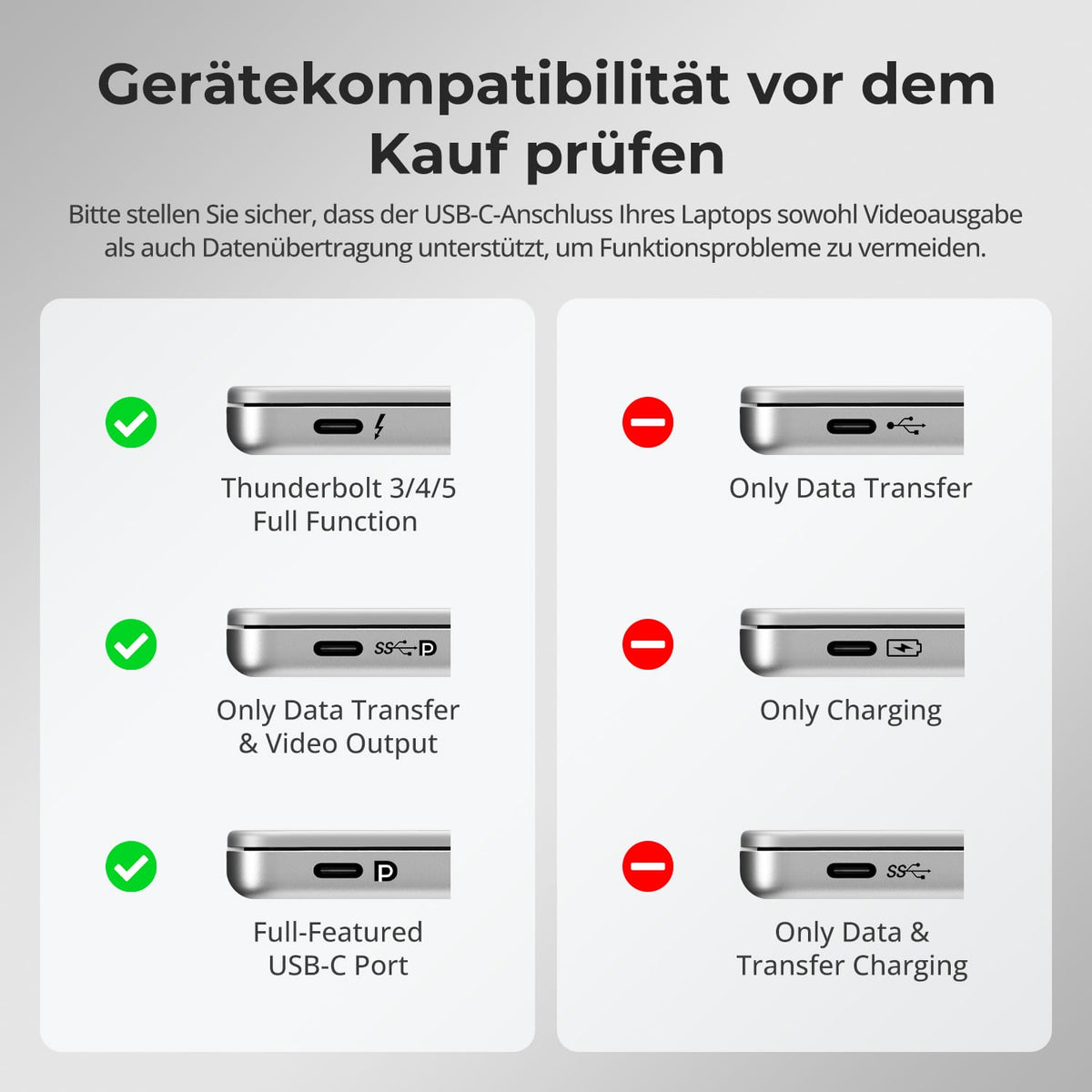
A compatible Windows USB-C computer uses MST for three monitors over a full-fledged USB-C cable – including USB data and charging.
02
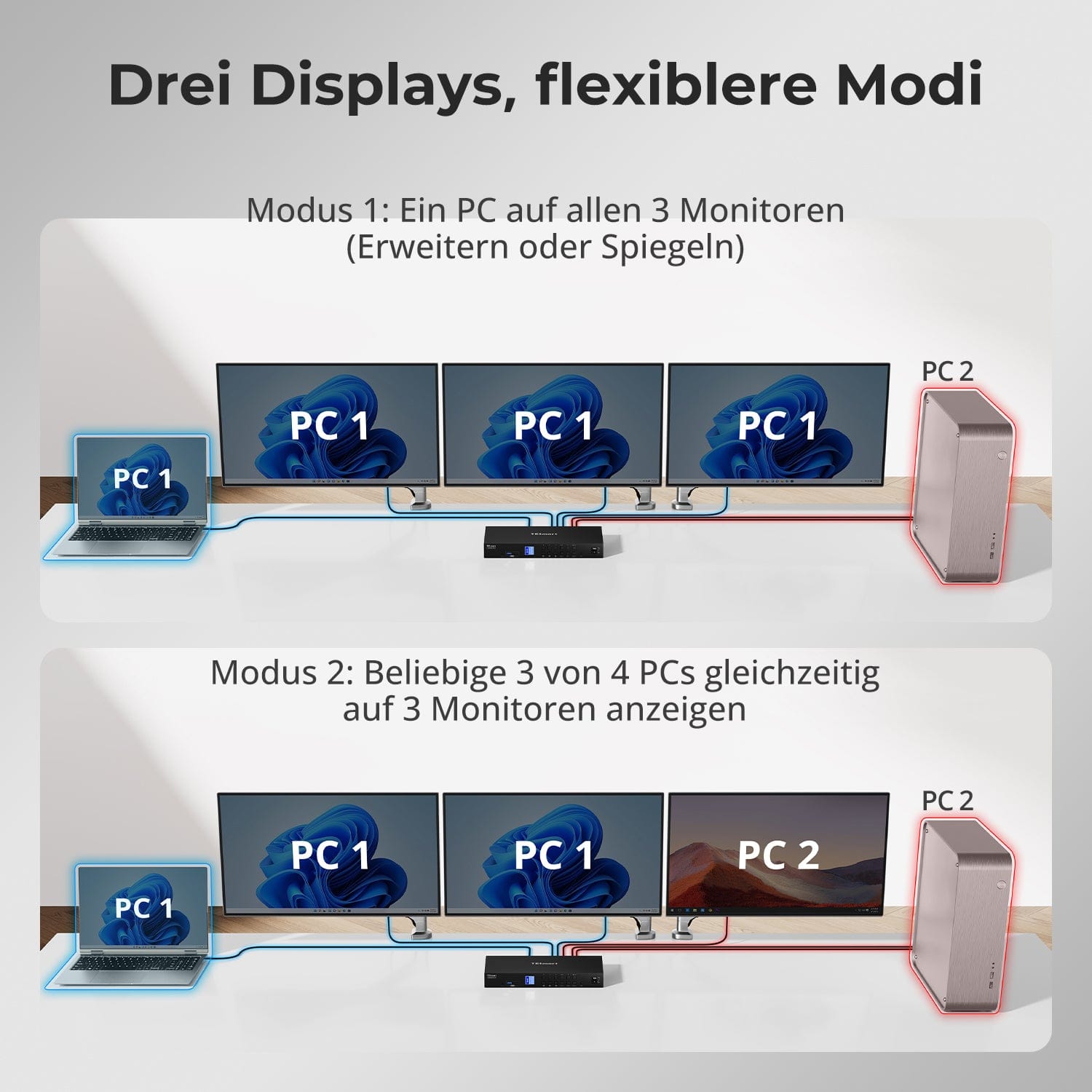
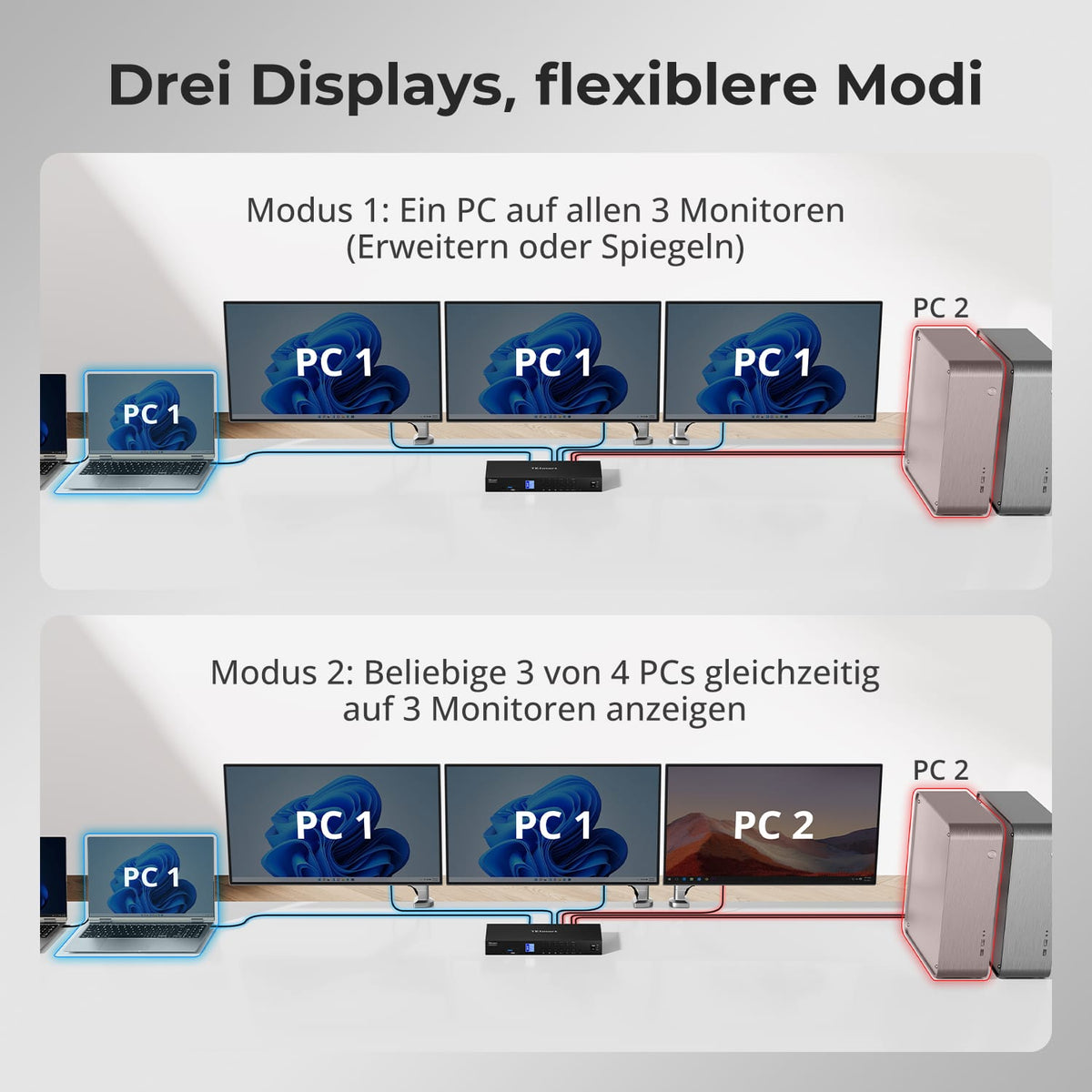
Four systems. Three displays. One workstation.
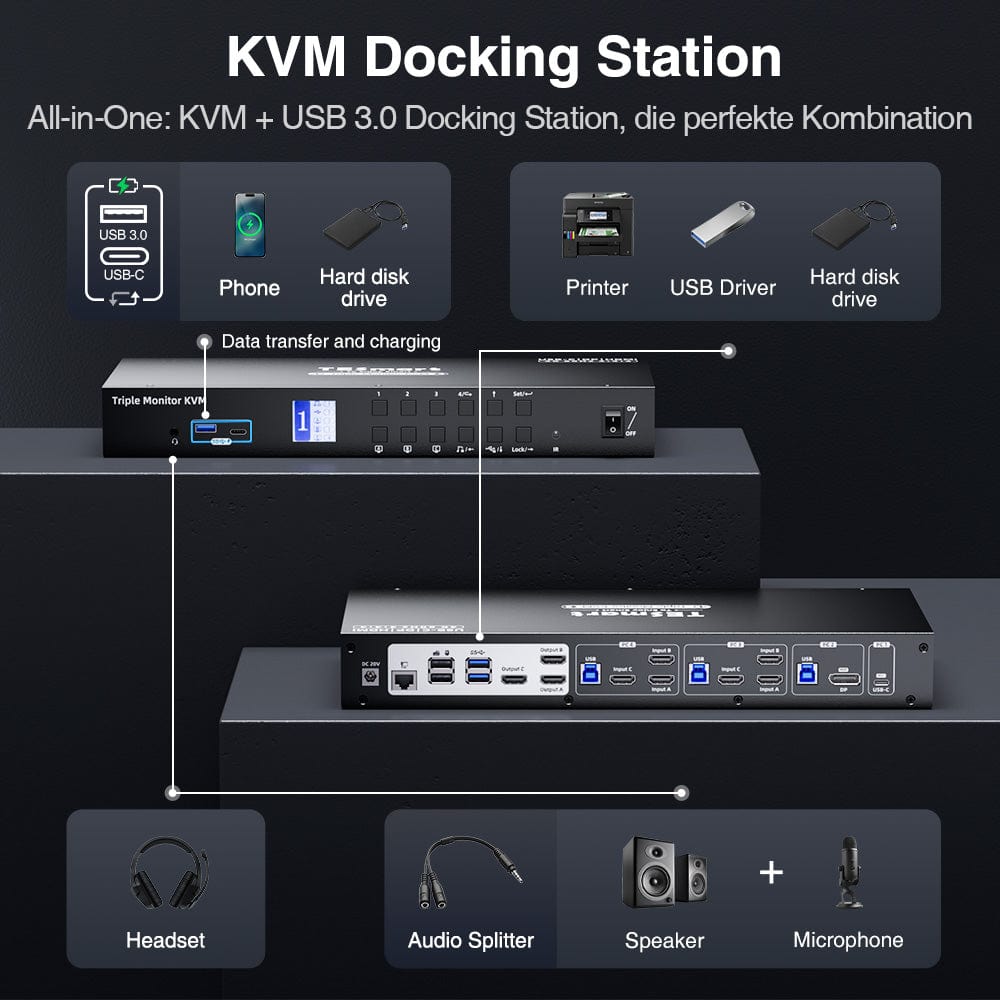
Connect USB-C computers and traditional desktop PCs to a three-monitor KVM switch. All devices share keyboard, mouse, USB devices, audio, and network connections.
03
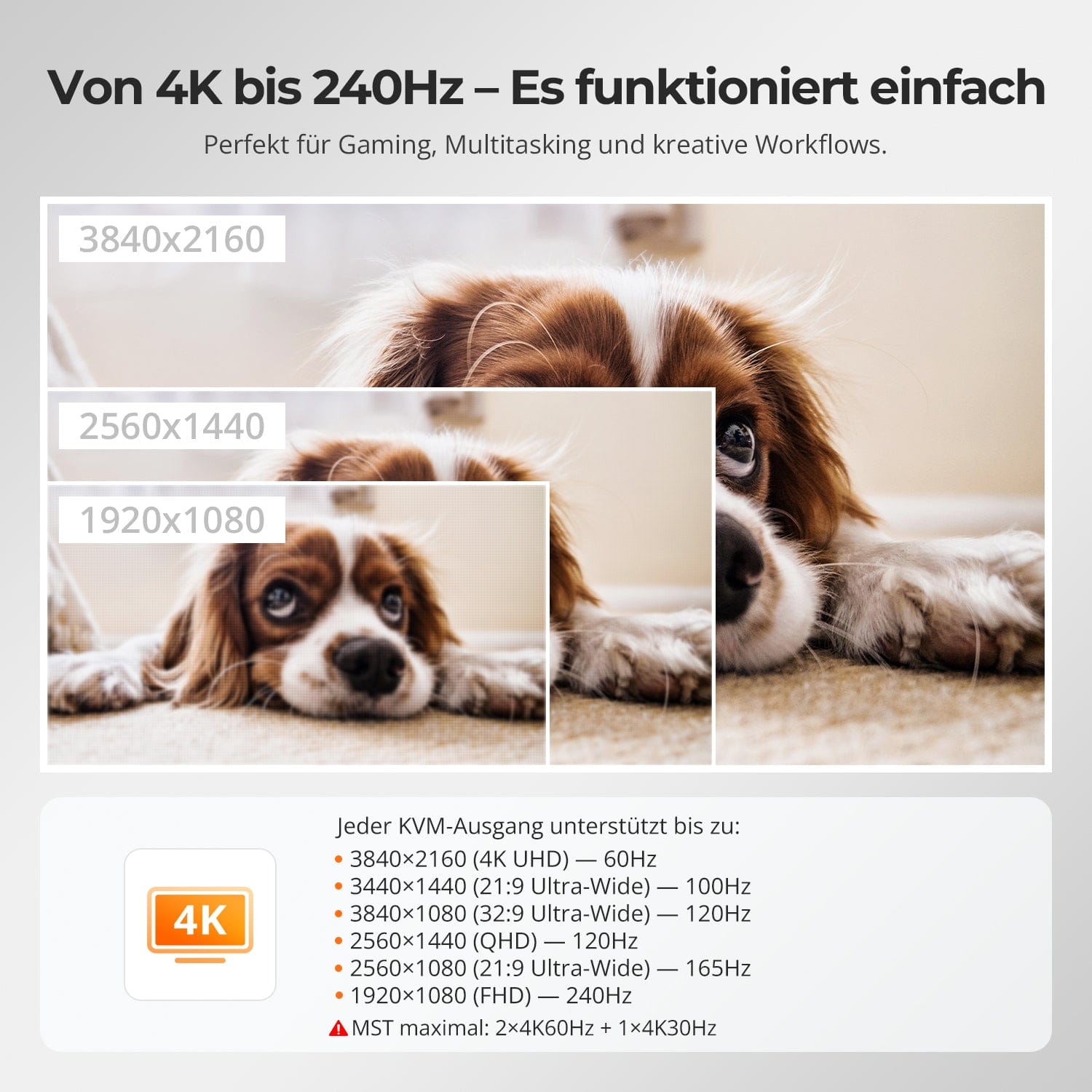
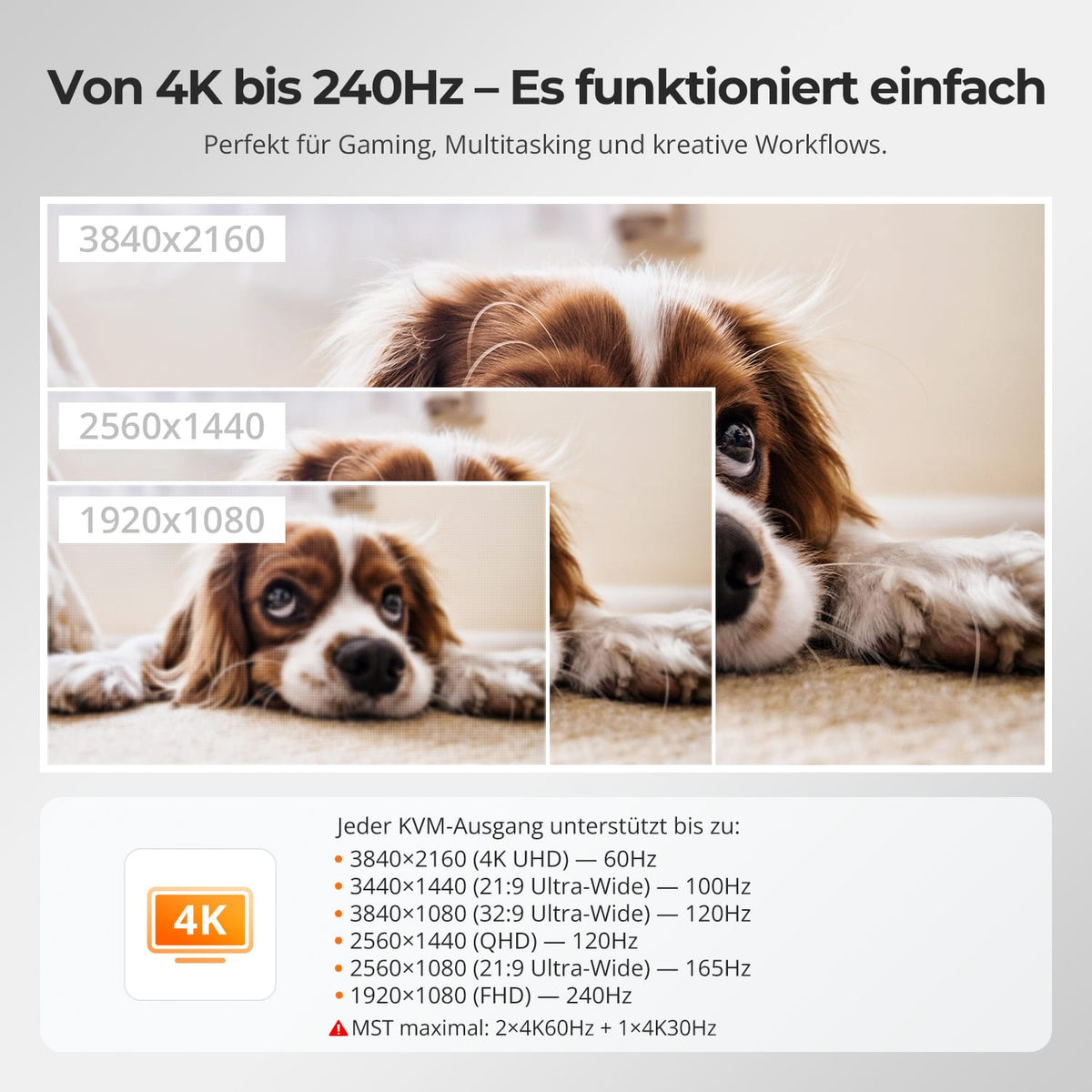
Three monitors with up to 4K60
Supports up to 4K@60Hz auf compatible connections. With MST, the resolution distribution across three displays depends on the computer, bandwidth, and operating system.
04
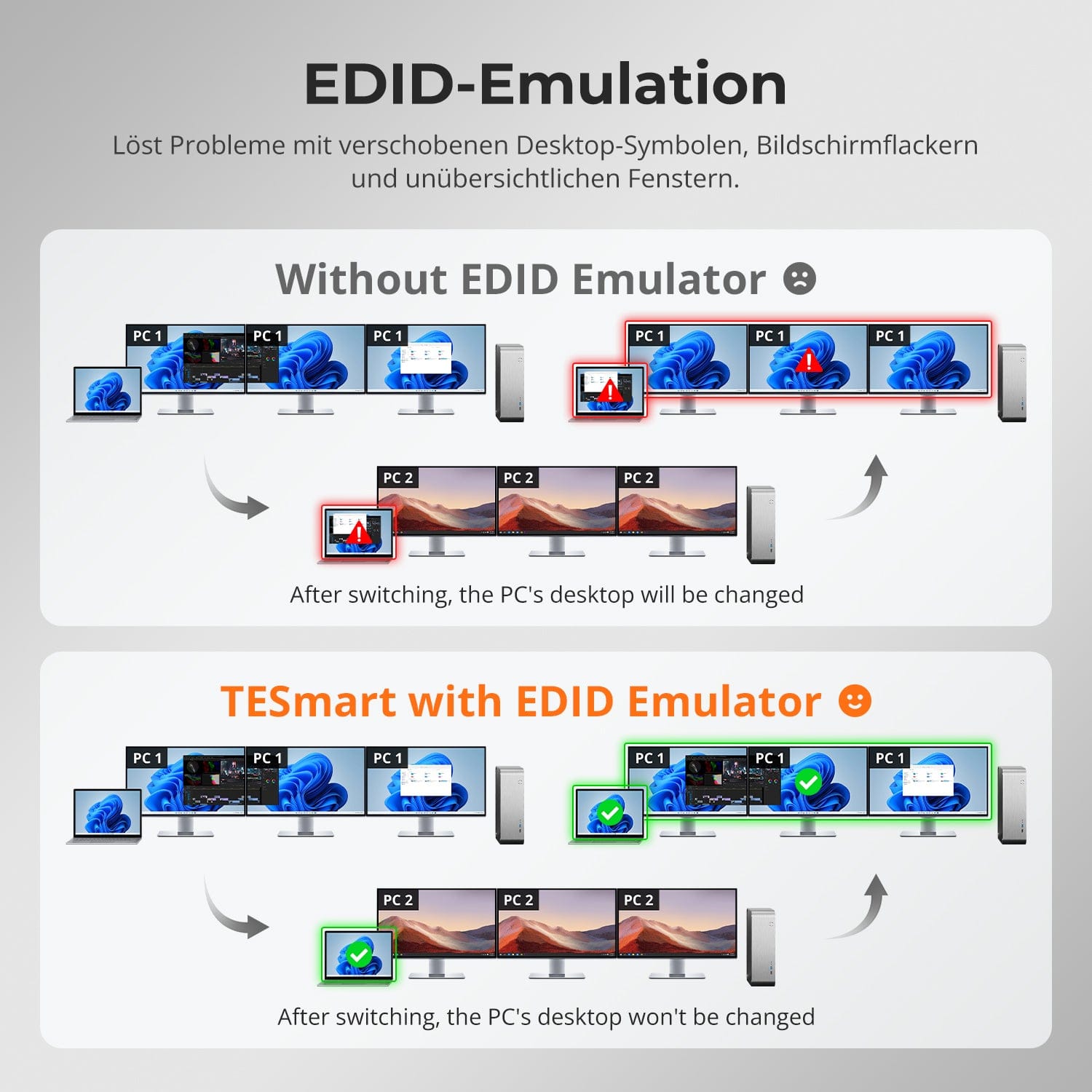
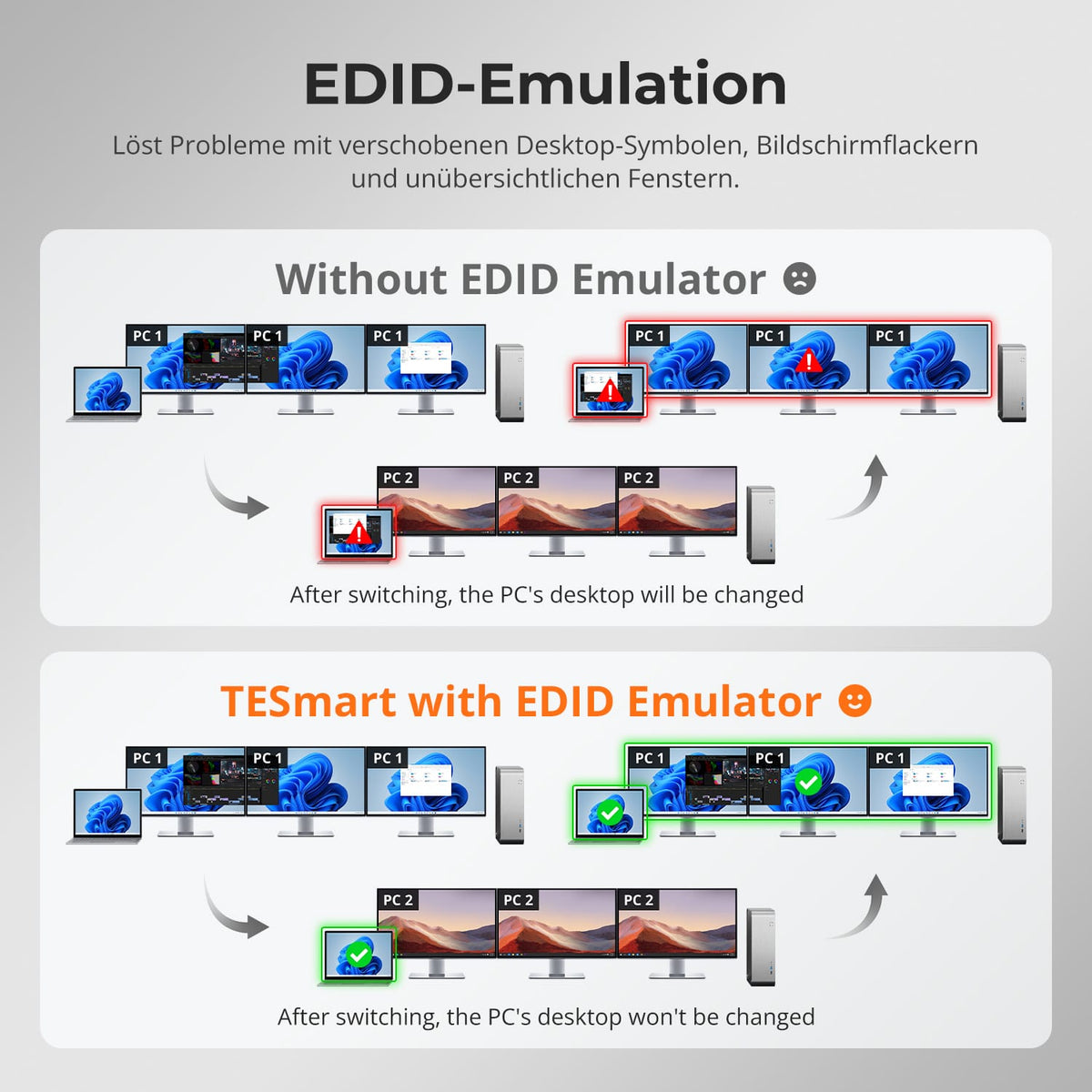
EDID keeps multi-monitor setups stable
EDID emulation keeps display information available for all computers and reduces resolution changes and rearranged windows when switching between displays.
05
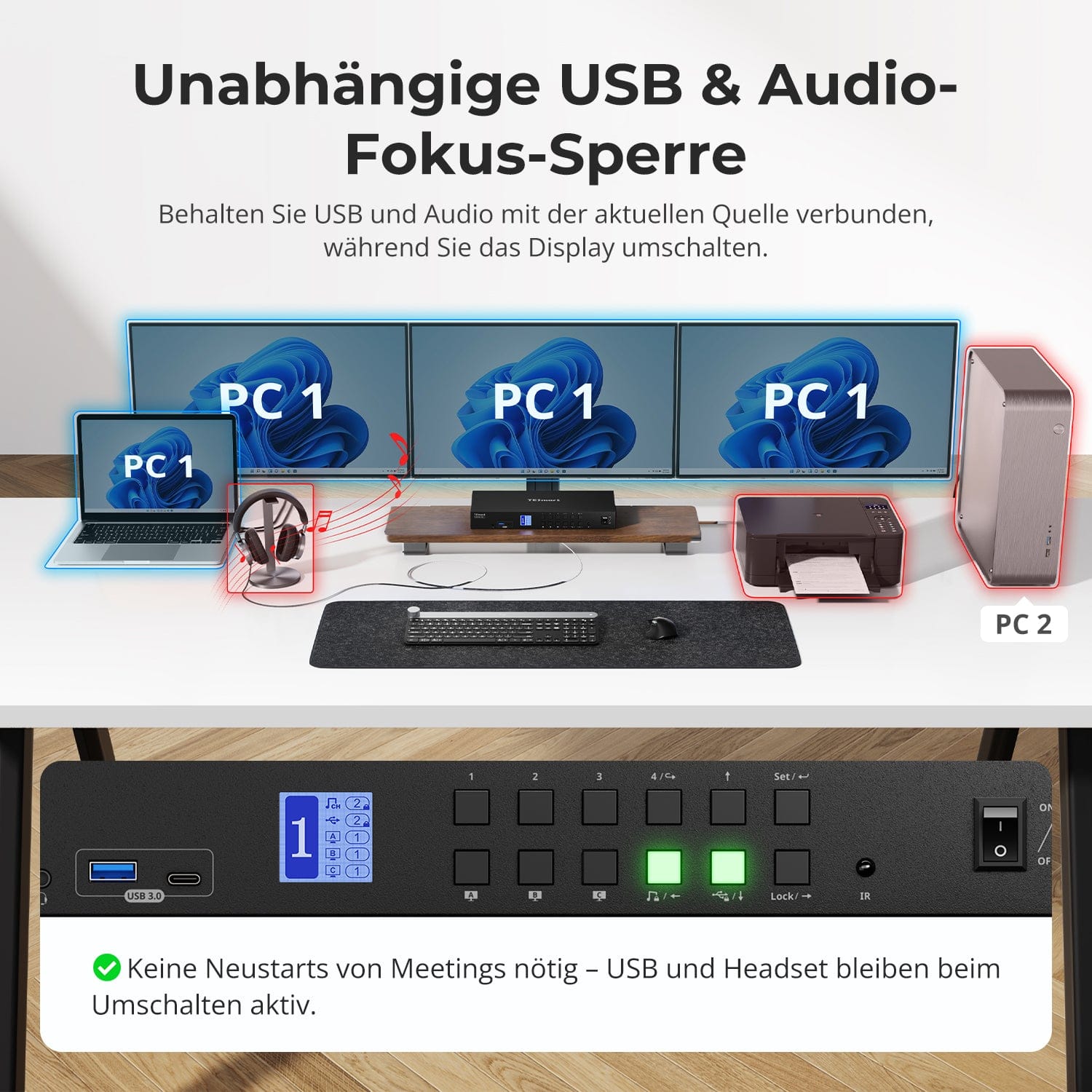
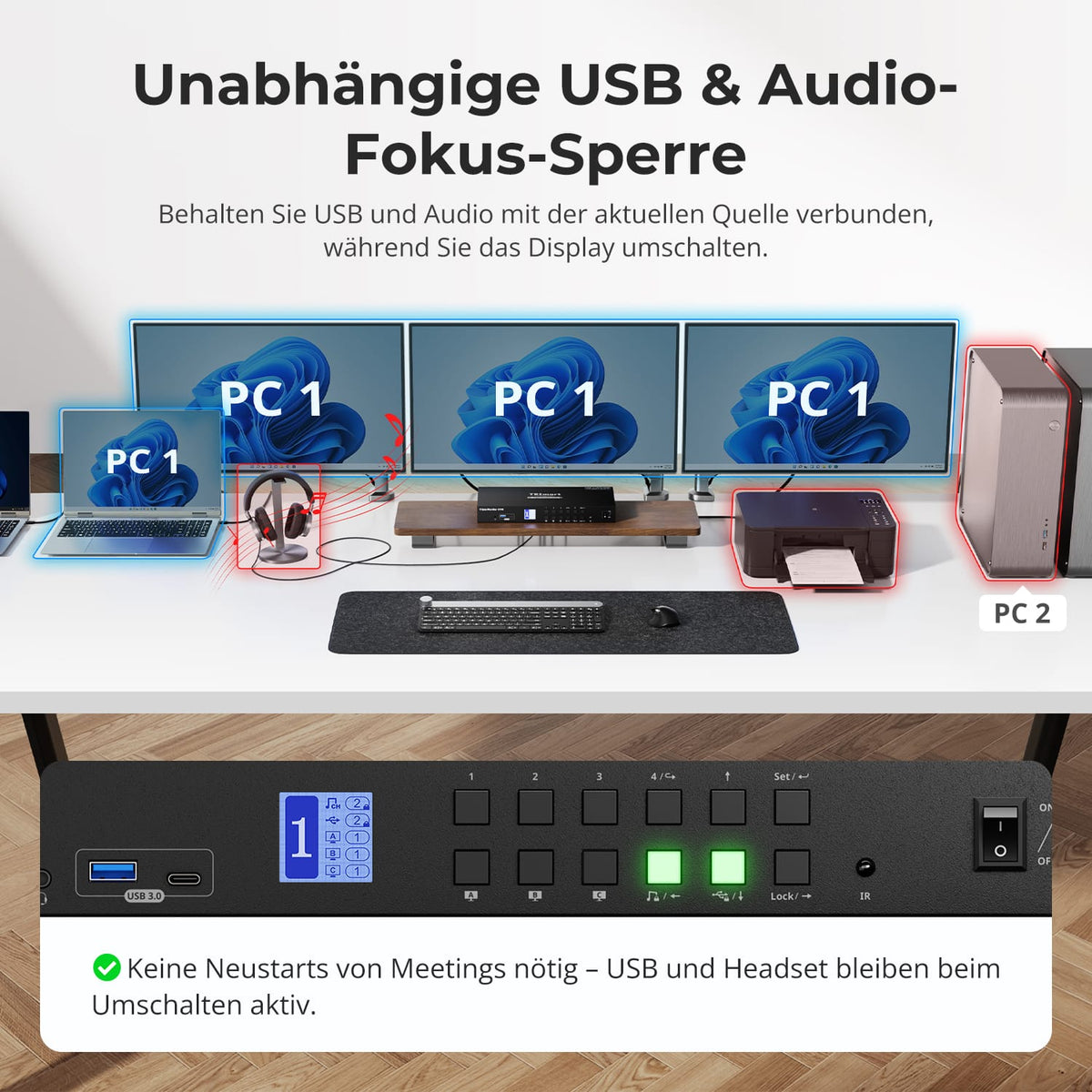
Assign USB and audio to the desired system
Leave supported USB and audio devices connected to one computer while you switch displays or keyboard/mouse – convenient for calls, recordings and data transfers.
06
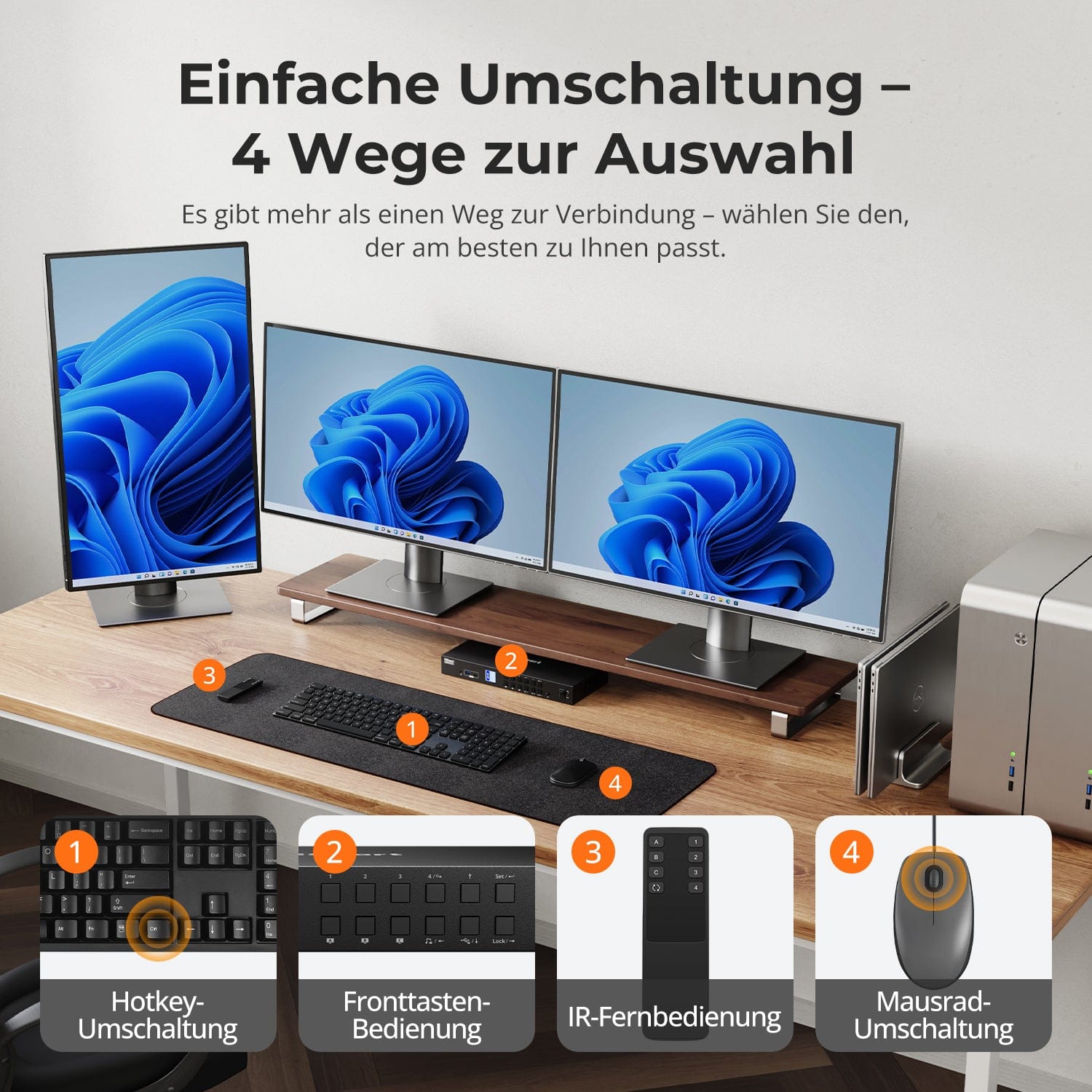
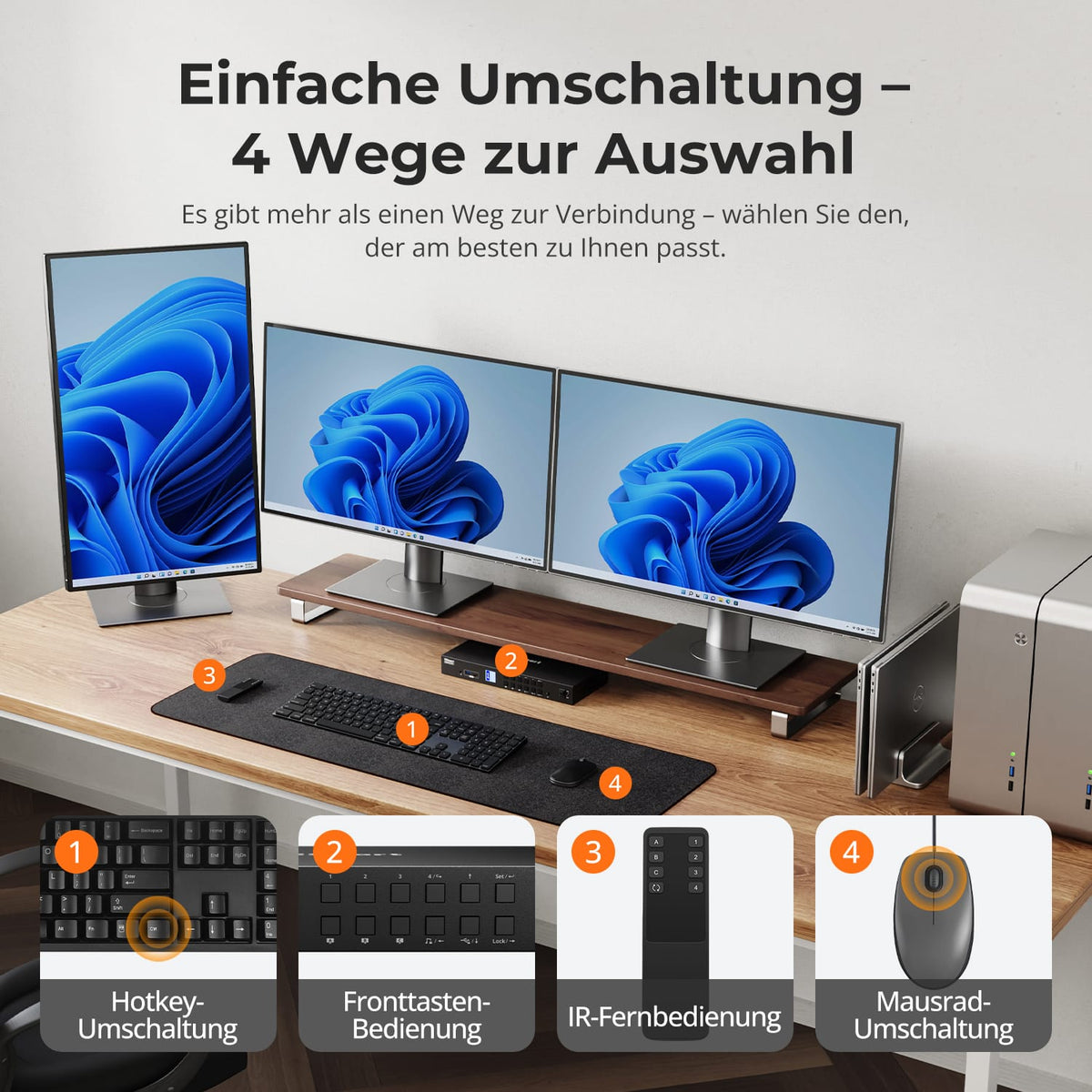
Switching without unplugging
Switch between systems using the control panel, IR remote control, hotkeys, or mouse wheel. Displays and shared devices remain connected.
07
08
09
Data & Support
Compatibility & Connections
Technical data
Instructions & Downloads
Scope of delivery
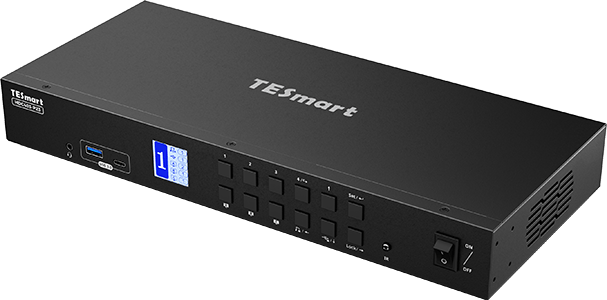
1×4×3 Hybrid KVM Switch
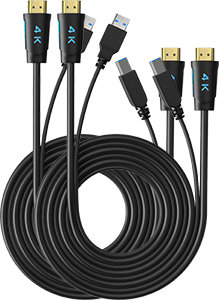
2 × KVM cables
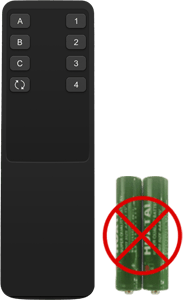
1 × IR Remote Control
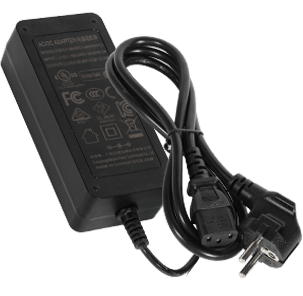
1 × 20V DC power supply
1×User manual
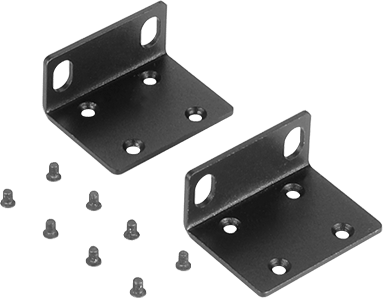
2 × Rack Angle
Frequently asked questions
You can find further answers in our Help Center.
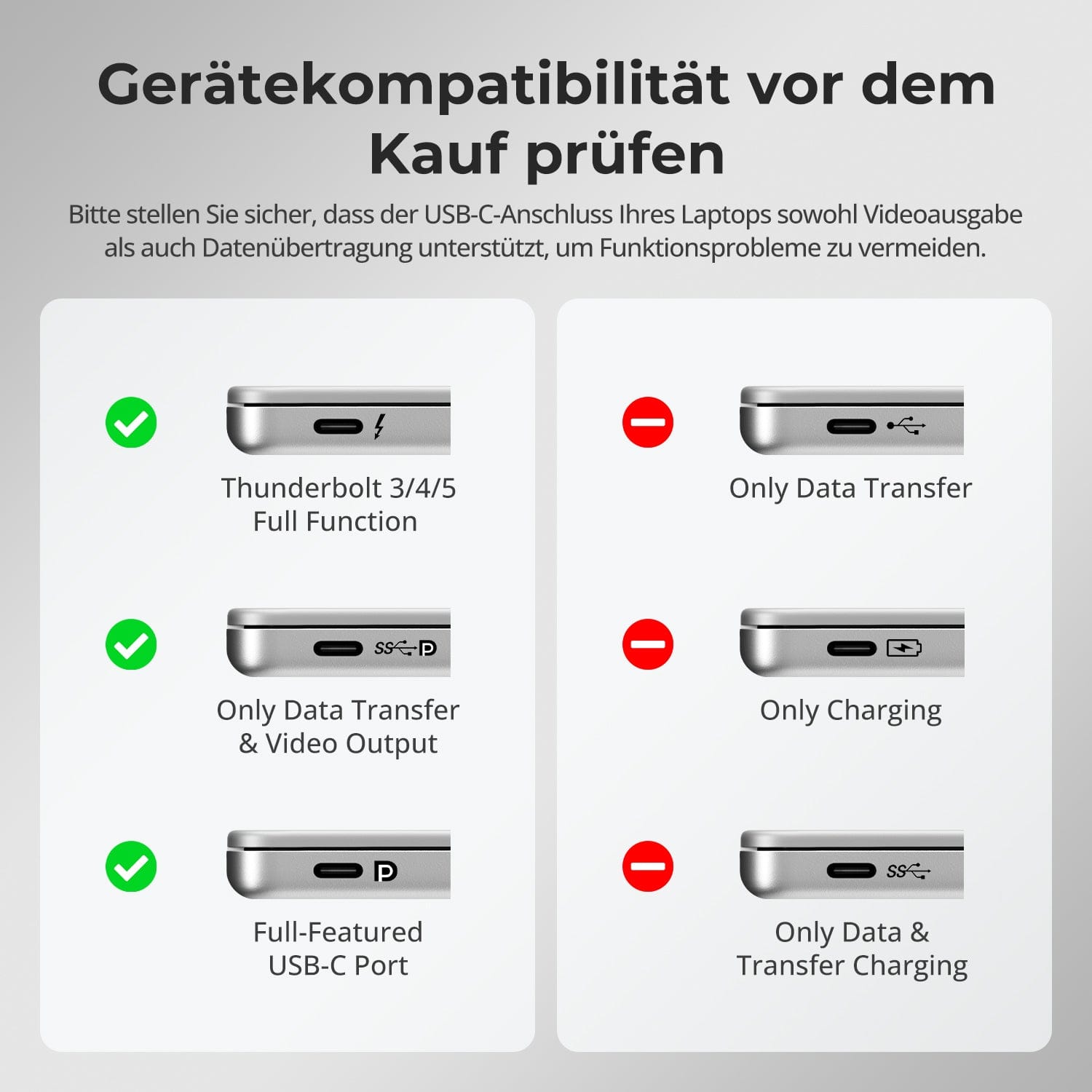
[Compatibility] Which USB-C computers are suitable for the MST input on the HDC403-P23-N?
The USB-C port requires DisplayPort Alt Mode. For multiple independently extended displays via a single USB-C connection, the computer must also support MST.
[Compatibility] Can a Mac use three extended displays via USB-C MST?
Unlike Windows, macOS does not independently support extended MST displays. At the MST input, a Mac can either mirror the displays or be limited to its native number of external displays.
[Compatibility] What is the maximum possible display resolution?
According to the instructions 4K@60Hz auf supported connections. With three displays via MST, the resolution distribution depends on computer bandwidth, operating system, and displays.
[Functions] Can a computer use all three monitors?
Yes, provided its connection delivers the required three video streams. The KVM can also assign different computers to different monitors.
[Connections] Can Ethernet and USB devices be shared?
Yes. Gigabit Ethernet and USB 3.2 Gen 1 are available for compatible shared devices.
[Load] Can the HDC403-P23-N charge a USB-C laptop?
Yes. Compatible USB-C computers receive up to 60W, provided they support the required 20V power delivery negotiation.
[Functions] Can USB or audio connections remain connected to a computer when changing displays?
Yes. According to the instructions, USB and audio can be assigned to a computer independently.
[Switch] How do I switch between the connected systems?
Via control panel, IR remote control, keyboard hotkeys or mouse wheel.
[Functions] Does the HDC403-P23-N support auto-scan?
Yes. Auto-Scan switches between connected systems at a set interval – for example, for monitoring purposes.
