



Monitorkonfiguration
Max. Auflösung
Gerätekonfiguration
Stabile Anzeige
Anzeigetechnik

USB-Geschwindigkeit
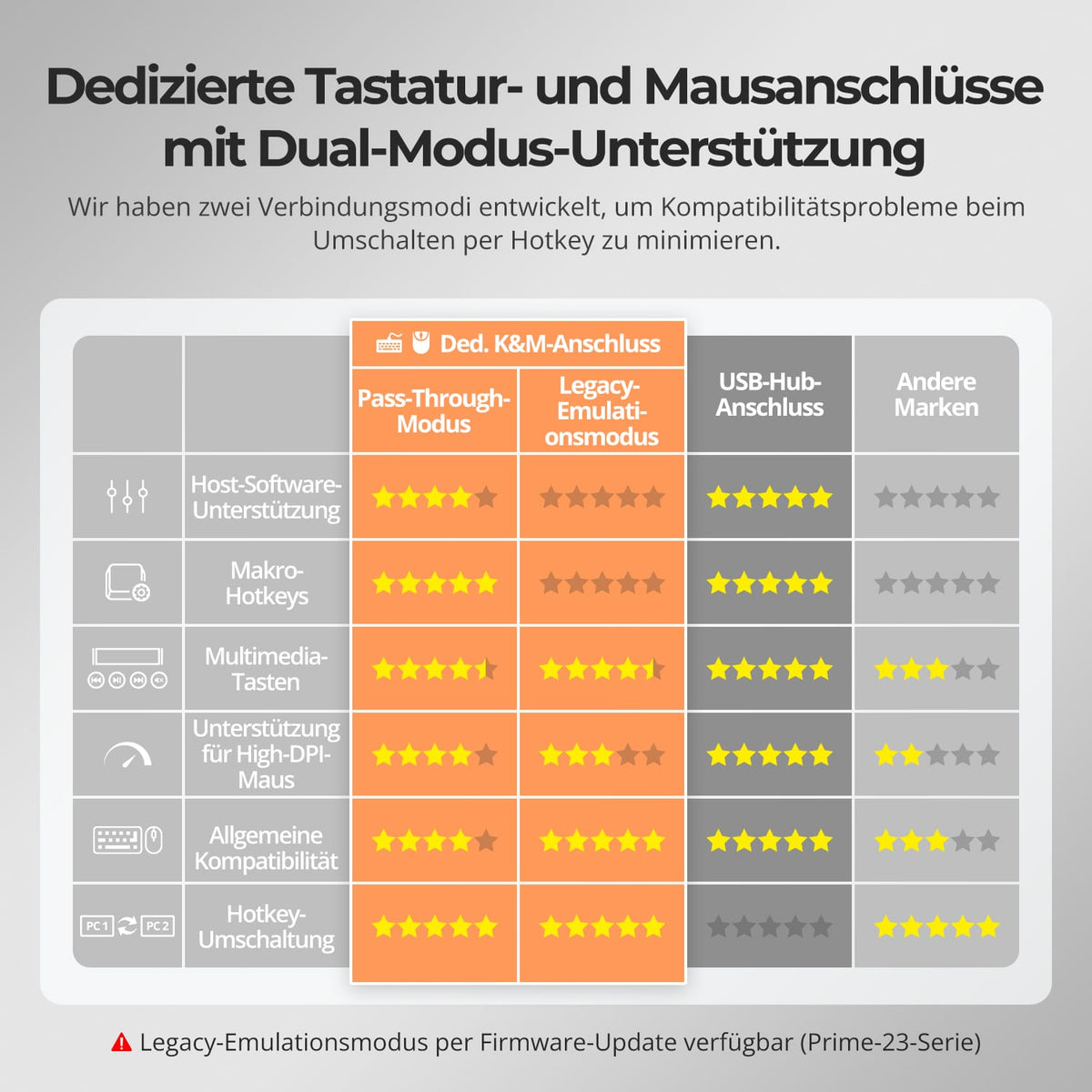
Tastatur und Maus
4×4 HDMI+DP KVM | 4K60, MST & EDID
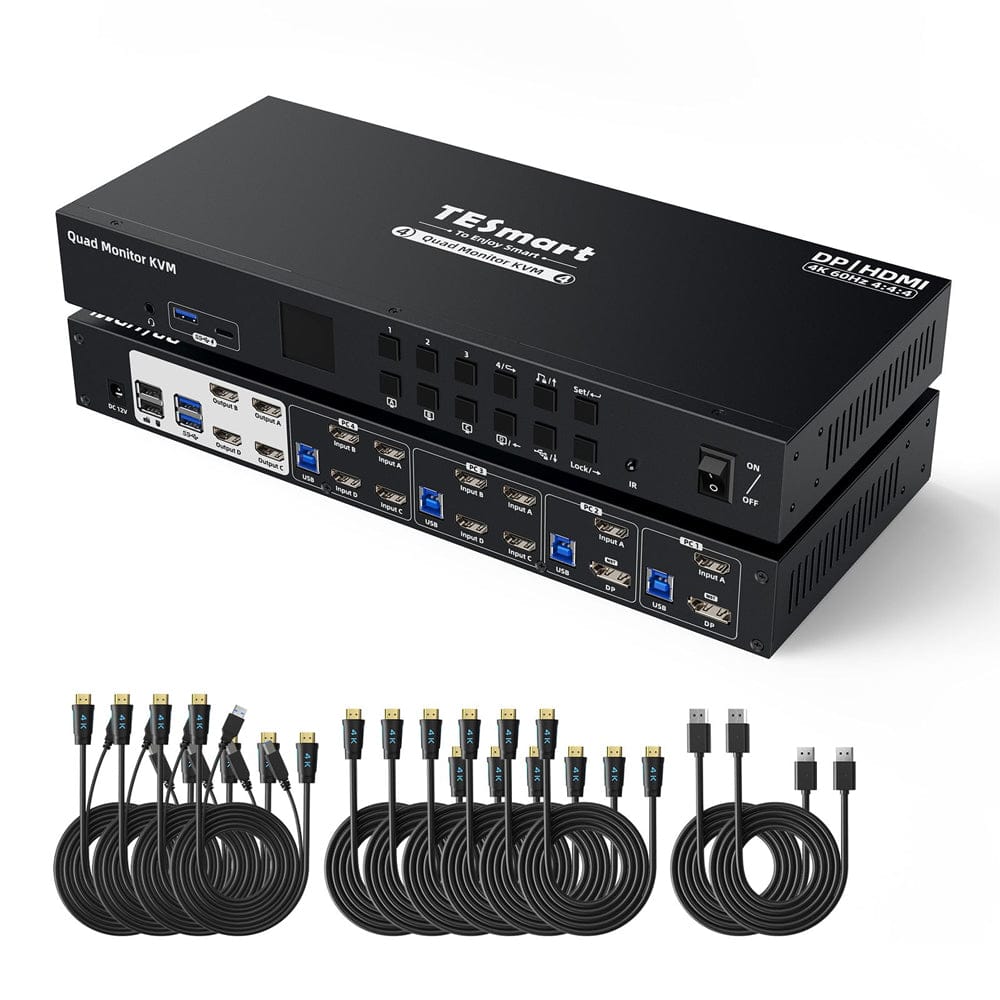
HDK404-P23 connects four PCs with four HDMI monitors. MST and classic video inputs support different connection types; the resolution depends on the selected input.
Monitorkonfiguration
Max. Auflösung
Gerätekonfiguration
Stabile Anzeige
Anzeigetechnik
USB-Geschwindigkeit
Tastatur und Maus
4×4 HDMI+DP KVM | 4K60, MST & EDID
Why HDK404-P23?
Overview
01
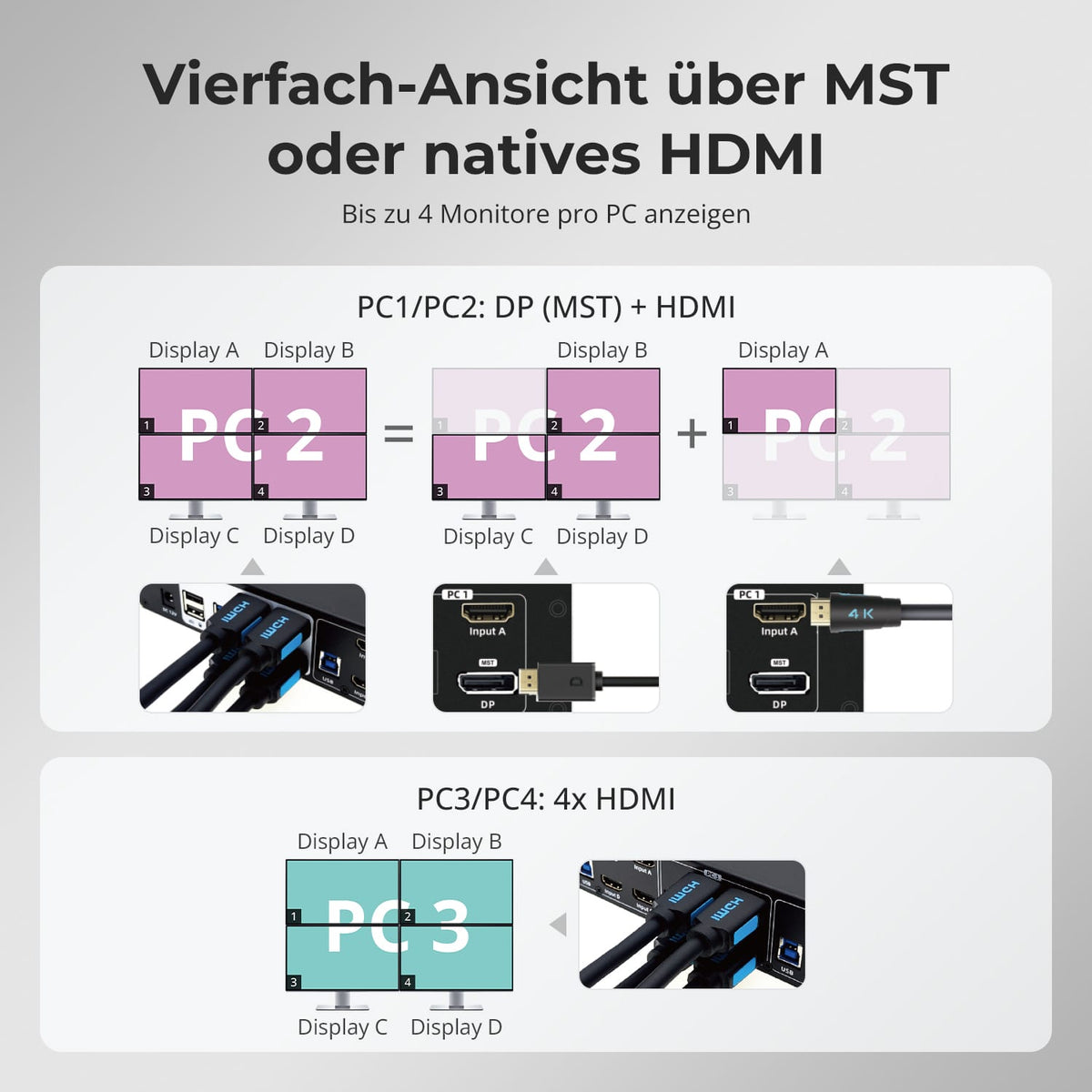
Four displays via MST or native HDMI outputs
PC1/PC2 supply three outputs via DisplayPort 1.2 MST and the fourth via HDMI. PC3/PC4 connect four native HDMI outputs directly to the KVM.
02
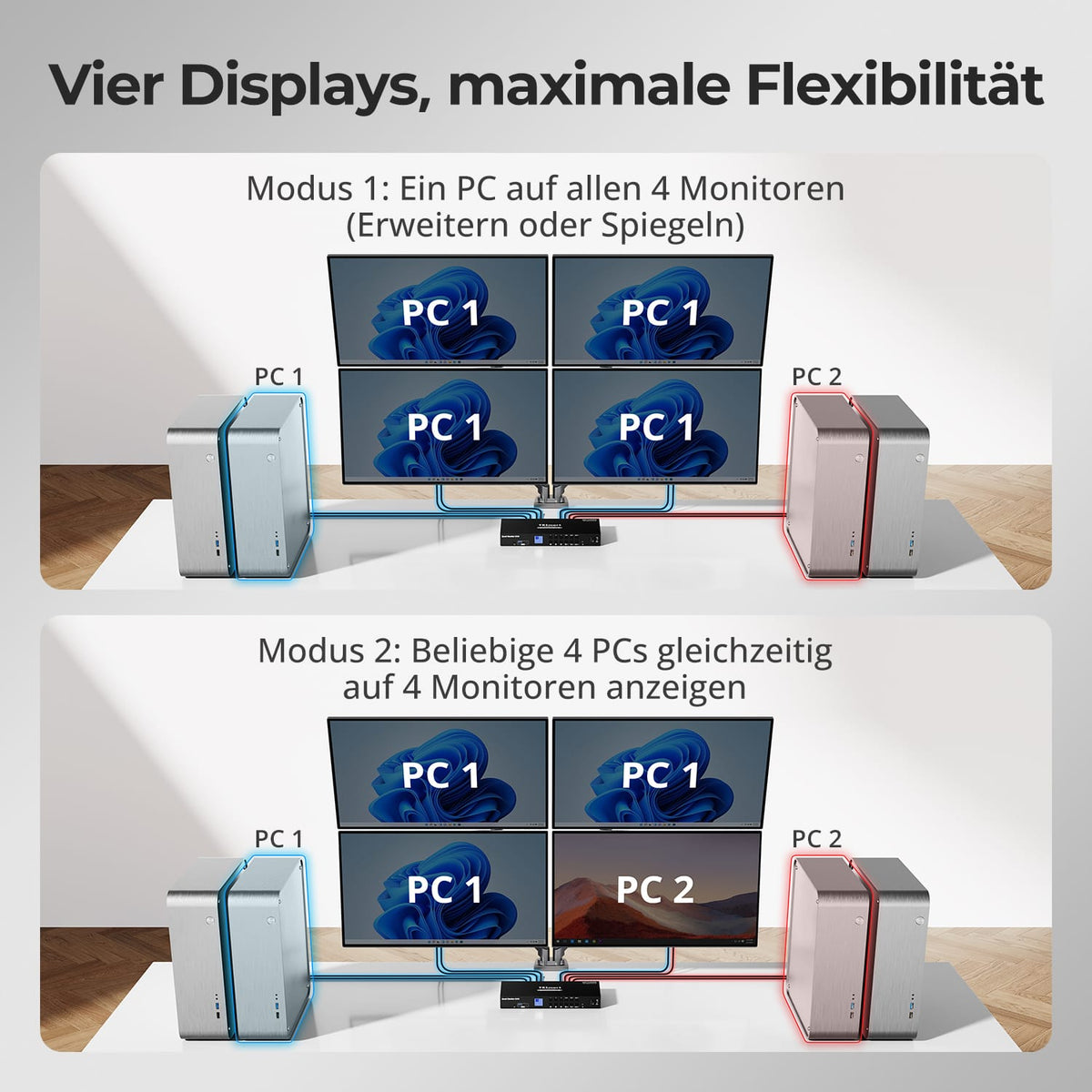
Four displays, flexible views
Use all four monitors with one computer, extended or mirrored, or display multiple systems simultaneously. Flexible modes adapt the setup for multitasking and monitoring.
03
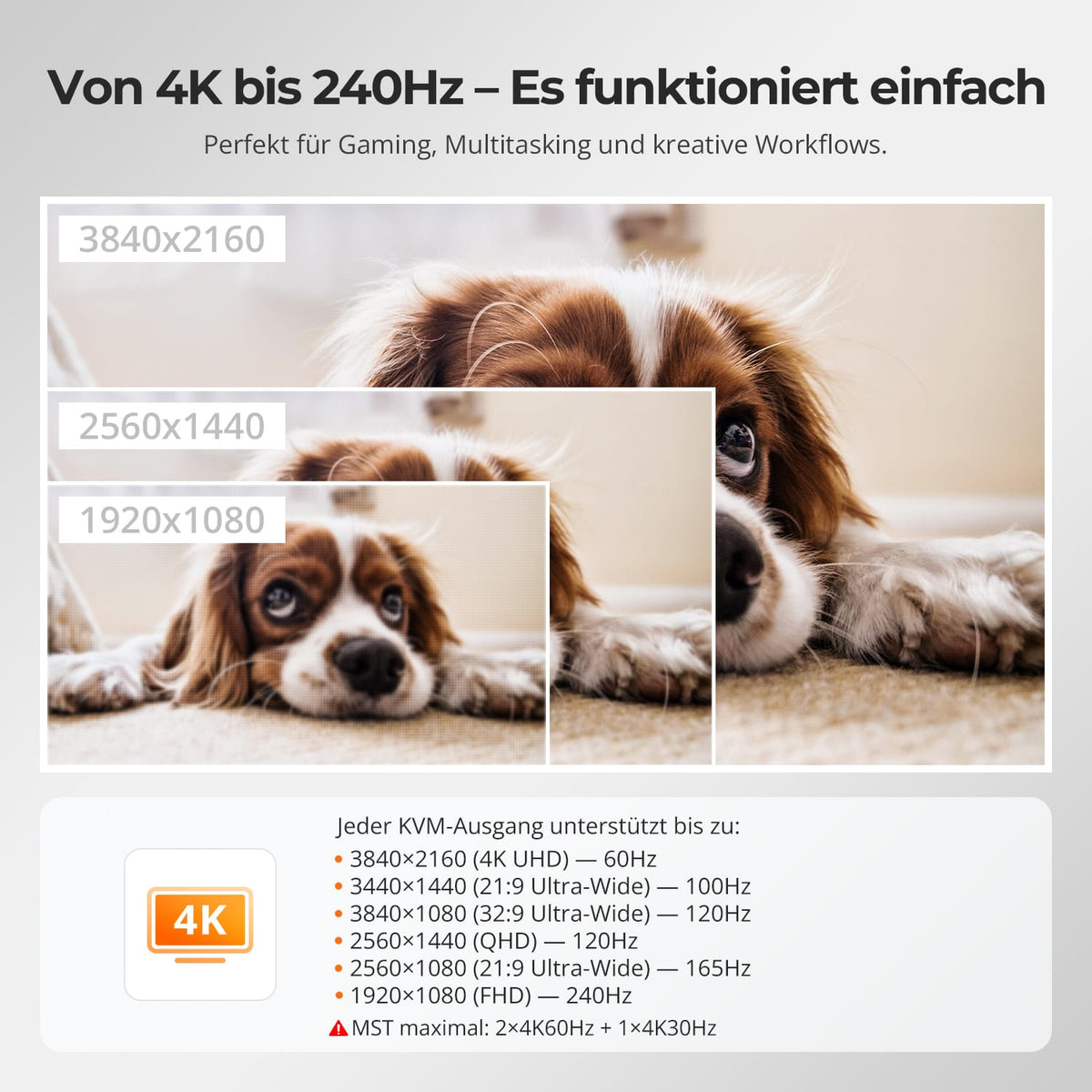
From 4K details to 240 Hz
Each KVM port supports up to 4K@60Hz oder 1080p@240Hz sowiand other ultrawide and high-refresh formats for work, gaming and creative tasks.
04
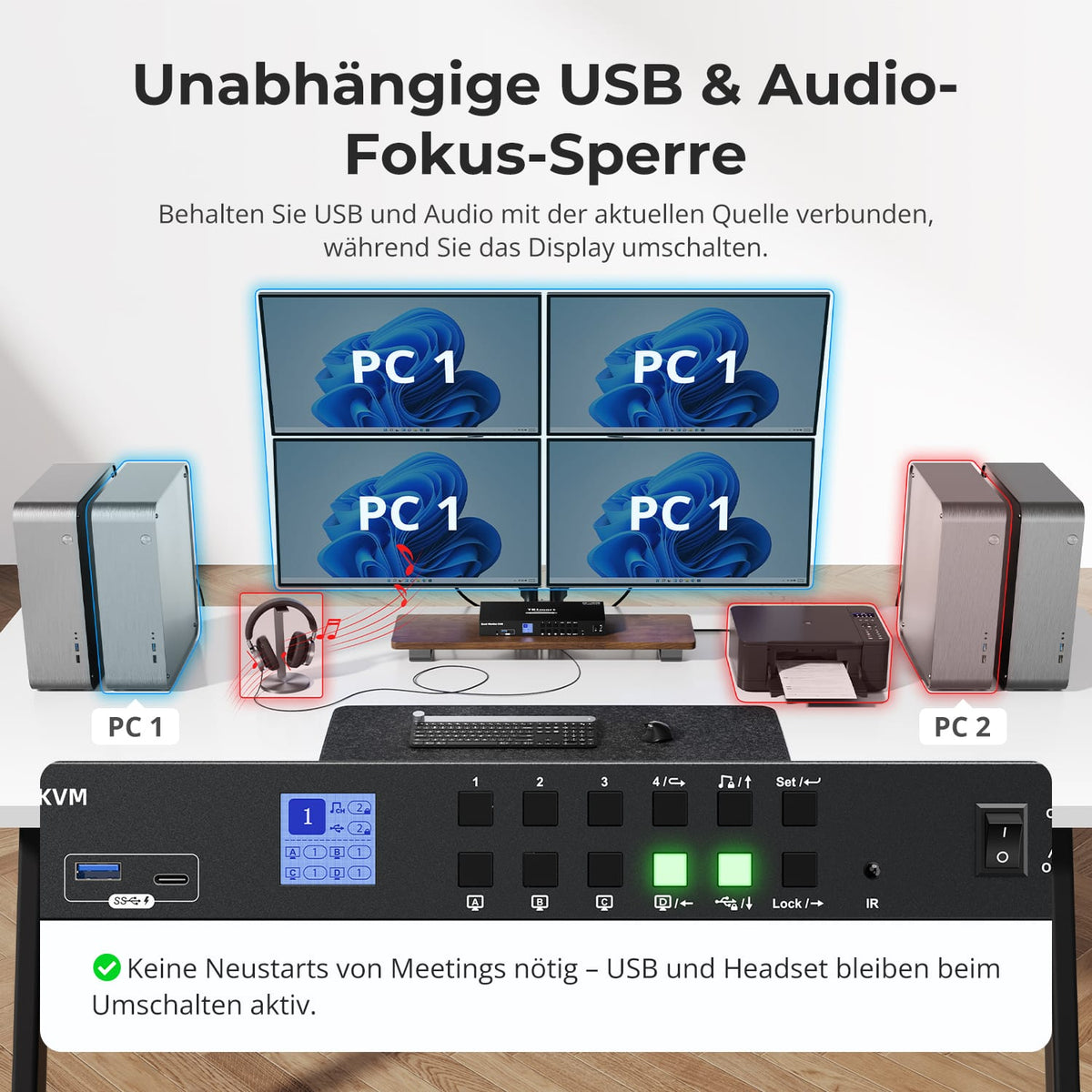
Leave USB and audio on the desired computer
Assign shared USB devices and stereo audio to a computer independently while switching displays. Keyboard/mouse control remains separate.
05
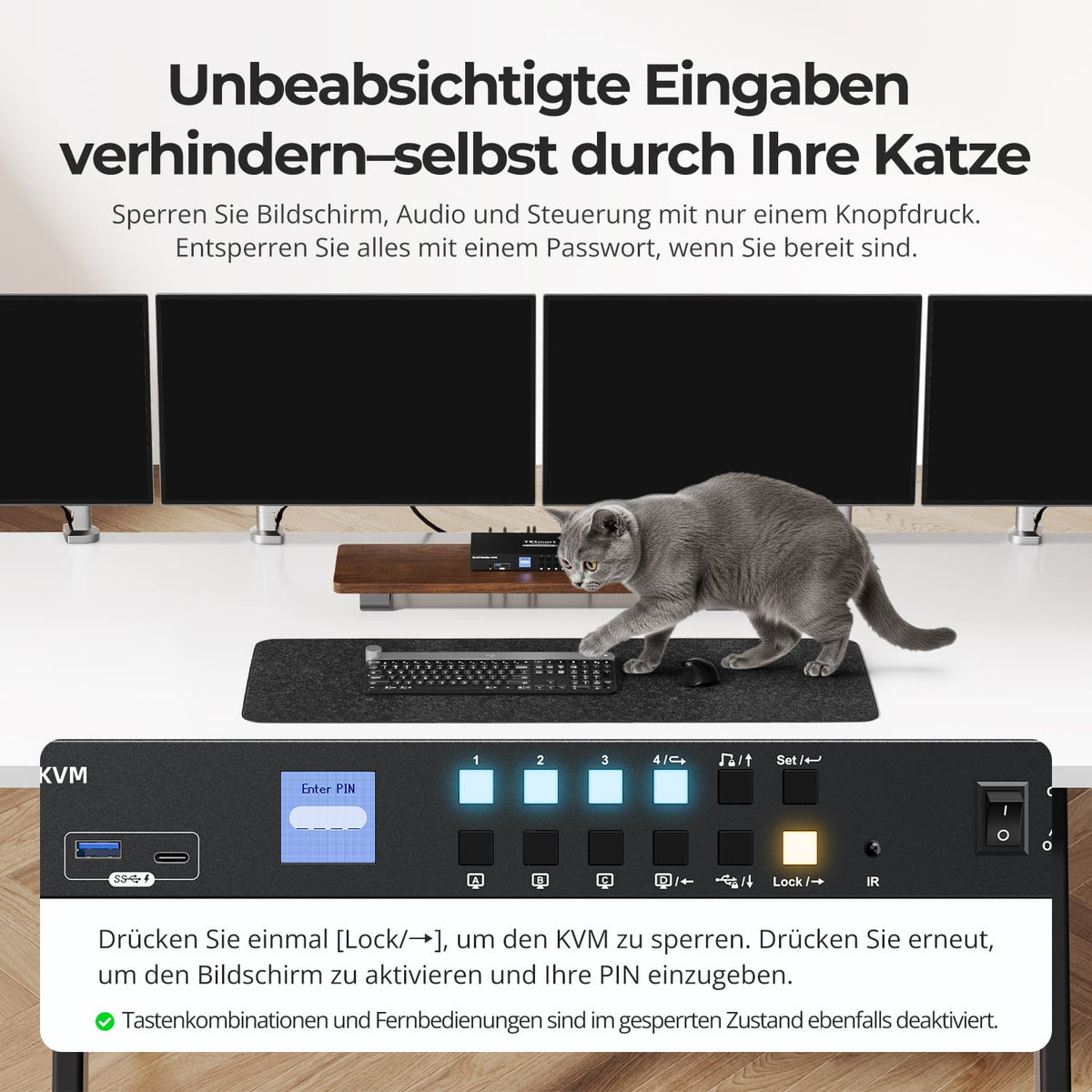
Lock the workplace if necessary
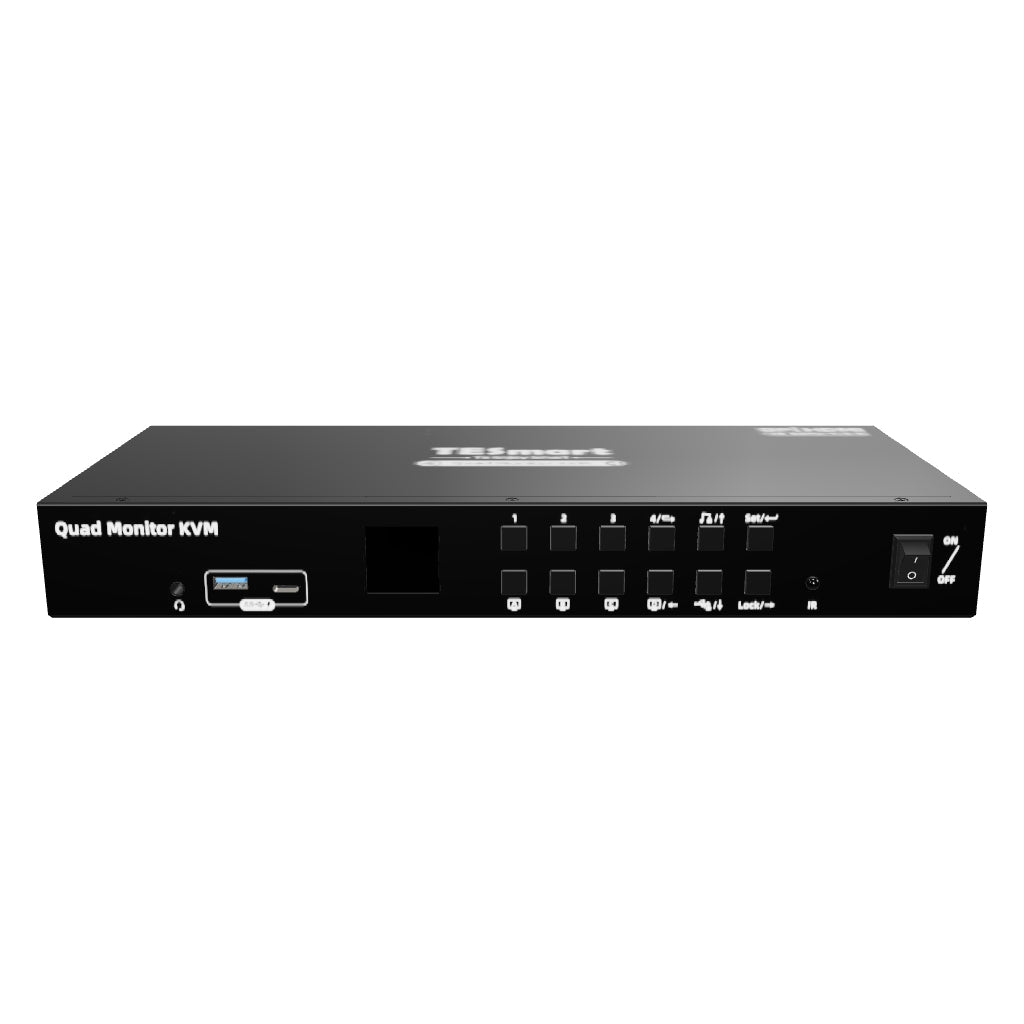
The lock button turns off all displays, pauses audio, and disables the controls. Activate the LCD and enter the set password. The default is 1234.
06
07
08
Data & Support
Compatibility & Connections
Technical data
Instructions & Downloads
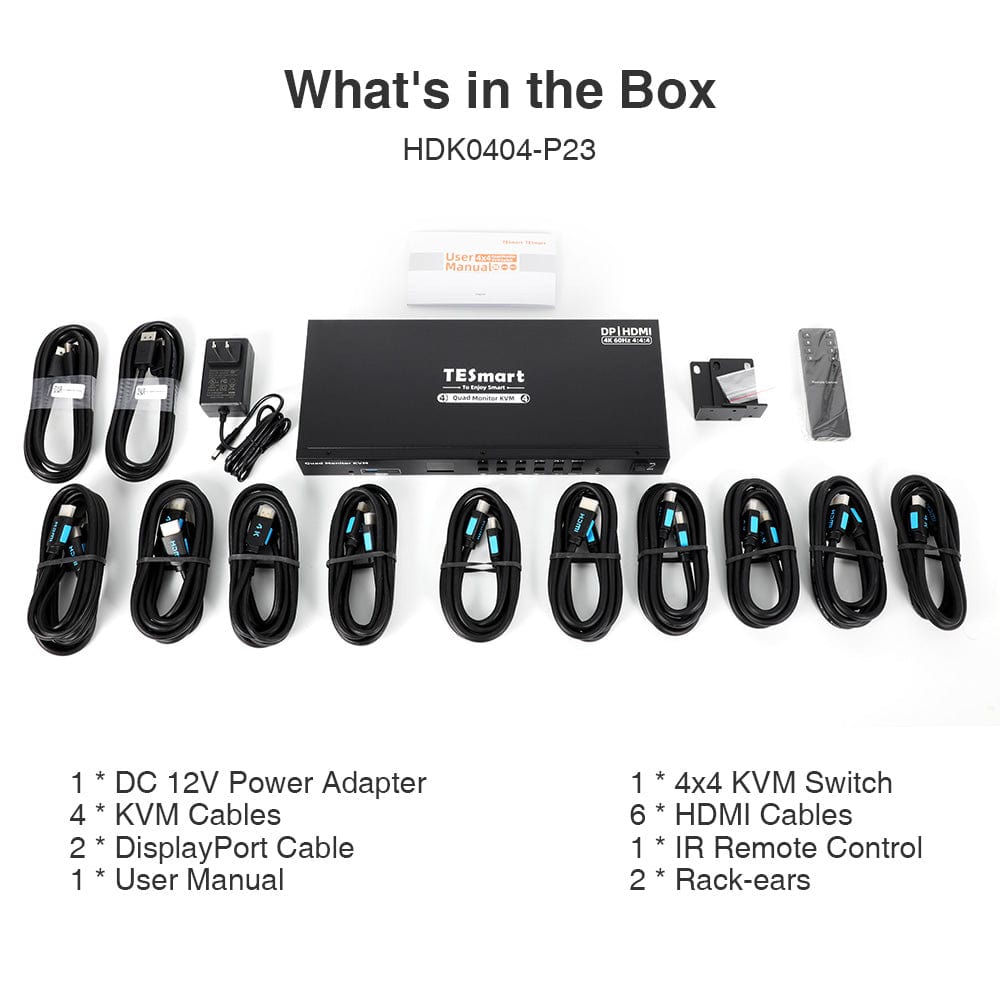
Scope of delivery
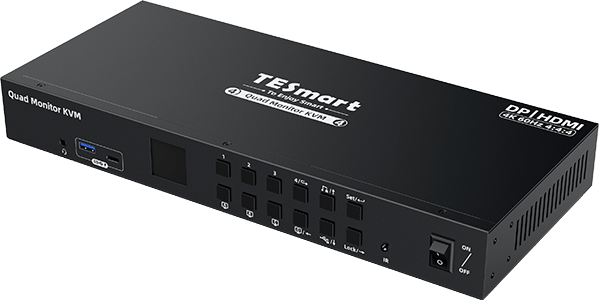
1×HDK404-P23
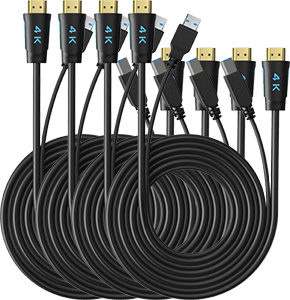
Check the complete scope of delivery in the model instructions
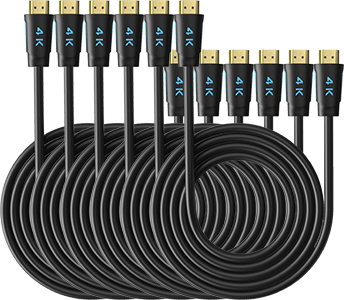
6 × HDMI cables
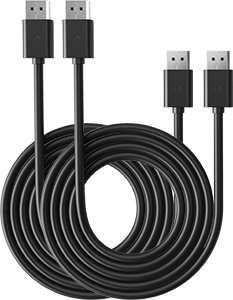
2 × DisplayPort cable
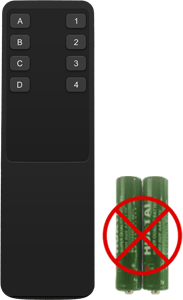
1 × IR Remote Control
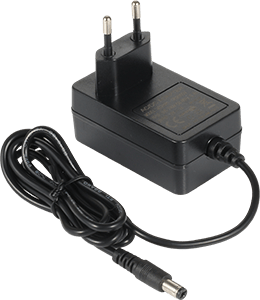
1 × DC 12V Power Adapter

1×User manual
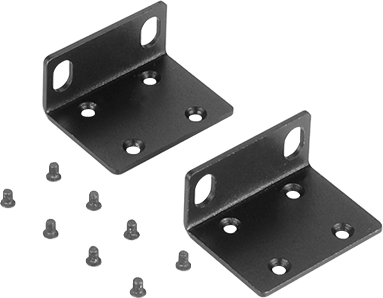
2 × Rack Brackets

Compare suitable models
Compare connections, image output, and sharing features for your workplace.
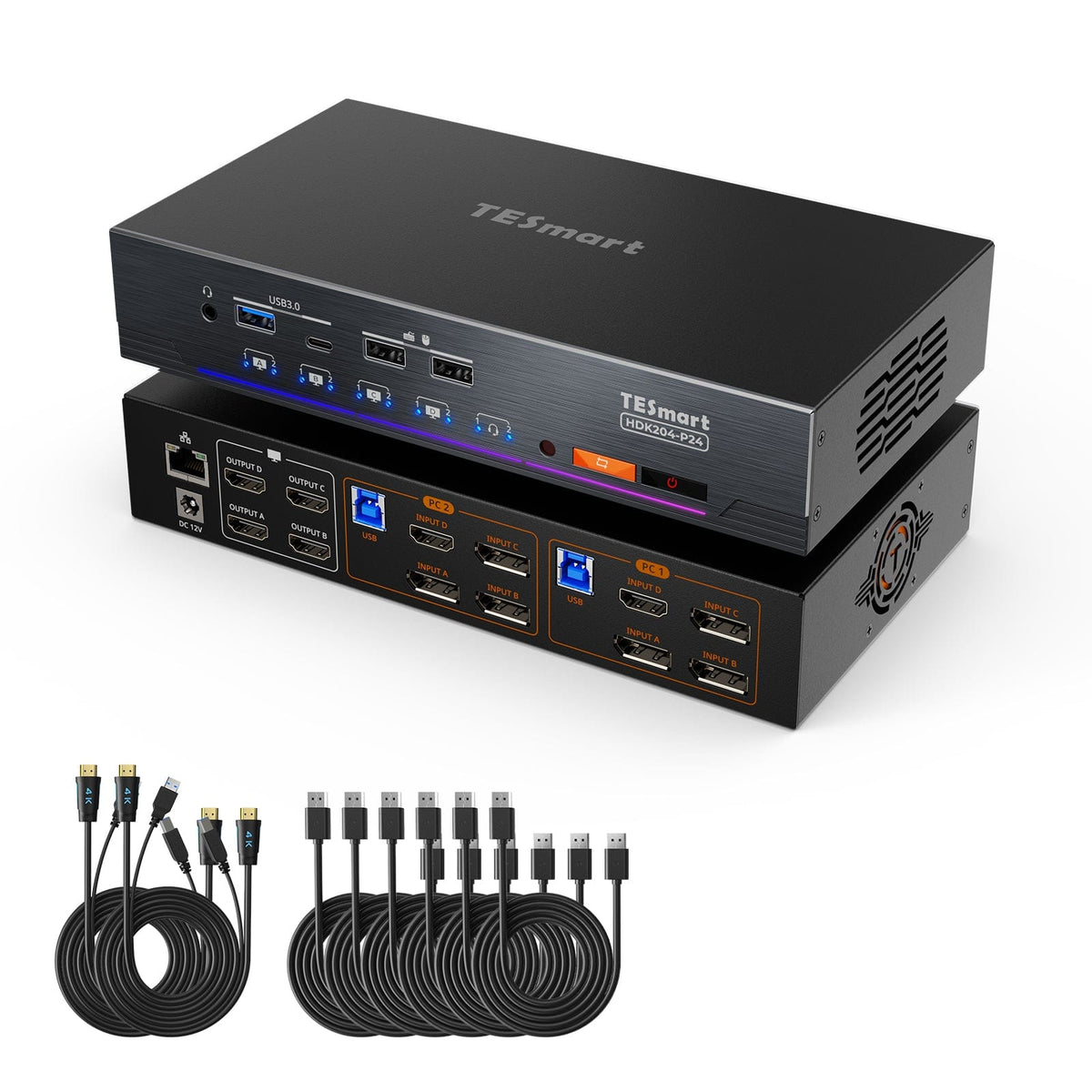
Model
HDK404-P23
Model
HDK204-P24
Computer count
4 computers
Computer count
2 computers
Computer connections
PC1-2: HDMI + DP MST + USB; PC3-4: 4×HDMI+USB
Computer connections
Per PC: HDMI + 3 × DisplayPort + USB
Monitor outputs
4 × HDMI
Monitor outputs
4 × HDMI
Image output
4K60
Image output
4K60
Shared USB devices
USB 3.0/5 Gbit/s
Shared USB devices
USB 3.0/5 Gbit/s
Shared network access
Shared network access
1000 Mbit/s
EDID emulation
EDID emulation
Multi-monitor operation
MST connection for PC1–2: 2 × 4K60 + 1 × 4K30 on monitors B/C/D
Multi-monitor operation
Separate video outputs on each computer
Monitor requirements
PC1–2 require Windows with MST; PC3–4 require four active HDMI outputs.
Monitor requirements
Each computer must be able to drive 4 monitors.
Frequently asked questions
You can find further answers in our Help Center.
[Compatibility] Which computers and monitors does HDK404-P23 support?
Connect four computers and four HDMI monitors. PC1/PC2 use DisplayPort MST, HDMI, and USB. PC3/PC4 each require four HDMI outputs and USB.
[Compatibility] What is the difference between inputs PC1/PC2 and PC3/PC4?
PC1/PC2 use DisplayPort 1.2 MST for displays B/C/D and HDMI for display A. PC3/PC4 require four native HDMI outputs.
[Compatibility] Which operating systems are suitable for the MST path?
Three extended displays on the DP path of PC1/PC2 require Windows and DisplayPort 1.2 MST. macOS and Linux are listed for basic KVM functionality, but do not offer a corresponding MST extension over this port.
[Compatibility] What resolutions and refresh rates are possible?
Each output supports up to 4K60. Via the MST path of PC1/PC2, a maximum of two 4K60 outputs plus one 4K30 output are possible for channels B/C/D. 1440p120 and 1080p240 are also supported.
[Compatibility] Does HDK404-P23 support monitors with 5120×1440 resolution?
No. According to the product FAQ, 5120×1440 is not supported. Choose a resolution and refresh rate that your source, monitor, and cable support.
[Functions] What display modes are available?
Display a computer across all four monitors, either extended or mirrored, or assign a different system to each output. In mixed mode, each monitor source can be selected independently.
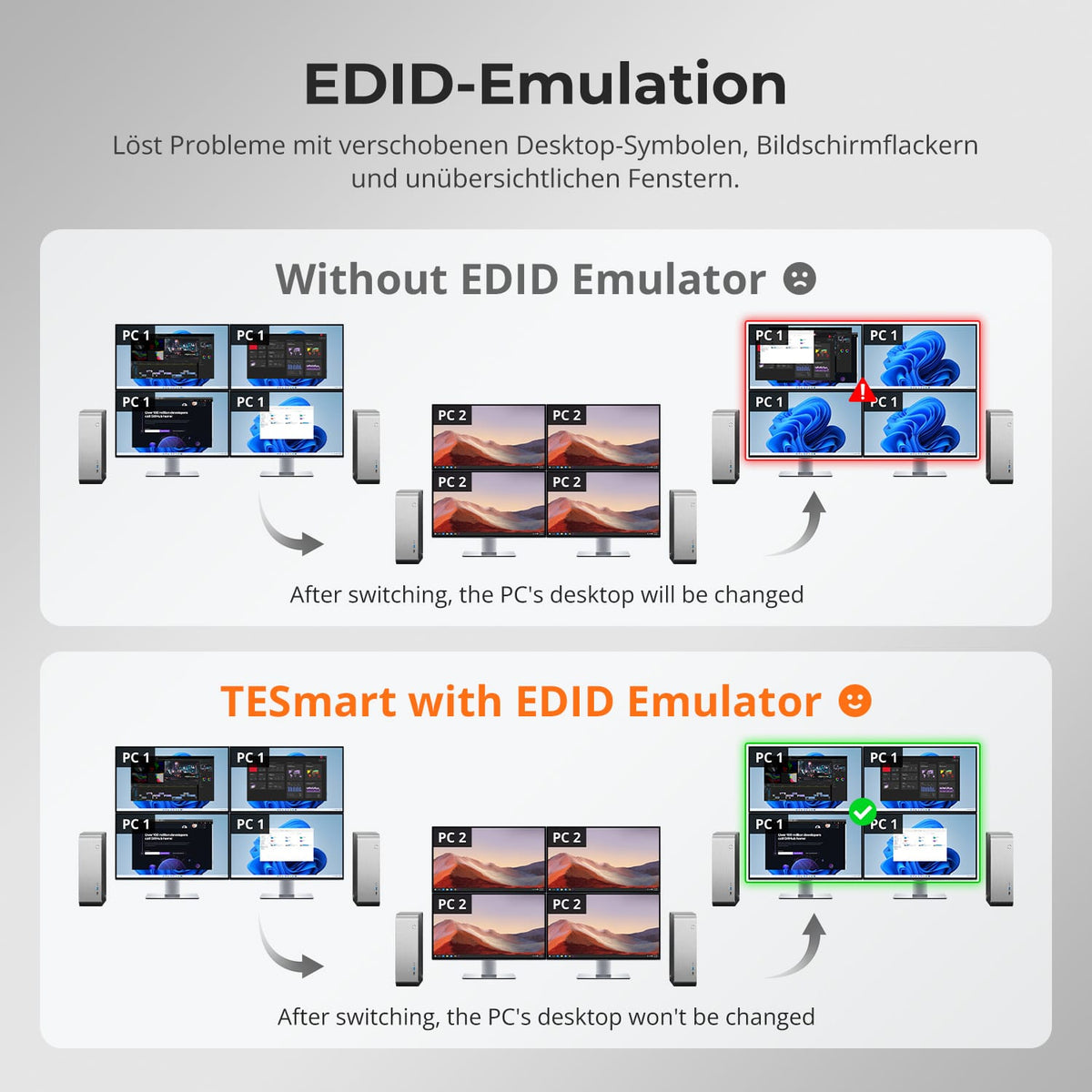
[Functions] What does EDID emulation do?
EDID emulation keeps display information available and helps to preserve window positions and reduce flickering, black screens, and rearranged desktops when switching between devices.
[Connections] What USB functions are available?
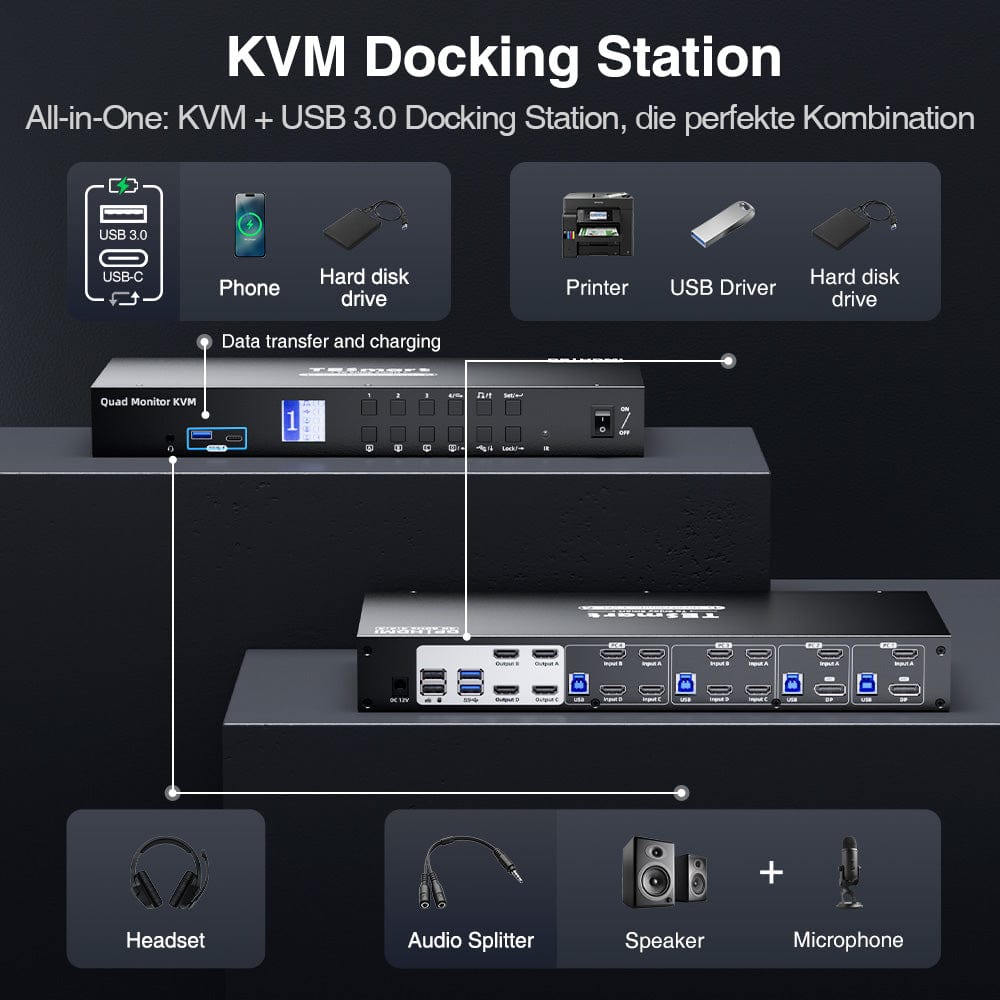
Shared USB 3.0 ports transfer data from compatible devices at speeds of up to 5 Gbps. The front USB-A/USB-C ports also support BC 1.2 charging for mobile devices.
[Connections] How does the 3.5 mm audio jack work?
Audio and microphone signals are transmitted to the selected computer via USB. Select "USB Audio" as the playback and recording device.
[Functions] Can USB and audio connections remain connected to a computer when changing displays?
Yes. USB 3.0 devices and stereo audio can be assigned independently. These assignments are canceled when the KVM is turned off.
[Functions] What does the locking function do?
It turns off all displays, pauses audio, dims the LCD, and disables buttons, the remote control, and hotkeys. Press Lock again and enter the password. The default is 1234.
[Furnishings] How do I connect PC 1 and PC 2?
Connect each computer to the same input group via DisplayPort for MST, HDMI on the included KVM cable for DisplayA, and USB.
[Furnishings] How do I connect PC 3 and PC 4?
Connect each computer to its input group via four HDMI outputs and USB. Connect the four KVM HDMI outputs to the displays.
[Switch] How do I switch computers and displays?
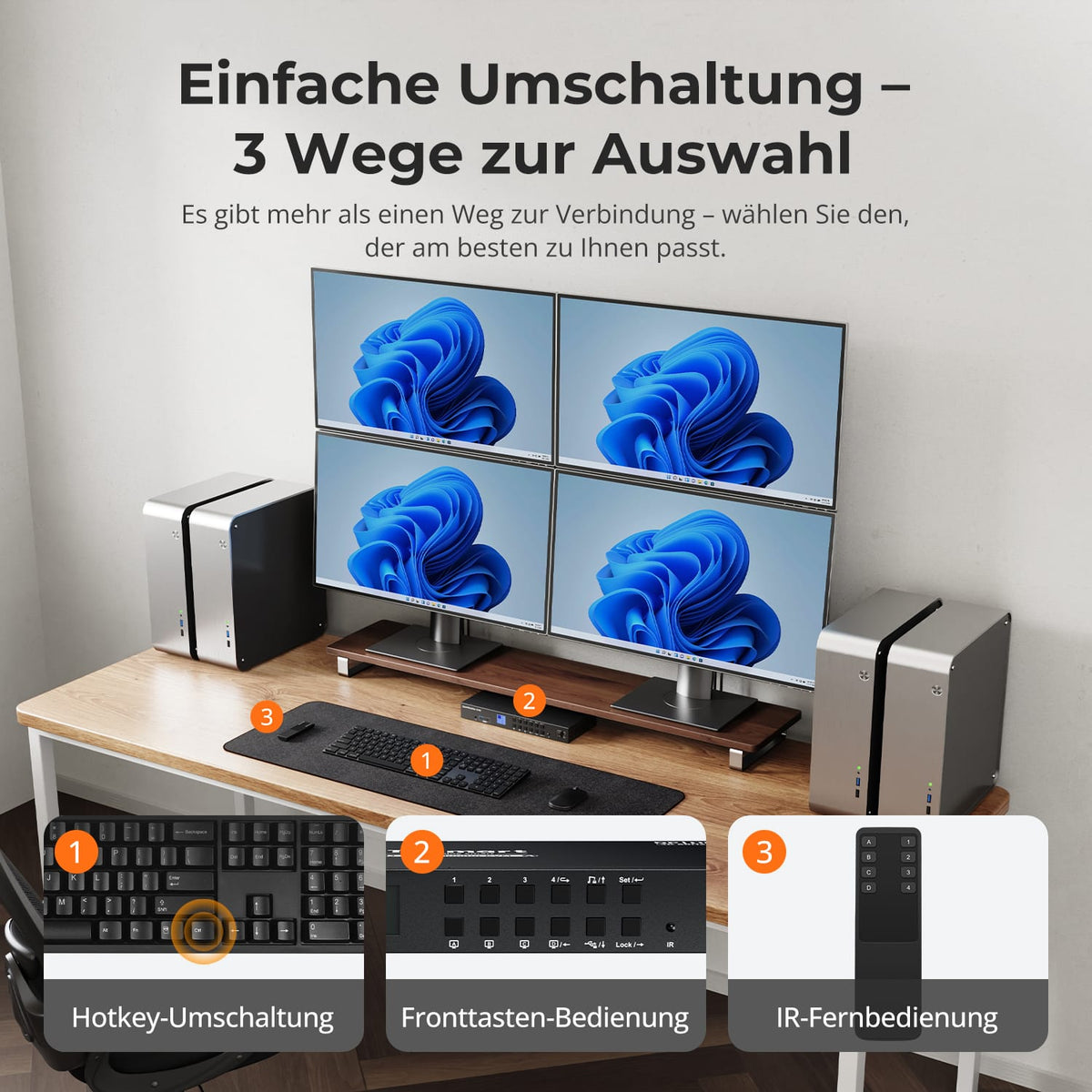
Via control panel, IR remote control, or hotkeys. A full switch assigns all displays to one computer. In mixed mode, you select the source for each output.
[Furnishings] Why do displays B/C/D initially show the same image?
The graphics card can mirror MST outputs by default. Set the three displays to Extend in the computer settings. The source must support DisplayPort 1.2 MST.
