

TESmart Knowledge · KVM & Workplace

News

Practical guides, setup tips, new products and technical knowledge for your multi-computer workplace.
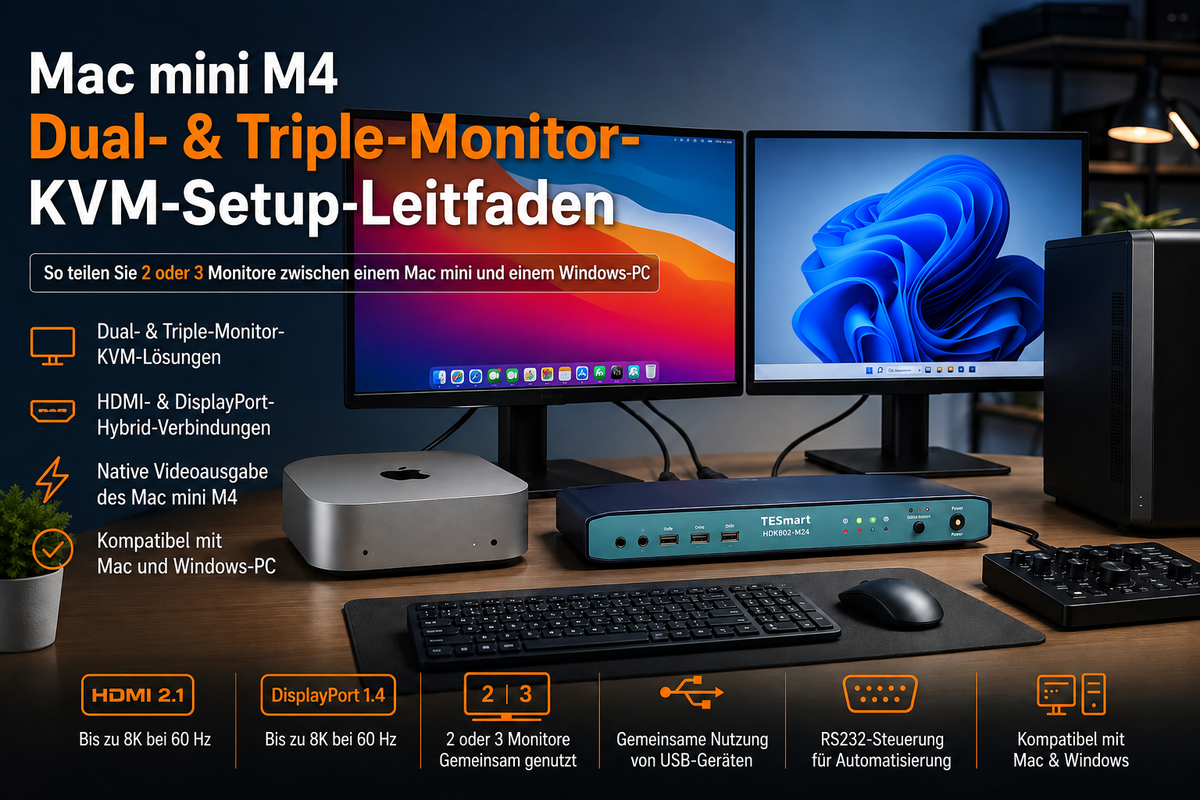
KVM-Switch für Mac mini M4: Anleitung für Dual- und Triple-Monitor-Setups
KVM-Switch für Mac mini M4: Anleitung für Dual- und Triple-Monitor-Setups

Einleitung Ein Mac mini M4 kann bis zu drei externe Displays ansteuern. Diese Information allein reicht jedoch nicht aus, um den richtigen KVM-Switch auszuwählen oder die optimale Verkabelung zu planen. Die eigentliche Herausforderung entsteht, wenn ein Mac mini M4 und...

Read moreabove KVM-Switch für Mac mini M4: Anleitung für Dual- und Triple-Monitor-Setups

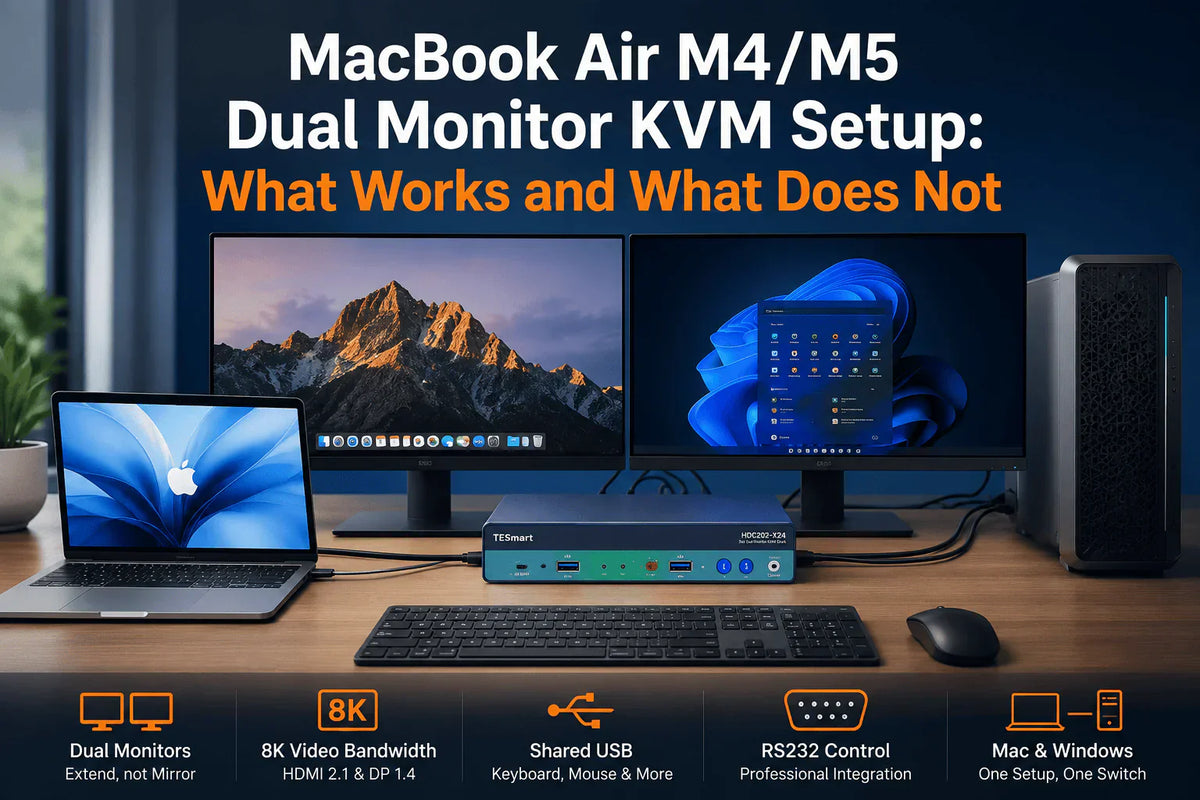
MacBook Air M4/M5 Dual-Monitor-KVM-Setup: Was funktioniert–und was nicht?
MacBook Air M4/M5 Dual-Monitor-KVM-Setup: Was funktioniert–und was nicht?

Inhaltsverzeichnis Einleitung Kurzantwort: Kann das MacBook Air M4 und M5 zwei externe Monitore betreiben? Was Apples Unterstützung für zwei Displays tatsächlich bedeutet Warum einige USB-C-Dual-Monitor-KVMs nur ein erweitertes Display anzeigen MST vs. SST vs. DisplayLink beim MacBook Air Verbindungsmethoden für...

Read moreabove MacBook Air M4/M5 Dual-Monitor-KVM-Setup: Was funktioniert–und was nicht?

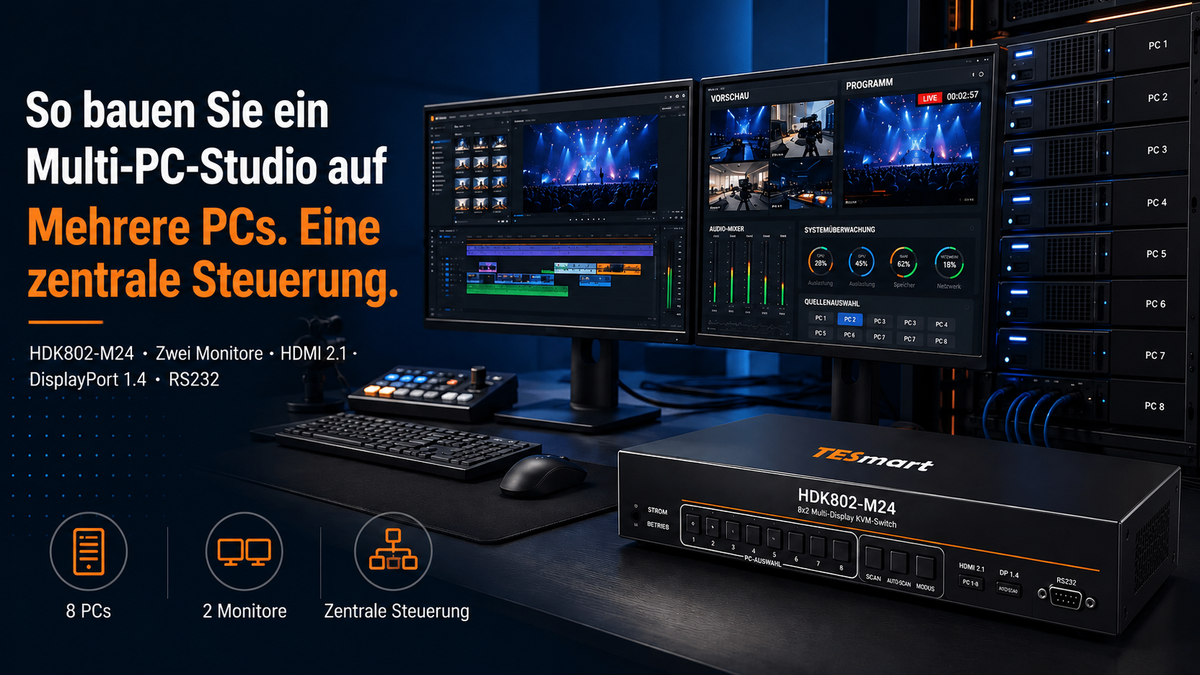
So bauen Sie ein Multi-PC-Studio auf: HDMI 2.1, DisplayPort 1.4, RS232 und Dual-Monitor-KVM erklärt
So bauen Sie ein Multi-PC-Studio auf: HDMI 2.1, DisplayPort 1.4, RS232 und Dual-Monitor-KVM erklärt

Einleitung Ein Multi-PC-Studio wird nicht allein deshalb komplex, weil mehrere Computer vorhanden sind. Die eigentliche Herausforderung beginnt, wenn jeder Rechner eigene Monitorkabel, Tastatur, Maus, USB-Geräte und eine separate Steuerungsmethode benötigt. Ein Videoeditor nutzt möglicherweise einen Arbeitsplatz zum Schneiden, einen zweiten...

Read moreabove So bauen Sie ein Multi-PC-Studio auf: HDMI 2.1, DisplayPort 1.4, RS232 und Dual-Monitor-KVM erklärt

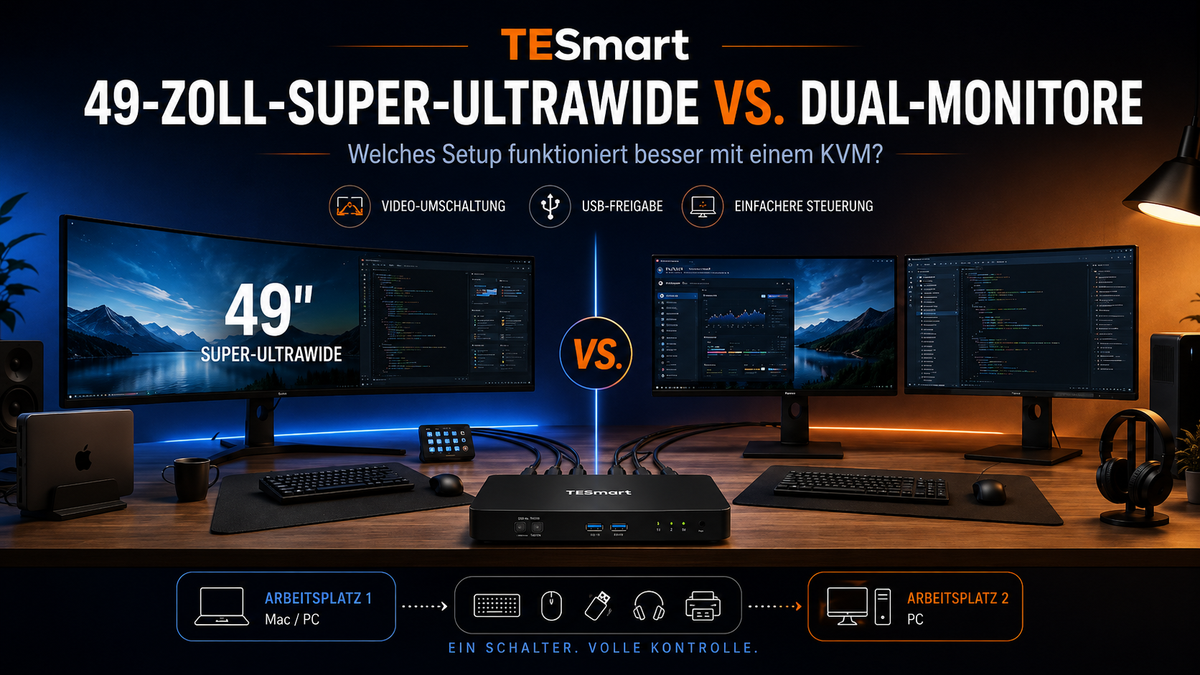
49-Zoll-Super-Ultrawide vs. Dual-Monitore: Welches KVM-Setup funktioniert besser?
49-Zoll-Super-Ultrawide vs. Dual-Monitore: Welches KVM-Setup funktioniert besser?
Inhaltsverzeichnis Einleitung Was Nutzer tatsächlich lösen möchten Warum 49-Zoll-Super-Ultrawide-Monitore auch 2026 sinnvoll bleiben Warum Dual-Monitor-Setups für viele Schreibtische weiterhin besser funktionieren Wie sich die KVM-Anforderungen zwischen Ultrawide und Dual-Monitoren unterscheiden Vergleich: Ultrawide, Dual-Monitore, Dock, Switch oder Kabelumstecken Was Sie vor...

Read moreabove 49-Zoll-Super-Ultrawide vs. Dual-Monitore: Welches KVM-Setup funktioniert besser?

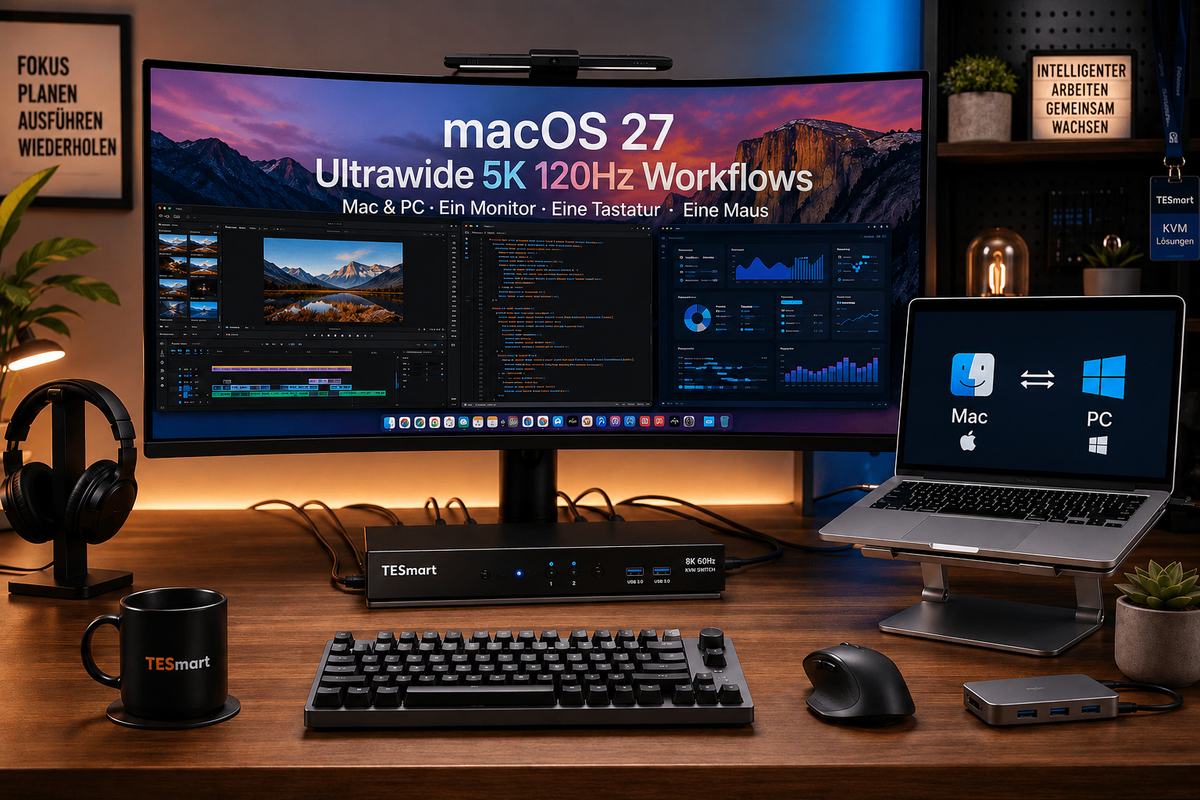
macOS 27 Ultrawide-Monitor-Setup für Mac und PC: KVM-Switch für 5K 120Hz, USB-C und DisplayPort-Workflows

macOS 27 ultrawide monitor setup for Mac and PC: KVM switch for 5K 120Hz, USB-C and DisplayPort workflows

Table of contents Introduction Why Mac users are switching to ultrawide and 5K 120Hz workflows Why a macOS 27" ultrawide monitor setup can get complicated Single-device display connection vs. multi-device KVM switching Why 5K 120Hz is not a simple display...

Read moreabove macOS 27 ultrawide monitor setup for Mac and PC: KVM switch for 5K 120Hz, USB-C and DisplayPort workflows

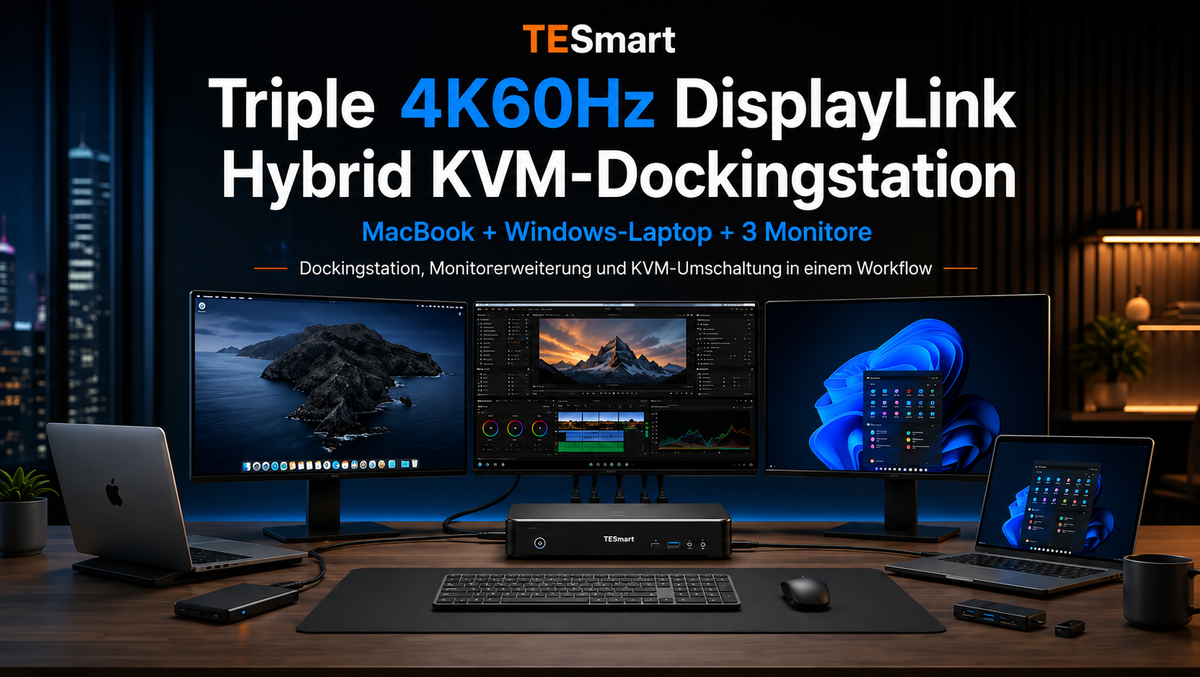
TESmart DisplayLink Hybrid-KVM-Dockingstation für Mac und PC: Triple 4K60Hz Multi-Monitor-Setup

TESmart DisplayLink Hybrid KVM Docking Station for Mac and PC: Triple 4K60Hz Multi-Monitor Setup
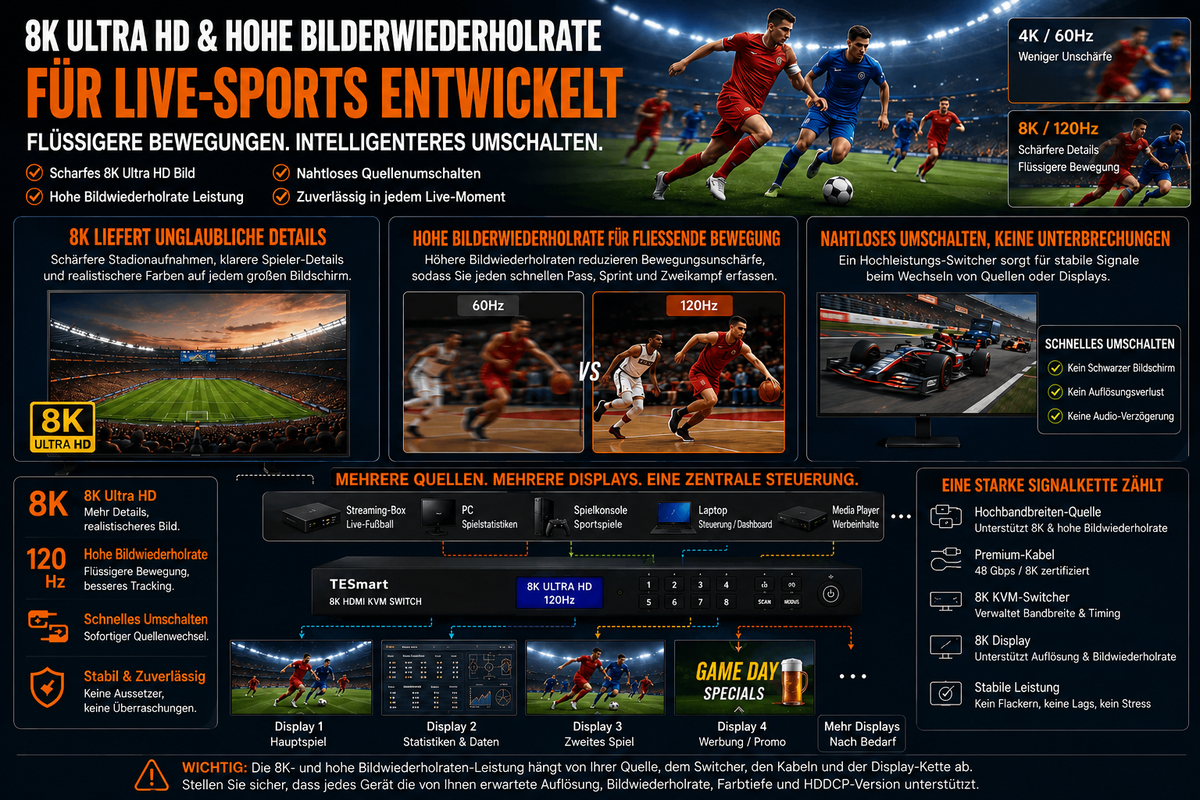
Table of contents Introduction Why triple monitor setups become complicated with Mac and PC Docking station vs. KVM switch: Similar desktop, different task Why DisplayLink is important for MacBook triple monitor setups Why a hybrid KVM docking station makes sense...

Read moreabove TESmart DisplayLink Hybrid KVM Docking Station for Mac and PC: Triple 4K60Hz Multi-Monitor Setup

Live-Broadcast-Workstation für Sportkommentare: Multi-PC-Setup mit TESmart Multi-Monitor-KVM

Live Broadcast Workstation for Sports Commentary: Multi-PC Setup with TESmart Multi-Monitor KVM
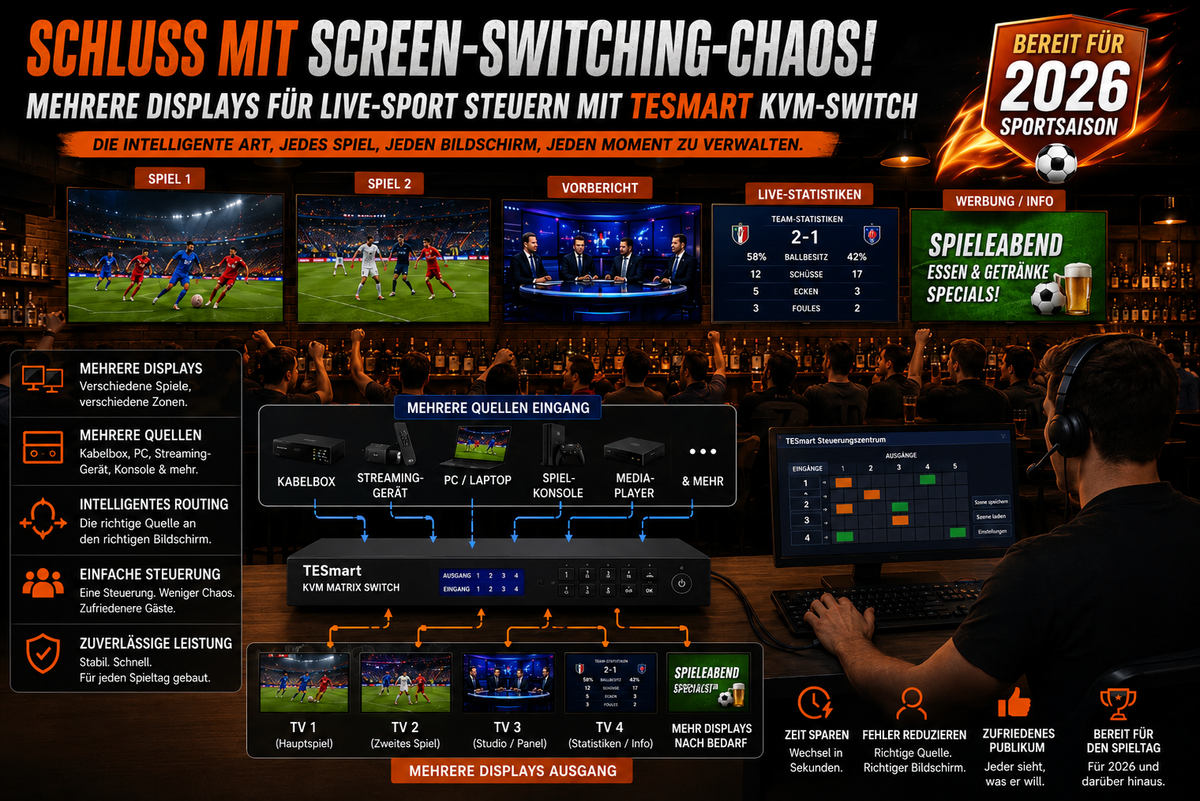
Table of contents Introduction What a sports commentary setup really needs Why an HDMI switch or the Enter key on the monitor isn't always enough How a multi-monitor KVM solution helps a live production desk Practical workstation examples for sports...

Read moreabove Live Broadcast Workstation for Sports Commentary: Multi-PC Setup with TESmart Multi-Monitor KVM
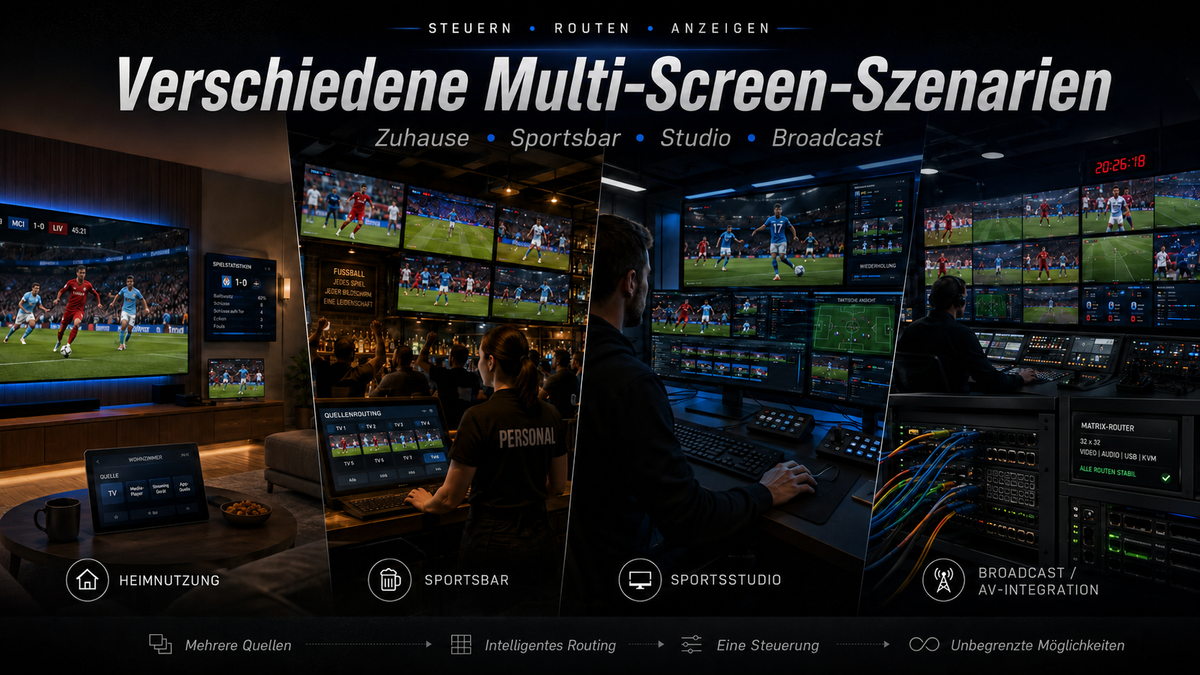
Live-Sport auf mehreren Displays steuern: Schluss mit Screen-Switching-Chaos dank TESmart KVM-Switch

Control live sports on multiple displays: No more screen switching chaos thanks to the TESmart KVM switch

Table of contents Why live sports setups get chaotic so quickly The real problem isn't more screens — it's better control. What a KVM switch does in a multi-screen sports setup KVM switch vs. HDMI matrix vs. HDMI splitter vs....

Read moreabove Control live sports on multiple displays: No more screen switching chaos thanks to the TESmart KVM switch

Sportsbar & Pub Streaming Setup 2026: Warum eine TESmart HDMI-Matrix für mehrere TVs unverzichtbar ist

Sportsbar & Pub Streaming Setup 2026: Why a TESmart HDMI matrix is ​​essential for multiple TVs

Table of contents Introduction Why the 2026 sports season is changing the setup Why an HDMI splitter or HDMI switch is not enough What an HDMI matrix solves in a bar or pub Who really needs this solution? How to...

Read moreabove Sportsbar & Pub Streaming Setup 2026: Why a TESmart HDMI matrix is ​​essential for multiple TVs

🎁 BLACKFRIDAY has been copied to your clipboard!
Coupon here!