

Developed KVM models
Supported computers
Supported monitors
Connection variants
More choice for you – even if this makes development more demanding.
Finden Sie den KVM für Ihr Setup.
Wählen Sie die Anzahl Ihrer Computer. Finden Sie anschließend Modelle nach Monitoranzahl und Computeranschluss.
THE SERIES AT A GLANCE
What do the series letters mean?
The matrix shows which model fits your setup. The serial letters represent differences in video resolution, USB speed, and connection technology.
E · Elite
4K60 · USB 2.0
For everyday 4K work with a shared keyboard, mouse and basic USB devices.
P·Prime
4K60 · USB 3.0
4K60 remains – USB 3.0 enables faster data transfer for storage and other shared devices.
M · Master
8K60/4K144 · USB 3.0
Higher resolution or refresh rates than 4K60 – plus fast USB data transfer.
X · Xtreme
Thunderbolt 4 · Up to 40 Gbps
For Thunderbolt laptops with shared monitors, peripherals, and charging capability.
HDC202-X24: two 4K60 monitors and 60W charging power.
Compare models for your setup.
Select a tab for your setup and then a model per column. This allows you to compare ports, video resolution, and shared devices.
COMPARE SUITABLE MODELS
KVM switches for a monitor
Select one model per column and highlight the differences.
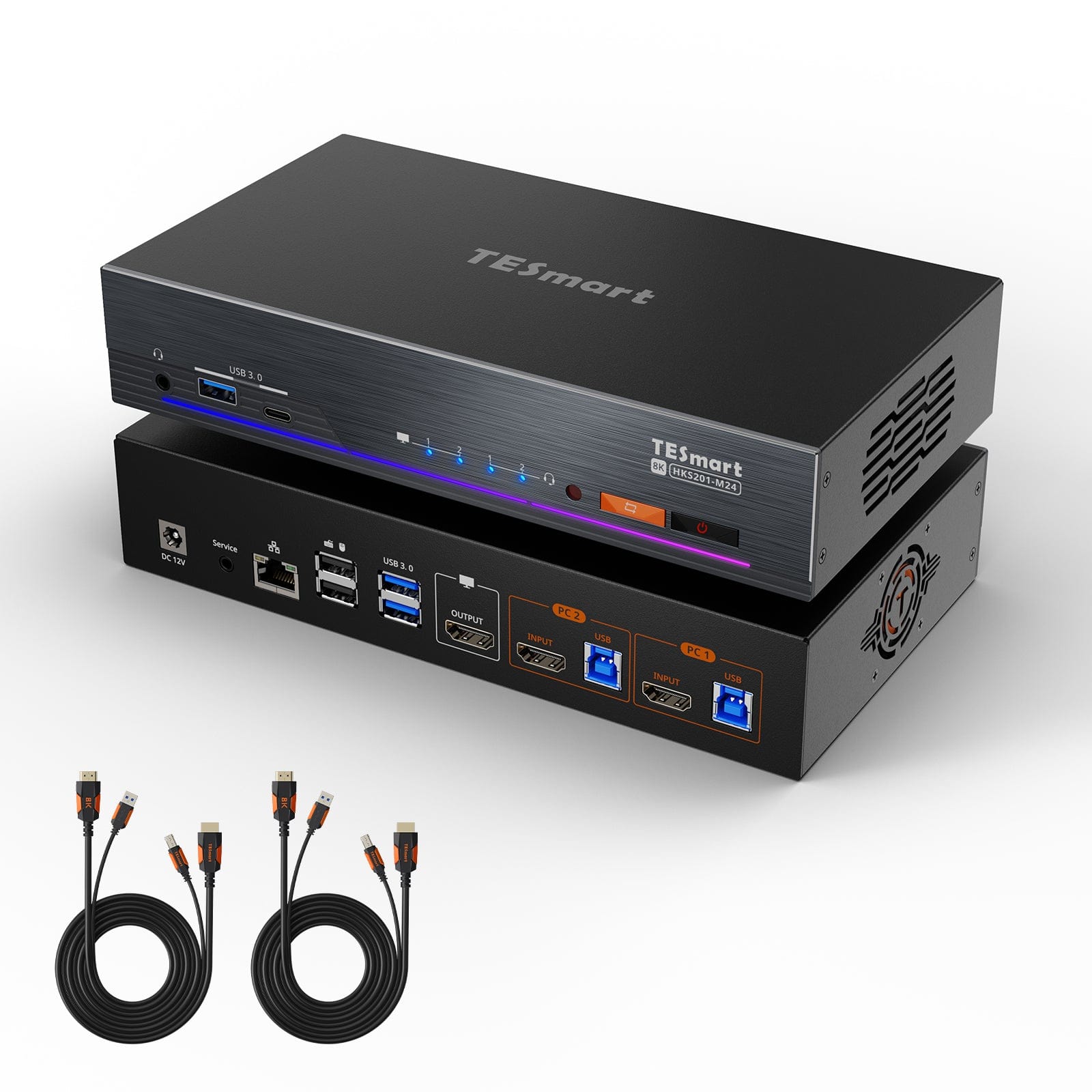
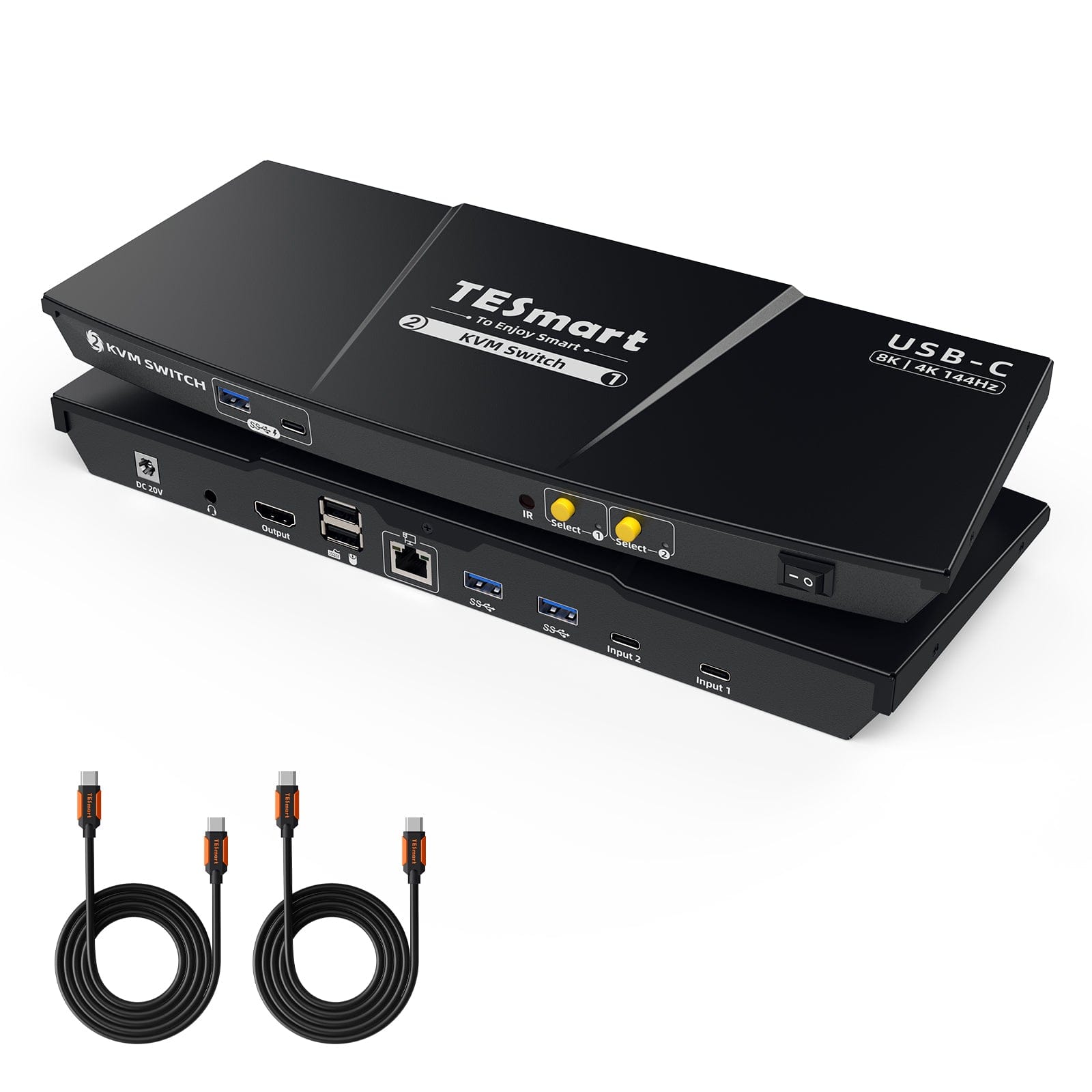
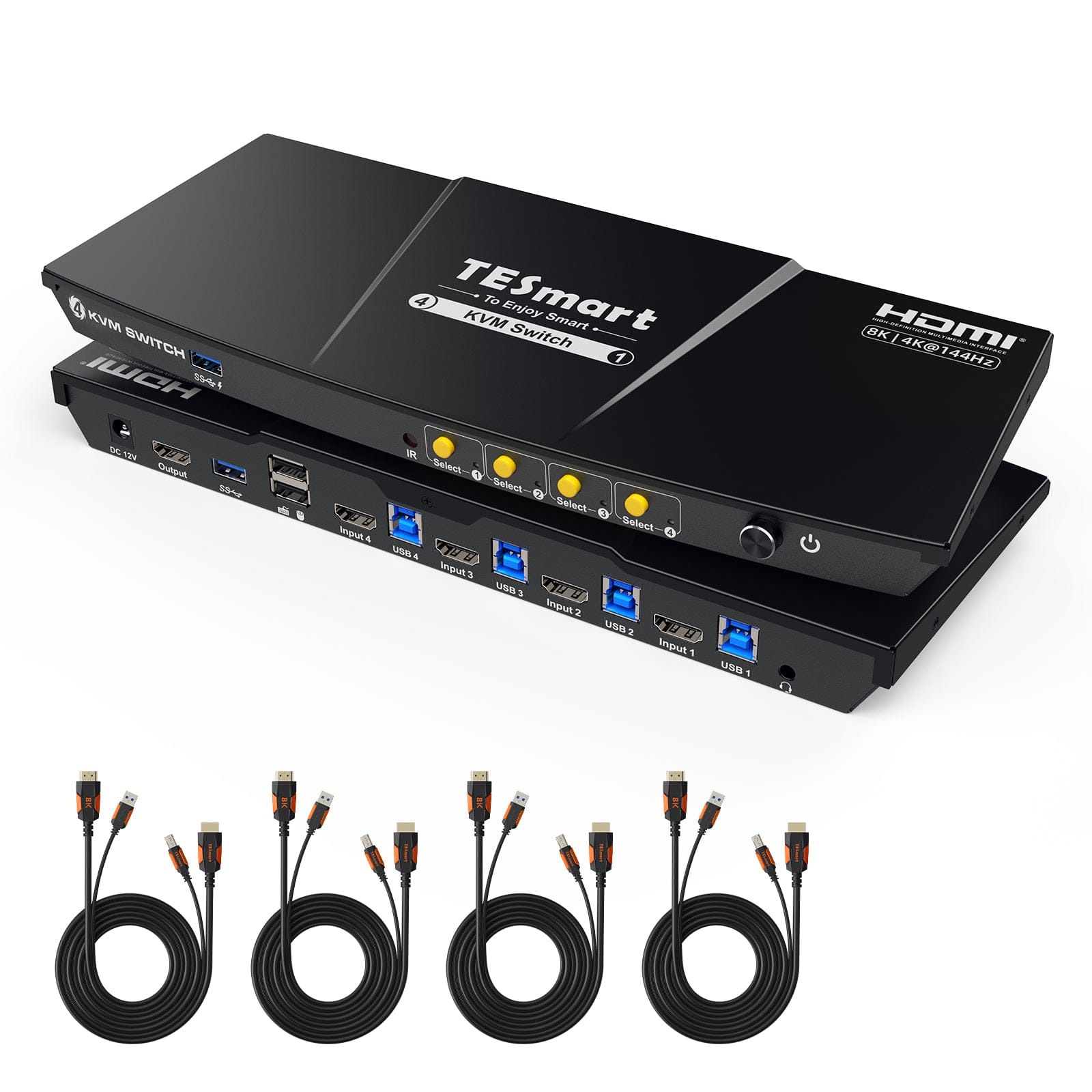
Model
HKS201-M24
Model
CKS201-M23
Model
HKS401-M23
Connected devices
2 computers
Connected devices
2 laptops
Connected devices
4 computers
Computer inputs
2 × HDMI
Computer inputs
2 × USB-C
Computer inputs
4 × HDMI
Number of monitors
1 monitor
Number of monitors
1 monitor
Number of monitors
1 monitor
Video resolution
8K60/4K144/165/1080p240
Video resolution
8K60/4K144/165/1080p240
Video resolution
8K60/4K144/165/1080p240
Shared USB ports
4 × USB 3.0 (2 with charging function), 2 × USB 1.1
Shared USB ports
4 × USB 3.0 (2 with charging function), 2 × USB 1.1
Shared USB ports
2 × USB 3.0 (1 with charging function), 2 × USB 1.1
Laptop charging function
Laptop charging function
60 W (for two laptops)
Laptop charging function
Ethernet
1000 Mbit/s (on/off)
Ethernet
1000 Mbit/s (on/off)
Ethernet
EDID emulation
EDID emulation
EDID emulation
Audio and microphone
Audio and microphone
Audio and microphone
Switching
Button/IR remote control/Hotkeys/Mouse wheel
Switching
Button/IR remote control/Hotkeys/Mouse wheel
Switching
Button/IR remote control/Hotkeys/Mouse wheel
Customizable hotkeys
Yes (any key)
Customizable hotkeys
Yes (any key)
Customizable hotkeys
Yes (any key)
Wired remote control
Yes (compatible with BTC401M)
Wired remote control
Wired remote control
COMPARE SUITABLE MODELS
KVM switches for two monitors
Select one model per column and highlight the differences.
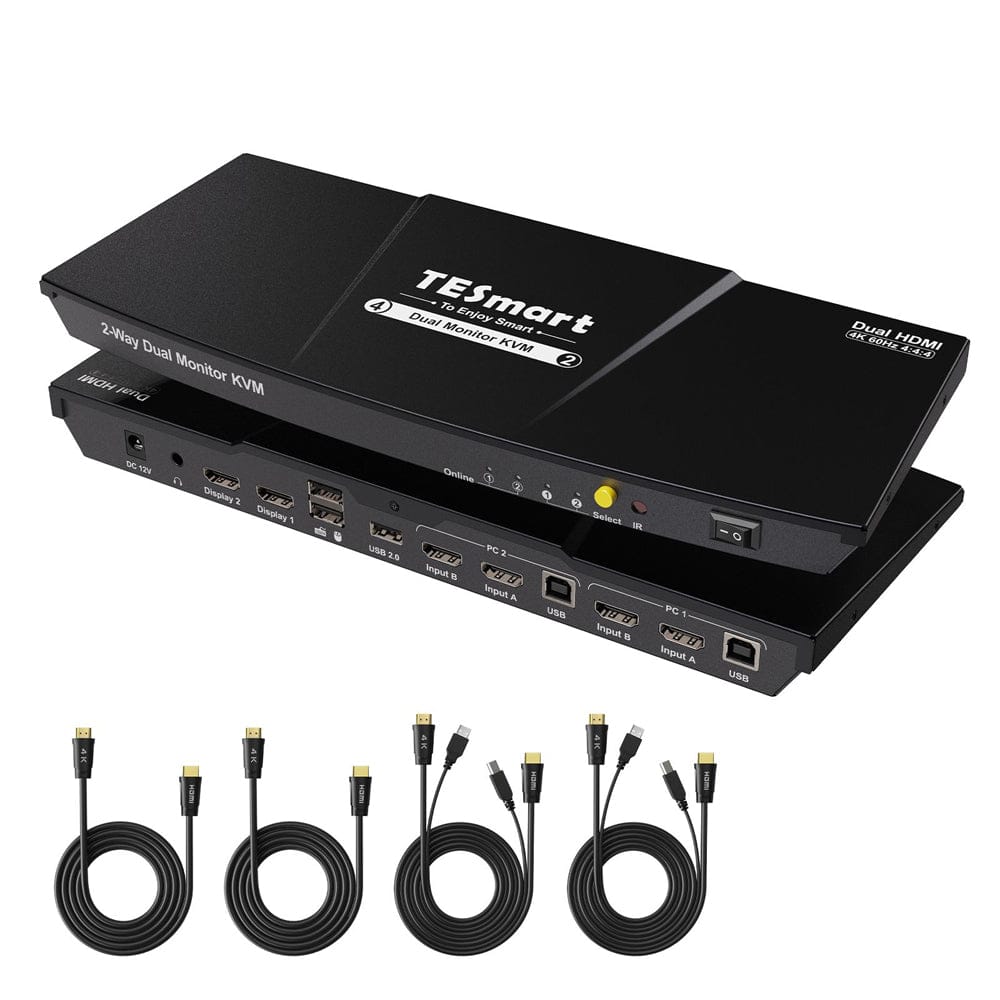
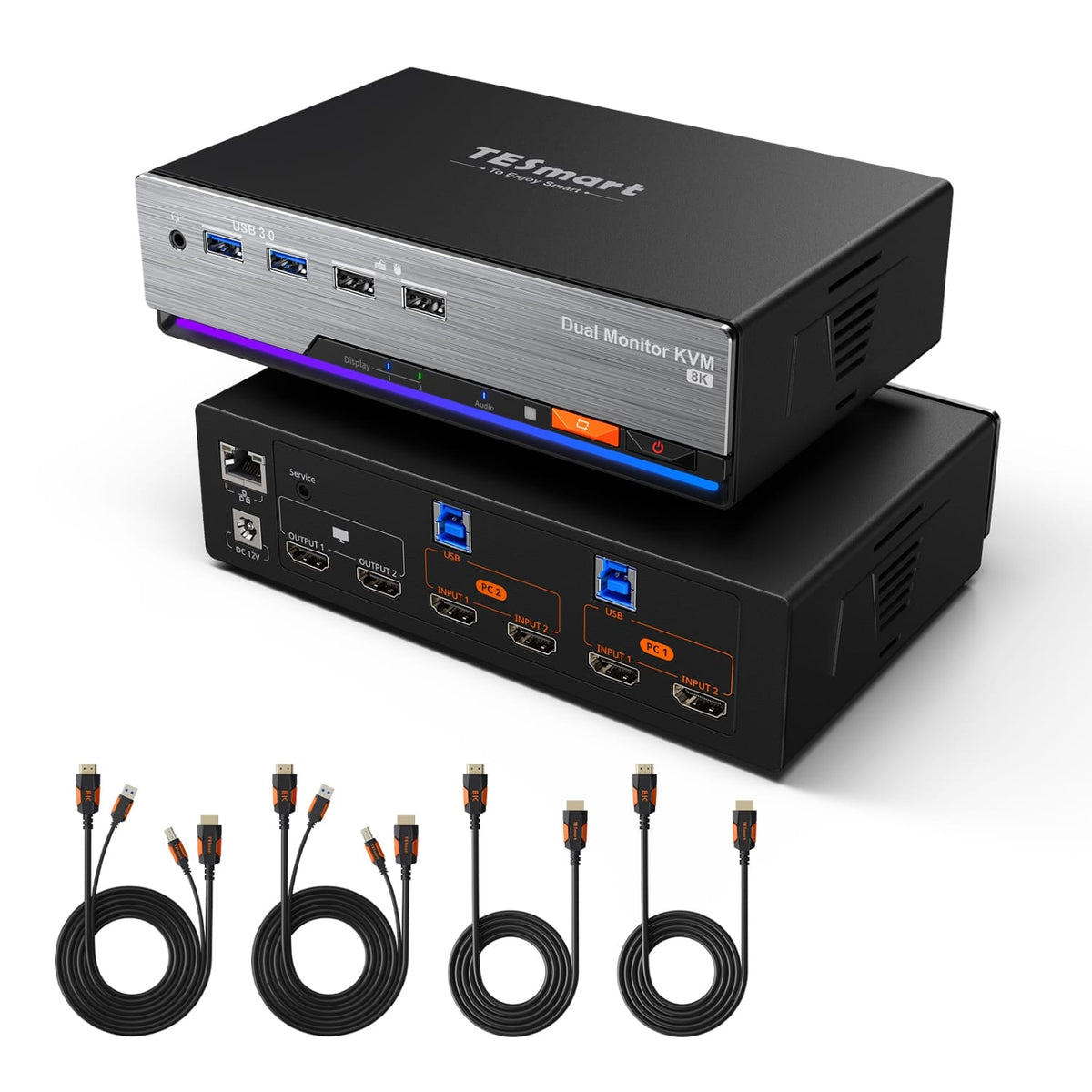
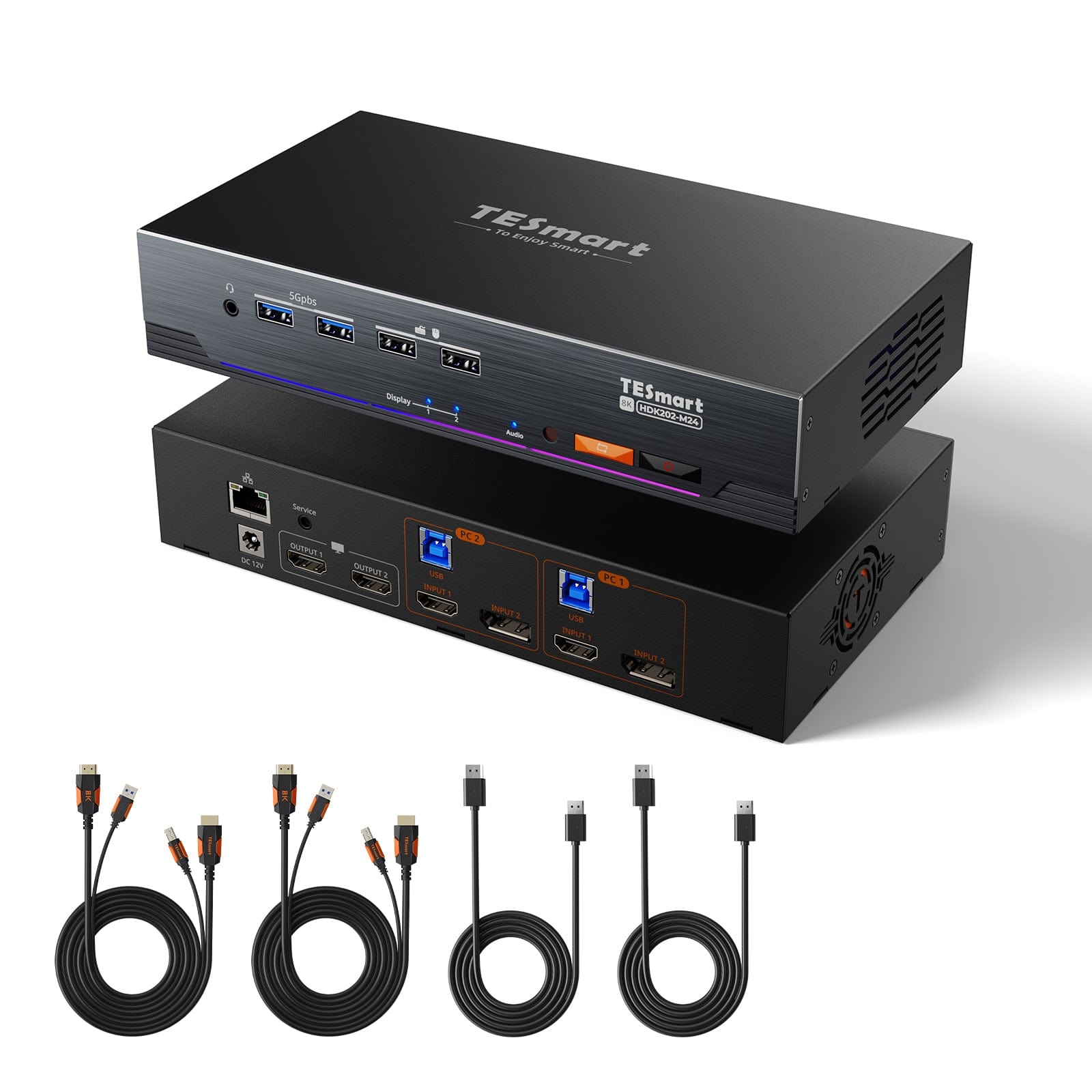
Model
HKS202-E23
Model
HKS202-M24
Model
HDK202-M24
Connected devices
2 computers
Connected devices
2 computers
Connected devices
2 computers
Computer inputs
2 × HDMI + HDMI
Computer inputs
2 × HDMI + HDMI
Computer inputs
2 × HDMI + DP
Number of monitors
2 monitors
Number of monitors
2 monitors
Number of monitors
2 monitors
Video resolution
4K60/2K144/1080p240
Video resolution
8K60/4K144/165/1080p240
Video resolution
8K60/4K144/165/1080p240
Shared USB ports
1 × USB 2.0, 2 × USB 1.1
Shared USB ports
2 × USB 3.0 (2 with charging function), 2 × USB 1.1
Shared USB ports
2 × USB 3.0 (2 with charging function), 2 × USB 1.1
Laptop charging function
Laptop charging function
Laptop charging function
Ethernet
Ethernet
1000 Mbit/s (on/off)
Ethernet
1000 Mbit/s (on/off)
EDID emulation
EDID emulation
EDID emulation
Audio and microphone
L/R audio output only
Audio and microphone
Audio and microphone
Switching
Button/IR remote control/Hotkeys
Switching
Button/IR remote control/Hotkeys/Mouse wheel
Switching
Button/IR remote control/Hotkeys/Mouse wheel
Customizable hotkeys
Customizable hotkeys
Yes (any key)
Customizable hotkeys
Yes (any key)
Wired remote control
Wired remote control
Wired remote control
COMPARE SUITABLE MODELS
KVM switches for three monitors
Select one model per column and highlight the differences.
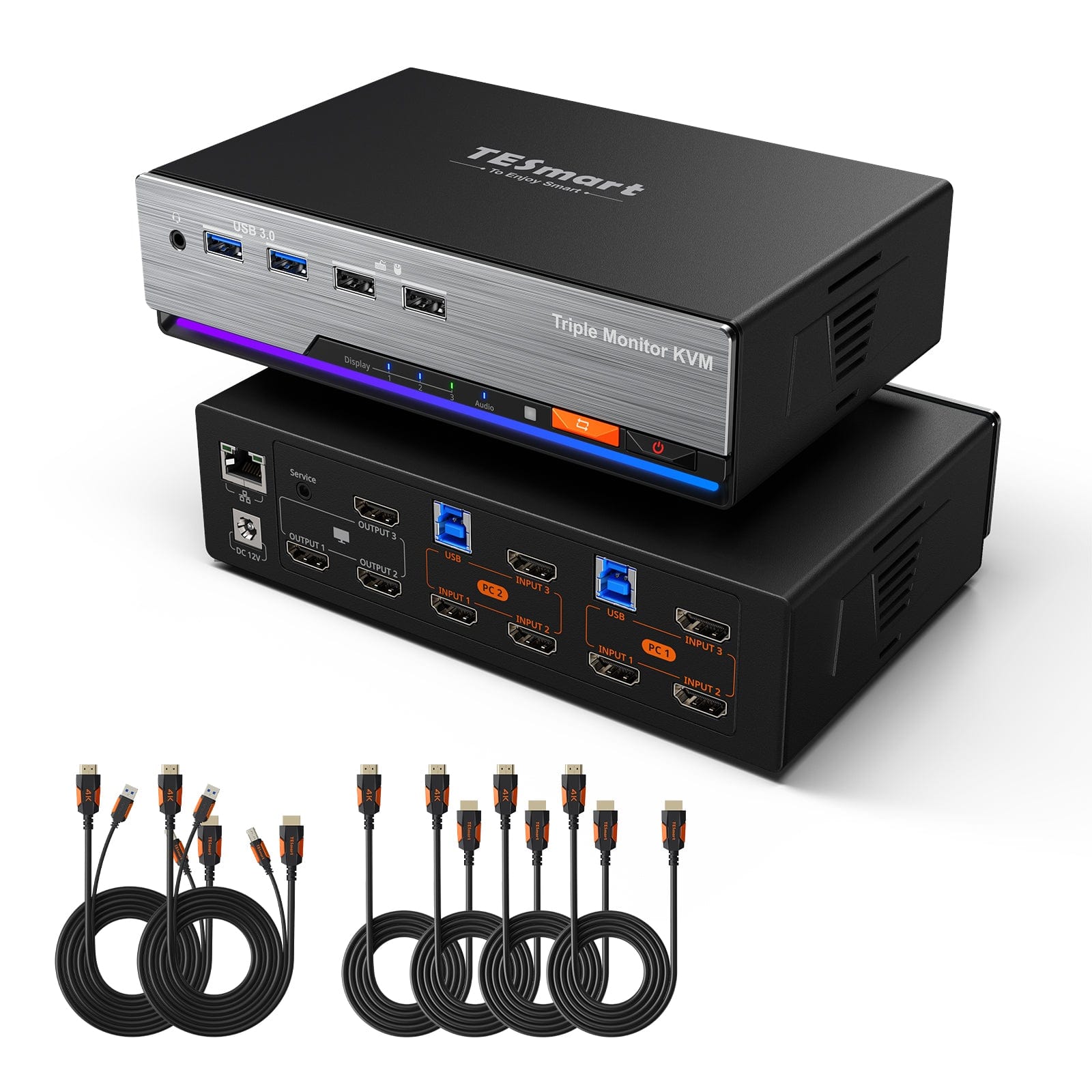
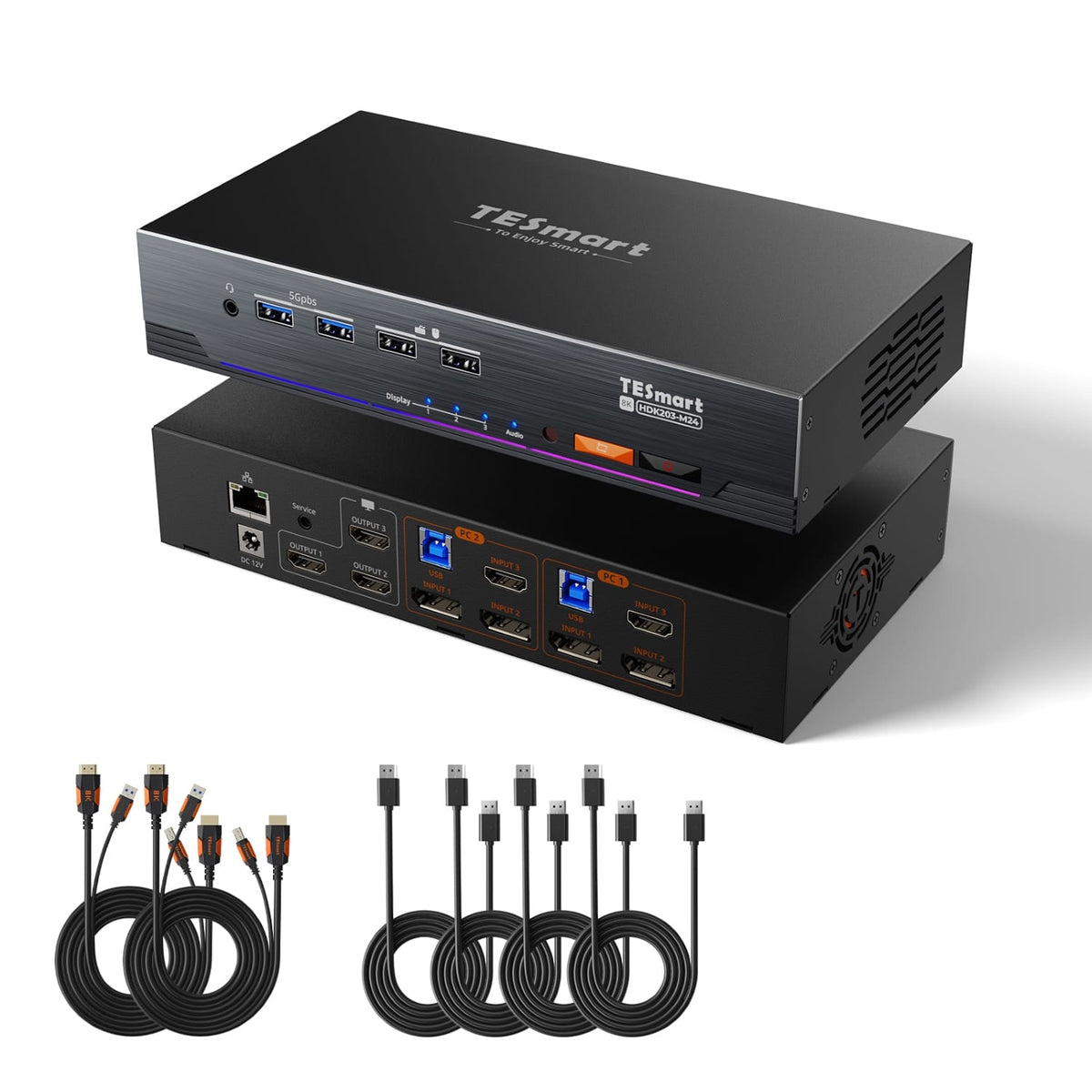
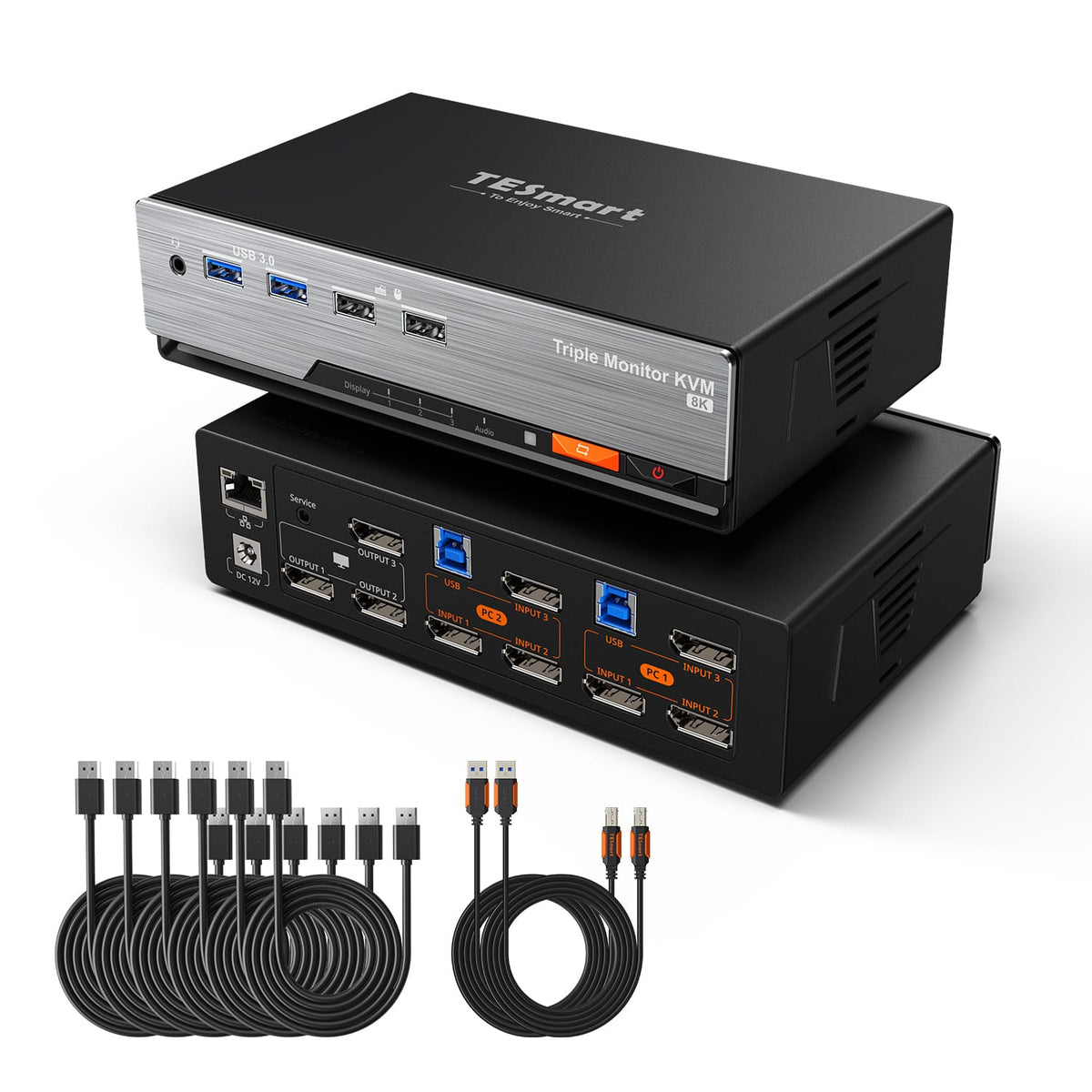
Model
HKS203-P24
Model
HDK203-M24
Model
DKS203-M24
Connected devices
2 computers
Connected devices
2 computers
Connected devices
2 desktop PCs (not for laptops)
Computer inputs
2 × HDMI + HDMI + HDMI
Computer inputs
2 × HDMI + DP + DP
Computer inputs
2 × DP + DP + DP
Number of monitors
3 monitors
Number of monitors
3 monitors
Number of monitors
3 monitors
Video resolution
4K60/2K144/1080p240
Video resolution
8K60/4K144/165/1080p240
Video resolution
8K60/4K144/165/1080p240
Shared USB ports
2 × USB 3.0 (2 with charging function), 2 × USB 1.1
Shared USB ports
2 × USB 3.0 (2 with charging function), 2 × USB 1.1
Shared USB ports
2 × USB 3.0, 2 × USB 1.1
Laptop charging function
Laptop charging function
Laptop charging function
Ethernet
1000 Mbit/s (on/off)
Ethernet
1000 Mbit/s (on/off)
Ethernet
1000 Mbit/s (on/off)
EDID emulation
EDID emulation
EDID emulation
Yes (on/off)
Audio and microphone
Audio and microphone
Audio and microphone
Switching
Button/IR remote control/Hotkeys/Mouse wheel
Switching
Button/IR remote control/Hotkeys/Mouse wheel
Switching
Button/IR remote control/Hotkeys/Mouse wheel
Customizable hotkeys
Yes (any key)
Customizable hotkeys
Yes (any key)
Customizable hotkeys
Yes (any key)
Wired remote control
Wired remote control
Wired remote control
COMPARE SUITABLE MODELS
KVM switches for four monitors
Compare the technical specifications and open the appropriate model.
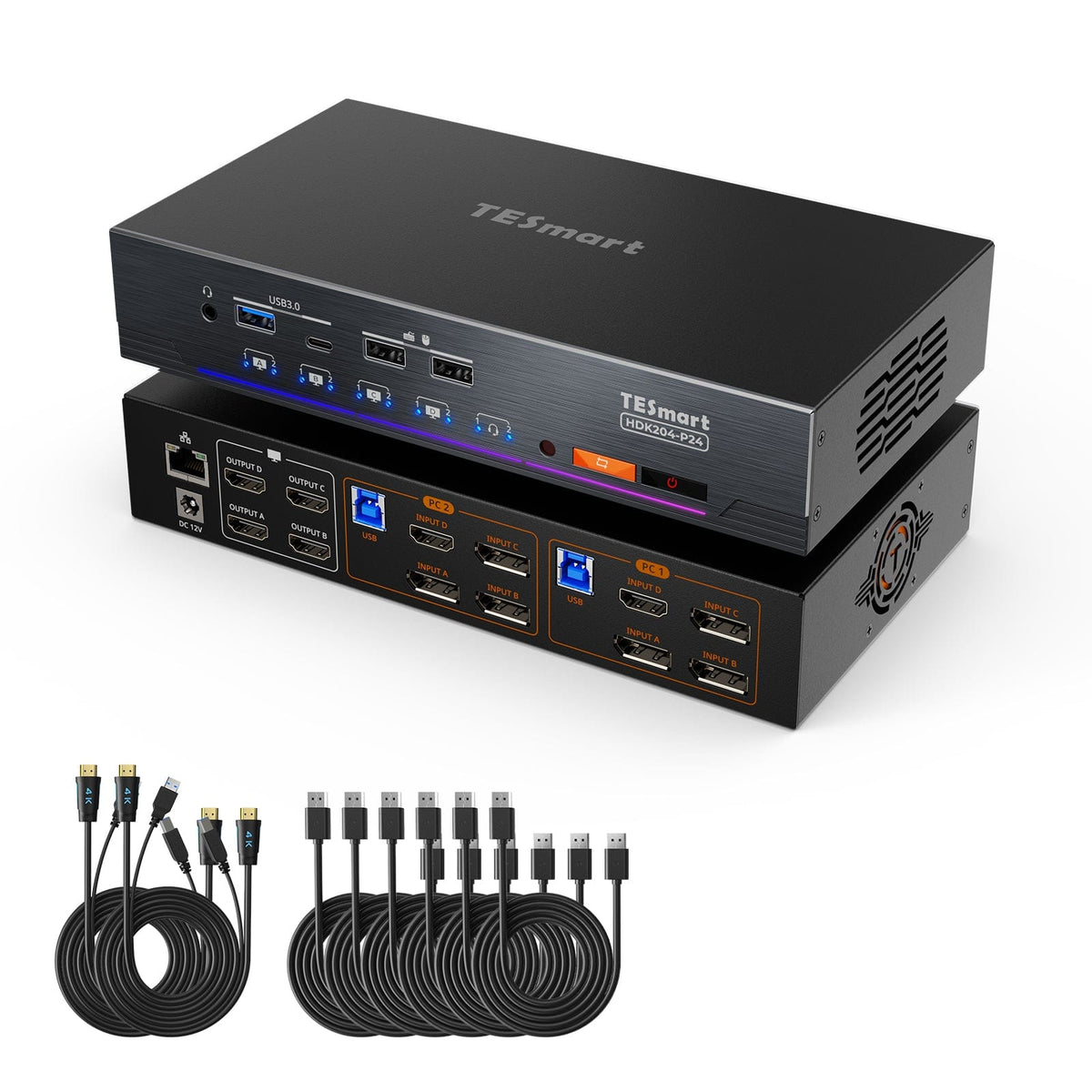
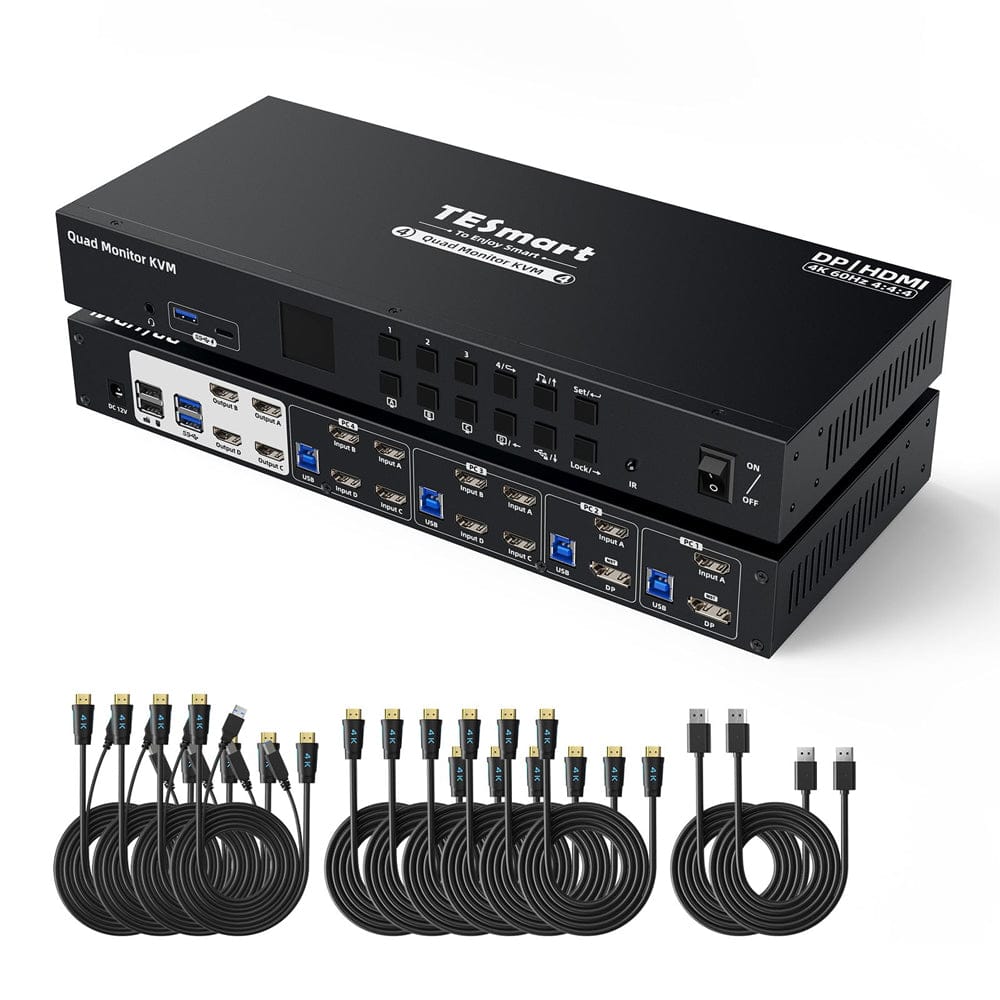
Model
HDK204-P24
Model
HDK404-P23
Connected devices
2 computers
Connected devices
4 computers
Computer inputs
2 × HDMI + DP + DP + DP
Computer inputs
2 × HDMI+MST DP, 2 × (HDMI×4)
Number of monitors
4 monitors
Number of monitors
4 monitors
Video resolution
4K60/2K144/1080p240
Video resolution
4K60/2K144/1080p240
Shared USB ports
2 × USB 3.0 (2 with charging function), 2 × USB 1.1
Shared USB ports
4 × USB 3.0 (2 with charging function), 2 × USB 1.1
Laptop charging function
Laptop charging function
Ethernet
1000 Mbit/s (on/off)
Ethernet
EDID emulation
EDID emulation
Audio and microphone
Audio and microphone
Switching
Button/IR remote control/Hotkeys/Mouse wheel
Switching
Button/IR remote control/Hotkeys
Customizable hotkeys
Yes (any key)
Customizable hotkeys
Wired remote control
Wired remote control
COMPARE SUITABLE MODELS
KVM switches for 8 or 16 computers
Select one model per column and highlight the differences.
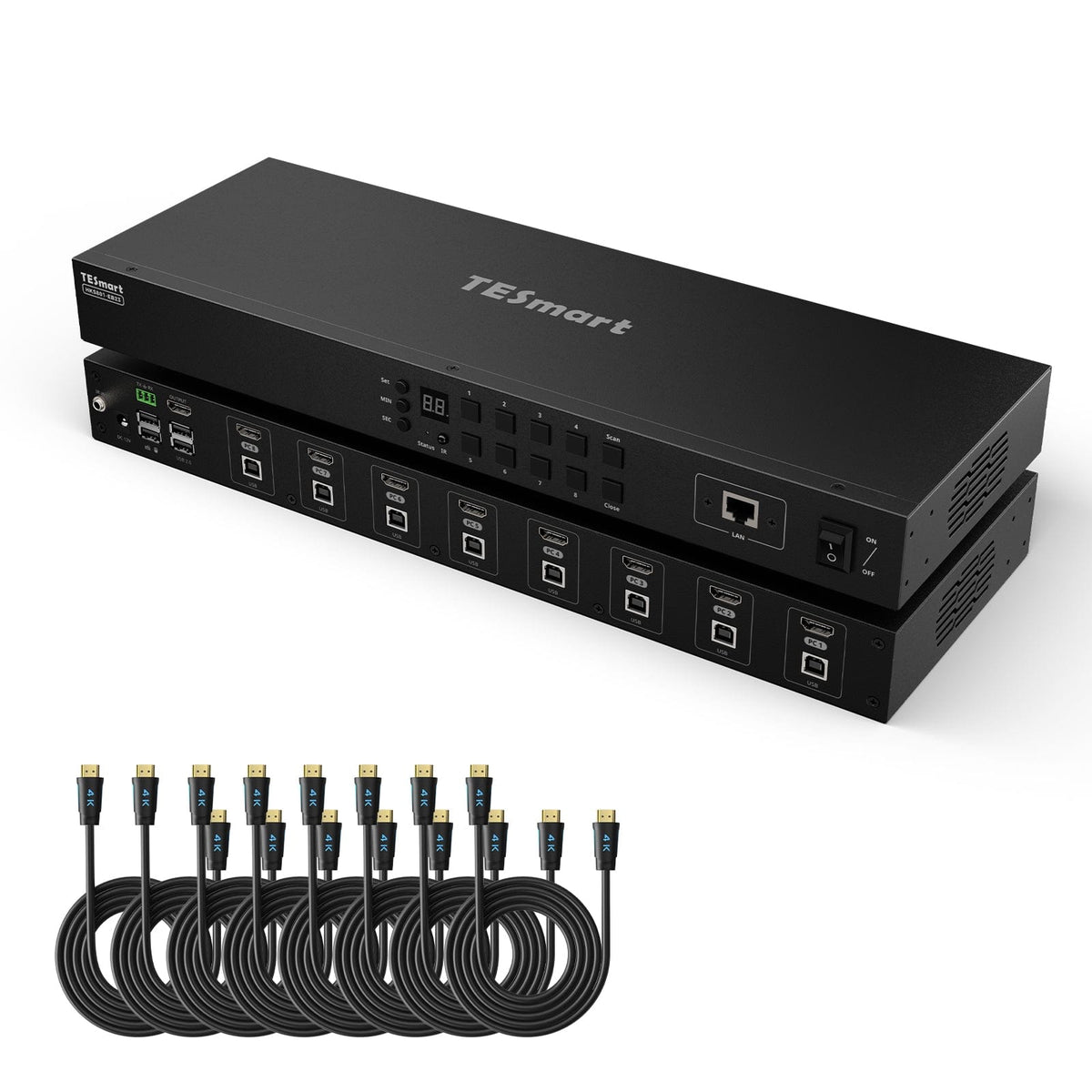


Model
HKS801-EB23
Model
HKS801-P23
Model
HKS801-M24
Connected devices
8 computers
Connected devices
8 computers
Connected devices
8 computers
Computer inputs
8 × HDMI
Computer inputs
8 × HDMI
Computer inputs
8 × HDMI
Number of monitors
1 monitor
Number of monitors
1 monitor
Number of monitors
1 monitor
Video resolution
4K30
Video resolution
4K60/2K144/1080p240
Video resolution
8K60/4K144/165/1080p240
Shared USB ports
2 × USB 2.0, 2 × USB 1.1
Shared USB ports
2 × USB 3.0, 2 × USB 1.1
Shared USB ports
2 × USB 3.0, 2 × USB 1.1
Laptop charging function
Laptop charging function
Laptop charging function
Ethernet
Ethernet
Ethernet
EDID emulation
EDID emulation
EDID emulation
Audio and microphone
Audio and microphone
Audio and microphone
Switching
Button/IR remote control/Hotkeys/Mouse wheel
Switching
Button/IR remote control/Hotkeys/Mouse wheel
Switching
Button/IR remote control/Hotkeys/Mouse wheel
Customizable hotkeys
Customizable hotkeys
Customizable hotkeys
Wired remote control
Wired remote control
Wired remote control
ERFAHRUNGEN UNSERER KUNDEN
Genau dafür machen wir das.
Wenn Sie die passende Lösung finden und sich für TESmart entscheiden, lohnt sich die Arbeit hinter jedem Modell und jeder Verbesserung.
Originalbewertungen auf Englisch.
Which configuration is suitable?
Specify how many computers and monitors you use. The KVM finder will then narrow down the selection.
Trade-in program
Up to 50% credit when trading in eligible devices.
Free Shipping
DE: 3 working days · EU: 3–7 working days
30 days free returns
Worry-free returns and purchase guarantee.
Extended warranty
Register your product and receive up to 3 additional years of warranty.
