5.0
Sold out
TESmart Produkthighlight
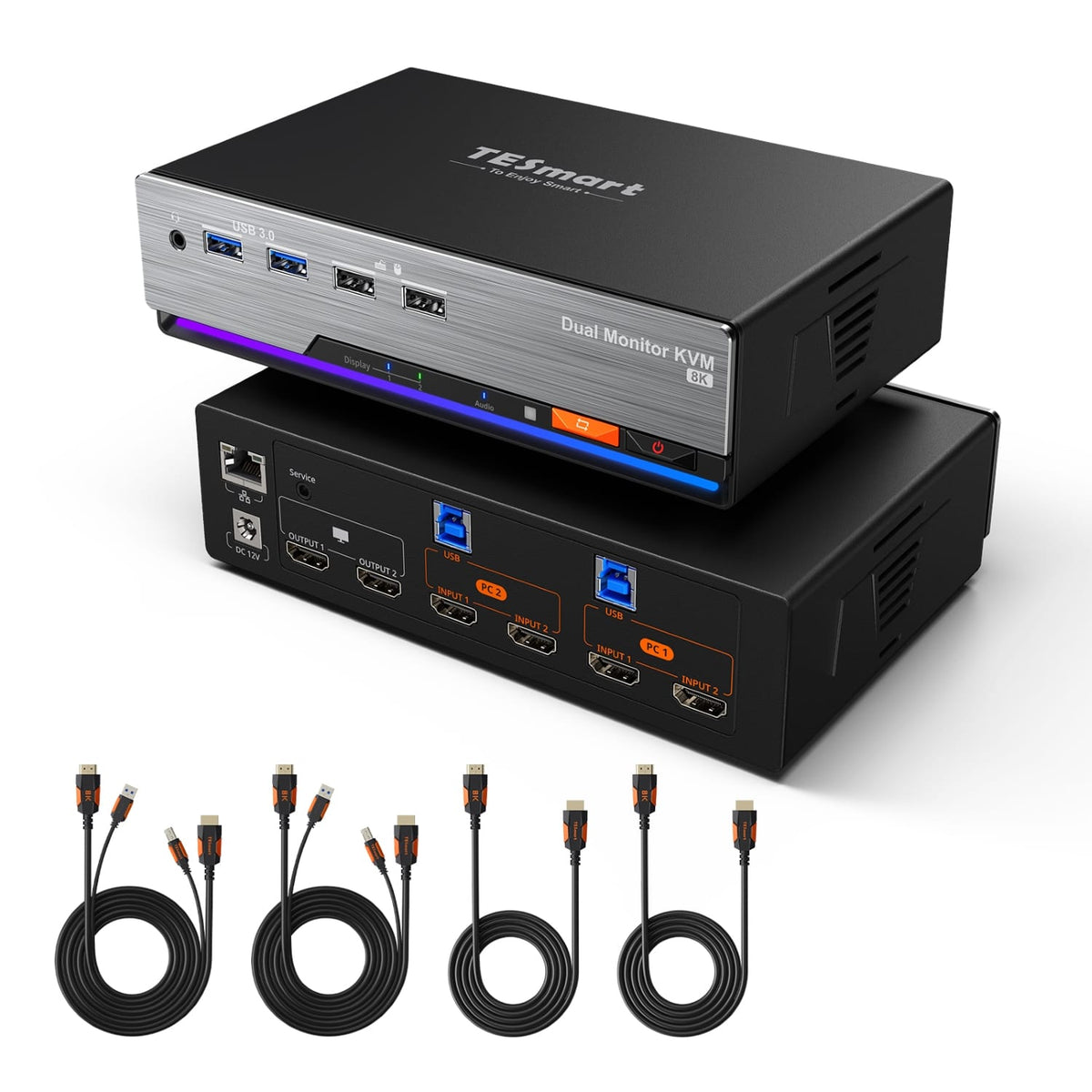
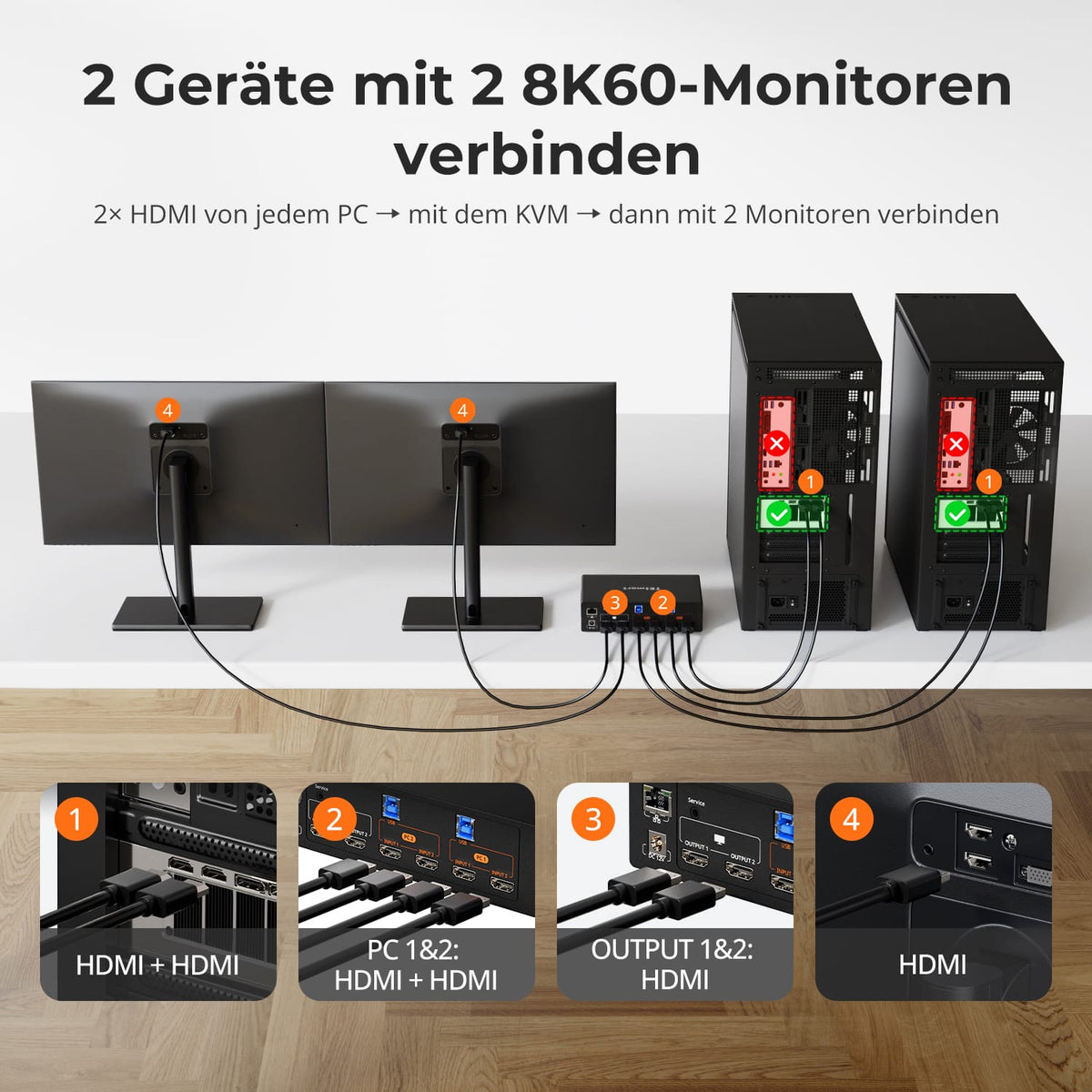
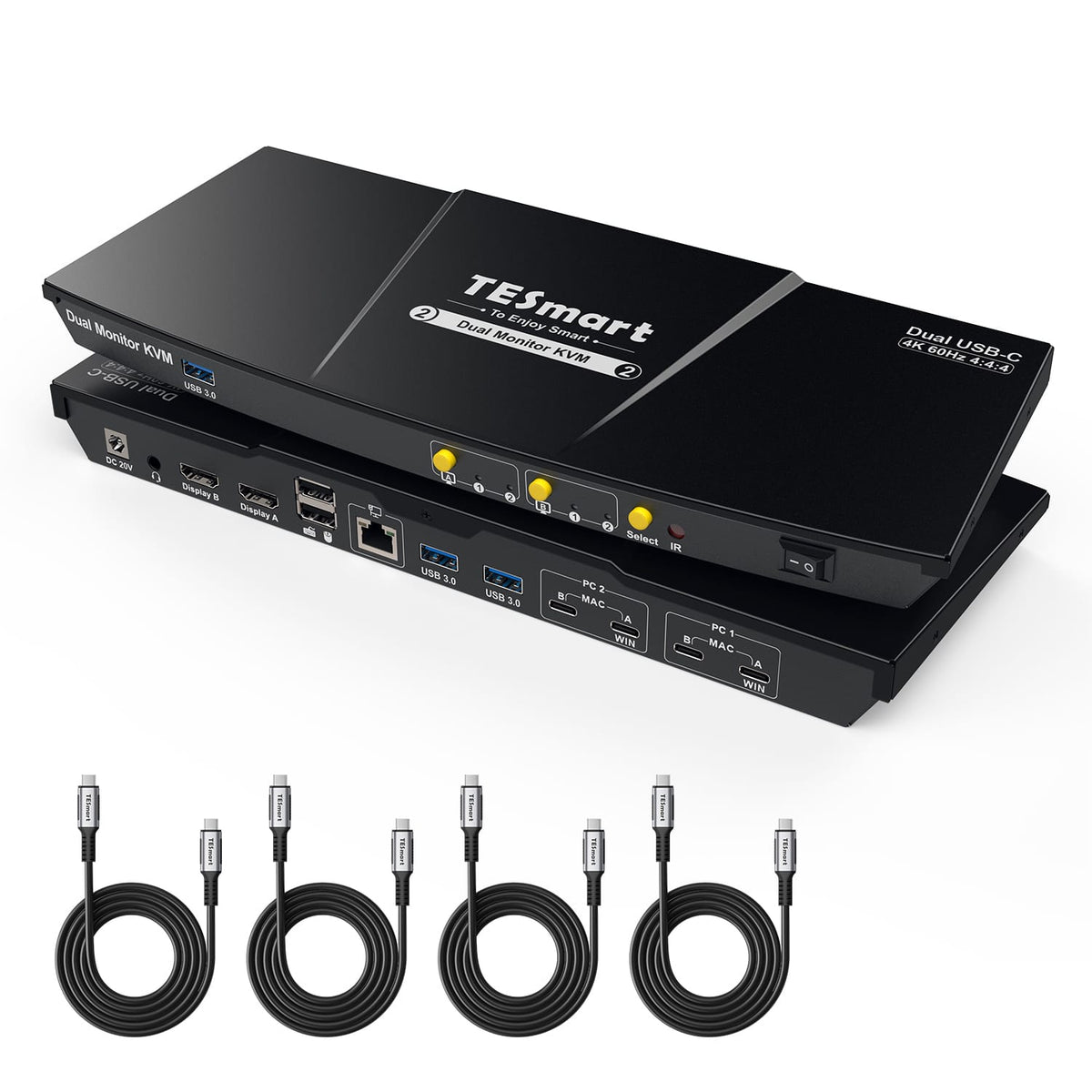
2 Computer × 2 Monitore

Monitorkonfiguration

TESmart Produkthighlight
4K60

Max. Auflösung

TESmart Produkthighlight
MST für mehrere Monitore

Anzeigetechnik

TESmart Produkthighlight
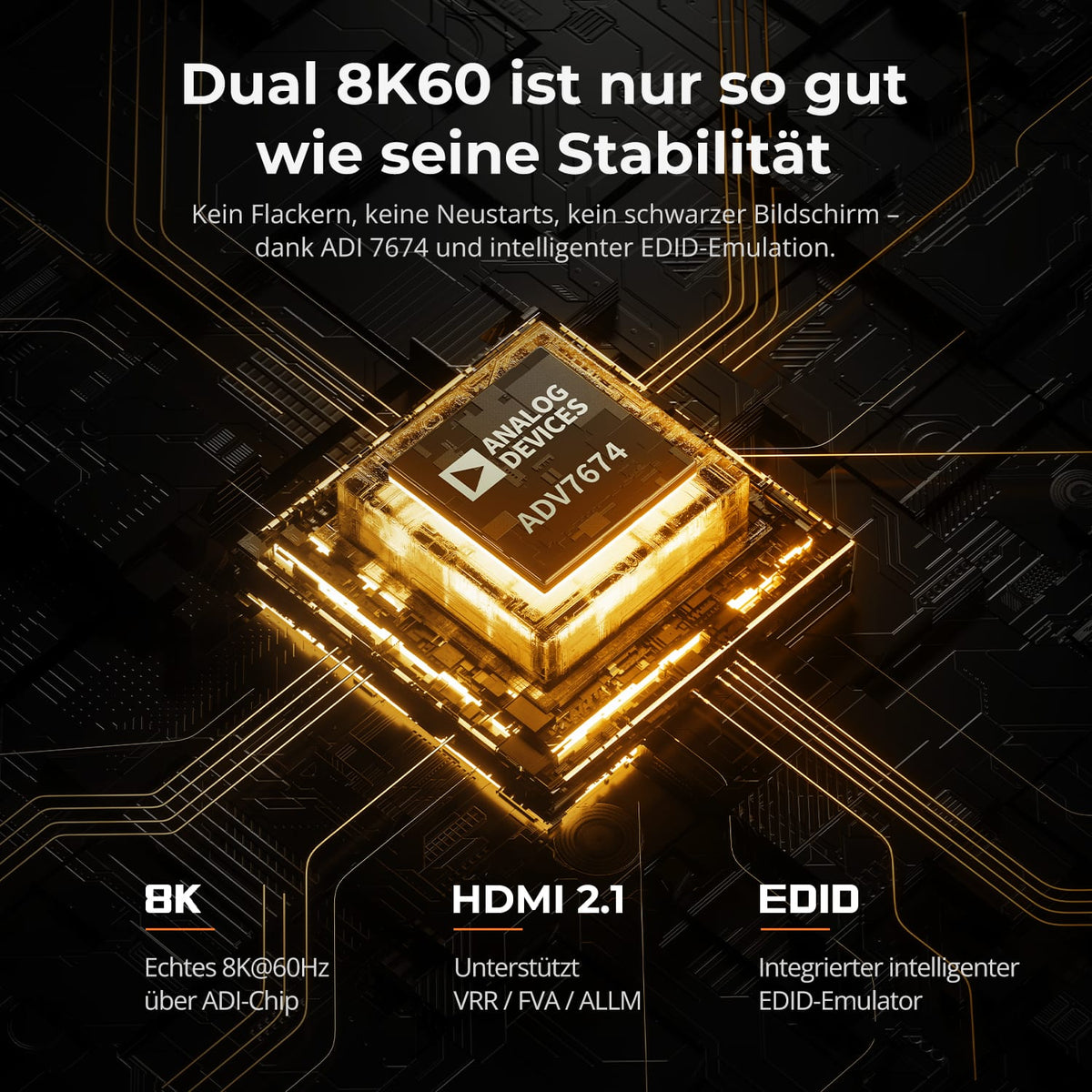
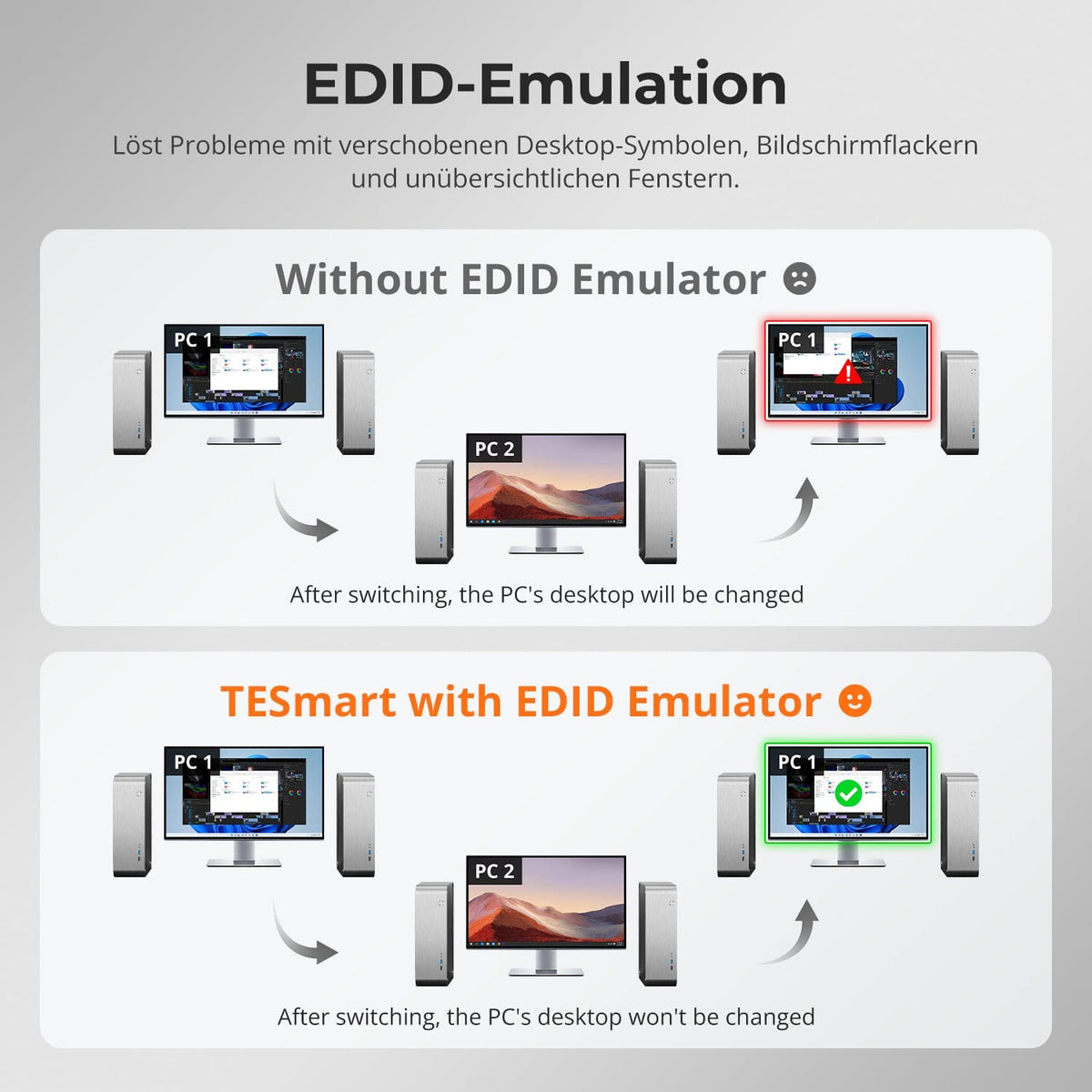
EDID-Emulation

Stabile Anzeige

TESmart Produkthighlight
USB 3.2 Gen 1 / 5Gbps

USB-Geschwindigkeit

TESmart Produkthighlight
36W

Laptop laden

4.8
TESmart Produkthighlight
2 Computer × 2 Monitore

Monitorkonfiguration

TESmart Produkthighlight
8K60/4K144

Max. Auflösung

TESmart Produkthighlight
HDR

Farbdarstellung

TESmart Produkthighlight
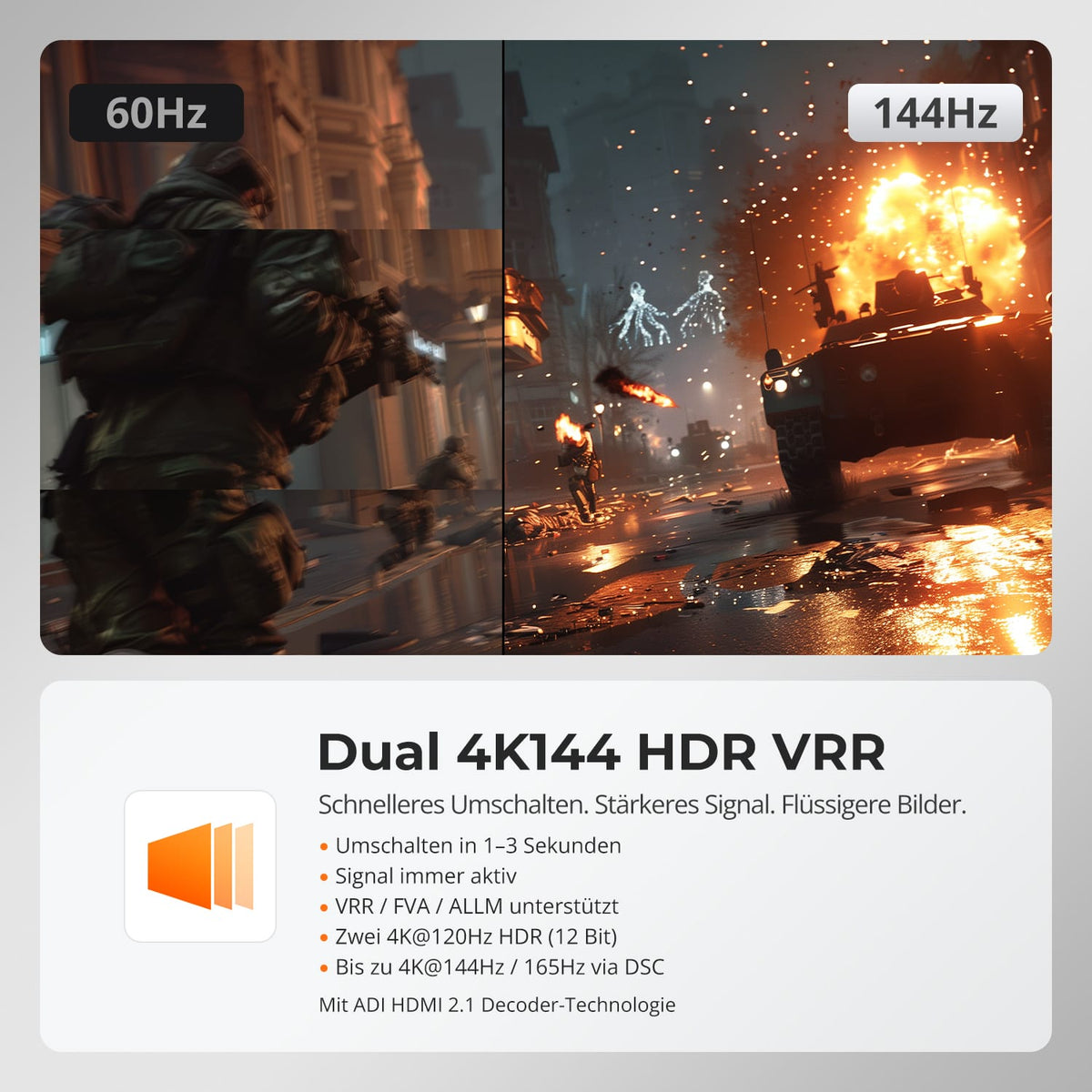
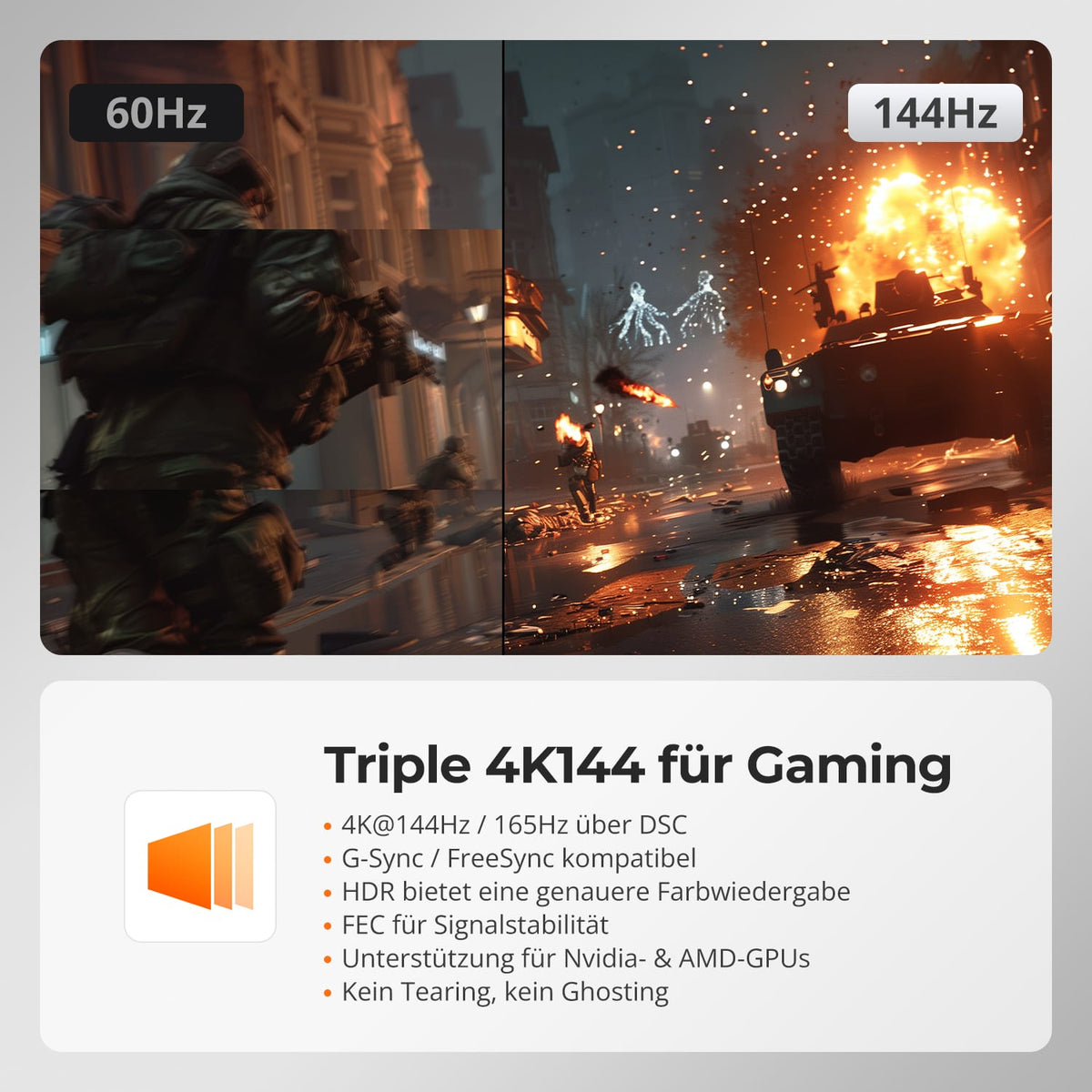
VRR / G-Sync / FreeSync

Gaming

TESmart Produkthighlight
EDID-Emulation

Stabile Anzeige

TESmart Produkthighlight
Gigabit Ethernet

Gemeinsames Netzwerk

4.9
TESmart Produkthighlight
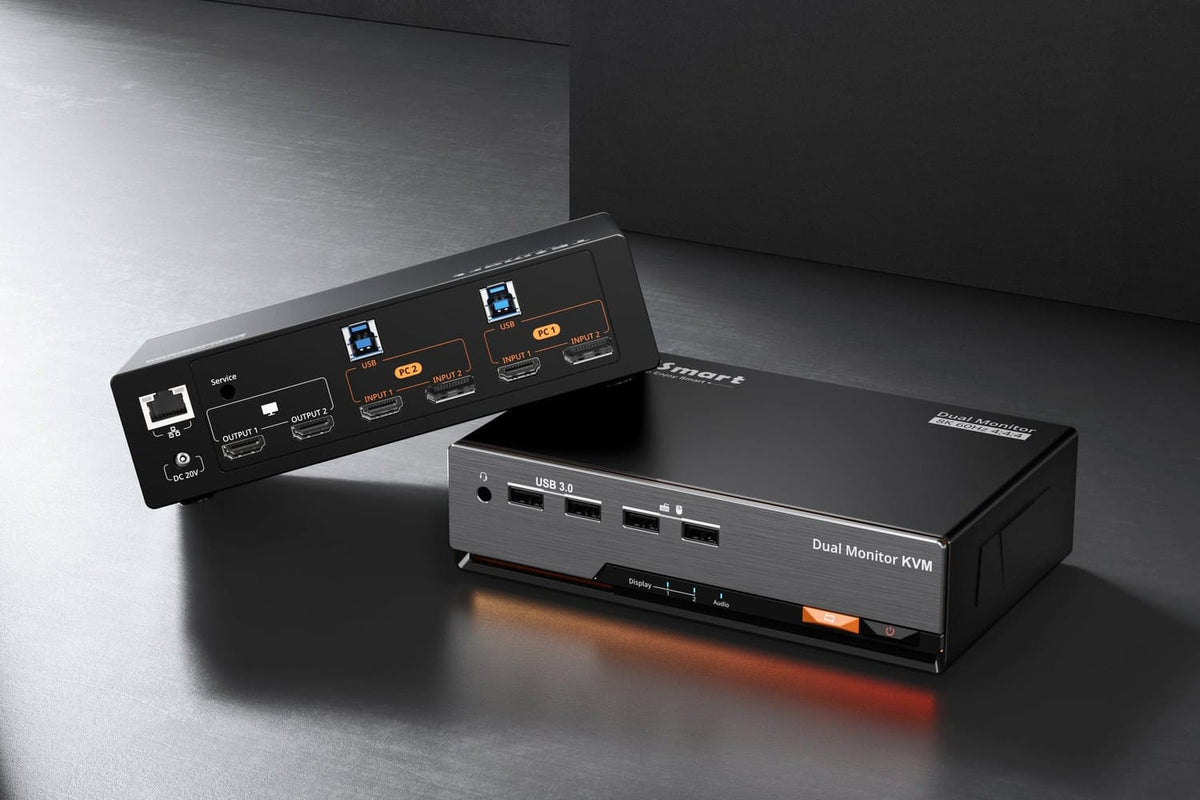
2 Computer × 2 Monitore

Monitorkonfiguration

TESmart Produkthighlight
8K60/4K144

Max. Auflösung

TESmart Produkthighlight
HDR

Farbdarstellung

TESmart Produkthighlight
VRR / G-Sync / FreeSync

Gaming

TESmart Produkthighlight
EDID-Emulation

Stabile Anzeige

TESmart Produkthighlight
Gigabit-LAN Ein/Aus

Netzwerksteuerung

4.9
TESmart Produkthighlight
2 Computer × 3 Monitore

Monitorkonfiguration

TESmart Produkthighlight
8K60/4K144

Max. Auflösung

TESmart Produkthighlight
EDID-Emulation

Stabile Anzeige

TESmart Produkthighlight
HDR

Farbdarstellung

TESmart Produkthighlight
VRR / G-Sync / FreeSync

Gaming

TESmart Produkthighlight
Gigabit Ethernet

Gemeinsames Netzwerk

4.8
TESmart Produkthighlight
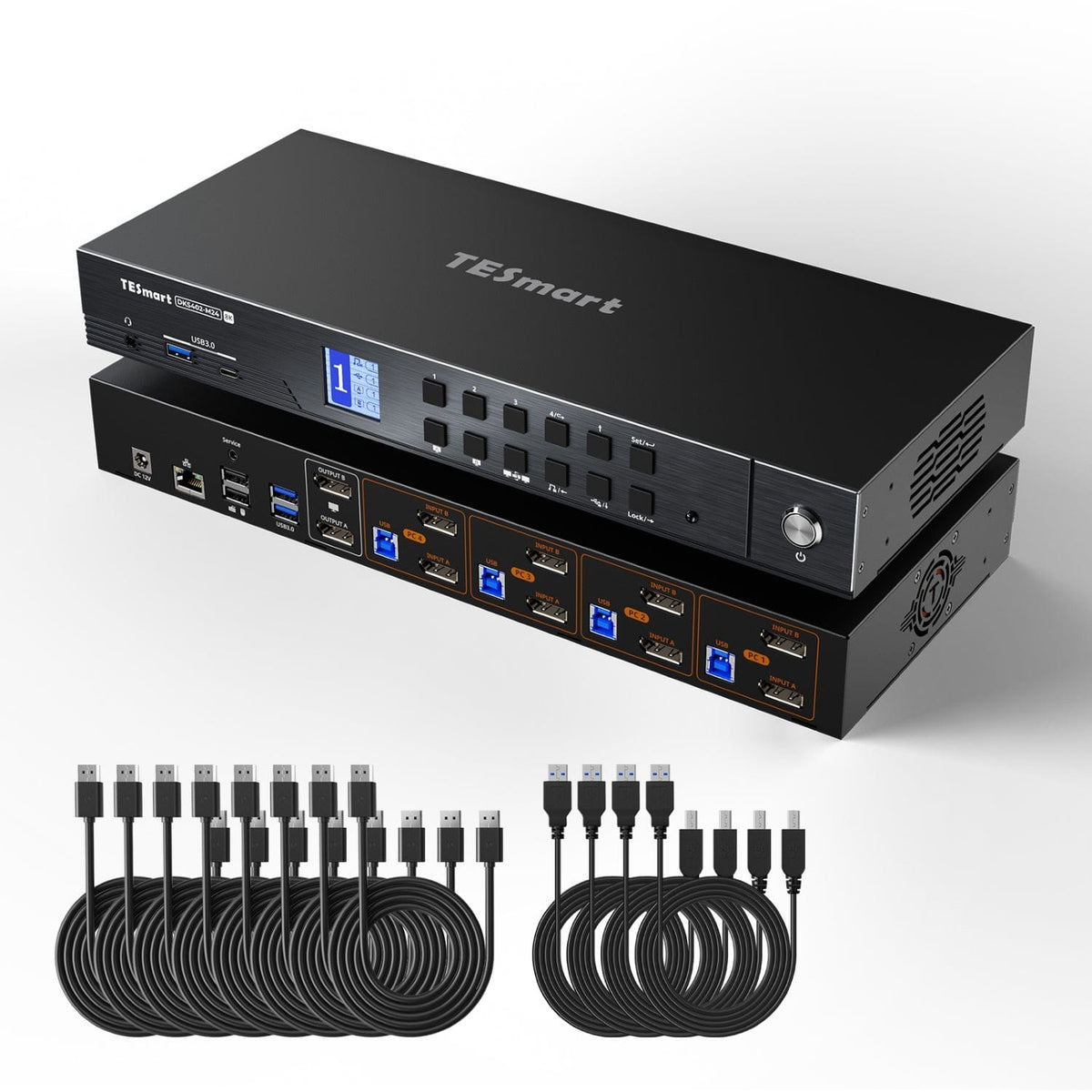
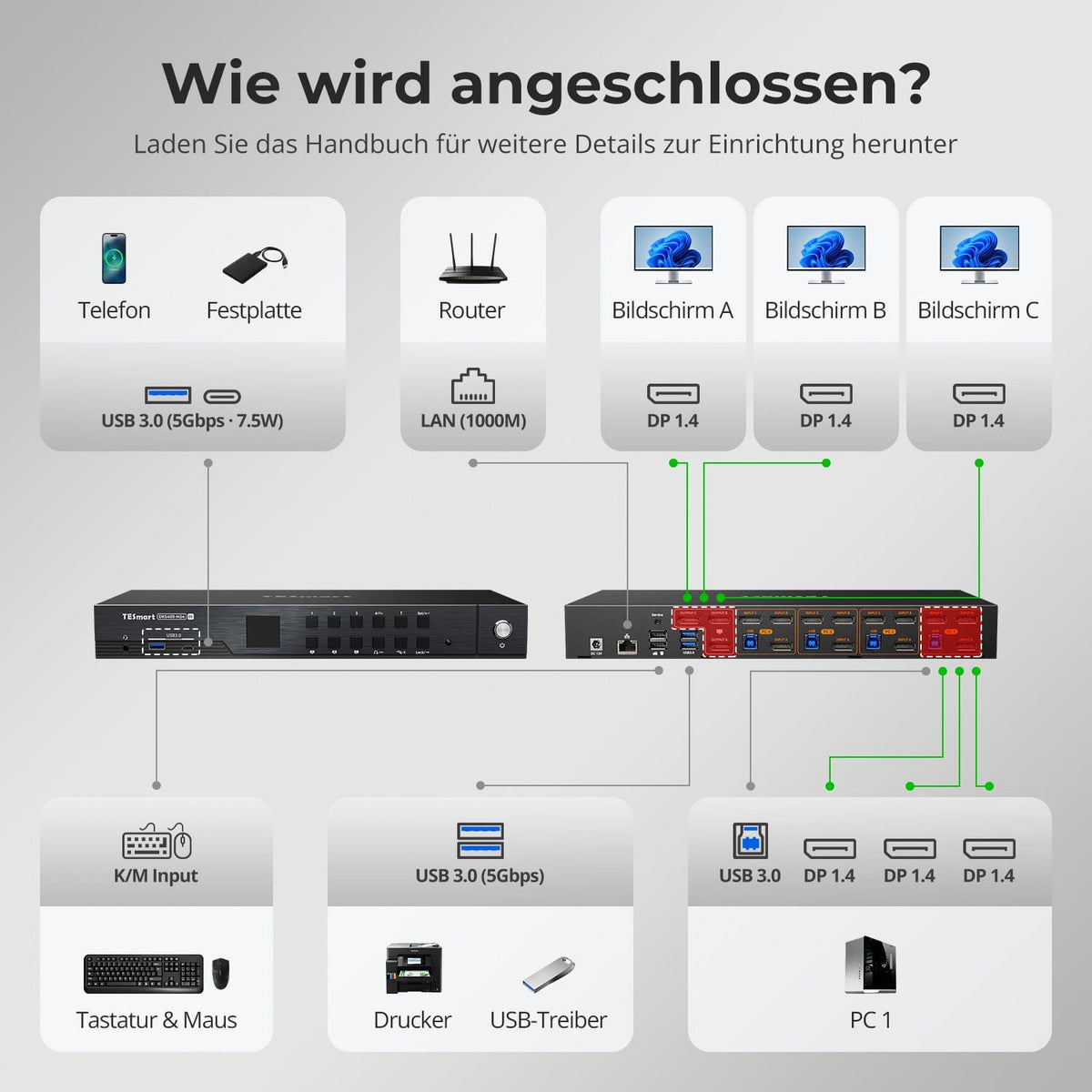
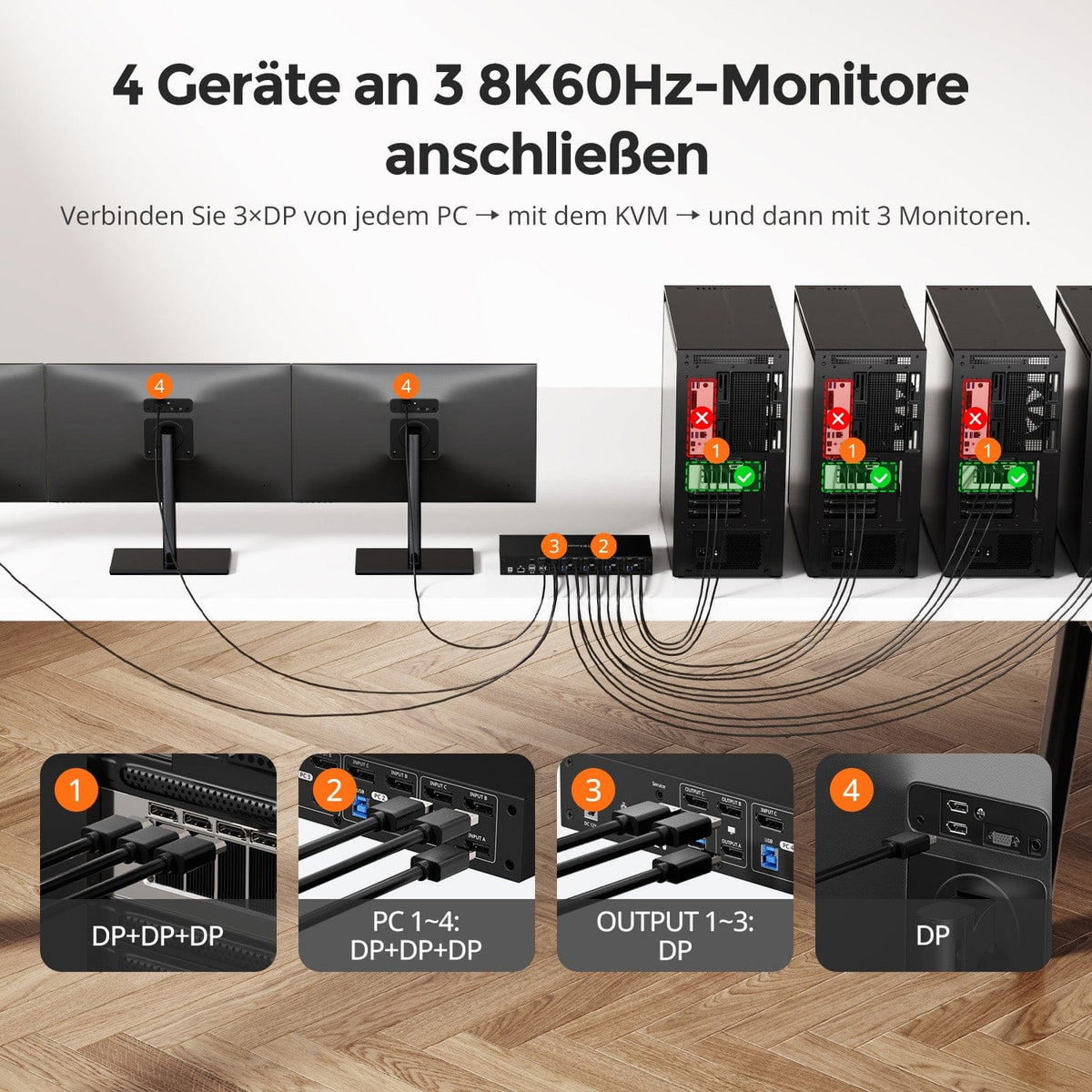
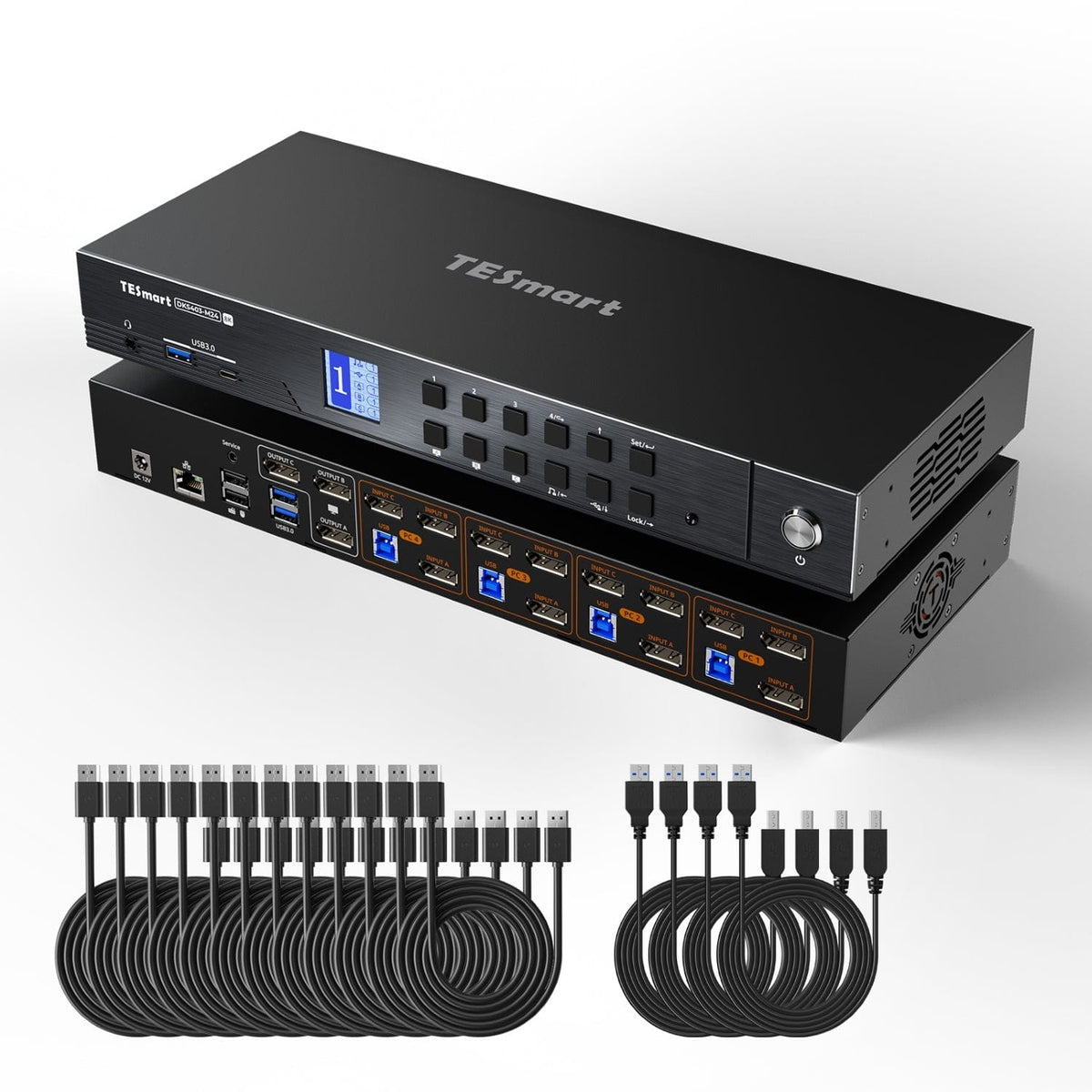
4 Computer × 2 Monitore

Monitorkonfiguration

TESmart Produkthighlight
8K60/4K144

Max. Auflösung

TESmart Produkthighlight
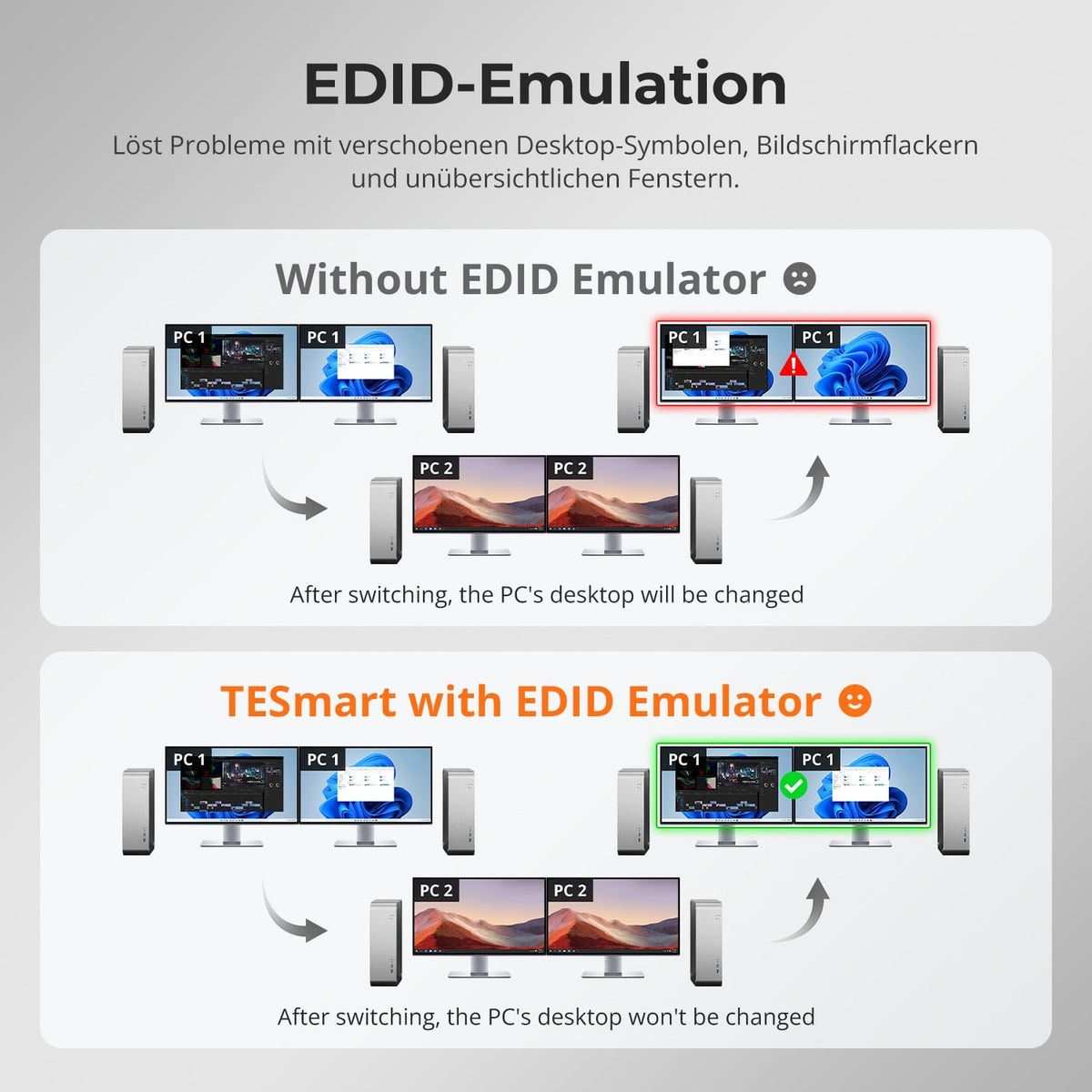
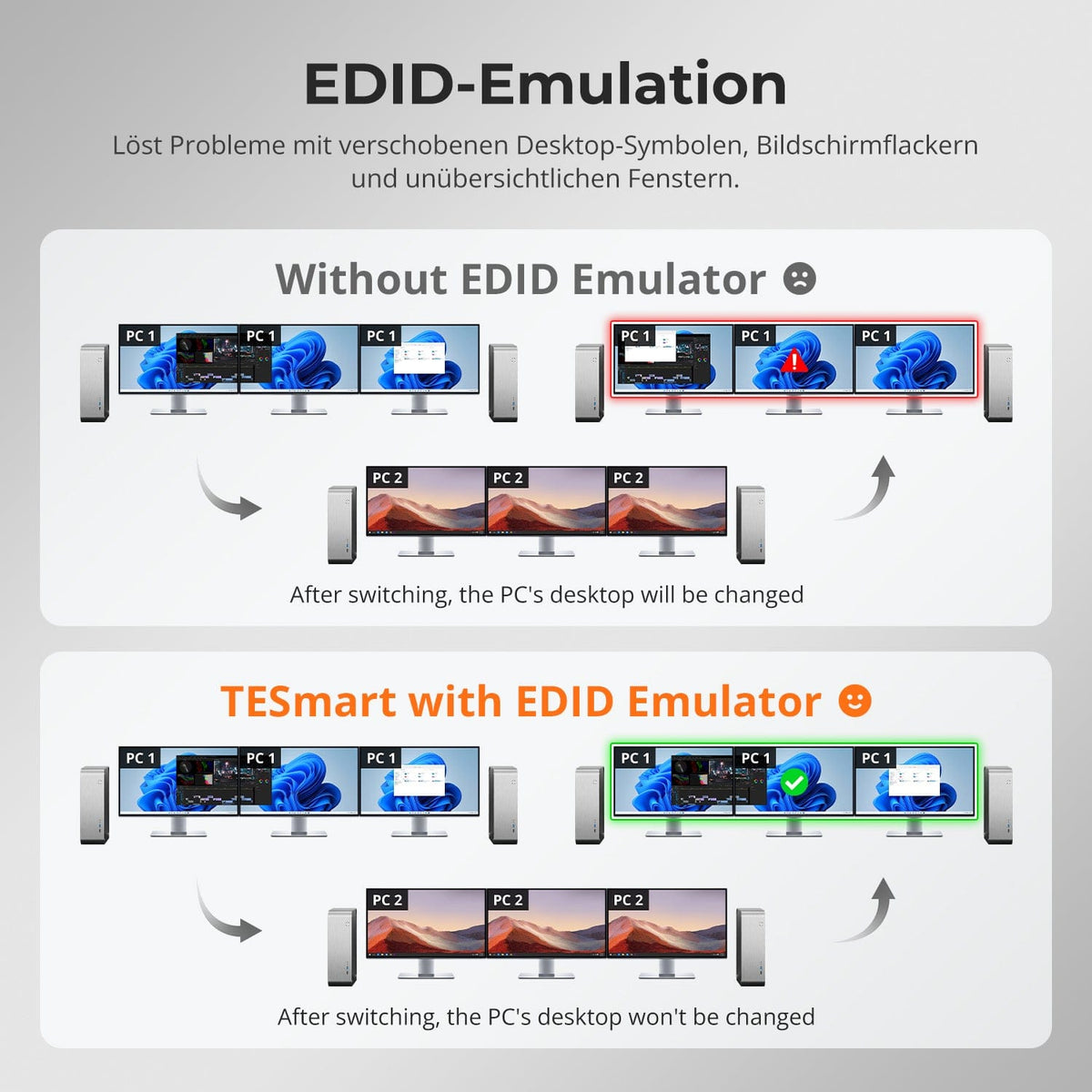
EDID-Emulation

Stabile Anzeige

TESmart Produkthighlight
Automatisches Gigabit-LAN

Netzwerksteuerung

TESmart Produkthighlight
USB 3.2 Gen 1 / 5Gbps

USB-Geschwindigkeit

TESmart Produkthighlight
USB + Audio fest zuweisen

Gerätezuweisung

Sold out
TESmart Produkthighlight
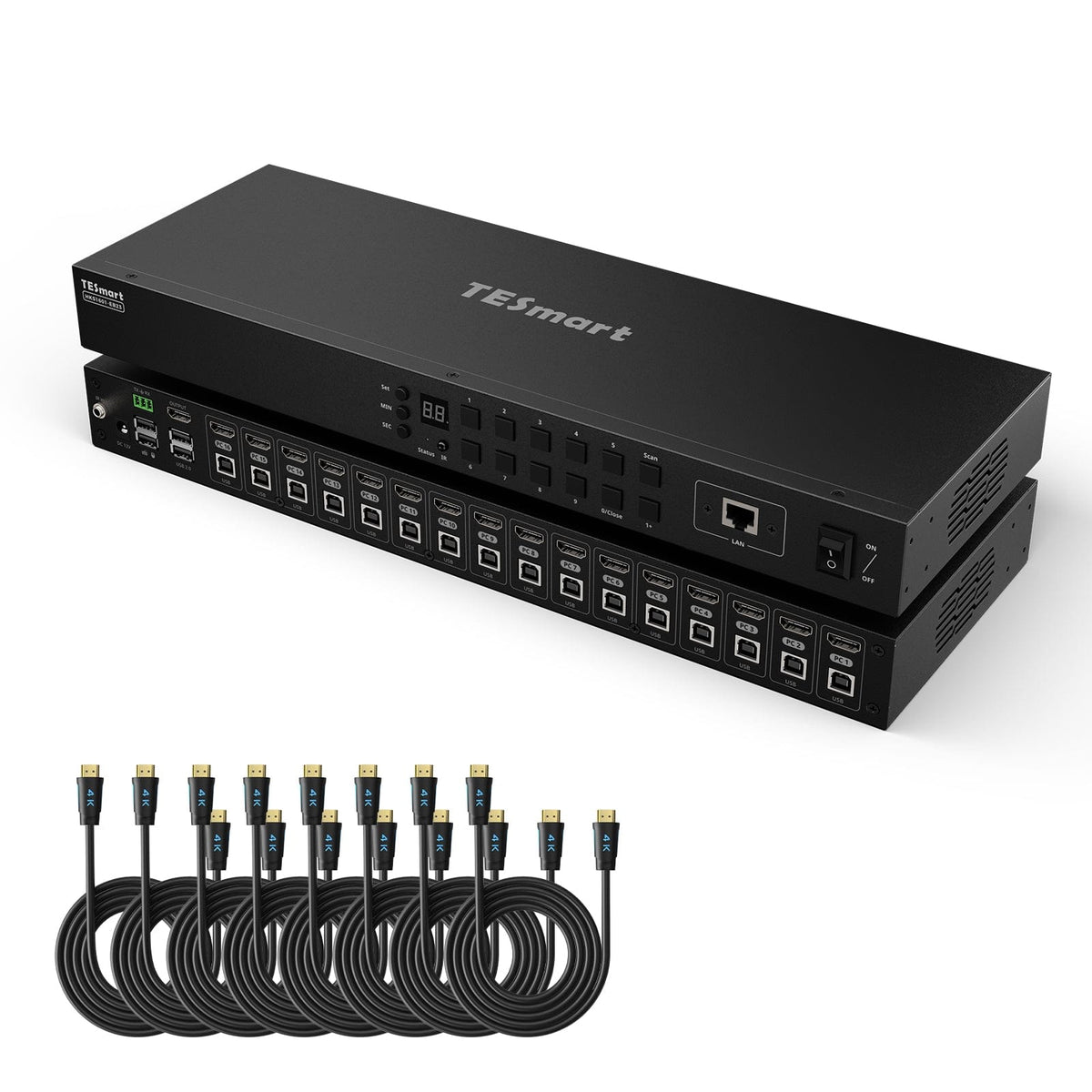
16 Computer × 1 Monitor

Monitorkonfiguration

TESmart Produkthighlight
4K30

Max. Auflösung

TESmart Produkthighlight
EDID-Emulation

Stabile Anzeige

TESmart Produkthighlight
USB 2.0

USB-Geräte gemeinsam nutzen

TESmart Produkthighlight
Auto Detect

Automatische Signalerkennung

TESmart Produkthighlight
Auto Scan

Automatischer Eingangsscan

TESmart Produkthighlight
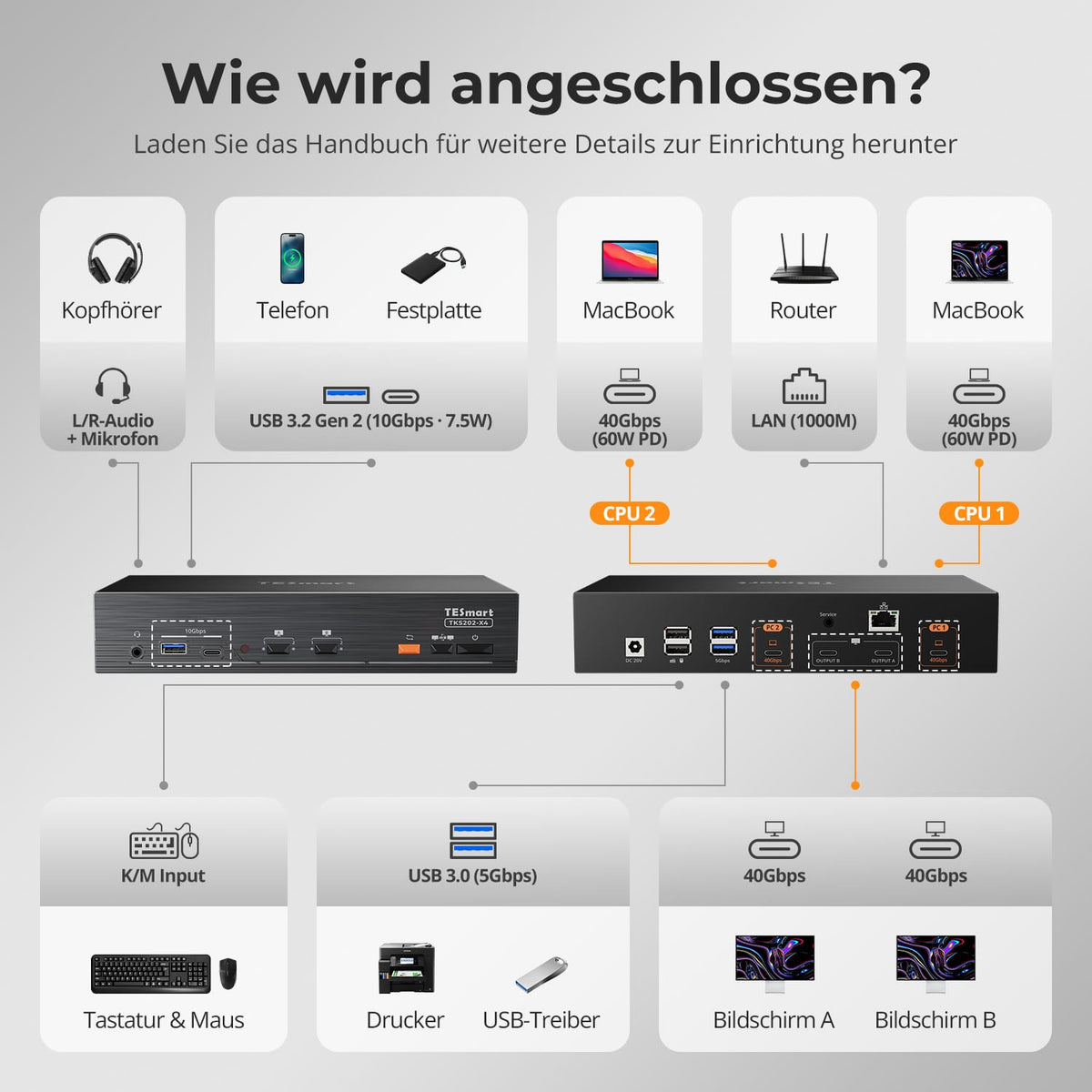
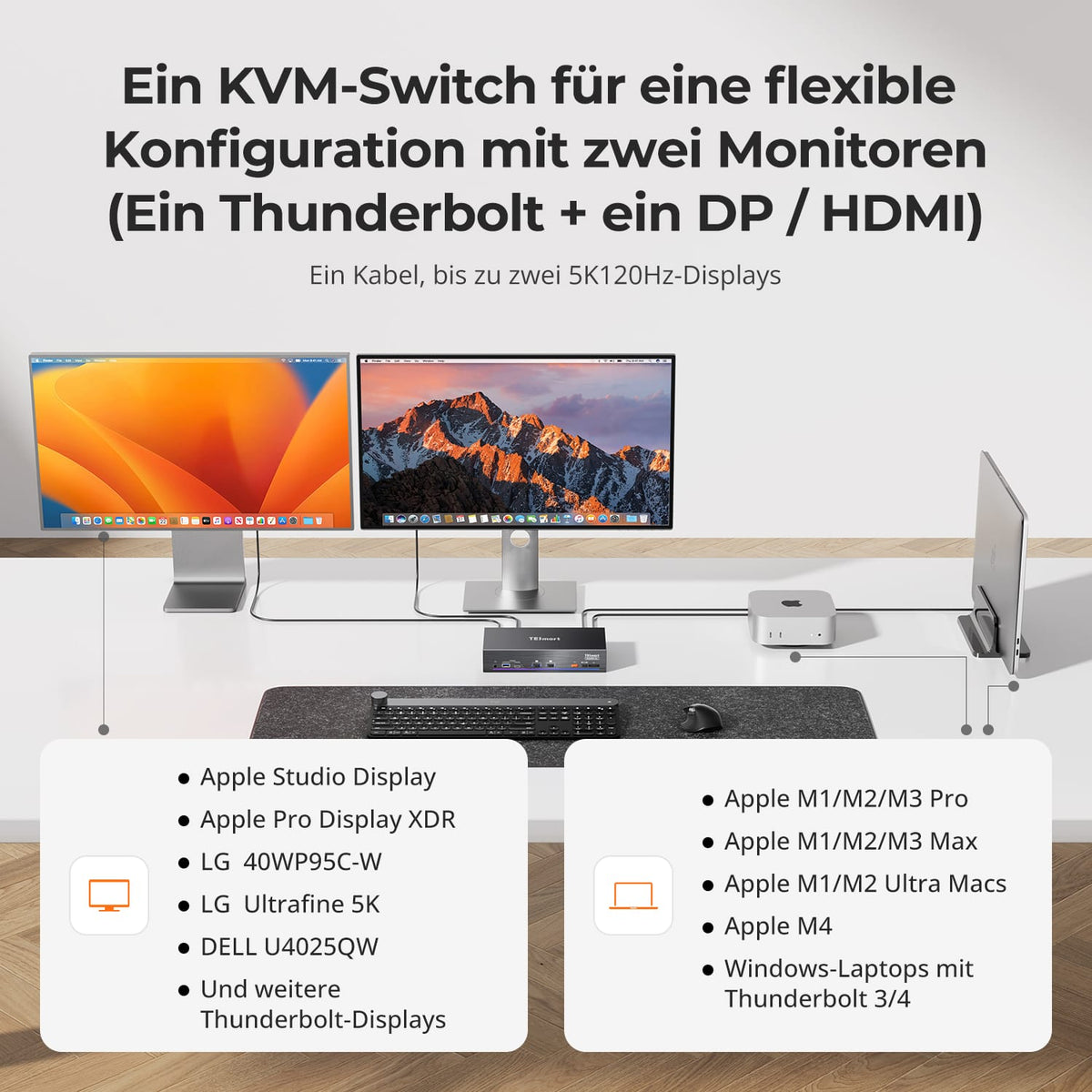
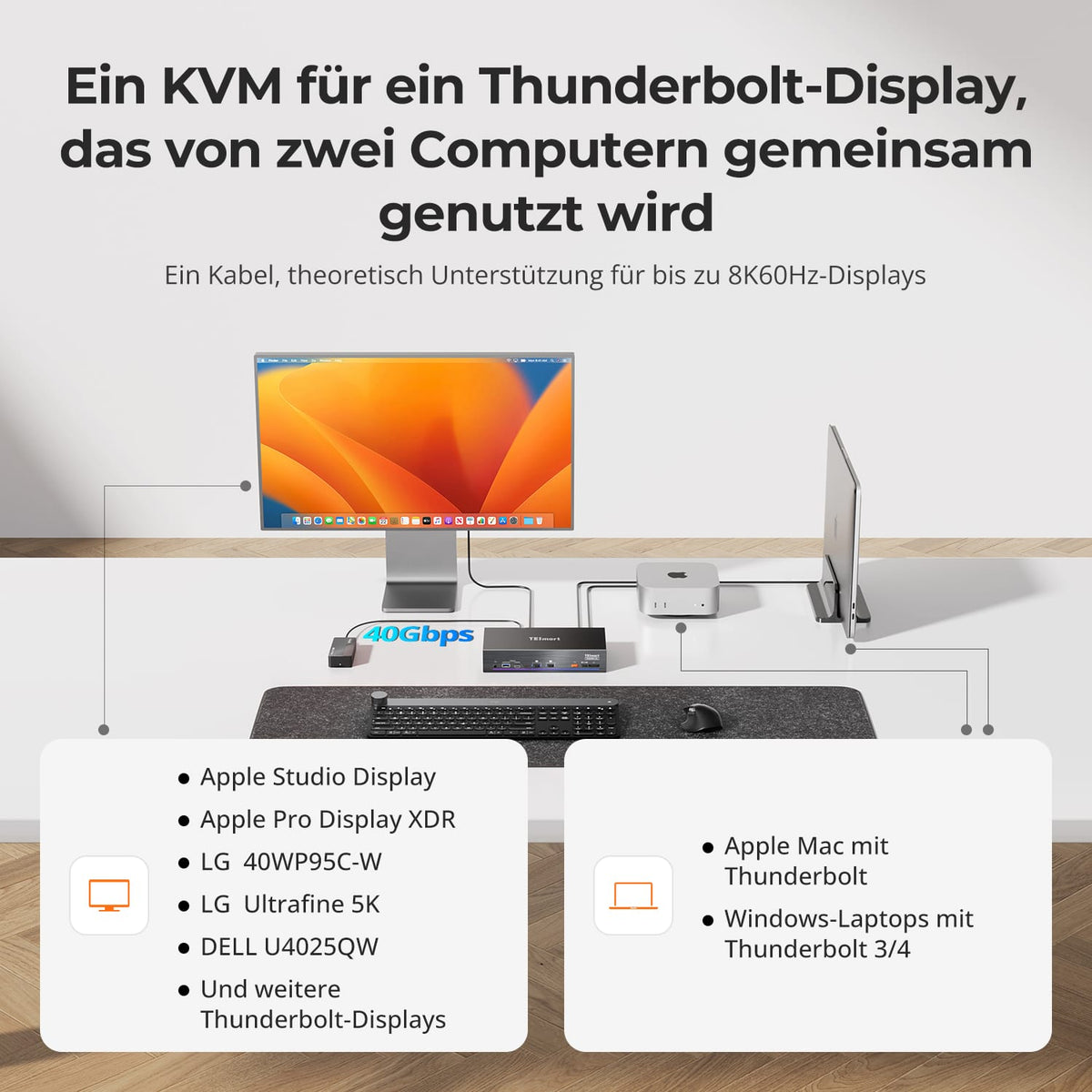
2 Computer × 2 Monitore

Monitorkonfiguration

TESmart Produkthighlight
5K120/6K60

Max. Auflösung

TESmart Produkthighlight
Intel JHL8440

Thunderbolt-Controller

TESmart Produkthighlight
Thunderbolt-4-kompatibel

Kompatibilität

TESmart Produkthighlight
2 × 60W

Laptop laden

TESmart Produkthighlight
Separates Gigabit-LAN

Netzwerksteuerung

KVM finder with instructions
50+ models
5.0
TESmart Produkthighlight
4 Computer × 3 Monitore

Monitorkonfiguration

TESmart Produkthighlight
8K60/4K144

Max. Auflösung

TESmart Produkthighlight
EDID-Emulation

Stabile Anzeige

TESmart Produkthighlight
Gigabit Ethernet

Gemeinsames Netzwerk

TESmart Produkthighlight
USB 3.2 Gen 1 / 5Gbps

USB-Geschwindigkeit

TESmart Produkthighlight
USB + Audio fest zuweisen

Gerätezuweisung

Sold out
TESmart Produkthighlight
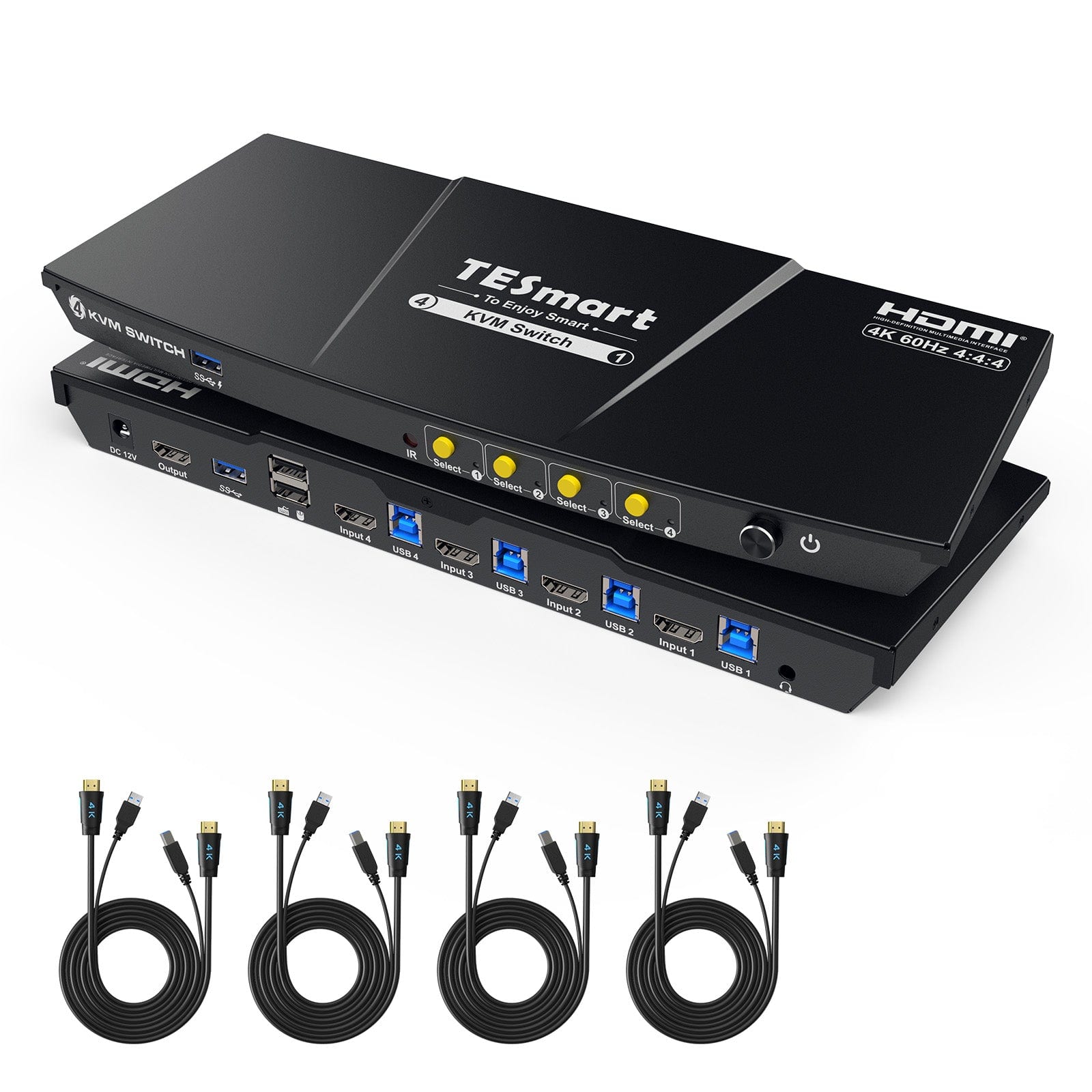
4 Computer × 1 Monitor

Monitorkonfiguration

TESmart Produkthighlight
4K60

Max. Auflösung

TESmart Produkthighlight
USB 3.2 Gen 1 / 5Gbps

USB-Geschwindigkeit

TESmart Produkthighlight
EDID-Emulation

Stabile Anzeige

TESmart Produkthighlight
HDCP 2.2

Kopierschutz

TESmart Produkthighlight
K&M Compatibility 3.0

Tastatur und Maus

TESmart Produkthighlight
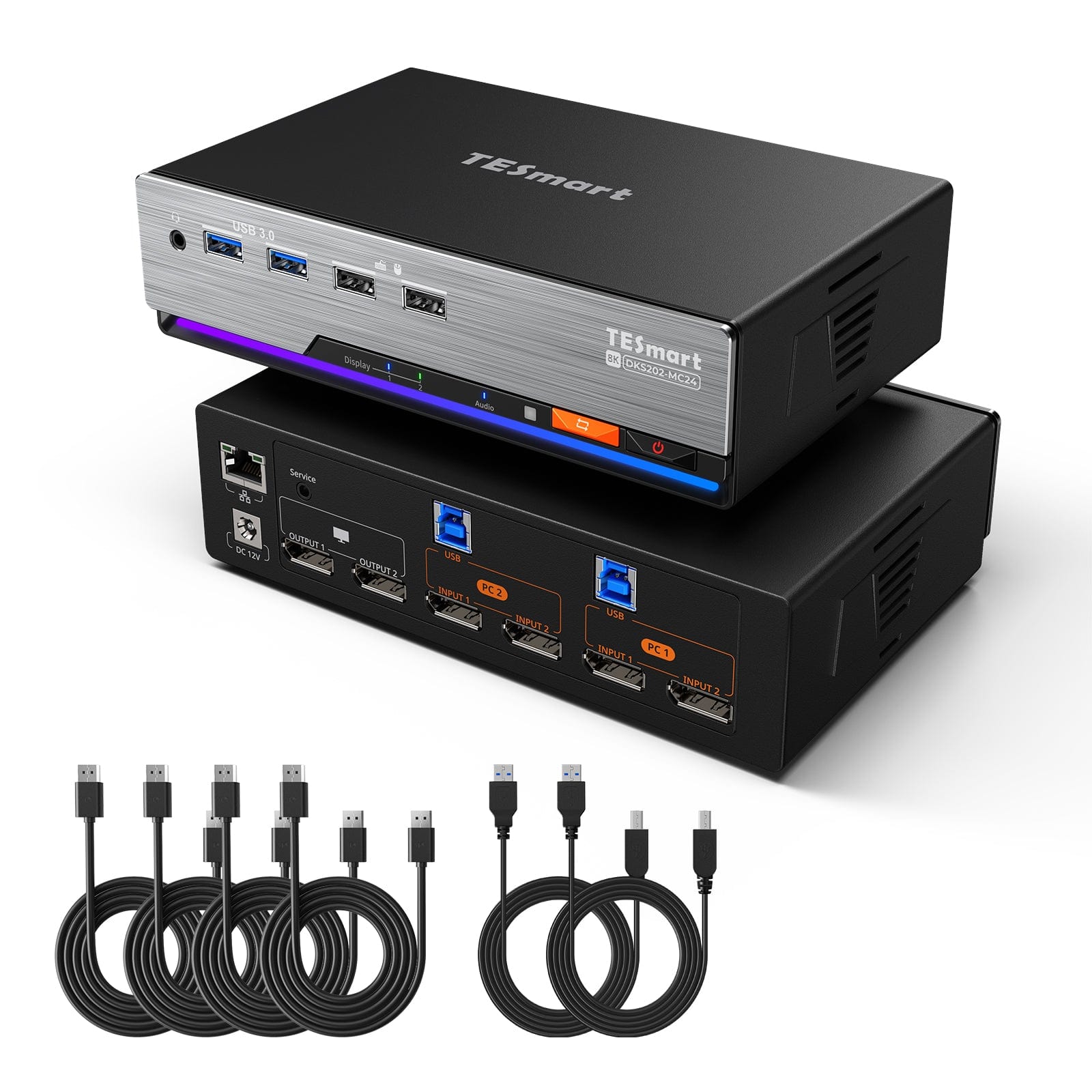
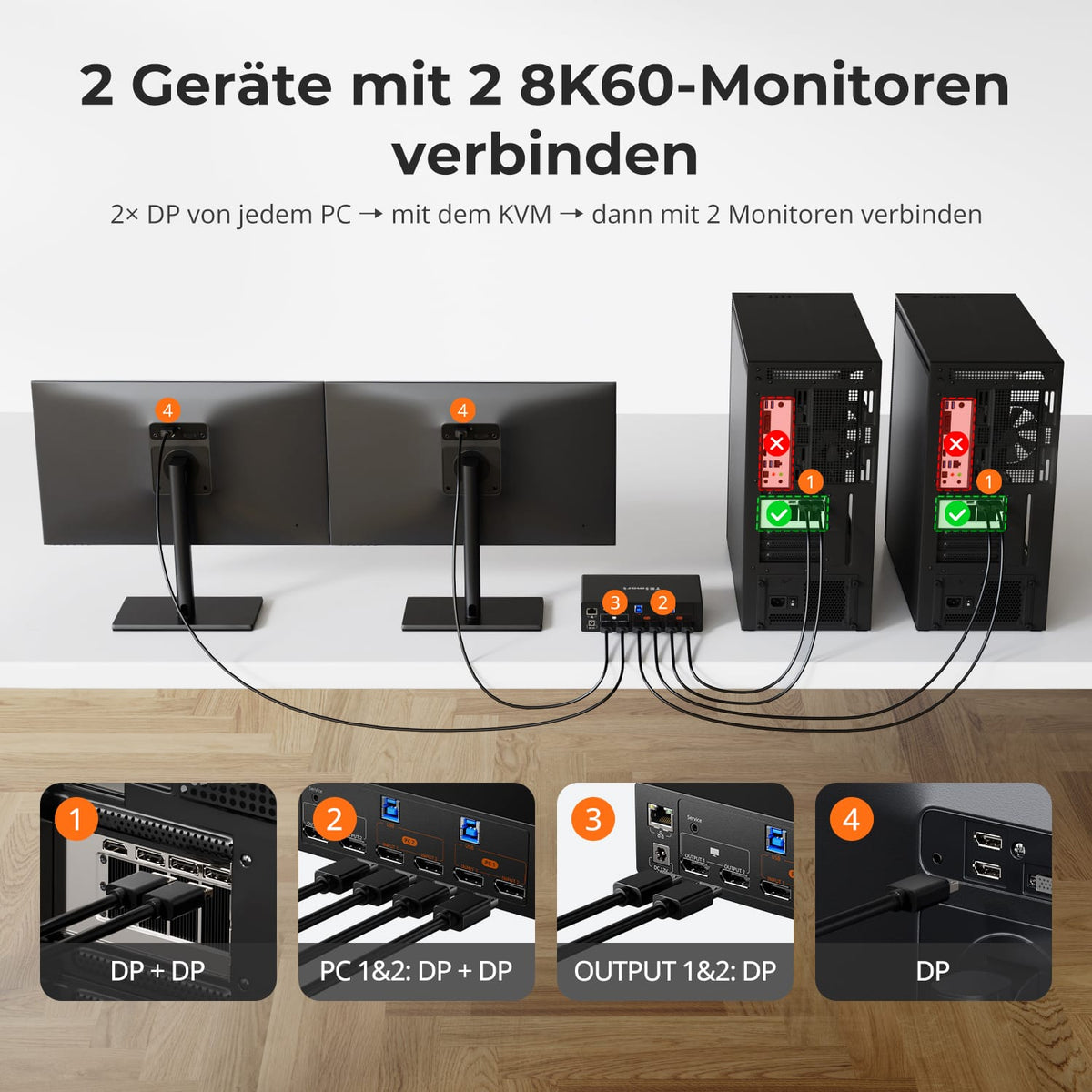
2 Computer × 2 Monitore

Monitorkonfiguration

TESmart Produkthighlight
8K60/4K144

Max. Auflösung

TESmart Produkthighlight
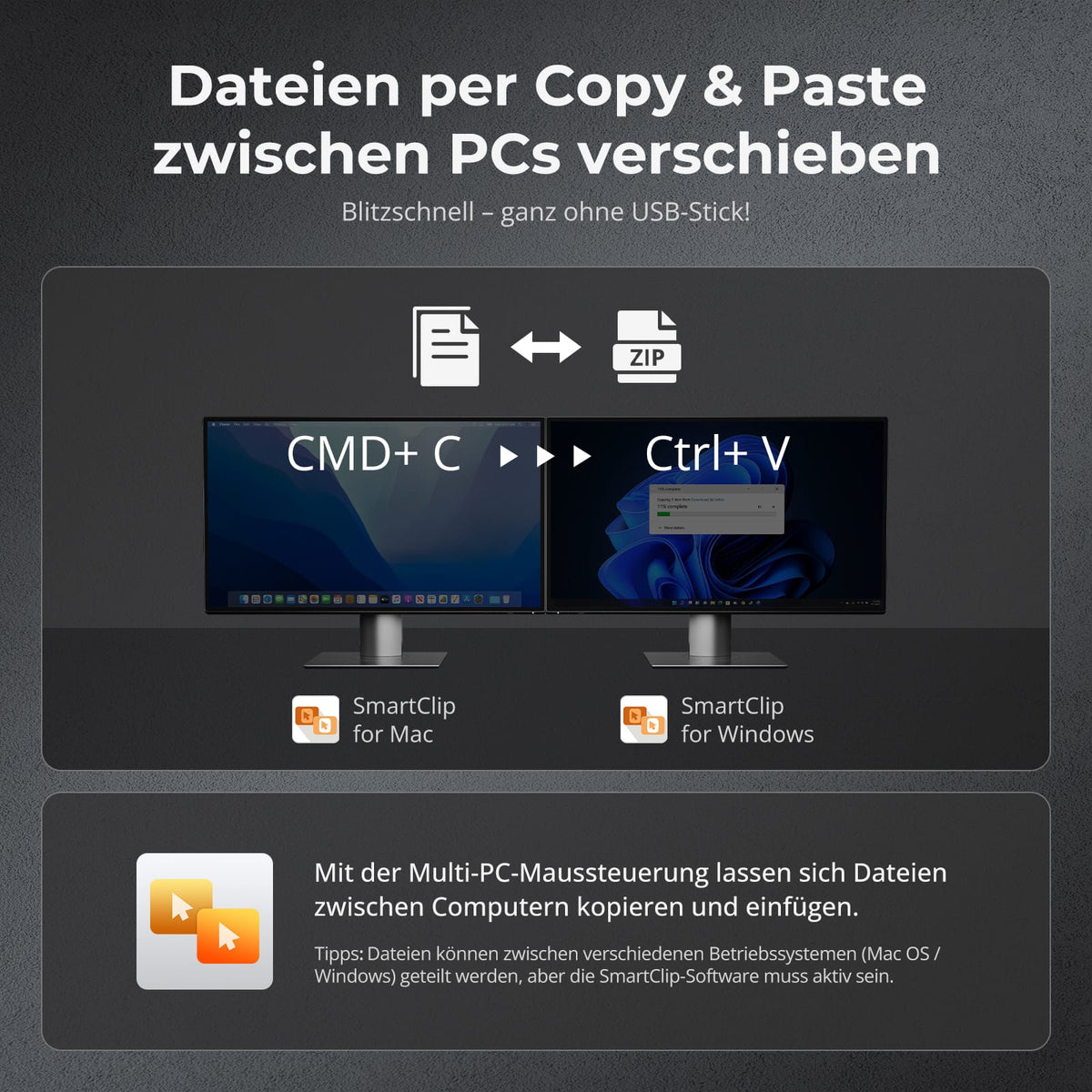
Mauswechsel + Dateitransfer

Maussteuerung und Dateitransfer

TESmart Produkthighlight
HDR

Farbdarstellung

TESmart Produkthighlight
VRR / G-Sync / FreeSync

Gaming

TESmart Produkthighlight
EDID-Emulation

Stabile Anzeige

4.0
TESmart Produkthighlight
2 Computer × 2 Monitore

Monitorkonfiguration

TESmart Produkthighlight
4K60

Max. Auflösung

TESmart Produkthighlight
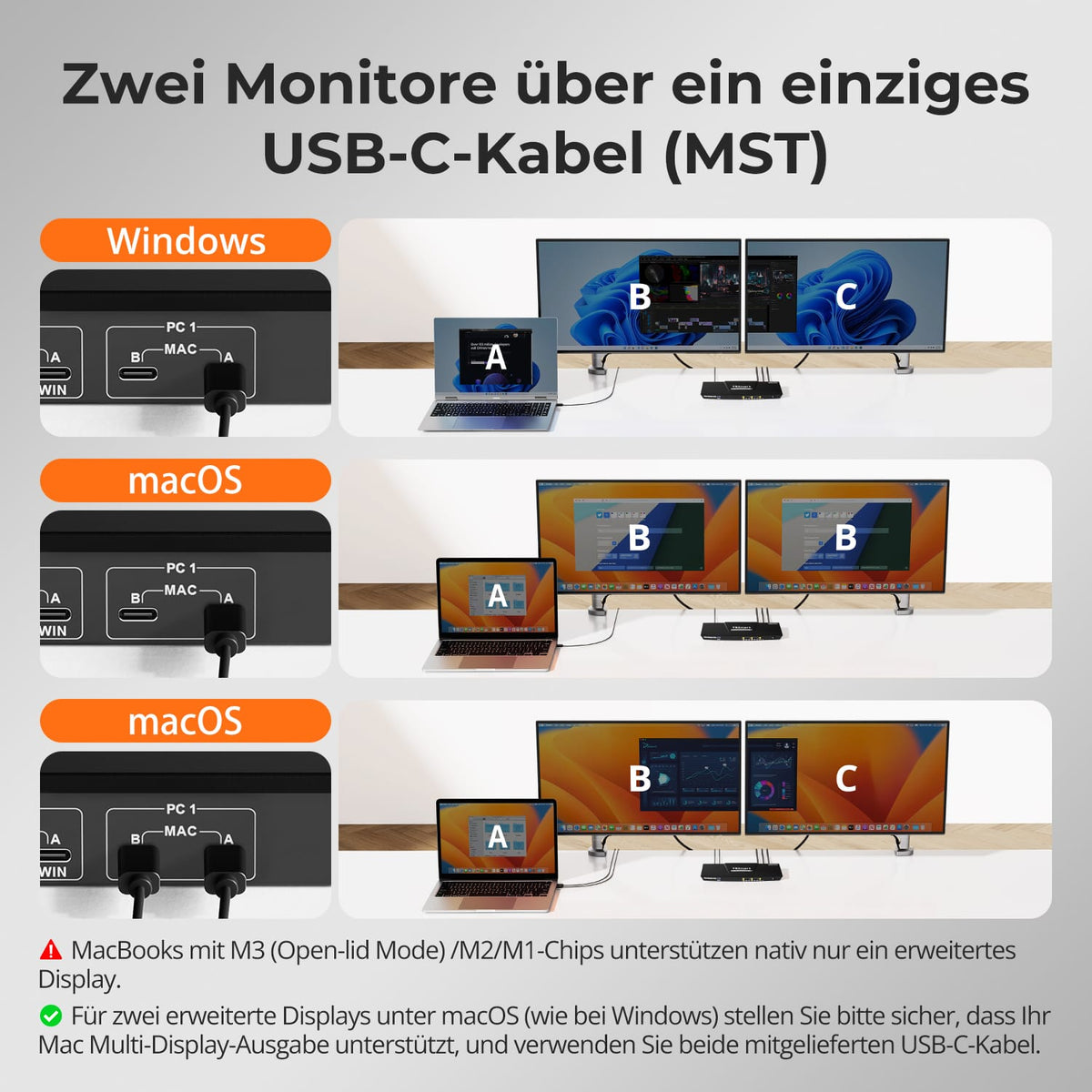
MST: Win 1 / Mac 2 Kabel

Monitorkonfiguration

TESmart Produkthighlight
60W

Laptop laden

TESmart Produkthighlight
Gigabit Ethernet

Gemeinsames Netzwerk

TESmart Produkthighlight
EDID-Emulation

Stabile Anzeige

KVM selection · 50+ models

The right KVM for your setup

After setup, select, use the KVM finder, or have our team check compatibility before purchasing.
Select by setup

Do you already know how many computers and monitors you use? Start by setting up your workspace.

DISCOVER BY SETUP

KVM finder with instructions

Answer some questions about computers, monitors, ports, and desired resolution.

START KVM FINDER

We check your setup

Send us your computer and monitor models along with your requirements. Our team will check compatibility.

📧 service@tesmart.de

HAVE SETUP CHECKED

🎁 BLACKFRIDAY has been copied to your clipboard!
Coupon here!