




Monitorkonfiguration
Max. Auflösung
Anzeigetechnik
Gerätekonfiguration

Laptop laden

Gemeinsames Netzwerk
Stabile Anzeige
2×2 Hybrid KVM | USB-C, 4K60, MST & EDID
HDC202-P23-N connects a USB-C laptop and a desktop with two HDMI monitors. MST, up to 4K60, EDID and USB hub bundle both systems in one workstation.
Monitorkonfiguration
Max. Auflösung
Anzeigetechnik
Gerätekonfiguration
Laptop laden
Gemeinsames Netzwerk
Stabile Anzeige
2×2 Hybrid KVM | USB-C, 4K60, MST & EDID
Why HDC202-P23-N?
Overview
01
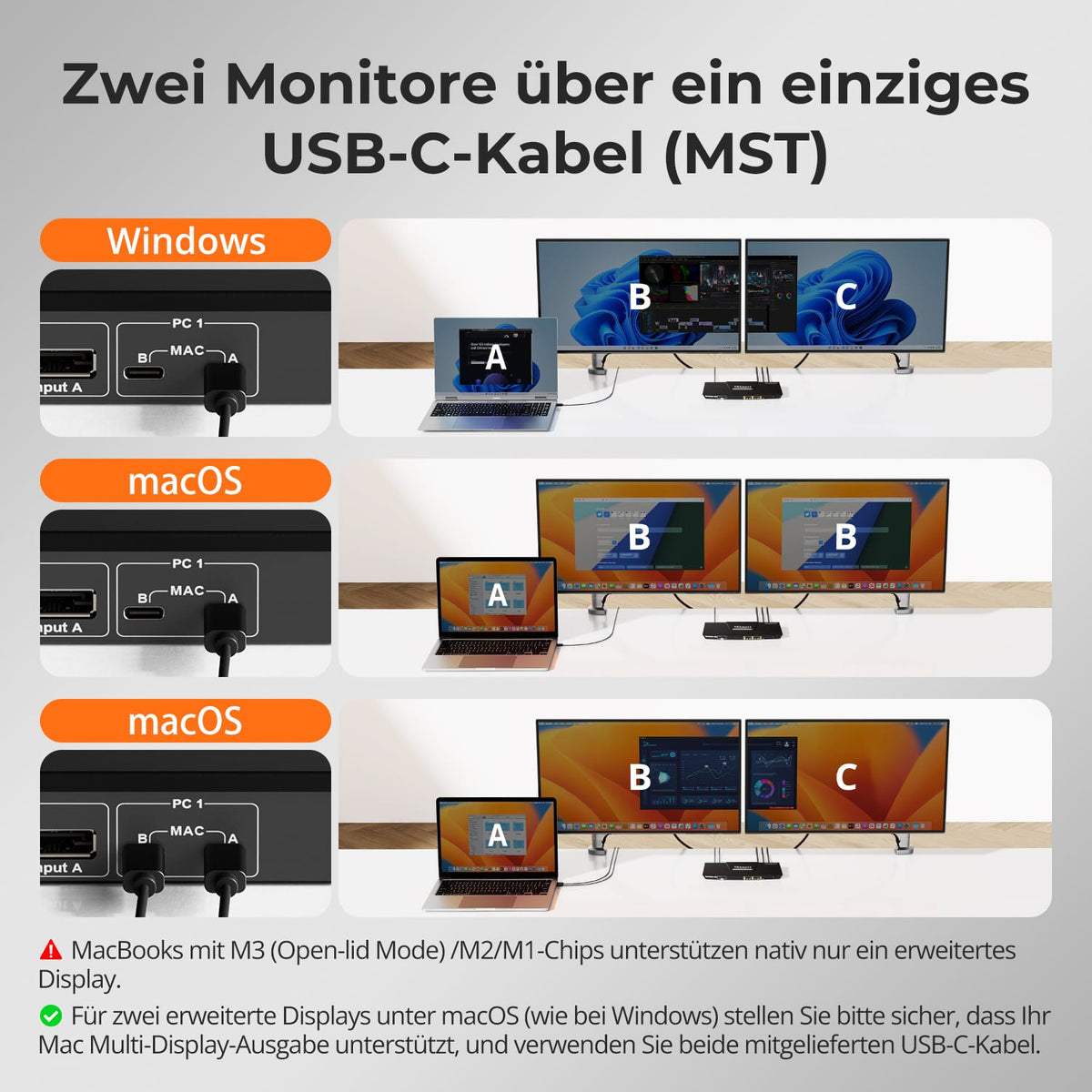
Two displays via one USB-C cable
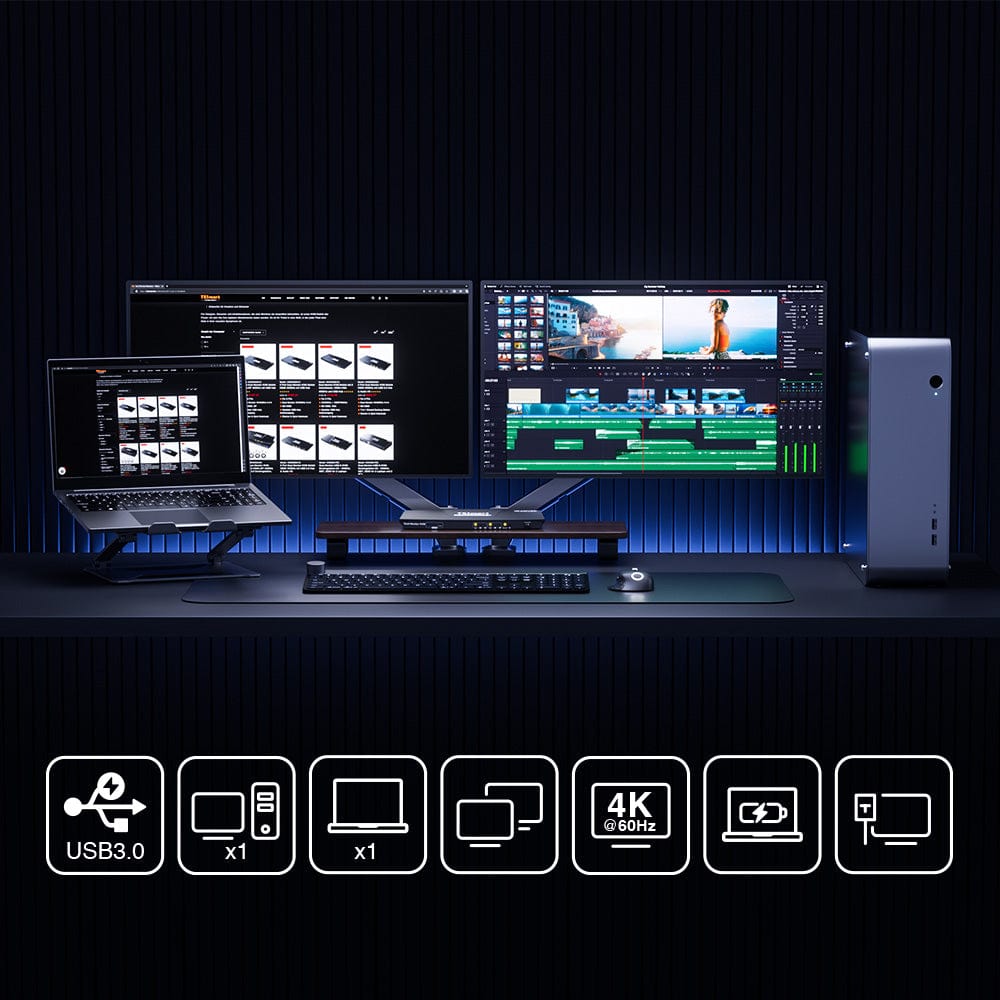
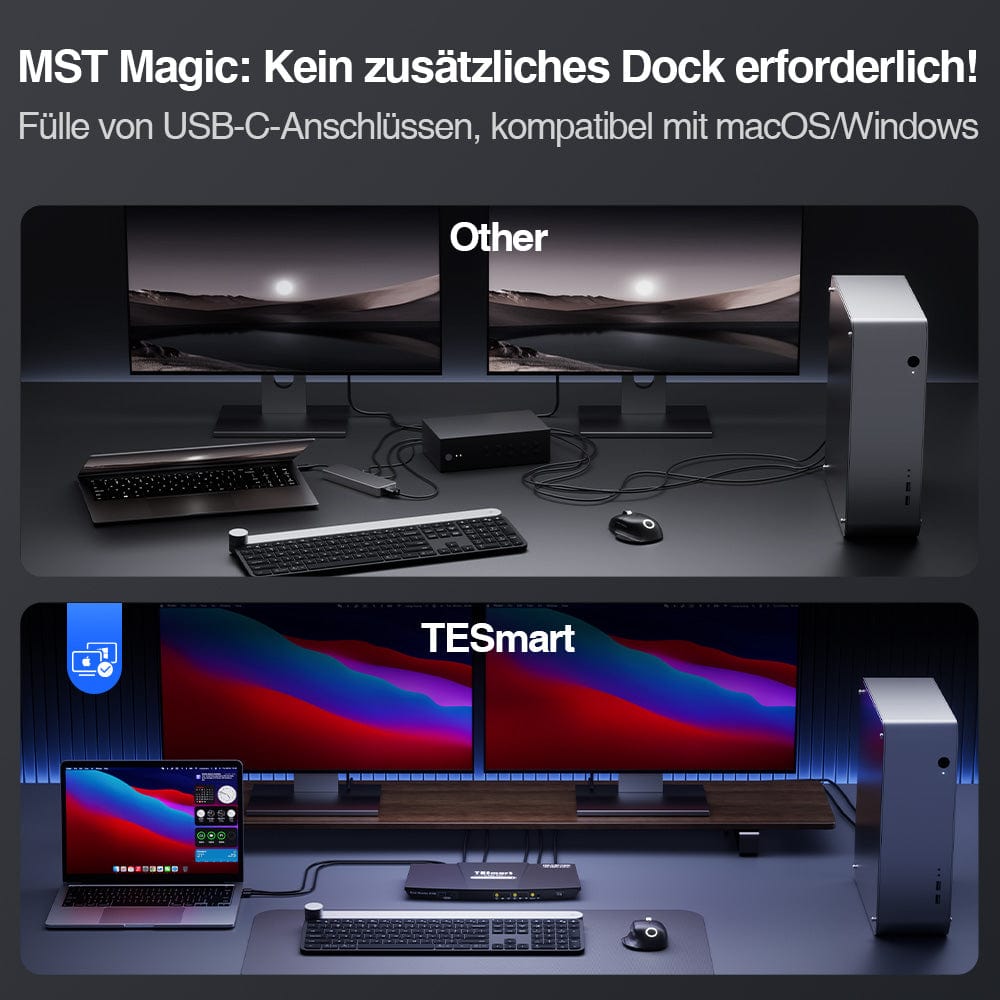
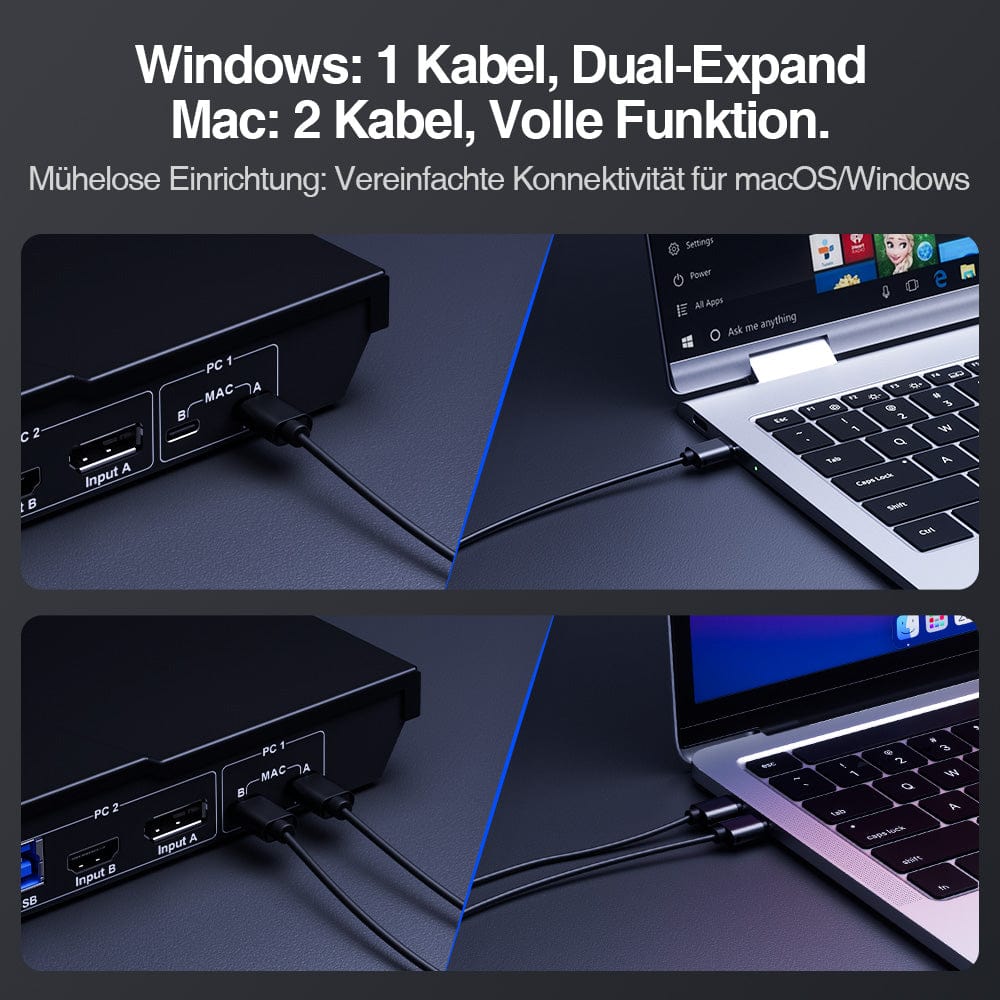
A compatible Windows laptop transmits video, USB data, and charging power via a full-fledged USB-C connection. With MST, it can utilize two monitors without a separate dock.
02
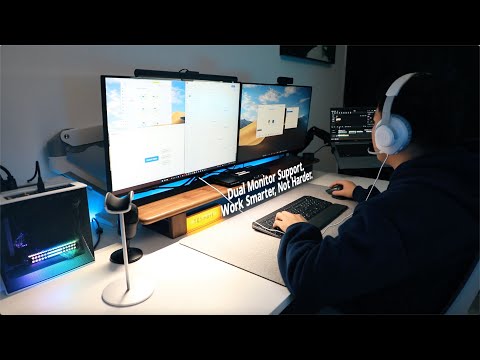
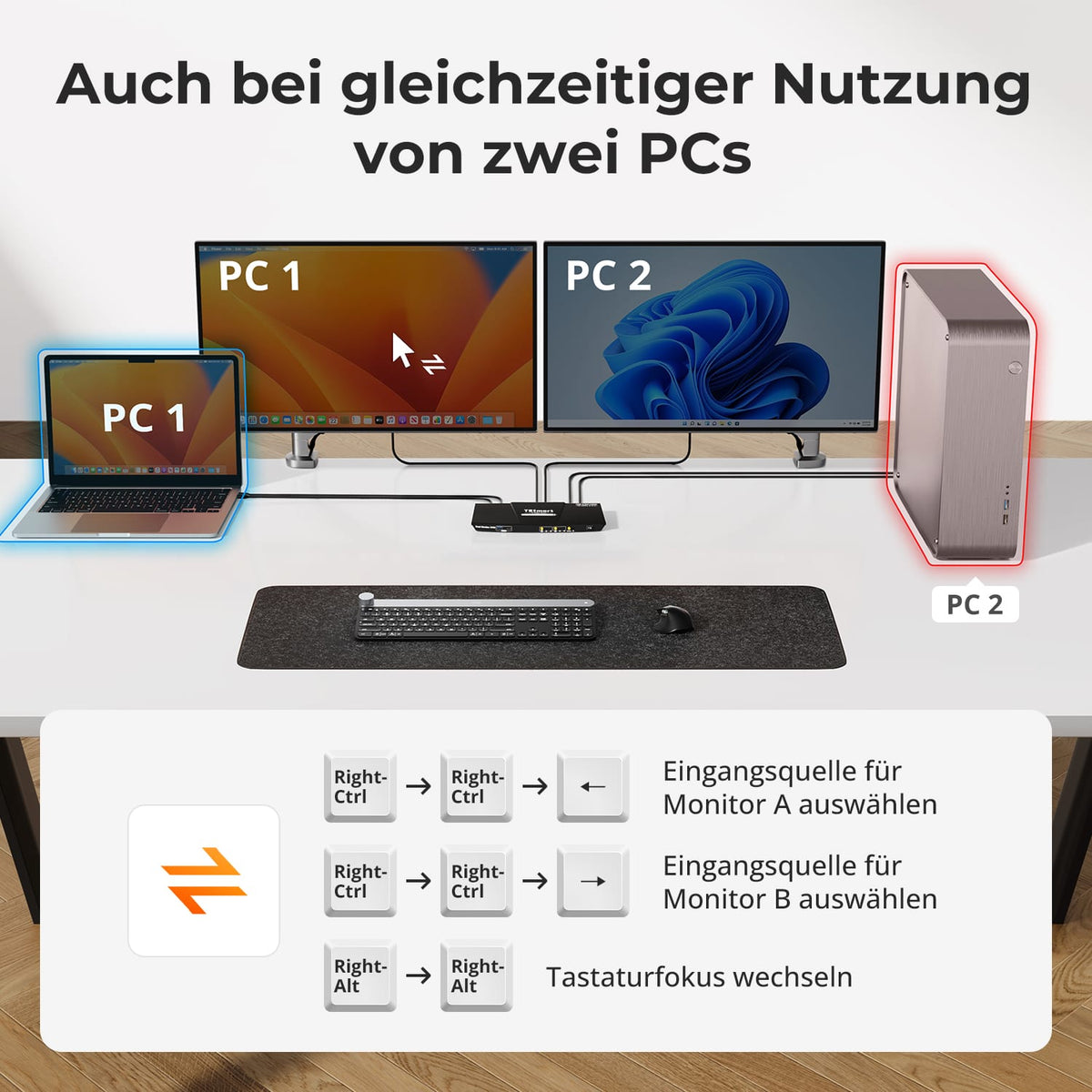
Two monitors. Flexible assignment.
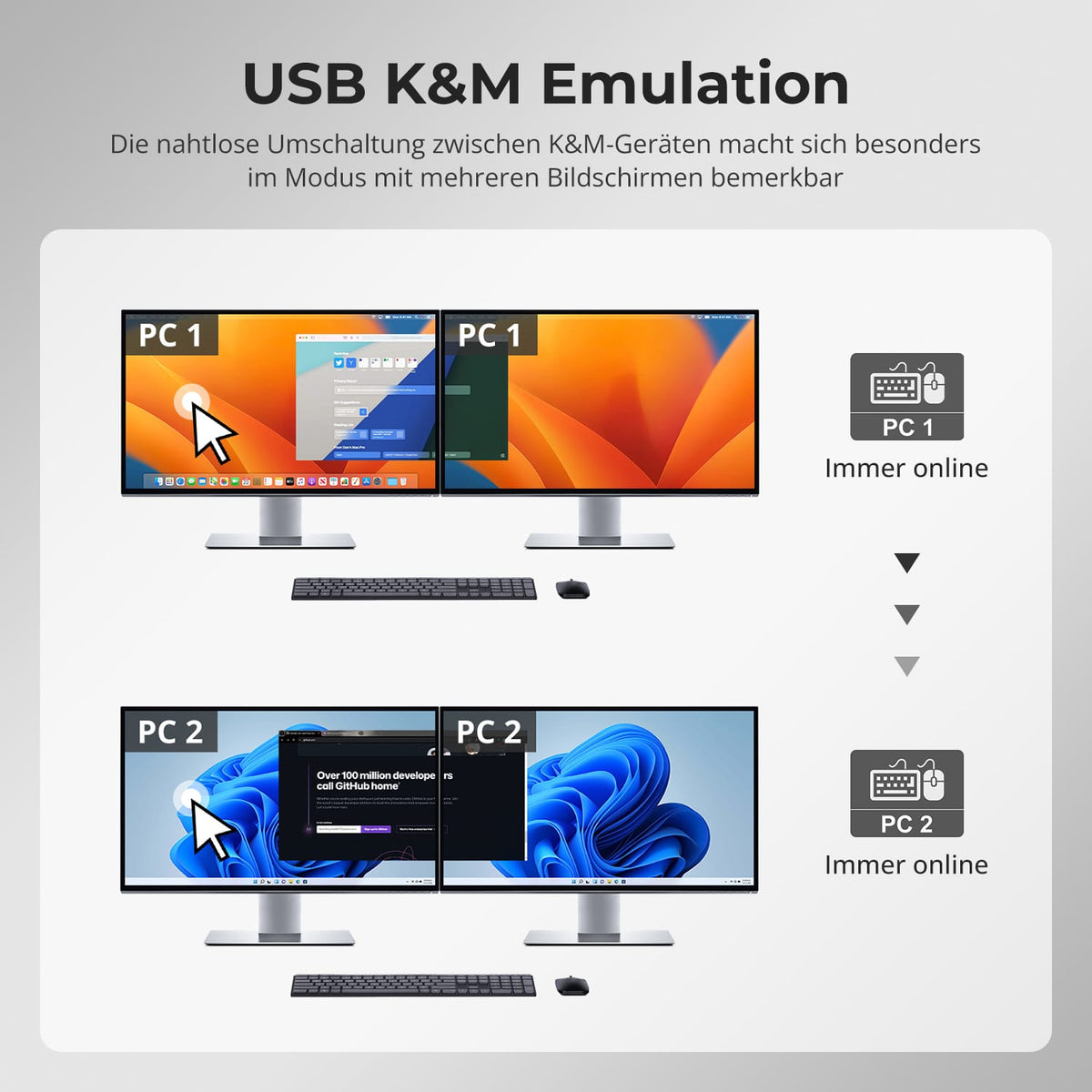
Use both monitors with one computer or display a different system on each screen. The keyboard and mouse control the desired computer.
03
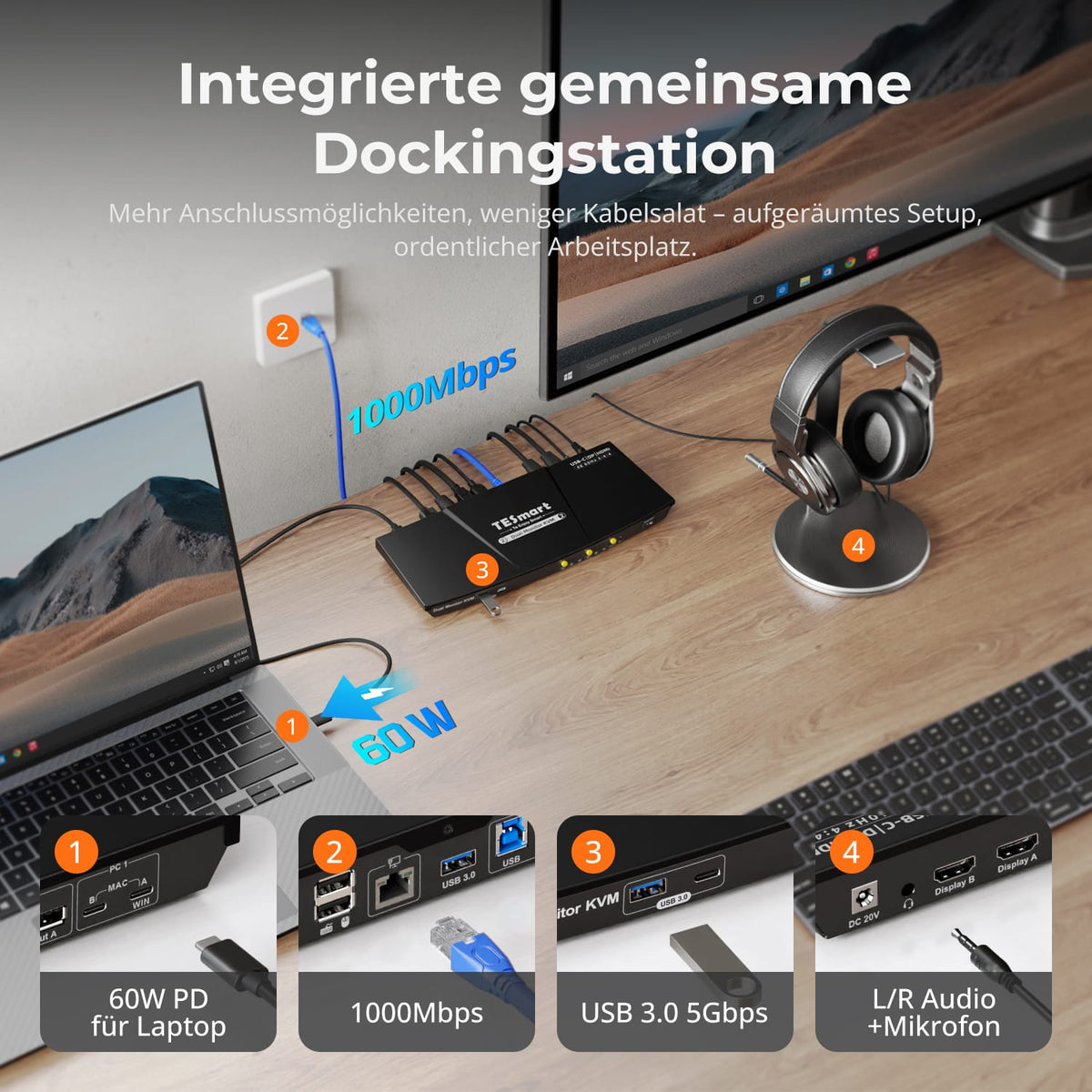
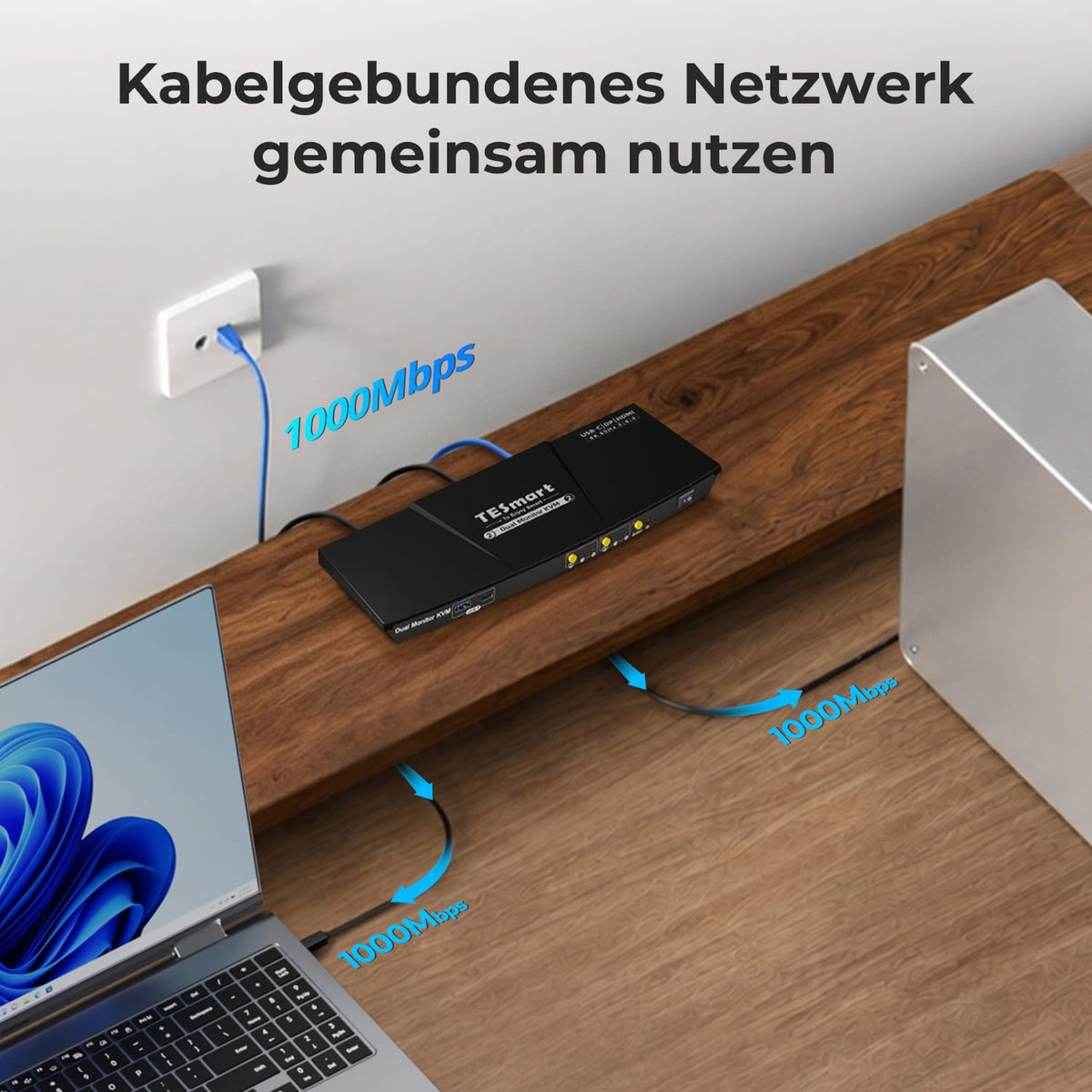
Charging laptop. Sharing Gigabit Ethernet.
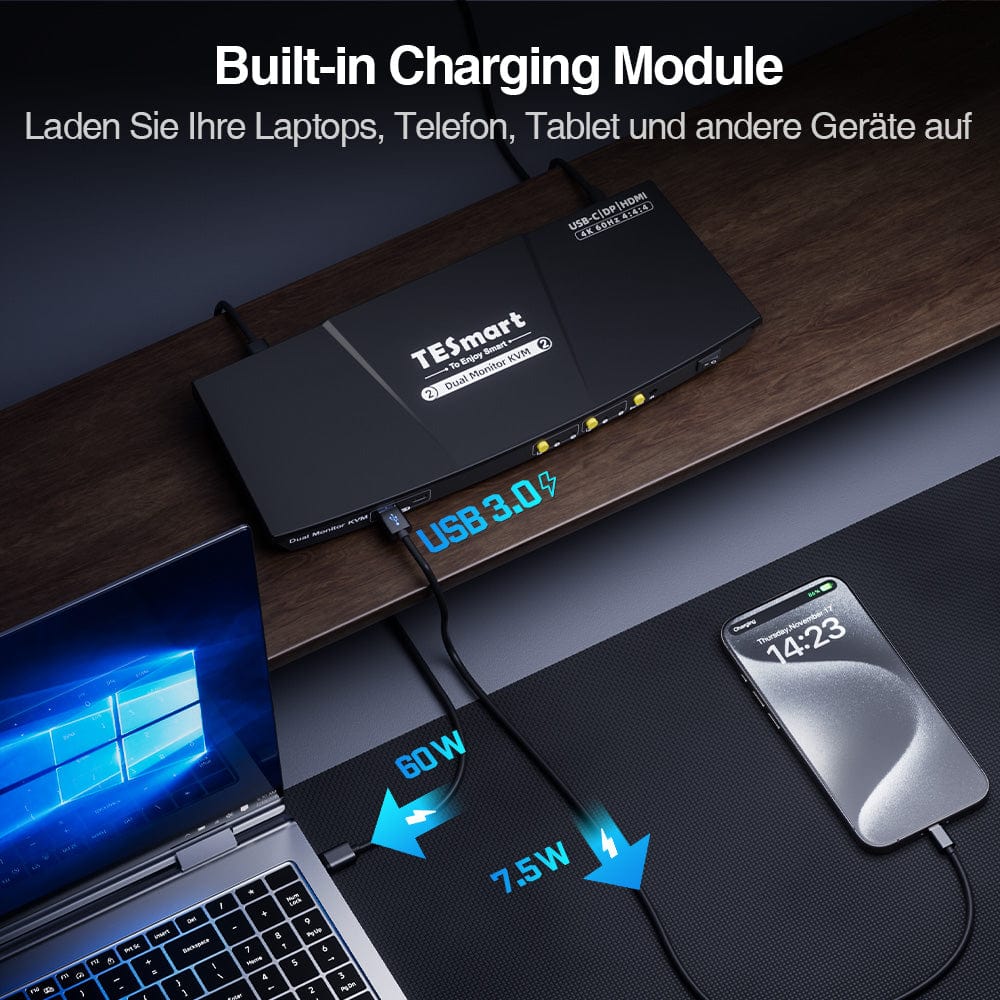
A compatible USB-C computer receives up to 60W of charging power. Both computers share the Gigabit Ethernet port – for fewer power supplies and network adapters.
04
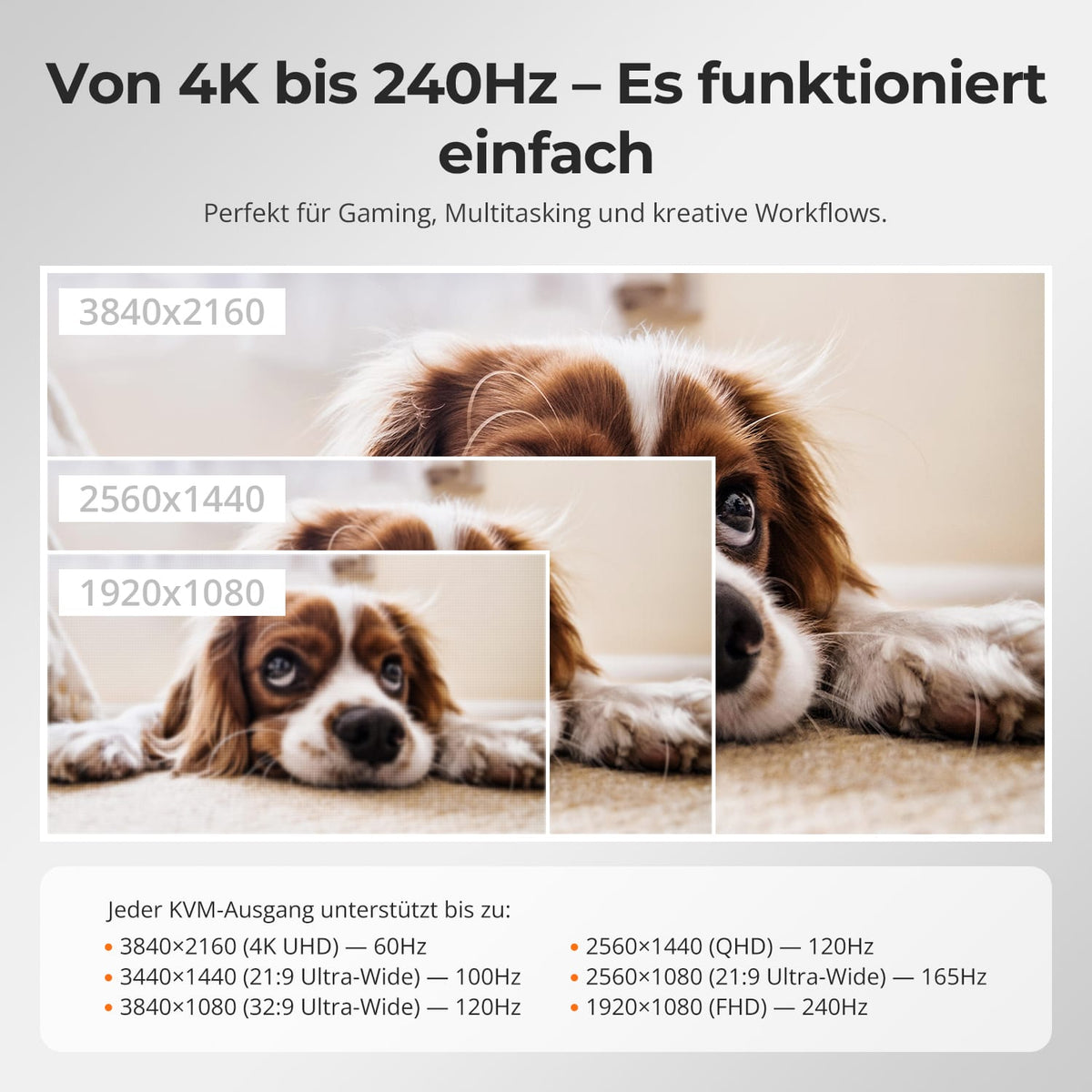
Two 4K60s for everyday work
Up to 3840×2160@60Hz in 4:4:4 on compatible displays – for a unified workspace with laptop and desktop PC.
05
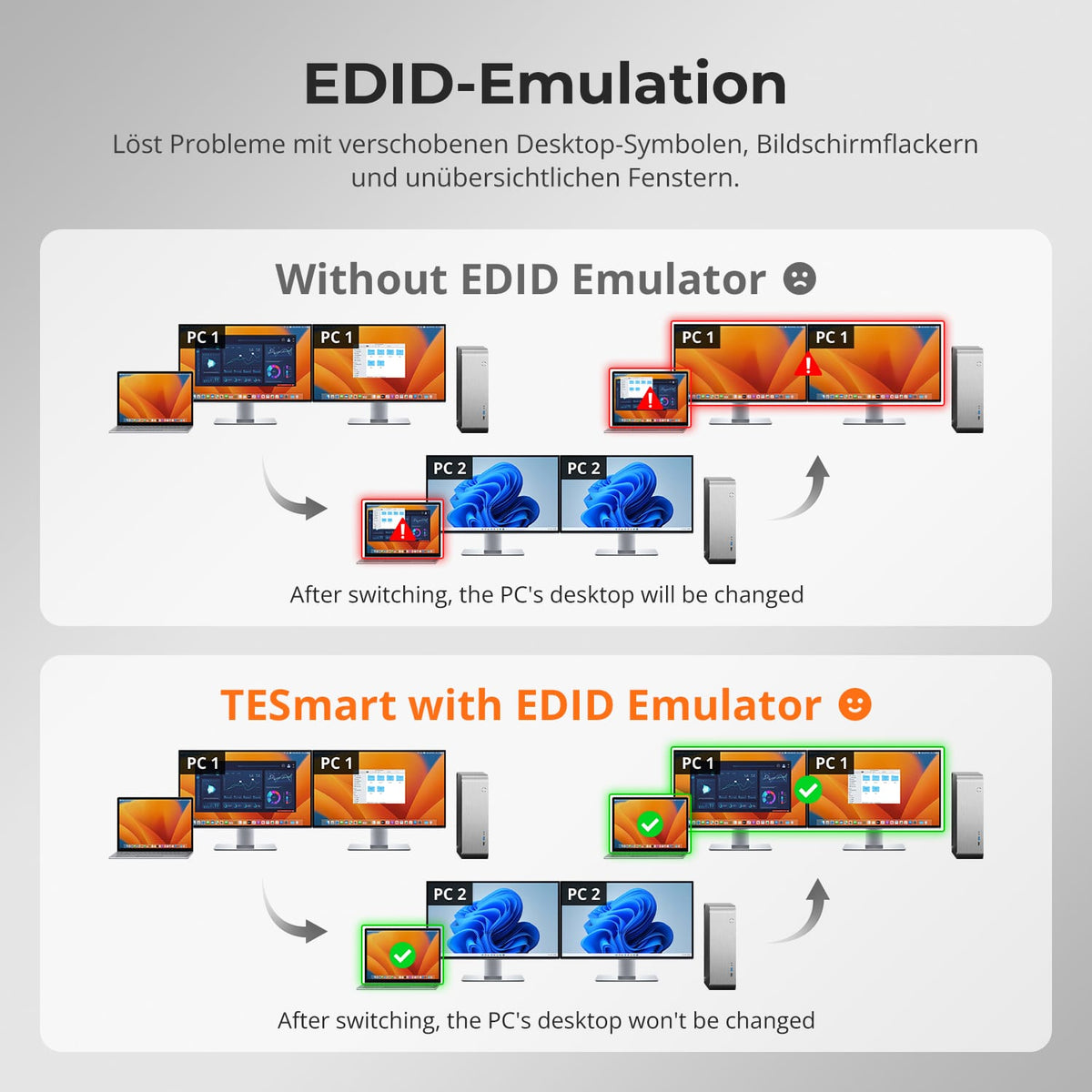
EDID keeps display settings stable
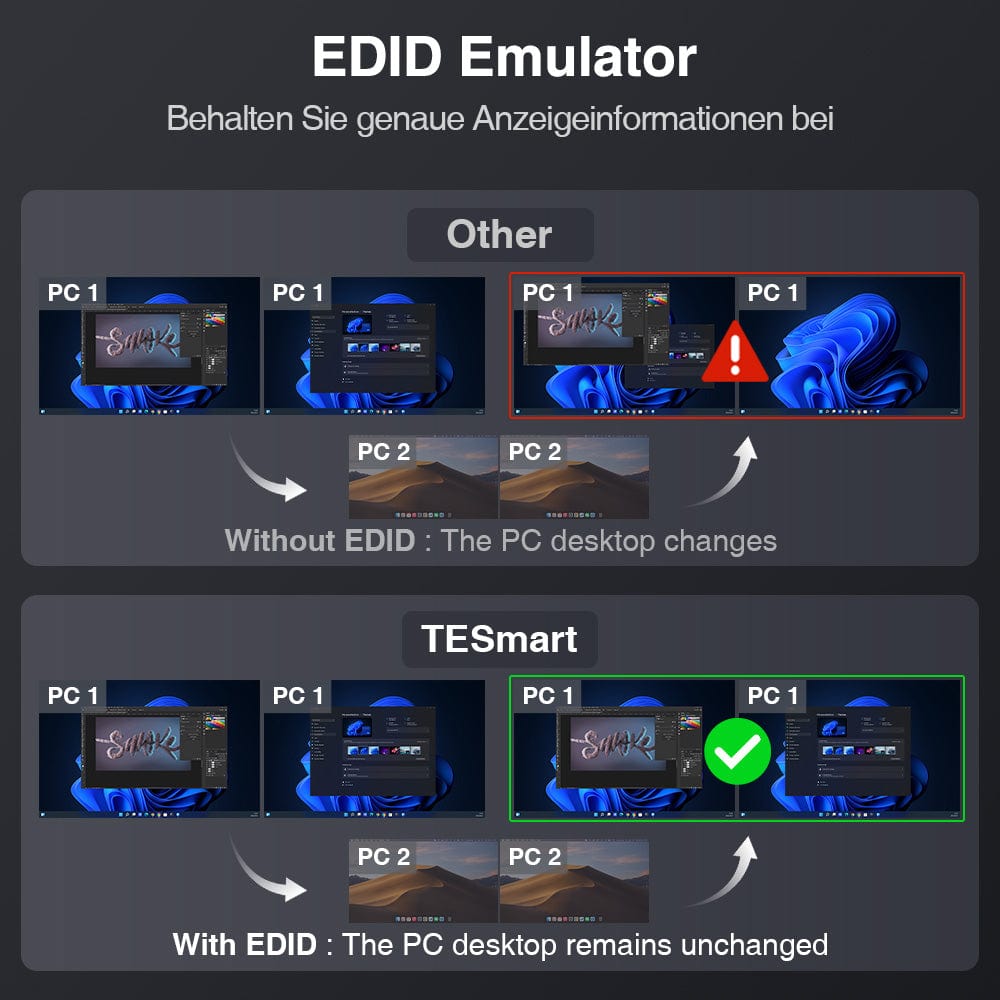
EDID emulation keeps monitor information available for all connected computers, reducing re-detection and window relocation when switching.

06
Integrated shared dock
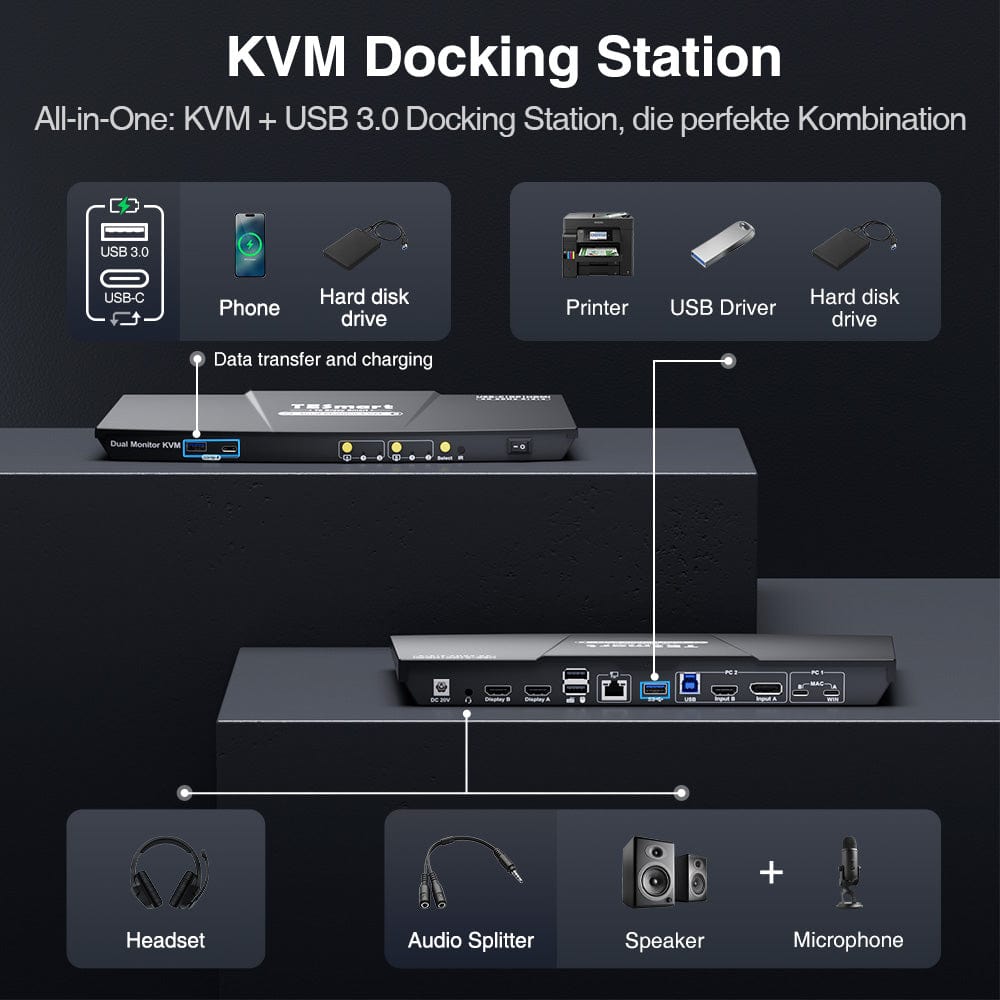
Share USB 3.0 devices and audio between both computers. Storage, accessories, and headsets remain connected to a shared hub.
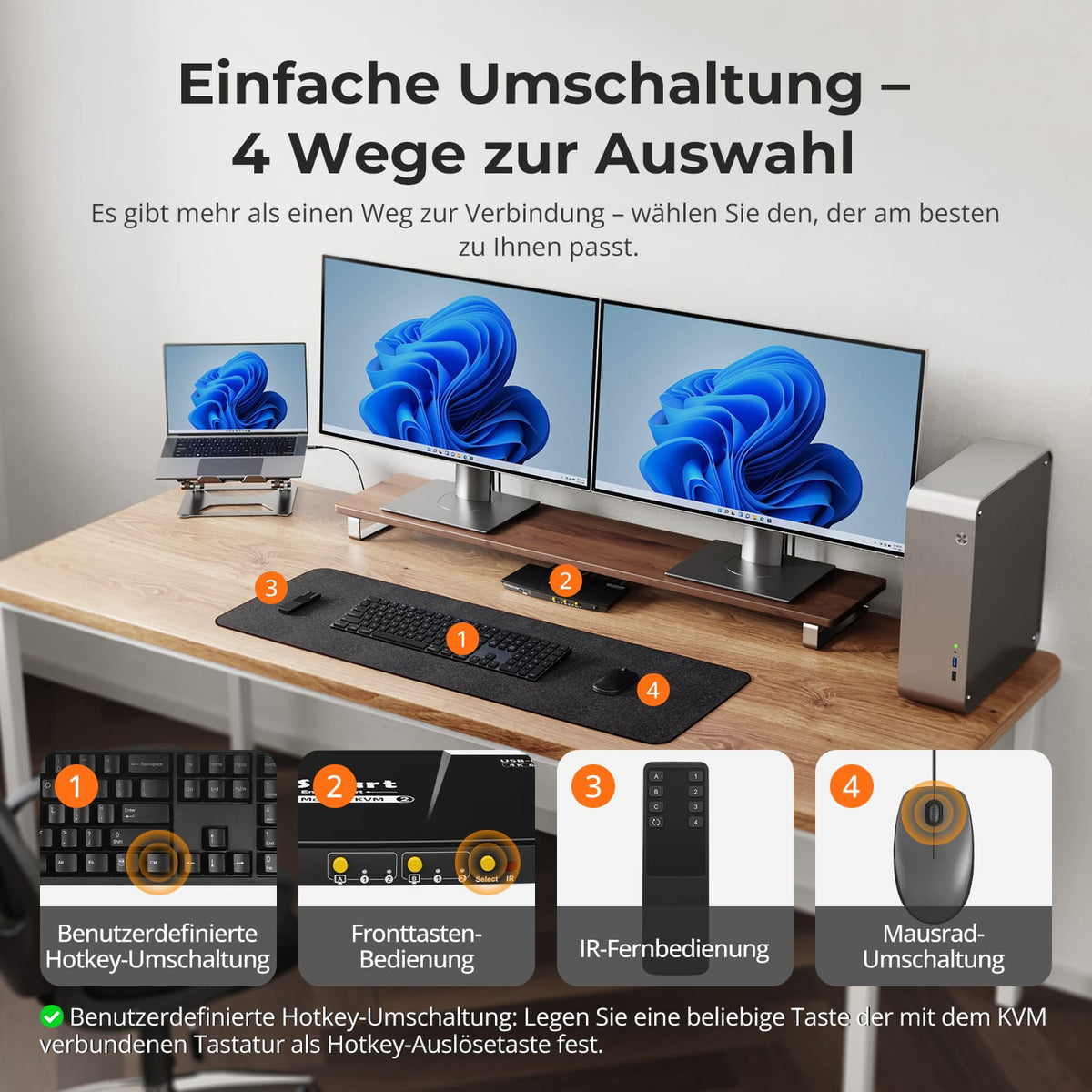
07
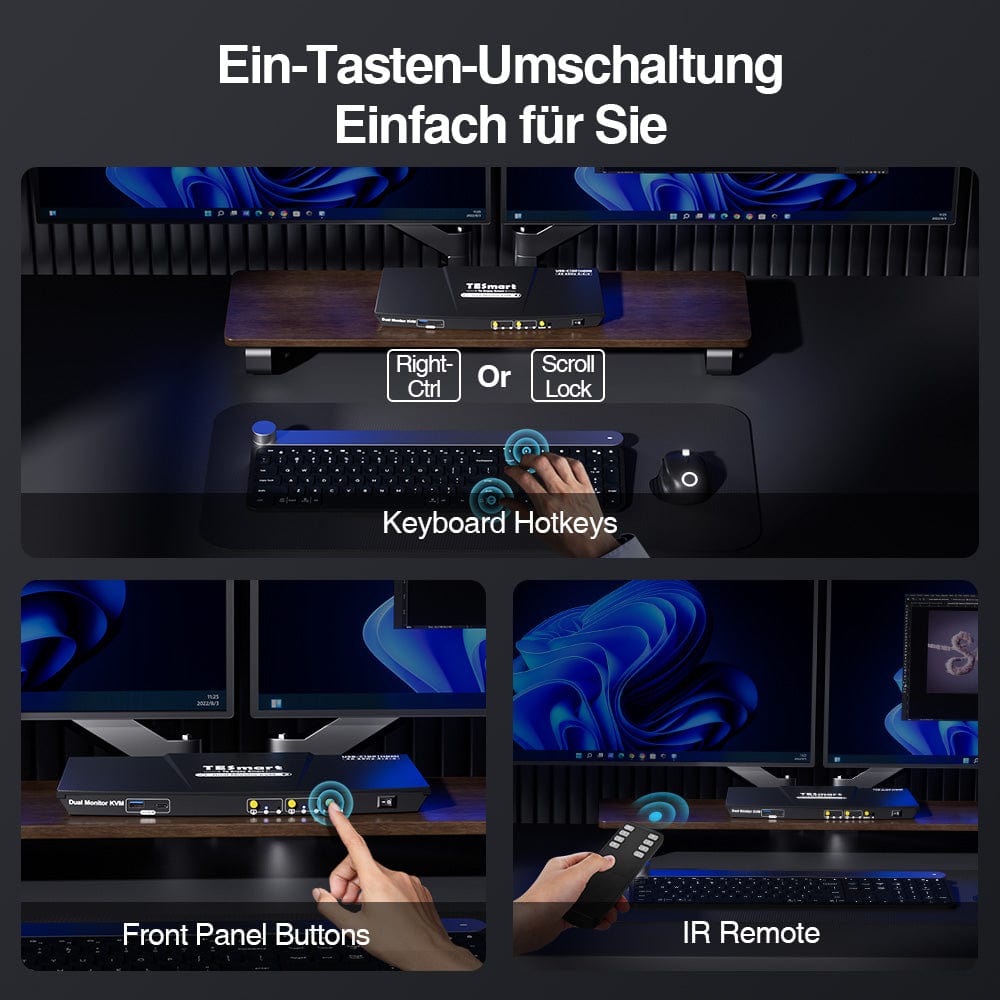
Switching without unplugging
The HDC202-P23 allows switching between laptop and desktop PC directly via the KVM.
08
09
10
Data & Support
Compatibility & Connections
Technical data
Instructions & Downloads
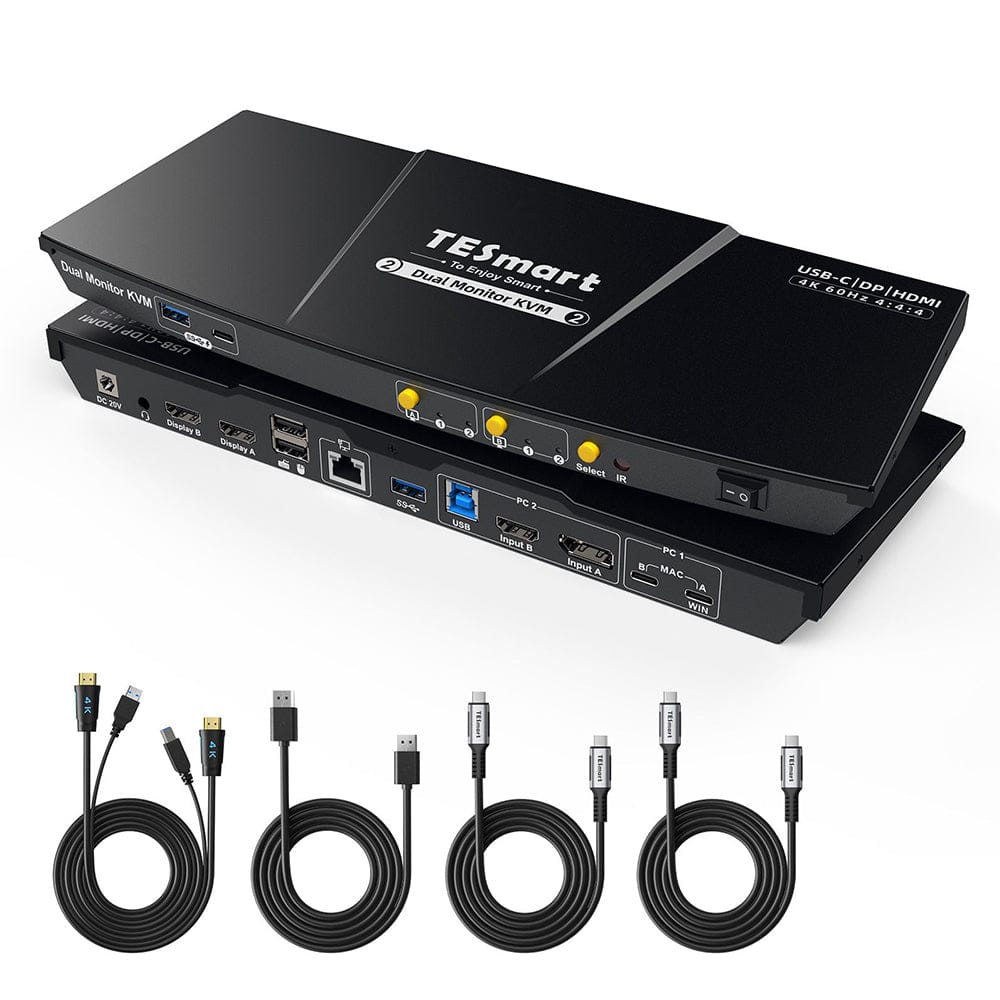
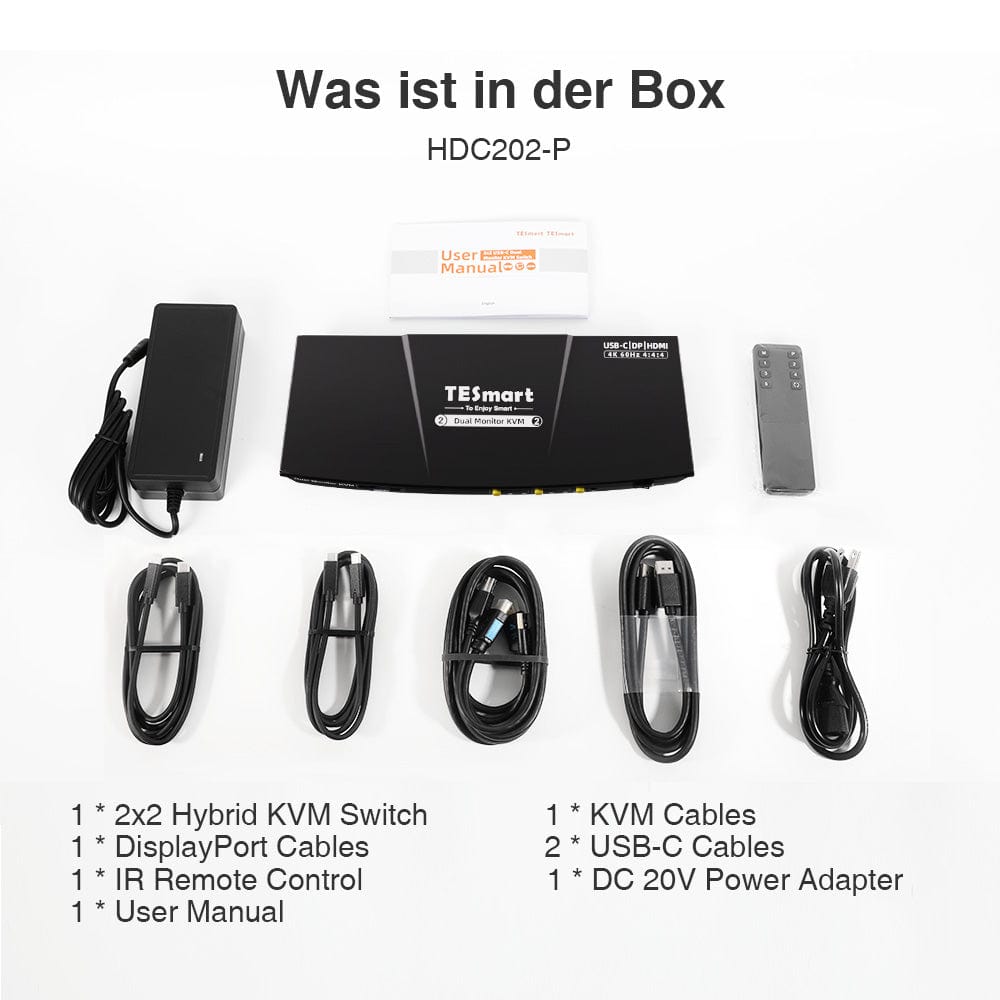
Scope of delivery
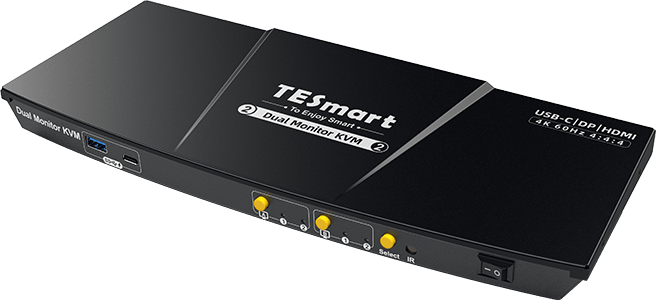
1×2×2 Hybrid KVM Switch
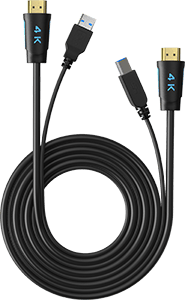
1 × KVM Cable
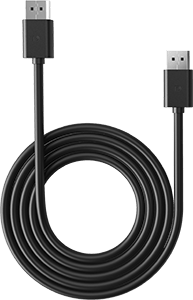
1 × DisplayPort Cable
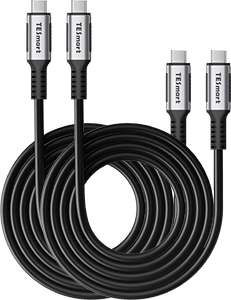
2 × USB-C Cable
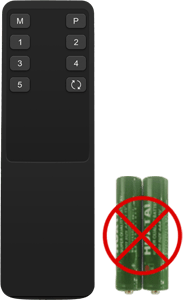
1 × IR Remote Control
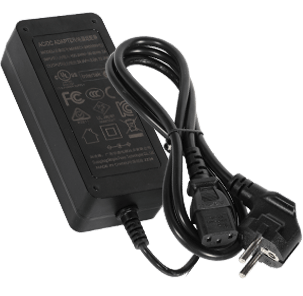
1 × 20V DC power supply
1×User manual
Frequently asked questions
You can find further answers in our Help Center.
[Compatibility] Which USB-C laptops are suitable for HDC202-P23-N?
The laptop's USB-C port must support DisplayPort Alt Mode or Thunderbolt 3 or higher. A simple charging or data port is not sufficient for video.
[Compatibility] Can a Windows laptop use both monitors via a single USB-C cable?
Yes, with DisplayPort MST over a full-fledged USB-C port. The KVM transmits video, USB data, and charging power via this connection.
[Compatibility] Can a Mac use two independently extended displays via USB-C MST?
macOS does not support DisplayPort MST for independently extended displays like Windows does. The possible number of external displays depends on the Mac model and its native support.
[Compatibility] What is the maximum supported display resolution?
According to the instructions, up to 3840×2160@60Hz in 4:4:4 with compatible sources, monitors and cables.
[Connections] What can a laptop and a desktop PC share?
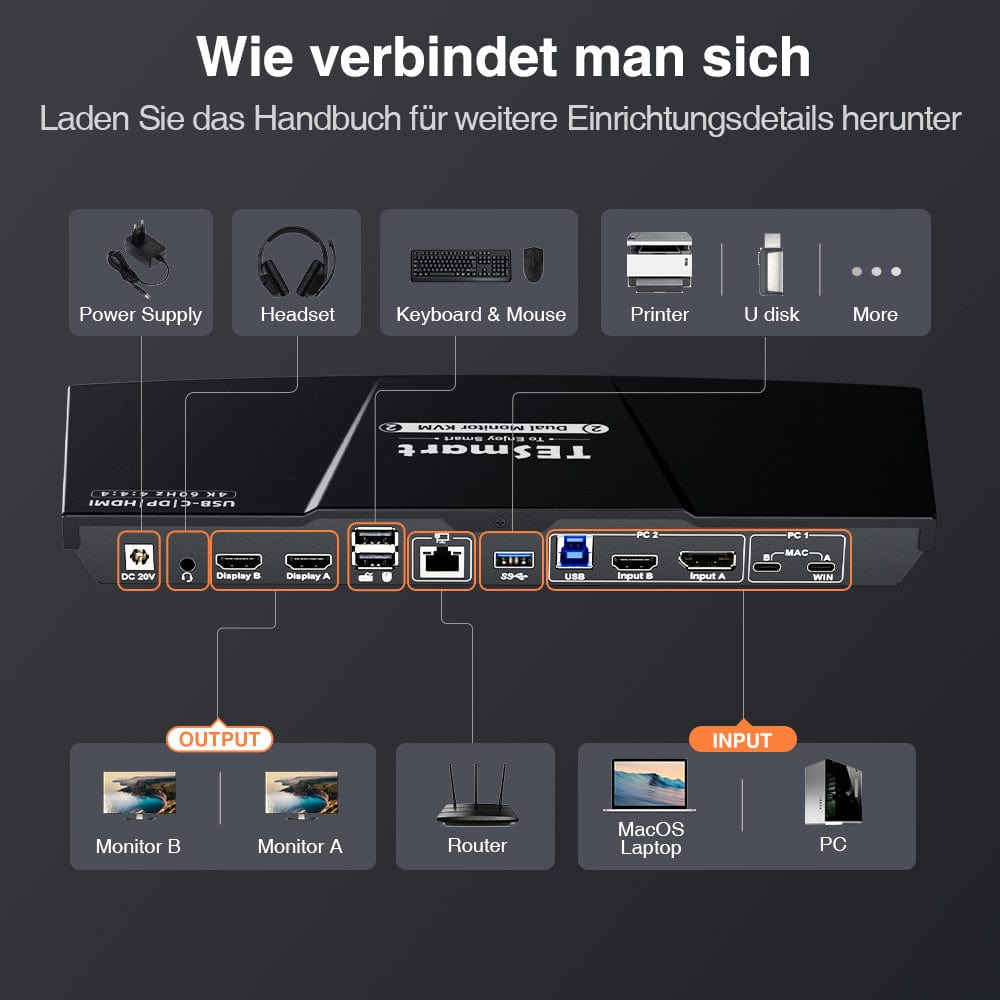
Both displays, keyboard, mouse, USB devices, audio and the KVM's Gigabit Ethernet port.
[Connections] Can the HDC202-P23-N charge the laptop?
Yes. A compatible USB-C computer can receive up to 60W. Full power requires the appropriate 20V power delivery negotiation. Some laptop models draw less power.
[Functions] Does the KVM support EDID emulation?
Yes. EDID emulation keeps monitor information available to the computer and reduces re-detection and window relocation when switching.
[Furnishings] How do I connect a Windows USB-C laptop for MST?
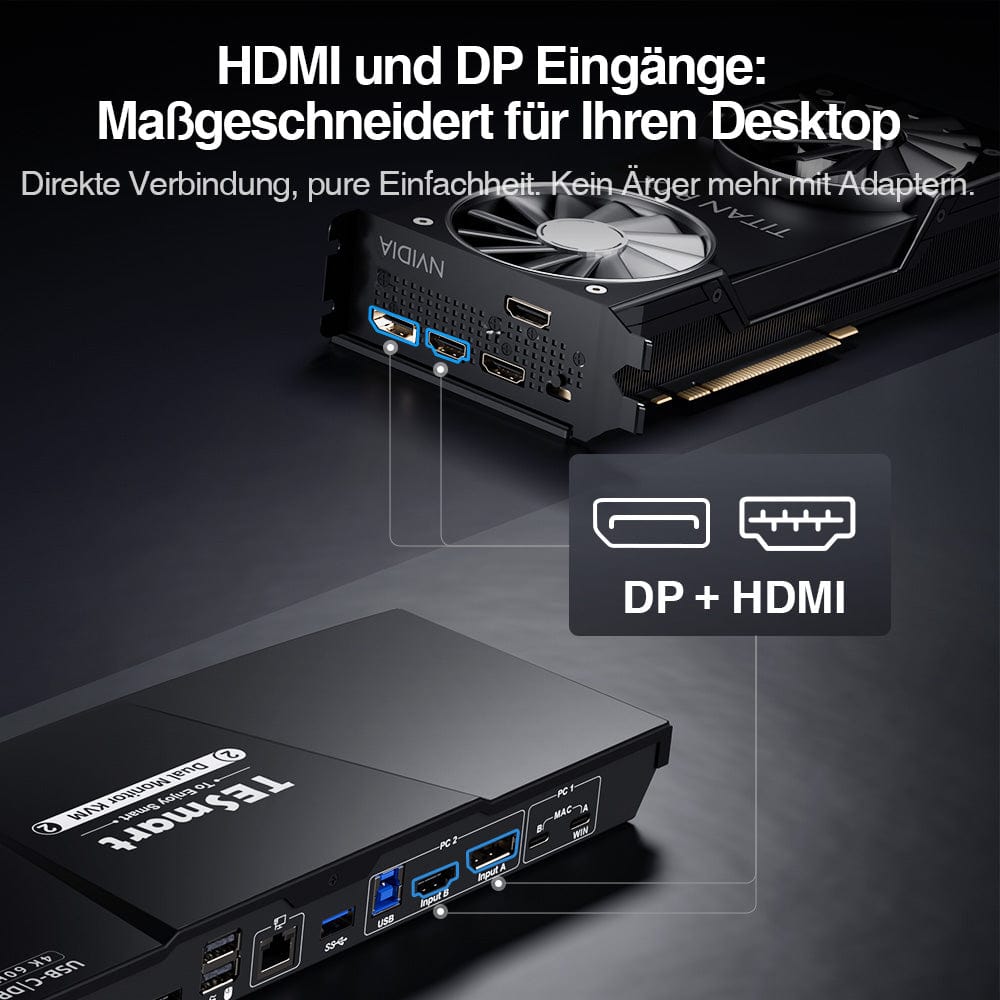
Connect the compatible laptop to the MST input using a full-size USB-C cable. Connect the two HDMI monitors to the KVM outputs.
[Connections] Do I need a separate dock for my USB-C laptop?
Not for the KVM functions described here. A compatible USB-C computer uses the KVM for display output, USB, network, and charging.
