

TESmart Knowledge · KVM & Workplace

News

Practical guides, setup tips, new products and technical knowledge for your multi-computer workplace.
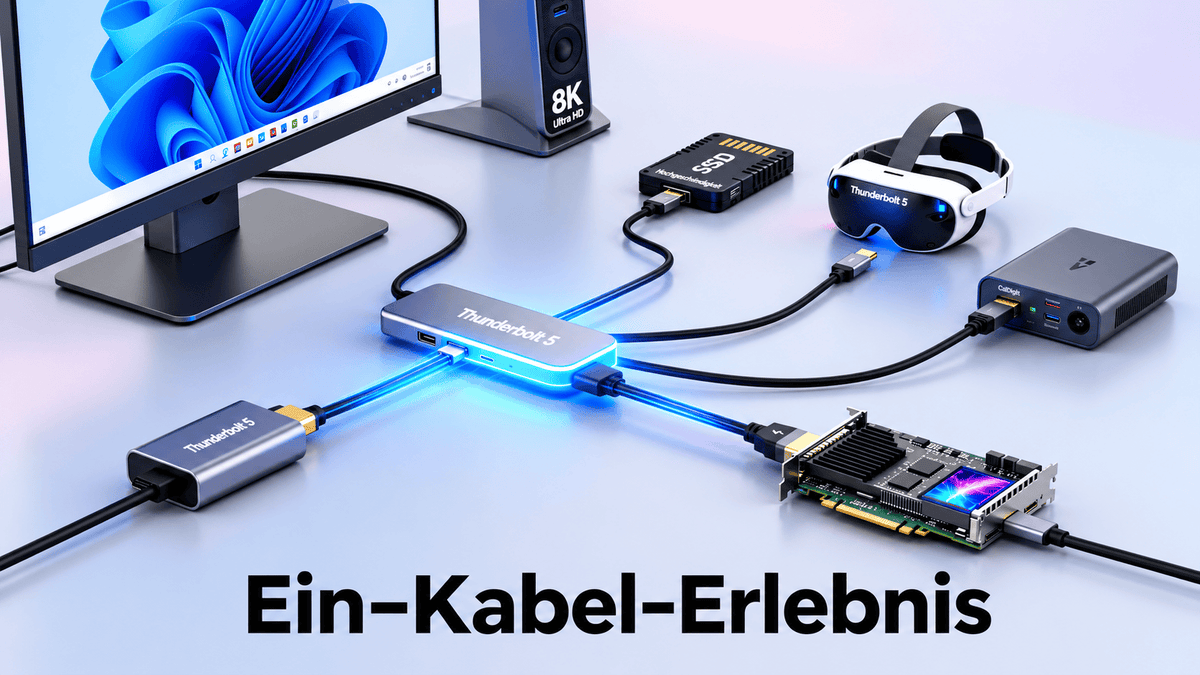
Thunderbolt 3 vs. Thunderbolt 4 vs. Thunderbolt 5: Der große Vergleich von Geschwindigkeit, Leistung und Funktionen

Thunderbolt 3 vs. Thunderbolt 4 vs. Thunderbolt 5: Der große Vergleich von Geschwindigkeit, Leistung und Funktionen

Einleitung Wer im Jahr 2026 einen neuen Laptop kauft, steht häufig vor der Wahl zwischen einem System mit Thunderbolt 4 und einem Modell mit dem neuesten Thunderbolt 5. Auf dem Datenblatt wirkt Thunderbolt 5 wie die offensichtliche Entscheidung – in der Praxis ist...

Read moreabove Thunderbolt 3 vs. Thunderbolt 4 vs. Thunderbolt 5: Der große Vergleich von Geschwindigkeit, Leistung und Funktionen

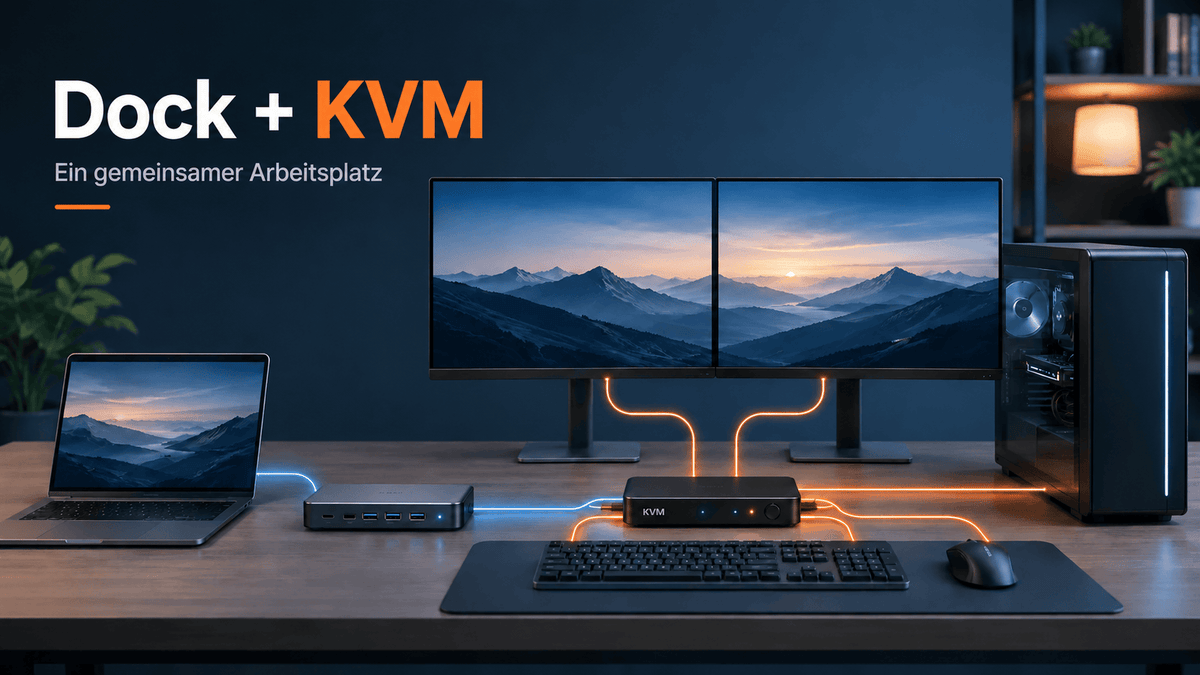
Kann man eine Dockingstation mit einem KVM-Switch verwenden?
Kann man eine Dockingstation mit einem KVM-Switch verwenden?

Einleitung Sie verwenden möglicherweise bereits eine Dockingstation, um einen Laptop mit Monitoren, Ethernet, Speichergeräten, Webcam, Tastatur und Maus zu verbinden. Dieses Setup funktioniert problemlos, solange nur ein Computer am Arbeitsplatz verwendet wird. Sobald jedoch ein zweiter Computer hinzukommt – beispielsweise...

Read moreabove Kann man eine Dockingstation mit einem KVM-Switch verwenden?

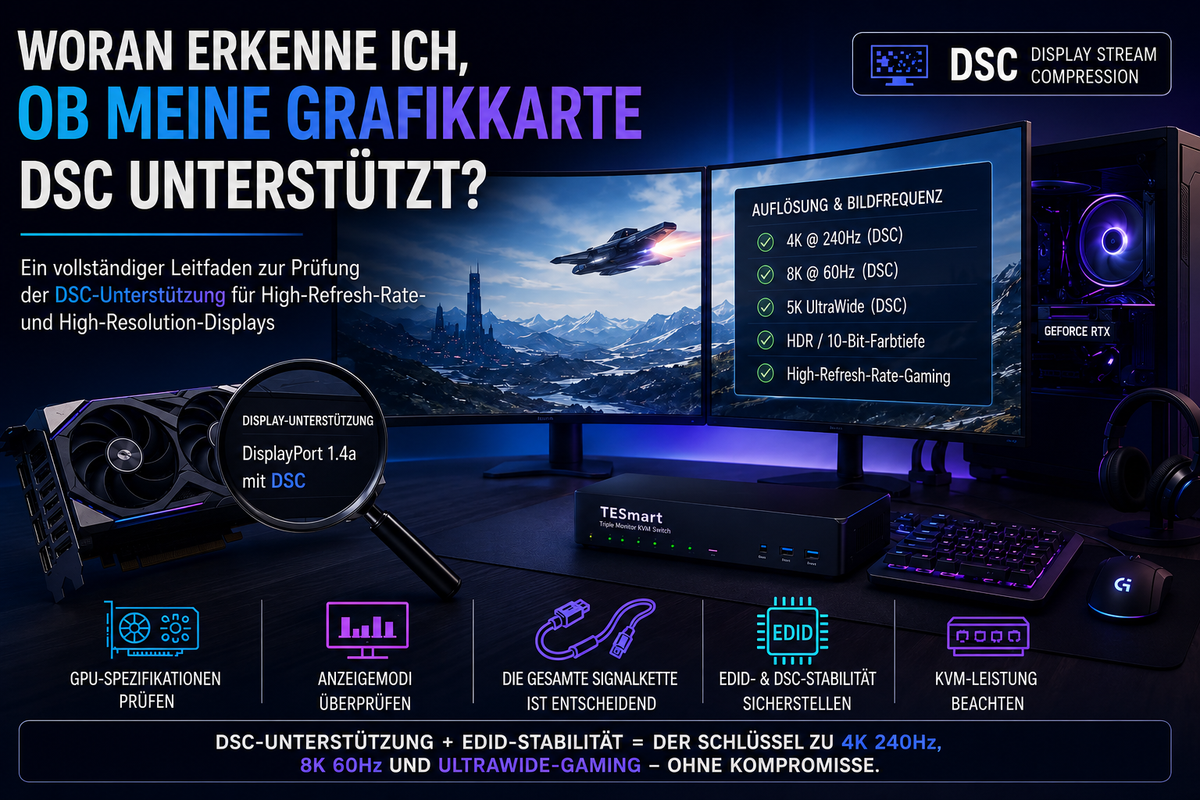
DSC-Unterstützung der Grafikkarte prüfen: GPU, DisplayPort, HDMI und KVM-Kompatibilität erklärt
DSC-Unterstützung der Grafikkarte prüfen: GPU, DisplayPort, HDMI und KVM-Kompatibilität erklärt

Inhaltsverzeichnis Einleitung So prüfen Sie, ob Ihre Grafikkarte DSC unterstützt NVIDIA-, AMD- und Intel-DSC-Unterstützung: Worauf Sie achten sollten Warum DisplayPort 1.4 oder HDMI 2.1 allein nicht ausreicht DSC hängt von der gesamten Displaykette ab Warum DSC in einem KVM-Setup wichtig...

Read moreabove DSC-Unterstützung der Grafikkarte prüfen: GPU, DisplayPort, HDMI und KVM-Kompatibilität erklärt

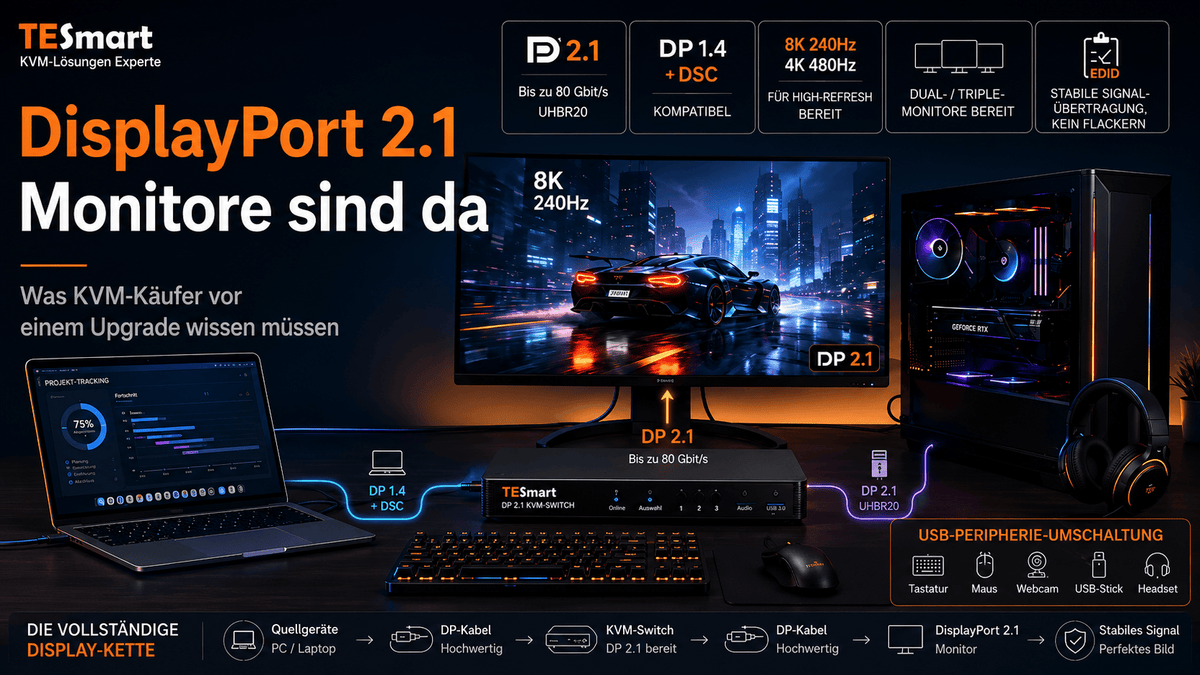
DisplayPort 2.1 und KVM-Switches: Was UHBR, DP80 und DSC für echte Setups bedeuten
DisplayPort 2.1 und KVM-Switches: Was UHBR, DP80 und DSC für echte Setups bedeuten

Inhaltsverzeichnis Einleitung Warum DisplayPort-2.1-Monitore 2026 mehr Aufmerksamkeit bekommen DisplayPort 2.1 ist nicht eine einzige Geschwindigkeit DisplayPort-2.1-Bandbreite erklärt: HBR3 vs. UHBR10 vs. UHBR20 Warum KVM-Käufer über den Monitoranschluss hinausdenken müssen Welche Displaymodi benötigen tatsächlich DP 2.1? Was DSC wirklich macht und...

Read moreabove DisplayPort 2.1 und KVM-Switches: Was UHBR, DP80 und DSC für echte Setups bedeuten

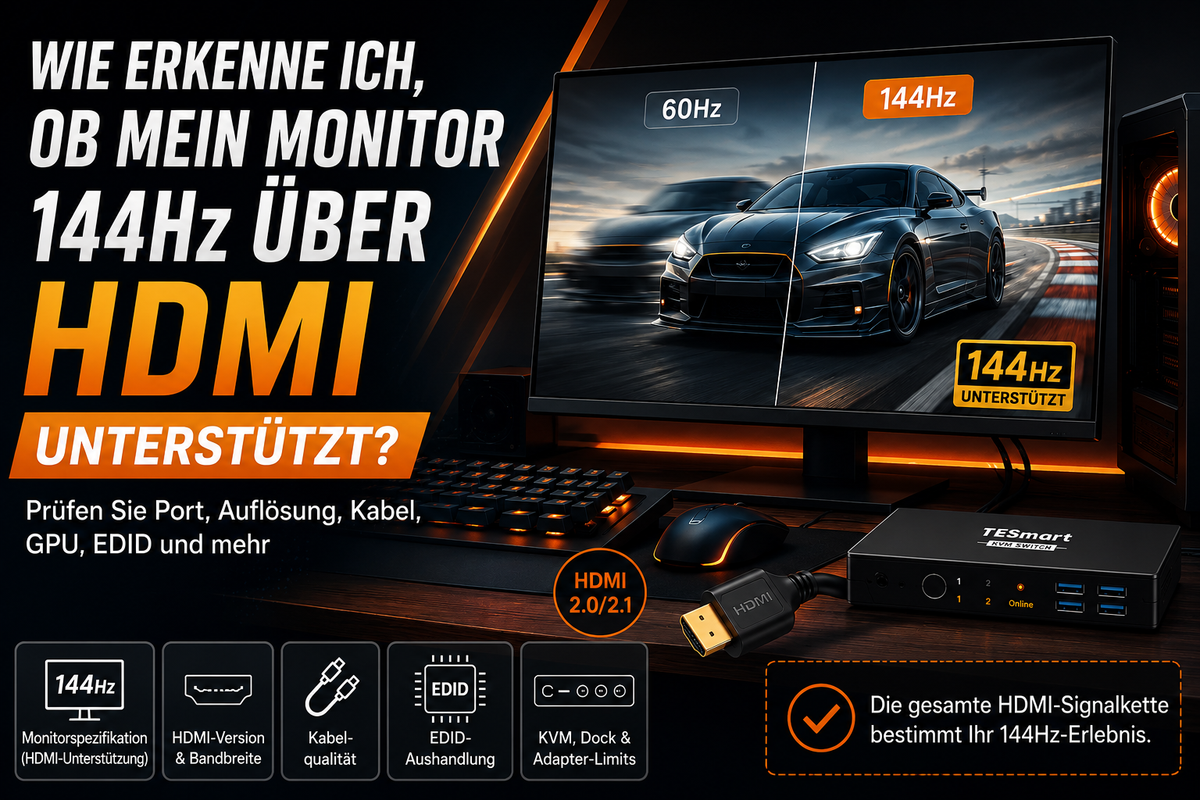
Unterstützt mein Monitor 144Hz über HDMI? So prüfen Sie die komplette Signalkette

Does my monitor support 144Hz over HDMI? This is how you check the entire signal chain
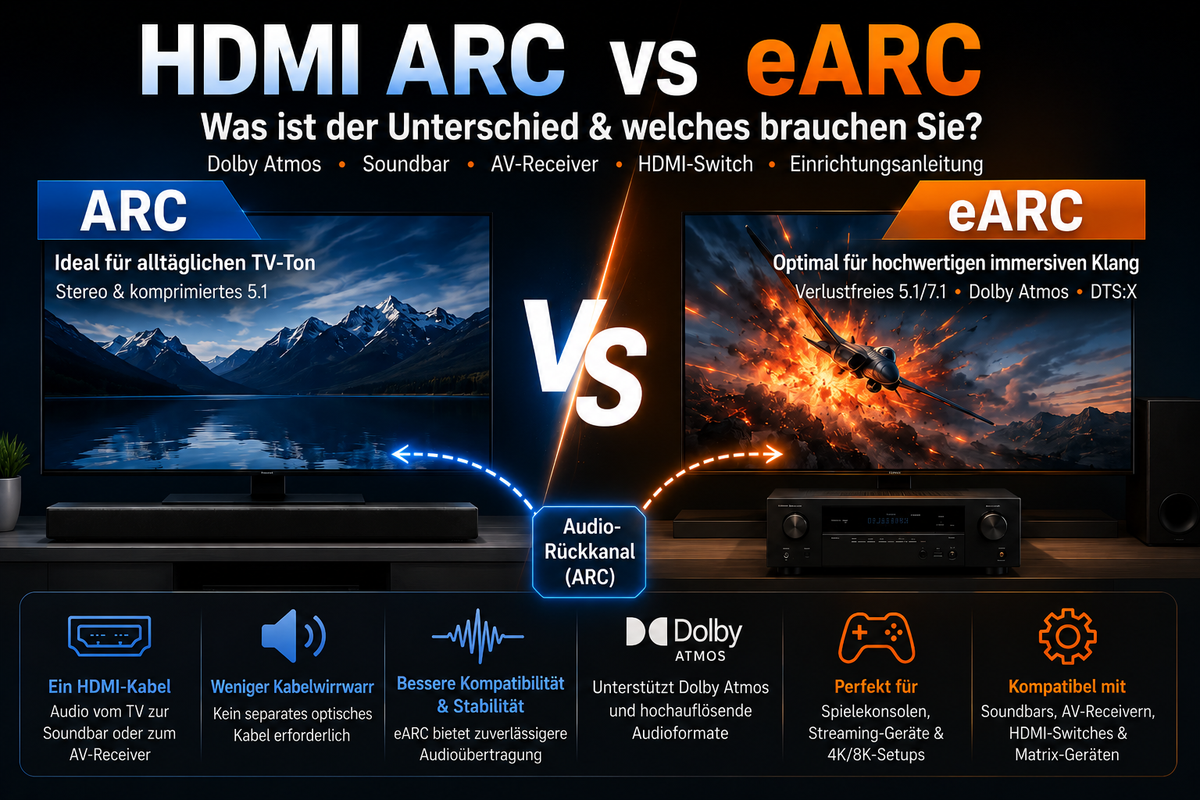
Table of contents Introduction “144Hz monitor” does not always mean “144Hz via HDMI” Why resolution changes HDMI 144Hz requirements How to check the entire HDMI signal chain Why you might still be limited to 60Hz Who really needs this information?...

Read moreabove Does my monitor support 144Hz over HDMI? This is how you check the entire signal chain

HDMI ARC vs. eARC erklärt: Soundbars, TVs, Dolby Atmos und HDMI-Switches

HDMI ARC vs. eARC explained: Soundbars, TVs, Dolby Atmos and HDMI switches
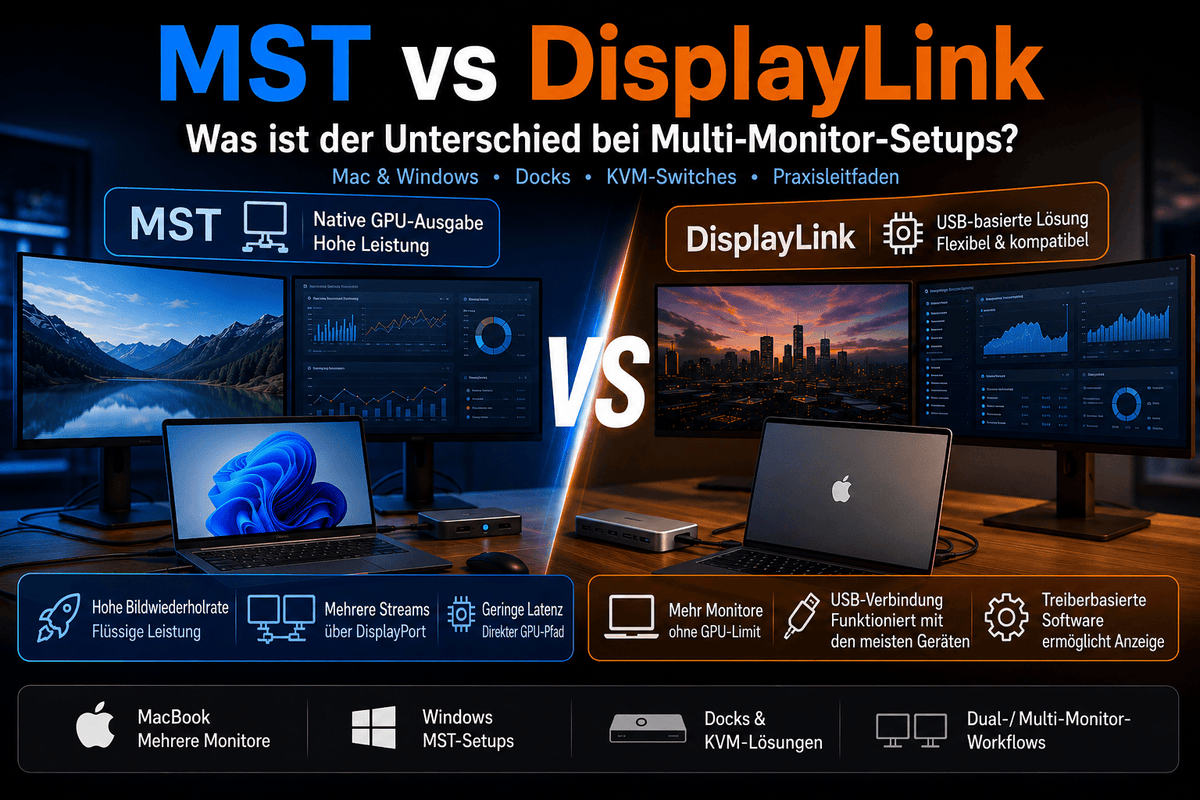
Table of contents Introduction What is HDMI ARC? What is HDMI eARC? HDMI ARC vs. eARC: The most important differences Does HDMI ARC support Dolby Atmos? Do you need eARC for a soundbar? HDMI ARC vs. eARC vs. optical audio...

Read moreabove HDMI ARC vs. eARC explained: Soundbars, TVs, Dolby Atmos and HDMI switches

MST vs. DisplayLink: Welche Multi-Monitor-Technologie ist besser für Mac- und Windows-Workflows?

MST vs. DisplayLink: Which multi-monitor technology is better for Mac and Windows workflows?
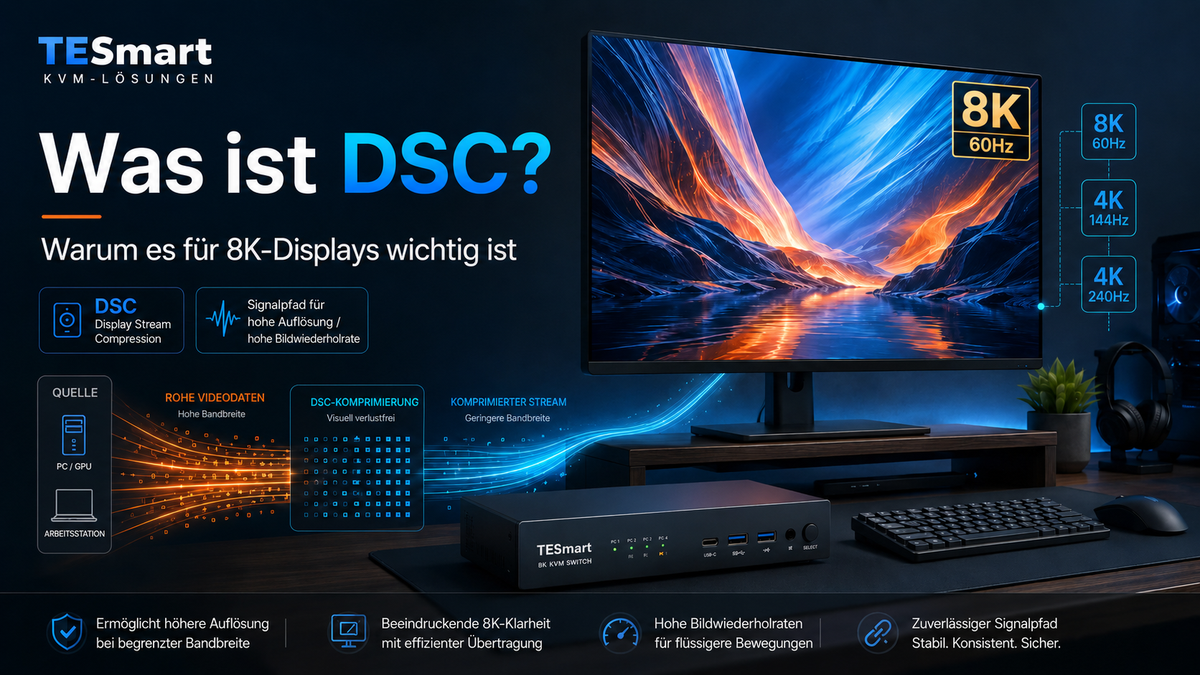
Table of contents Introduction Why MST and DisplayLink are often confused in multi-monitor setups What is DisplayPort MST? What are USB-C MST and DisplayPort Alt Mode? What is DisplayLink and how does a DisplayLink dock work? MST vs. DisplayLink: Key...

Read moreabove MST vs. DisplayLink: Which multi-monitor technology is better for Mac and Windows workflows?

Display Stream Compression erklärt: Warum DSC für 8K-Displays entscheidend ist

Display Stream Compression explains: Why DSC is crucial for 8K displays
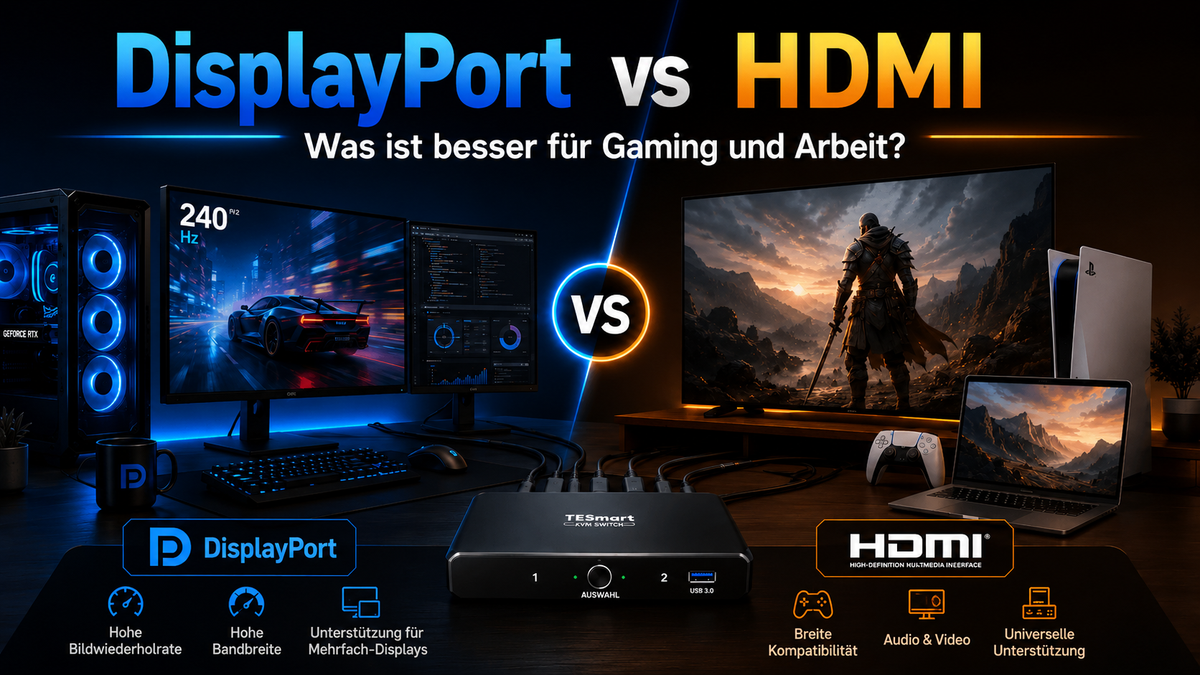
Table of contents Introduction What is DSC? Why 8K displays often rely on DSC Why DSC is important for 4K144Hz, 4K240Hz and multi-monitor workstations How DSC relates to HDMI 2.1, DisplayPort, USB-C DisplayPort Alt Mode and KVM switches Who really...

Read moreabove Display Stream Compression explains: Why DSC is crucial for 8K displays

DisplayPort oder HDMI: Welche Schnittstelle eignet sich besser für Gaming und Arbeit?

DisplayPort or HDMI: Which interface is better for gaming and work?

Table of contents Introduction DisplayPort vs. HDMI: The fundamental difference Why version numbers are more important than the connector type DisplayPort vs. HDMI for gaming DisplayPort vs. HDMI for work and multi-monitor desks DisplayPort vs. HDMI comparison chart What should...

Read moreabove DisplayPort or HDMI: Which interface is better for gaming and work?

🎁 BLACKFRIDAY has been copied to your clipboard!
Coupon here!