TESmart Knowledge · KVM & Workplace

News

Practical guides, setup tips, new products and technical knowledge for your multi-computer workplace.
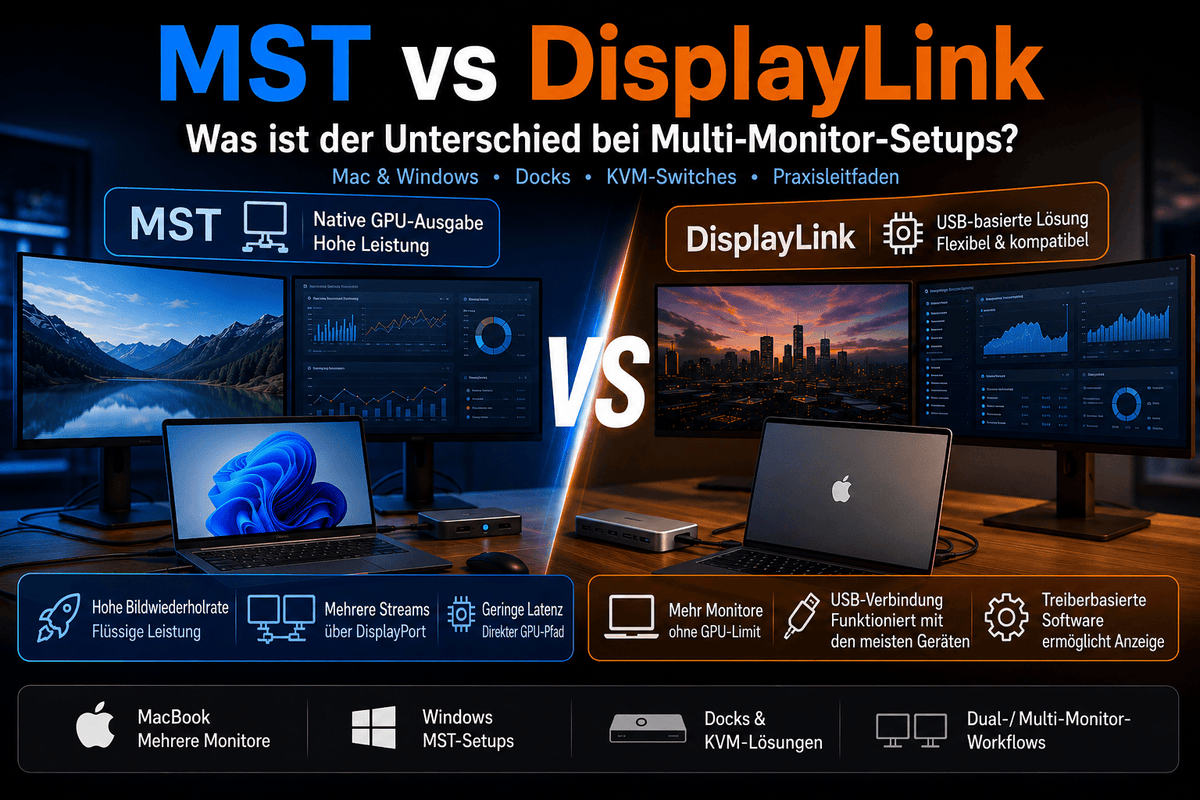
MST vs. DisplayLink: Welche Multi-Monitor-Technologie ist besser für Mac- und Windows-Workflows?

MST vs. DisplayLink: Which multi-monitor technology is better for Mac and Windows workflows?
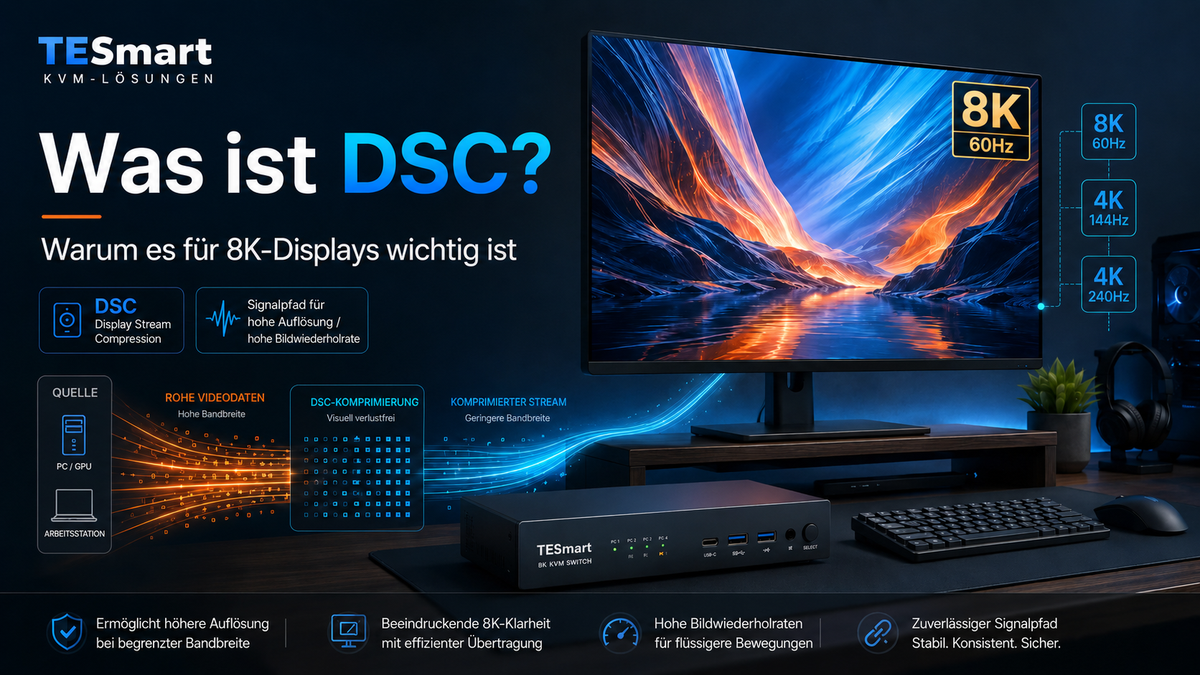
Table of contents Introduction Why MST and DisplayLink are often confused in multi-monitor setups What is DisplayPort MST? What are USB-C MST and DisplayPort Alt Mode? What is DisplayLink and how does a DisplayLink dock work? MST vs. DisplayLink: Key...

Read moreabove MST vs. DisplayLink: Which multi-monitor technology is better for Mac and Windows workflows?

Display Stream Compression erklärt: Warum DSC für 8K-Displays entscheidend ist

Display Stream Compression explains: Why DSC is crucial for 8K displays
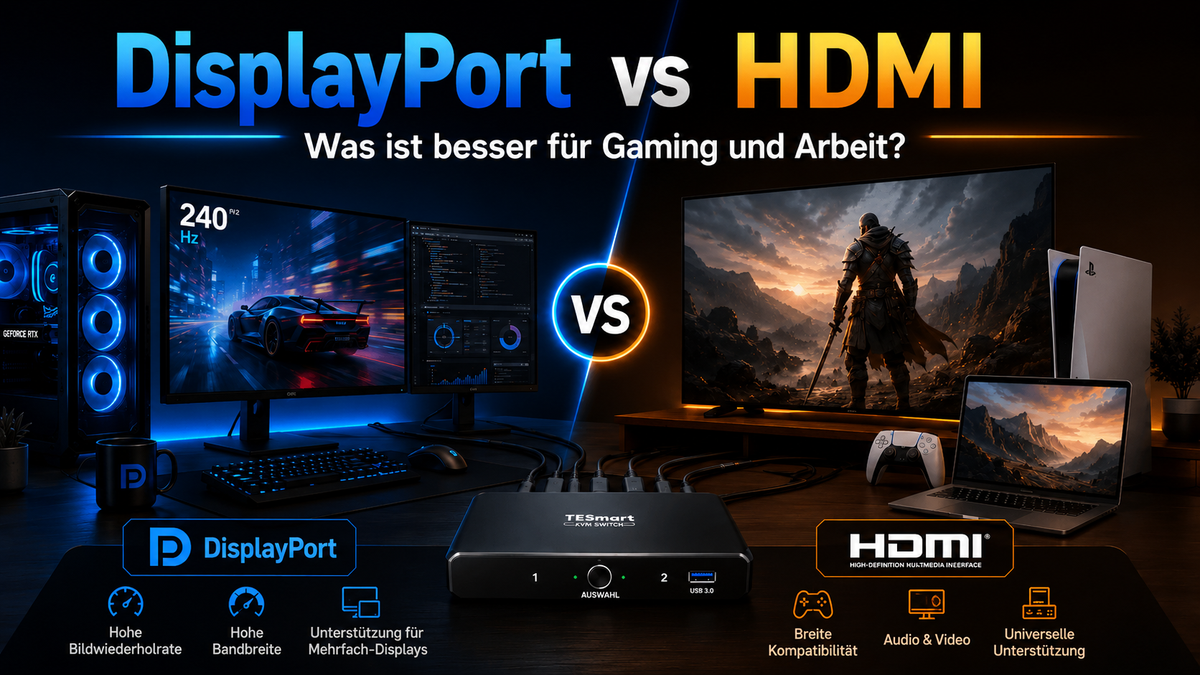
Table of contents Introduction What is DSC? Why 8K displays often rely on DSC Why DSC is important for 4K144Hz, 4K240Hz and multi-monitor workstations How DSC relates to HDMI 2.1, DisplayPort, USB-C DisplayPort Alt Mode and KVM switches Who really...

Read moreabove Display Stream Compression explains: Why DSC is crucial for 8K displays

DisplayPort oder HDMI: Welche Schnittstelle eignet sich besser für Gaming und Arbeit?

DisplayPort or HDMI: Which interface is better for gaming and work?
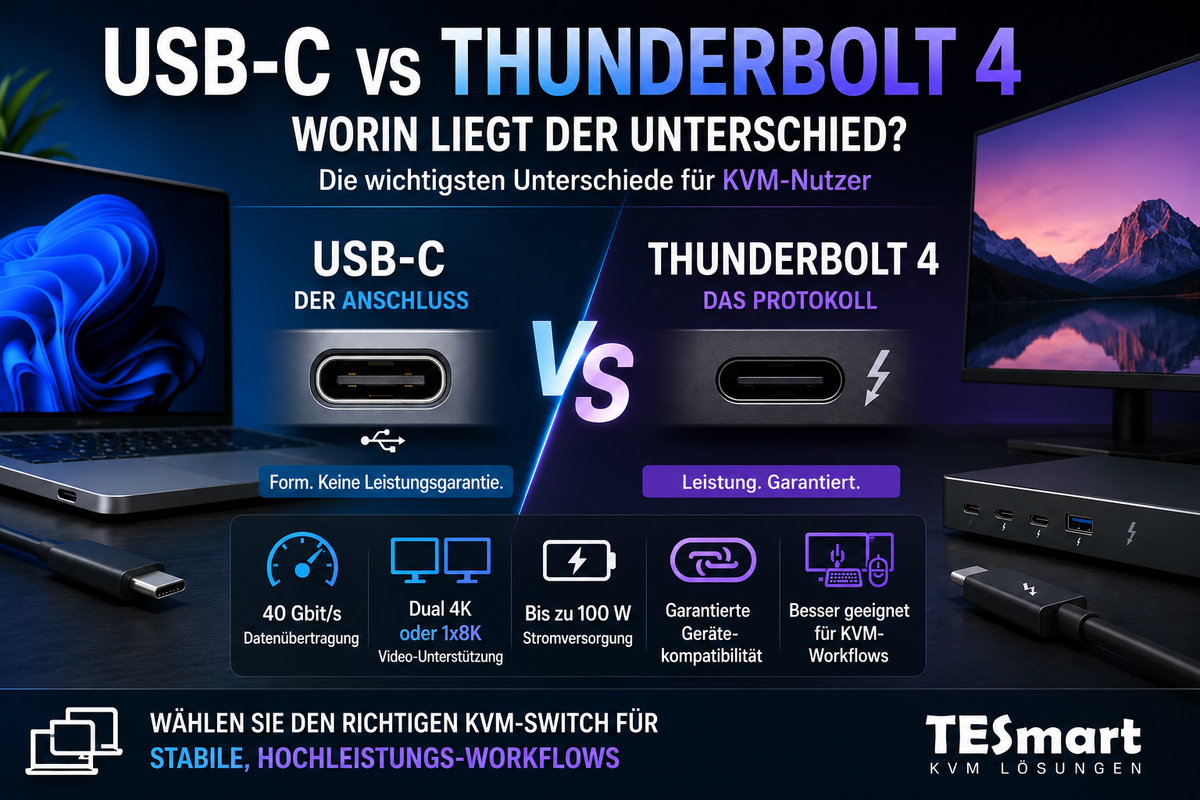
Table of contents Introduction DisplayPort vs. HDMI: The fundamental difference Why version numbers are more important than the connector type DisplayPort vs. HDMI for gaming DisplayPort vs. HDMI for work and multi-monitor desks DisplayPort vs. HDMI comparison chart What should...

Read moreabove DisplayPort or HDMI: Which interface is better for gaming and work?

USB-C vs. Thunderbolt 4: Worin liegt der Unterschied?

USB-C vs. Thunderbolt 4: What's the difference?
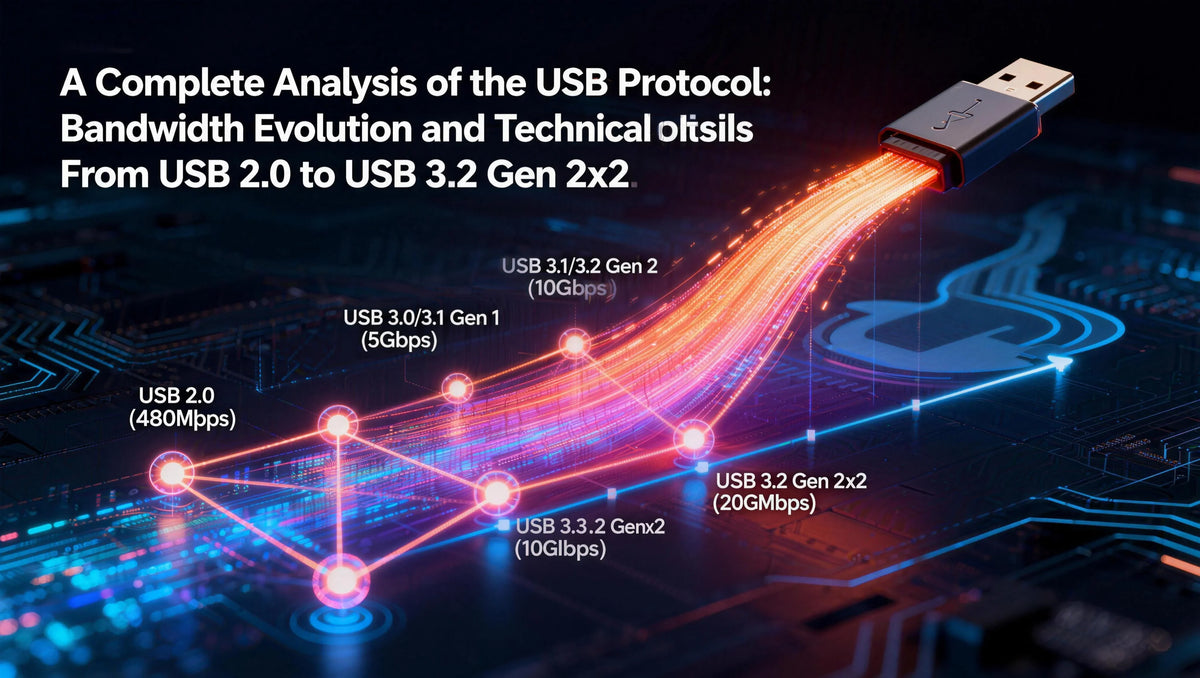
Table of contents Introduction Why USB-C and Thunderbolt 4 are so easily confused USB-C is a connector, Thunderbolt 4 is a protocol. USB-C vs. Thunderbolt 4: The most important differences Why the capabilities of a port are important for monitors,...

Read moreabove USB-C vs. Thunderbolt 4: What's the difference?
Vollständige Analyse der USB-Protokolle: Bandbreitenentwicklung und technische Unterschiede von USB 2.0 bis USB 3.2 Gen 2x2

Complete analysis of USB protocols: bandwidth evolution and technical differences from USB 2.0 to USB 3.2 Gen 2x2

When transferring a 5GB HD movie from your computer to an external hard drive, USB 2.0 takes about 13 minutes, USB 3.2 Gen 1 about 1 minute, while USB 3.2 Gen 2x2 only takes a short 17 seconds. The evolution...

Read moreabove Complete analysis of USB protocols: bandwidth evolution and technical differences from USB 2.0 to USB 3.2 Gen 2x2

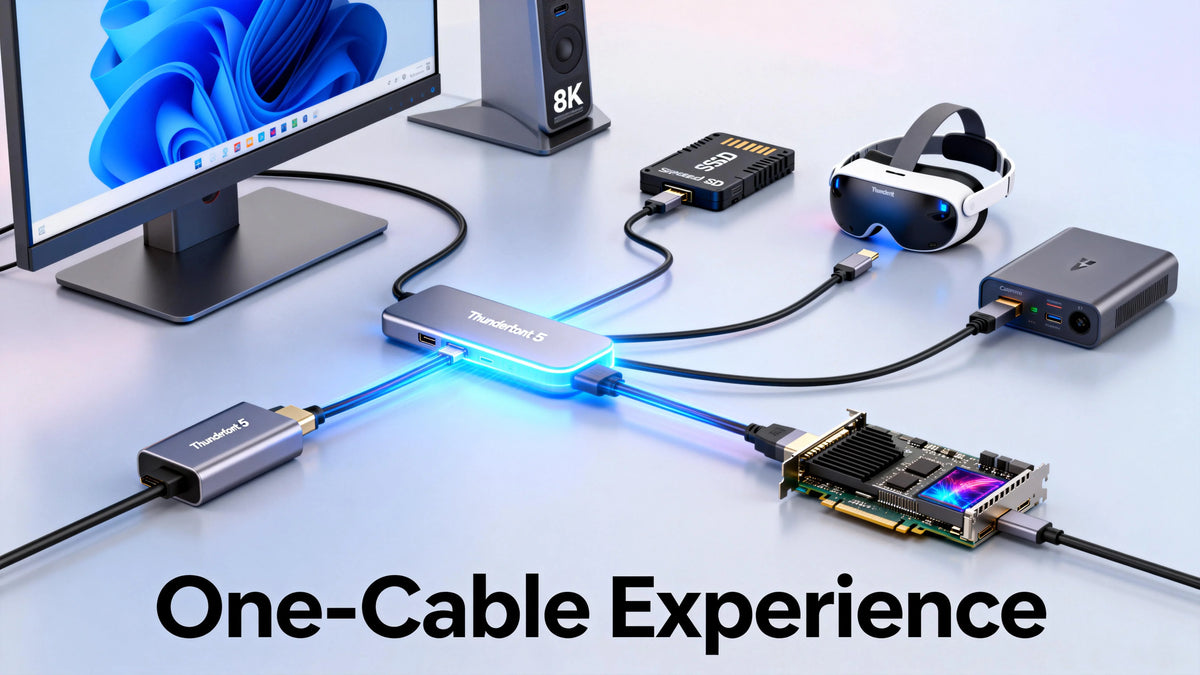
Thunderbolt-Schnittstellenentwicklung: Vollständiger Vergleich von Thunderbolt 3, 4 und 5 – Neue Maßstäbe für Konnektivität

Thunderbolt Interface Development: Complete Comparison of Thunderbolt 3, 4, and 5 - Reshaping Connectivity

How long does it take to transfer an 80 GB 8K movie to a 4 TB SSD? Thunderbolt 3 takes about 40 seconds, Thunderbolt 4 about 30 seconds, and the upcoming Thunderbolt 5 would theoretically only take about 16 seconds....

Read moreabove Thunderbolt Interface Development: Complete Comparison of Thunderbolt 3, 4, and 5 - Reshaping Connectivity

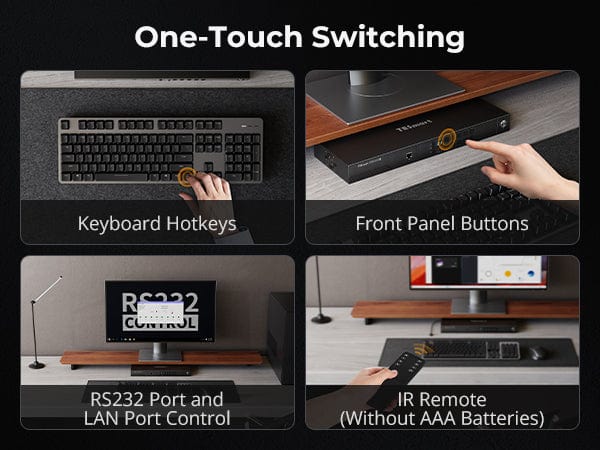
Wie TESmart KVM Hotkeys funktionieren: Vollständige Erklärung für effiziente Multi-Computer-Steuerung

How TESmart KVM Hotkeys Work: Complete Explanation for Efficient Multi-Computer Control
A complete technical guide to design, use, and compatibility Hotkey switching is one of the most efficient control mechanisms on TESmart KVM switches. For users managing multiple computers, displays, and peripherals, hotkeys enable fast, uninterrupted switching directly from the keyboard....

Read moreabove How TESmart KVM Hotkeys Work: Complete Explanation for Efficient Multi-Computer Control

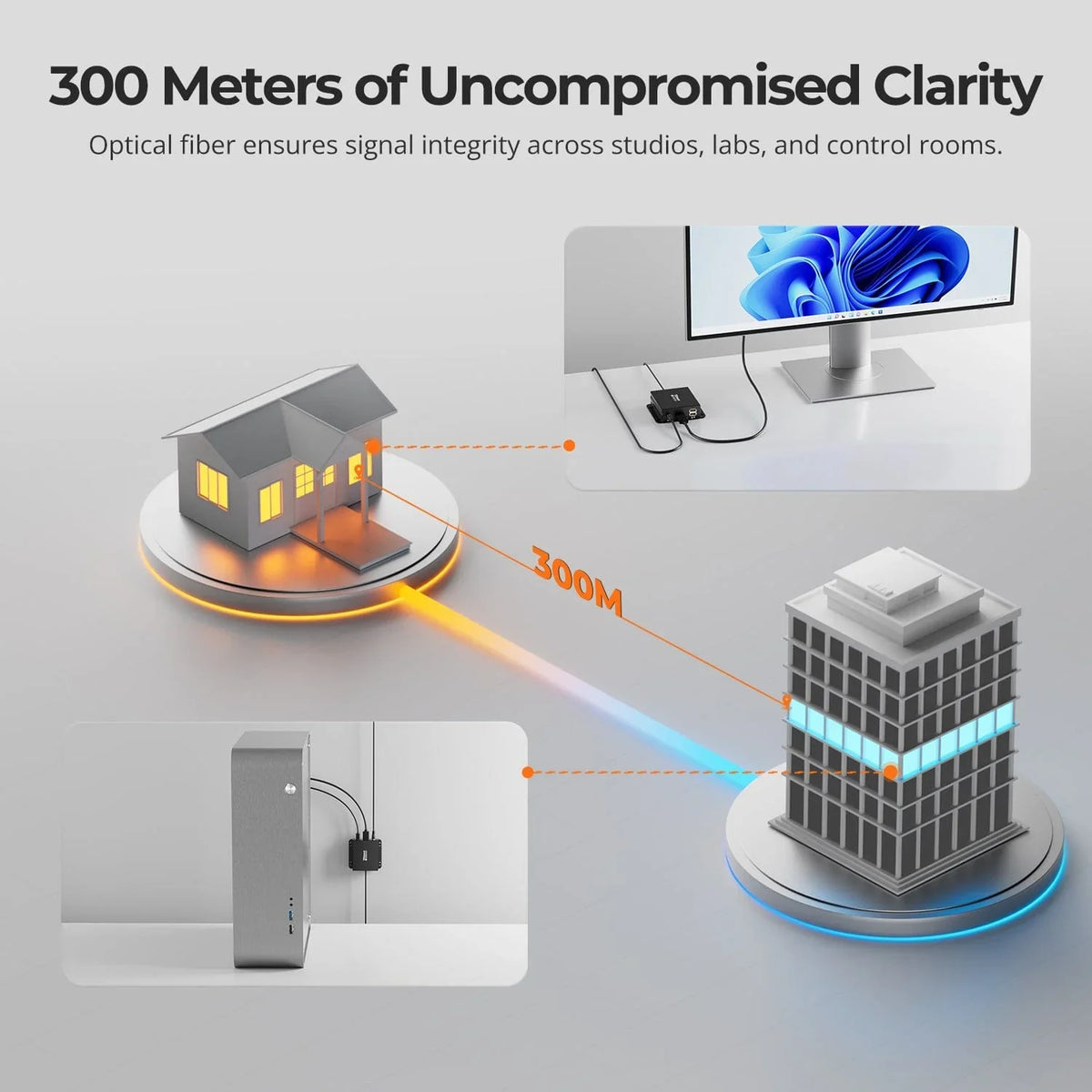
DKE30SS-M25: Leitfaden zur Auswahl der passenden LC-LC OM4 Glasfaser für zuverlässige Hochgeschwindigkeitsverbindungen

DKE30SS-M25: Guide to selecting the right LC-LC OM4 fiber for reliable high-speed connections
Choosing the right fiber optic cable is crucial for high-speed devices such as the DKE30SS-M25. Using the wrong fiber type is one of the most common causes of connection problems – even if the connection appears physically correct. This guide...

Read moreabove DKE30SS-M25: Guide to selecting the right LC-LC OM4 fiber for reliable high-speed connections

DisplayPort 1.2 vs. 1.4 vs. 2.1: Leistungsunterschiede, Vergleich und Zukunftsausblick

DisplayPort 1.2 vs. 1.4 vs. 2.1: Performance differences, comparison and future outlook

introduction In the world of modern home entertainment and gaming, HDMI has undoubtedly become the preferred connection standard. Many televisions, game consoles, Blu-ray players, and home theater PCs (HTPCs) use HDMI for transmitting video and audio. However, the situation is...

Read moreabove DisplayPort 1.2 vs. 1.4 vs. 2.1: Performance differences, comparison and future outlook

🎁 BLACKFRIDAY has been copied to your clipboard!
Coupon here!