TESmart Knowledge · KVM & Workplace

News

Practical guides, setup tips, new products and technical knowledge for your multi-computer workplace.
Wie der THK401-X4 perfekt in echte MacBook- und Desktop-Workspaces passt

How the THK401-X4 fits perfectly into real MacBook and desktop workspaces
Table of contents Introduction A premium multi-functional display Different devices require different connection methods. Additional HDMI inputs make the workplace more flexible. A better KVM switch improves the entire workplace. Why the THK401-X4 makes sense Conclusion Frequently Asked Questions (FAQ)...

Read moreabove How the THK401-X4 fits perfectly into real MacBook and desktop workspaces

MacBook Multi-Monitor Setup Guide: So bauen Sie eine effiziente Dual-Monitor-Workstation auf

MacBook Multi-Monitor Setup Guide: How to Build an Efficient Dual-Monitor Workstation

Table of contents Introduction Start with your workflow Common multi-monitor setup scenarios for MacBooks The three most common problems with setups What MacBook users should consider before buying Why the desk structure is important in a multi-device environment Dock vs....

Read moreabove MacBook Multi-Monitor Setup Guide: How to Build an Efficient Dual-Monitor Workstation
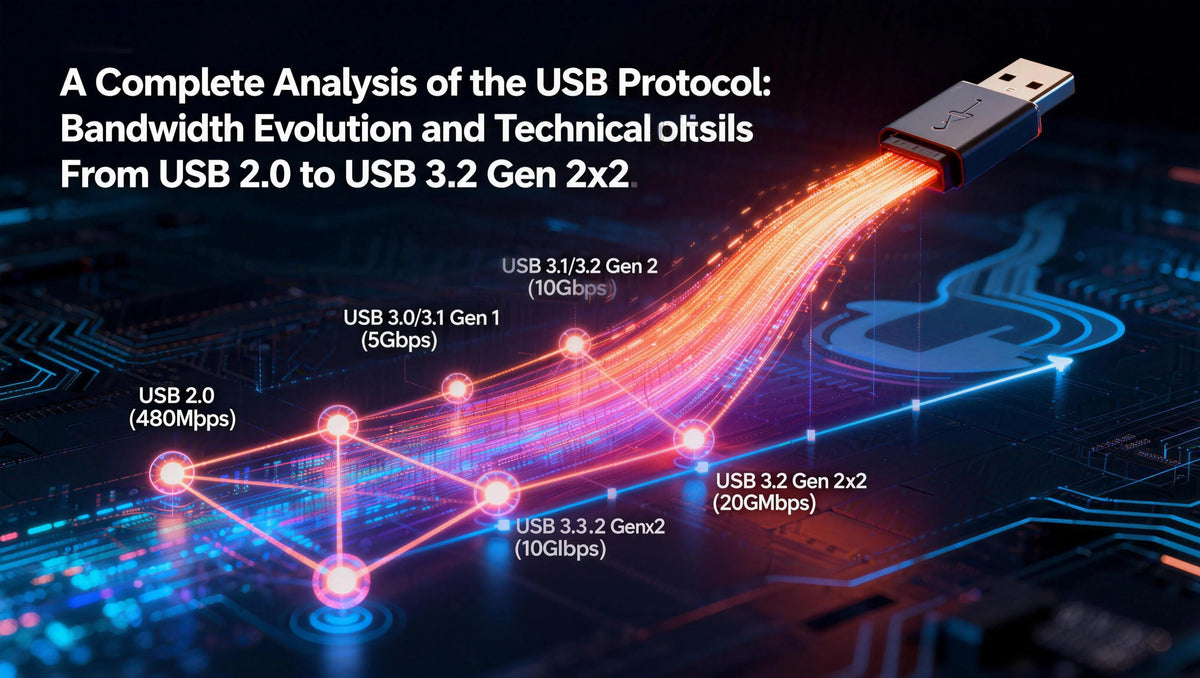
Vollständige Analyse der USB-Protokolle: Bandbreitenentwicklung und technische Unterschiede von USB 2.0 bis USB 3.2 Gen 2x2

Complete analysis of USB protocols: bandwidth evolution and technical differences from USB 2.0 to USB 3.2 Gen 2x2

When transferring a 5GB HD movie from your computer to an external hard drive, USB 2.0 takes about 13 minutes, USB 3.2 Gen 1 about 1 minute, while USB 3.2 Gen 2x2 only takes a short 17 seconds. The evolution...

Read moreabove Complete analysis of USB protocols: bandwidth evolution and technical differences from USB 2.0 to USB 3.2 Gen 2x2

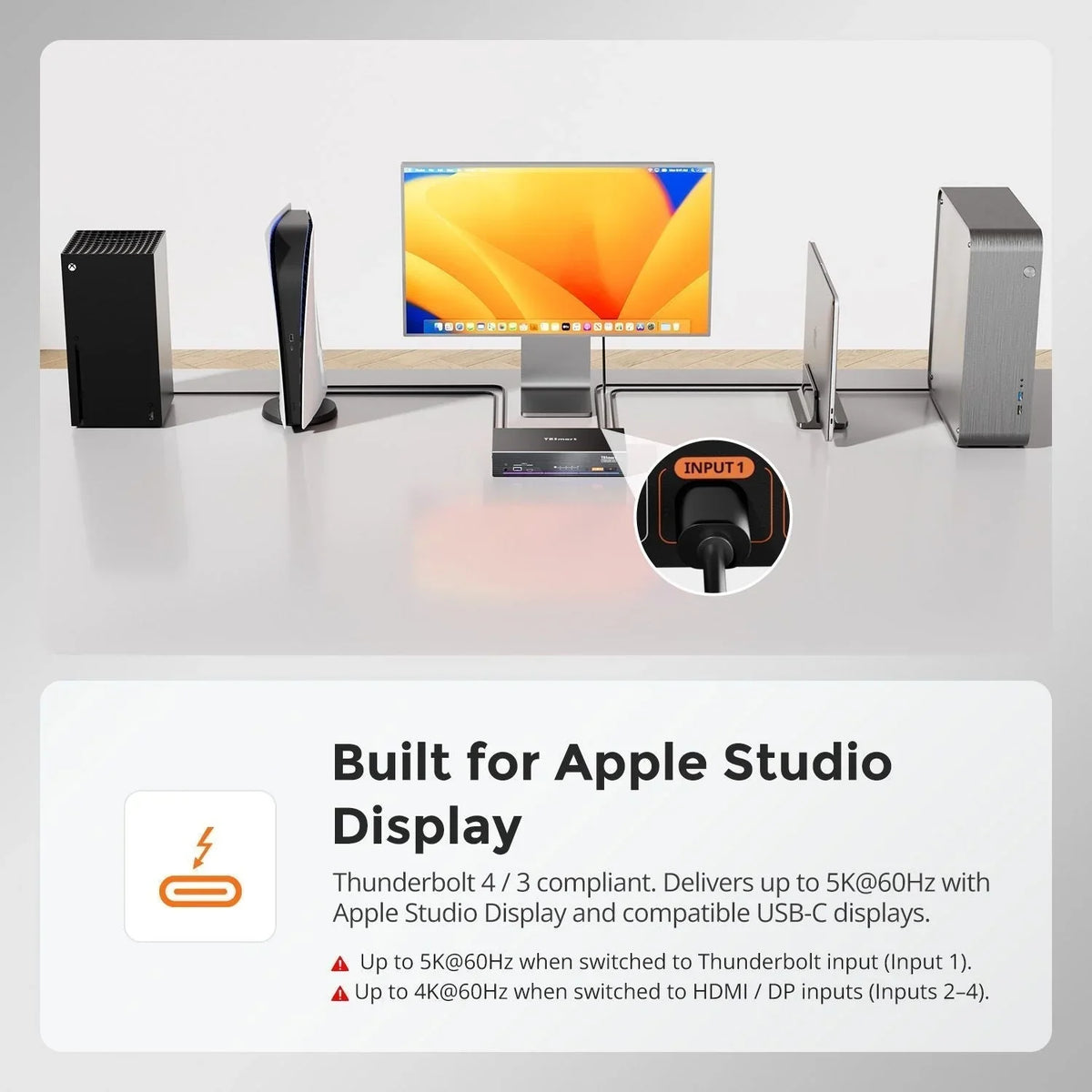
**Wie man PS5 oder Nintendo Switch mit dem Apple Studio Display verbindet: Die ideale Multi-Device-Desk-Setup-Lösung**

**How ​​to Connect PS5 or Nintendo Switch to Apple Studio Display: The Ideal Multi-Device Desk Setup Solution**

Table of contents Introduction Why Apple Studio Display cannot directly accept standard HDMI signals Can the PS5 be used with the Apple Studio Display? The classic Mac Bridge workaround Why capture-based workflows are unsuitable for gaming A hybrid KVM architecture...

Read moreabove **How ​​to Connect PS5 or Nintendo Switch to Apple Studio Display: The Ideal Multi-Device Desk Setup Solution**

Warum 8-Port- und 16-Port-8K-KVM-Switches so schwer zu entwickeln sind: Die technischen Herausforderungen hinter skalierbaren 8K-KVM-Architekturen

Why 8-port and 16-port 8K KVM switches are so difficult to develop: The technical challenges behind scalable 8K KVM architectures

The real challenge is the architecture — not the bandwidth. As 8K displays and high-performance workstations become increasingly common in professional environments, users often ask a seemingly simple question: If a 4-port 8K KVM already exists, why is it so...

Read moreabove Why 8-port and 16-port 8K KVM switches are so difficult to develop: The technical challenges behind scalable 8K KVM architectures

HDK204-P24: Der professionelle KVM-Switch für Quad-Monitor-Workflows

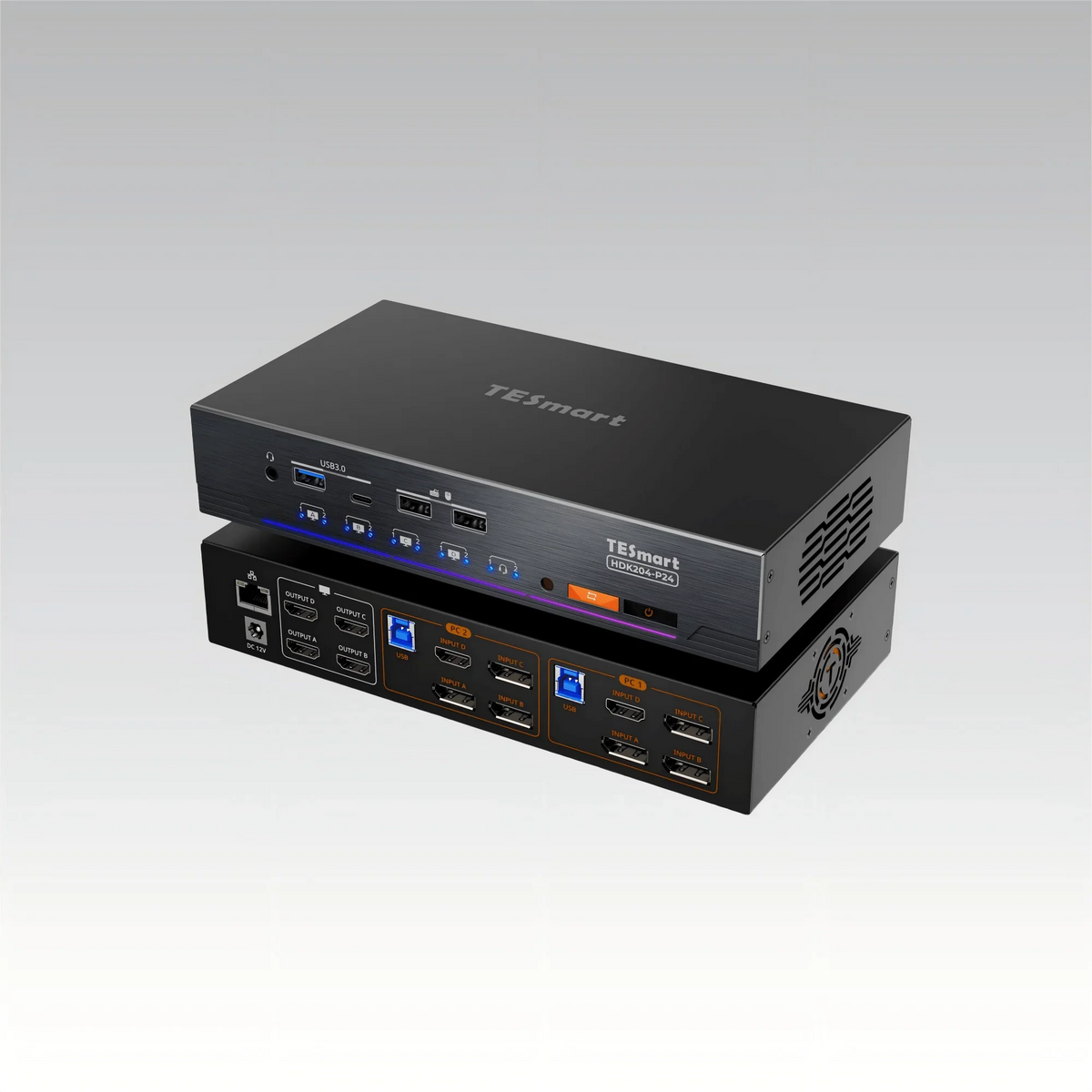
HDK204-P24: The professional KVM switch for quad monitor workflows
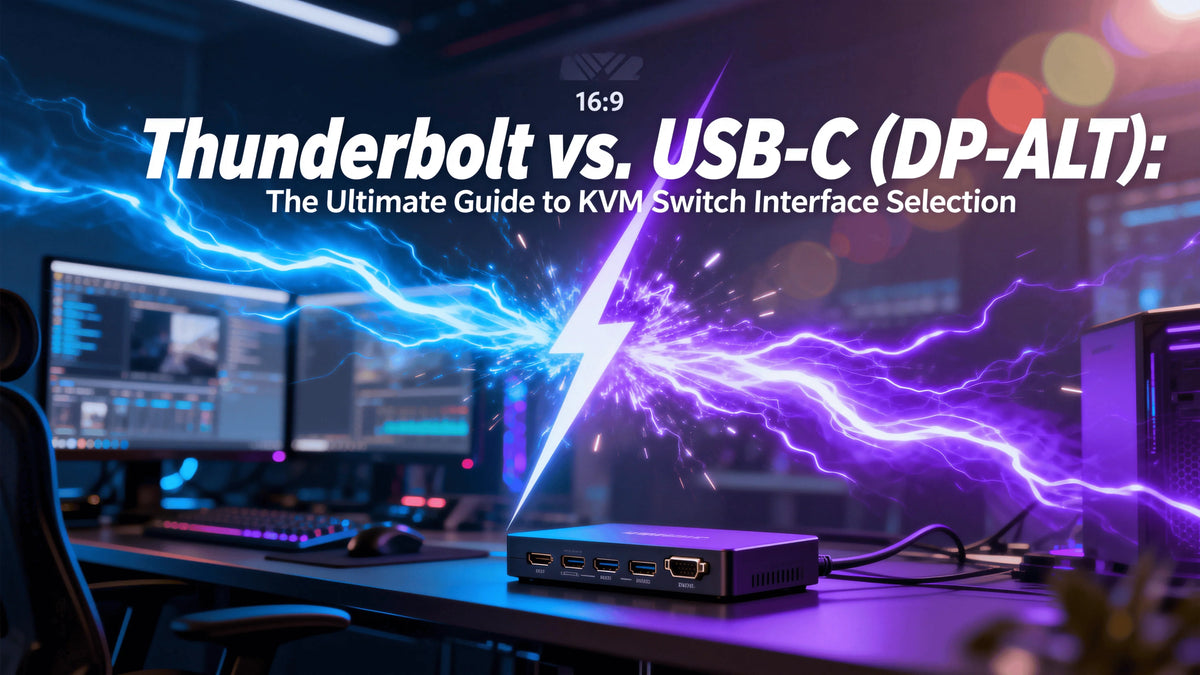
As multi-monitor setups and workflows with mixed devices become increasingly common, many professional users face the same challenge: How can two computers reliably share four independent monitors and a full set of peripherals – without interrupting the workflow? In quad-monitor...

Read moreabove HDK204-P24: The professional KVM switch for quad monitor workflows

Thunderbolt vs. USB-C (DP-ALT): Der ultimative Leitfaden zur Auswahl der richtigen KVM-Schnittstelle

Thunderbolt vs. USB-C (DP-ALT): The Ultimate Guide to Choosing the Right KVM Interface
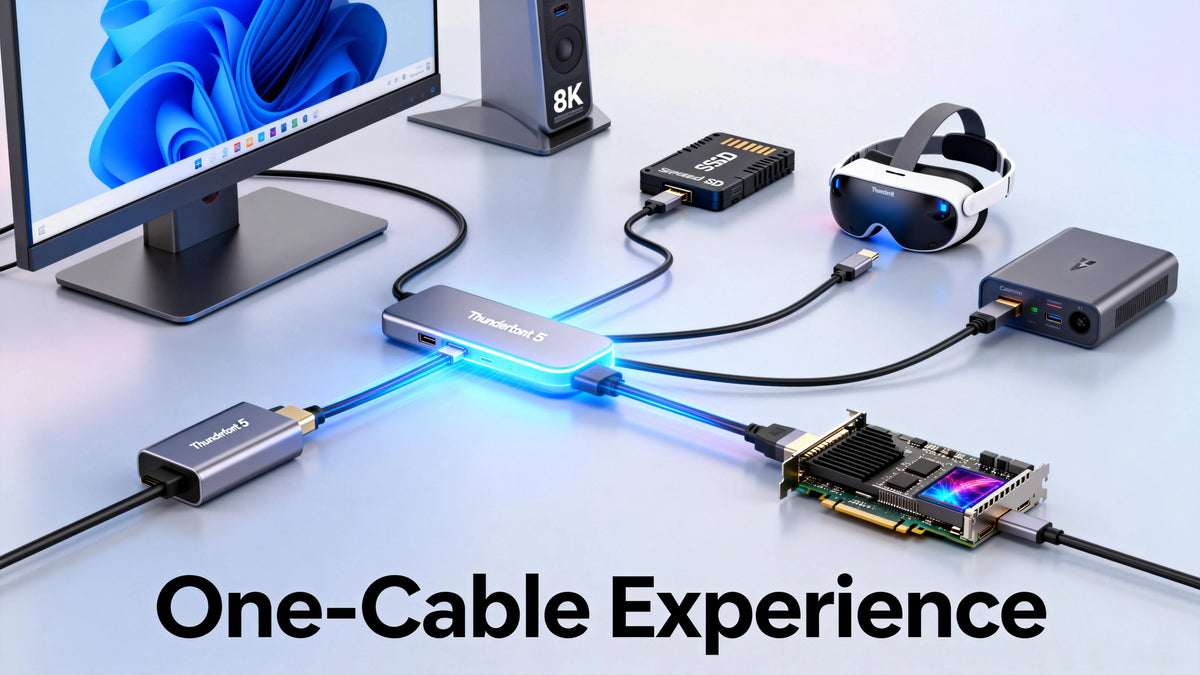
If you use both a MacBook Pro and a powerful Windows workstation and want to share a professional monitor between the two computers, you essentially have two options when choosing a KVM switch: the more expensive Thunderbolt interface solution and...

Read moreabove Thunderbolt vs. USB-C (DP-ALT): The Ultimate Guide to Choosing the Right KVM Interface
Thunderbolt-Schnittstellenentwicklung: Vollständiger Vergleich von Thunderbolt 3, 4 und 5 – Neue Maßstäbe für Konnektivität

Thunderbolt Interface Development: Complete Comparison of Thunderbolt 3, 4, and 5 - Reshaping Connectivity

How long does it take to transfer an 80 GB 8K movie to a 4 TB SSD? Thunderbolt 3 takes about 40 seconds, Thunderbolt 4 about 30 seconds, and the upcoming Thunderbolt 5 would theoretically only take about 16 seconds....

Read moreabove Thunderbolt Interface Development: Complete Comparison of Thunderbolt 3, 4, and 5 - Reshaping Connectivity

Wie TESmart KVM Hotkeys funktionieren: Vollständige Erklärung für effiziente Multi-Computer-Steuerung

How TESmart KVM Hotkeys Work: Complete Explanation for Efficient Multi-Computer Control

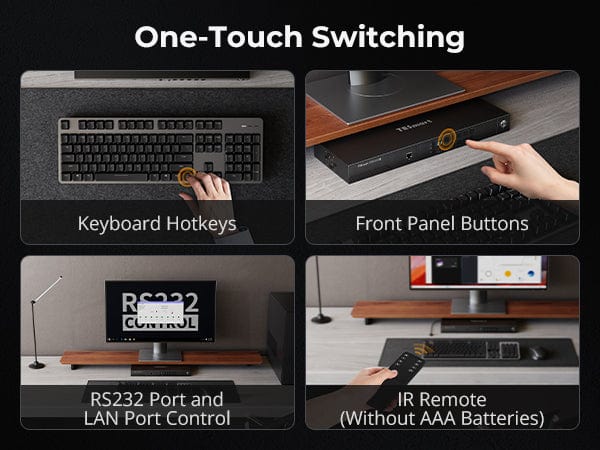
A complete technical guide to design, use, and compatibility Hotkey switching is one of the most efficient control mechanisms on TESmart KVM switches. For users managing multiple computers, displays, and peripherals, hotkeys enable fast, uninterrupted switching directly from the keyboard....

Read moreabove How TESmart KVM Hotkeys Work: Complete Explanation for Efficient Multi-Computer Control

🎁 BLACKFRIDAY has been copied to your clipboard!
Coupon here!