

TESmart Knowledge · KVM & Workplace

News

Practical guides, setup tips, new products and technical knowledge for your multi-computer workplace.
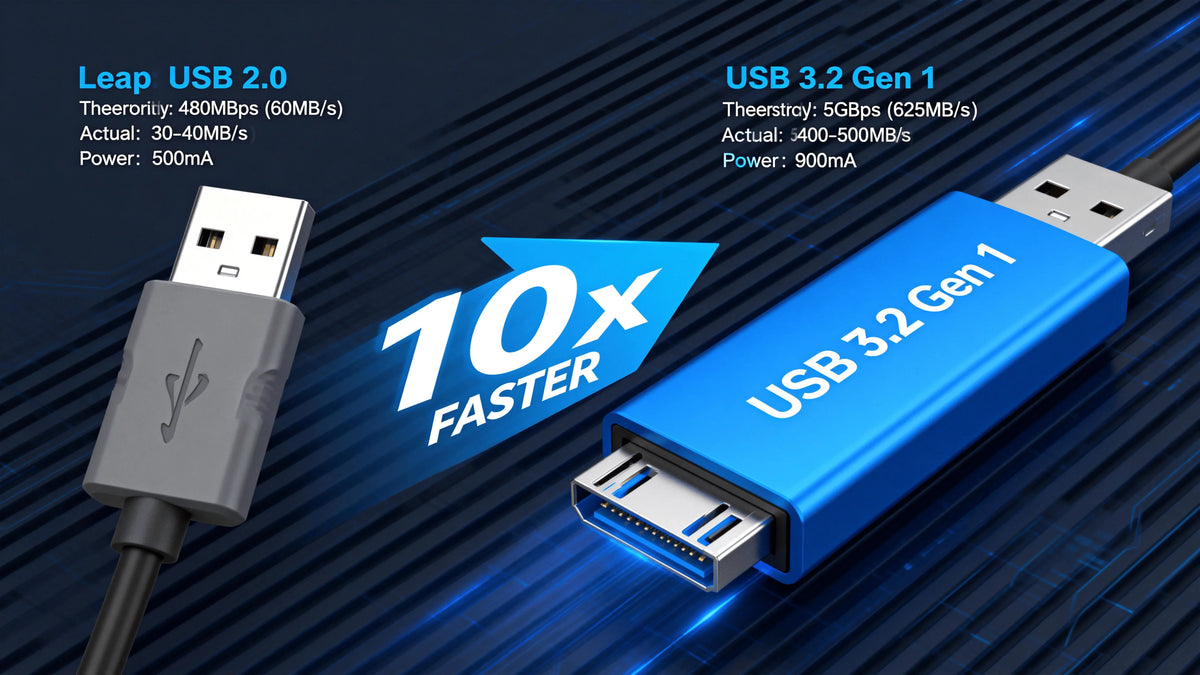
KVM-Switch erkennt USB-Geräte nicht? Beginnen Sie mit dem Verbindungsweg und dem USB-Follow-Mode

KVM switch not recognizing USB devices? Start with the connection path and USB follow mode
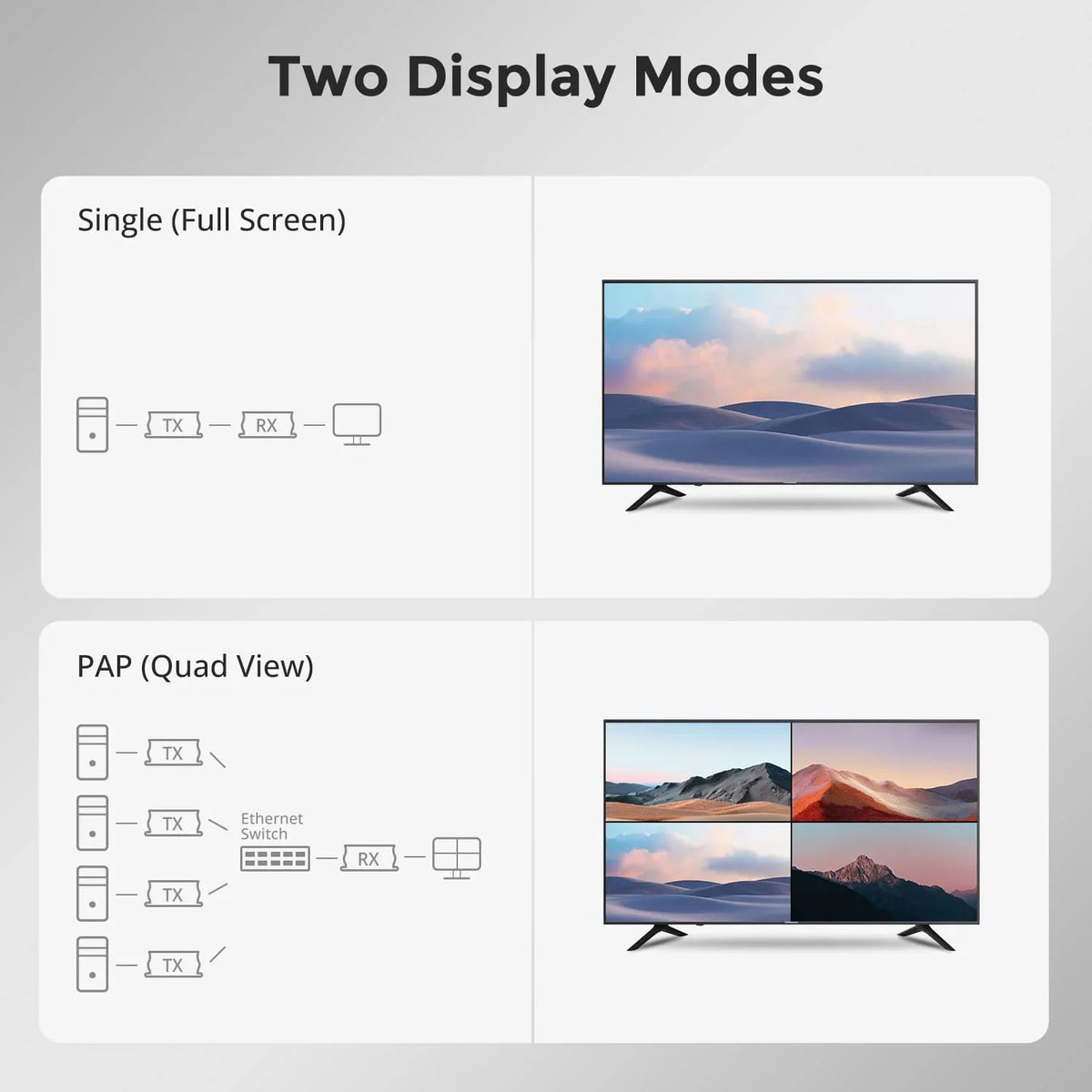
Table of contents Why USB devices might not be recognized via a KVM switch First, identify the problem: keyboard/mouse or USB peripheral? Basic troubleshooting: First, simplify the connection path What to check if keyboard or mouse are not working What...

Read moreabove KVM switch not recognizing USB devices? Start with the connection path and USB follow mode
Quad-Screen-Cross-Control erklärt: Mehrere PCs steuern, ohne zwischen Arbeitsplätzen wechseln zu müssen

Quad-screen cross-control explained: Control multiple PCs without having to switch between workstations

Table of contents Introduction What users actually want to solve Why quad-screen control is different from simply switching between screens Why this is important in real-world work environments Why CAT5e/6 extension is important for quad-screen layouts Where TESmart HKE12MM-L25 is...

Read moreabove Quad-screen cross-control explained: Control multiple PCs without having to switch between workstations

HDMI-Kabel vs. HDMI-KVM-Extender: Warum 120 m die gesamte Installation verändern

HDMI cable vs. HDMI KVM extender: why 120 m changes the entire installation

Table of contents Introduction What users actually want to solve Why long HDMI cables aren't always the cleanest solution Why KVM extension is more than just HDMI extension When a 120m extension makes sense HDMI cable vs. HDMI KVM extender...

Read moreabove HDMI cable vs. HDMI KVM extender: why 120 m changes the entire installation

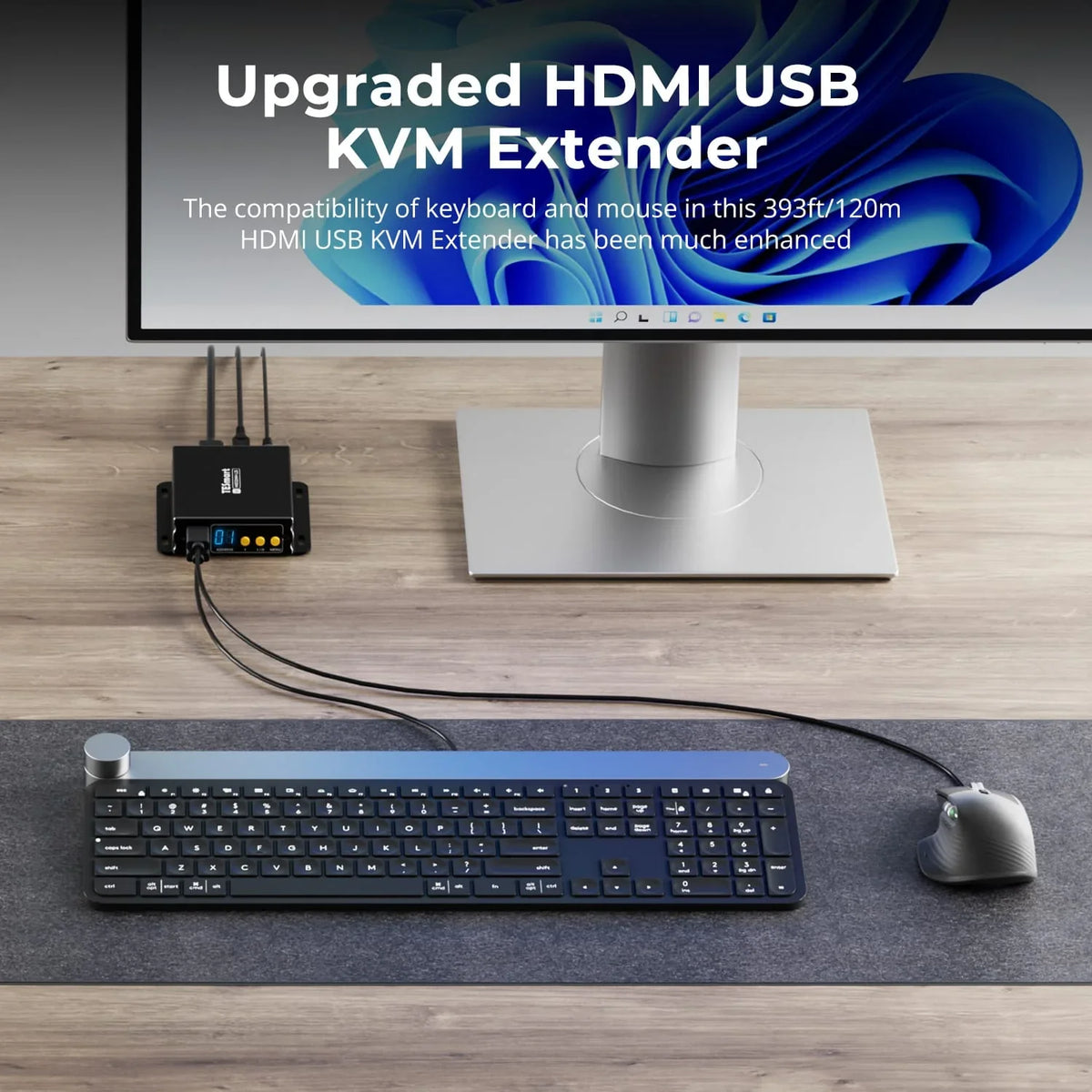
Warum HDMI-KVM-Extender über CAT5e/6 in Kontrollräumen sinnvoll sind

Why HDMI KVM extenders over CAT5e/6 make sense in control rooms
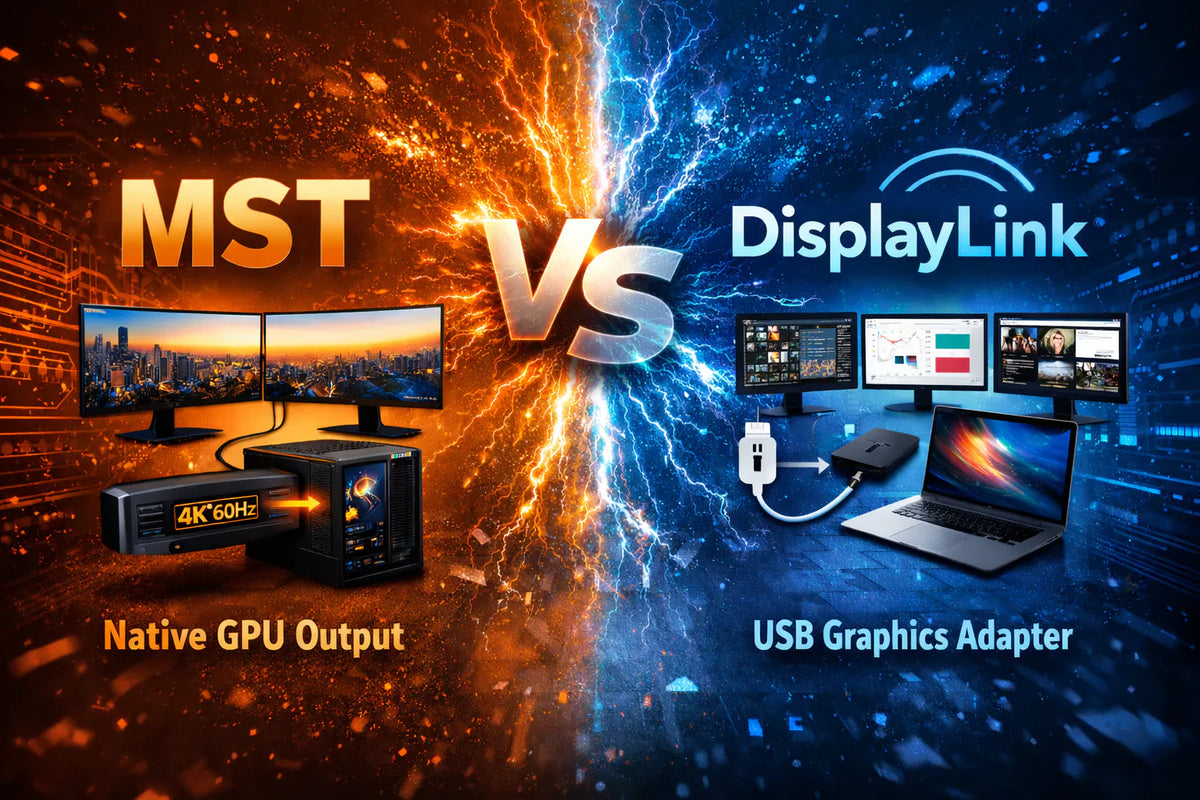
Table of contents Introduction What users actually want to solve Why HDMI setups become complicated over long distances Why KVM extension differs from simple video extension What matters when choosing the right solution Where TESmart HKE12MM-L25 is used effectively Suitable...

Read moreabove Why HDMI KVM extenders over CAT5e/6 make sense in control rooms
MST vs. DisplayLink für Desktop-, Laptop- und Triple-Monitor-Setups: So wählen Sie zwischen HDC203-P24 und HDC203-PM24

MST vs. DisplayLink for desktop, laptop and triple monitor setups: How to choose between HDC203-P24 and HDC203-PM24

Table of contents Introduction What users actually want to solve Why this setup becomes more complicated with three monitors What MST is and when it makes sense What DisplayLink is and why it's important HDC203-P24 vs HDC203-PM24 How to choose...

Read moreabove MST vs. DisplayLink for desktop, laptop and triple monitor setups: How to choose between HDC203-P24 and HDC203-PM24

Thunderbolt™ 4 vs. USB-C-KVM: Worauf Mac-Nutzer bei der Auswahl wirklich achten sollten

Thunderbolt™ 4 vs. USB-C KVM: What Mac users should really pay attention to when choosing
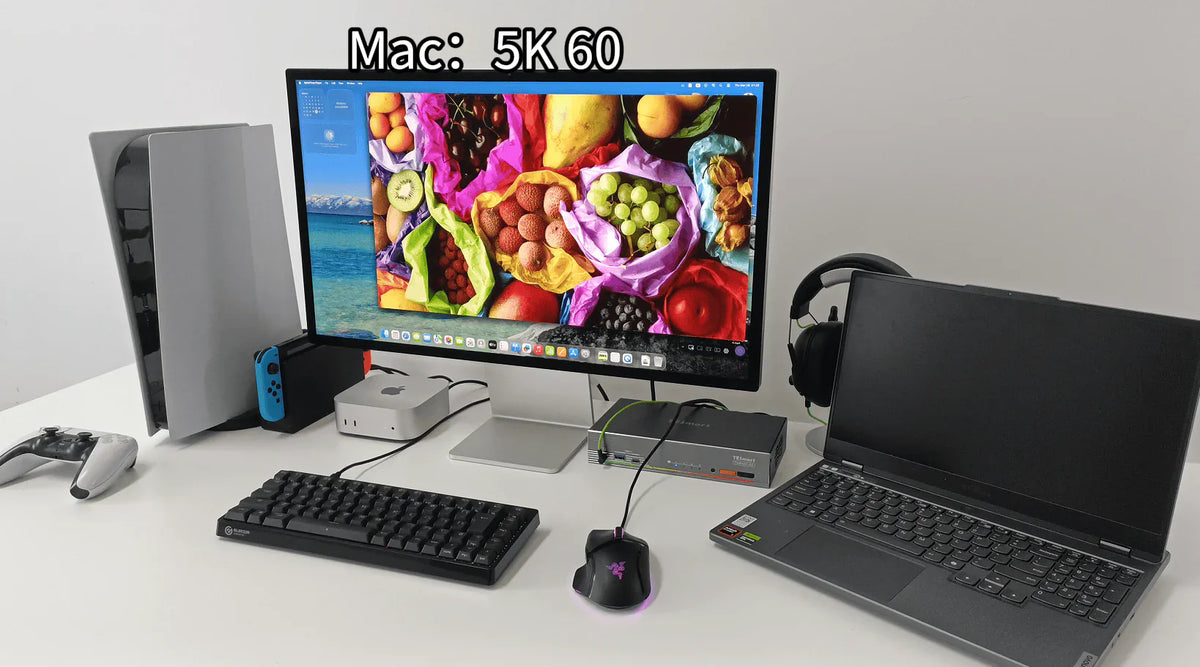
Table of contents Introduction What Mac users actually want to solve Why USB-C KVMs work in some setups — and not in others What's changing in Thunderbolt-based workflows The actual deciding point Which TESmart solution is suitable for different Mac...

Read moreabove Thunderbolt™ 4 vs. USB-C KVM: What Mac users should really pay attention to when choosing
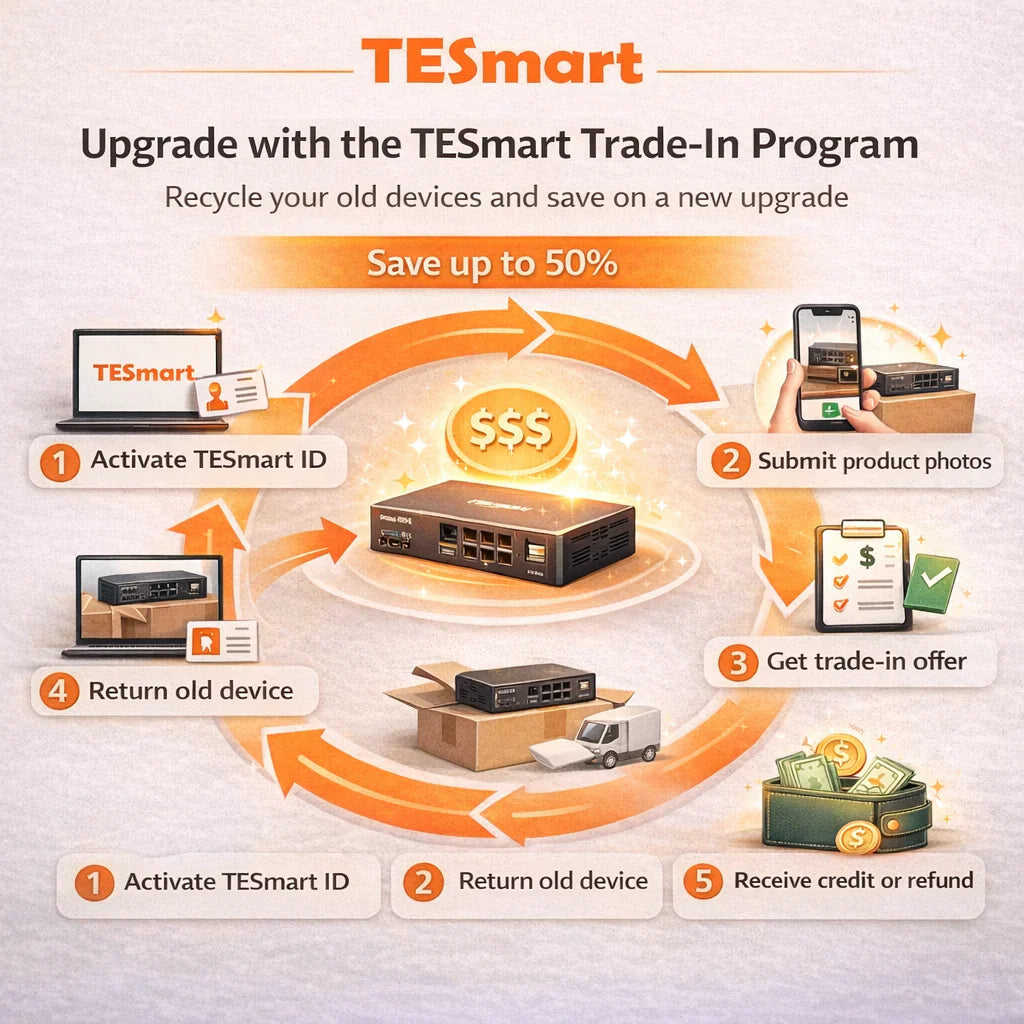
Die richtige KVM-Wahl für das Studio Display XDR: Warum klassische HDMI-/DisplayPort-Logik hier nicht funktioniert

The right KVM choice for the Studio Display XDR: Why classic HDMI/DisplayPort logic doesn't work here

Table of contents Introduction The real problem begins with whether the connection can even exist. Why HDMI and DisplayPort are not the same as Thunderbolt What a KVM actually switches Why additional adapters are rarely a long-term solution What you...

Read moreabove The right KVM choice for the Studio Display XDR: Why classic HDMI/DisplayPort logic doesn't work here

TESmart Trade-In-Programm: Die intelligentere Möglichkeit, bei Ihrem nächsten Upgrade zu sparen

TESmart Trade-In Program: The smarter way to save on your next upgrade
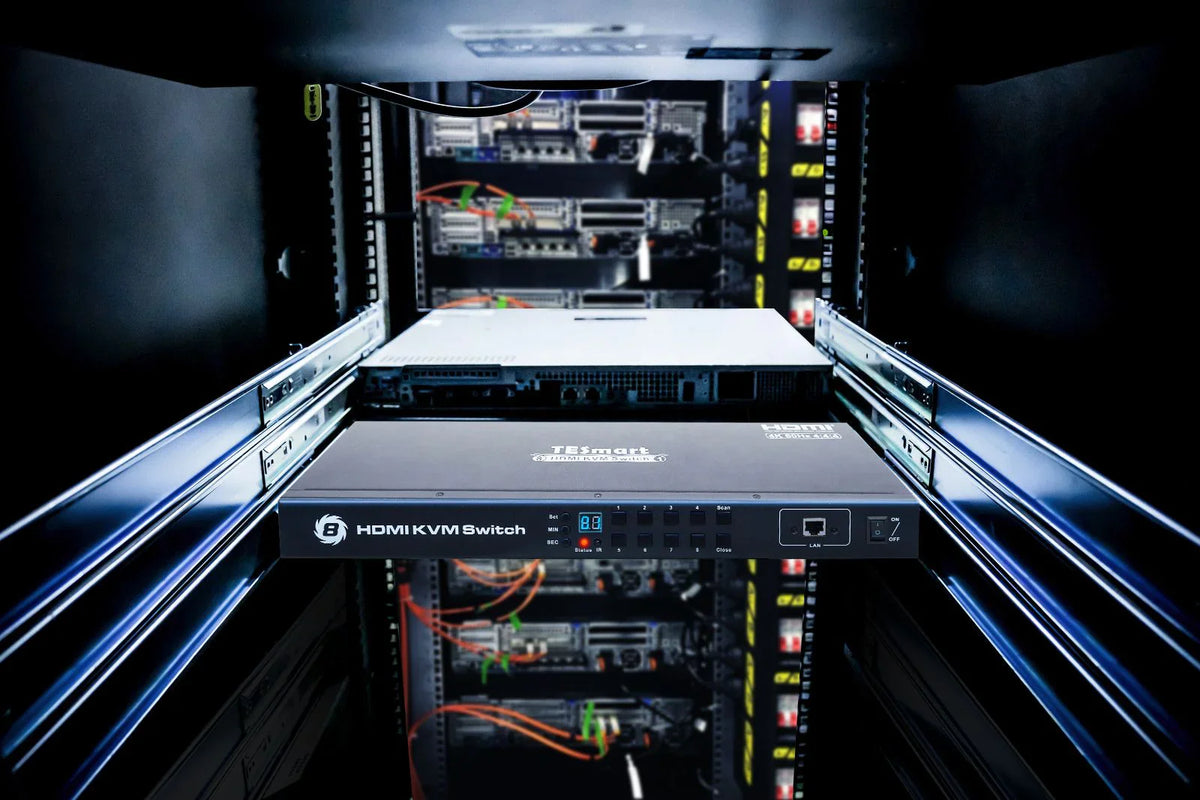
Introduction At TESmart, we believe that upgrading your setup should be practical, cost-effective, and flexible. Our Trade-In Program It allows users to credit the value of eligible used devices towards a new purchase – with savings of up to 50%...

Read moreabove TESmart Trade-In Program: The smarter way to save on your next upgrade

Warum OpenClaw eine neue Generation von Multi-PC-Workstations antreibt

Why OpenClaw is powering a new generation of multi-PC workstations

Table of contents The real challenge is not just running OpenClaw. Why an 8x1 KVM makes sense for OpenClaw setups Why multi-PC control is becoming more important in OpenClaw workflows Why the HKS801-M24 is an excellent fit for this scenario...

Read moreabove Why OpenClaw is powering a new generation of multi-PC workstations

🎁 BLACKFRIDAY has been copied to your clipboard!
Coupon here!