

Table of contents
- Introduction
- What users actually want to solve
- Why HDMI setups become complicated over long distances
- Why KVM extension differs from simple video extension
- What matters when choosing the right solution
- Where TESmart HKE12MM-L25 is used effectively
- Suitable operating environments
- FAQ
- Conclusion
Introduction
In a control room, computers, operator workstations, displays and cable routes are rarely located in the same place.
The PCs might be housed in a server rack. The displays are wall-mounted. Operators may need to control multiple sources from a workstation across the room. In such a setup, it's not simply a matter of displaying an HDMI signal on a screen. The real challenge lies in extending video, keyboard, mouse, and, in some cases, audio control over greater distances without making the room more difficult to use.
This is precisely where an HDMI KVM extender over CAT5e/6 makes much more sense than a simple HDMI extension cable.
What users actually want to solve
Most long-distance AV projects begin with a simple wish: The computer should be located in a different place and still be usable as usual.
In a control room, this usually means several requirements at once.
The display must be stable. 1080P@60Hz-HDMI-Signal erhaThe keyboard and mouse must control the correct computer. The operator should not have to walk to the rack every time a system requires attention. The installation should avoid large bundles of HDMI cables. Furthermore, the system should remain expandable if additional sources or displays are added later.
A standard HDMI cable might suffice for a short desktop connection. However, it doesn't solve the control problem. Once the computer is located away from the operator, users also need USB control, reliable switching behavior, and a cabling structure that remains maintainable even after installation.
Why HDMI setups become complicated over long distances
HDMI works great as a direct display connection, but was not designed as infrastructure cabling for entire rooms.
As the distance increases, the signal becomes more sensitive to cable quality, connector stress, interference, and installation routes. In control rooms and conference areas, multiple long HDMI cables can pose additional problems, as HDMI cables are relatively thick, less flexible, and more difficult to route through walls, ceilings, or cable ducts.
CAT5e/6 cabling fundamentally changes the installation model.
Instead of relying on a long, direct HDMI connection, the system uses transmitter and receiver units with only a single UTP or FTP cable in between. This makes it significantly easier to route signals through server racks, structured cabling, and control areas.
This is particularly important in rooms that are intended to be expanded later. Adding or relocating endpoints is usually easier when the physical infrastructure is based on network cables rather than multiple long HDMI and USB cables.
Why KVM extension differs from simple video extension
A simple HDMI extender merely transmits video from one location to another. This may be sufficient for digital signage or passive display walls.
A KVM extender further expands the control options.
This makes the receiver more than just a display endpoint. It becomes the interface for keyboard and mouse control. In some setups, audio output is also available there. This difference is crucial when the computer is not located directly at the workstation.
For example, a technician in a monitoring room might need to operate multiple PCs without leaving the control station. A presenter might want to control a rack system from the front of a conference room. A facility manager might want to place computers outside of public areas while still allowing access to the user interface.
In such scenarios, simply extending the HDMI cable is not enough. Users need to expand their entire workspace.
What matters when choosing the right solution
The first question shouldn't be which extender has the greatest range. The better question is: What does the room actually need to handle?
The following criteria are particularly important for 1080p control room deployment:
| Selection criterion | Why it's important |
|---|---|
| Resolution and refresh rate | The extender should transmit the desired signal — for example 1080P@60Hz — reliably transmitted over the required distance. |
| transmission medium | CAT5e/6 cables are easier to install and maintain in many rooms than long bundles of HDMI cables. |
| Control support | Keyboard and mouse extensions are necessary when the source computer is located far from the operator. |
| Switching method | Front panel buttons and hotkeys reduce the need to physically access the source devices. |
| Expandability | A many-to-many architecture makes sense if the system is intended to grow beyond a single source and display later on. |
| power supply | PoE and local DC power supply enable more flexible installations in different room layouts. |
Where TESmart HKE12MM-L25 is used effectively
The TESmart HKE12MM-L25 It was designed for users who need an HDMI KVM extension over longer distances and not just a simple desktop switch.
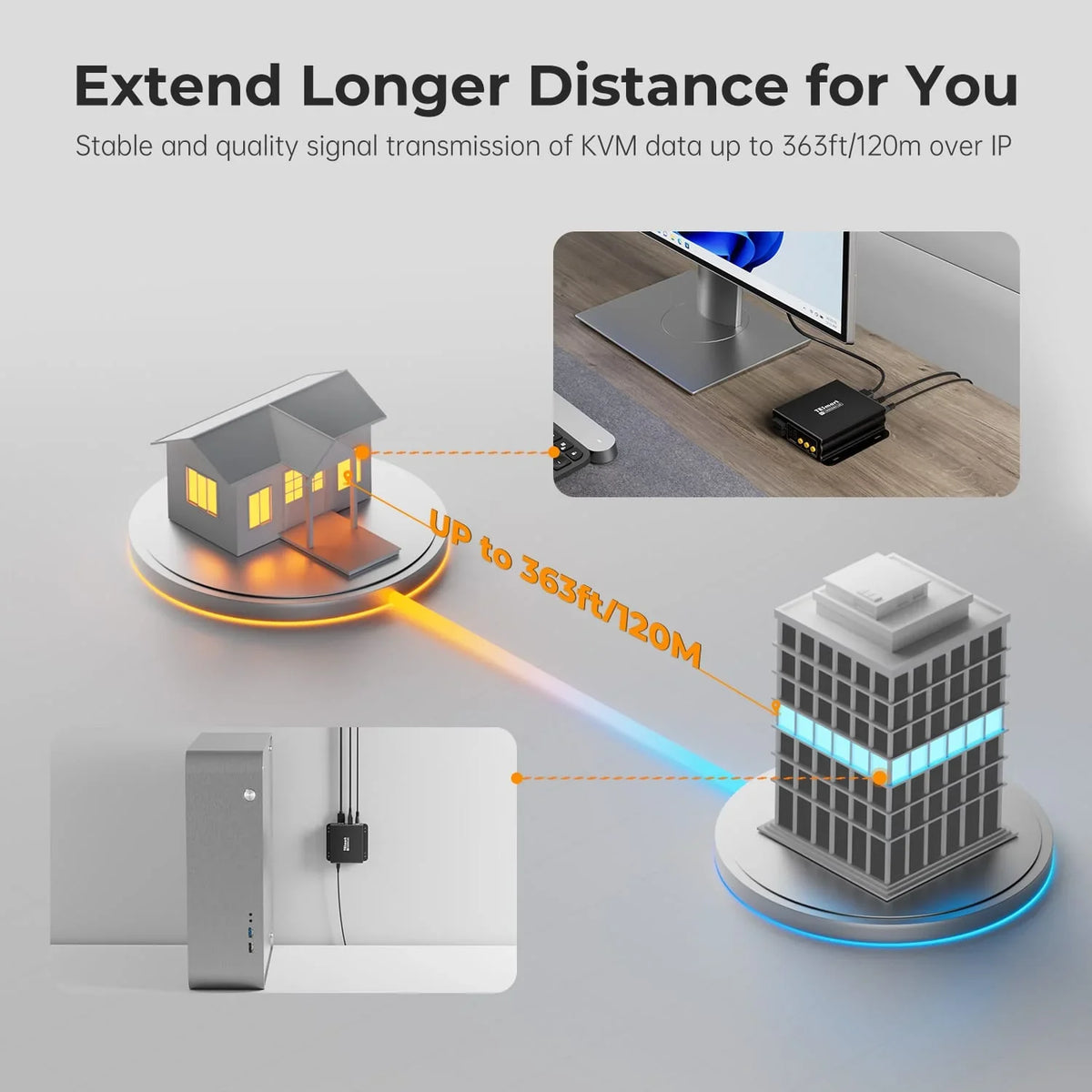
He supports 1080P@60Hz-HDMI-Verlängerup to 120 m via CAT5e/6 cable. This makes it particularly suitable for AV and control room environments where the operator, display and source computer are not in the same location.
In addition, he supports PoE and DC 12V power supply. In real-world installations, power supply can be just as critical as signal range. A receiver might be located behind a wall display, next to a control station, or in a location where an additional power supply would be impractical. Support for both power supply types offers installers significantly greater flexibility.
The bigger difference, however, lies in how it handles multiple sources. HKE12MM-L25 supports Single-screen and quad-screen modes. In quad-screen mode, the system also supports Keyboard and mouse cross-control, which allows operators to control multiple systems from a single work position.
For larger installations, the system supports up to 32 transmitters and 32 receivers with automatic DHCP IP assignment.This makes it significantly better suited for scalable AV KVM environments than a fixed point-to-point extender system.
Suitable operating environments
The HKE12MM-L25 is particularly relevant where both distance and control are required.
Control rooms
Control rooms often separate server racks from operator workstations. An HDMI KVM extender based on CAT5e/6 allows the PCs to remain in the rack while operators control them from the console.
Conference rooms
In conference rooms, source devices are often located in a cabinet, while the displays are mounted far away. KVM extensions allow control from the user area without direct access to the equipment cabinet.
Multi-PC workstations
Technical teams often need to monitor and control multiple systems simultaneously. Quad-screen mode and keyboard/mouse cross-control are particularly helpful when operators need to keep an eye on several PCs without using separate input devices for each system.
Digital Signage
Digital signage installations often require flexible routing between sources and displays over long distances. A many-to-many extender architecture prevents rigid "one cable per display" planning.
FAQ
Is an HDMI KVM extender the same as a regular HDMI extender?
No. A standard HDMI extender typically only transmits video. An HDMI KVM extender additionally extends keyboard and mouse control, which is important when the source computer is not directly at the user's location.
Why use CAT5e/6 instead of a long HDMI cable?
CAT5e/6 cables are easier to route through walls, ceilings, racks, and structured cabling. They are also more practical if the installation needs to be expanded or modified later.
Suffices 1080P@60Hz for control rooms?
For many monitoring, signage, conferencing and operational control environments, 1080P@60Hz weitThat's sufficient, at least. The crucial point is to select the solution that matches the actual requirements of the display and source – not just based on maximum resolution values.
Why is PoE support important?
PoE can reduce the need for a local power supply on the receiver side, depending on the specific setup. This is particularly useful when the receiver is located behind a display, next to a console, or in locations with limited power access.
Who needs quad-screen cross-control?
Quad-Screen Cross-Control is particularly suitable for users who need to monitor and control multiple PCs from a single workstation — such as control room personnel, technicians, IT teams or multi-system workstations.
Conclusion
Setting up an HDMI connection over long distances becomes difficult if you only consider it as a problem of cable length.
In real-world control room and workstation environments, users also require input control, reliable switching behavior, audio access, flexible installation, and expandability. An HDMI KVM extender over CAT5e/6 fulfills these requirements significantly better than a simple HDMI extender or a long HDMI cable.
For users who have 1080P@60Hz-Umgebung mit If you want to set up a remote control, TESmart HKE12MM-L25 Especially suitable if not only video is to be extended, but multiple HDMI sources are to be managed within a structured AV KVM system.
Split:
MST vs. DisplayLink for desktop, laptop and triple monitor setups: How to choose between HDC203-P24 and HDC203-PM24
HDMI cable vs. HDMI KVM extender: why 120 m changes the entire installation