

TESmart Knowledge · KVM & Workplace

News

Practical guides, setup tips, new products and technical knowledge for your multi-computer workplace.
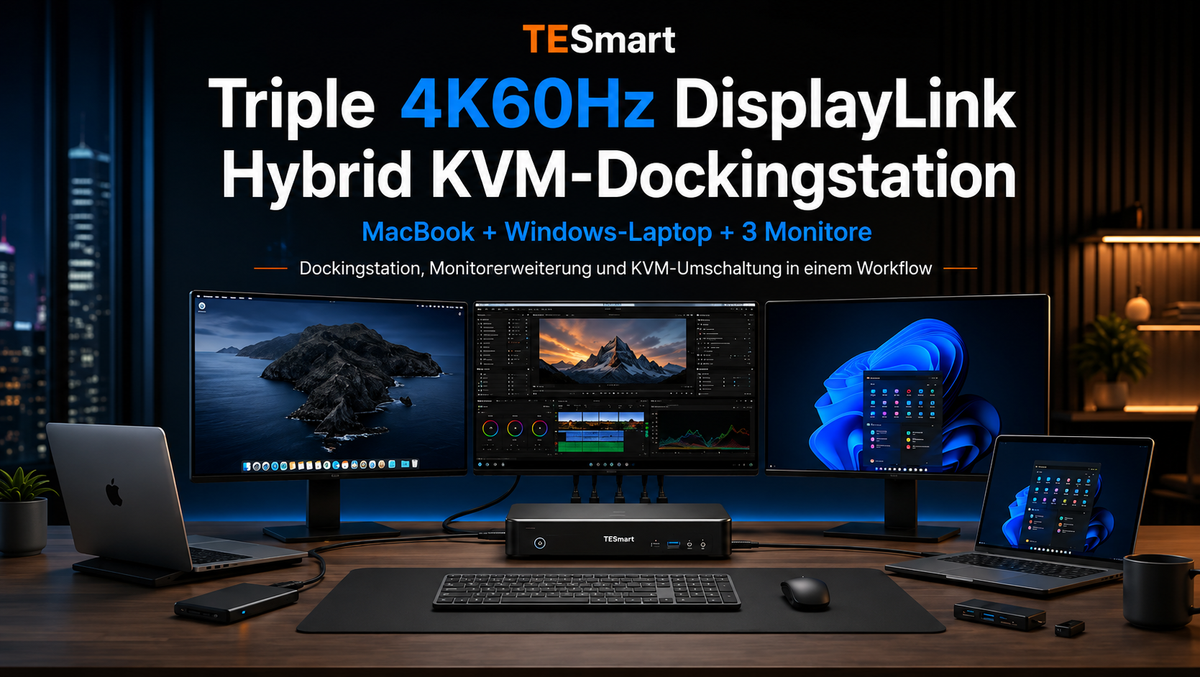
TESmart DisplayLink Hybrid-KVM-Dockingstation für Mac und PC: Triple 4K60Hz Multi-Monitor-Setup

TESmart DisplayLink Hybrid KVM Docking Station for Mac and PC: Triple 4K60Hz Multi-Monitor Setup
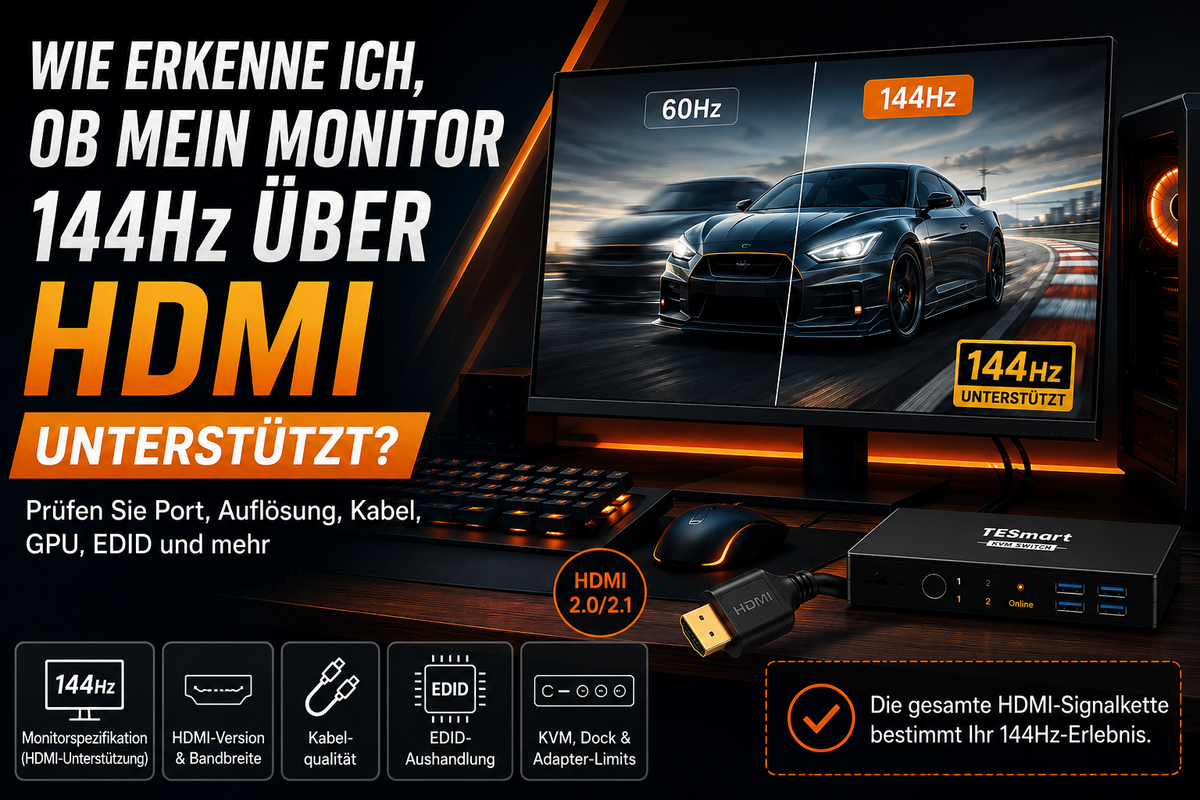
Table of contents Introduction Why triple monitor setups become complicated with Mac and PC Docking station vs. KVM switch: Similar desktop, different task Why DisplayLink is important for MacBook triple monitor setups Why a hybrid KVM docking station makes sense...

Read moreabove TESmart DisplayLink Hybrid KVM Docking Station for Mac and PC: Triple 4K60Hz Multi-Monitor Setup

Unterstützt mein Monitor 144Hz über HDMI? So prüfen Sie die komplette Signalkette

Does my monitor support 144Hz over HDMI? This is how you check the entire signal chain
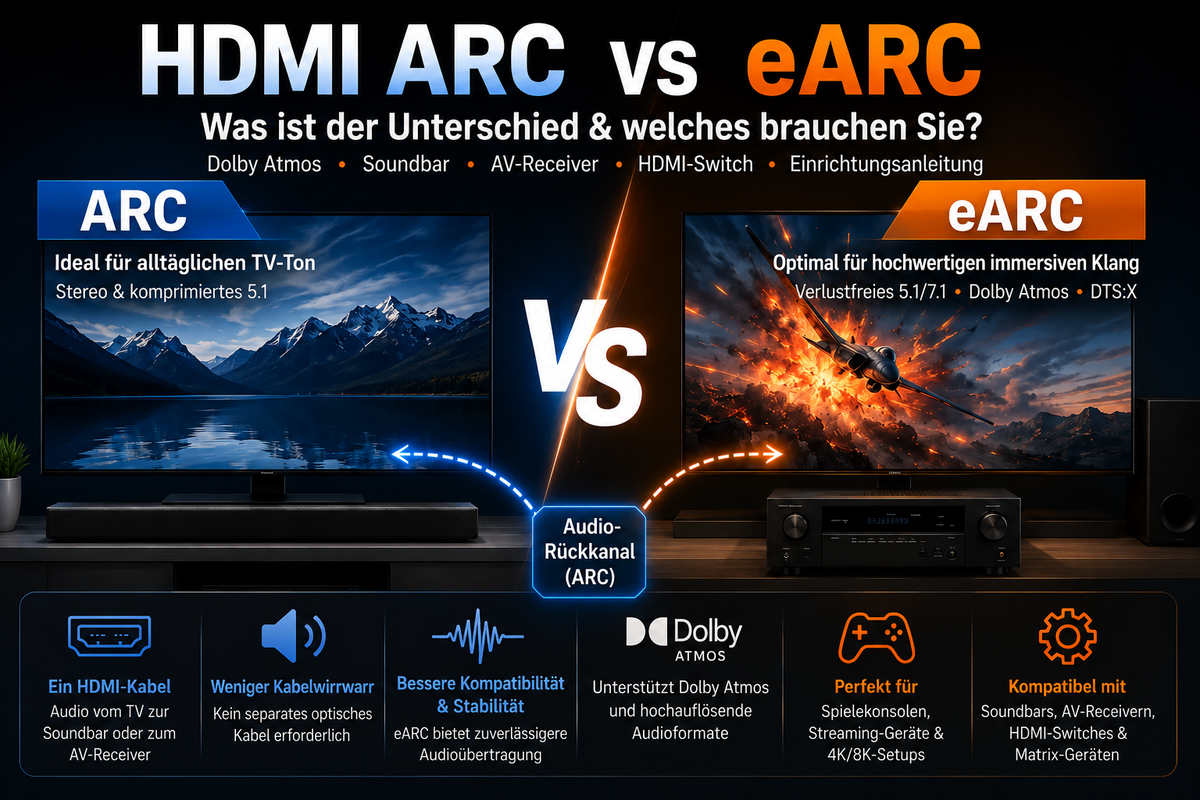
Table of contents Introduction “144Hz monitor” does not always mean “144Hz via HDMI” Why resolution changes HDMI 144Hz requirements How to check the entire HDMI signal chain Why you might still be limited to 60Hz Who really needs this information?...

Read moreabove Does my monitor support 144Hz over HDMI? This is how you check the entire signal chain

HDMI ARC vs. eARC erklärt: Soundbars, TVs, Dolby Atmos und HDMI-Switches

HDMI ARC vs. eARC explained: Soundbars, TVs, Dolby Atmos and HDMI switches
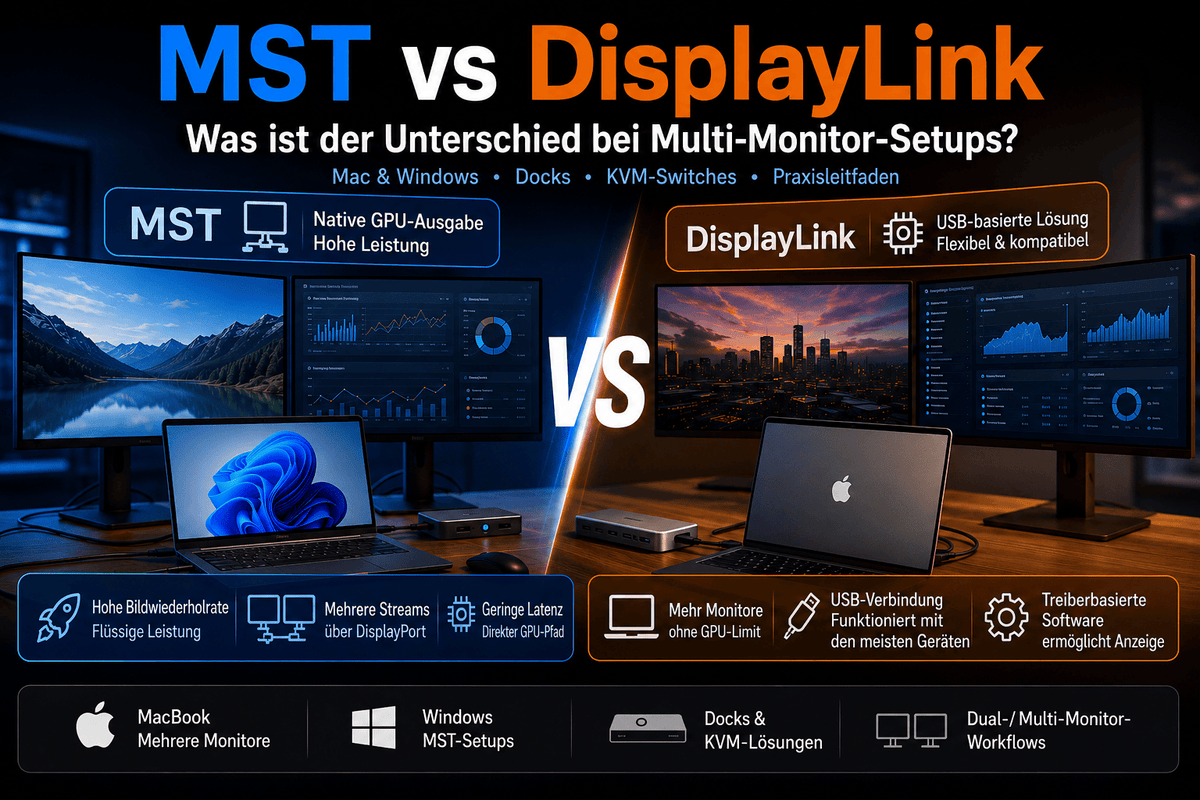
Table of contents Introduction What is HDMI ARC? What is HDMI eARC? HDMI ARC vs. eARC: The most important differences Does HDMI ARC support Dolby Atmos? Do you need eARC for a soundbar? HDMI ARC vs. eARC vs. optical audio...

Read moreabove HDMI ARC vs. eARC explained: Soundbars, TVs, Dolby Atmos and HDMI switches

MST vs. DisplayLink: Welche Multi-Monitor-Technologie ist besser für Mac- und Windows-Workflows?

MST vs. DisplayLink: Which multi-monitor technology is better for Mac and Windows workflows?
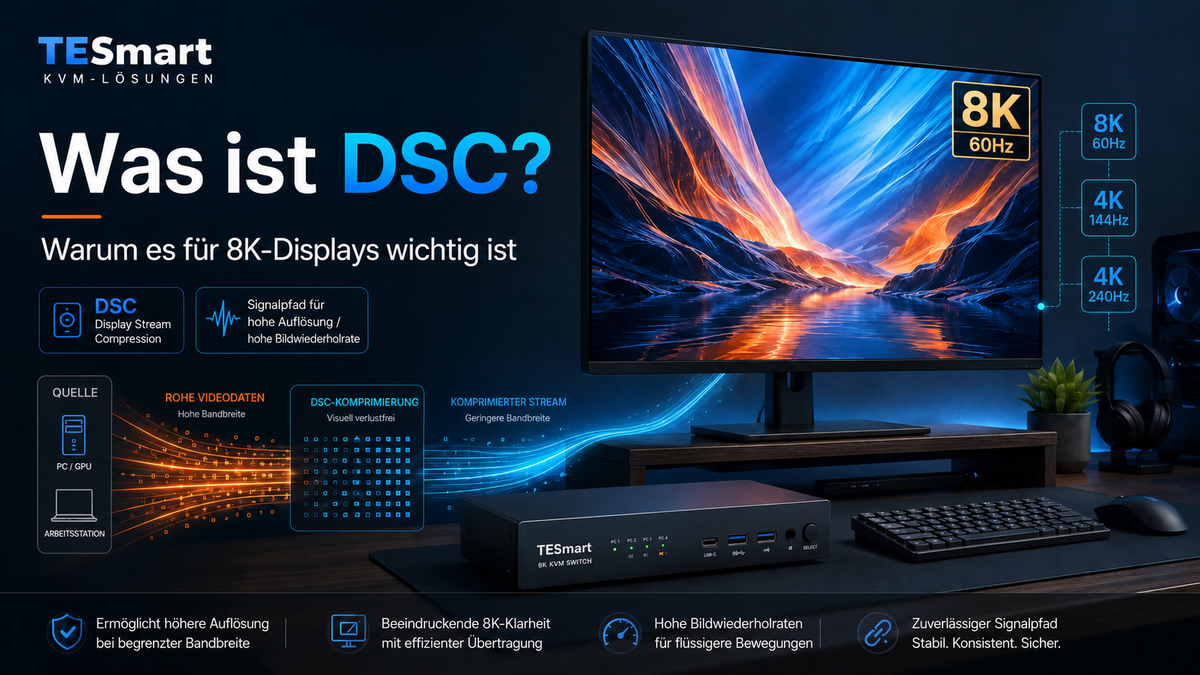
Table of contents Introduction Why MST and DisplayLink are often confused in multi-monitor setups What is DisplayPort MST? What are USB-C MST and DisplayPort Alt Mode? What is DisplayLink and how does a DisplayLink dock work? MST vs. DisplayLink: Key...

Read moreabove MST vs. DisplayLink: Which multi-monitor technology is better for Mac and Windows workflows?

Display Stream Compression erklärt: Warum DSC für 8K-Displays entscheidend ist

Display Stream Compression explains: Why DSC is crucial for 8K displays
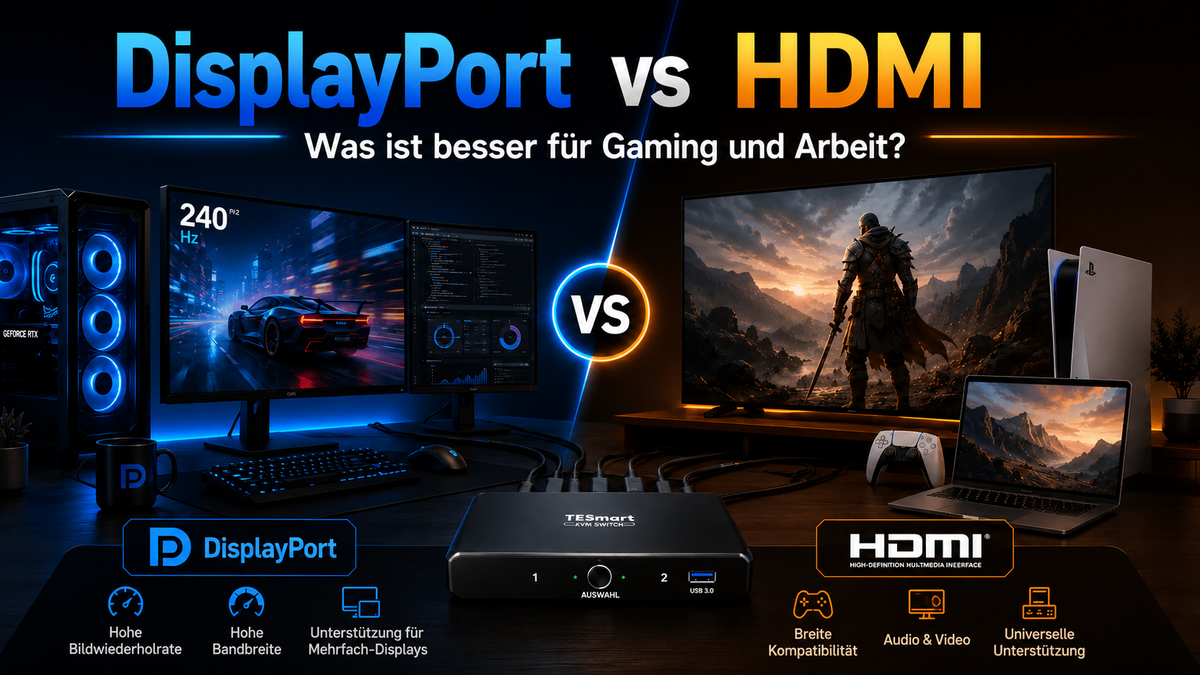
Table of contents Introduction What is DSC? Why 8K displays often rely on DSC Why DSC is important for 4K144Hz, 4K240Hz and multi-monitor workstations How DSC relates to HDMI 2.1, DisplayPort, USB-C DisplayPort Alt Mode and KVM switches Who really...

Read moreabove Display Stream Compression explains: Why DSC is crucial for 8K displays

DisplayPort oder HDMI: Welche Schnittstelle eignet sich besser für Gaming und Arbeit?

DisplayPort or HDMI: Which interface is better for gaming and work?
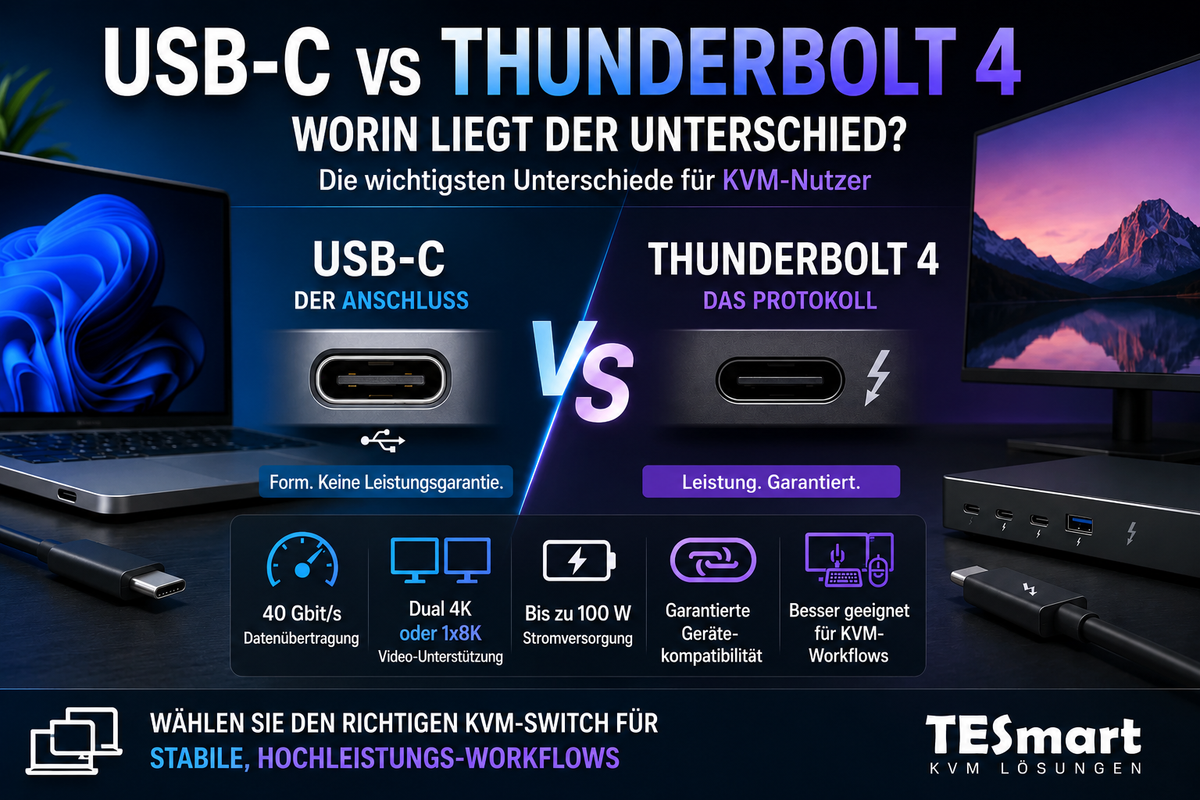
Table of contents Introduction DisplayPort vs. HDMI: The fundamental difference Why version numbers are more important than the connector type DisplayPort vs. HDMI for gaming DisplayPort vs. HDMI for work and multi-monitor desks DisplayPort vs. HDMI comparison chart What should...

Read moreabove DisplayPort or HDMI: Which interface is better for gaming and work?

USB-C vs. Thunderbolt 4: Worin liegt der Unterschied?

USB-C vs. Thunderbolt 4: What's the difference?
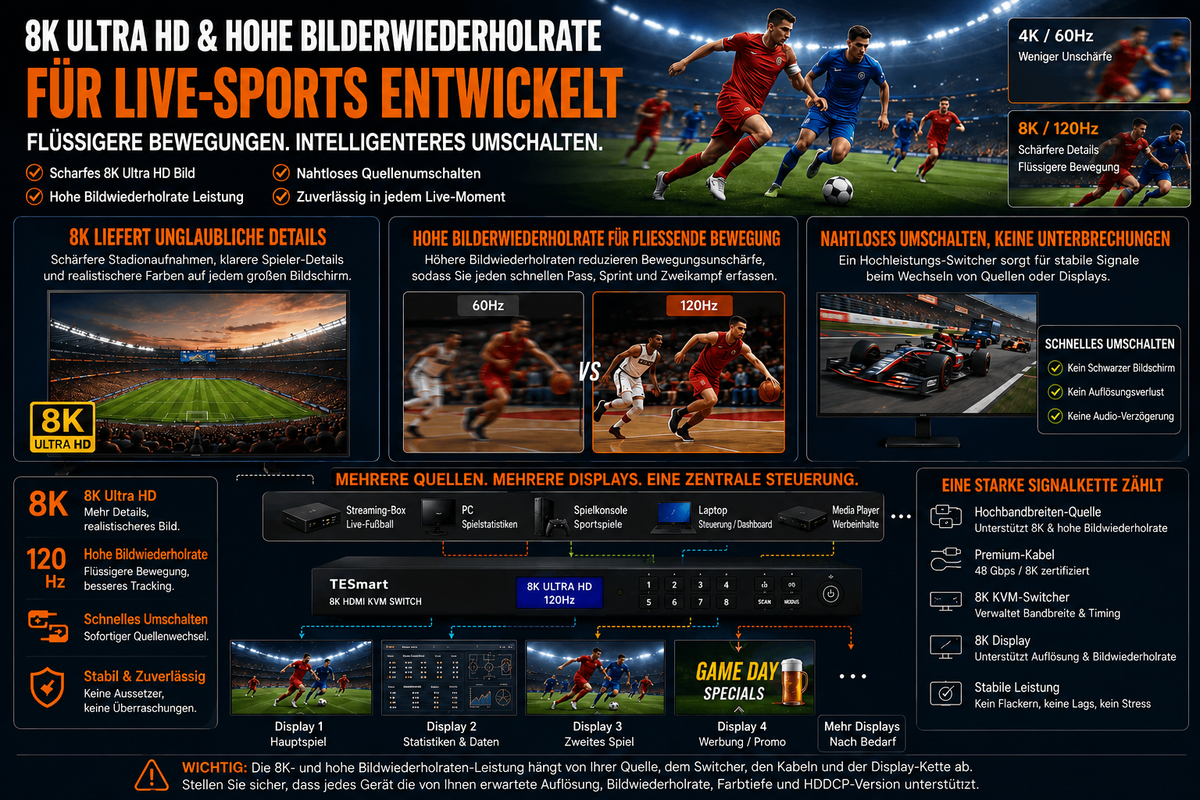
Table of contents Introduction Why USB-C and Thunderbolt 4 are so easily confused USB-C is a connector, Thunderbolt 4 is a protocol. USB-C vs. Thunderbolt 4: The most important differences Why the capabilities of a port are important for monitors,...

Read moreabove USB-C vs. Thunderbolt 4: What's the difference?

Live-Broadcast-Workstation für Sportkommentare: Multi-PC-Setup mit TESmart Multi-Monitor-KVM

Live Broadcast Workstation for Sports Commentary: Multi-PC Setup with TESmart Multi-Monitor KVM
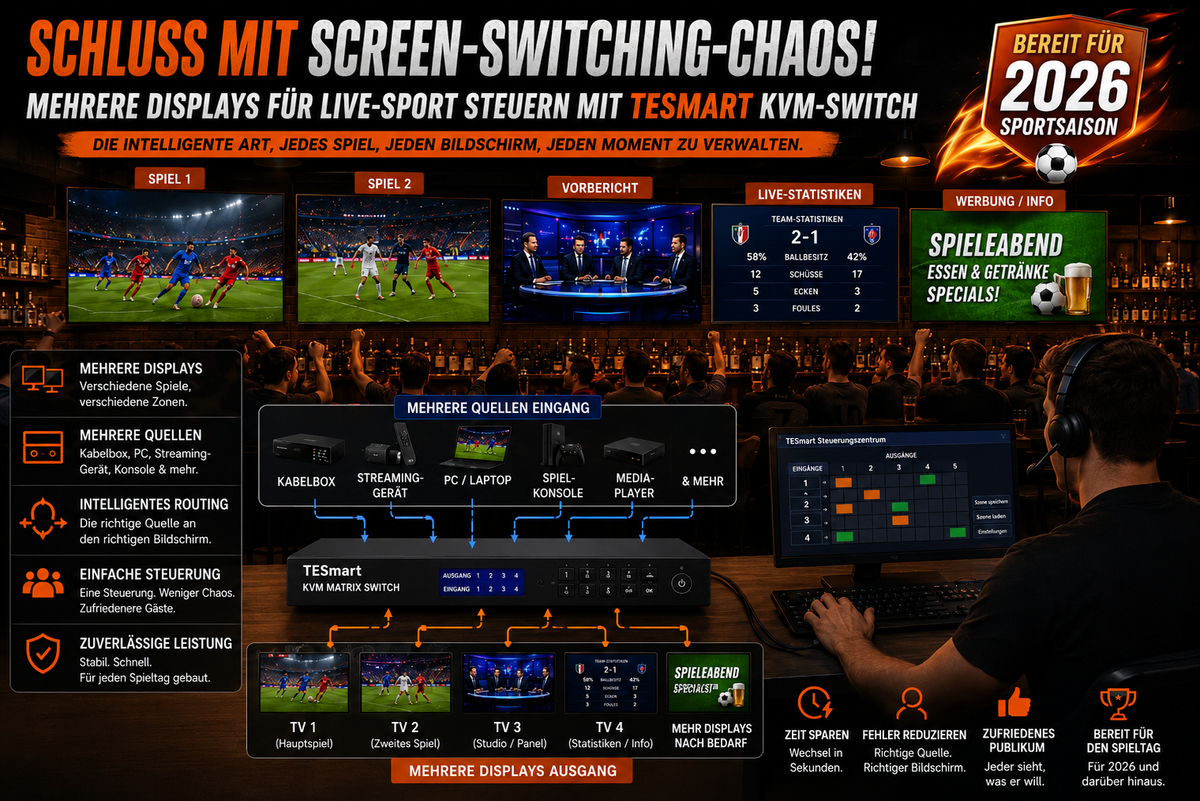
Table of contents Introduction What a sports commentary setup really needs Why an HDMI switch or the Enter key on the monitor isn't always enough How a multi-monitor KVM solution helps a live production desk Practical workstation examples for sports...

Read moreabove Live Broadcast Workstation for Sports Commentary: Multi-PC Setup with TESmart Multi-Monitor KVM

Live-Sport auf mehreren Displays steuern: Schluss mit Screen-Switching-Chaos dank TESmart KVM-Switch

Control live sports on multiple displays: No more screen switching chaos thanks to the TESmart KVM switch

Table of contents Why live sports setups get chaotic so quickly The real problem isn't more screens — it's better control. What a KVM switch does in a multi-screen sports setup KVM switch vs. HDMI matrix vs. HDMI splitter vs....

Read moreabove Control live sports on multiple displays: No more screen switching chaos thanks to the TESmart KVM switch

🎁 BLACKFRIDAY has been copied to your clipboard!
Coupon here!