

TESmart Knowledge · KVM & Workplace

News

Practical guides, setup tips, new products and technical knowledge for your multi-computer workplace.
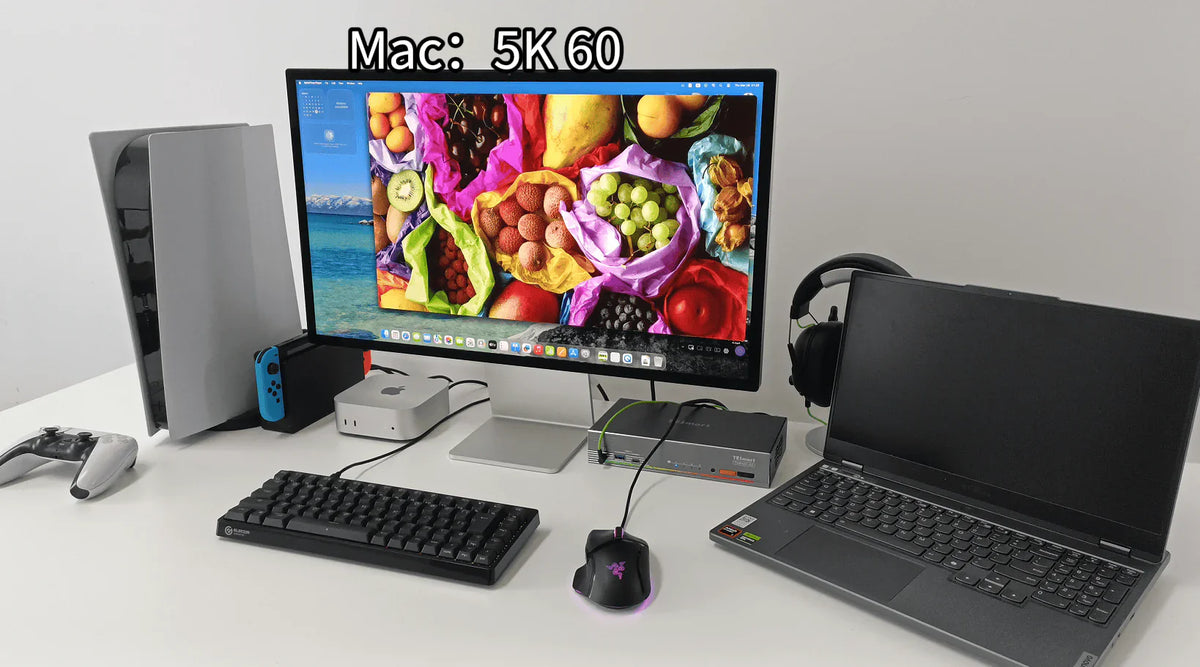
Die richtige KVM-Wahl für das Studio Display XDR: Warum klassische HDMI-/DisplayPort-Logik hier nicht funktioniert

The right KVM choice for the Studio Display XDR: Why classic HDMI/DisplayPort logic doesn't work here

Table of contents Introduction The real problem begins with whether the connection can even exist. Why HDMI and DisplayPort are not the same as Thunderbolt What a KVM actually switches Why additional adapters are rarely a long-term solution What you...

Read moreabove The right KVM choice for the Studio Display XDR: Why classic HDMI/DisplayPort logic doesn't work here

Wie der THK401-X4 perfekt in echte MacBook- und Desktop-Workspaces passt

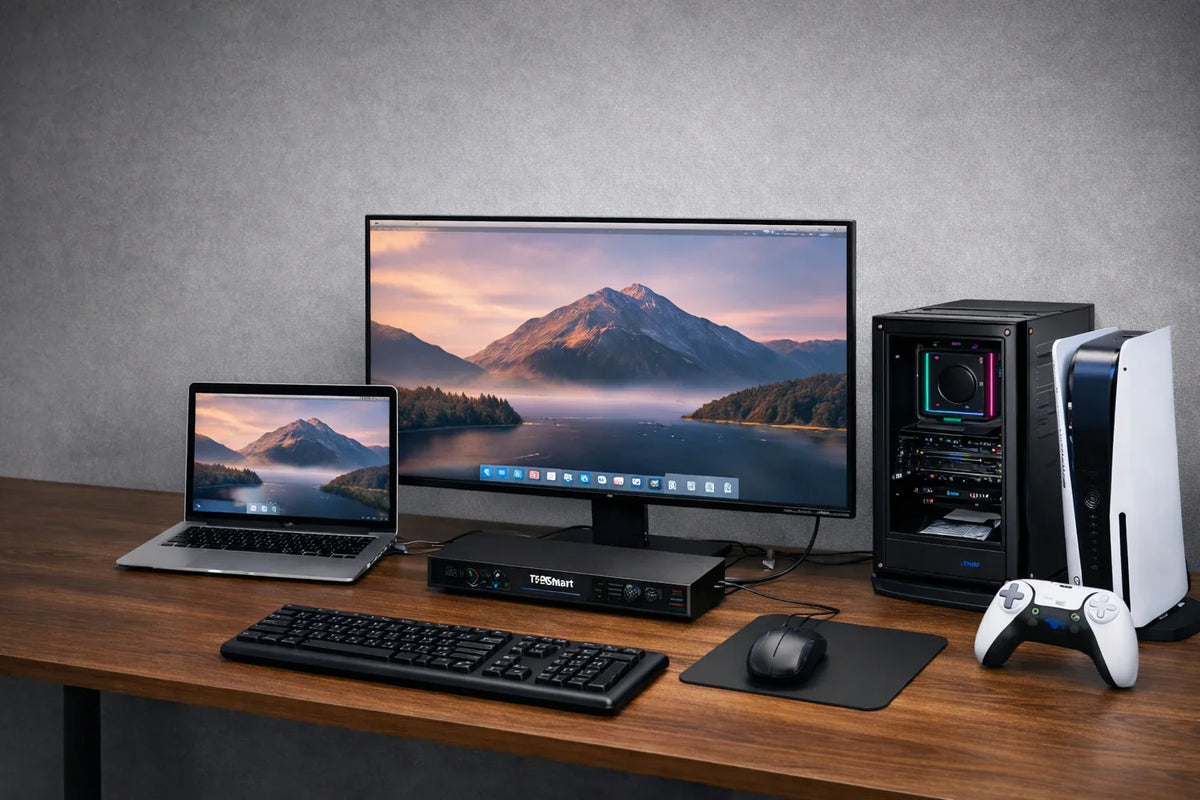
How the THK401-X4 fits perfectly into real MacBook and desktop workspaces
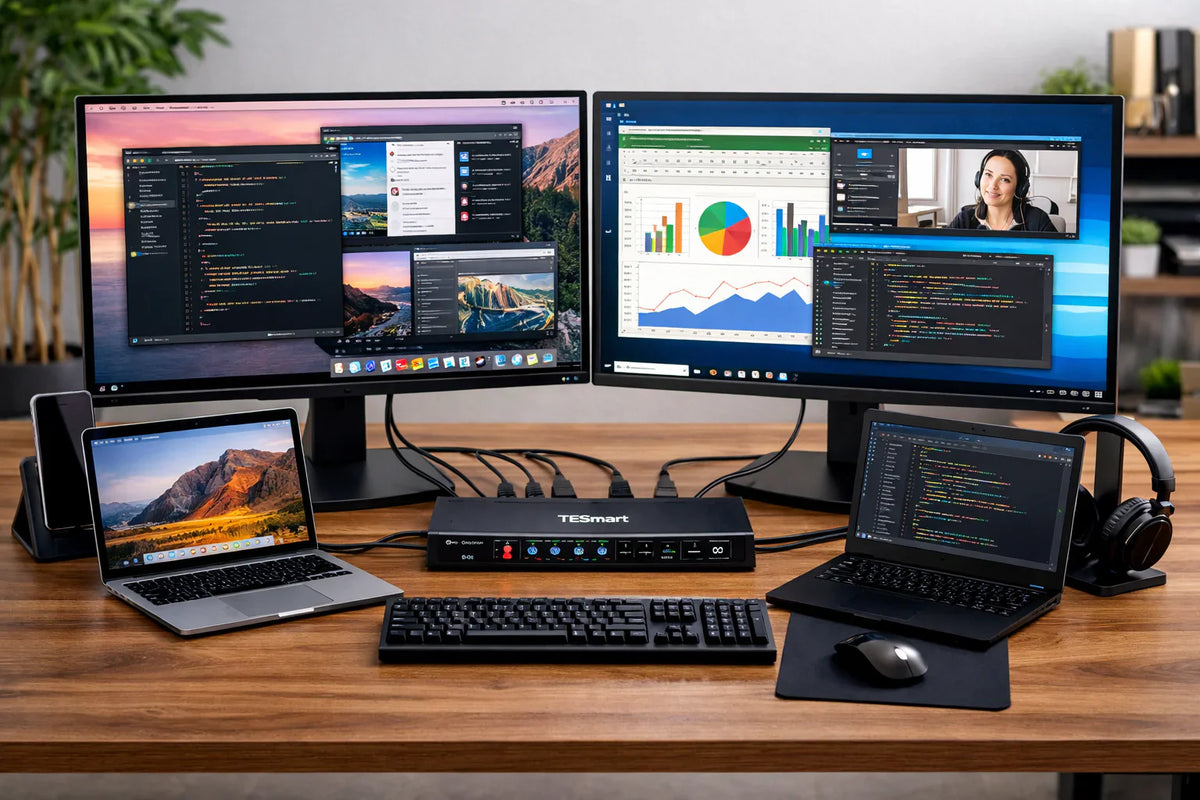
Table of contents Introduction A premium multi-functional display Different devices require different connection methods. Additional HDMI inputs make the workplace more flexible. A better KVM switch improves the entire workplace. Why the THK401-X4 makes sense Conclusion Frequently Asked Questions (FAQ)...

Read moreabove How the THK401-X4 fits perfectly into real MacBook and desktop workspaces

MacBook Multi-Monitor Setup Guide: So bauen Sie eine effiziente Dual-Monitor-Workstation auf

MacBook Multi-Monitor Setup Guide: How to Build an Efficient Dual-Monitor Workstation

Table of contents Introduction Start with your workflow Common multi-monitor setup scenarios for MacBooks The three most common problems with setups What MacBook users should consider before buying Why the desk structure is important in a multi-device environment Dock vs....

Read moreabove MacBook Multi-Monitor Setup Guide: How to Build an Efficient Dual-Monitor Workstation
**Wie man PS5 oder Nintendo Switch mit dem Apple Studio Display verbindet: Die ideale Multi-Device-Desk-Setup-Lösung**

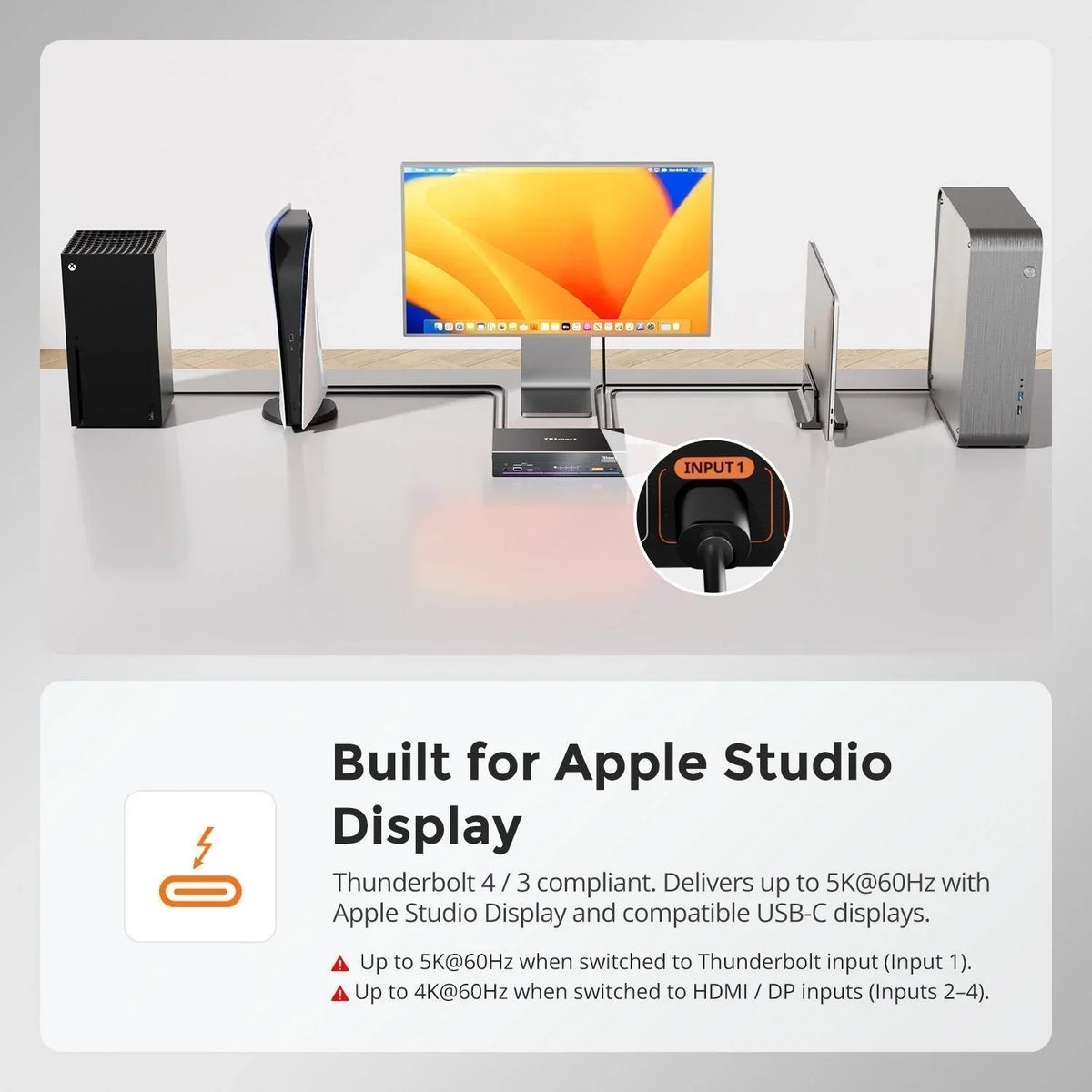
**How ​​to Connect PS5 or Nintendo Switch to Apple Studio Display: The Ideal Multi-Device Desk Setup Solution**

Table of contents Introduction Why Apple Studio Display cannot directly accept standard HDMI signals Can the PS5 be used with the Apple Studio Display? The classic Mac Bridge workaround Why capture-based workflows are unsuitable for gaming A hybrid KVM architecture...

Read moreabove **How ​​to Connect PS5 or Nintendo Switch to Apple Studio Display: The Ideal Multi-Device Desk Setup Solution**

Mac-Speicher aufrüsten leicht gemacht: Mit 8TB Thunderbolt SSD Kosten sparen und Leistung maximieren

Upgrading Mac storage made easy: Save costs and maximize performance with an 8TB Thunderbolt SSD
For many professional Mac users, storage space is no longer a luxury – it's a structural necessity. Video editors working with ProRes, developers with large local environments, AI users managing datasets, and photographers processing RAW archives all face the same...

Read moreabove Upgrading Mac storage made easy: Save costs and maximize performance with an 8TB Thunderbolt SSD

Effizientes und immersives Home-Office mit dem TESmart HDC202-X24 Thunderbolt 4 KVM Switch aufbauen

Build an efficient and immersive home office with the TESmart HDC202-X24 Thunderbolt 4 KVM Switch
As more and more people work remotely and enjoy entertainment at home, an increasing number of users want to combine efficient work and high-quality entertainment in a single desktop setup. Seamless switching between office and gaming/entertainment modes is particularly important...

Read moreabove Build an efficient and immersive home office with the TESmart HDC202-X24 Thunderbolt 4 KVM Switch

So nutzen Sie ein einzelnes Thunderbolt-Kabel für mehrere Monitore auf Mac-Computern

How to use a single Thunderbolt cable for multiple monitors on Mac computers
What is Multi-Stream Transport (MST)? Multi-Stream Transport (MST) is a technology in the DisplayPort interface that allows multiple monitors to be connected via a single video output port. The core function of MST is to divide a single video signal...

Read moreabove How to use a single Thunderbolt cable for multiple monitors on Mac computers

HDC203-P24: Dreifach-Monitor-Anzeige mit MST-Technologie

HDC203-P24: Triple monitor display with MST technology

Modern digital offices and fast-paced work environments rely on multi-screen setups to handle complex tasks simultaneously and increase work efficiency. As a result, the multi-screen setup has become standard practice in many industries. Because laptops are designed for extreme thinness...

Read moreabove HDC203-P24: Triple monitor display with MST technology

MacBook M1/M2: Triple 4K-Displays meistern & Performance-Check

MacBook M1/M2: Mastering Triple 4K Displays & Performance Check

The external display dilemma for MacBook users As a MacBook Air M1 user, I was initially drawn to Apple's sleek design, impressive efficiency, and fluid ecosystem. However, as my workload became more complex, the need for more screen space became...

Read moreabove MacBook M1/M2: Mastering Triple 4K Displays & Performance Check

🎁 BLACKFRIDAY has been copied to your clipboard!
Coupon here!