

Monitorkonfiguration
Max. Auflösung
Gerätekonfiguration

Stabile Anzeige
Kopierschutz
USB-Geschwindigkeit
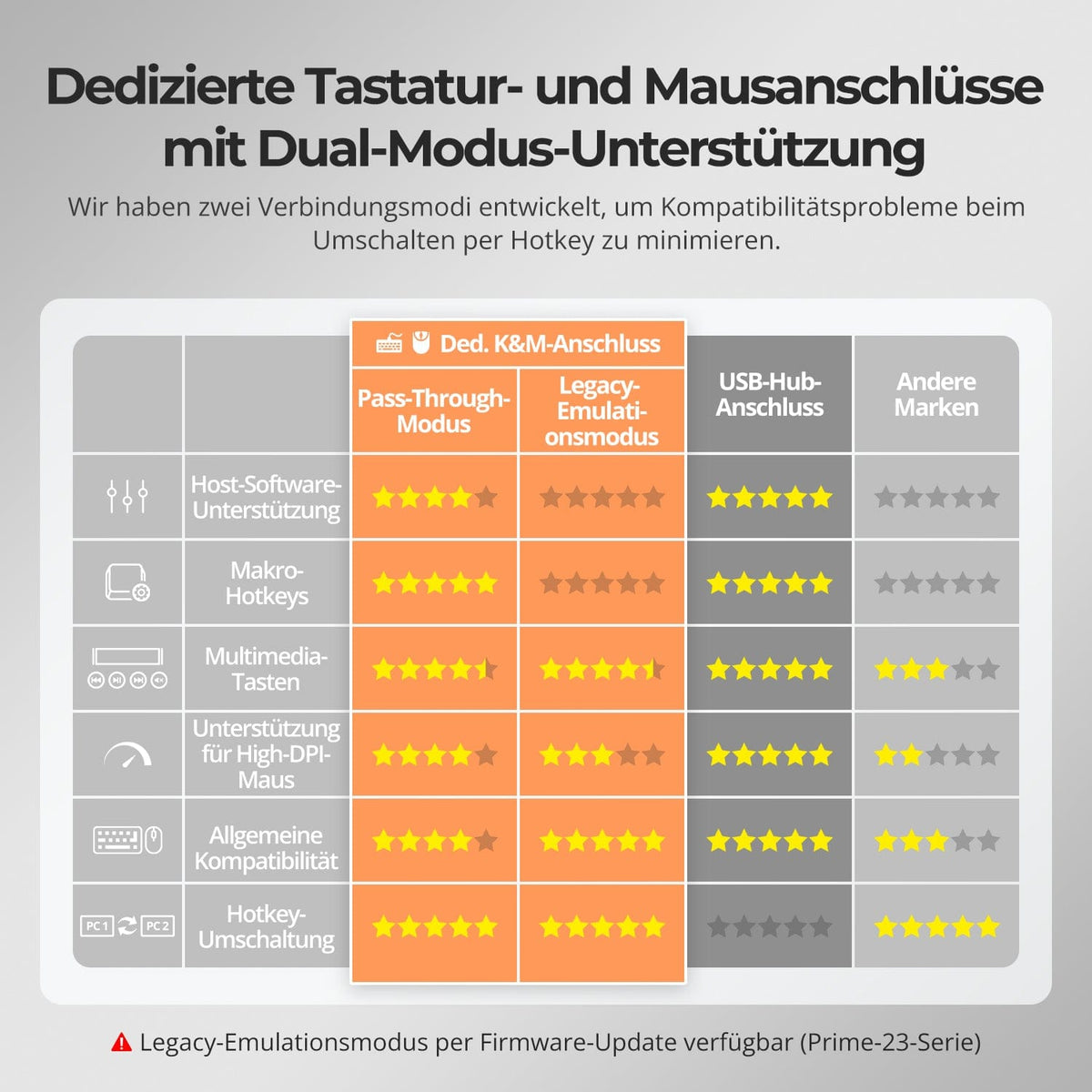
Tastatur und Maus
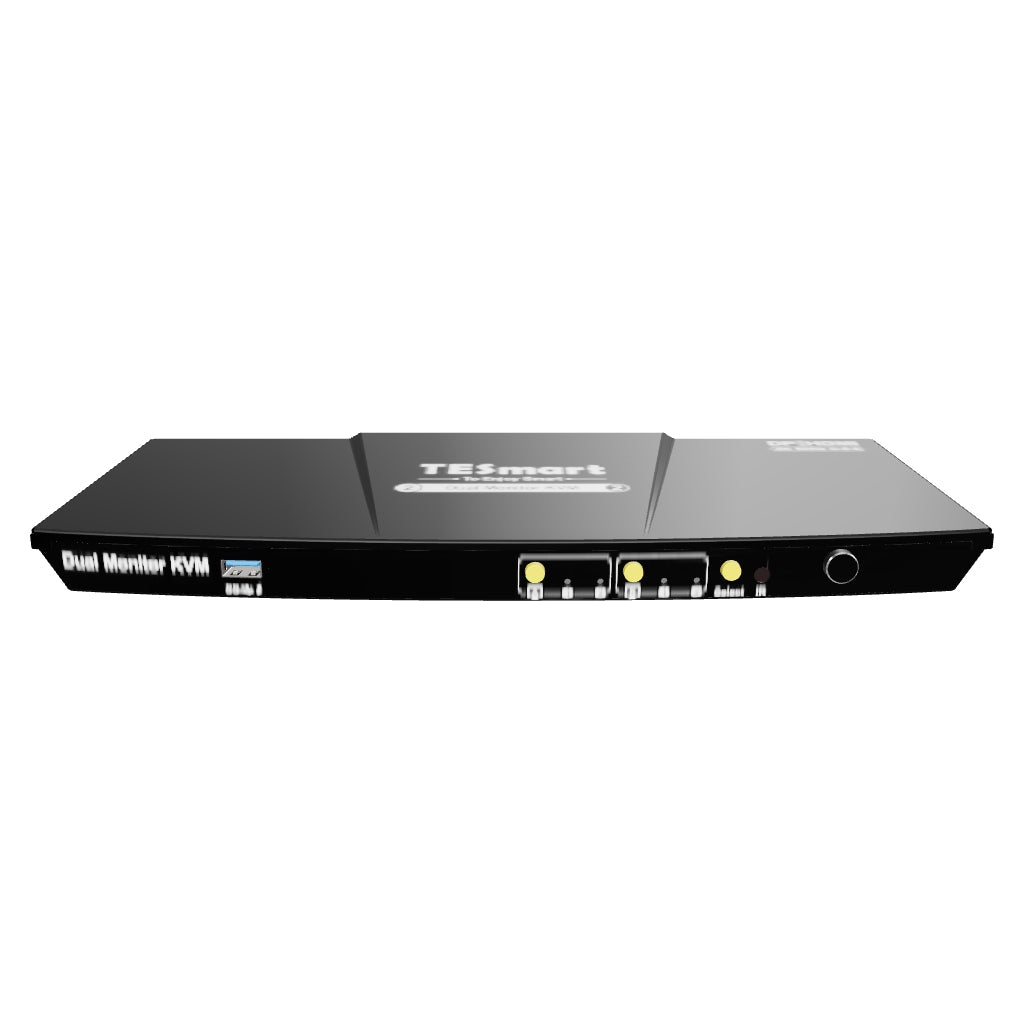
2×2 HDMI+DP KVM | 4K60, EDID & USB hub
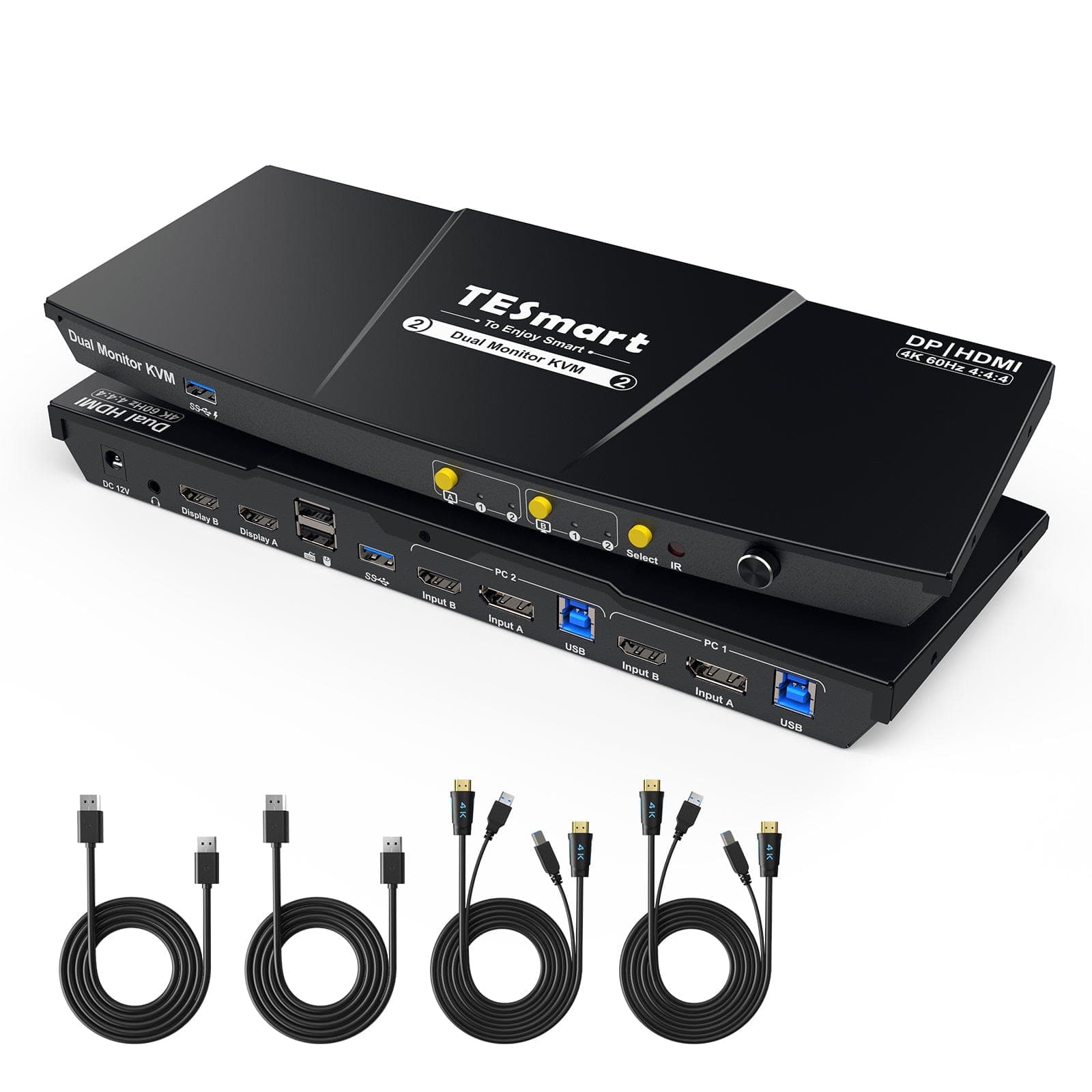
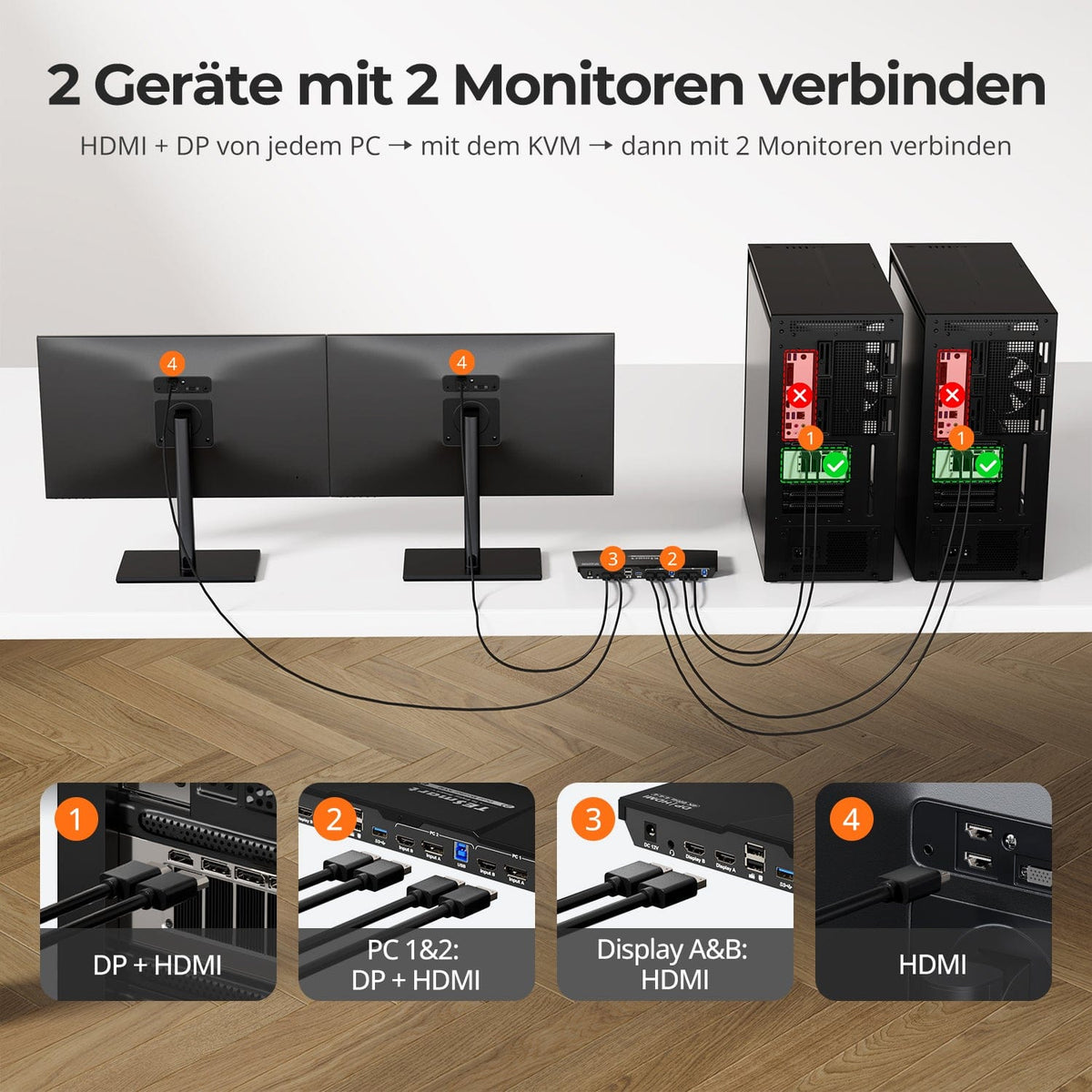
HDK202-P23-V2 connects two PCs with two HDMI monitors. For each PC, HDMI, DisplayPort and USB lead to the KVM; up to 4K60, EDID and a USB hub support everyday work.
Monitorkonfiguration
Max. Auflösung
Gerätekonfiguration
Stabile Anzeige
Kopierschutz
USB-Geschwindigkeit
Tastatur und Maus
2×2 HDMI+DP KVM | 4K60, EDID & USB hub
Why HDK202-P23-V2?
Overview
01
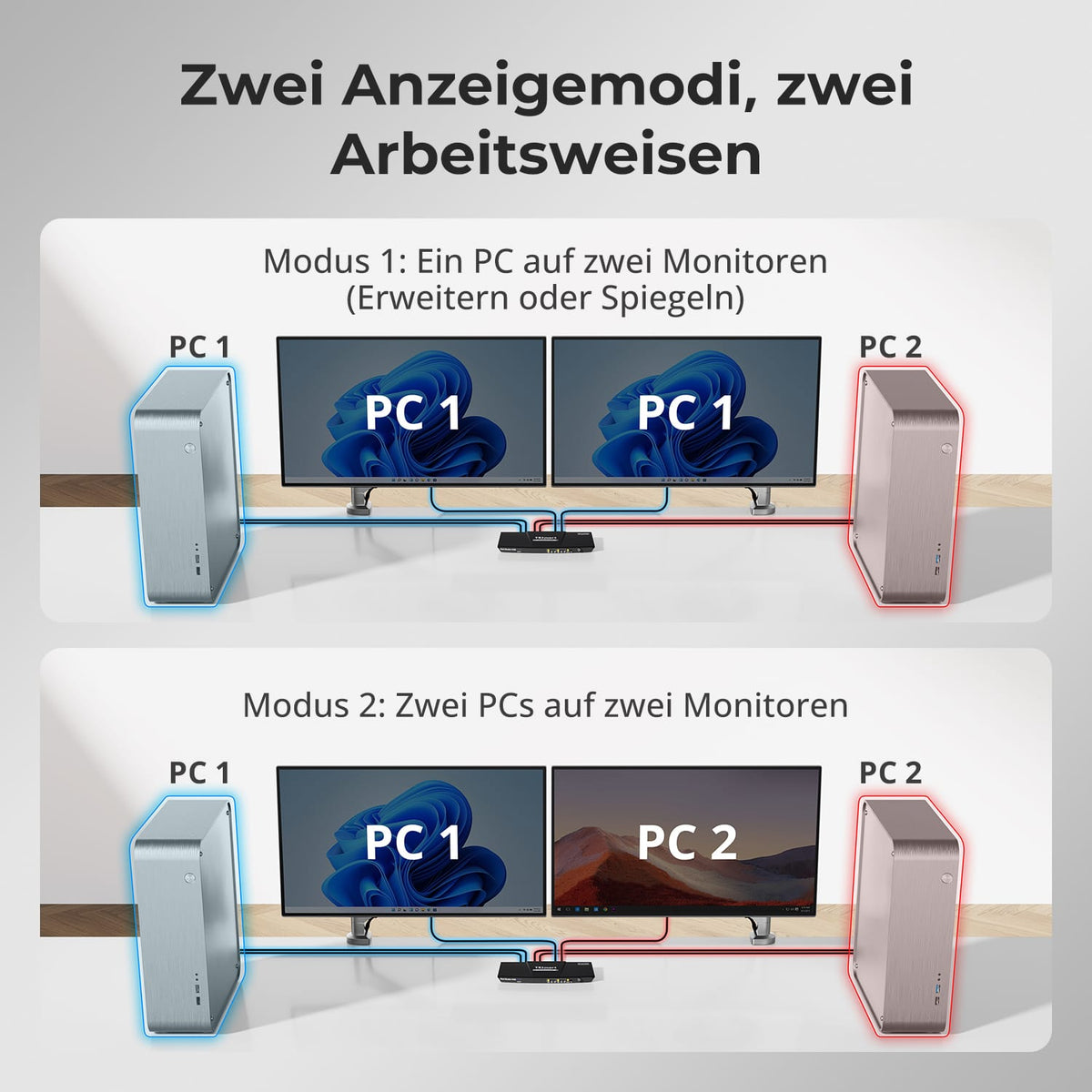
Two PCs. Two displays. One workstation.
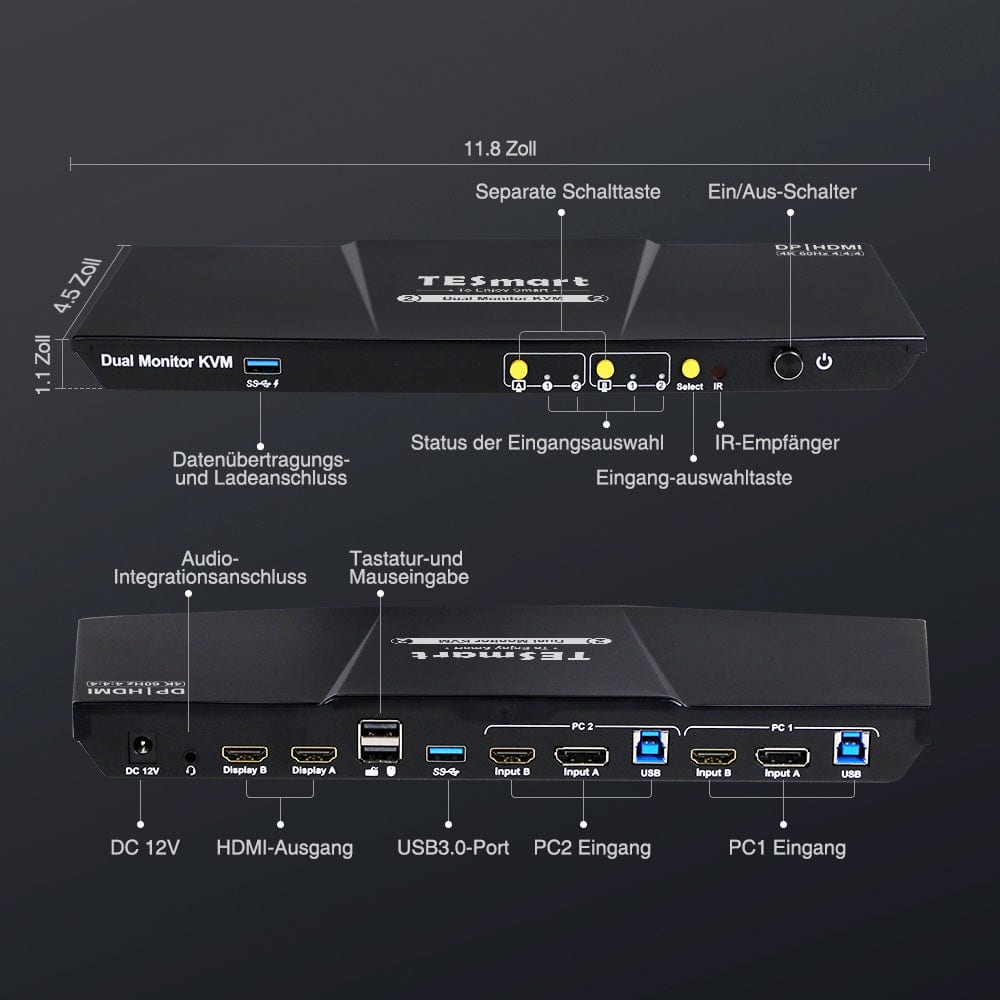
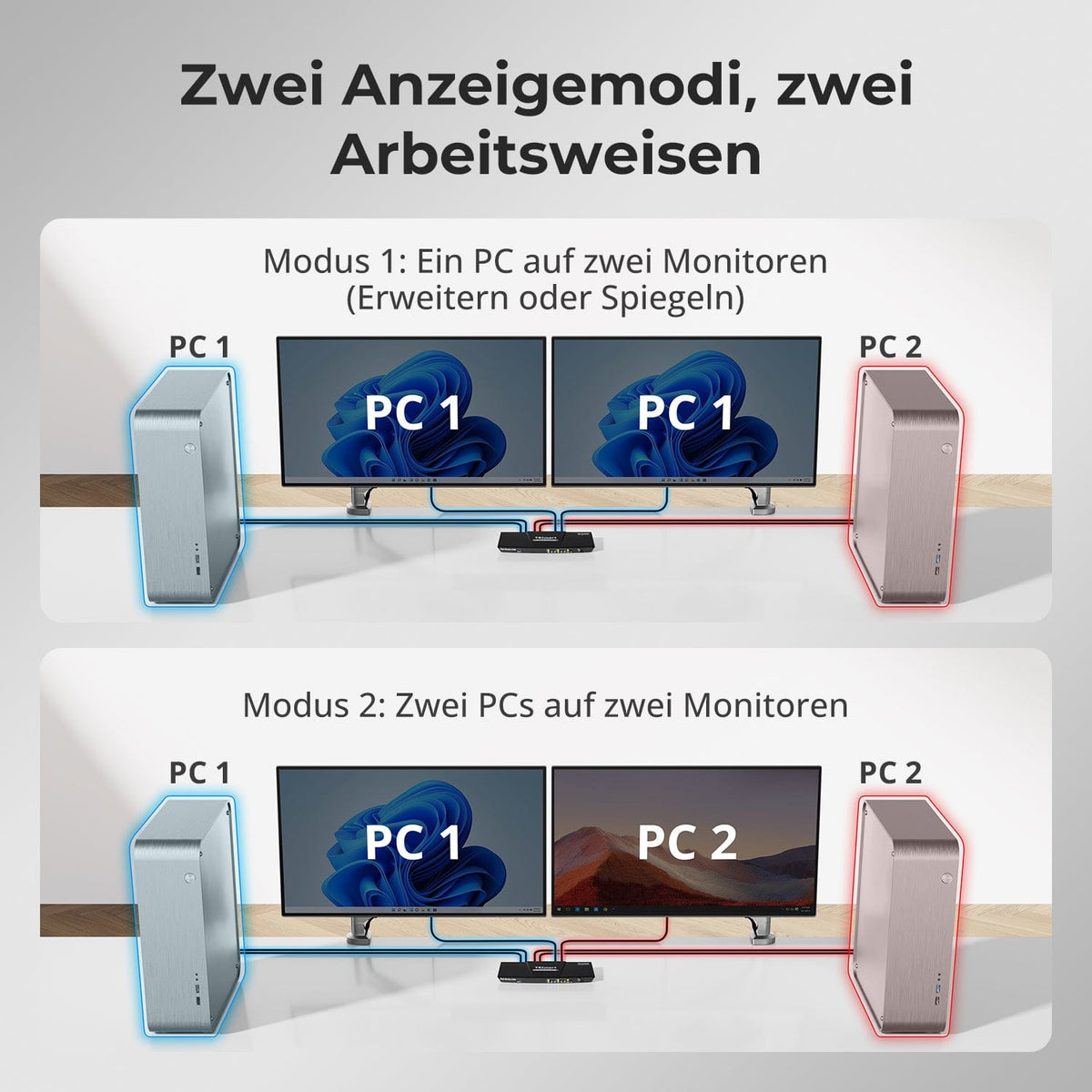
Connect two computers to the same two monitors and share the keyboard, mouse, and USB devices. Each computer uses HDMI and DisplayPort so that both displays can show the selected system.
02
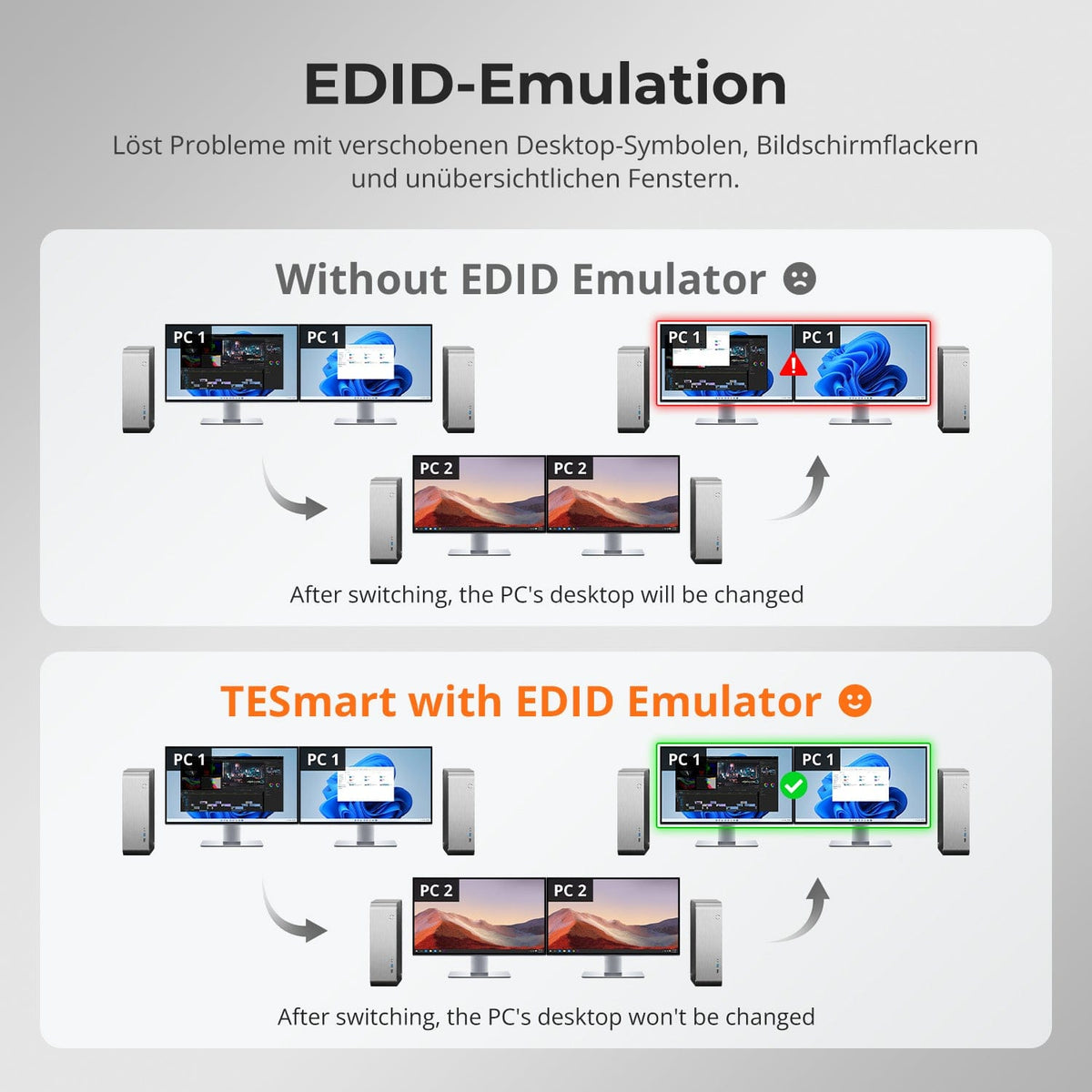
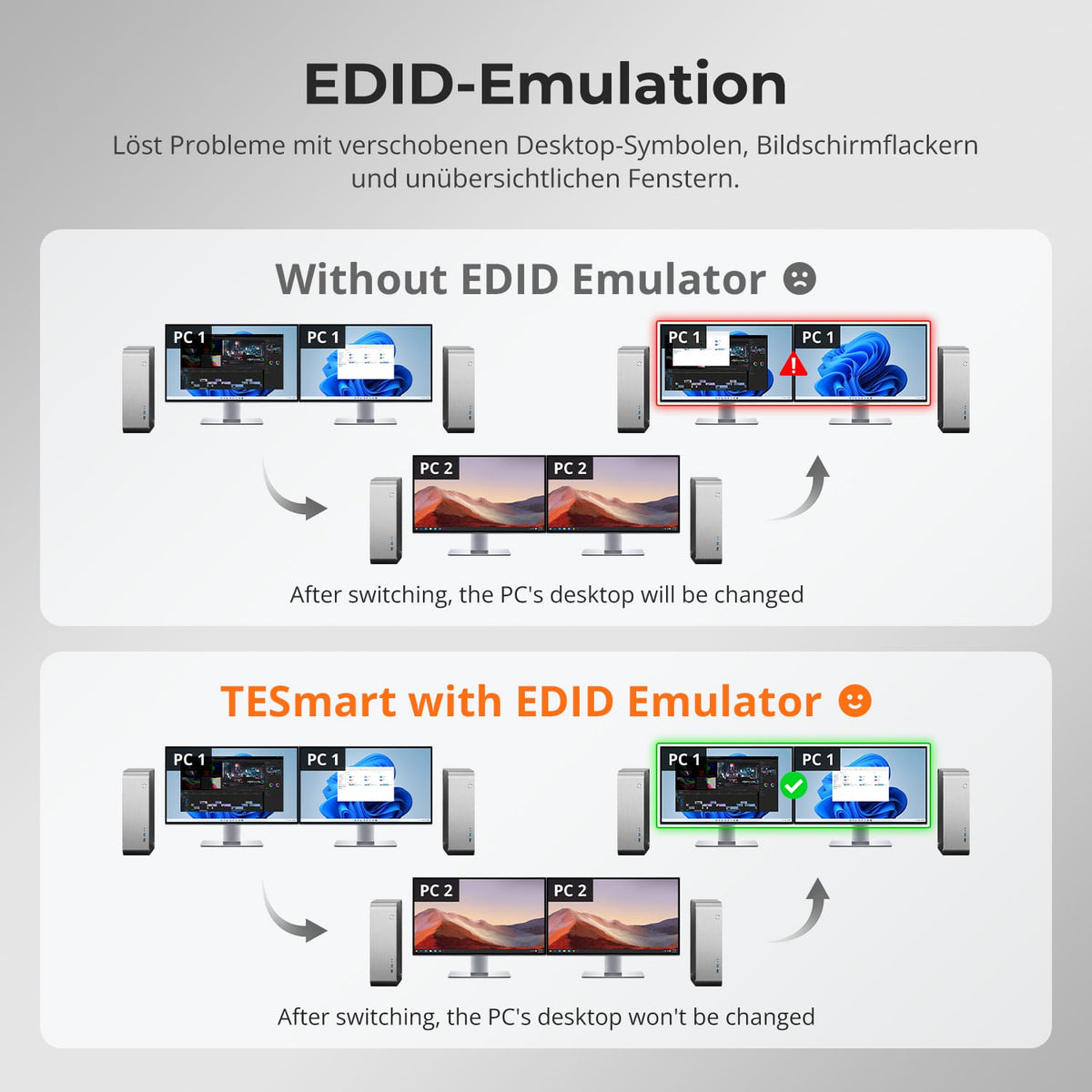
EDID preserves your desktop layout
In supported display modes, EDID emulation keeps monitor information readily available. This reduces slow re-detection, unexpected resolution changes, and shifted windows when switching between displays.
03
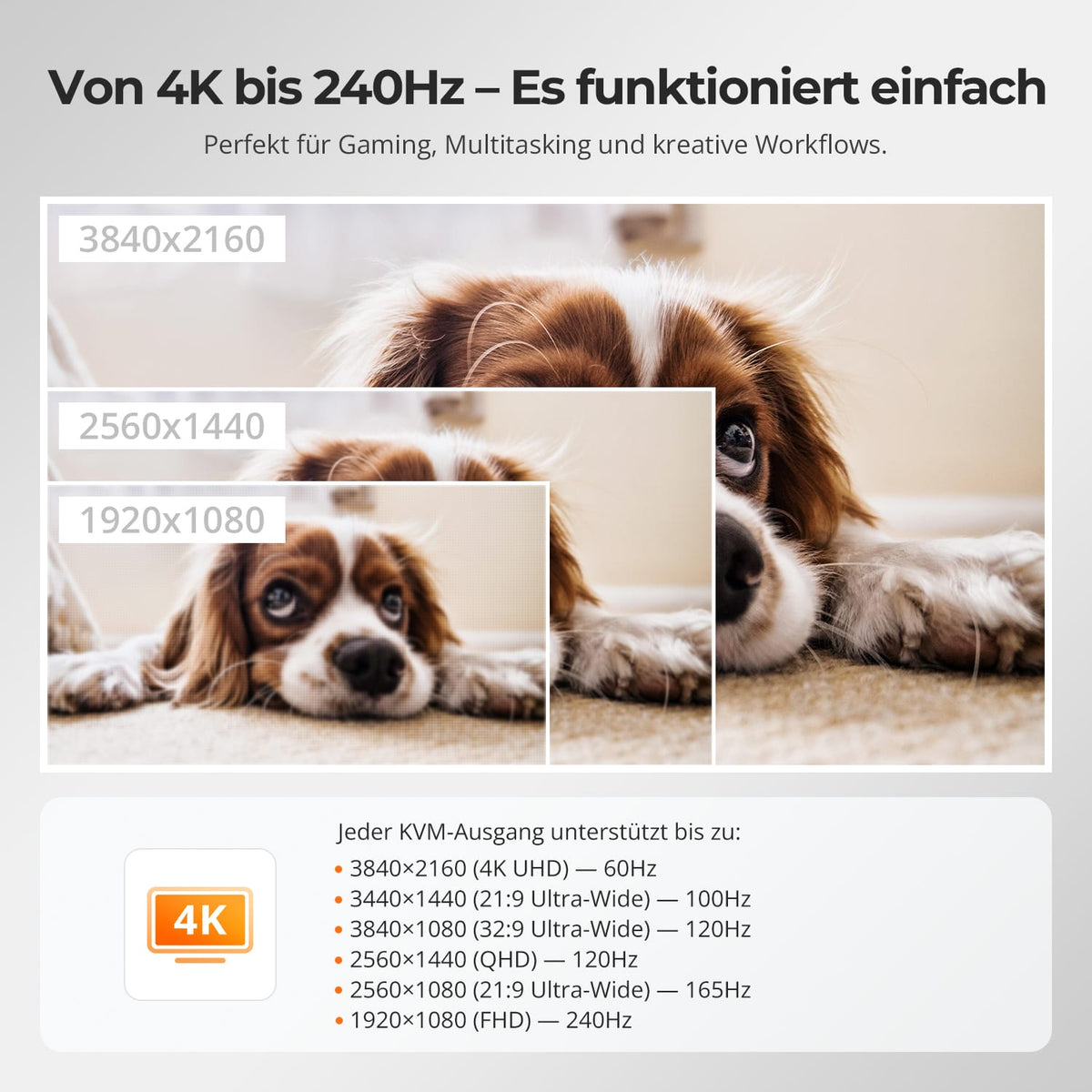
4K60 or higher frame rates at lower resolution
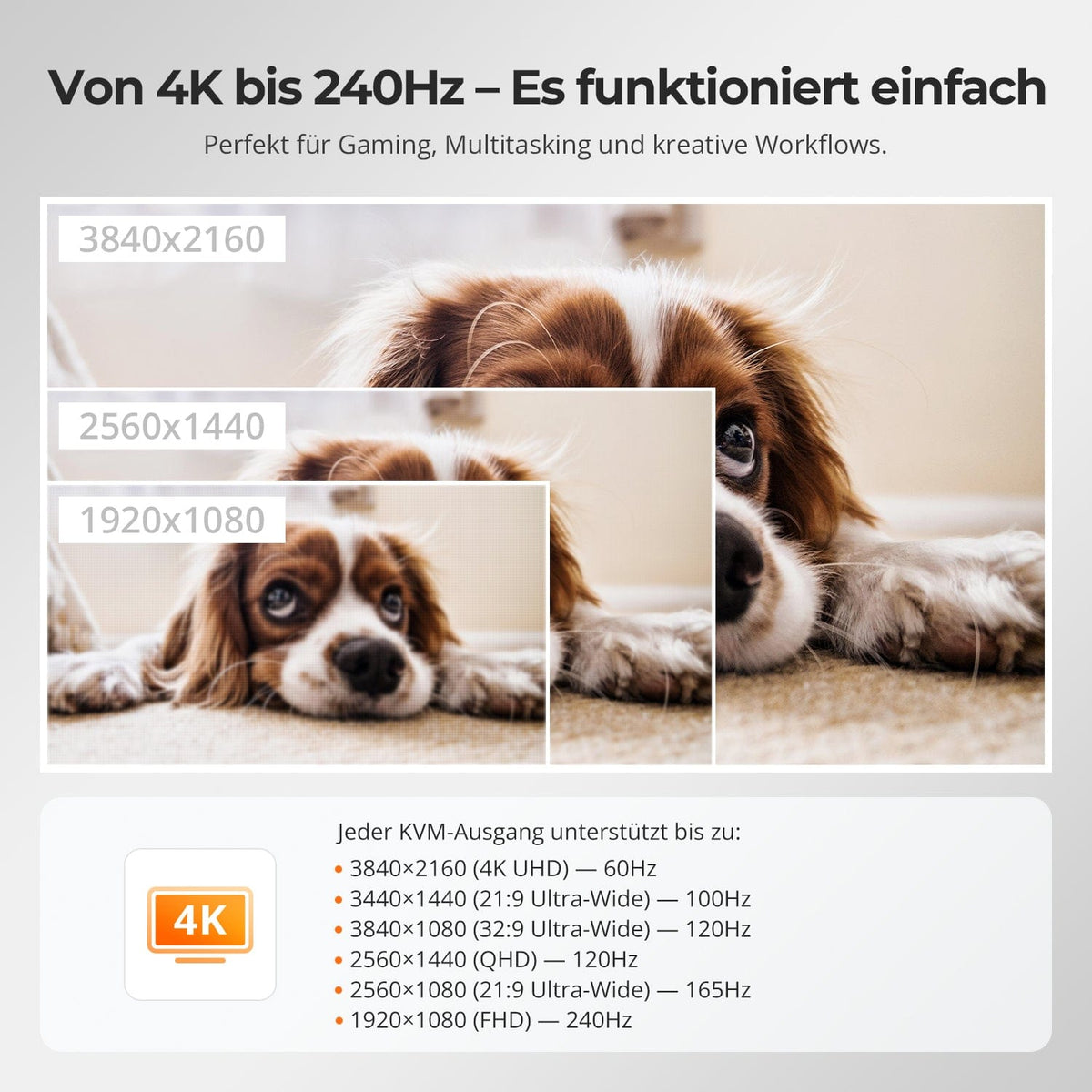
Up to 3840×2160@60Hz in 4:4:4. Higher refresh rates are possible at lower resolutions if the source, monitor, and cable support them.
04
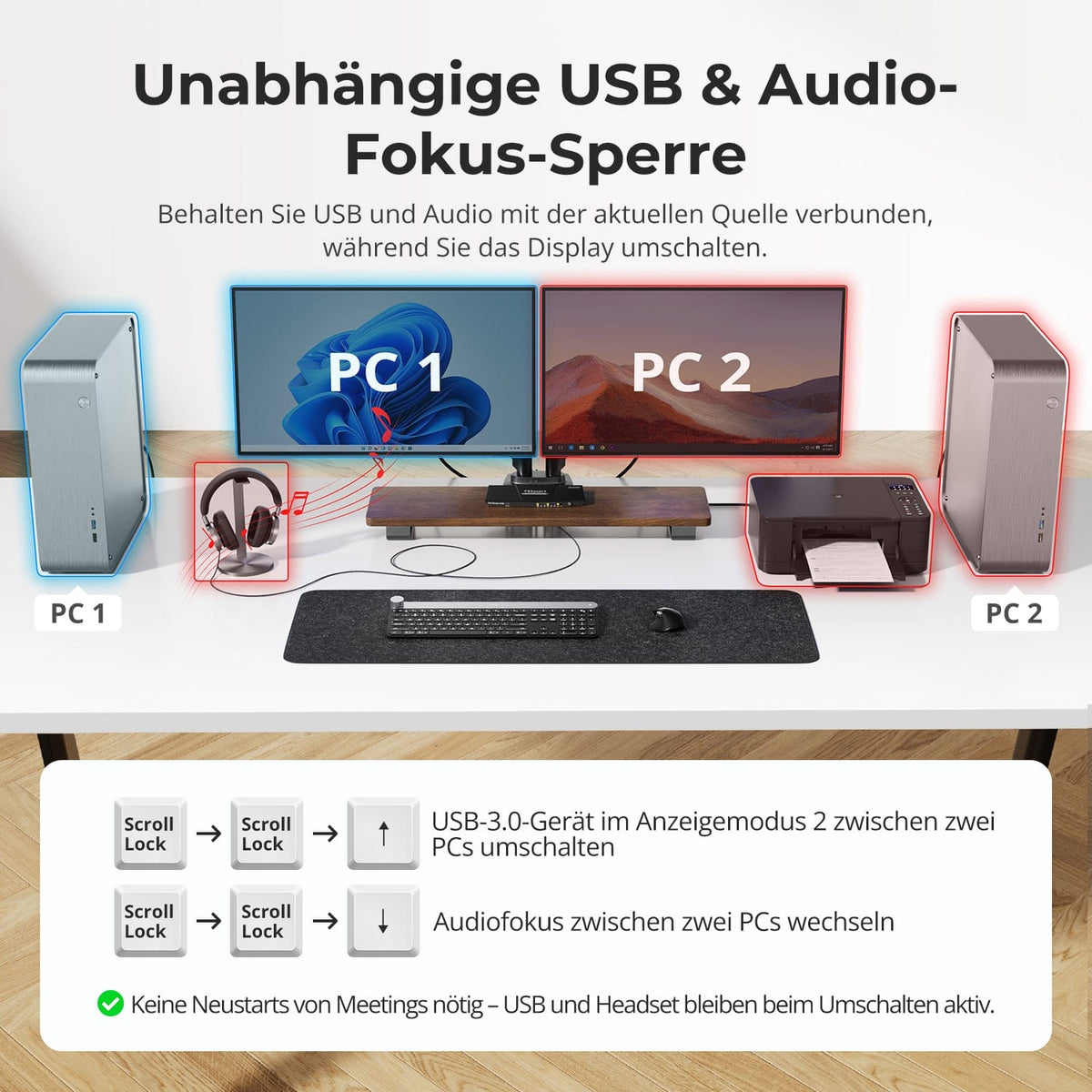
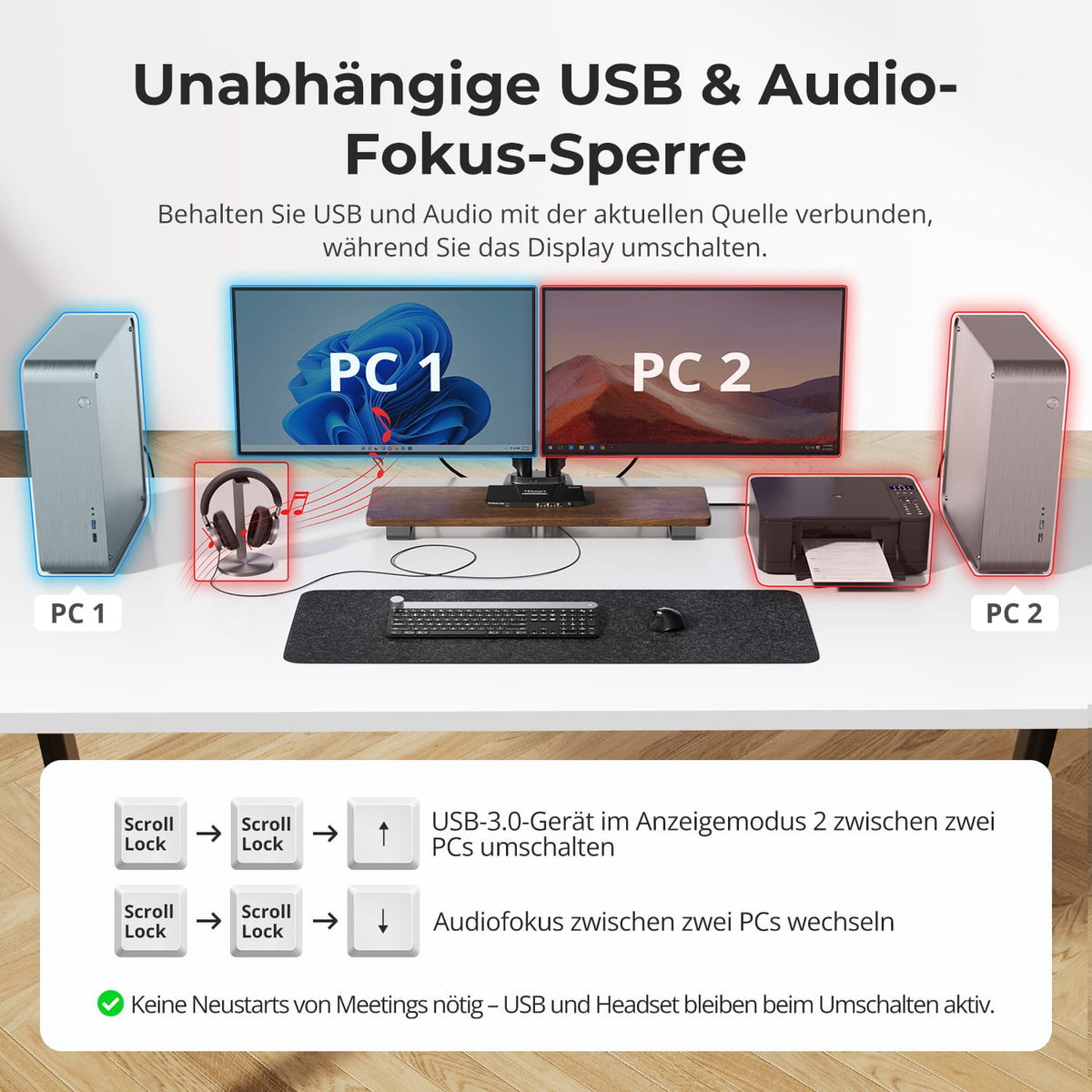
Share USB 3.0 devices
Connect storage devices and other USB 3.0 devices once. The active computer will then have access, along with the keyboard and mouse.
05
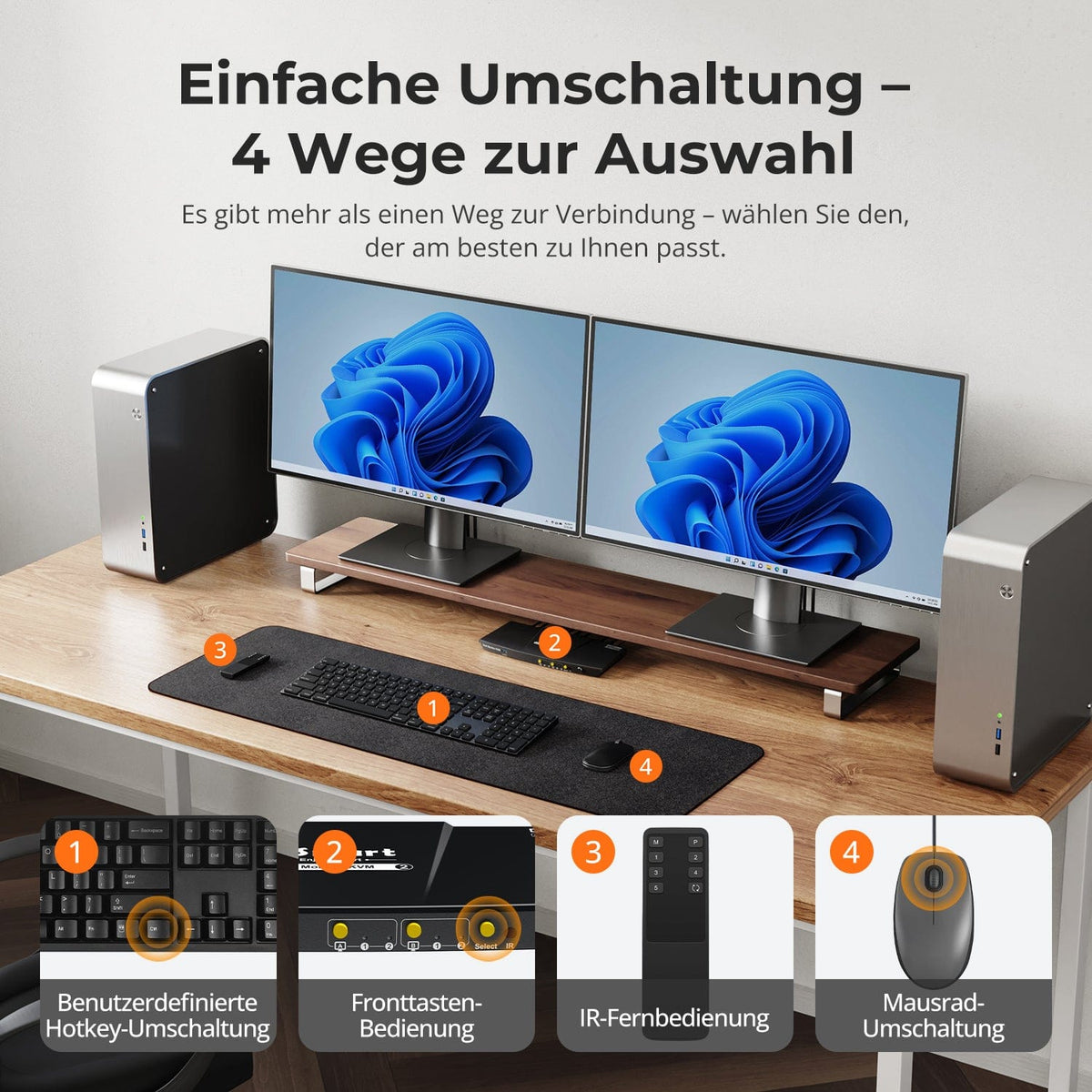
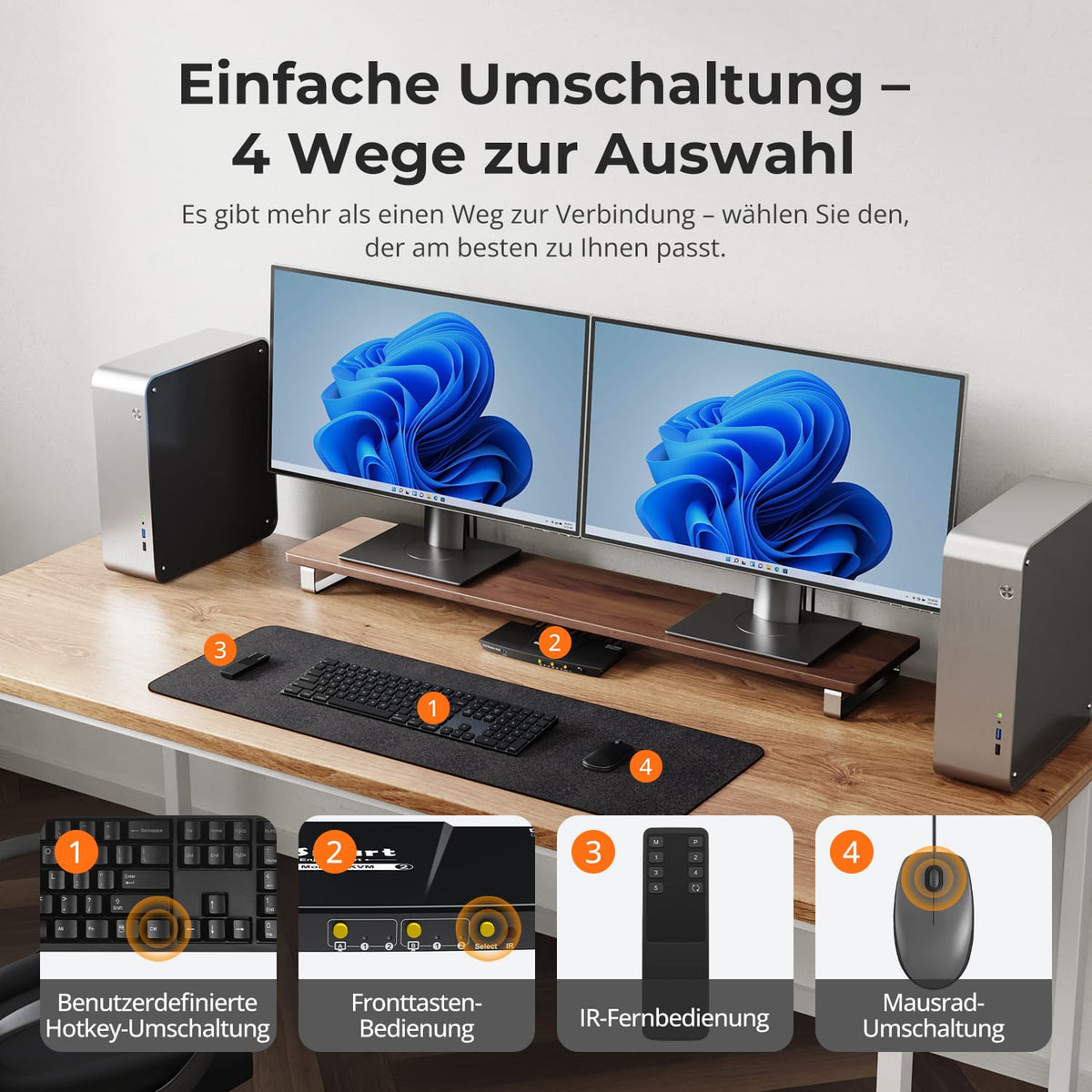
Four ways to switch
Switch between computers using the control panel, IR remote control, hotkeys or mouse wheel – whichever suits your working style.
Data & Support
Compatibility & Connections
Technical data
Instructions & Downloads
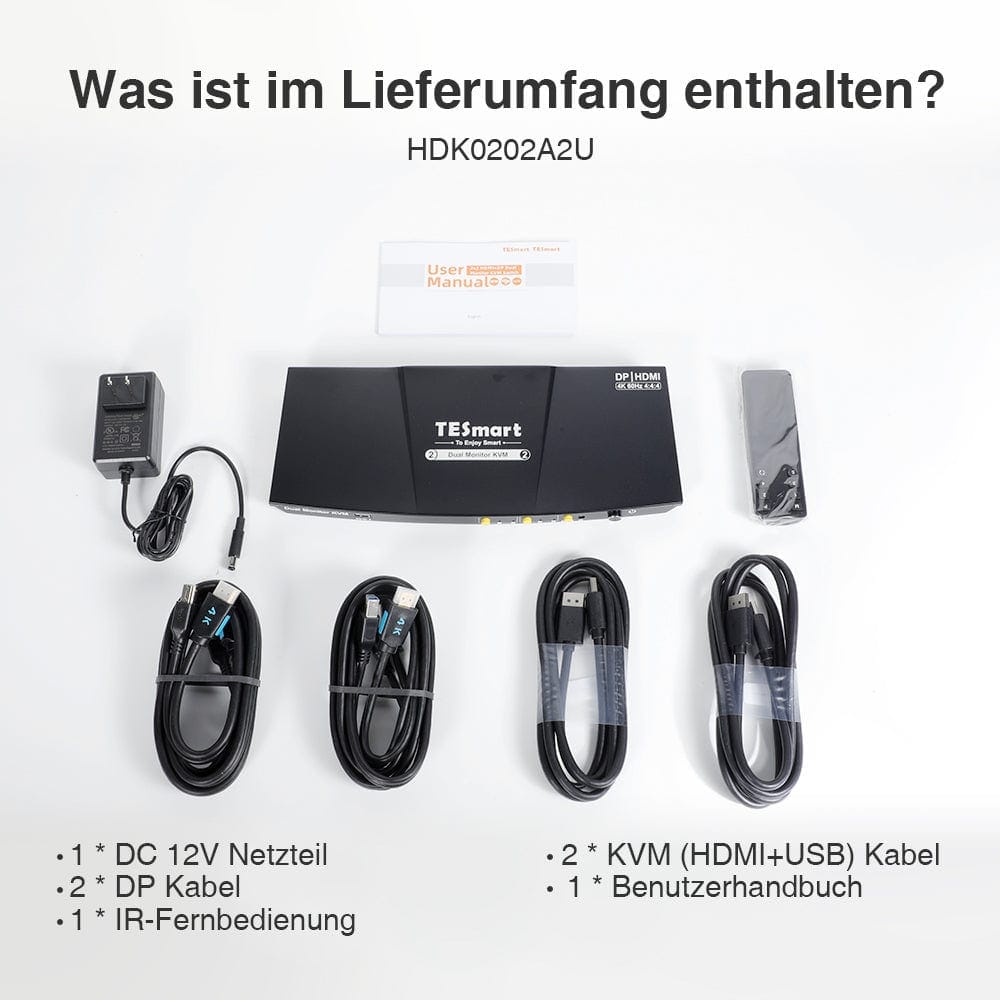
Scope of delivery
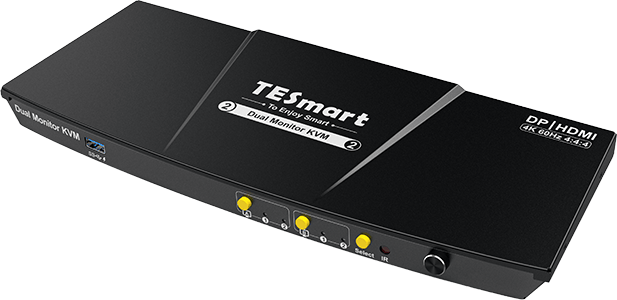
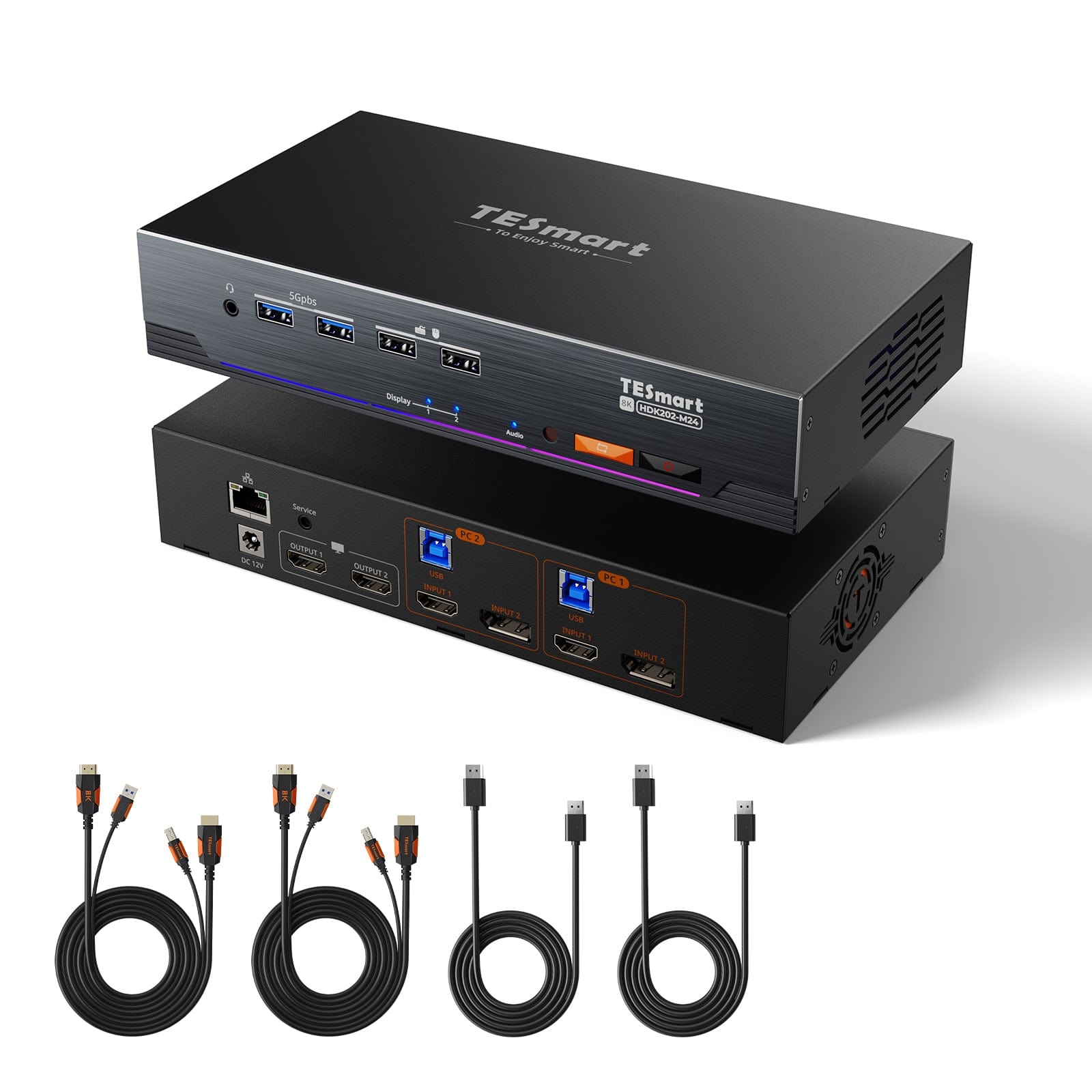
1×2×2 HDMI + DP KVM switch
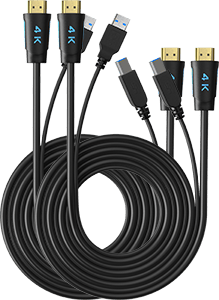
2 × KVM cables
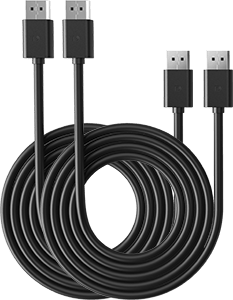
2 × DisplayPort cable
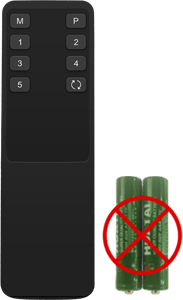
1 × IR Remote Control
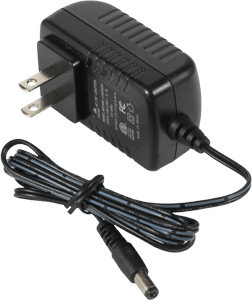
1 × 12V DC power supply
1×User manual
Compare suitable models
Select the models in the menus to compare connections, image output, and shareable features.
Model
HDK202-P23-V2
Model
HDK202-M24
Model
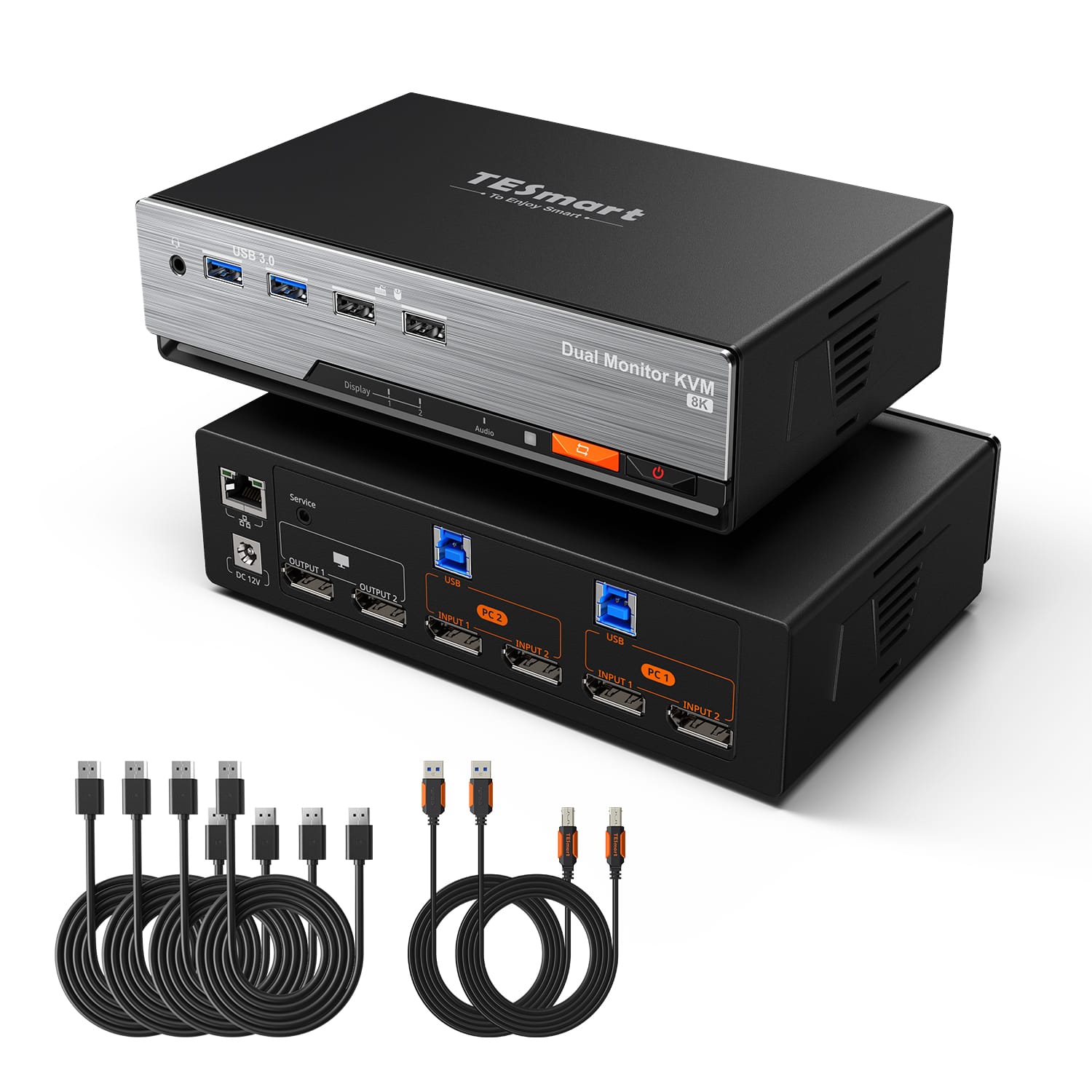
DKS202-M24
Computer count
2 computers
Computer count
2 computers
Computer count
2 computers
Computer connections
Per PC: HDMI + DisplayPort + USB
Computer connections
Per PC: HDMI + DisplayPort + USB
Computer connections
Per PC: 2 × DisplayPort + USB
Monitor outputs
2 × HDMI
Monitor outputs
2 × HDMI
Monitor outputs
2 × DisplayPort
Image output
4K60
Image output
8K60/4K144
Image output
8K60/4K144
Shared USB devices
USB 3.0/5 Gbit/s
Shared USB devices
USB 3.0/5 Gbit/s
Shared USB devices
USB 3.0/5 Gbit/s
Charge laptop
Charge laptop
Charge laptop
Shared network access
Shared network access
1000 Mbit/s
Shared network access
1000 Mbit/s
EDID emulation
Only in display mode 1
EDID emulation
EDID emulation
Multi-monitor operation
Separate video outputs on each computer
Multi-monitor operation
Separate video outputs on each computer
Multi-monitor operation
Separate video outputs on each computer
Monitor requirements
Every computer must be able to drive 2 monitors.
Monitor requirements
Every computer must be able to drive 2 monitors.
Monitor requirements
Every computer must be able to drive 2 monitors.
Frequently asked questions
You can find further answers in our Help Center.
[Compatibility] Which computers are suitable for HDK202-P23-V2?
Two computers, each with HDMI, DisplayPort and USB ports for using both monitors.
[Compatibility] What resolution does the HDK202-P23-V2 support?
Up to 3840×2160@60Hz in 4:4:4. Higher refresh rates are possible at lower resolutions if the source, display, and cable support them.
[Compatibility] Do both PCs need HDMI and DisplayPort outputs?
Yes, each PC needs an HDMI and a DisplayPort output for both monitors, as well as USB for keyboard, mouse and shared USB devices.
[Functions] What display modes are available?
Display one computer across both monitors, either extended or mirrored. Alternatively, each monitor can display a different computer.
[Functions] Does the HDK202-P23-V2 support EDID emulation?
Yes. According to the manual, EDID emulation works in display mode 1 to preserve monitor information and desktop layout when switching.
[Connections] Can I share USB devices?
Yes. USB 3.0 ports connect compatible devices to the active computer – at speeds of up to 5 Gbit/s.
[Functions] Can USB and audio remain connected to a computer?
Yes. Independent USB and audio assignments keep supported devices connected to the desired computer while you switch the display output.
[Switch] How do I switch between the two PCs?
Via control panel, IR remote control, keyboard hotkeys or mouse wheel.
[Furnishings] Does the KVM switch require special switching software?
No special software is required for standard KVM functions. Connected devices may require their own drivers.
