




Monitorkonfiguration
Max. Auflösung
Farbdarstellung
Gaming

USB-Geschwindigkeit
USB-Geschwindigkeit
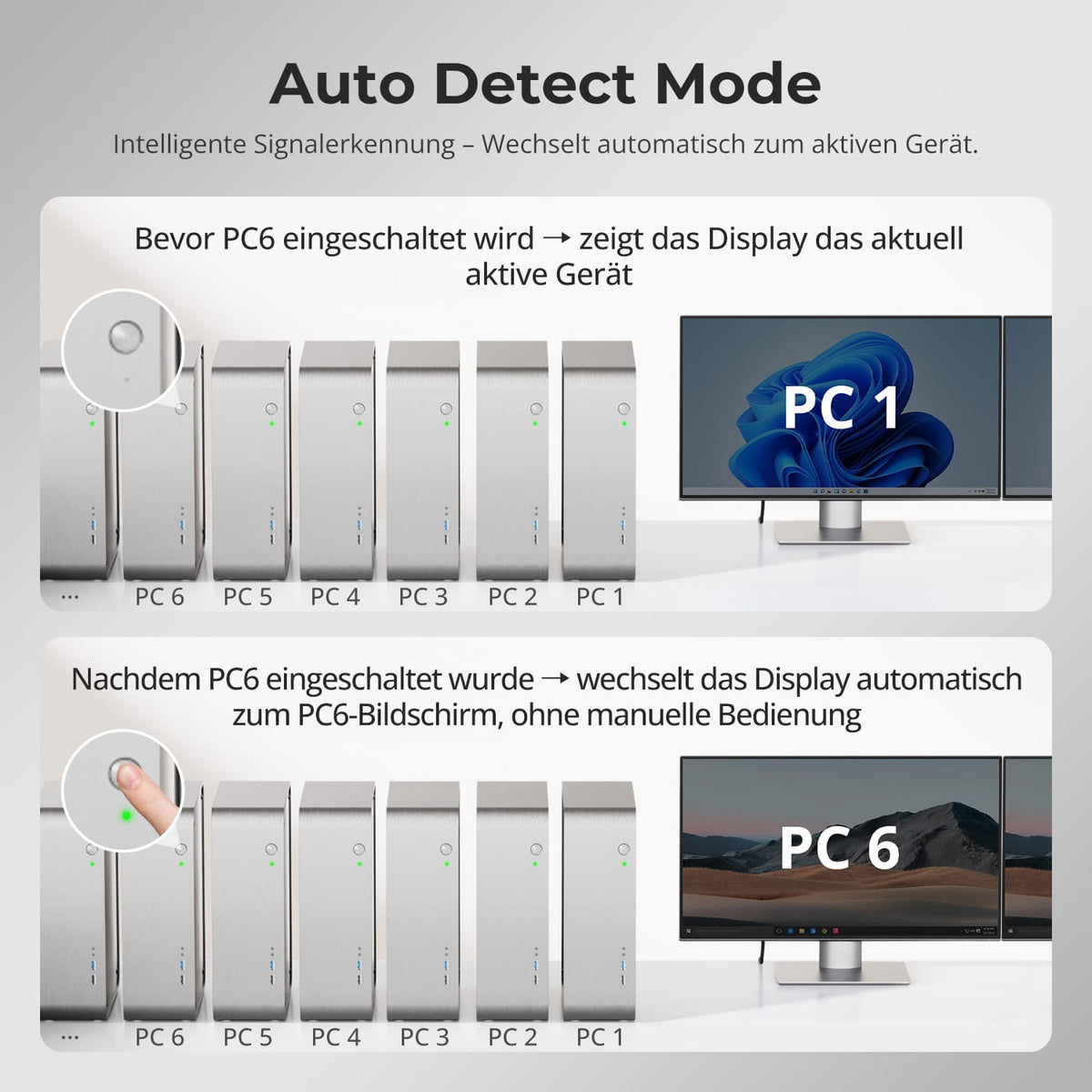
Automatische Signalerkennung
8×2 HDMI+DP KVM | 8K60/4K144 & EDID
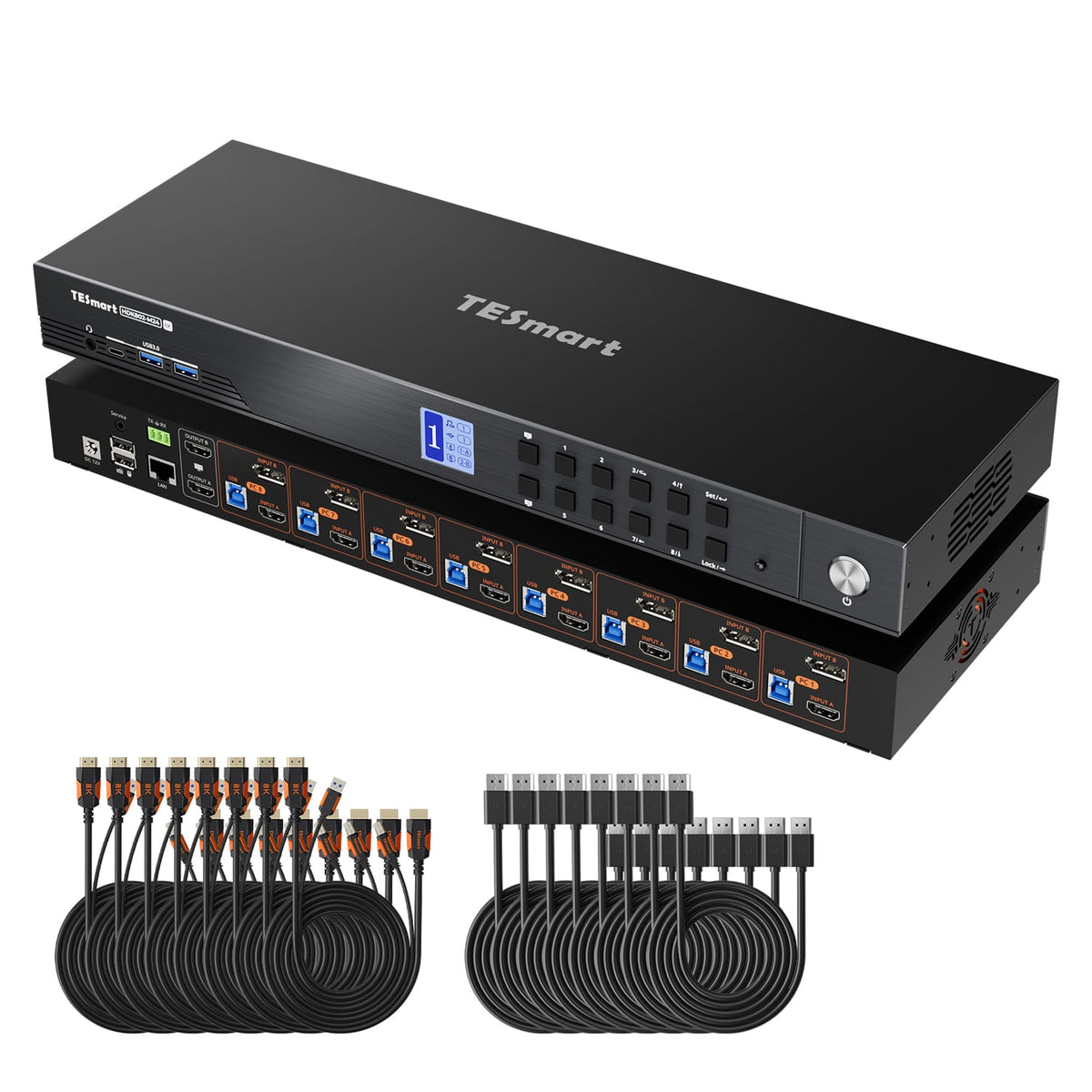
HDK802-M24: 8 PCs with HDMI and DisplayPort outputs share 2 HDMI monitors, keyboard and mouse - with up to 8K60/4K144 and EDID.
Monitorkonfiguration
Max. Auflösung
Farbdarstellung
Gaming
USB-Geschwindigkeit
USB-Geschwindigkeit
Automatische Signalerkennung
8×2 HDMI+DP KVM | 8K60/4K144 & EDID
Why HDK802-M24?
Overview
01
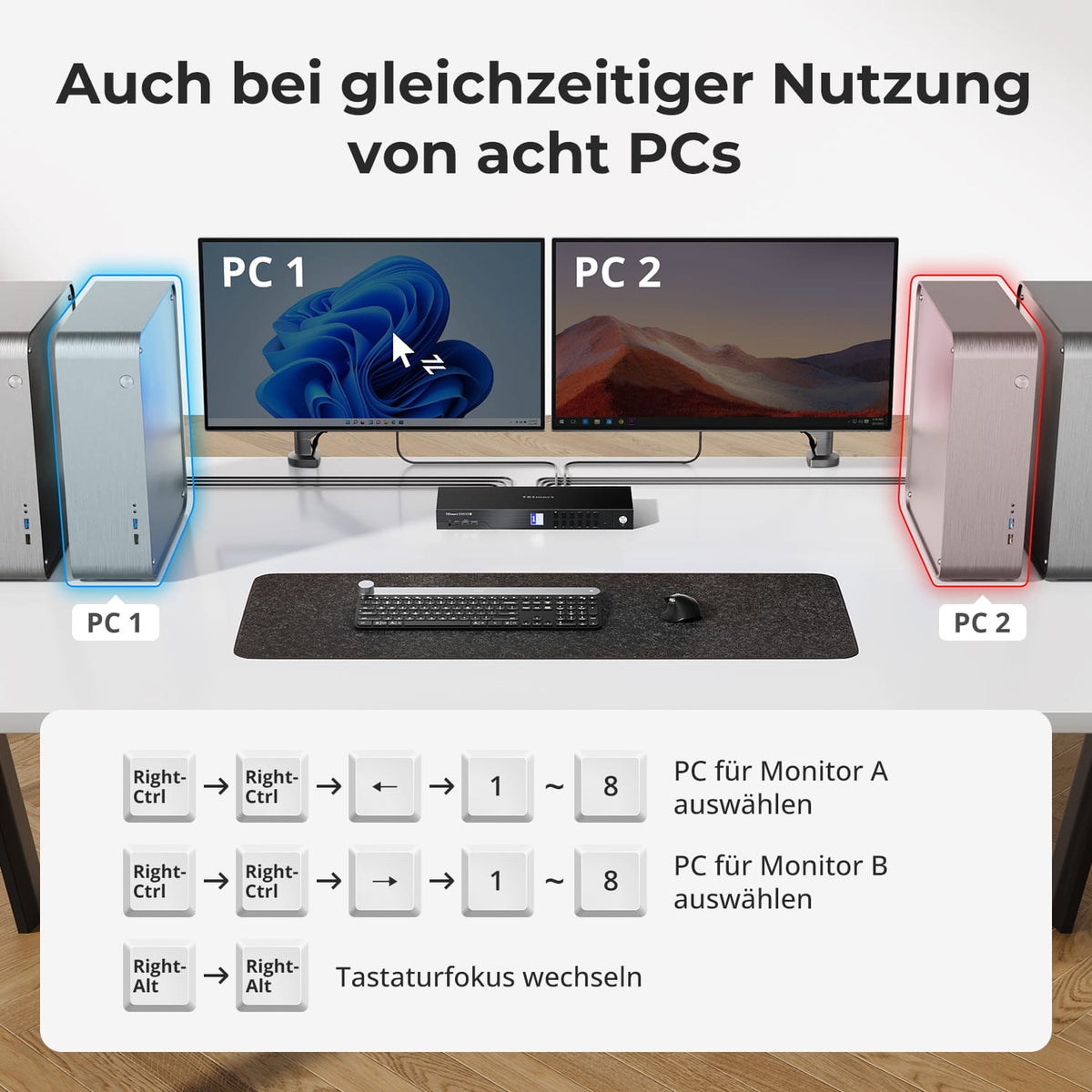
Eight PCs. Two displays. One controller.
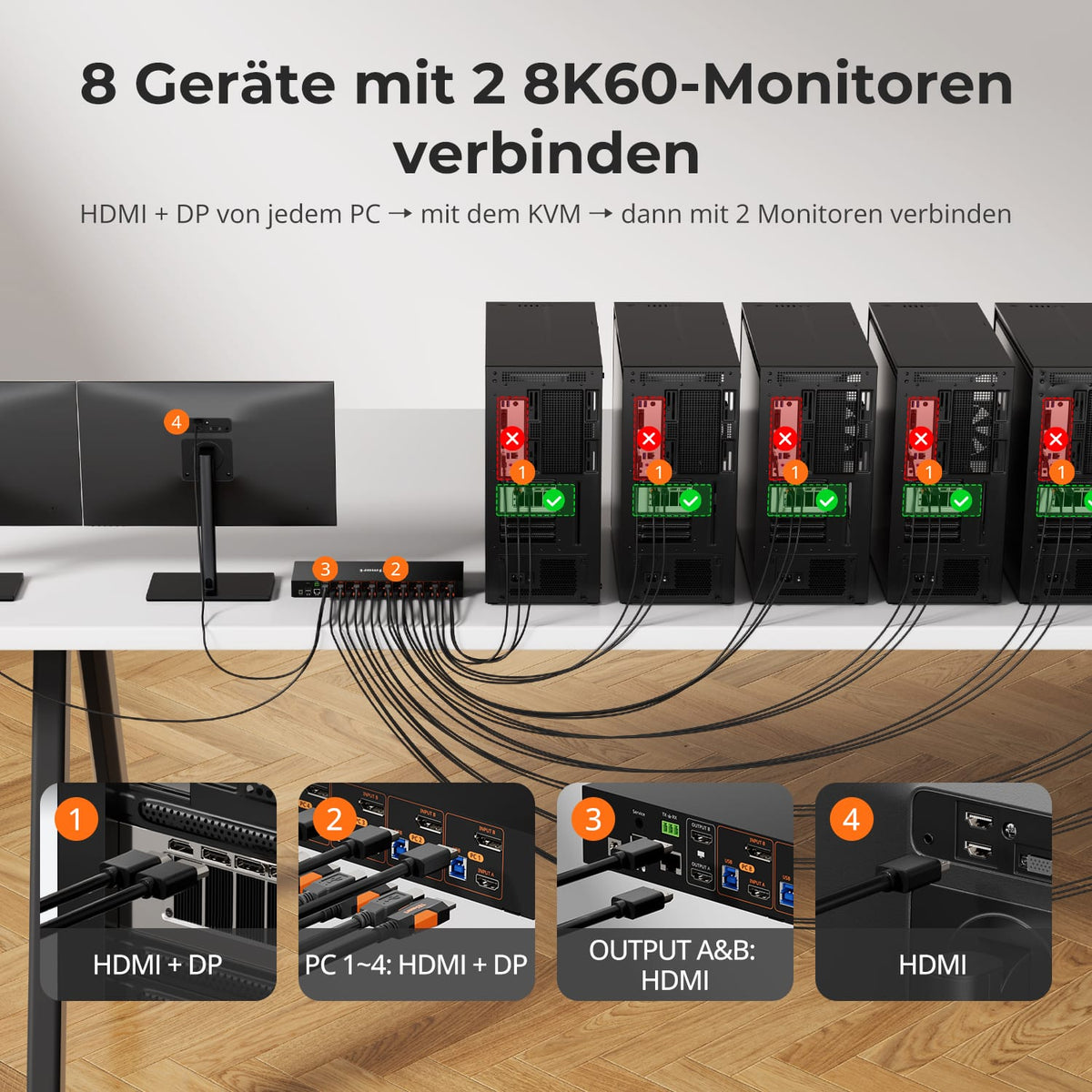
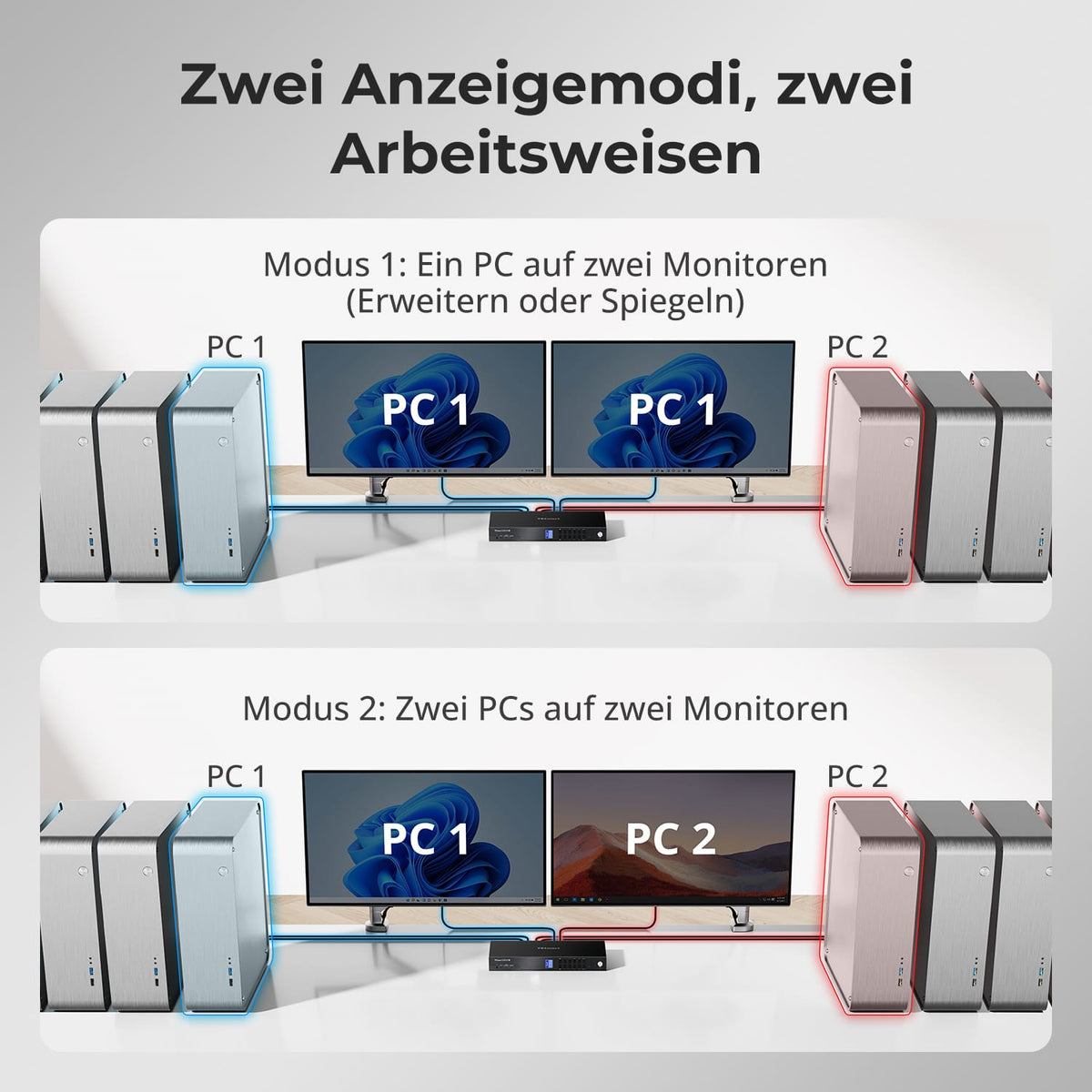
Connect up to eight computers with two monitors and control them all with one keyboard and mouse. Display one computer across both screens or two computers side by side.

02
Two 8K60 displays. 4K with a high refresh rate.
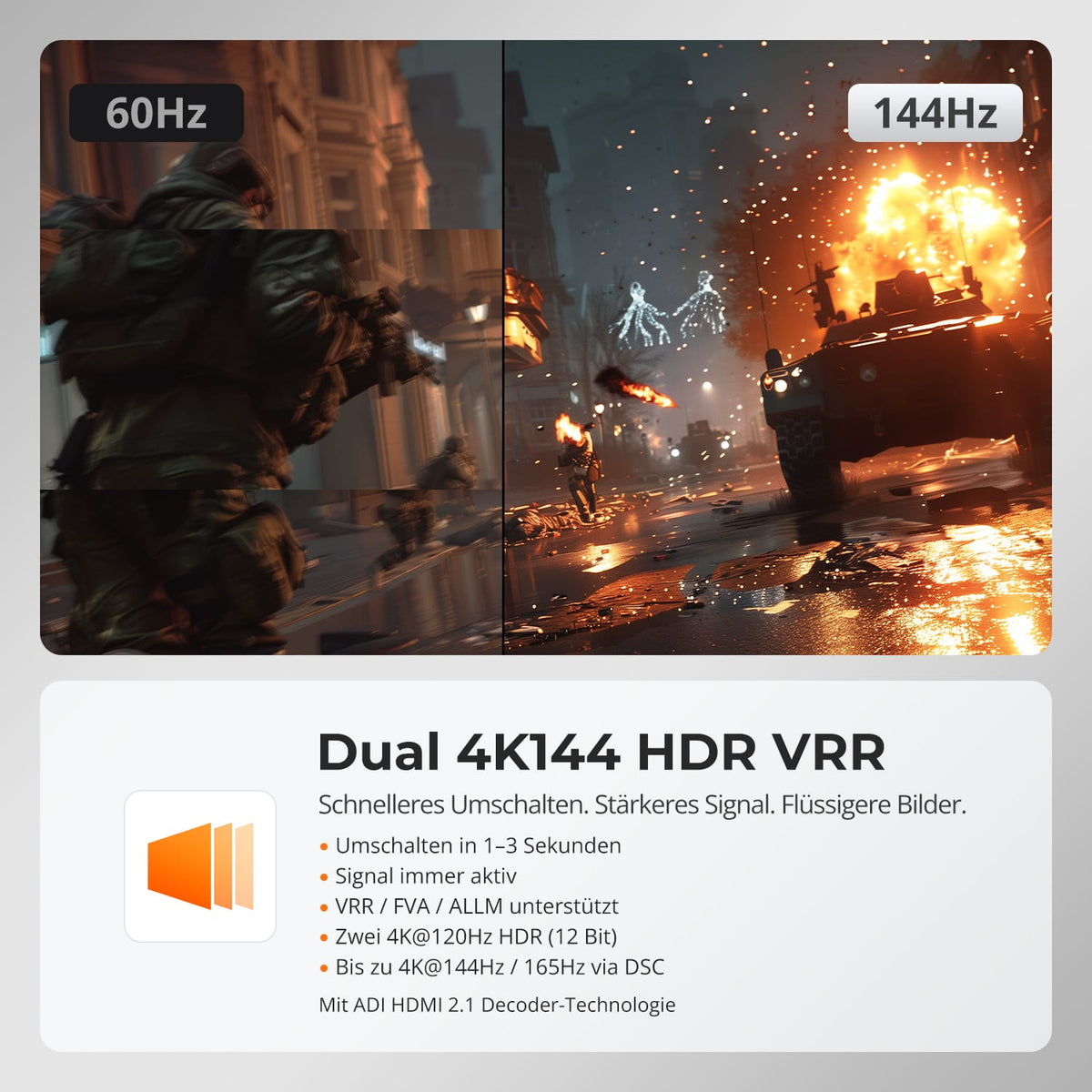
The HDK802-M24 supports up to 8K@60Hz in 4:4:4 and is backward compatible with 4K@60/120/144Hz. HDMI 2.1, VRR, FVA, ALLM and DSC enable smooth, high-quality output with compatible sources and displays.
03
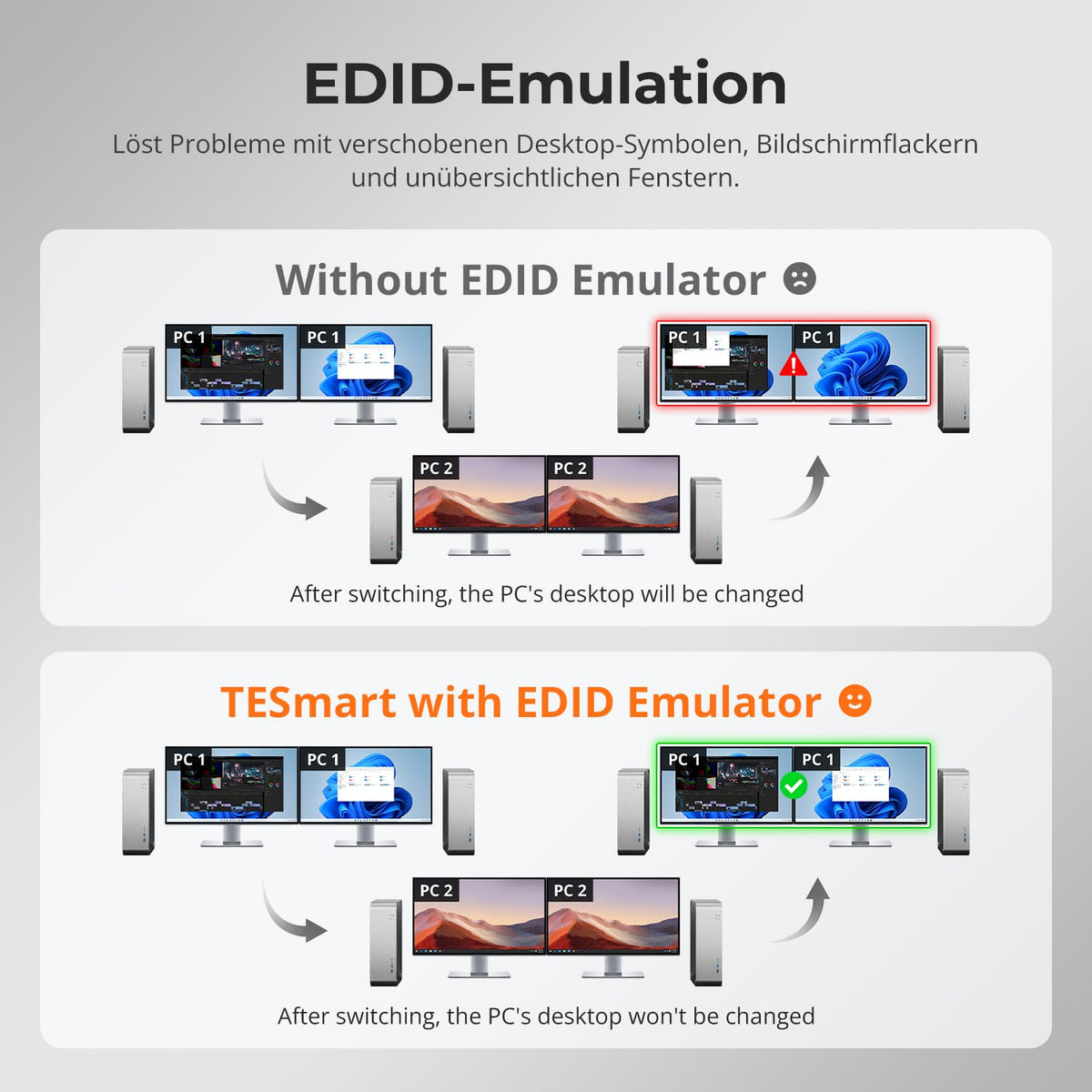
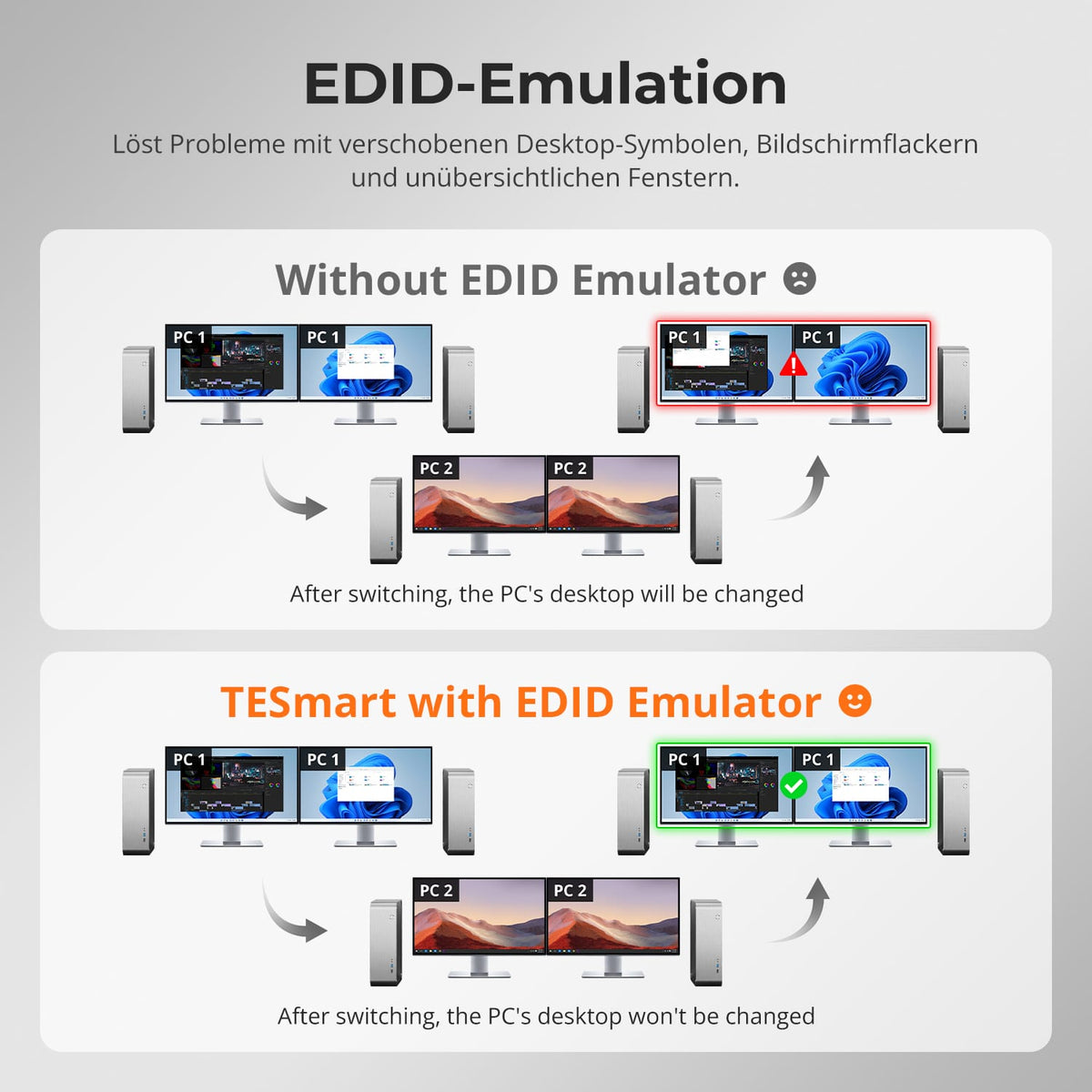
EDID keeps every desktop stable
EDID emulation keeps the display information of each computer readily available and reduces shifted windows, resolution changes, and slow re-detection when switching.

04
Keeping an eye on two systems simultaneously
Use the outputs independently for two computers side by side and assign the keyboard and mouse to the desired system – ideal for monitoring, testing and parallel work.

05
Control at the workplace or via the network
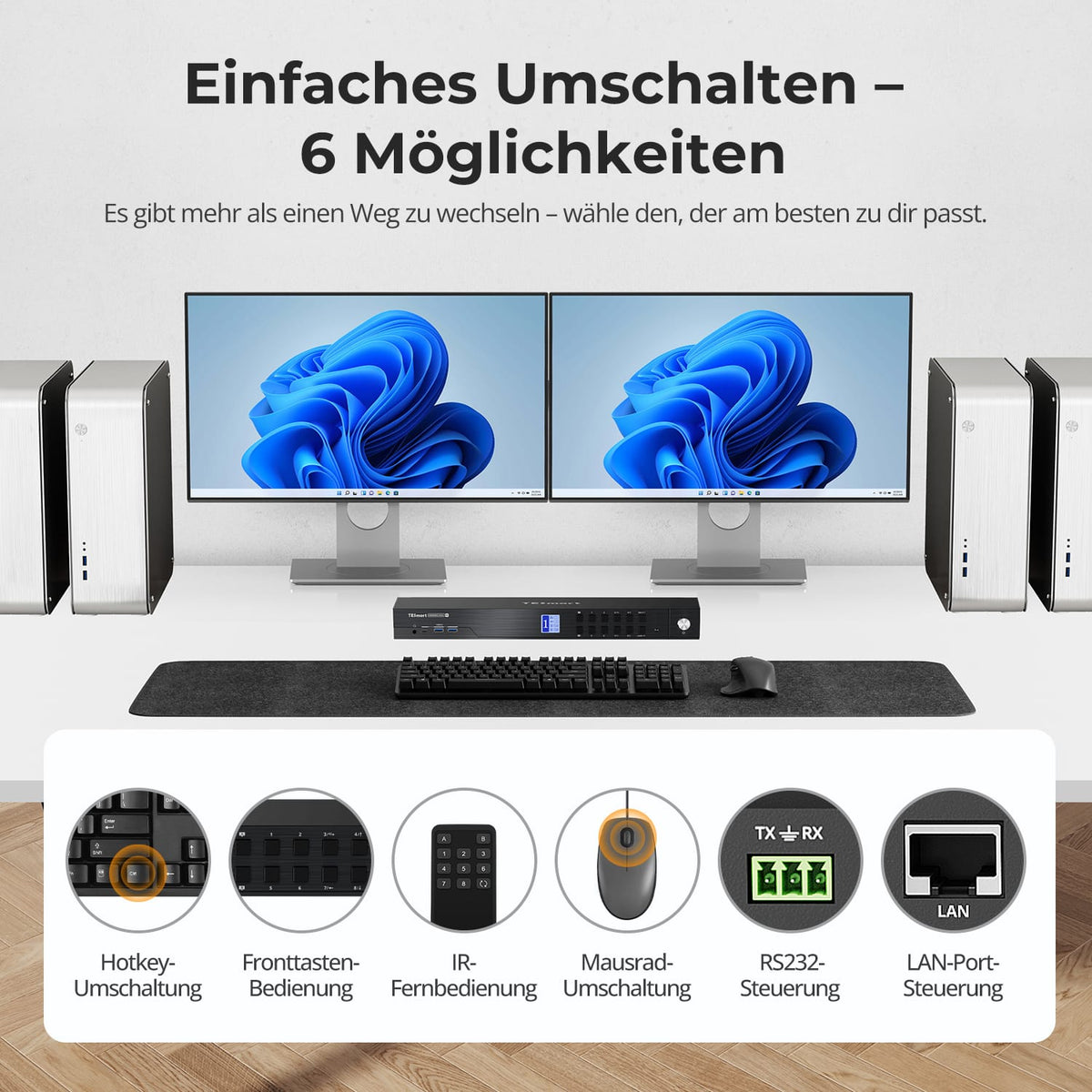
Operate the KVM via control panel, IR remote control, hotkeys, or mouse wheel. LAN and RS232 complement the control options in racks, laboratories, and centrally managed installations.

06
Auto Detect and Auto Scan
Auto Detect reacts to changes in active sources. Auto-Scan switches between computers at a set interval – practical for monitoring without constant manual operation.

07

08

09
Data & Support
Compatibility & Connections
Technical data
Instructions & Downloads
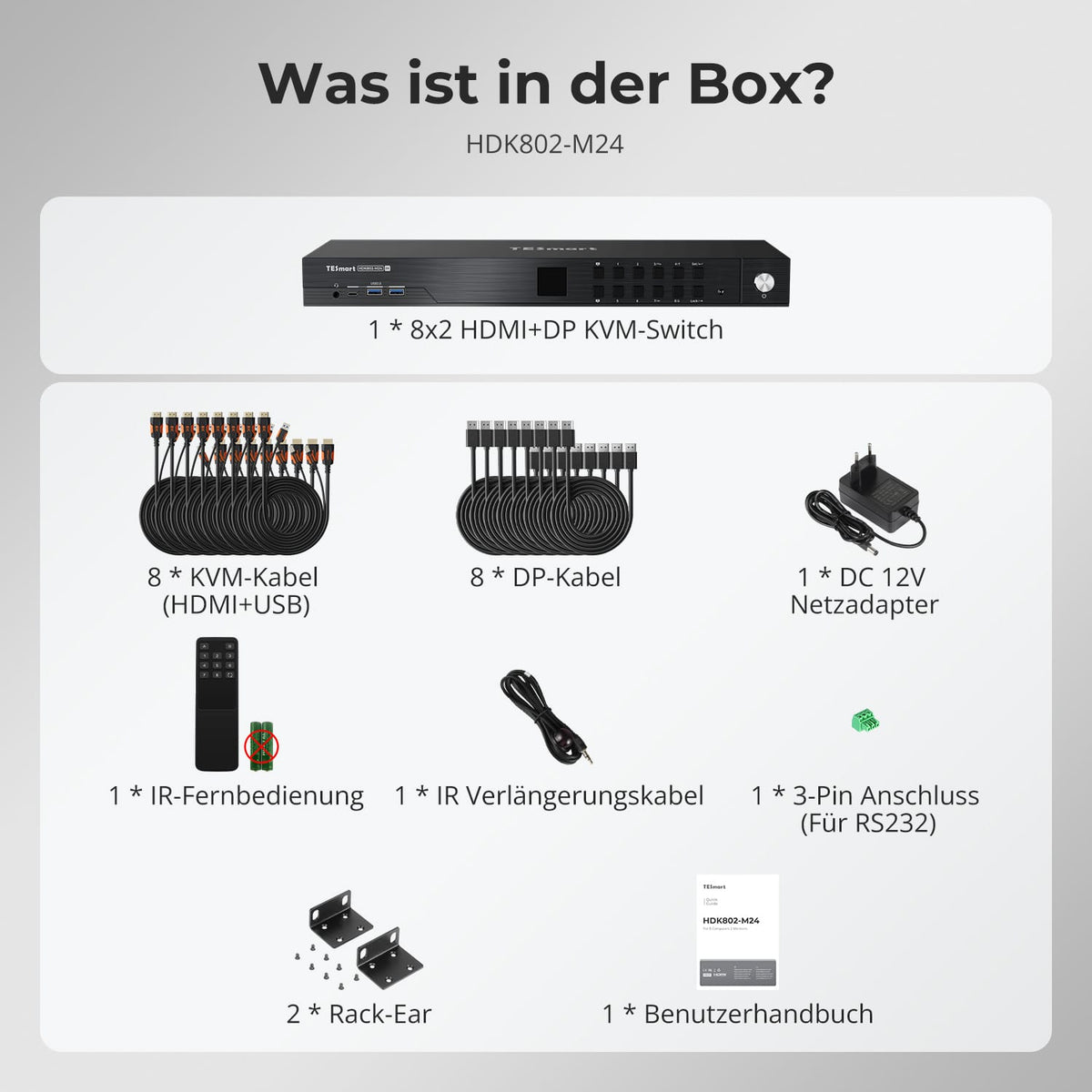
Scope of delivery
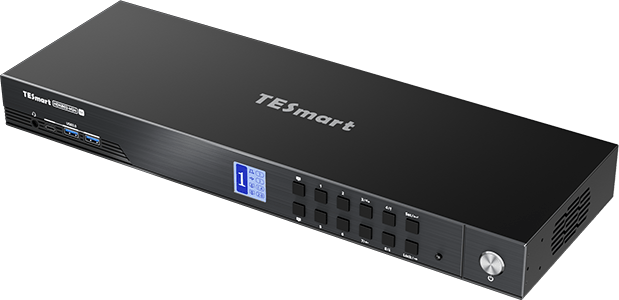
1 × HDK802-M24 KVM Switch
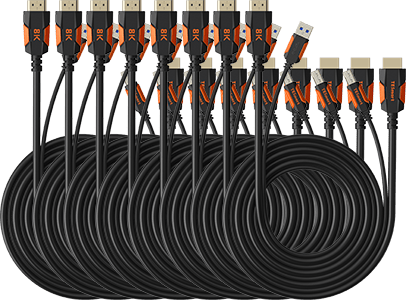
8 × HDMI + USB KVM cable
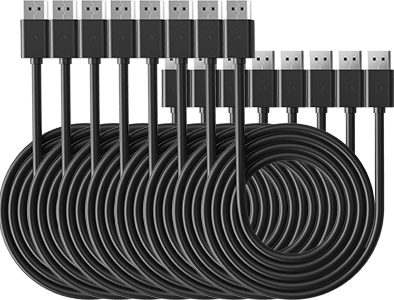
8 × DisplayPort cable
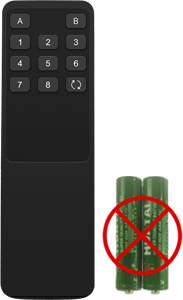
1 × IR Remote Control
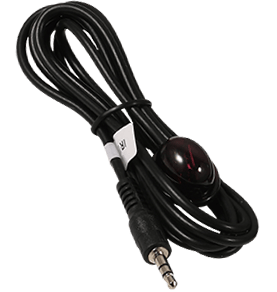
1 × IR Receiver Cable
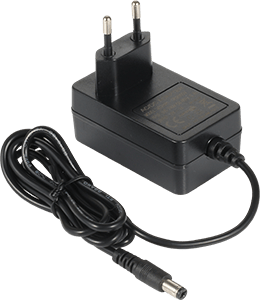
1 × DC 12V/4A power supply
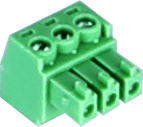
1 × 3-pin RS232 connector
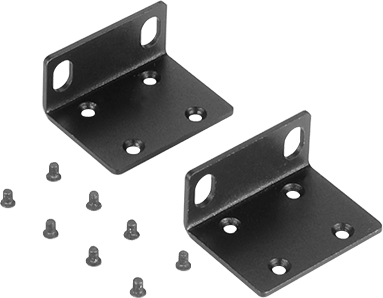
2 × Rack Angle
Frequently asked questions
You can find further answers in our Help Center.
[Compatibility] Which computers does the HDK802-M24 support?
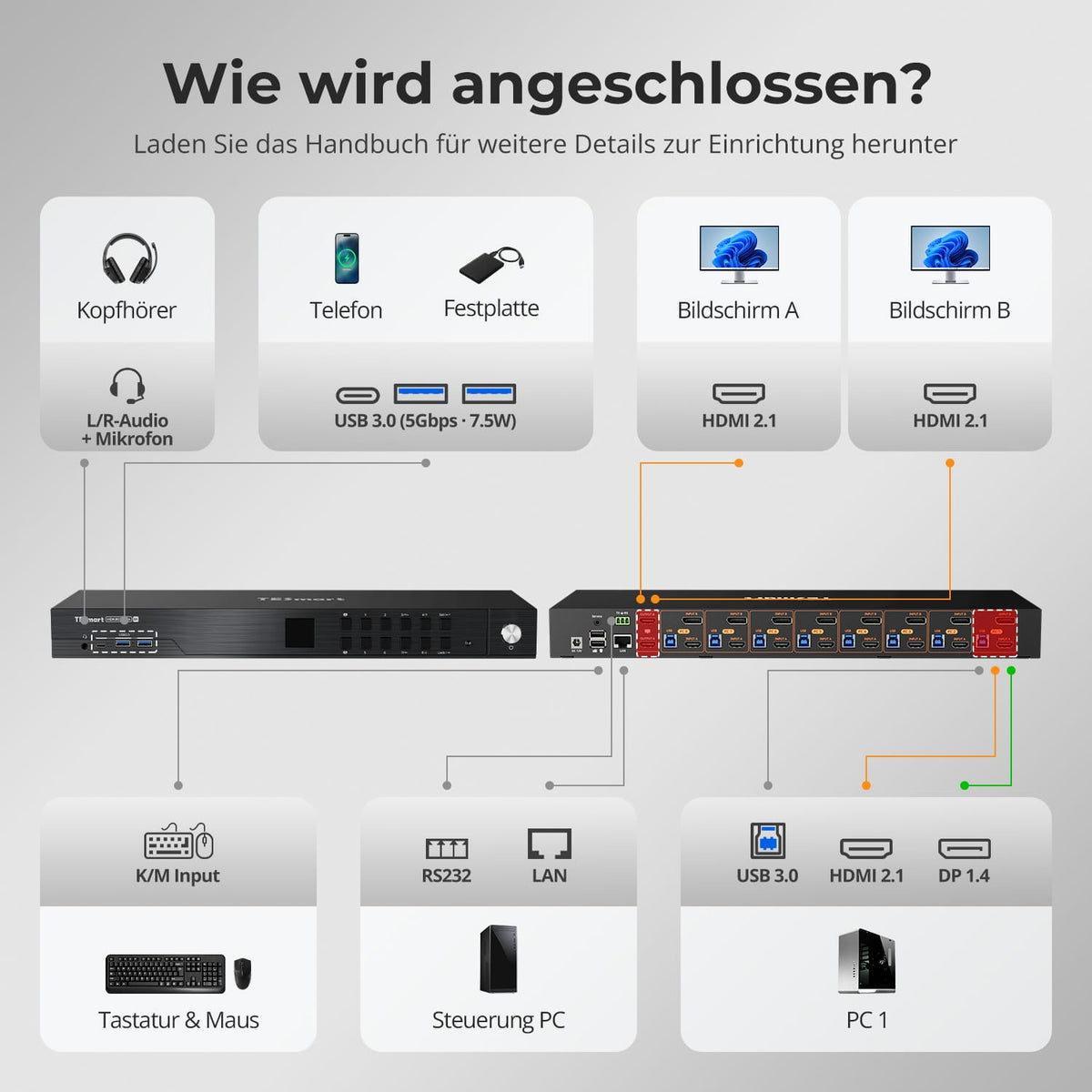
Up to eight computers. Each requires HDMI, DisplayPort and USB for the appropriate input group.
[Compatibility] What resolution does the HDK802-M24 support?
Up to 8K@60Hz in 4:4:4, backward compatible with 4K@60/120/144Hz. GPU, monitor, cable, and video format determine the actual output.
[Compatibility] What does every PC need for two monitors?
HDMI and DisplayPort for video, and USB for keyboard, mouse, and shared devices. Without both video connections, a PC cannot supply both KVM outputs on its own.
[Functions] Can each monitor display a different computer?
Yes. The HDK802-M24 can display a different computer on each output. The keyboard and mouse control the selected system.
[Functions] Does the HDK802-M24 support EDID emulation?
Yes. EDID emulation keeps display information readily available and reduces resolution changes, re-detection, and shifted windows when switching.
[Connections] Can I share USB devices via the KVM?
Yes. Shared USB 3.2 Gen 1 ports transfer data from compatible devices at up to 5 Gbps.
[Connections] What are LAN and RS232 used for?
For KVM control via network command or serial connection. They do not share an Ethernet connection with the eight PCs.
[Switch] How do I control the HDK802-M24?
Control via control panel, IR remote control, hotkeys or mouse wheel. LAN and RS232 enable additional remote control and integration.
[Functions] What do Auto Detect and Auto-Scan do?
Auto Detect can switch when active sources are connected or removed. Auto Scan cycles through powered-on inputs at a set interval for unattended monitoring.
