

Computeranschluss

Übertragungsrate

Dual-Chip-Design
Computerkompatibilität
SSD-Unterstützung

Kühlung

Gehäuse
NVMe SSD Enclosure | Thunderbolt 5 & USB 20Gbps
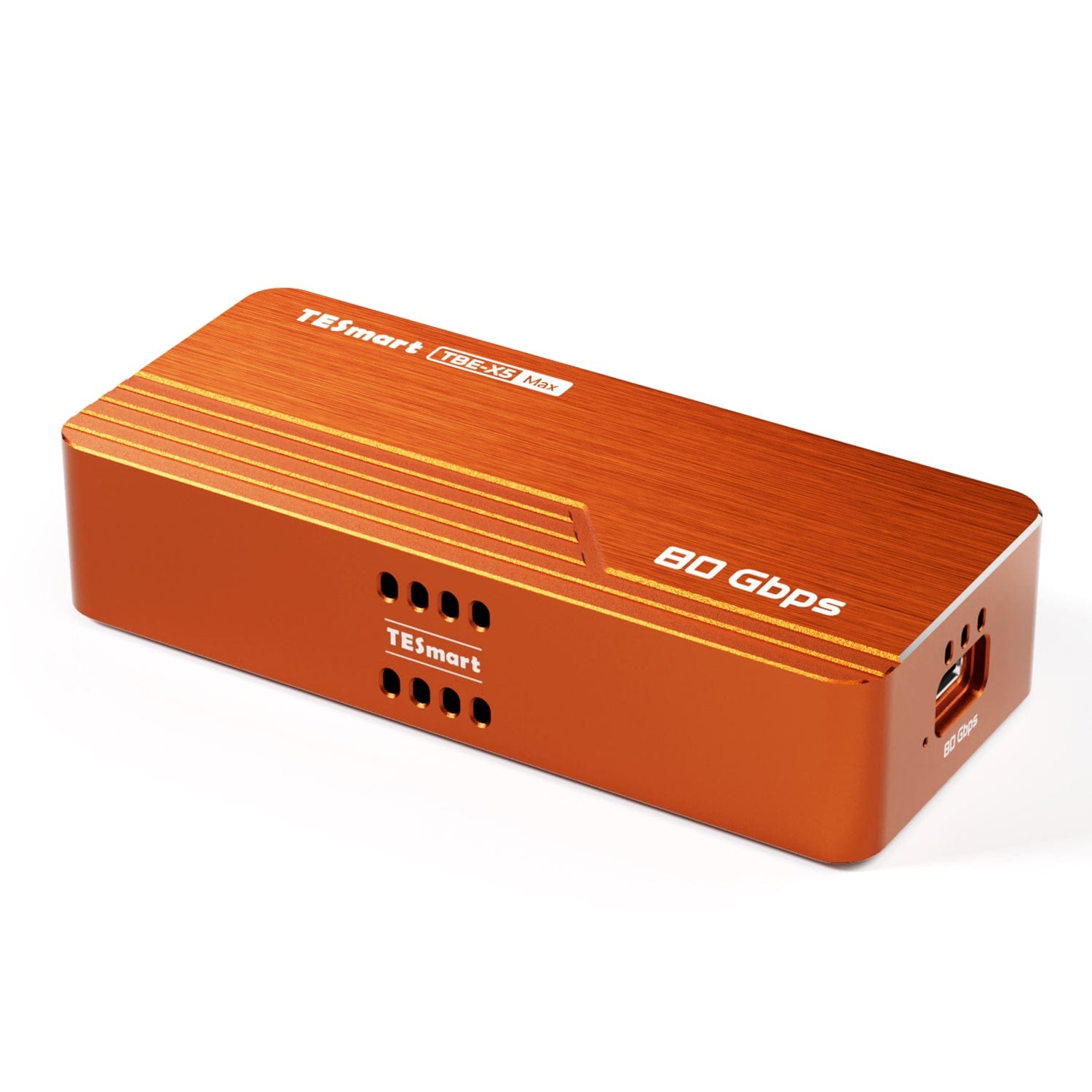
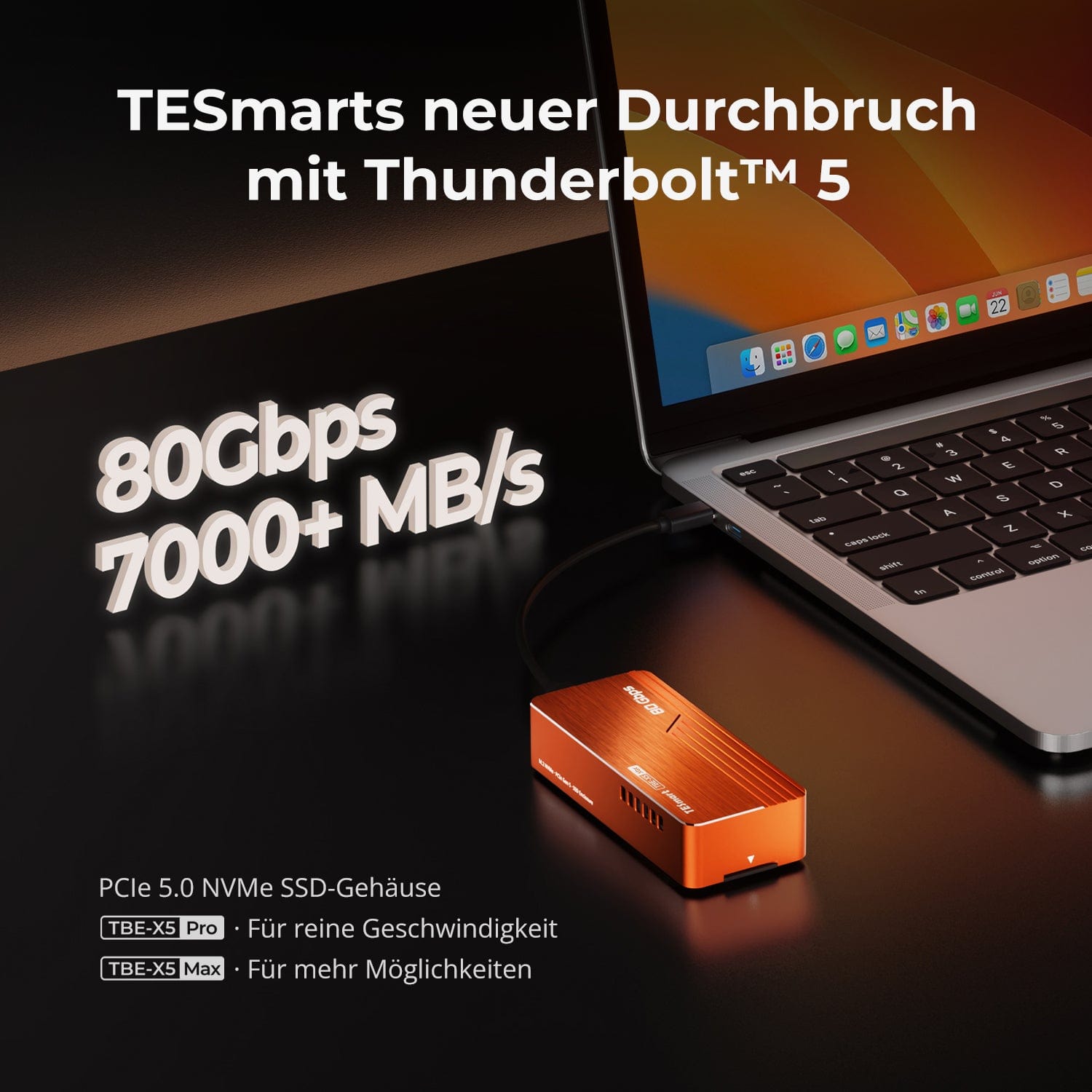
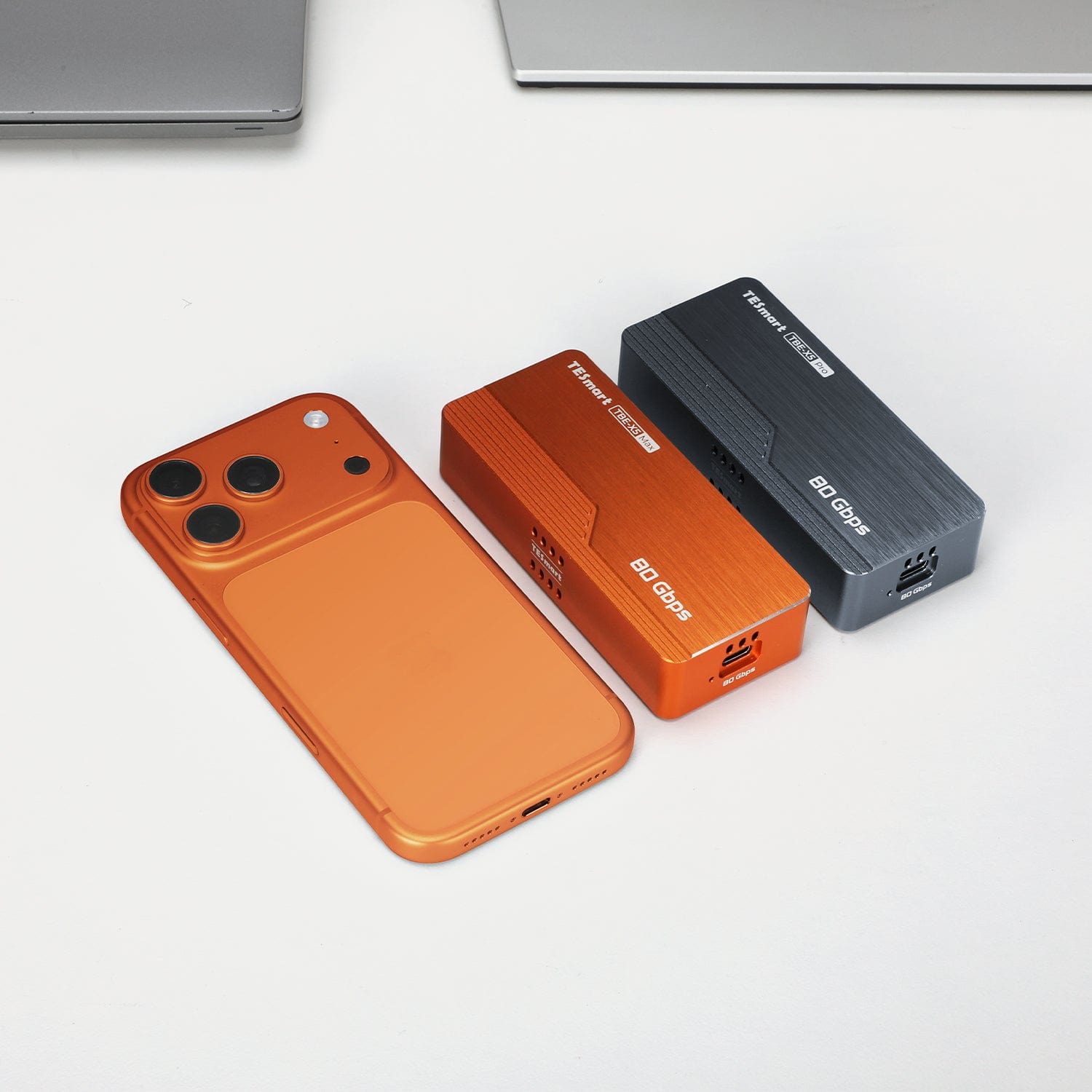
TBE-X5Max brings up to 8TB M.2 2280 NVMe SSDs to Thunderbolt 5/4/3, USB4 and USB 3.x computers. The dual-chip design achieves up to 7,000 MB/s on compatible Thunderbolt 5 systems.
Computeranschluss
Übertragungsrate
Dual-Chip-Design
Computerkompatibilität
SSD-Unterstützung
Kühlung
Gehäuse
NVMe SSD Enclosure | Thunderbolt 5 & USB 20Gbps
Why TBE-X5MAX?
Overview
01
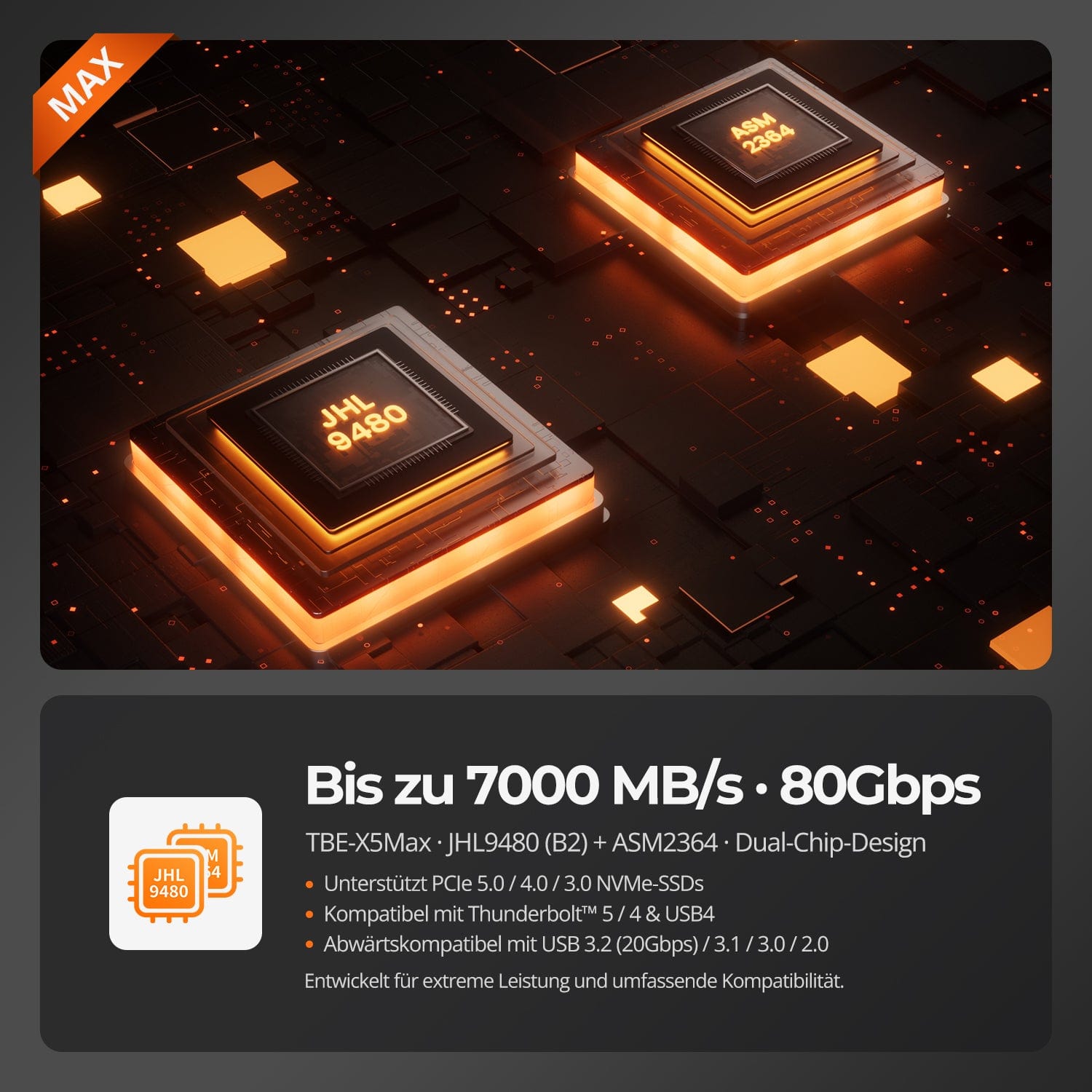
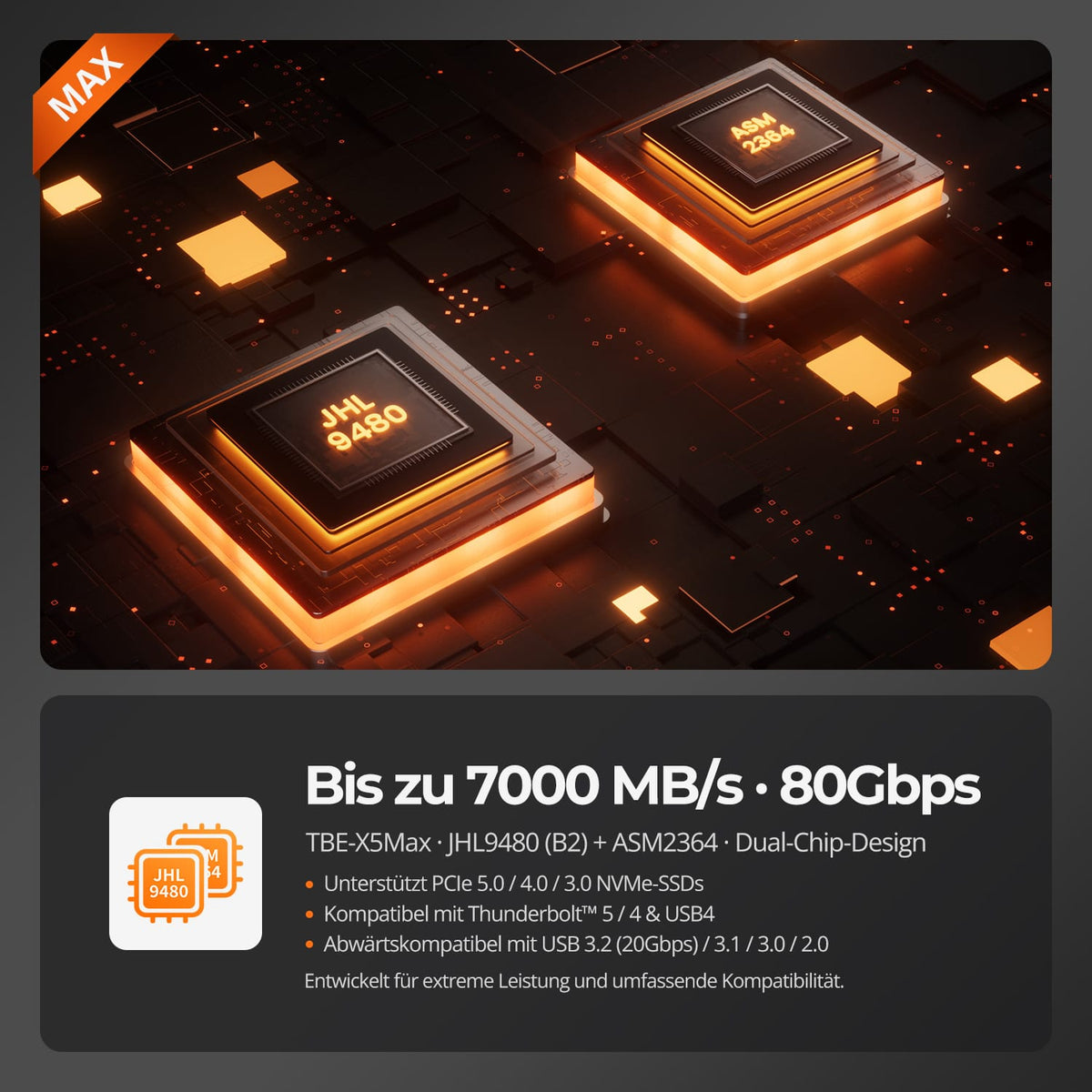
80 Gbit/s with two chips
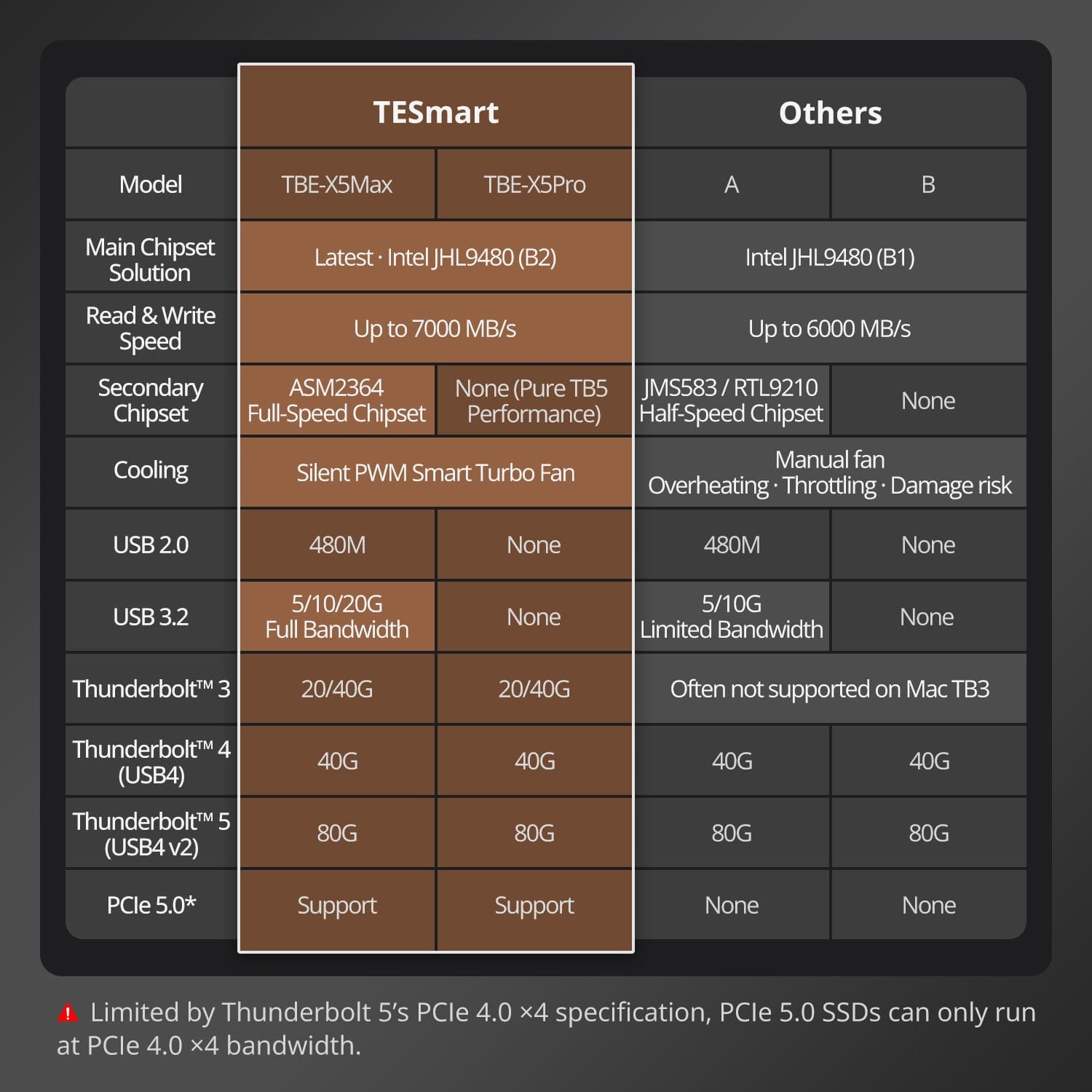
Transfer media, projects, and backups at speeds of up to 7000 MB/s to a Thunderbolt 5 computer with a suitable NVMe SSD. The Intel JHL9480 (B2) and ASM2364 combine high PCIe storage performance with broad USB compatibility.
02
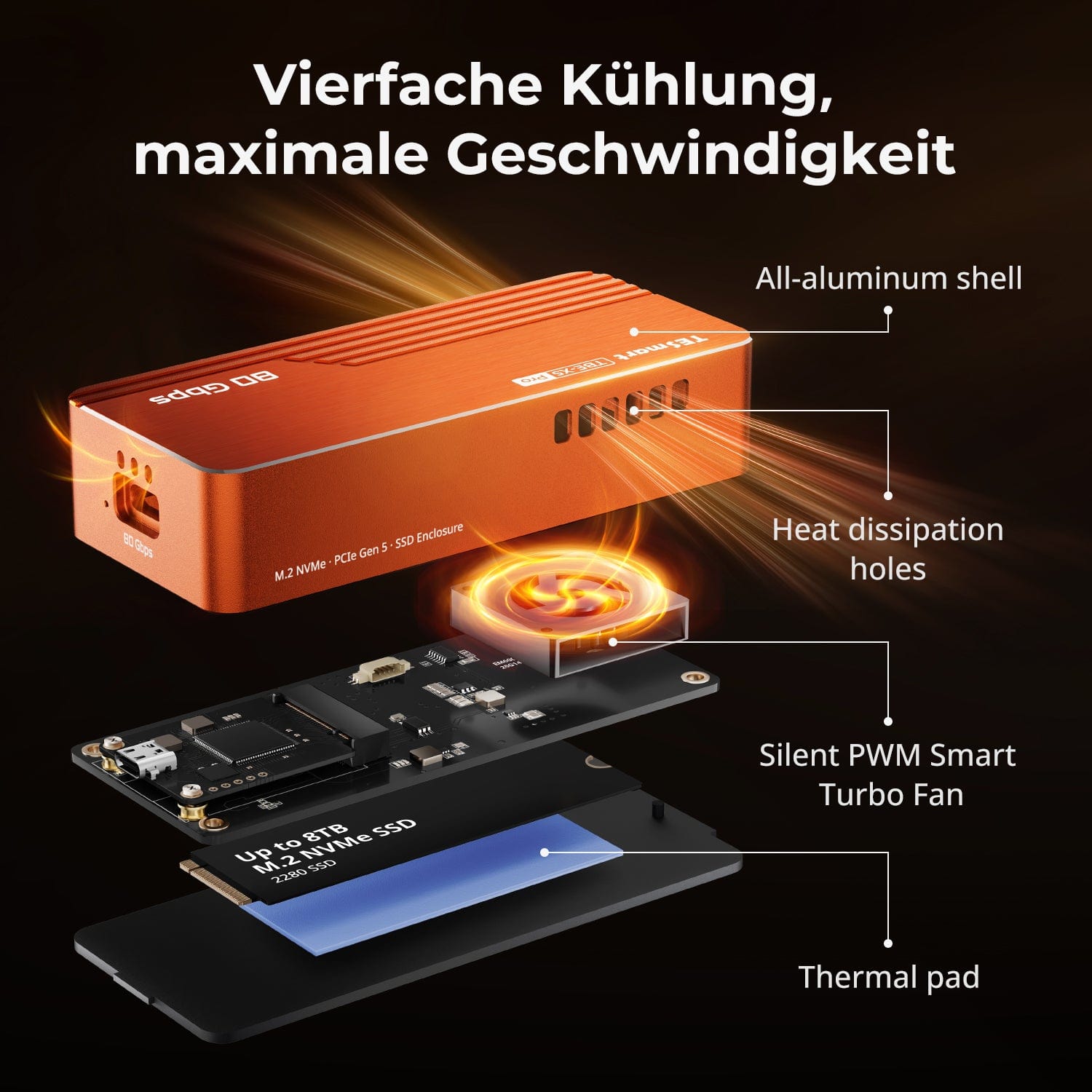
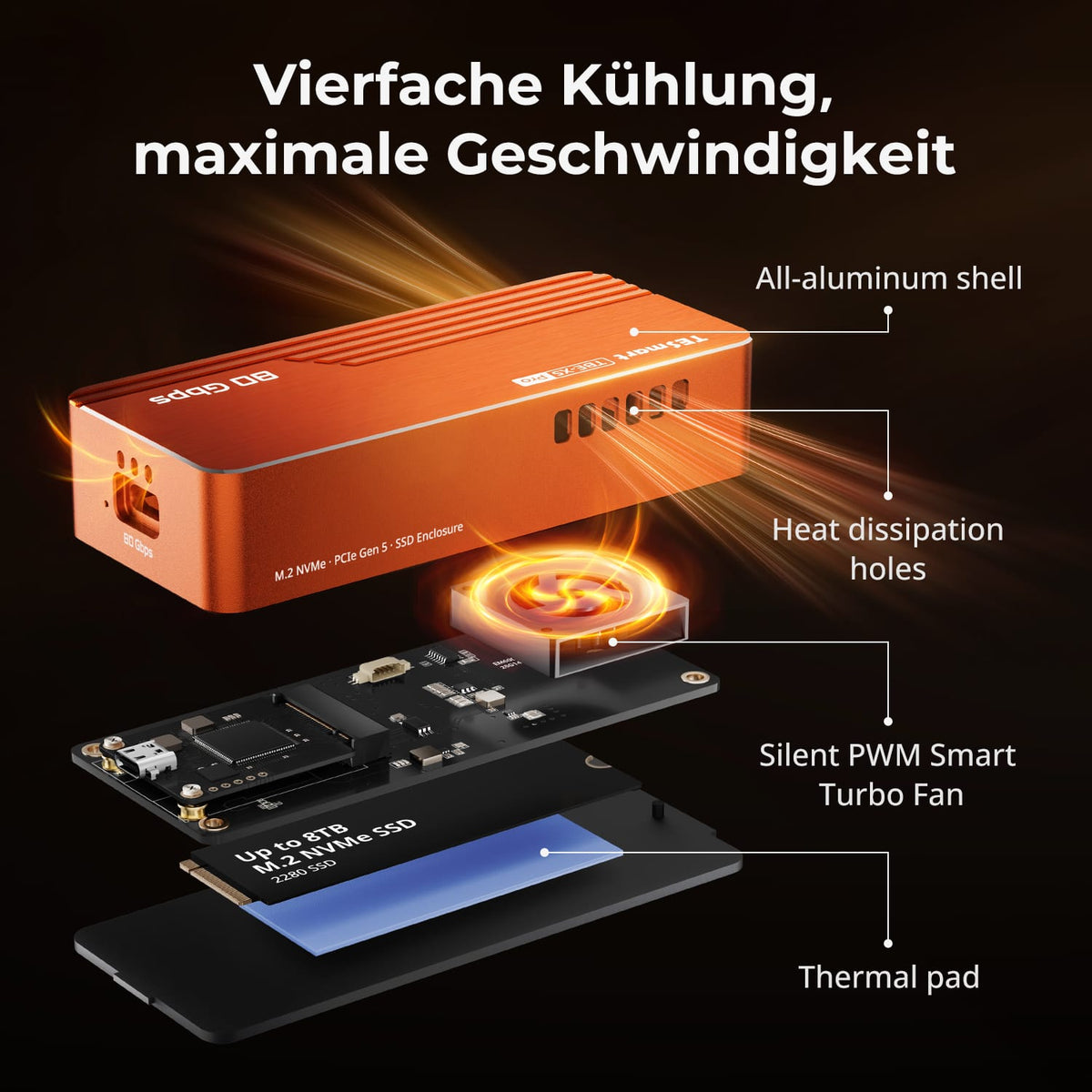
Quadruple cooling for high performance
Aluminium housing, optimized ventilation, quiet PWM fan and thermal pad support stable performance at low noise levels and reduce thermal throttling.
03
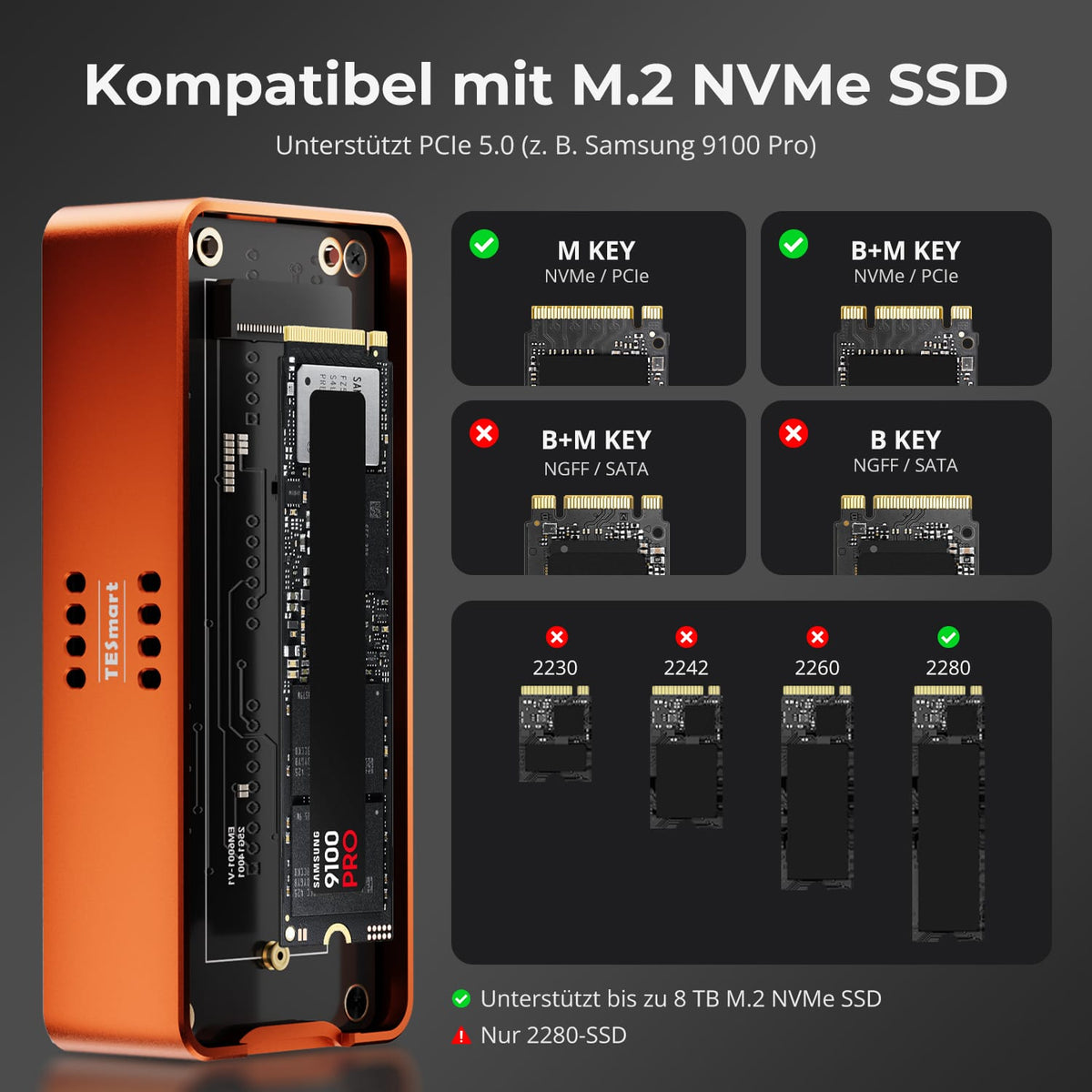
M.2 NVMe SSDs with powerful cooling
For M.2 NVMe SSDs with aluminum housing, optimized ventilation, quiet PWM fan and thermal pad – for stable continuous performance.
Data & Support
This overview describes the X5Max with Thunderbolt, USB4, and USB 3.x compatibility. The X5Pro supports Thunderbolt and USB4, but not USB 3.x computers.
Compatibility & Connections
Technical data
Instructions & Downloads
Scope of delivery
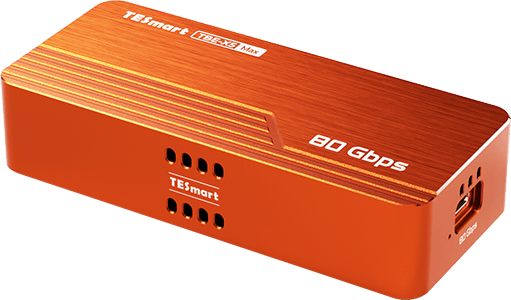
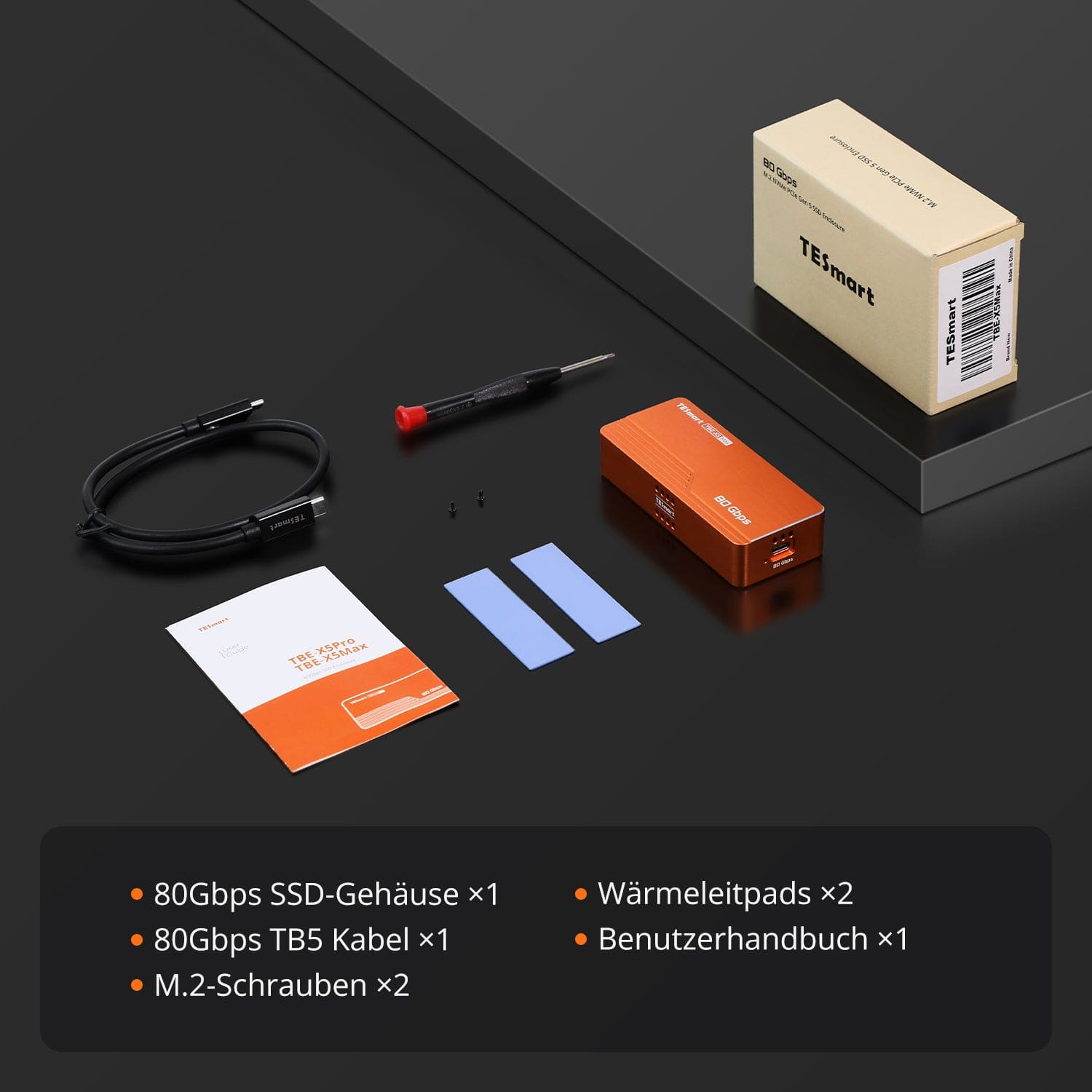
1 × SSD enclosure (80 Gbit/s)
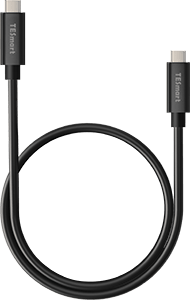
1 × USB-C cable (80 Gbit/s)
1×User manual

2 × Silicone Thermal Pads
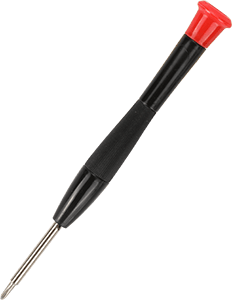
1 × Screwdriver
Compare suitable models
Compare computer compatibility and controller design. Both enclosures require a 2280 form factor NVMe SSD.
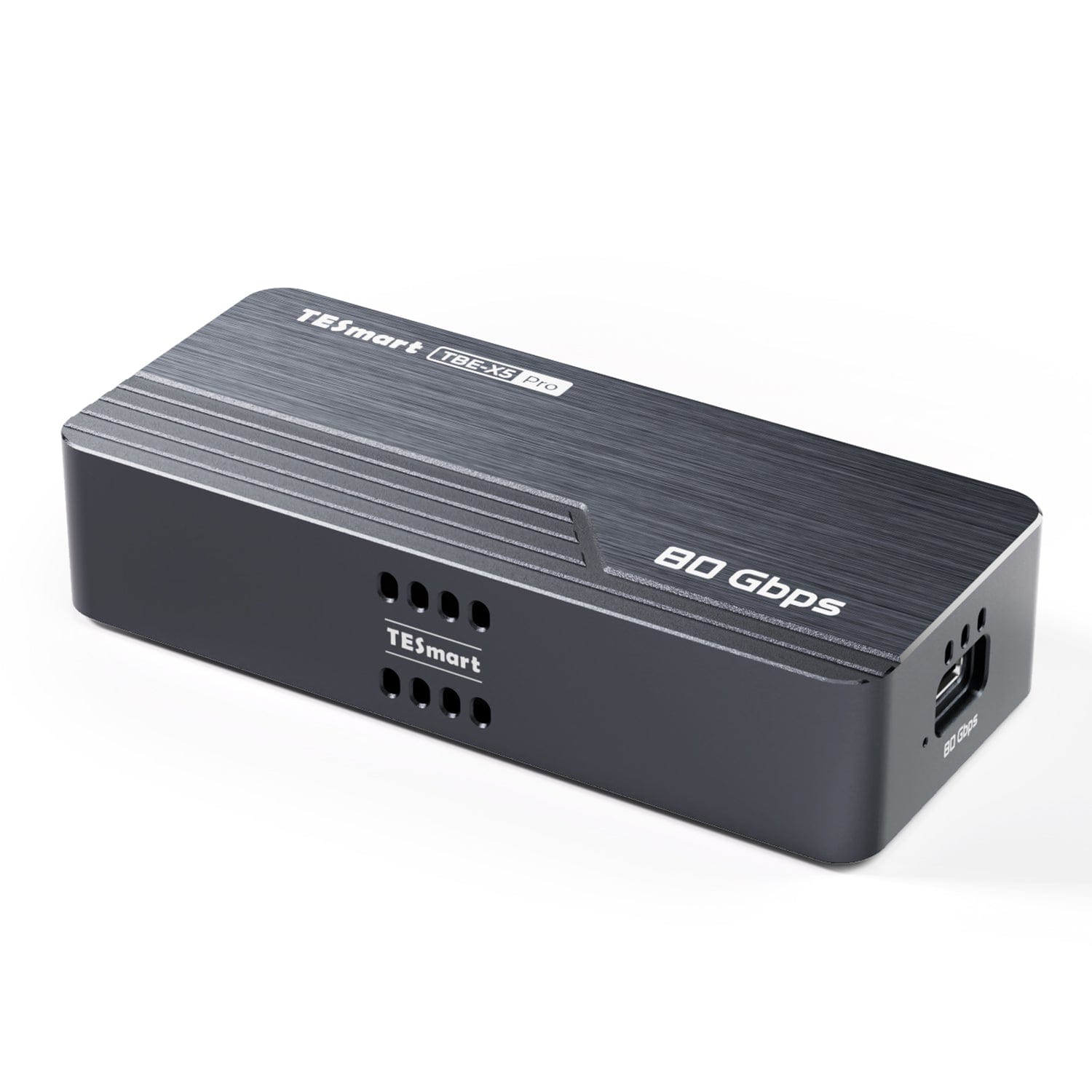
Model
TBE-X5MAX
Model
TBE-X5PRO
Compatible computer ports
Thunderbolt 5/4/3, USB4 v2/USB4, USB 3.x/2.0
Compatible computer ports
Thunderbolt 5/4/3, USB4 v2/USB4
Maximum connection bandwidth
80 Gbit/s; USB 3.2 Gen 2×2 up to 20 Gbit/s
Maximum connection bandwidth
80 Gbit/s
Controller structure
Intel JHL9480 (B2) + ASM2364, two chips
Controller structure
Intel JHL9480 (B2), a chip
Computer connection via USB 3.x
Computer connection via USB 3.x
SSD type
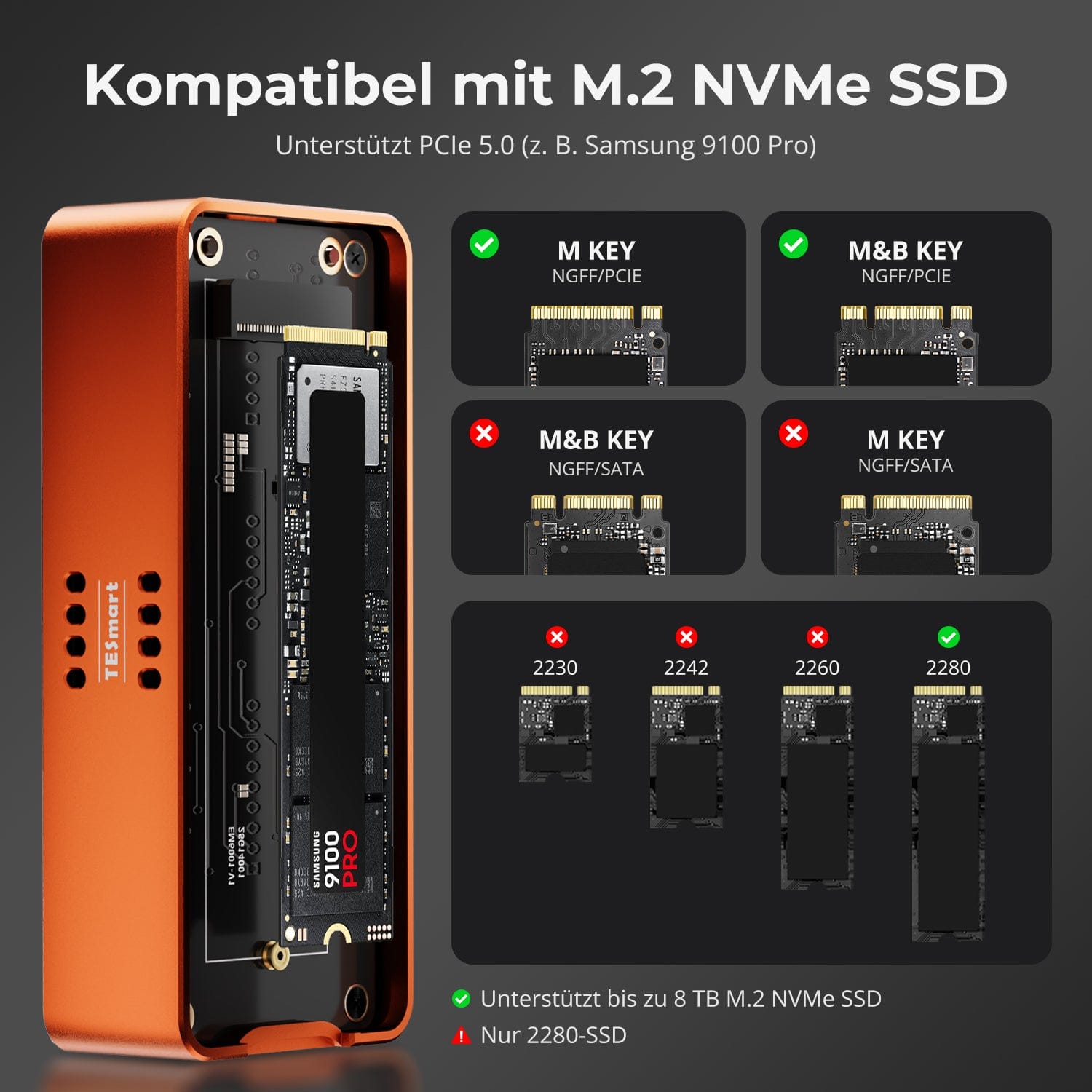
M.2 NVMe PCIe; M-Key or PCIe B&M-Key
SSD type
M.2 NVMe PCIe; M-Key or PCIe B&M-Key
SSD format
Only 2280
SSD format
Only 2280
Maximum system size
8TB
Maximum system size
8TB
PCIe support
PCIe 5.0/4.0/3.0; connection limited to PCIe 4.0 x4
PCIe support
PCIe 5.0/4.0/3.0; connection limited to PCIe 4.0 x4
Cooling
Aluminum housing + thermal pad + temperature-controlled fan
Cooling
Aluminum housing + thermal pad + temperature-controlled fan
Power supply
Power supply via computer port
Power supply
Power supply via computer port
Requirements for maximum performance
Maximum speed requires a Thunderbolt 5 computer, an 80 Gbps cable, and a fast NVMe SSD.
Requirements for maximum performance
Maximum speed requires a Thunderbolt 5 computer, an 80 Gbps cable, and a fast NVMe SSD.
Frequently asked questions
Answers to frequently asked questions about TBE-X5Max.
[Compatibility] Which connections and systems does the TBE-X5Max support?
Thunderbolt 5/4/3, USB4 v2, USB4 and USB 3.2/3.1/3.0. Windows, Linux and macOS are listed. Recommended setups: Windows 11 with TB5, Windows 10/11 with TB4, macOS 14.4 with TB4/USB4 and macOS 15.0 with TB3.
[Compatibility] Which SSDs are compatible with the TBE-X5Max?
M.2 2280 NVMe PCIe SSDs with M-Key or B&M-Key, up to 8 TB, PCIe 5.0/4.0/3.0. SATA SSDs are not supported. For optimal performance, use PCIe 4.0 x4 and NVMe 1.4 or later.
[Compatibility] Does the TBE-X5Max support PCIe 5.0 SSDs?
Yes. PCIe 5.0 NVMe SSDs work, but via Thunderbolt 5 they operate within the PCIe 4.0 x4 bandwidth.
[Compatibility] Does the TBE-X5Max work with older USB ports?
Yes. Unlike the TBE-X5Pro, the X5Max also supports USB 3.2 Gen 2×2, Gen 2×1, Gen 1, USB 3.1/3.0 and USB 2.0. The computer port limits the speed.
[Perfomance] What data rate does the TBE-X5Max achieve?
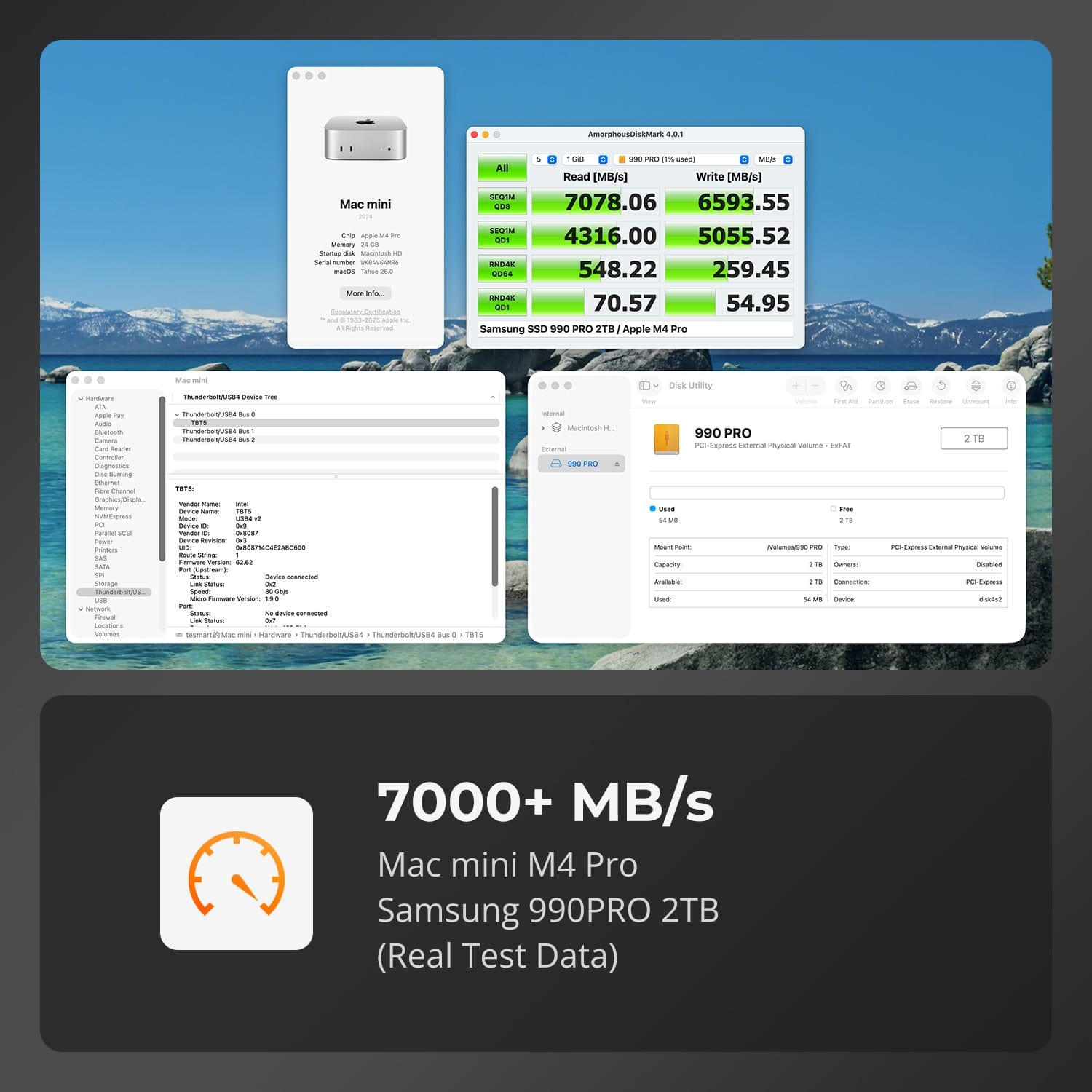
In lab tests with Thunderbolt 5 and a suitable SSD, read speeds exceeded 7000 MB/s and write speeds reached 6500 MB/s. Actual performance depends on the computer connection, cable, SSD, workload, and system environment.
[Functions] Which controller does the TBE-X5Max use?
Intel JHL9480 (B2) for Thunderbolt 5/4/3 and USB4, as well as ASM2364 for USB 3.2 Gen 2×2 and backward compatibility with older USB standards.
[Cooling] How is the casing cooled during long transmissions?
CNC-machined aluminum housing, temperature-controlled fan, ventilation openings, and silicone thermal pads dissipate heat. The fan automatically switches on and off to maintain stable performance under continuous load.
[Connections] Does the TBE-X5Max require a power supply?
No. Power is supplied via the computer port.
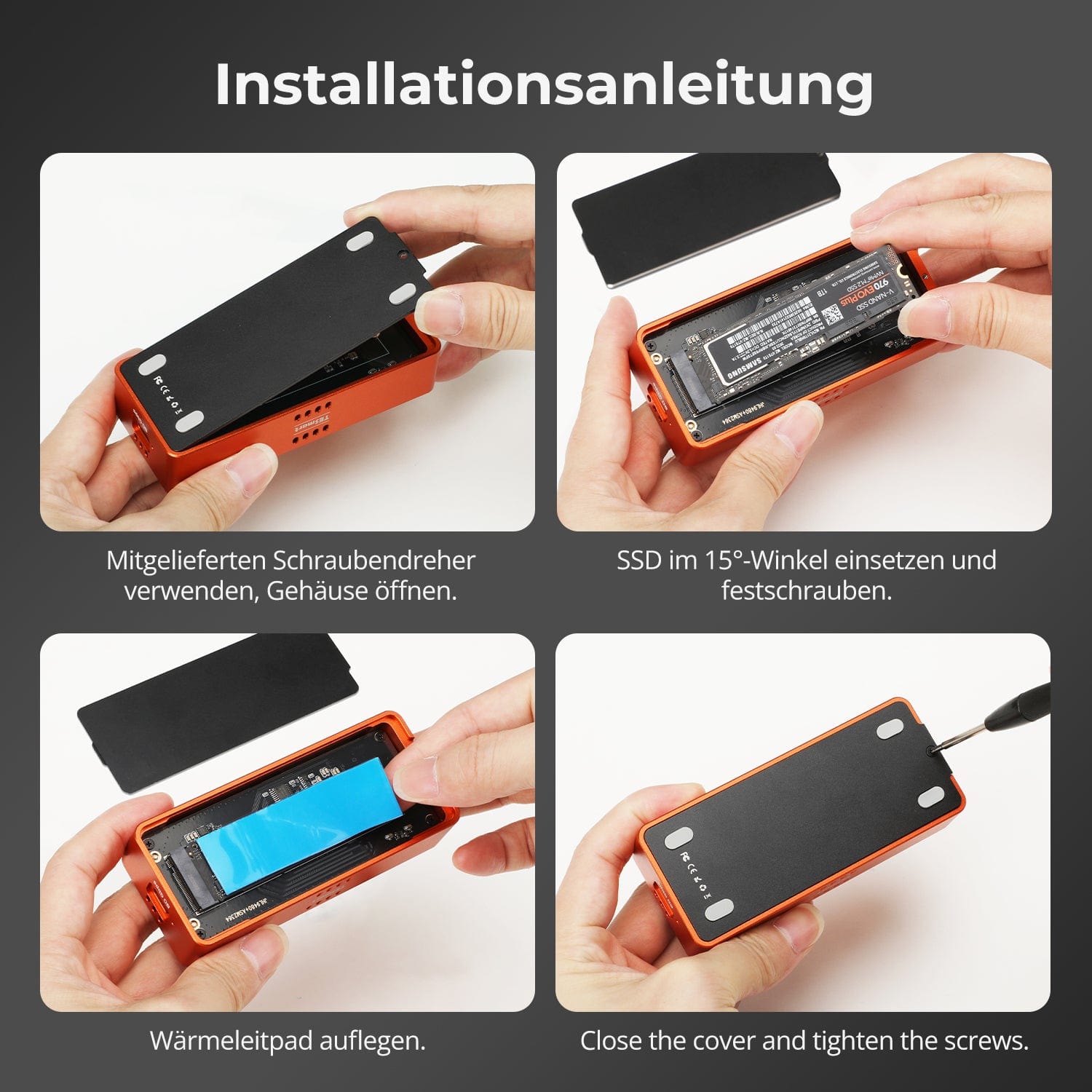
[Furnishings] How do I install an SSD in a TBE-X5Max?
Open the lid, insert a compatible M.2 2280 NVMe SSD at an angle, secure it, and attach the thermal pad. Close the enclosure and connect it using the included 80 Gbps USB-C cable.
[Furnishings] How do I safely separate the casing?
Eject the drive before unplugging it. On Windows, use "Safely Remove Hardware"; on macOS, use the eject function in Finder or drag the drive to the Trash. Wait for confirmation.
