

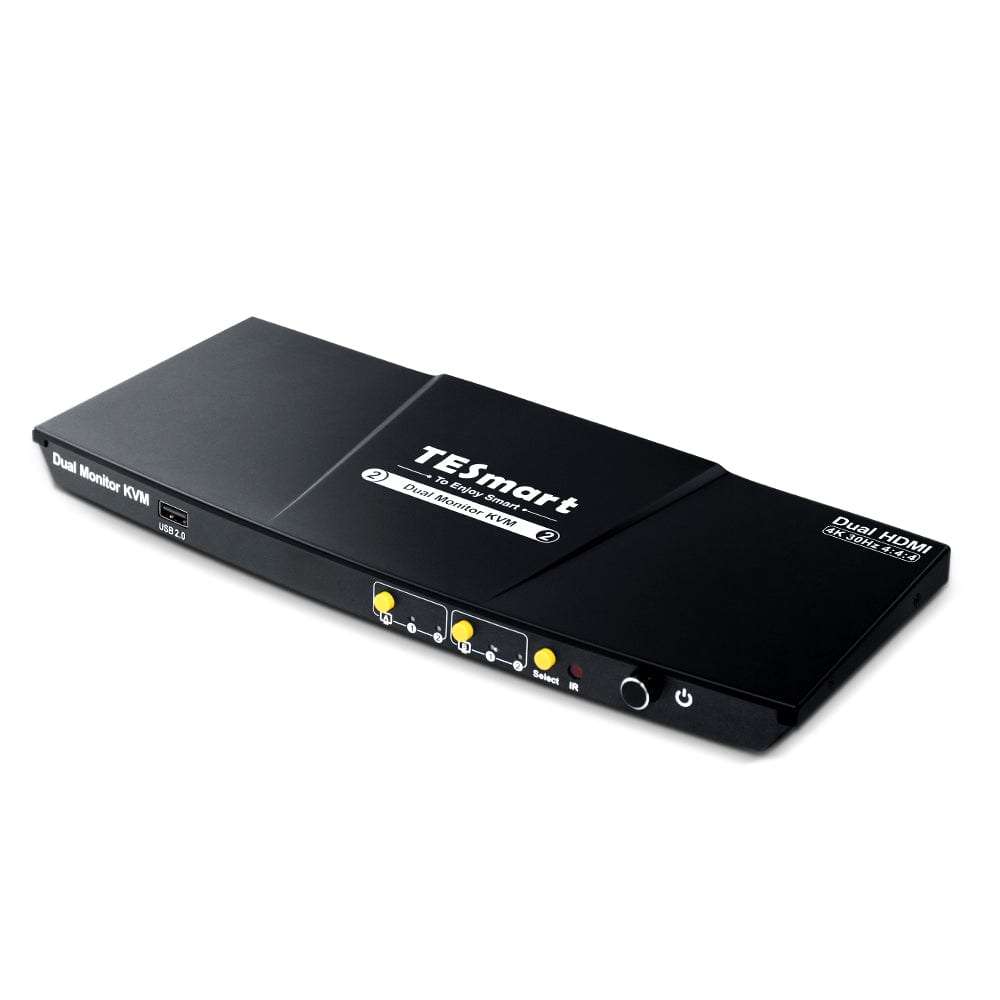
2 Port Dual Monitor KVM Switch HDMI 4K30Hz with USB 2.0 Hub & Audio I/O
Use two HDMI monitors with two computers with up to two times 4K30, EDID management, USB 2.0 sharing and flexible display modes.
- Verbindungseinrichtung:
- Für 2 PCs (HDMI + HDMI)
- Plug type:
- EU plug
Why HKS202-EP23?
Overview

01
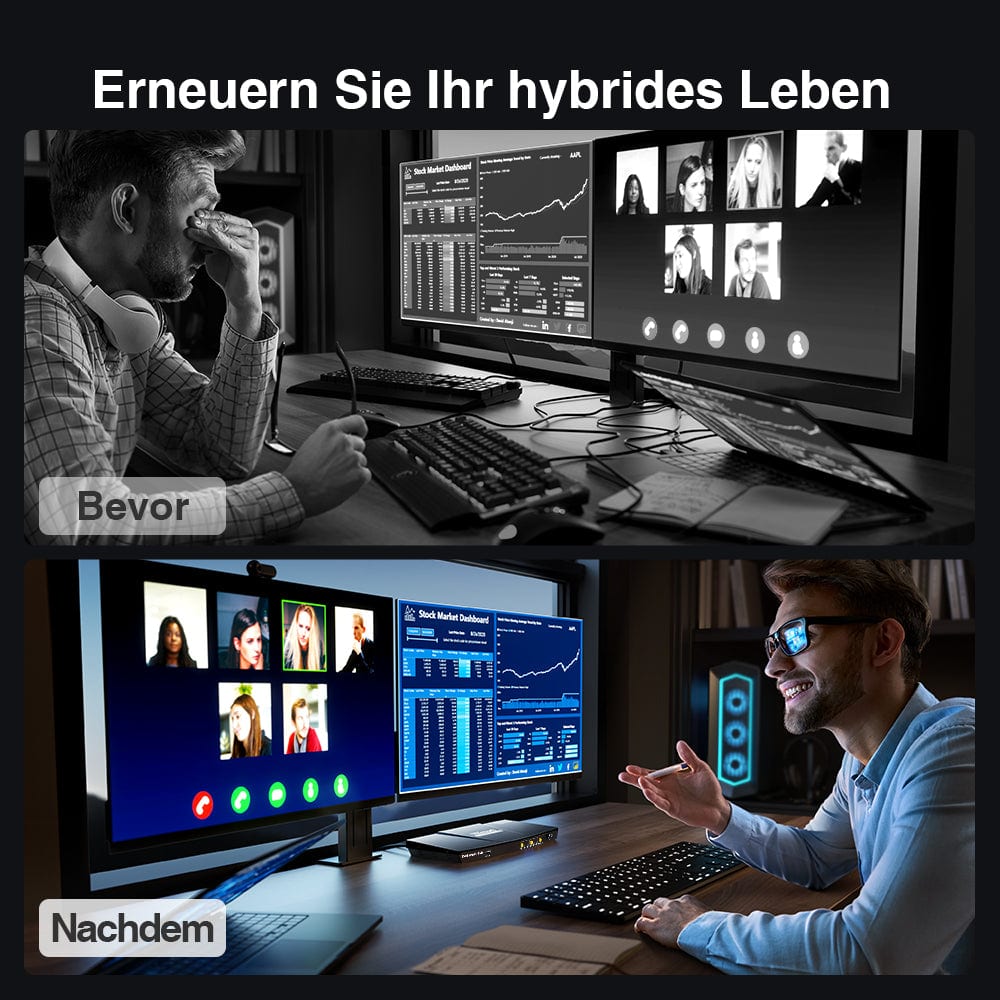
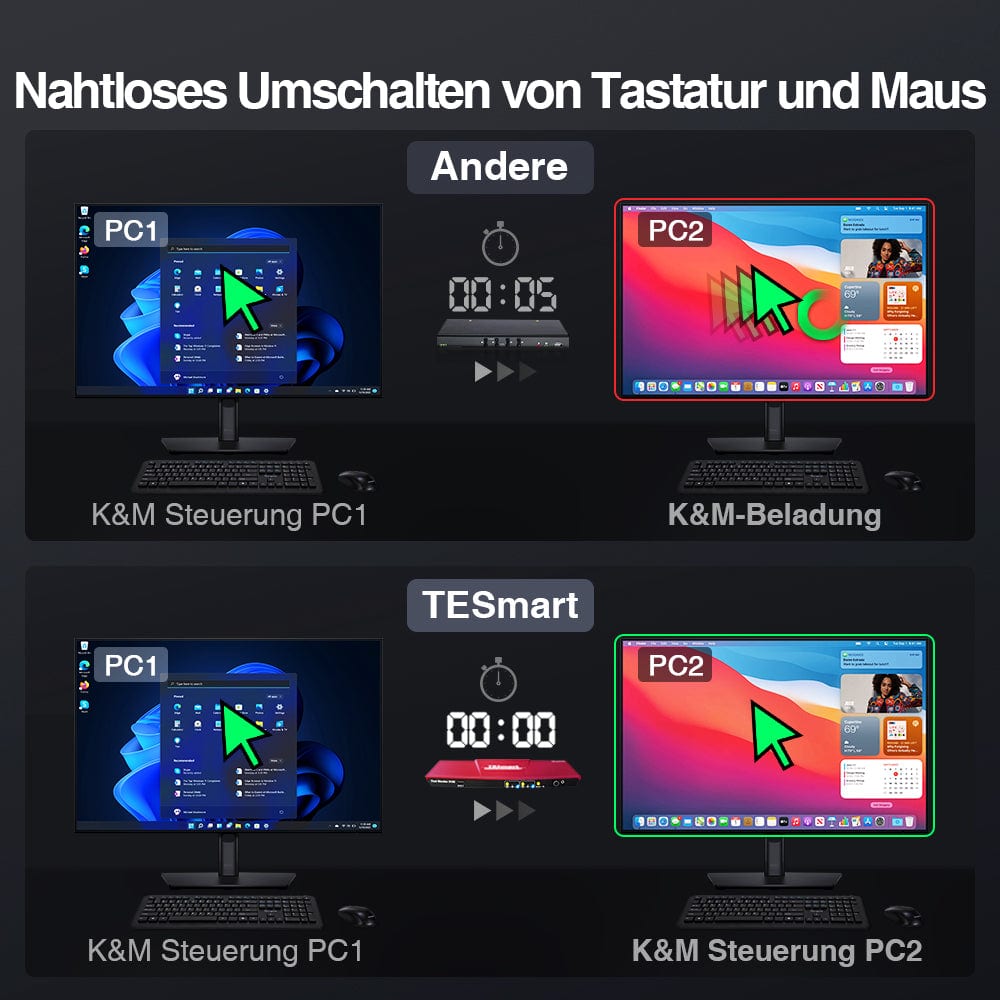
Two PCs at one workstation with two monitors
Two computers remain connected to the same two HDMI monitors, the same keyboard, and the same mouse. Work across systems without duplicate peripherals.
02
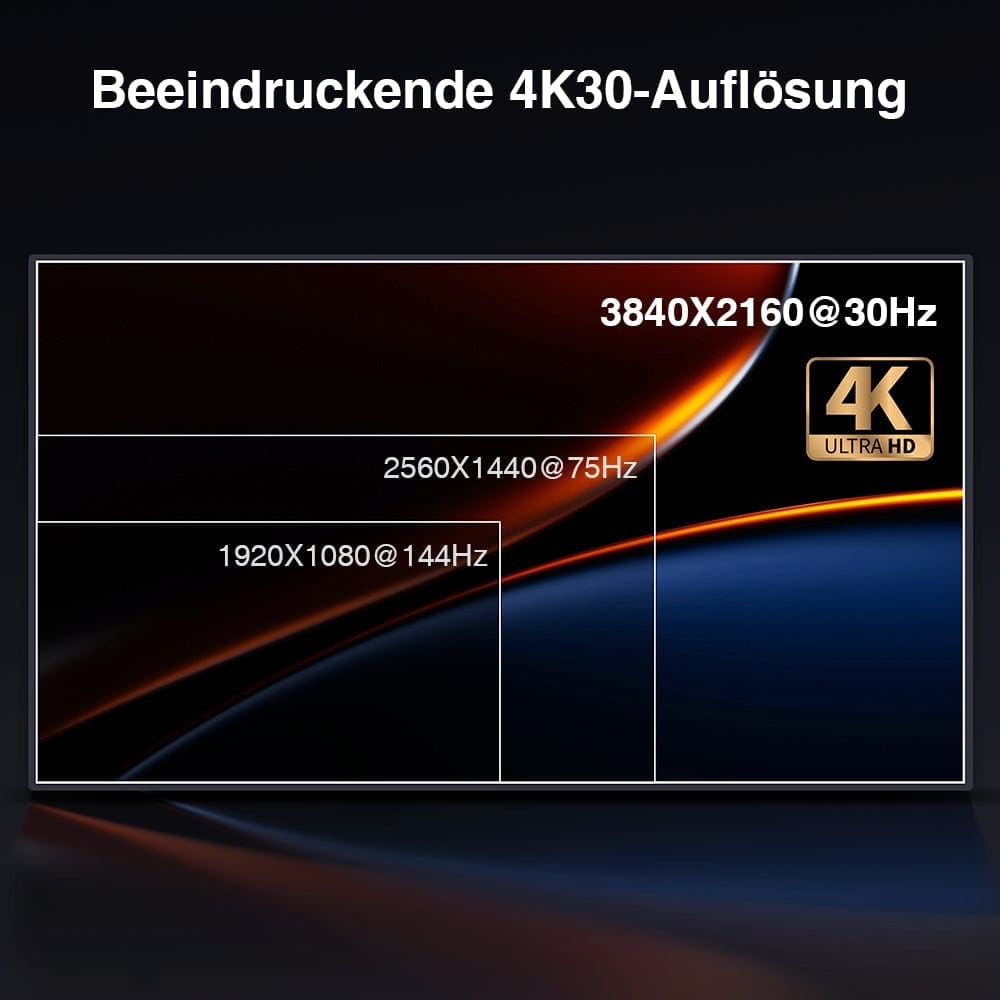
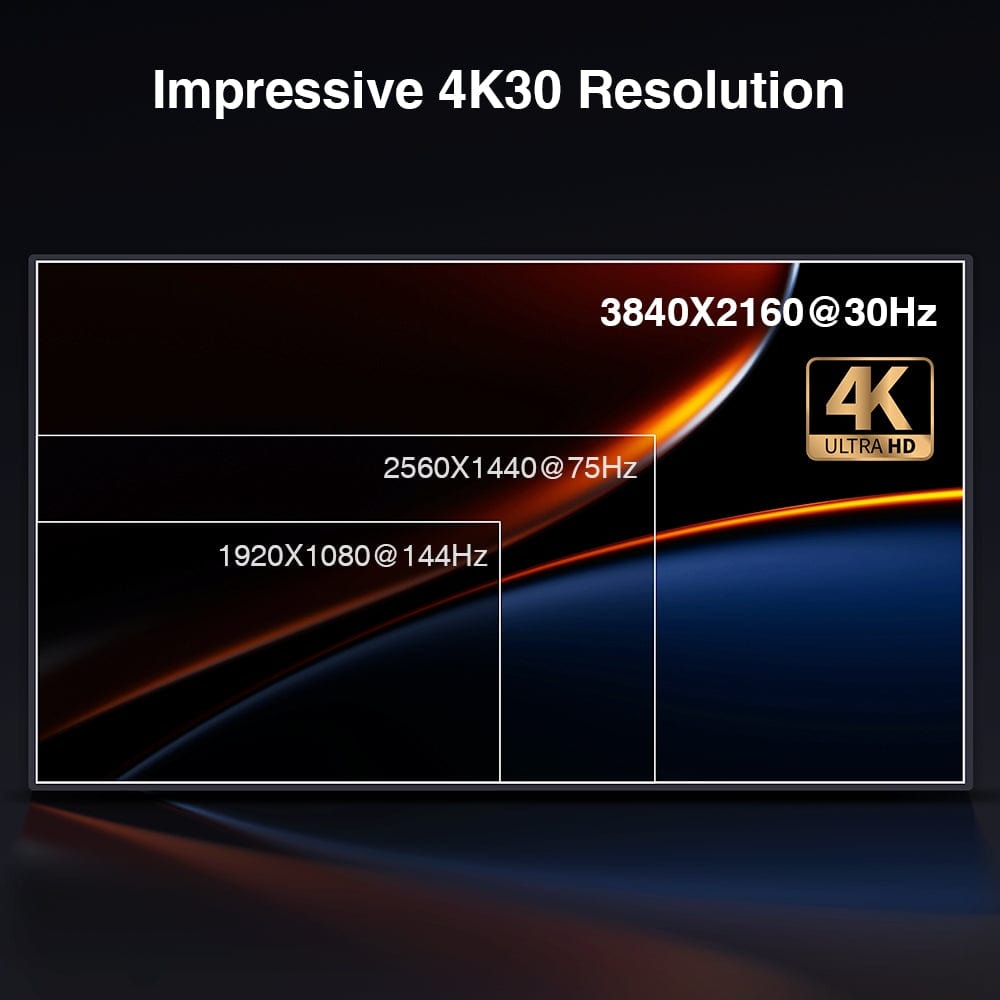
Two HDMI monitors with up to 4K30
Use compatible sources and monitors with up to 3840 × 2160 resolution at 30 Hz per screen. Each computer requires two HDMI video connections and USB.

03
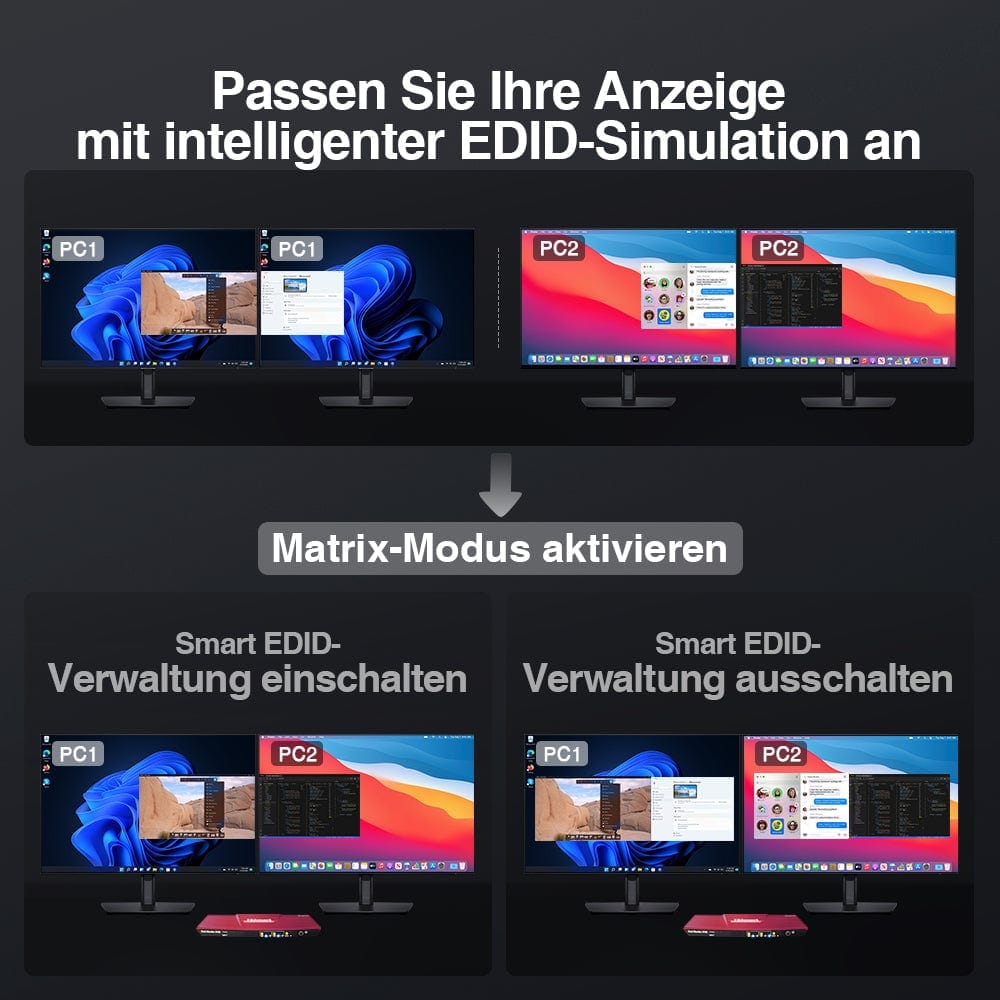
Intelligent EDID management
The EDID management system maintains monitor information for the connected inputs. Supported management functions in matrix mode help to maintain monitor detection when switching sources.
05
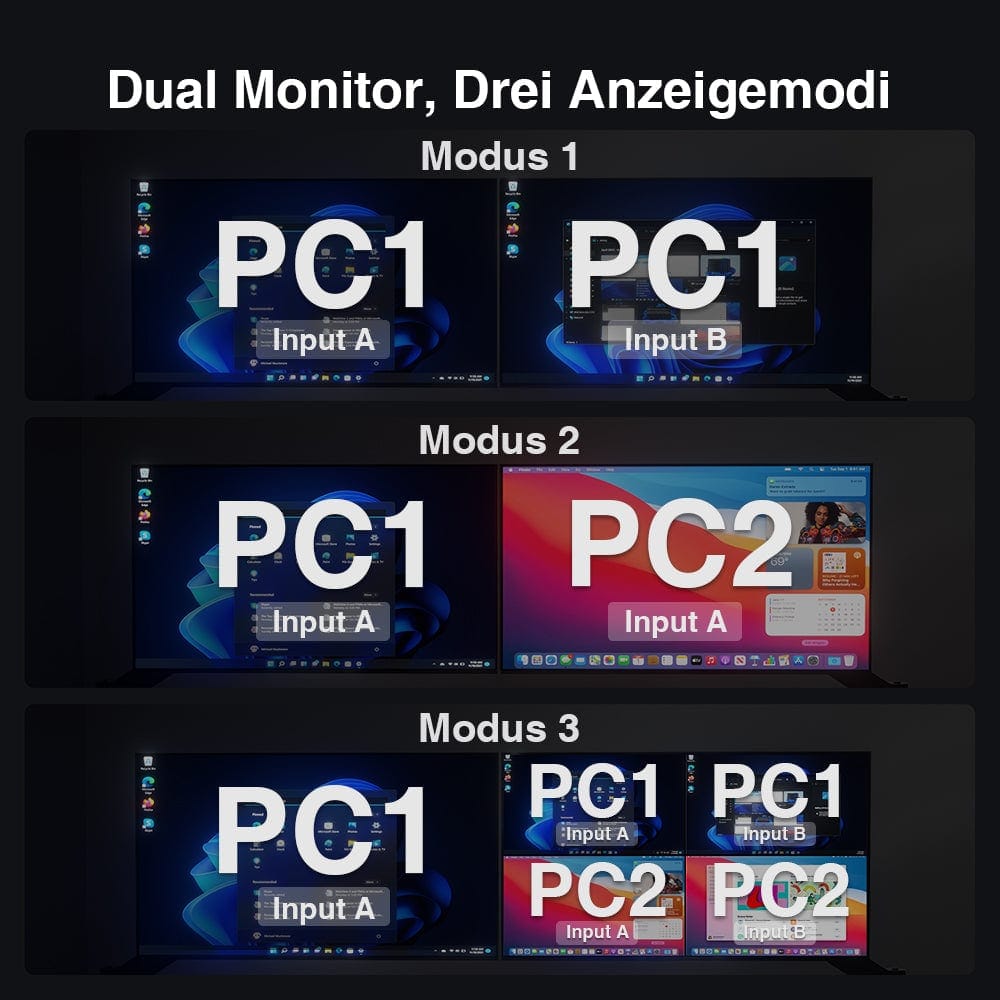
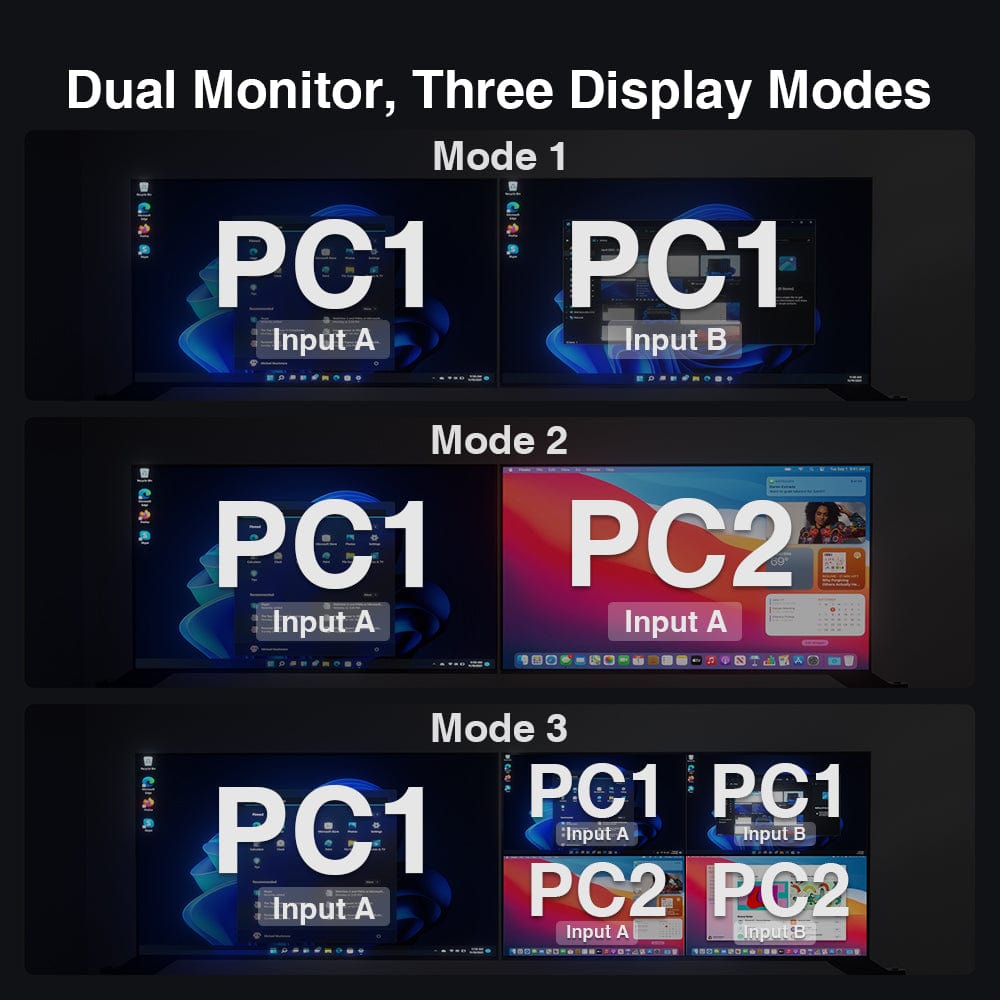
Flexible display modes
Select the dual-monitor, matrix, or supported preview mode to adjust the display of both computers across your screens.

04
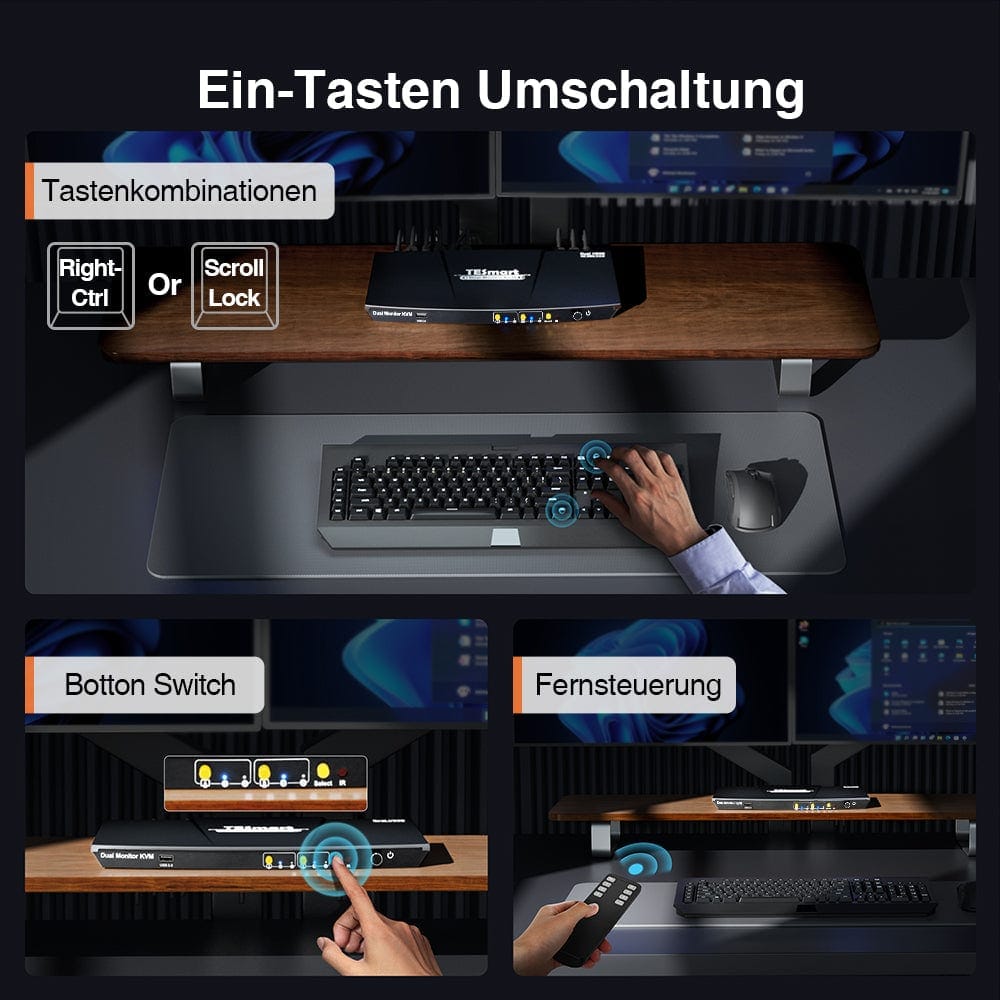
Switch using the preferred method
Select the source conveniently via keyboard hotkeys, front buttons or the IR remote control.
06
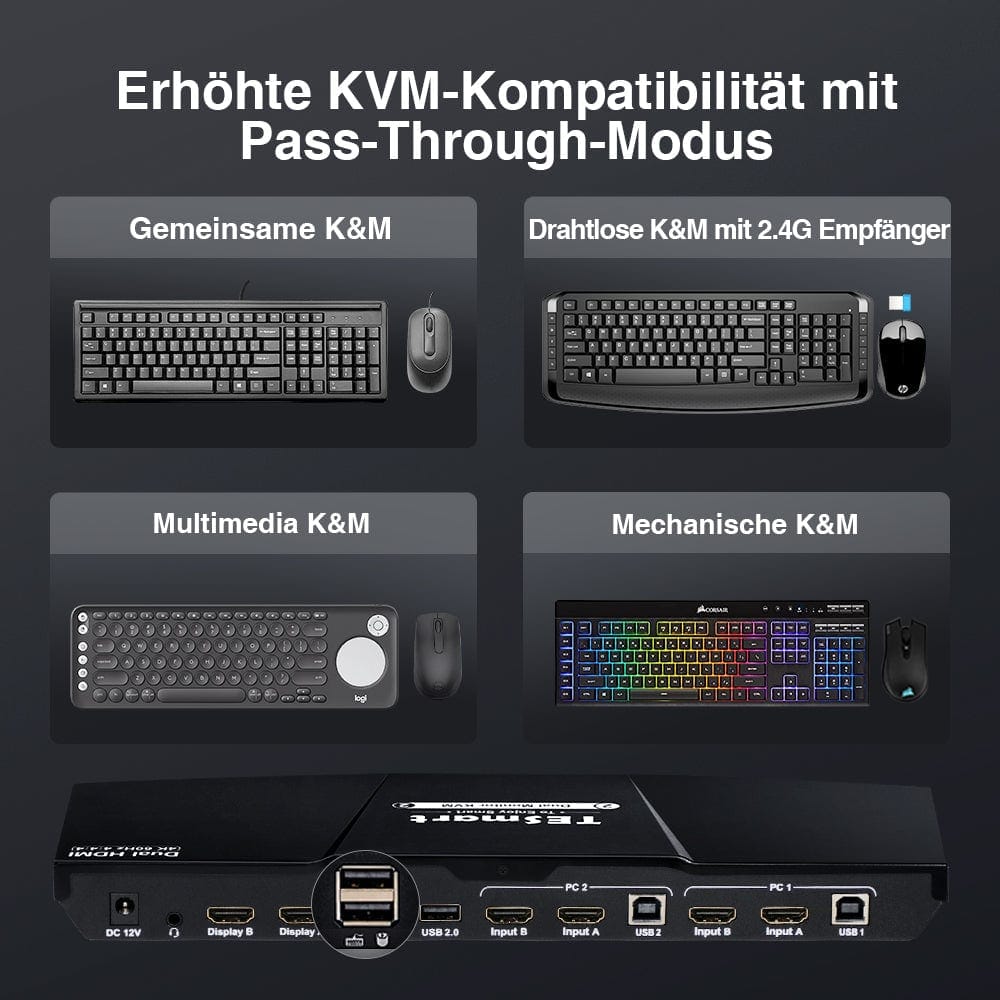
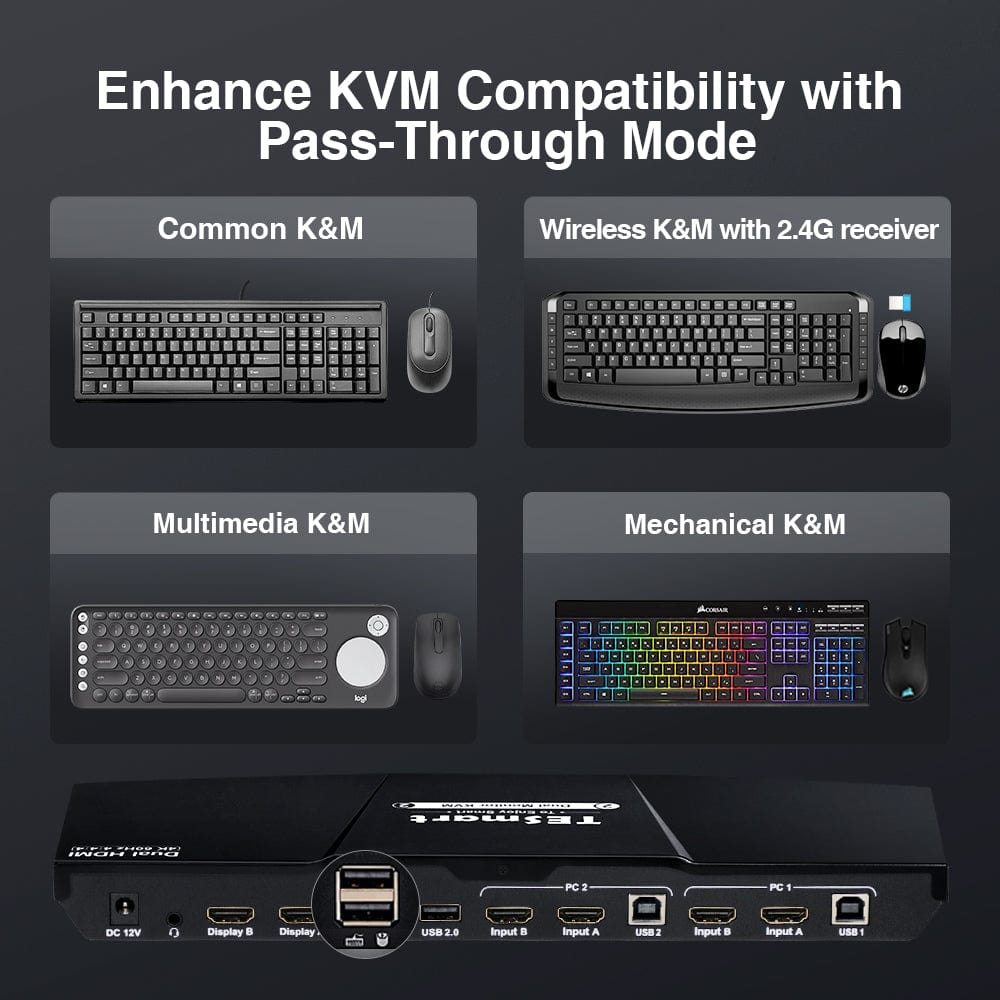
Keyboard and mouse passthrough
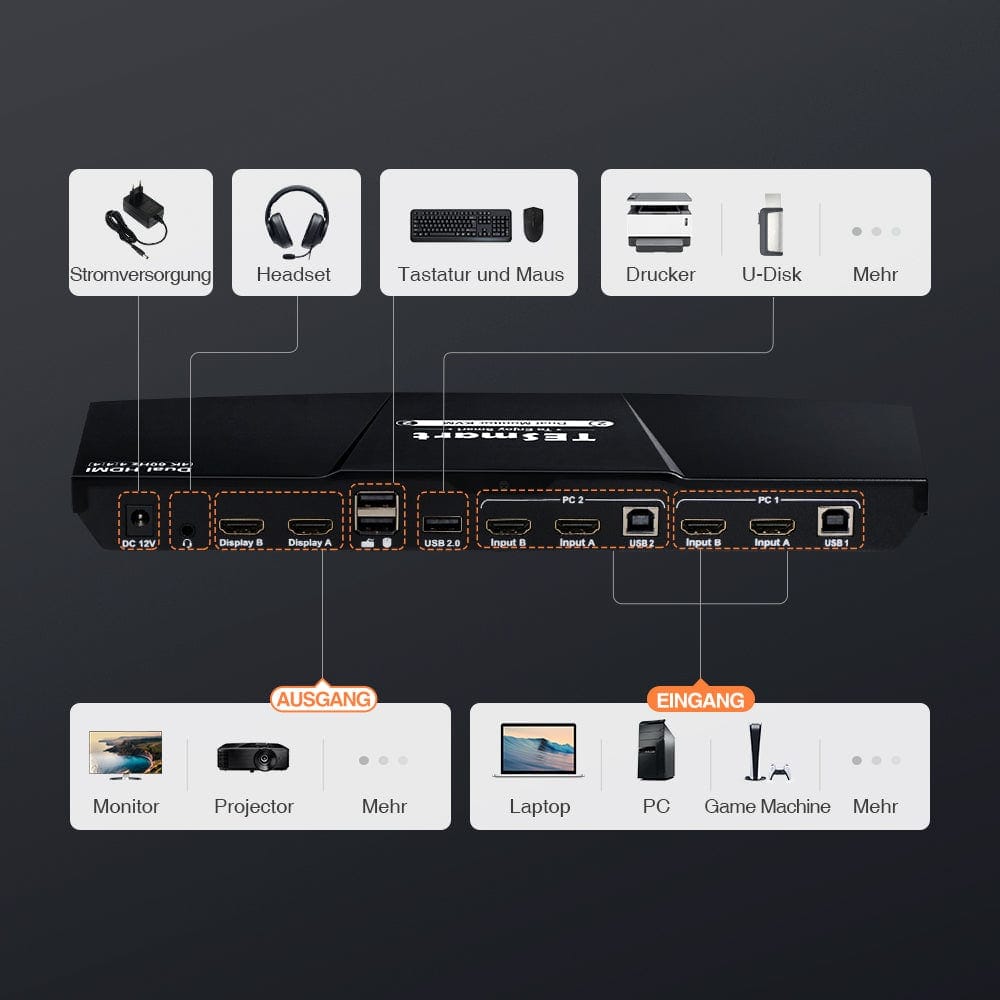
Separate keyboard and mouse ports improve compatibility with common wired, wireless, and mechanical devices.
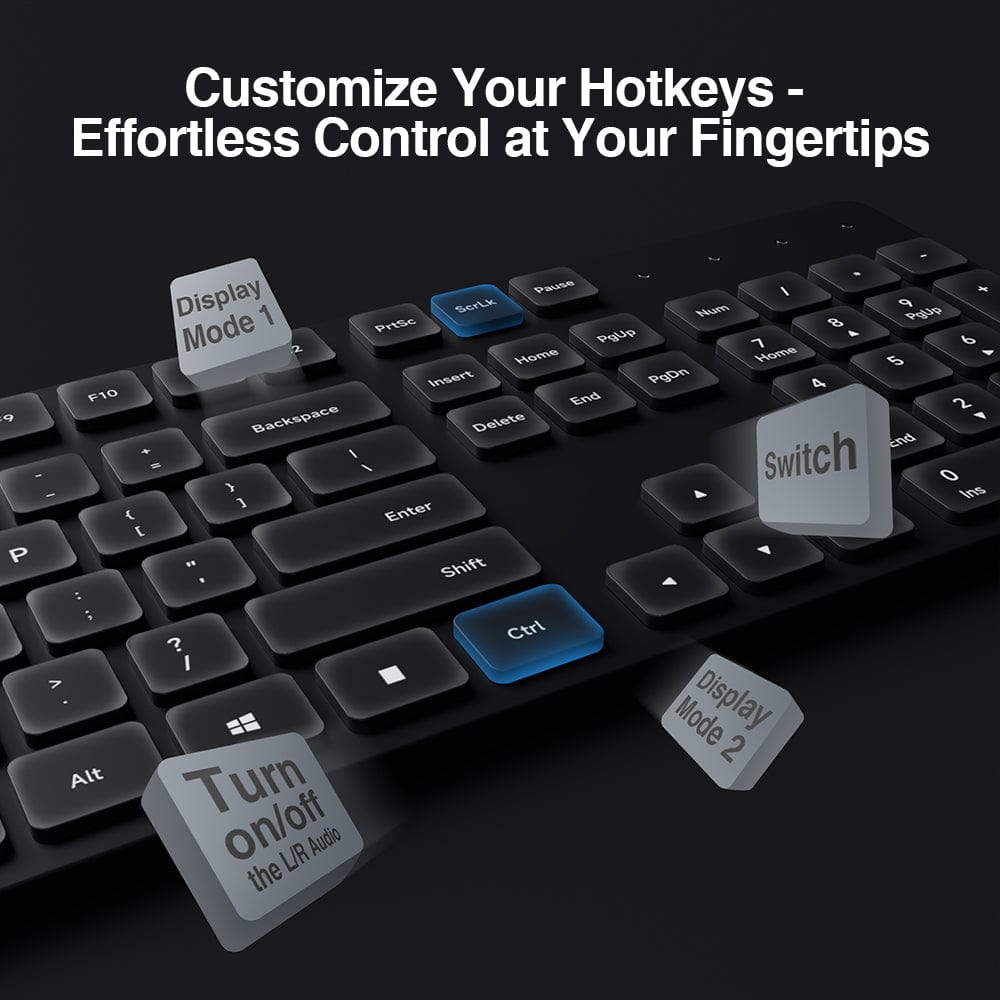
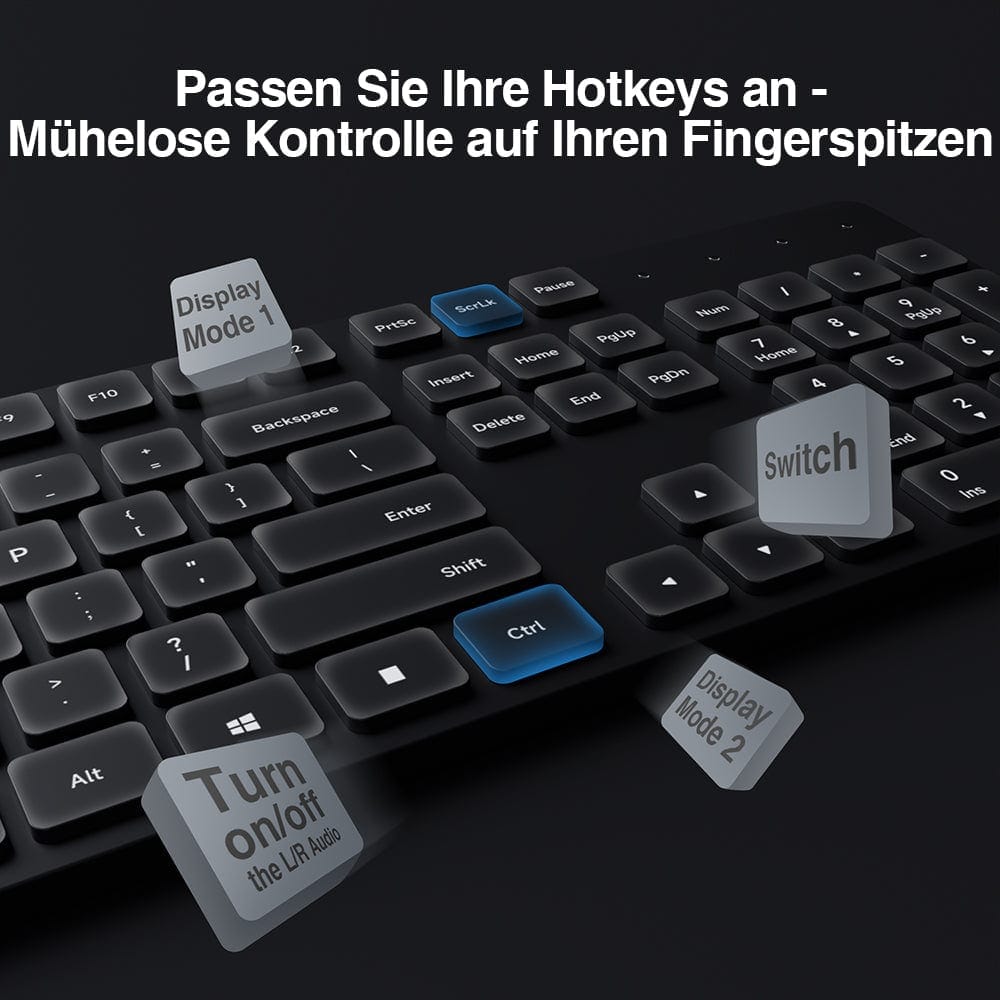
Customizable hotkeys
Supported custom hotkeys can be adapted to your workflow.
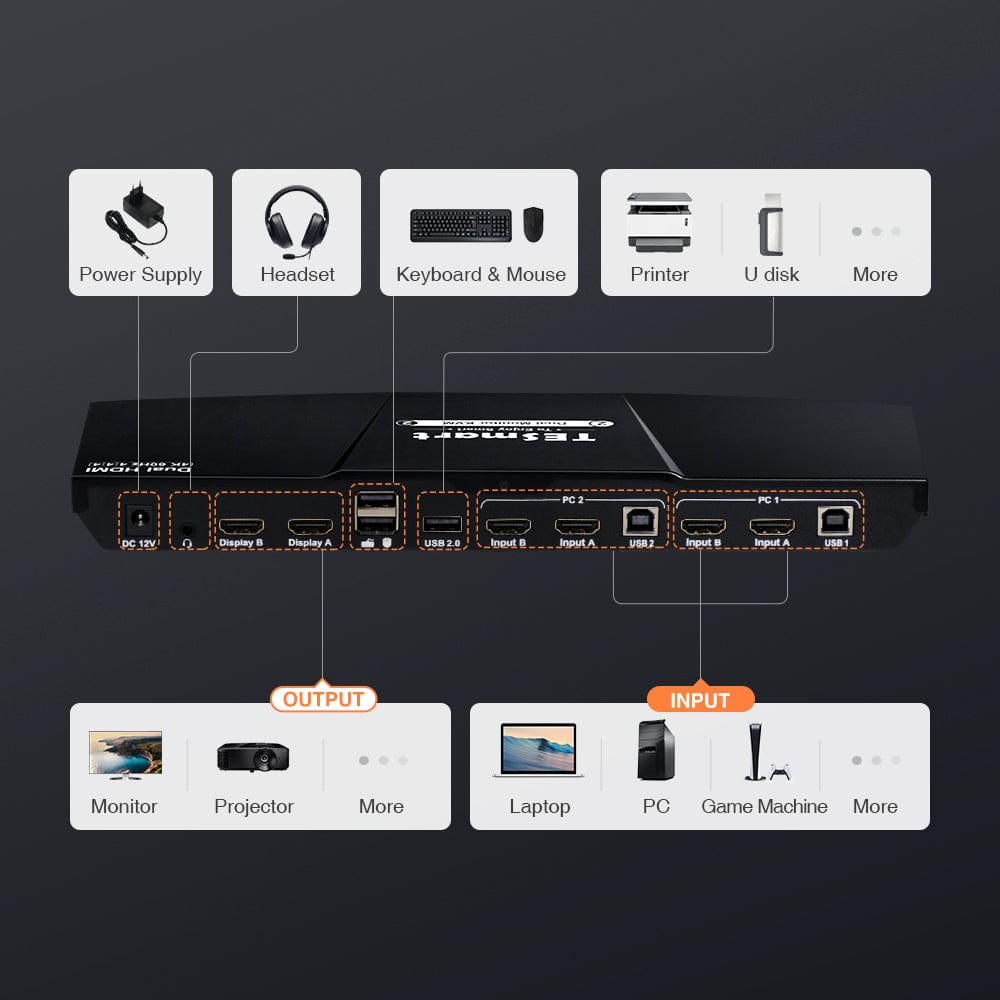
Share USB and audio
Connect compatible USB 2.0 devices and audio to a shared console.
Data & Support
Compatibility & Connections
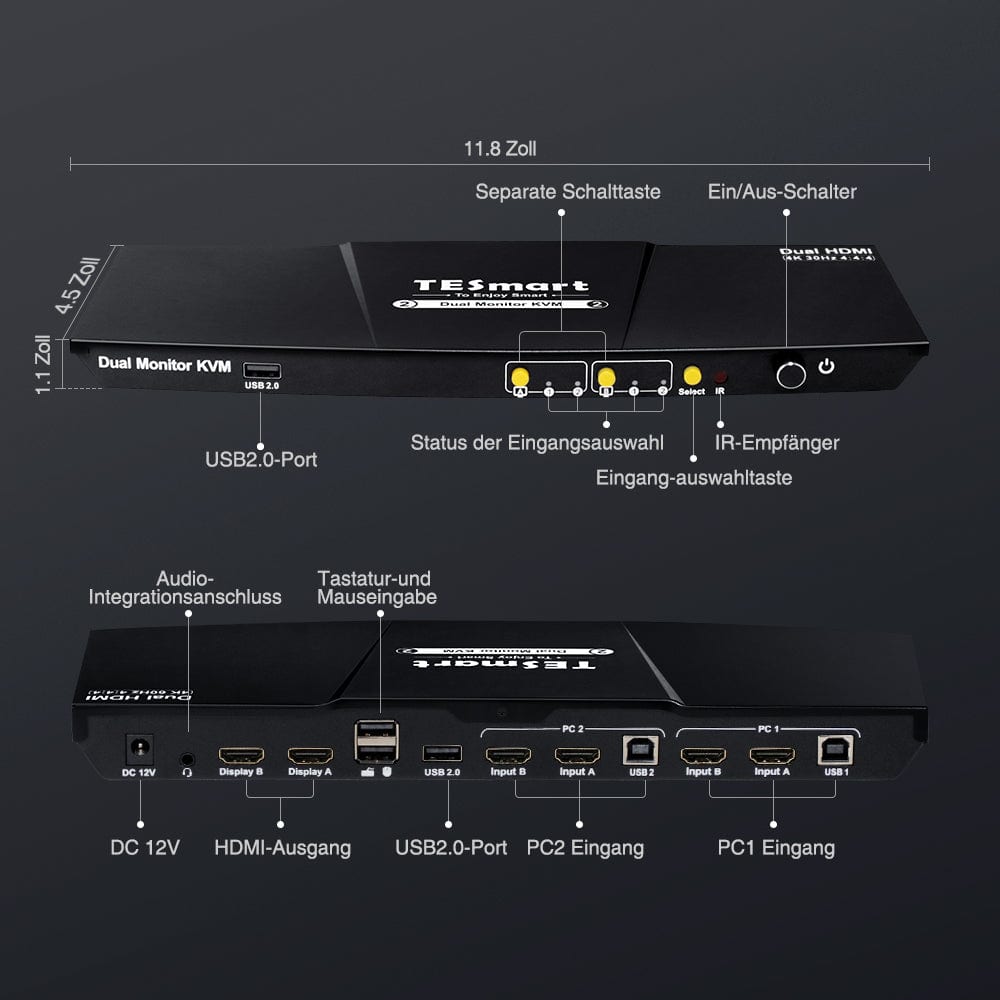
Two HDMI video connections and one USB connection per computer.
This is the 4K30 version HKS0202A10/HKS202-EP23, which requires two HDMI input connections per computer.
Technical data
- Model: HKS202-EP23/HKS0202A10
- Configuration: 2 computers/2 HDMI monitors
- Image output: Up to 3840 × 2160 at 30Hz per monitor
- Computer connections: Two HDMI video connections and one USB connection per computer
- Monitor connections: 2 × HDMI
- USB sharing: USB 2.0 sharing
- EDID emulation: Supported
- Switching: Keypad shortcuts, front panel buttons and IR remote control
Instructions & Downloads
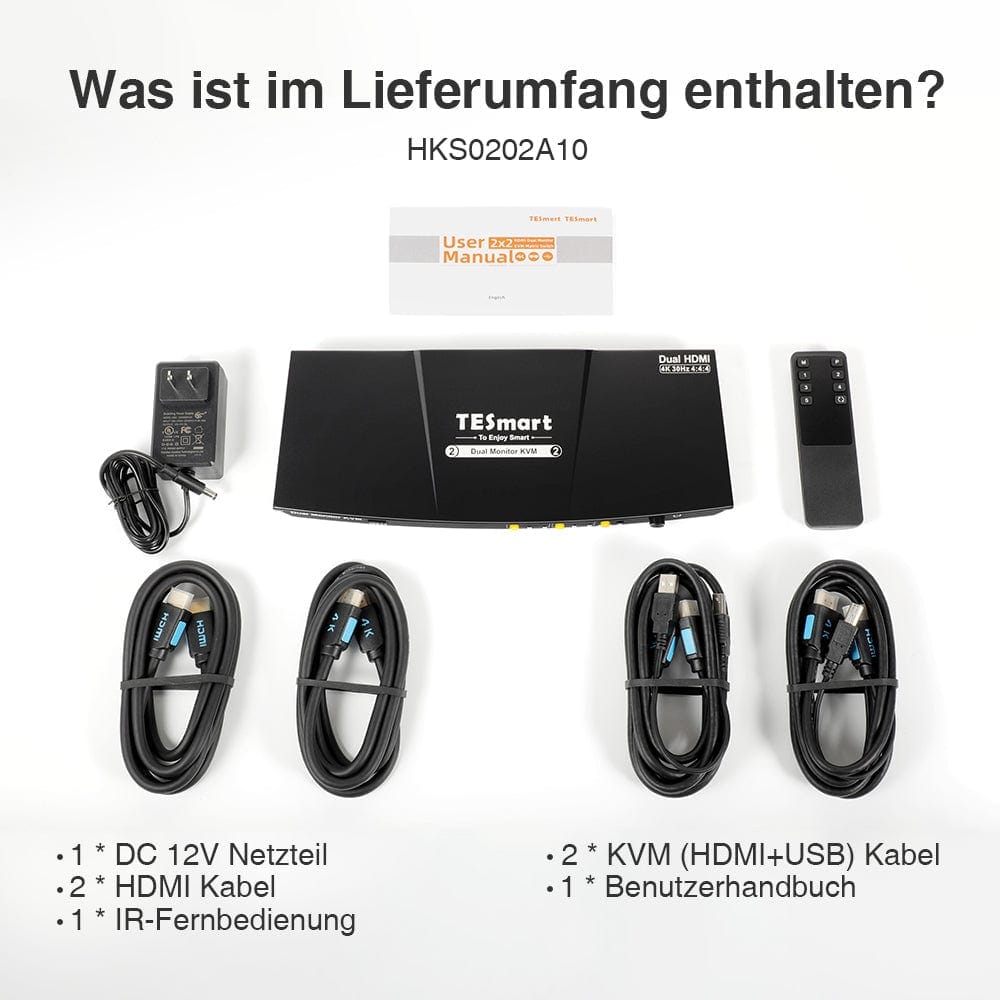
Scope of delivery
1 × HKS0202A10 KVM Switch
2 × HDMI/USB KVM Cable
2 × HDMI Cable
1 × 12V DC power supply
1 × IR Remote Control
1×User manual
Frequently asked questions
You can find further answers in our Help Center.
What configuration is this model designed for?
The HKS202-EP23/HKS0202A10 is designed for two computers and two HDMI monitors.
Which ports does every computer need?
Two HDMI video connections and one USB connection per computer.
Which screen resolution is supported?
Up to 3840 × 2160 at 30 Hz per monitor. Actual output depends on source, cables, and monitor.
How can I switch between computers?
Keyboard hotkeys, front buttons and IR remote control.
What should I check before connecting my devices?
This is the 4K30 version HKS0202A10/HKS202-EP23. Two HDMI input connections are required per computer.
