




Signalverlängerung

Max. Auflösung

Empfohlenes Setup

Mehrere Monitore

USB-Geschwindigkeit

Empfängersteuerung

Audiobuchse, Metallgehäuse
Dual Monitor KVM Extender | 100m, 4K60 & DisplayLink
HKE10SS-PD25 connects a PC to a remote workstation over up to 100 m Cat6a. DisplayLink supports dual 4K60 monitors; USB devices and remote start complete the setup.
Signalverlängerung
Max. Auflösung
Empfohlenes Setup
Mehrere Monitore
USB-Geschwindigkeit
Empfängersteuerung
Audiobuchse, Metallgehäuse
Dual Monitor KVM Extender | 100m, 4K60 & DisplayLink
Why HKE10SS-PD25?
Overview
01
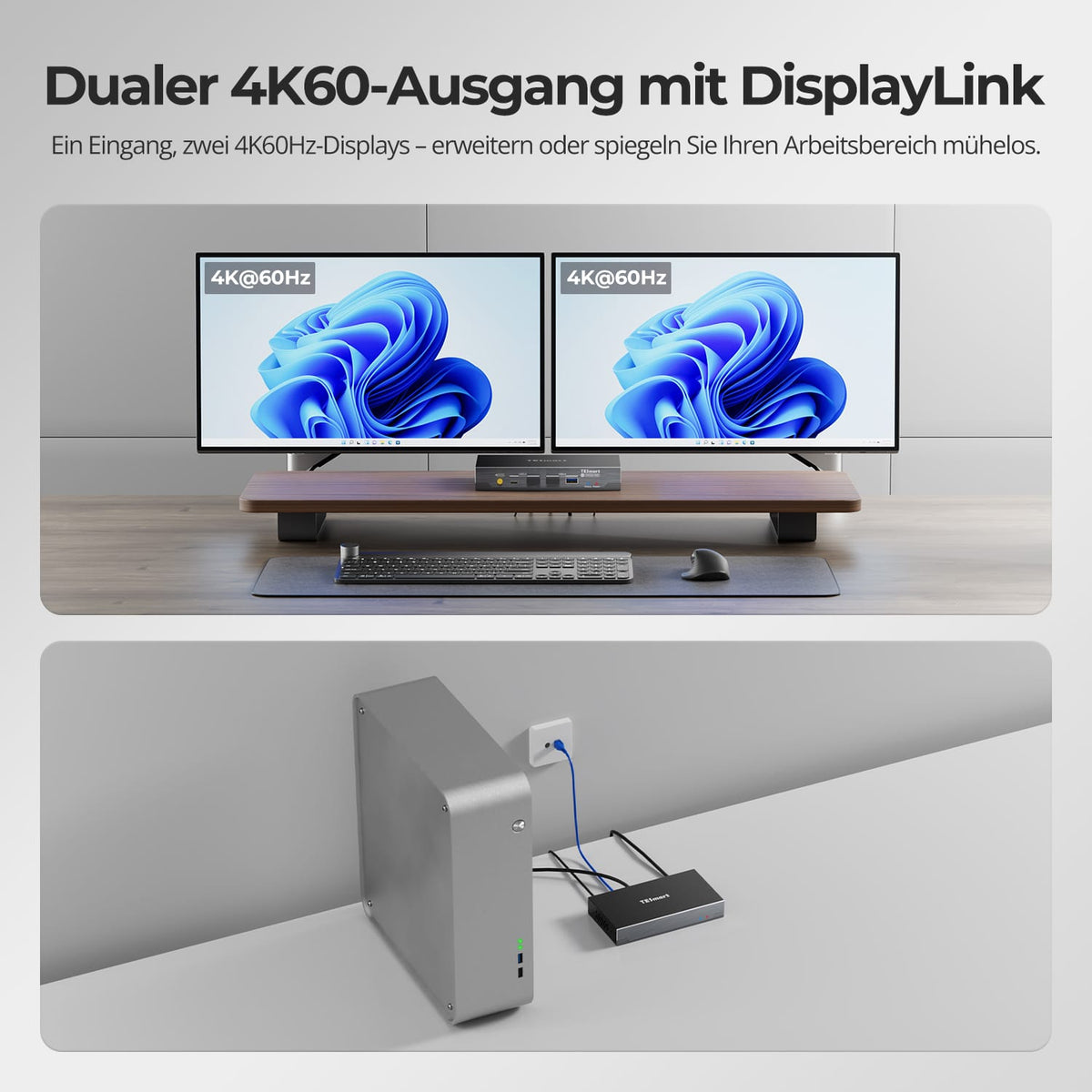
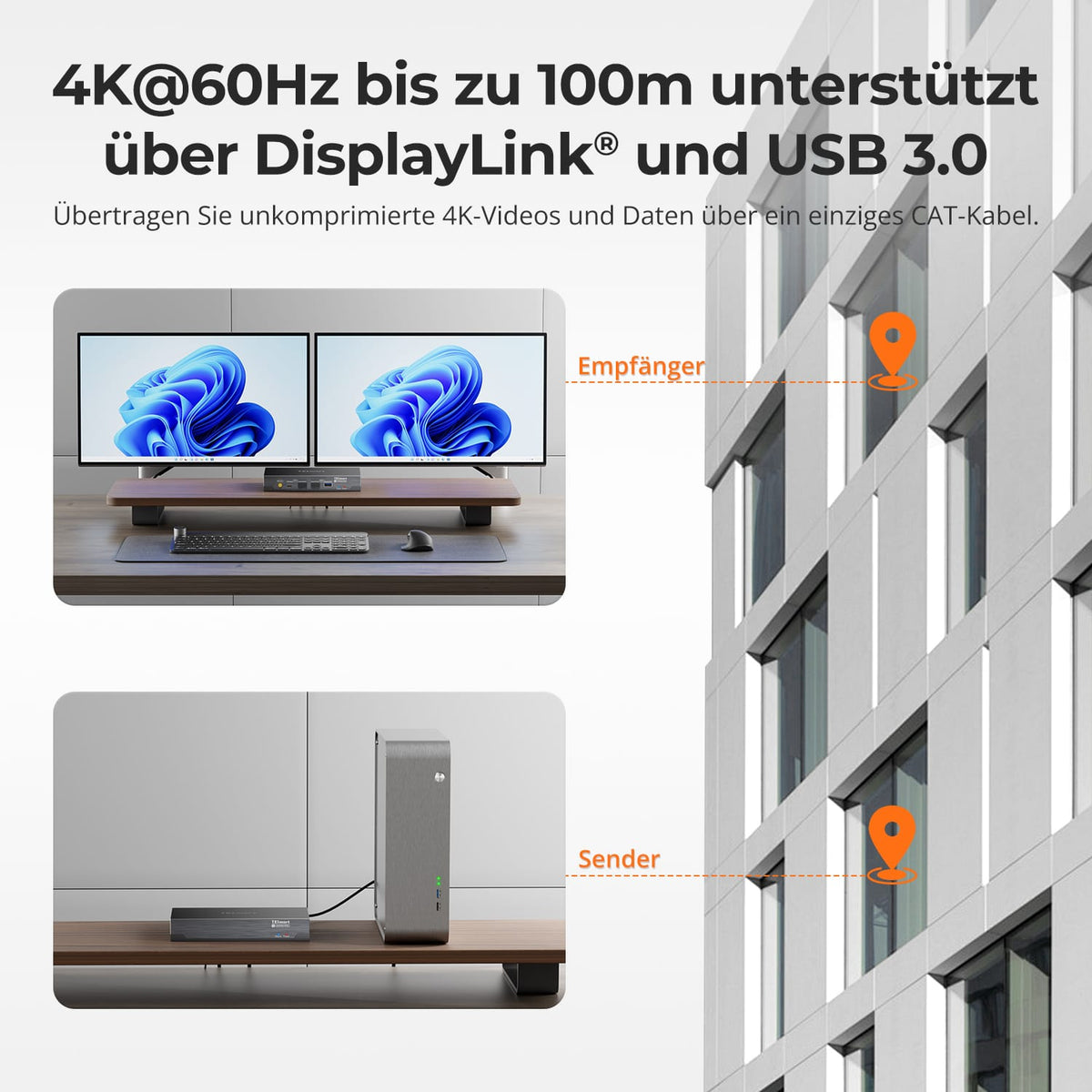
Twice 4K@60Hz via a USB connection
DisplayLink transmits two independent video streams via USB to the receiver. Each HDMI output supports up to 3840×2160 at 60 Hz – for two extended or mirrored displays without separate video cables from the computer.
02
A Cat6a cable. Up to 100m distance.
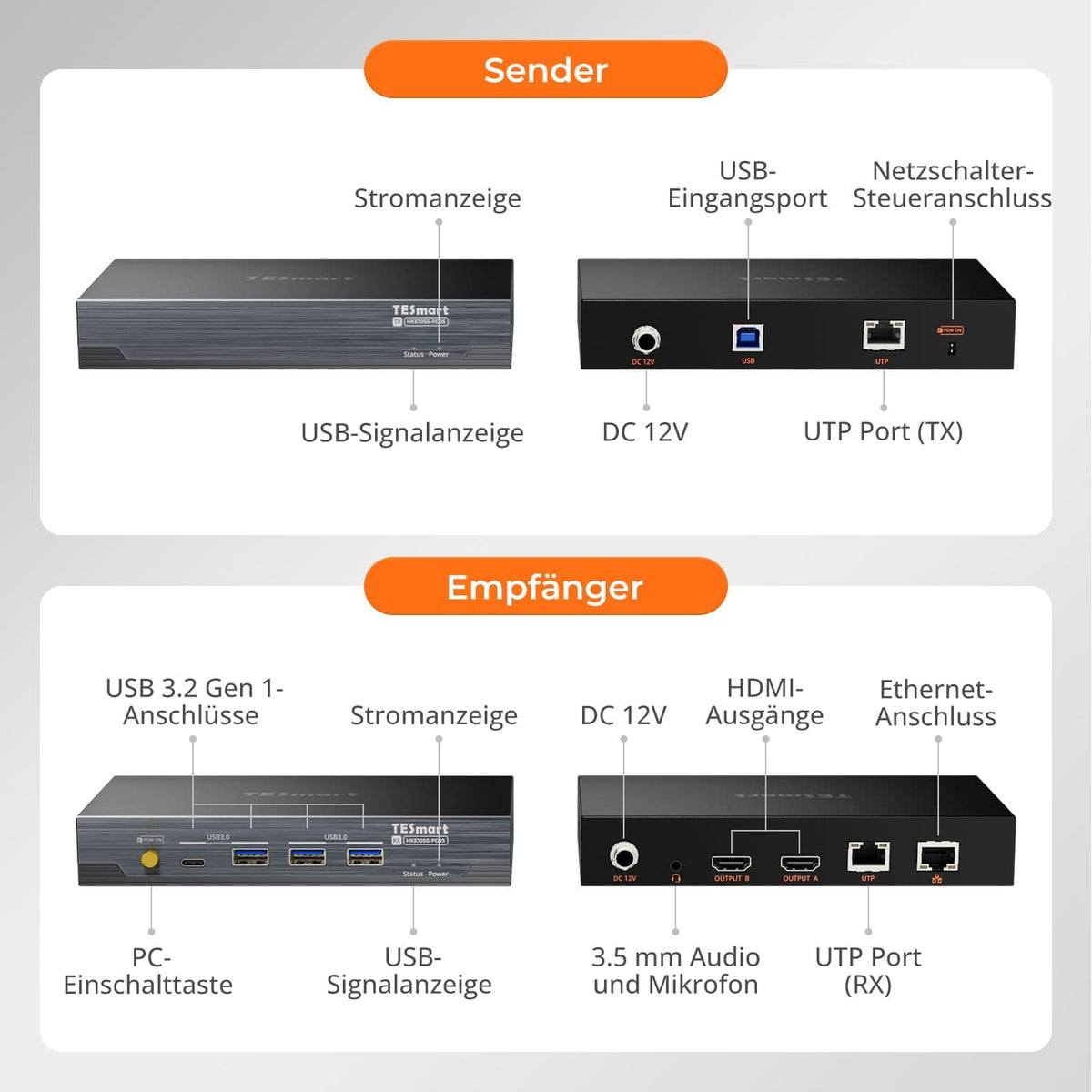
Connect the computer and workstation using a continuous, shielded 23 AWG S/FTP cable (Cat6a or higher) up to 100 m. The direct TX-RX connection must not include any Ethernet switches, routers, or other active devices.
03
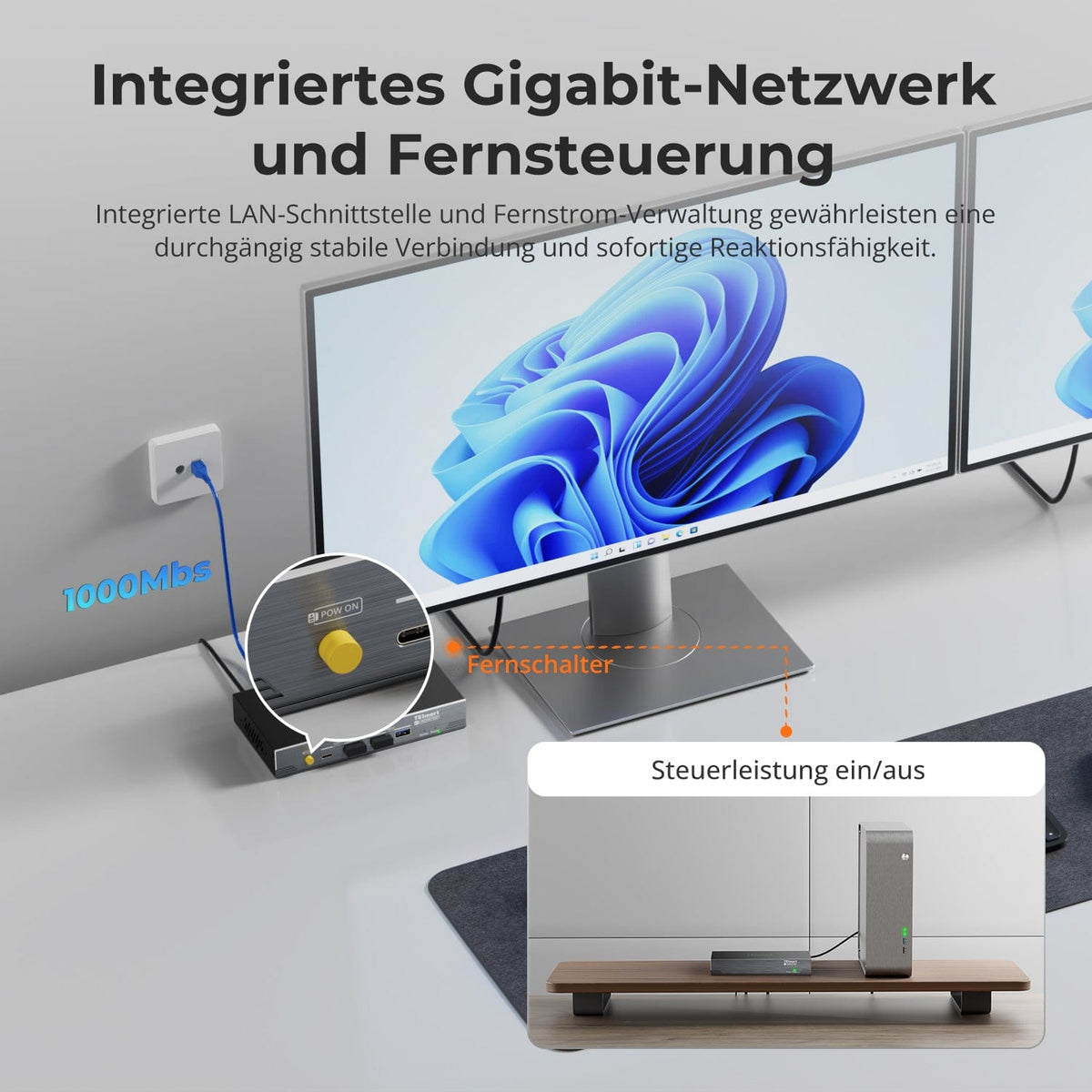
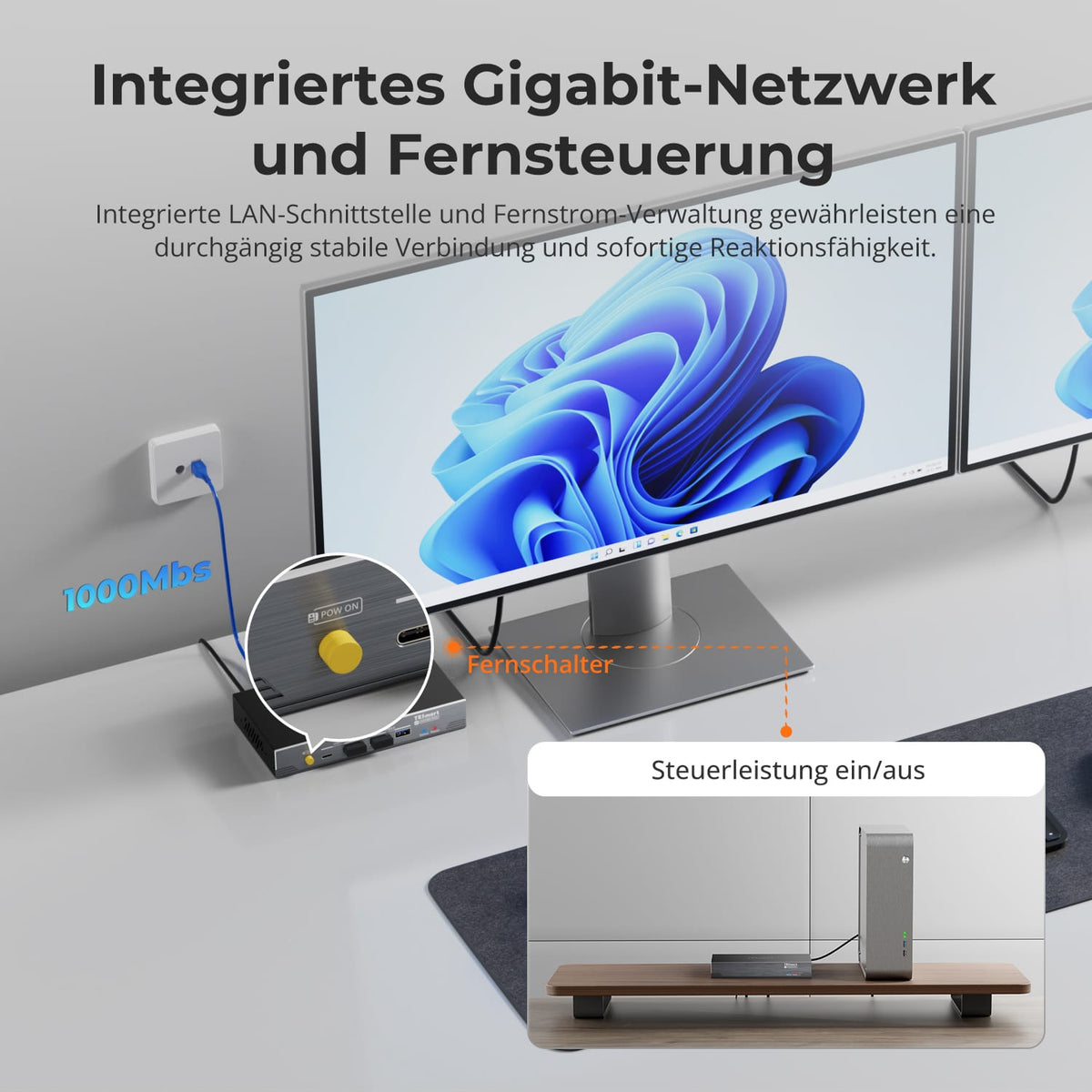
Gigabit LAN and PC power control
Integrated Gigabit Ethernet and remote power control connect and control your professional workplace.
Data & Support
Compatibility & Connections
Technical data
Instructions & Downloads
Scope of delivery
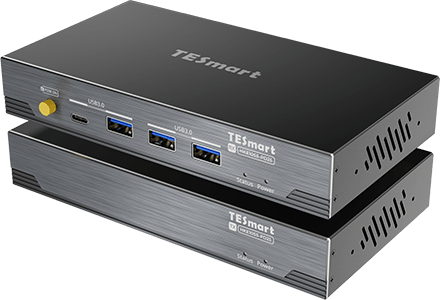
1 × HKE10SS-PD25 TX+RX
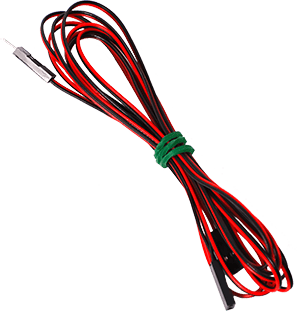
1 × F-PANEL POWER SW Splitter
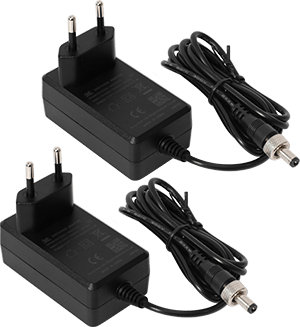
2 × 12V DC power supplies
1×User manual

4 × rack angles
Compare suitable models
Select the models in the menus to compare computer connections, distance, image output, and installation requirements.
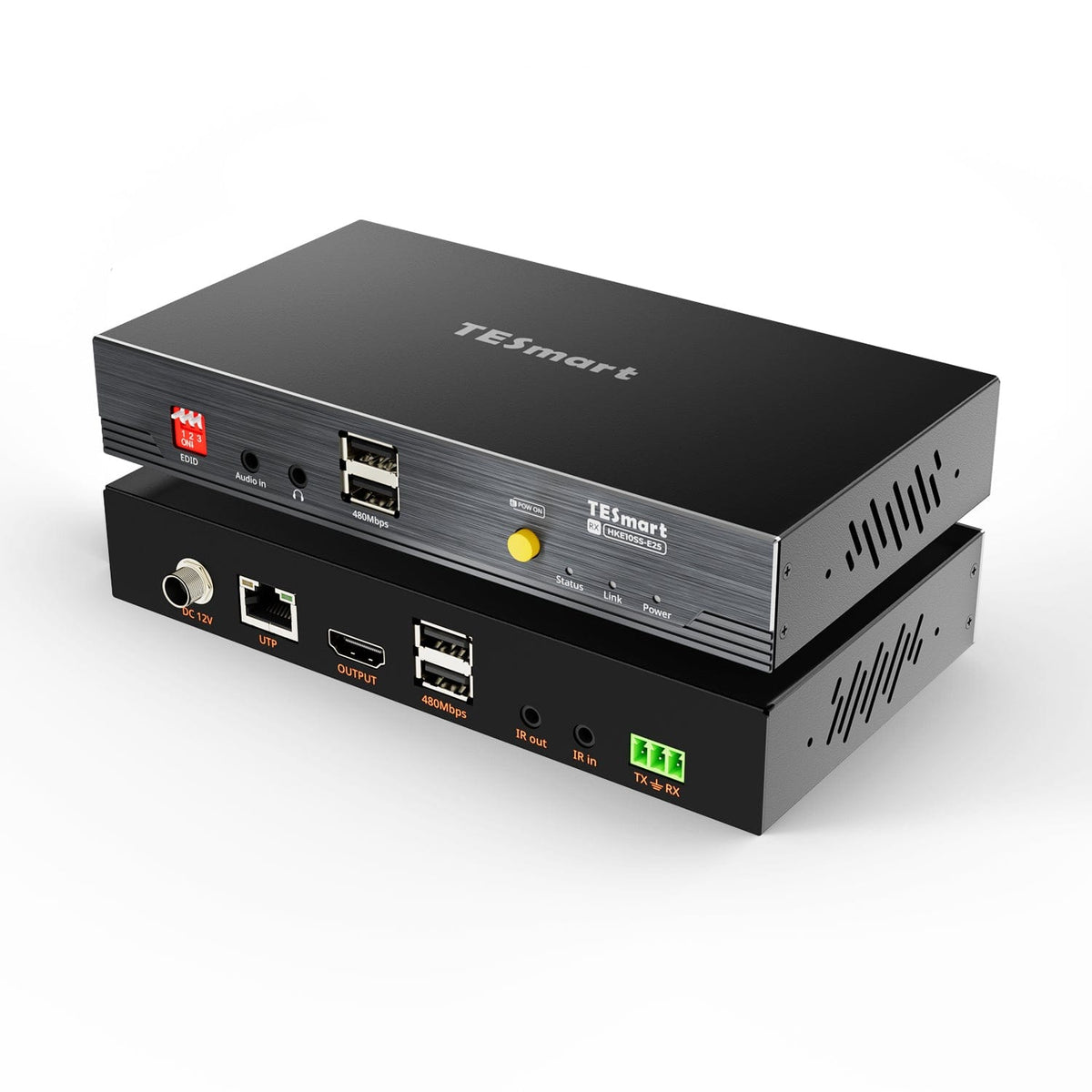
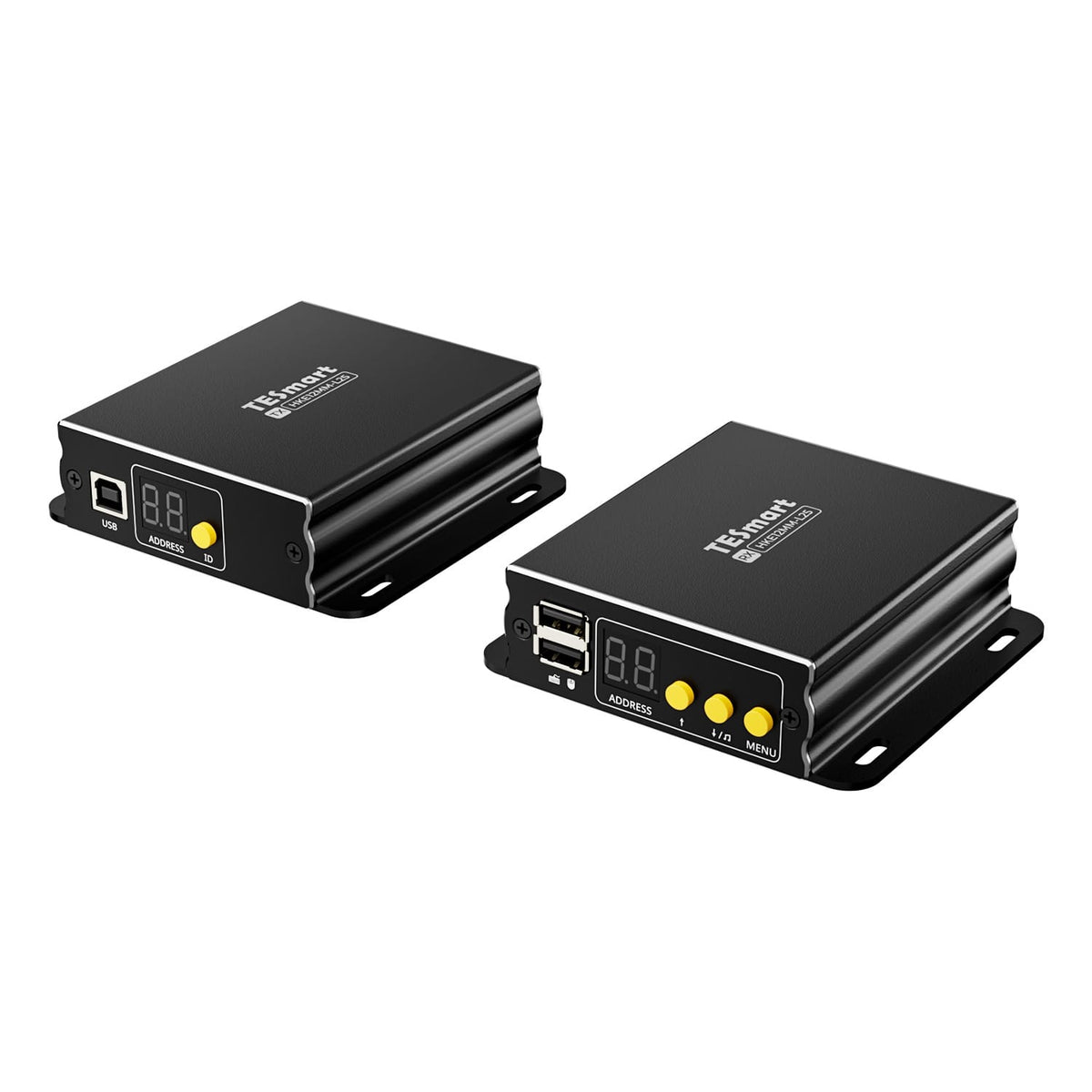
Model
HKE10SS-PD25
Model
HKE10SS-E25
Model
HKE12MM-L25
Computer connection
USB-A computer port with USB 3.2 Gen 1 or higher
Computer connection
HDMI + USB
Computer connection
HDMI + USB per transmitter
Monitor outputs
2 × HDMI
Monitor outputs
1 × HDMI
Monitor outputs
1 × HDMI per receiver
Image output
Dual 4K60
Image output
4K30
Image output
1080p60
Transmission medium
23AWG Cat6a or higher, S/FTP
Transmission medium
23AWG Cat6 or higher, S/FTP
Transmission medium
Cat5e or higher, UTP/FTP
Maximum distance
100 m/328 ft
Maximum distance
100 m/328 ft
Maximum distance
120 m/394 ft per supported copper connection
Connection establishment
Direct point-to-point connection
Connection establishment
Direct point-to-point connection
Connection establishment
Point-to-point or network-based; up to 32 transmitters + 32 receivers
USB at the remote workplace
USB 3.2 Gen 1/5 Gbit/s
USB at the remote workplace
USB 2.0/up to 480 Mbit/s
USB at the remote workplace
Keyboard and mouse; cross-screen control in quad-screen mode
Software requirements
DisplayLink driver required
Software requirements
Video connection via hardware
Software requirements
Video connection via hardware
Power supply
2 × 12V DC power supplies
Power supply
12V DC power supply to transmitter or receiver
Power supply
Compatible PoE switch or local power supplies
Installation requirements
Direct TX-RX connection; HDCP videos under macOS are subject to DisplayLink limitations.
Installation requirements
A continuous shielded cable; without an Ethernet switch or router.
Installation requirements
Ethernet switch/router supported; single screen or quad screen
Frequently asked questions
You can find further answers in our Help Center.
[Furnishings] What to do if there is no image, only one display, or the resolution is incorrect?
Check the red power and blue USB signal indicators on both devices. Verify display settings and ensure the DisplayLink driver is installed and running. Try using a short Cat6a cable. On macOS, DisplayLink requires screen capture permission. Restart your computer and extender if necessary.
[Compatibility] What requirements must the computer meet?
Windows, macOS or Linux with a certified USB-A port (USB 3.2 Gen 1 or higher). Connect the transmitter via USB-A to USB-B. The appropriate DisplayLink driver must be installed for video.
[Compatibility] Which cable and distance are possible?
A continuous, shielded 23 AWG S/FTP cable (Cat6a or higher) between transmitter and receiver. Up to 100 m with compliant cables and connectors.
[Compatibility] Which displays and resolutions are supported?
One or two HDMI displays can be connected to the receiver, each up to 3840×2160 at 60 Hz, extended or mirrored. Output depends on the USB port, drivers, operating system, displays, HDMI cables, and Cat6a connection.
[Compatibility] Does HDCP-protected streaming via DisplayLink work under macOS?
Not reliable. With DisplayLink enabled, Netflix, Prime Video, and Disney+ may display a black video window because macOS cannot complete the required HDCP check via this path.
[Compatibility] Is it permissible for the TX-RX connection to run through a switch or router?
No. The direct connection does not support active intermediate devices. However, the separate LAN port on the receiver can be connected to a router or switch for network access from the computer.
[Functions] What extends the HKE10SS-PD25?
Two HDMI displays, USB devices, audio, network access and hardware-based PC power control via a direct Cat6a connection to the receiver.
[Connections] Which USB devices are compatible with the receiver?
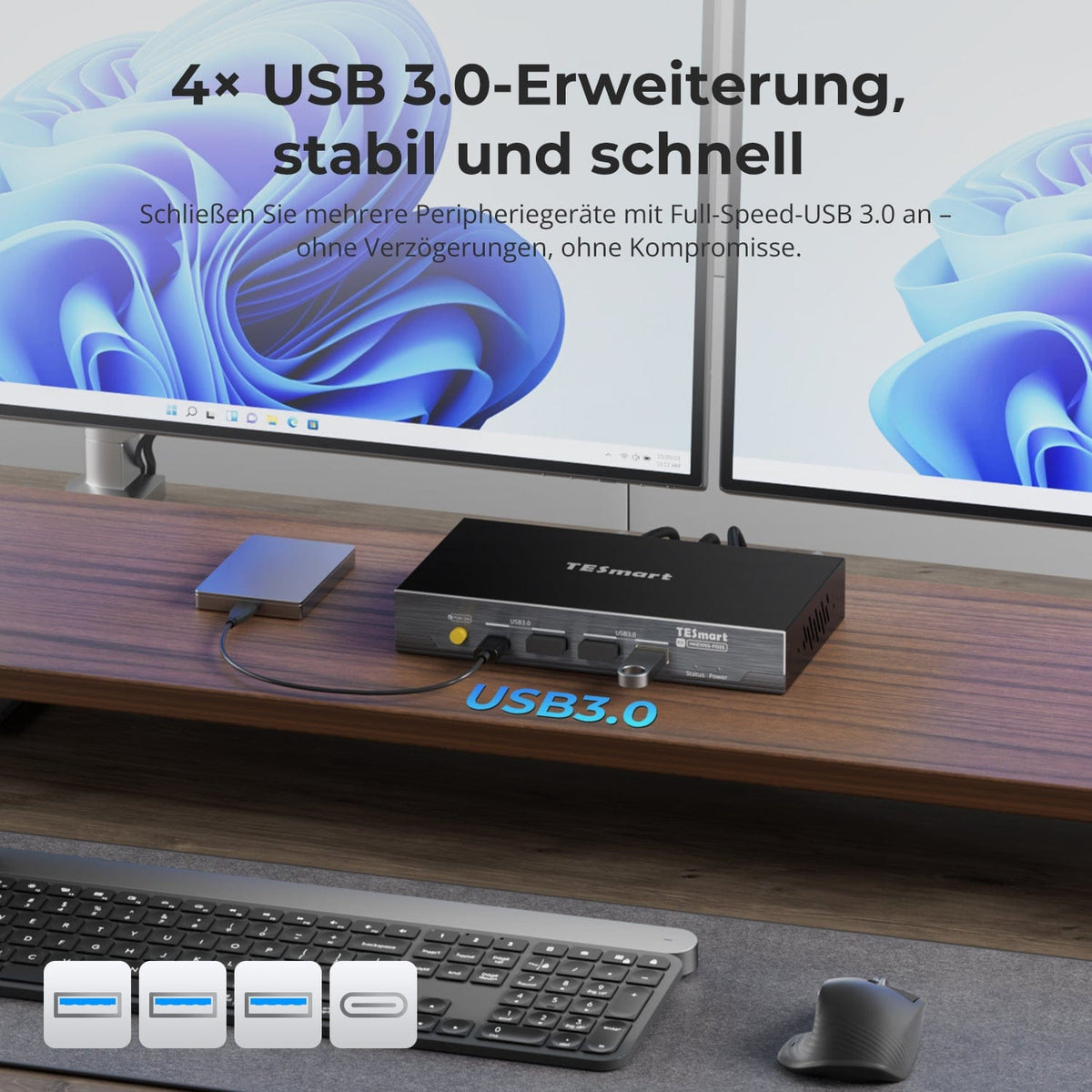
Four USB 3.2 Gen 1 ports support compatible keyboards, mice, storage devices, printers, and other USB 2.0/3.0 devices. Bandwidth is shared. Power-hungry devices may require an AC adapter or a powered hub.
[Connections] How does the LAN port on the receiver work?
Connect it to a router or Ethernet switch. The computer gains network access via the extender's USB connection and may detect an additional USB Ethernet adapter. LAN is separate from the TX-RX-UTP port.
[Connections] How does the 3.5 mm audio/microphone jack work?
The receiver's 3.5 mm jack provides a microphone input and a stereo output for compatible headsets or audio devices. Select DisplayLink or USB audio in your operating system's playback and recording settings. Headsets with separate plugs may require a suitable TRRS adapter.
[Functions] How does PC power control work?
It emulates the physical power switch and functions independently of the operating system, even before startup or in the BIOS. Connect the F-PANEL-POWER-SW splitter between the transmitter and the motherboard power connector according to the motherboard manual.
[Connections] Do both the transmitter and receiver require power?
Yes. Use one of the supplied 12V power supplies. Fully lock the 5.5×2.1 mm DC connectors. Replacement power supplies must have exactly matching electrical specifications and polarity.
[Functions] What do the red and blue indicators mean?
Red confirms 12V power supply. Blue confirms USB handshake. If there is no blue indicator, check both power supplies, USB cable and port, and the direct Cat6a connection.
[Furnishings] How do I connect the HKE10SS-PD25?
Install DisplayLink, connect the computer and transmitter via USB-A to USB-B, and connect the TX directly to the RX using shielded Cat6a cable. Connect HDMI displays, USB, audio, and LAN to the RX. Power both devices with 12V. Test with a short Cat6a cable before final installation.
[Furnishings] How do I install and configure DisplayLink?
Download the appropriate Synaptics driver, install it, and restart when prompted. From macOS 10.15 onwards, allow "Screen Recording" for DisplayLink Manager and, if possible, enable startup after login. Organize, extend, mirror, and scale displays in System Preferences.