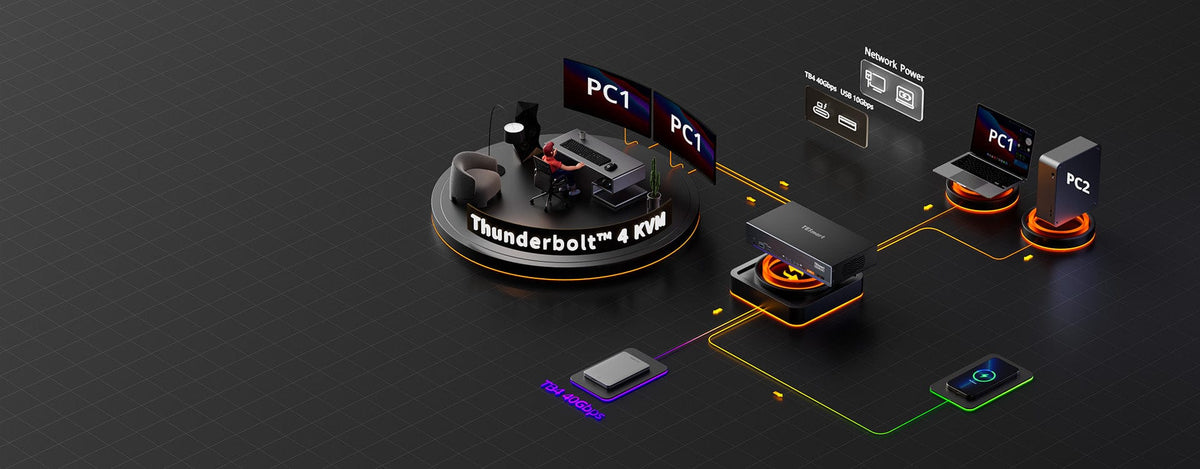
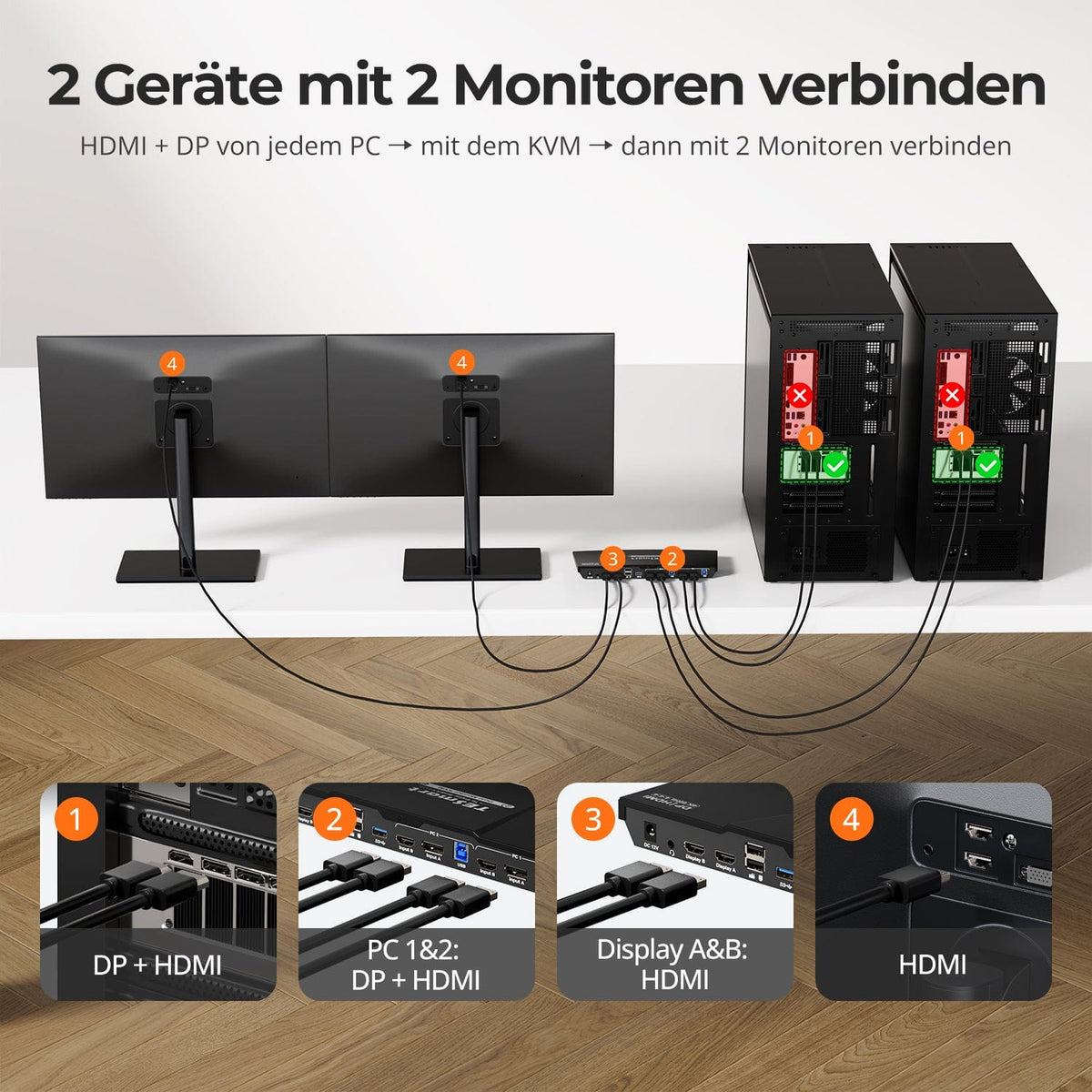
Zwei Computer teilen zwei Monitore mit einer Tastatur und Maus. Wechseln Sie per Bedienfeld, IR-Fernbedienung oder Hotkeys – für Gaming, Büro, Homeoffice, Bildung und professionelle Arbeitsplätze.
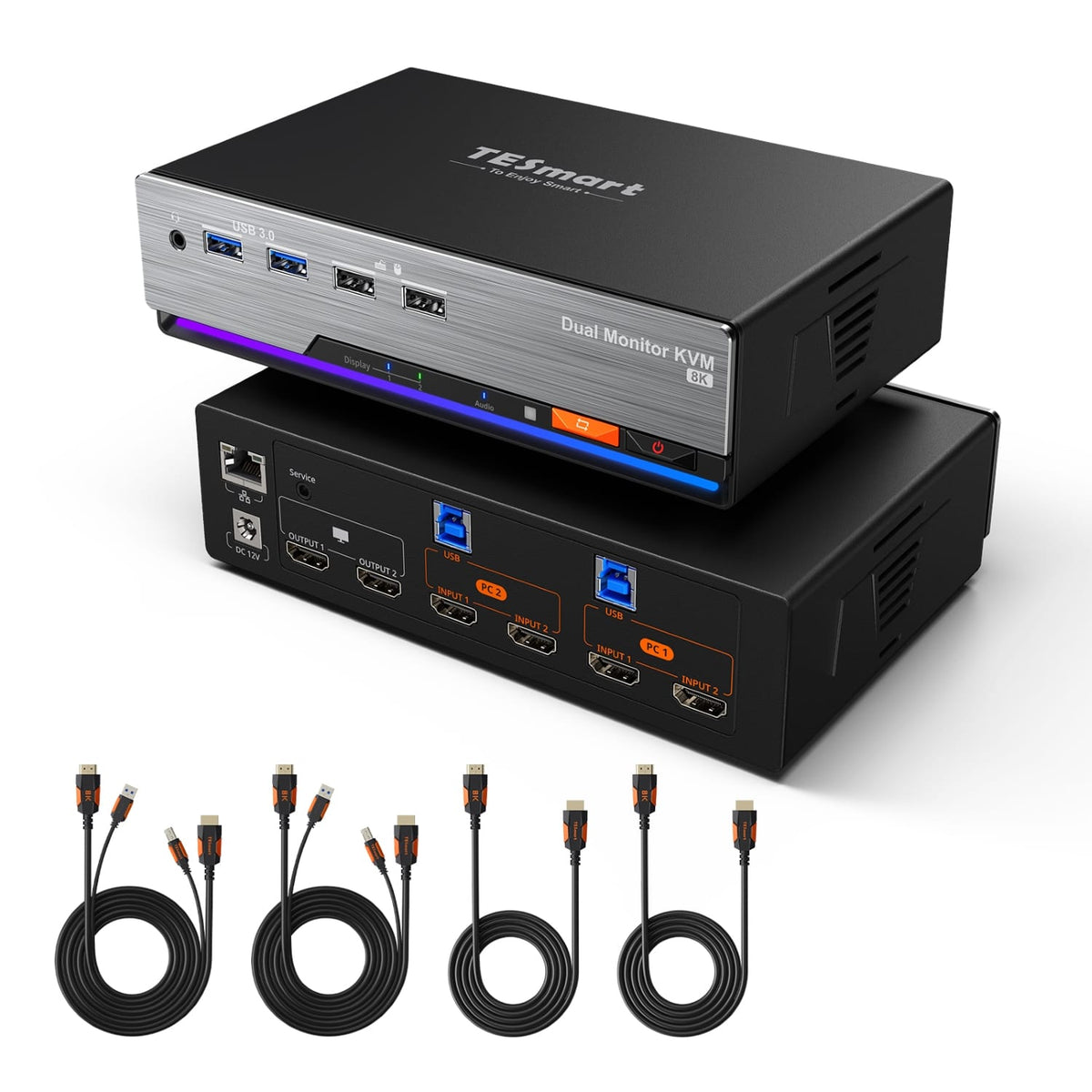
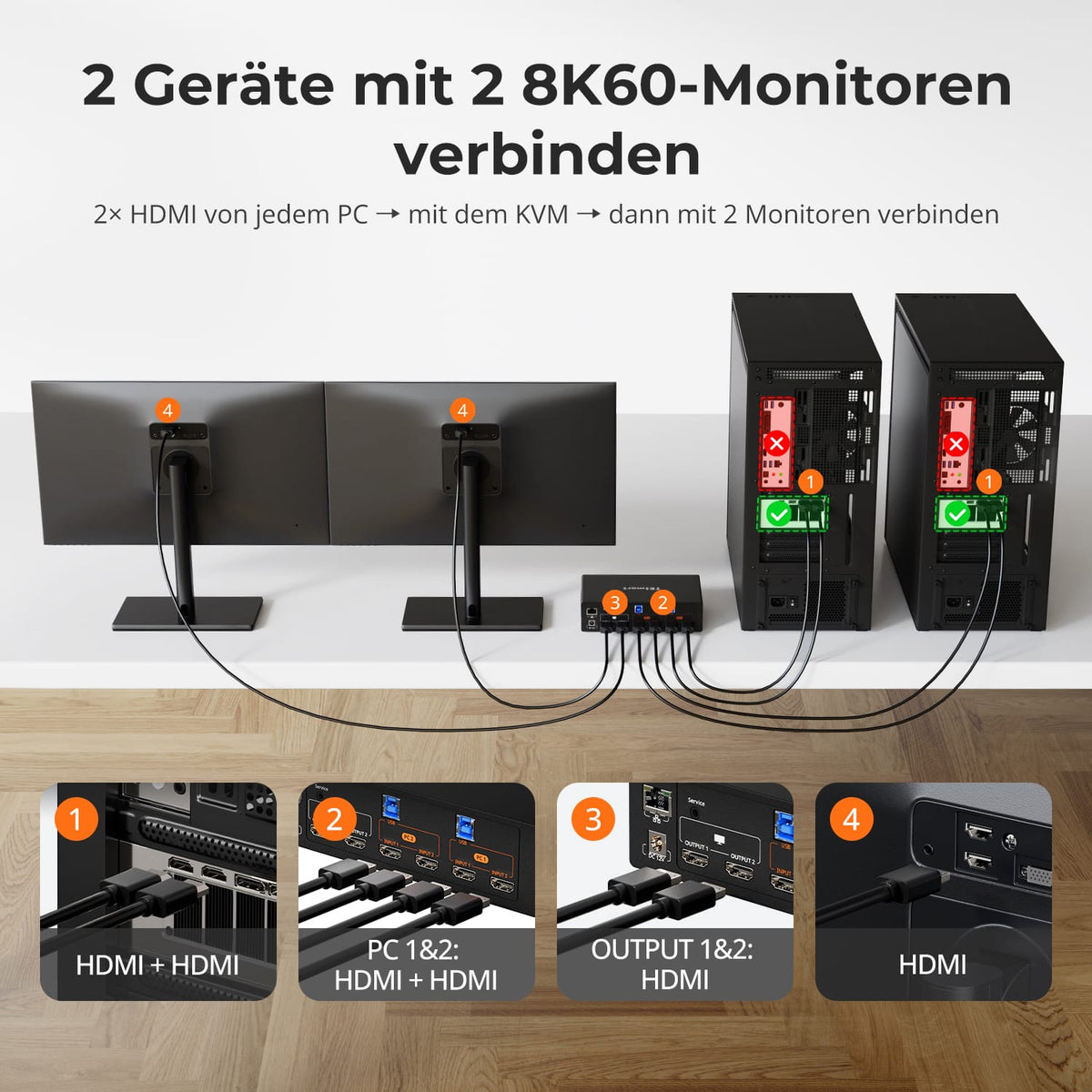
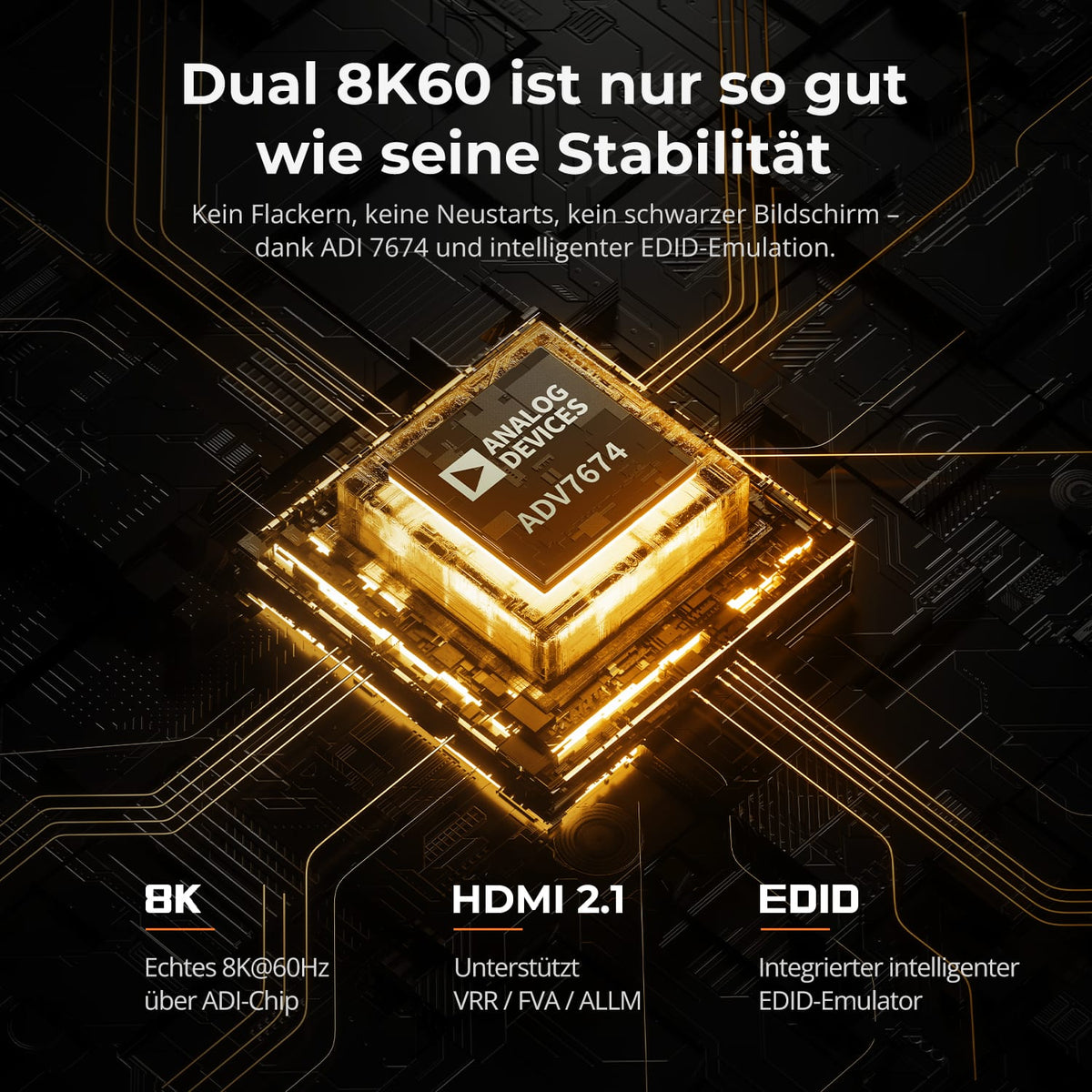
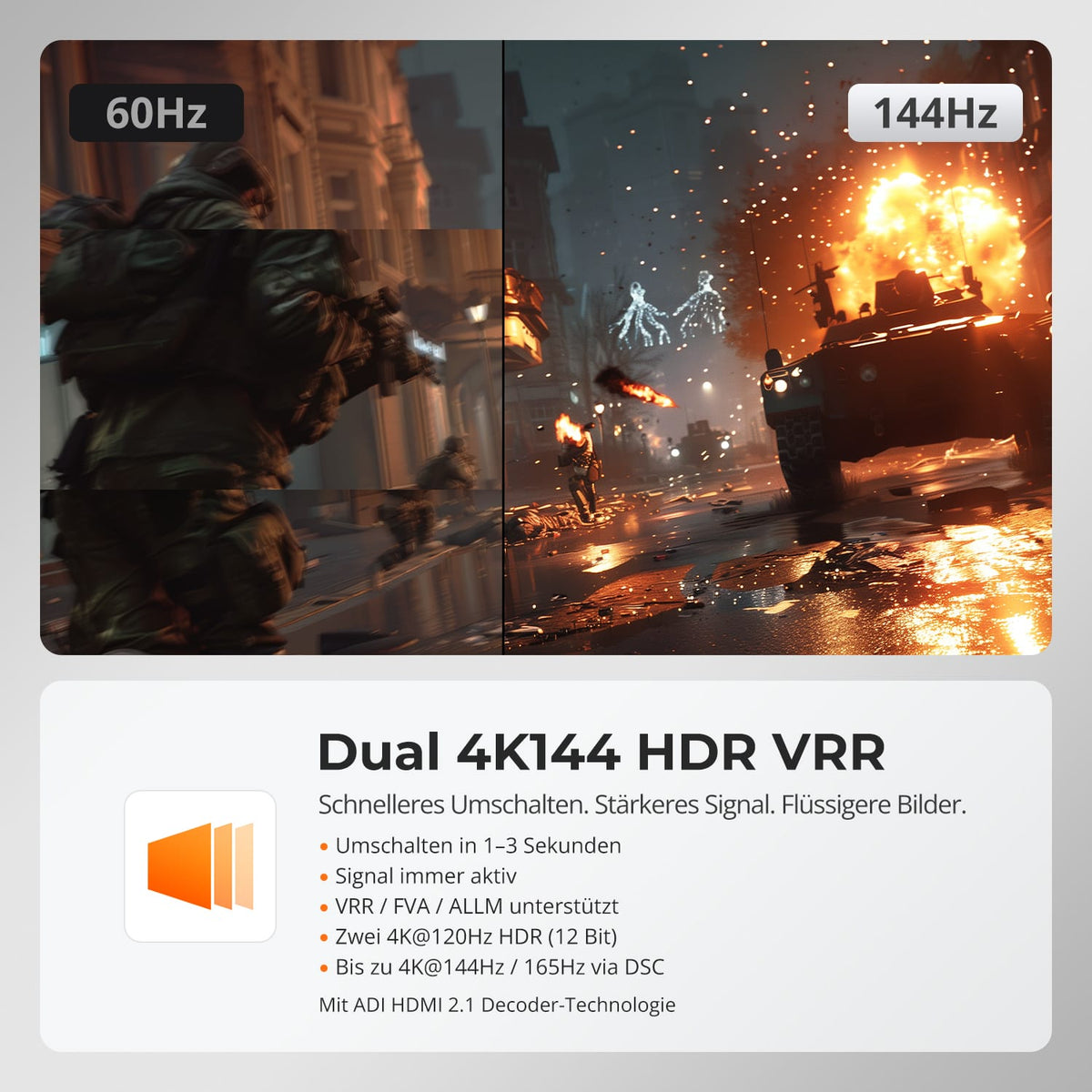
2×2 HDMI 2.1 KVM | 8K60/4K144 y EDID
Monitorkonfiguration
Max. Auflösung
Farbdarstellung
Gaming
Stabile Anzeige

Gemeinsames Netzwerk
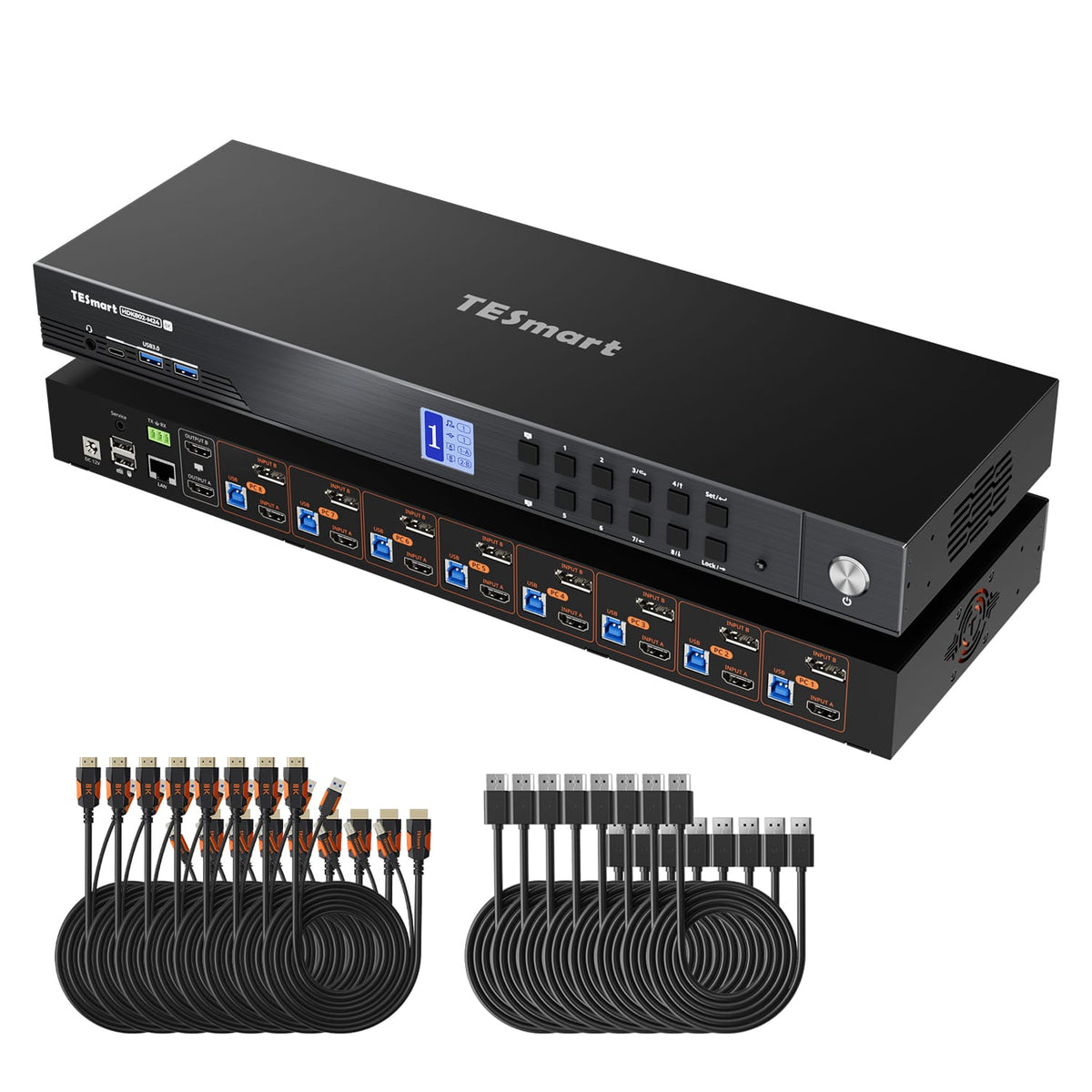
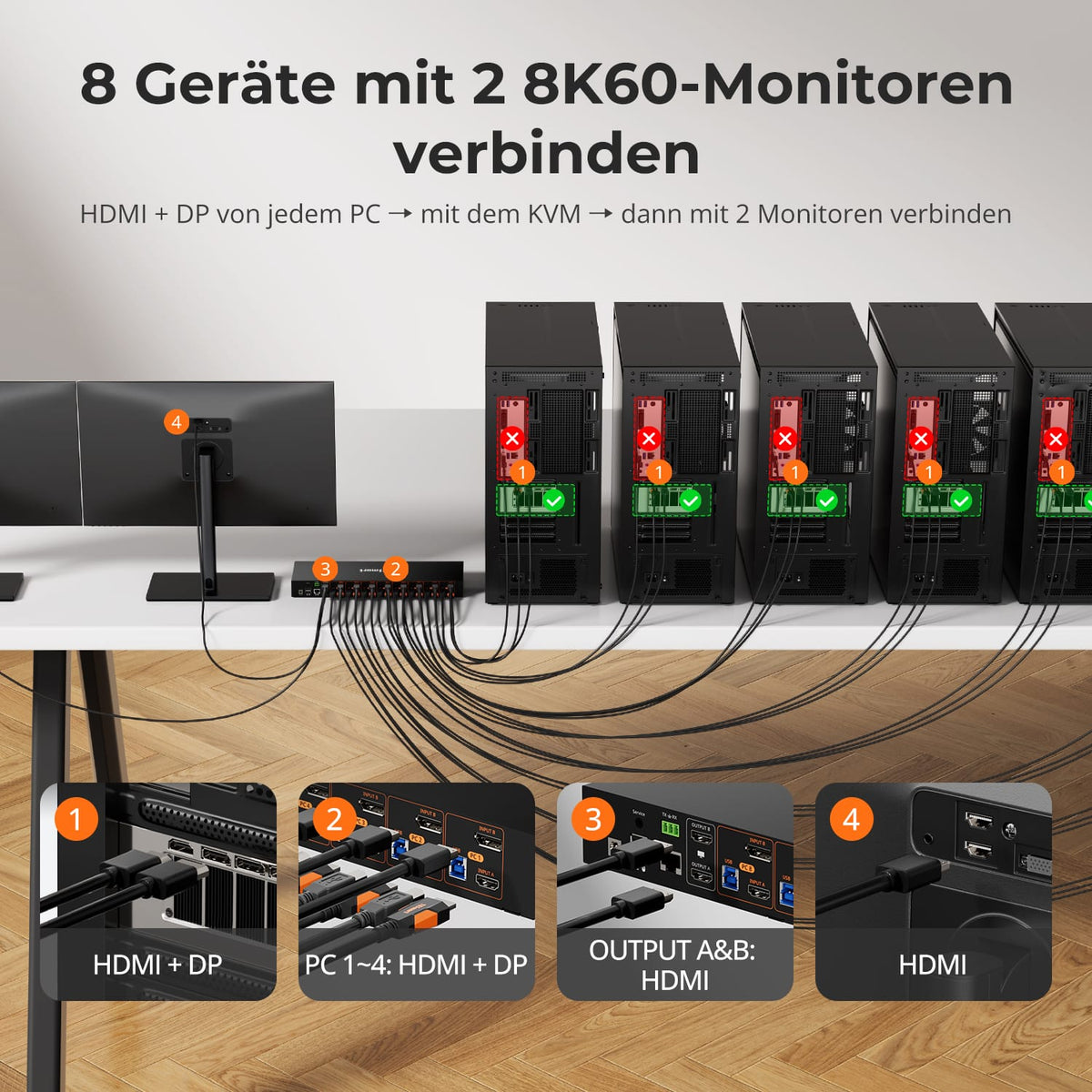


KVM 8×2 HDMI+DP | 8K60/4K144 y EDID
Monitorkonfiguration
Max. Auflösung
Farbdarstellung
Gaming

USB-Geschwindigkeit
Automatische Signalerkennung

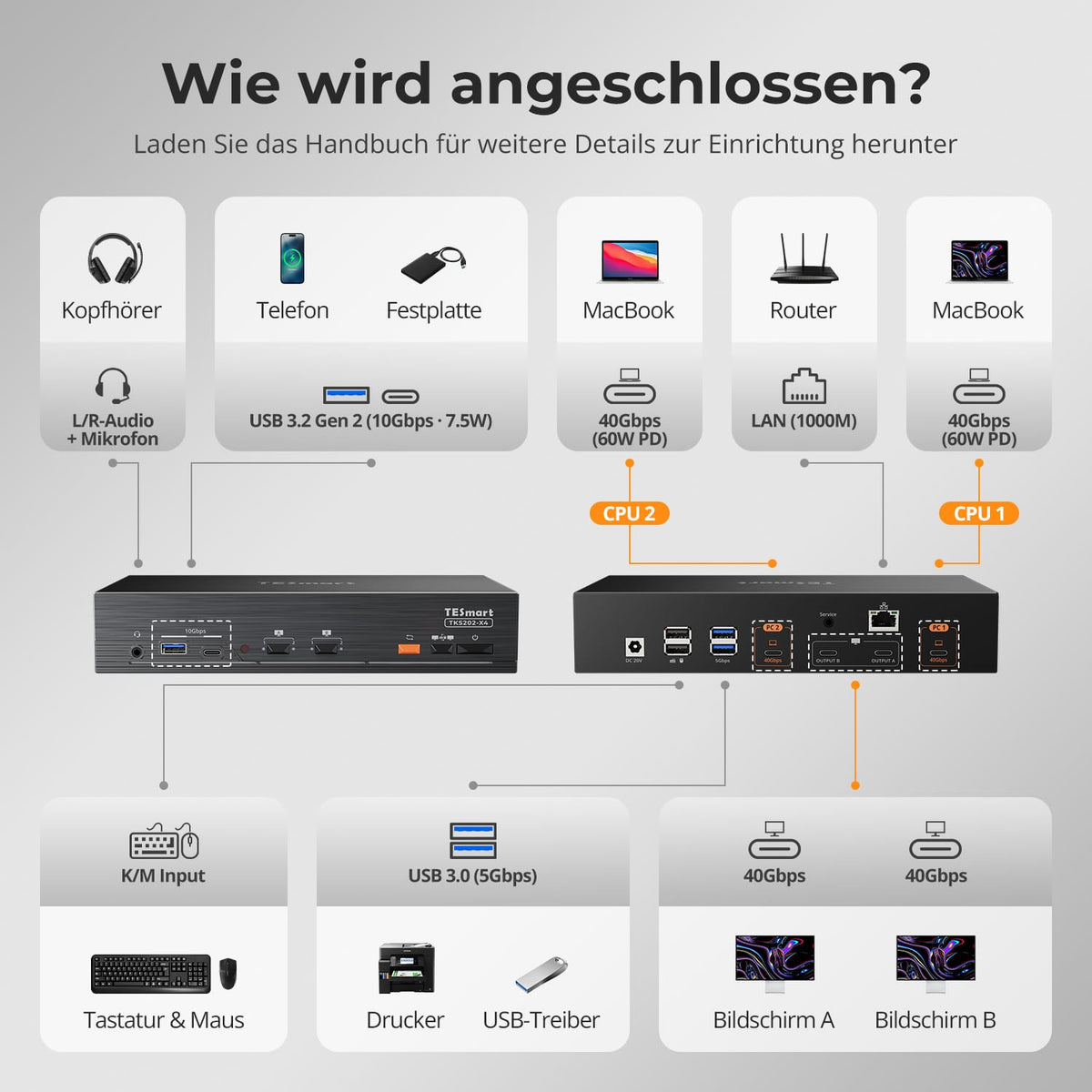
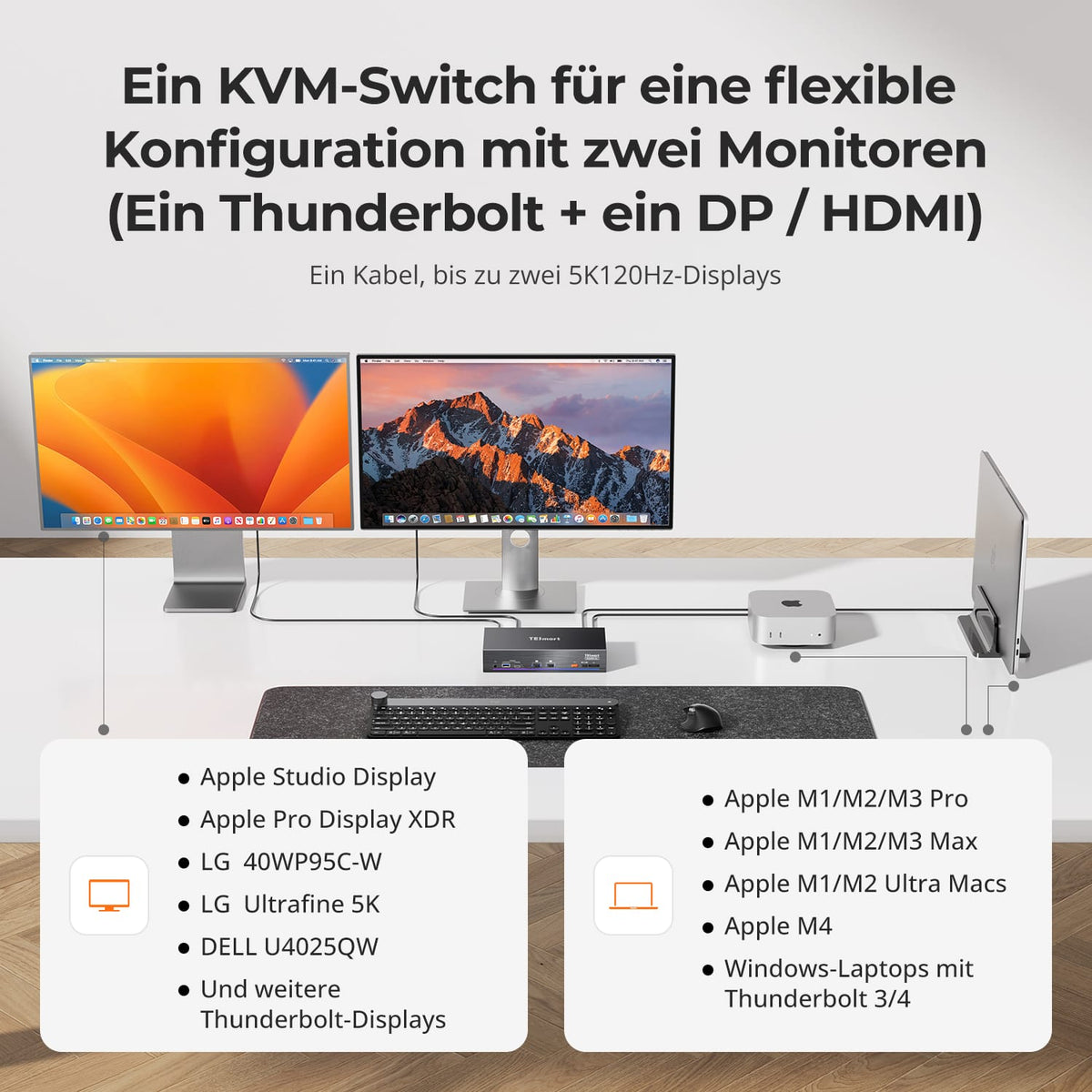
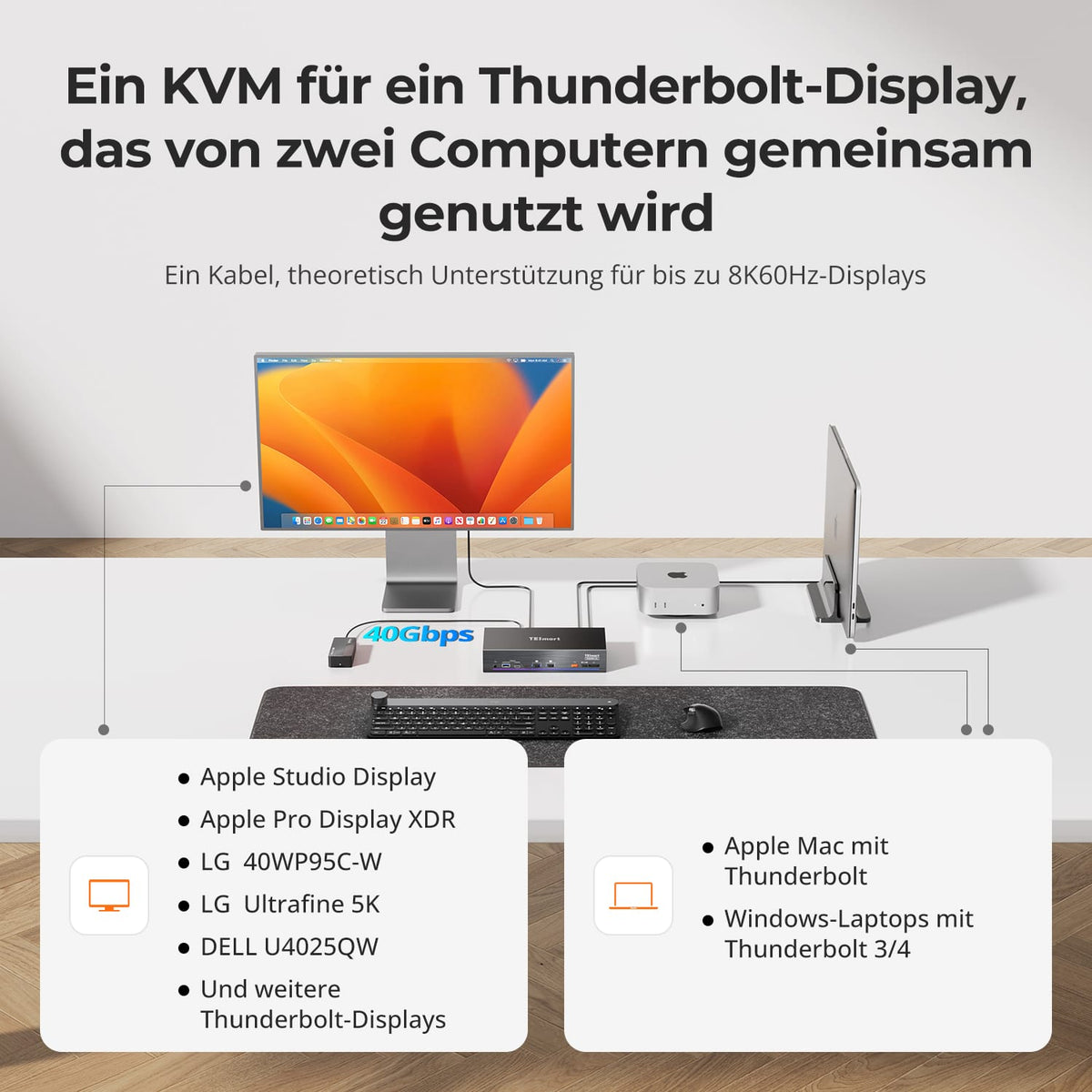

Monitorkonfiguration

Max. Auflösung
Thunderbolt-Controller

Kompatibilität

Laptop laden
Netzwerksteuerung
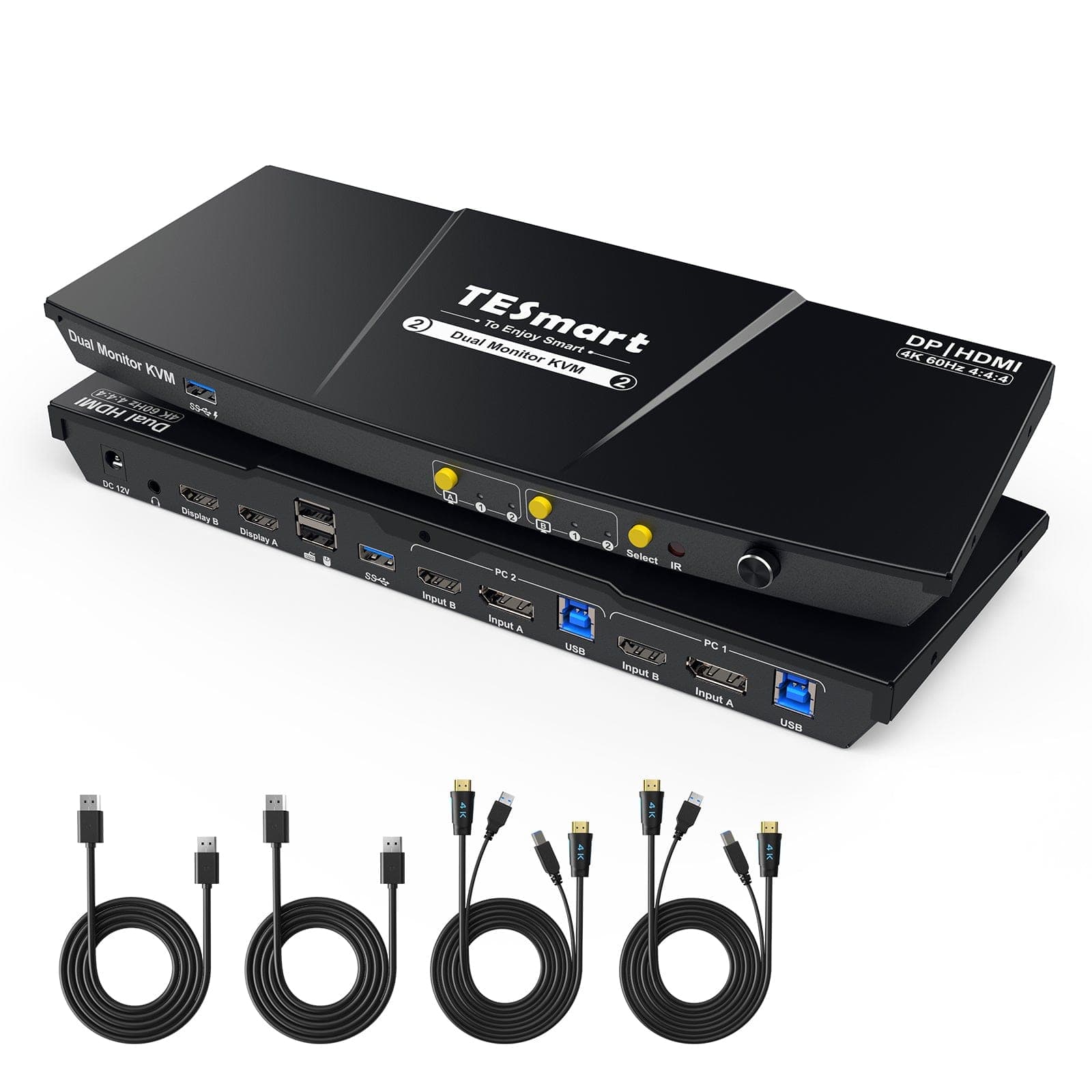
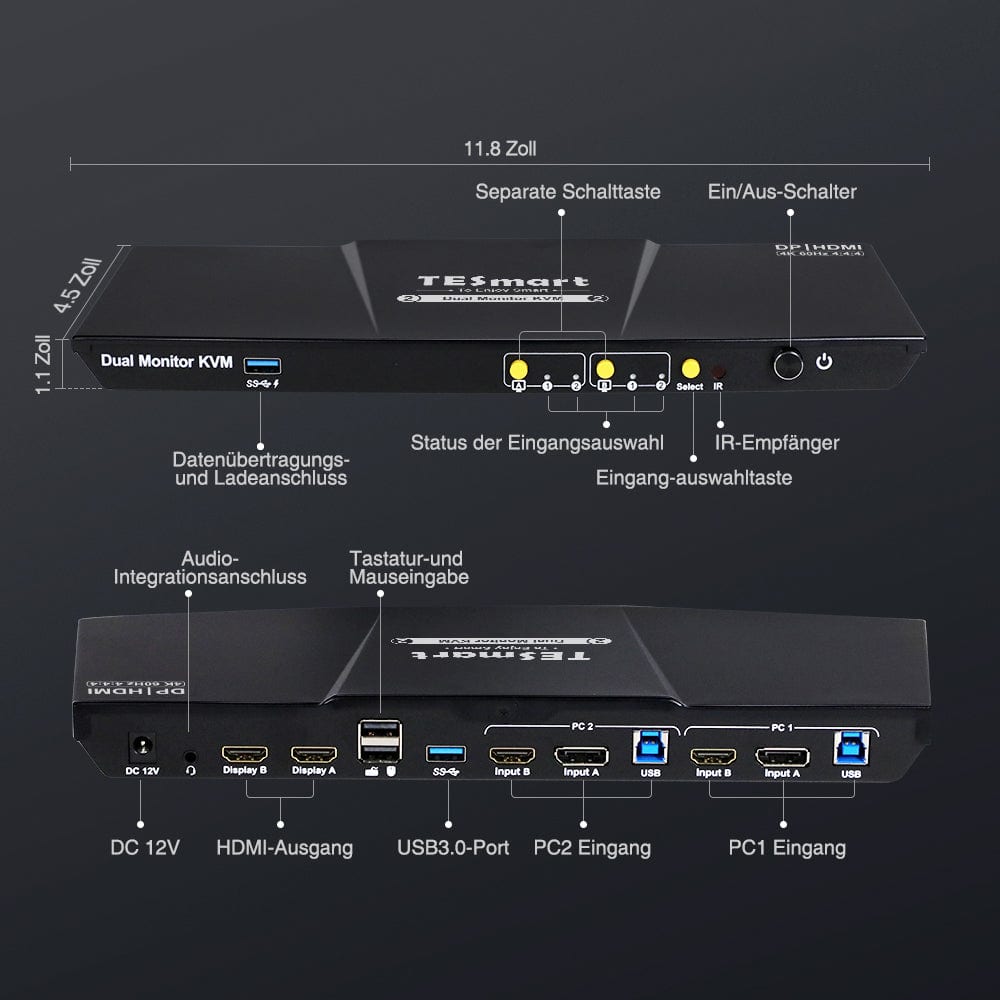
KVM 2×2 HDMI+DP | Concentrador 4K60, EDID y USB
Monitorkonfiguration
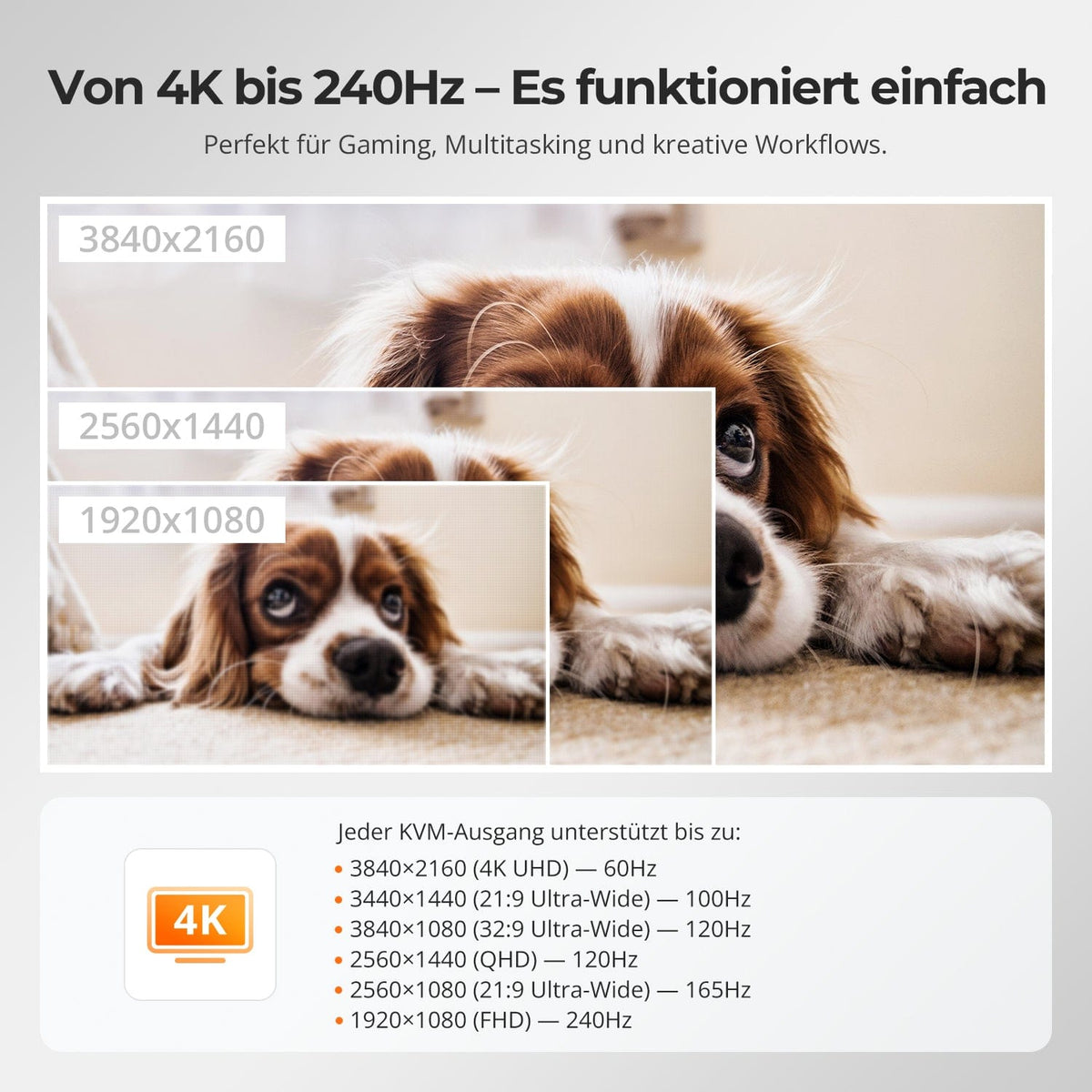
Max. Auflösung
Gerätekonfiguration

Stabile Anzeige

Kopierschutz

USB-Geschwindigkeit
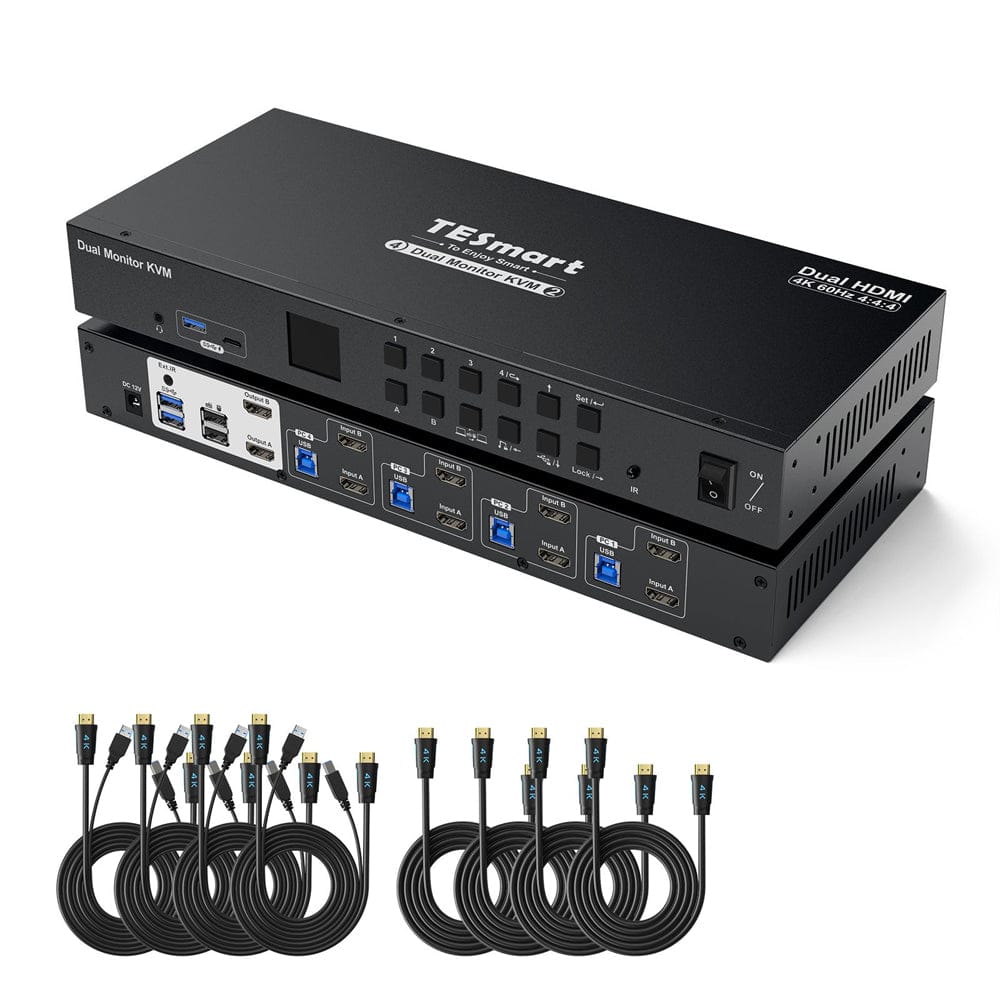
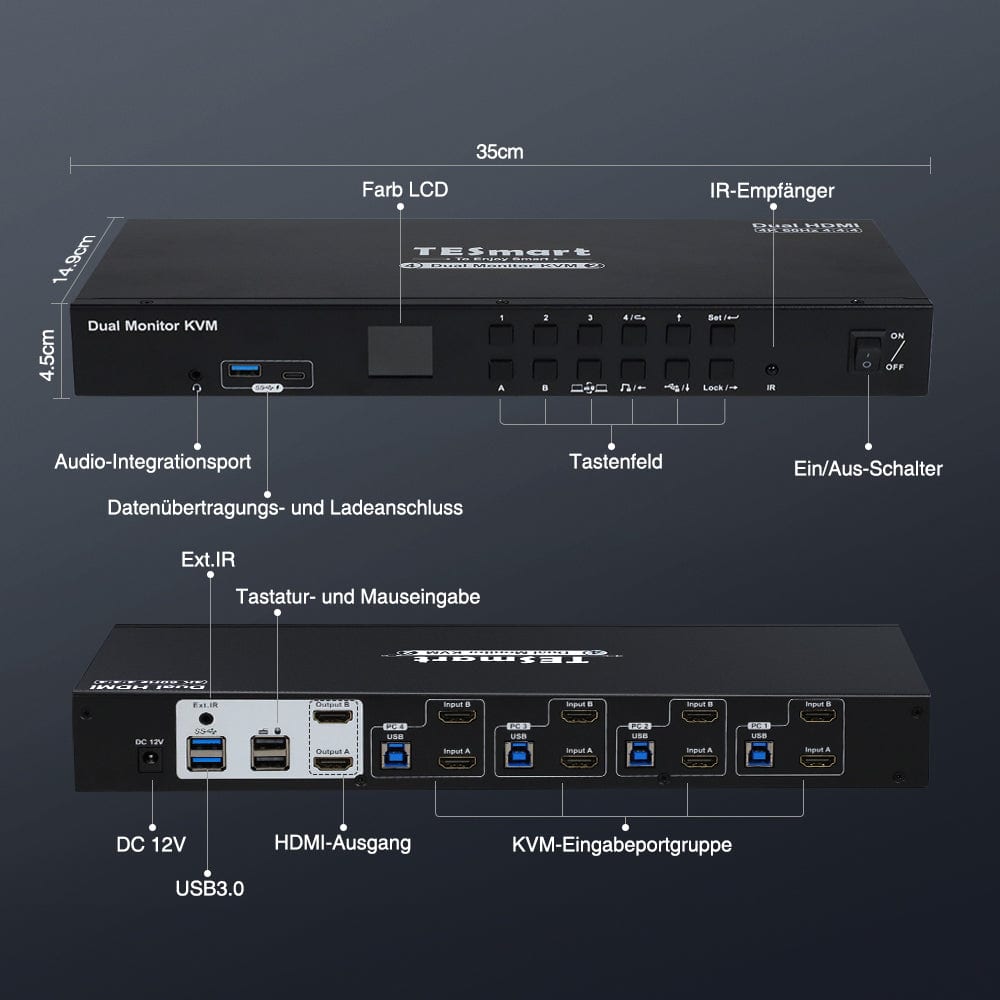
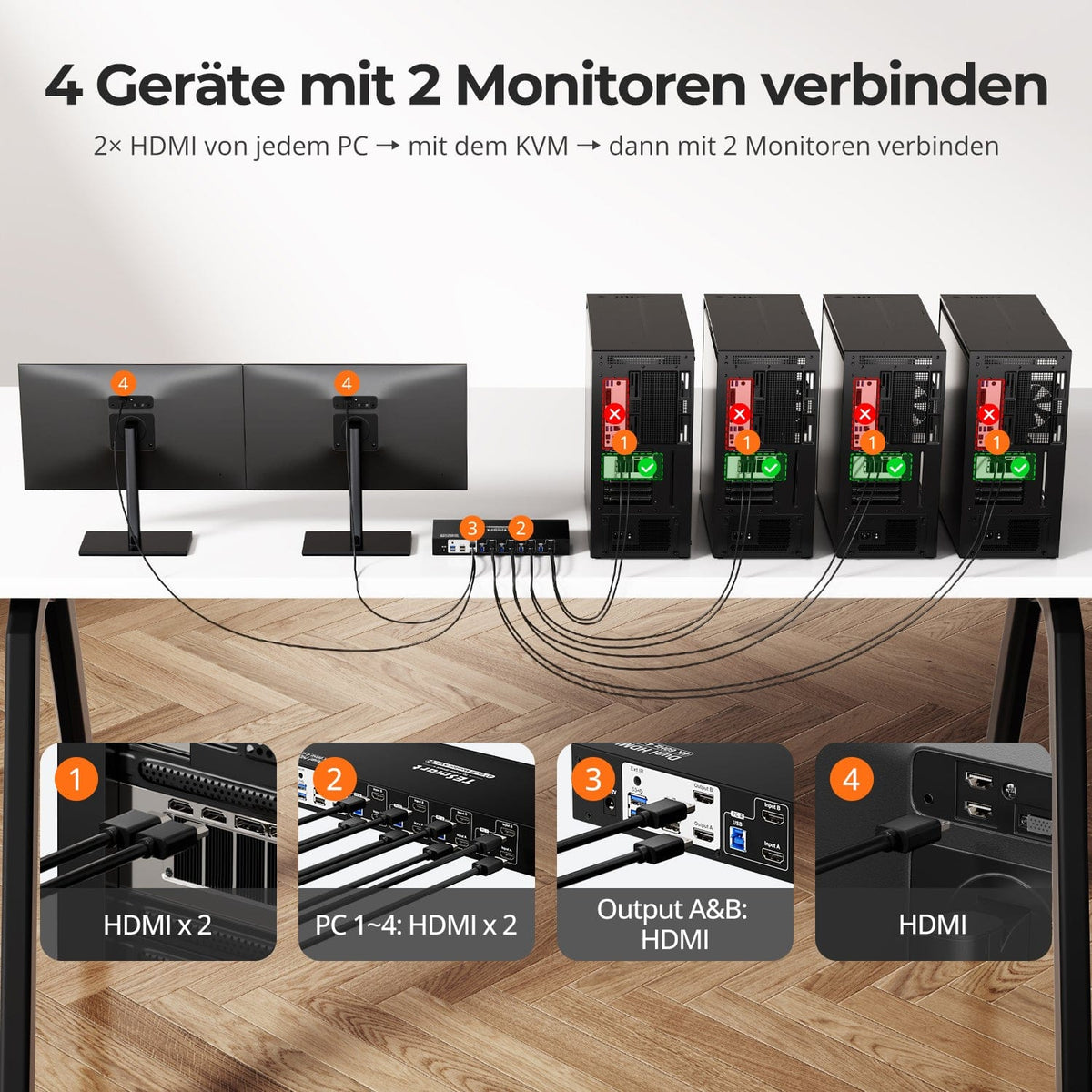
KVM HDMI 4×2 | Concentrador 4K60, EDID y USB
Monitorkonfiguration
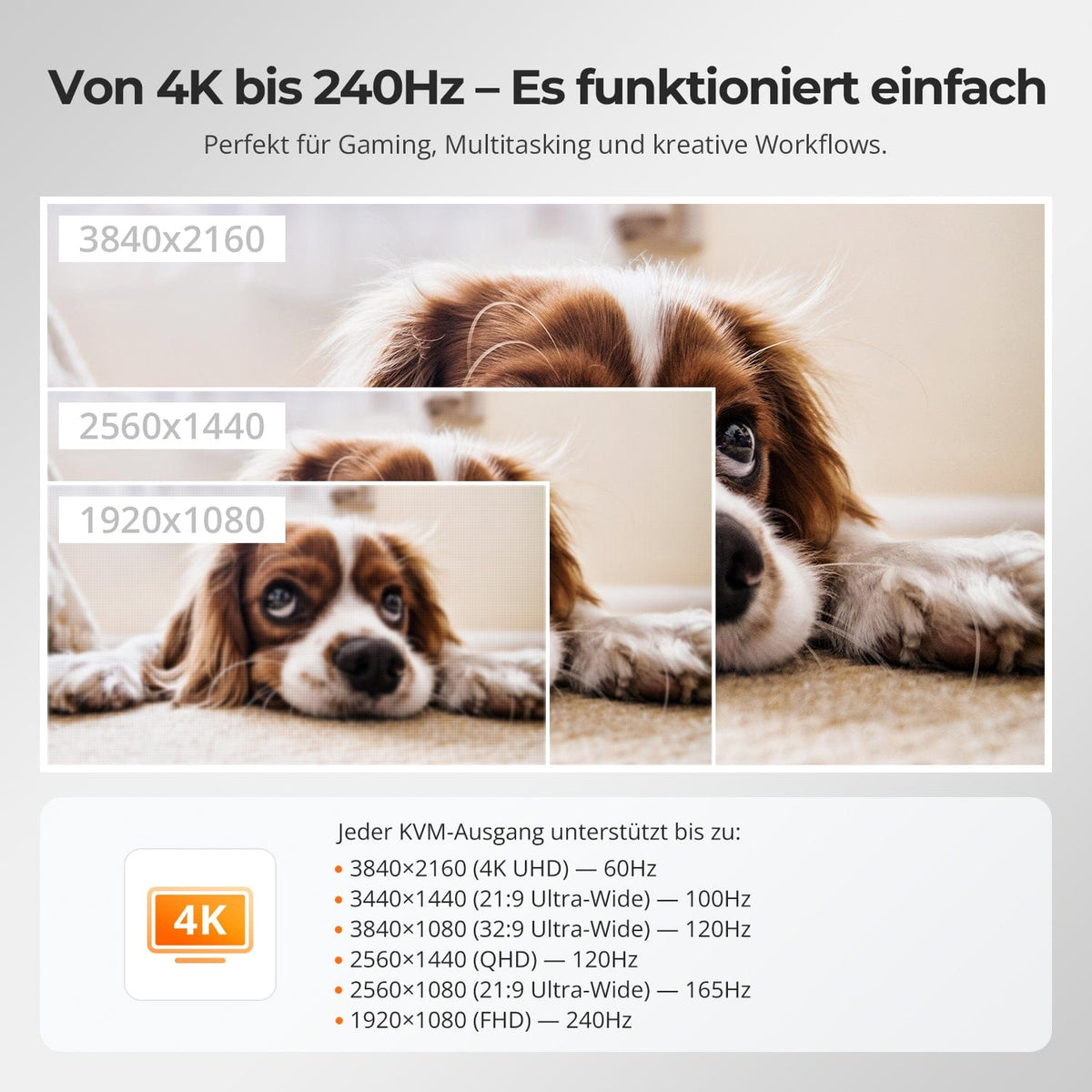
Max. Auflösung
Stabile Anzeige
USB-Geschwindigkeit
Netzwerksteuerung

Bedienfeld
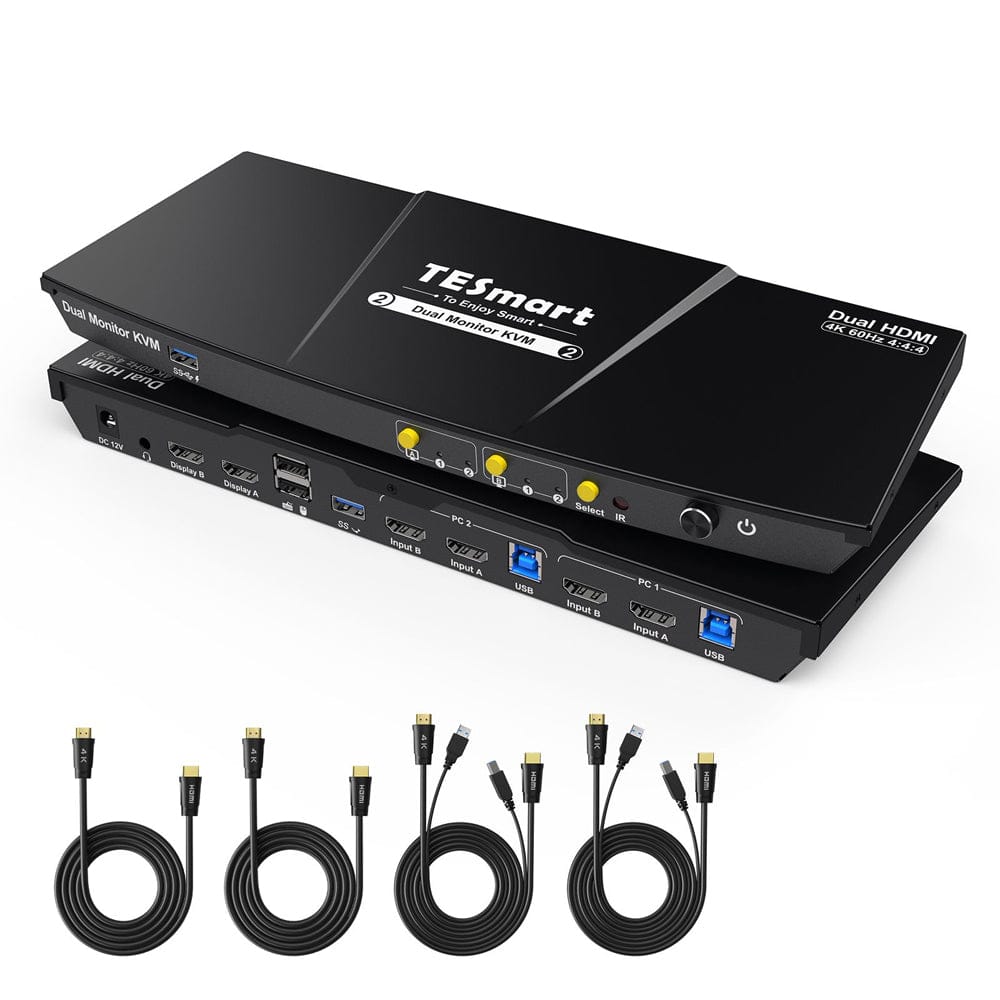

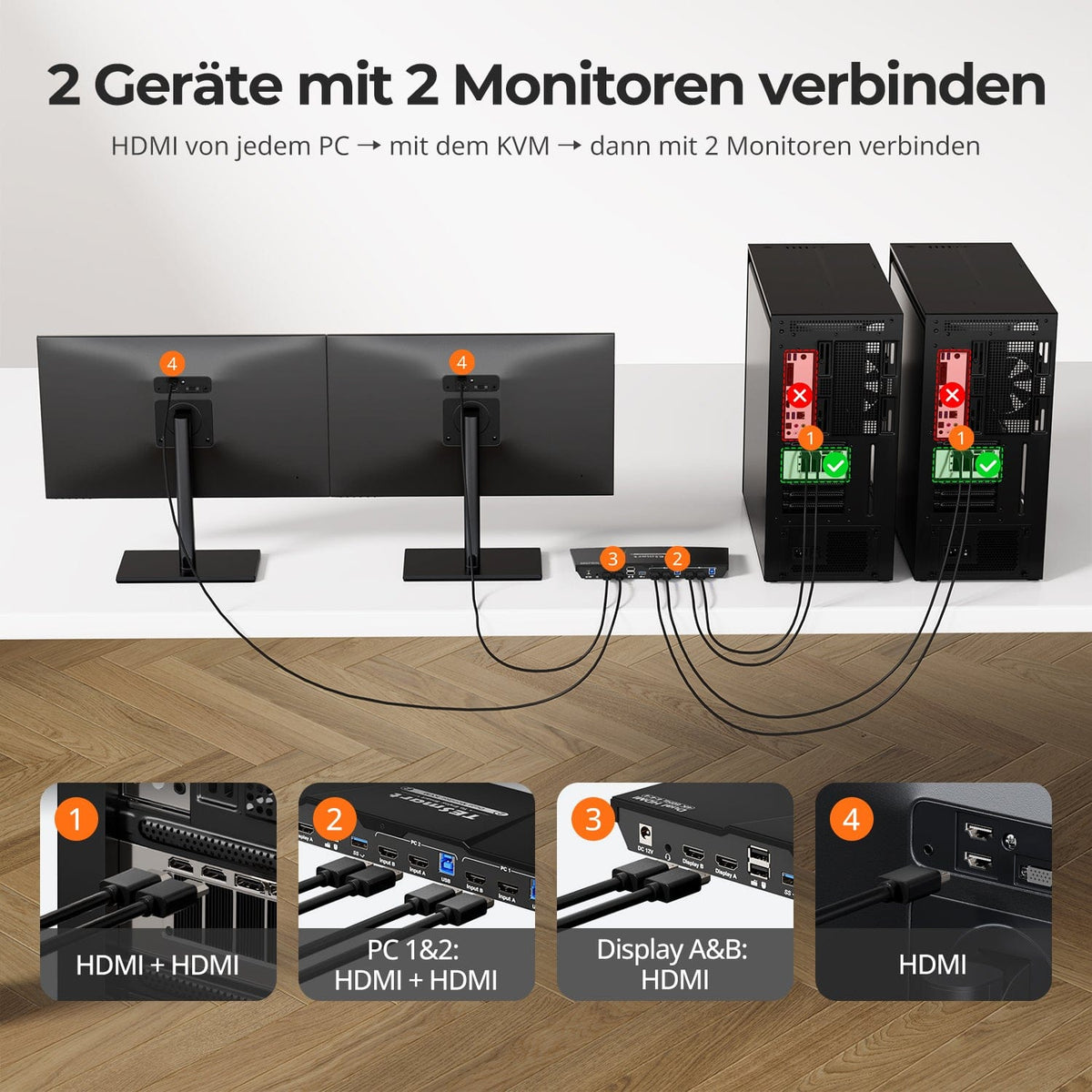
KVM 2×2 HDMI | Concentrador 4K60, EDID y USB
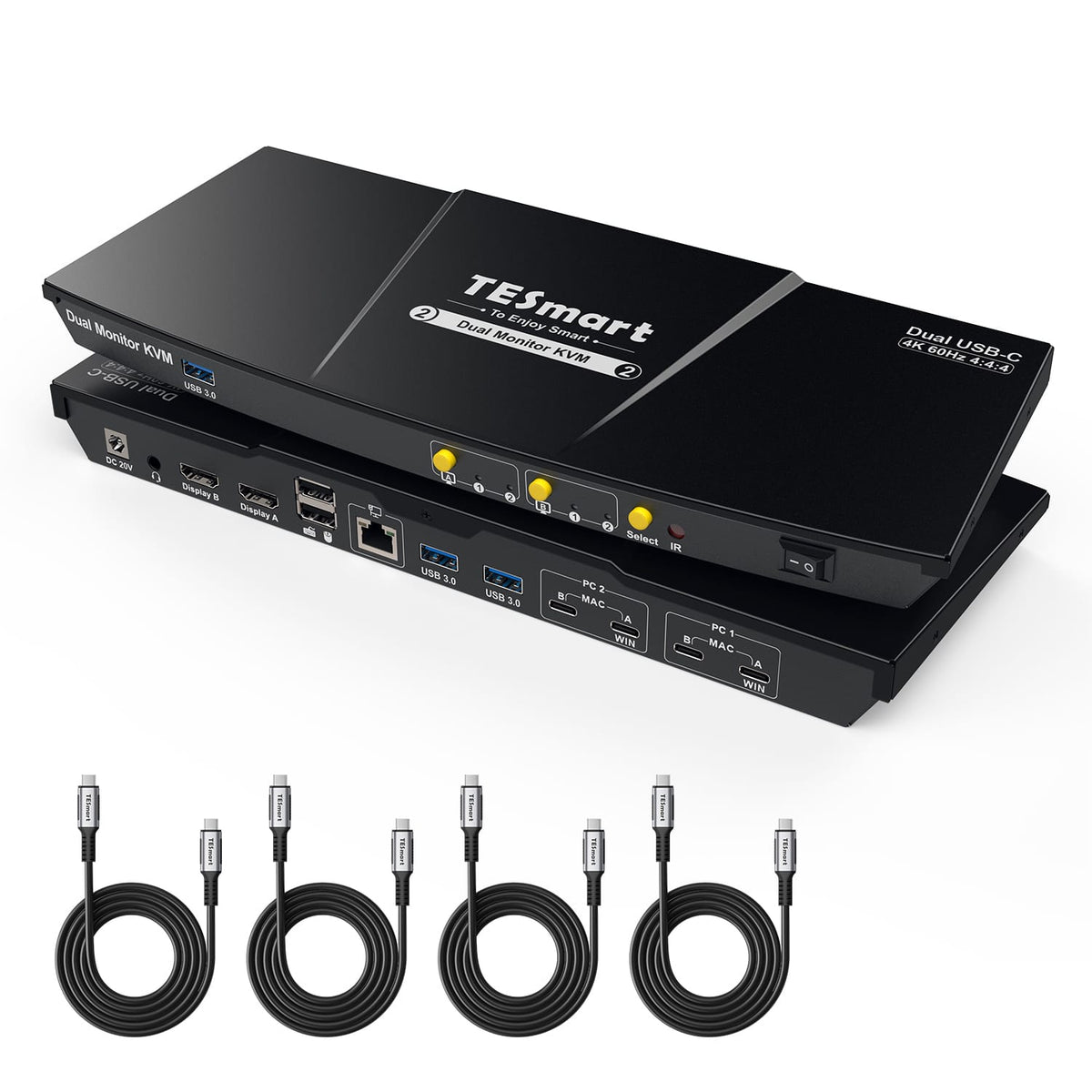
Monitorkonfiguration
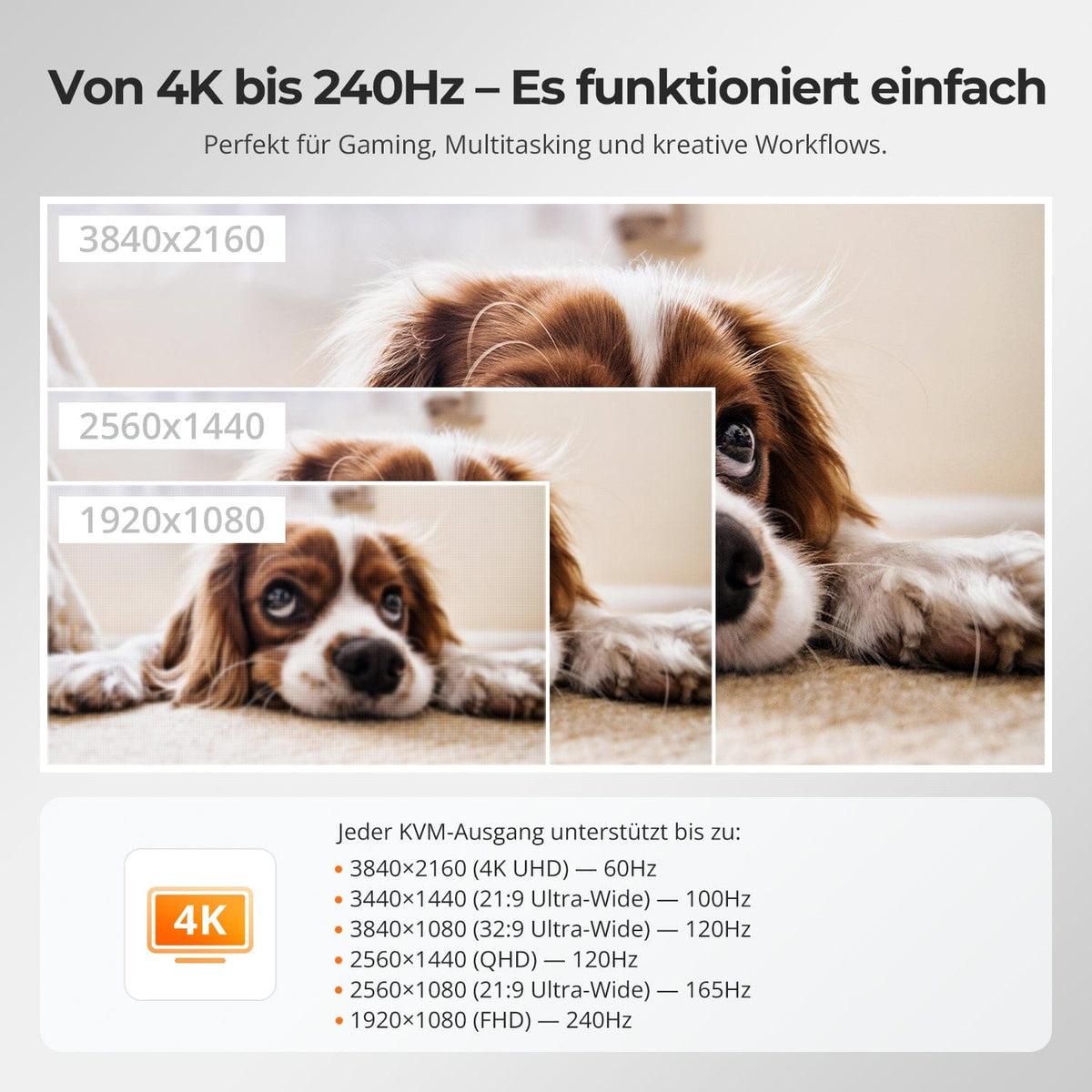
Max. Auflösung
Stabile Anzeige
USB-Geschwindigkeit

Tastatur und Maus
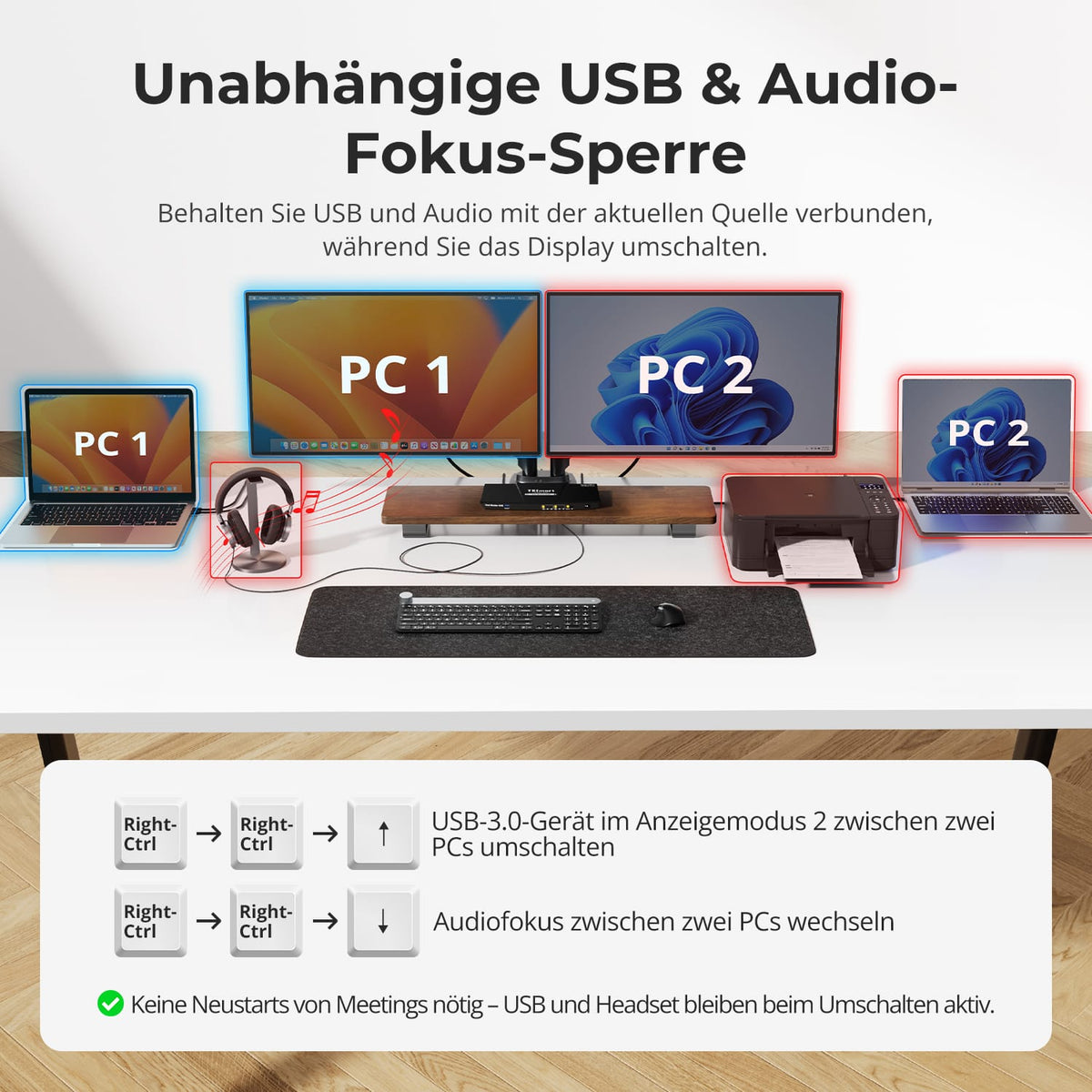
Anzeigemodus
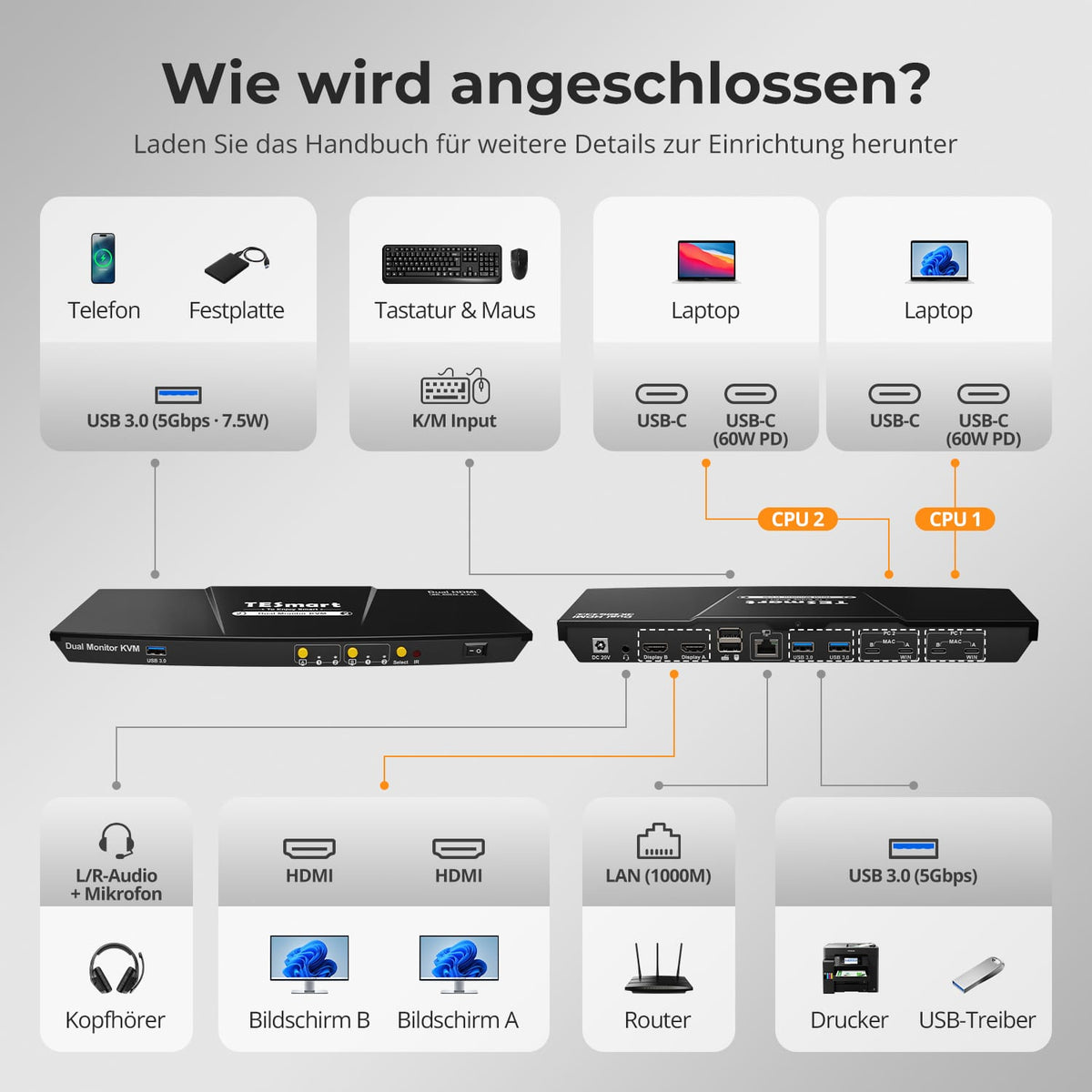
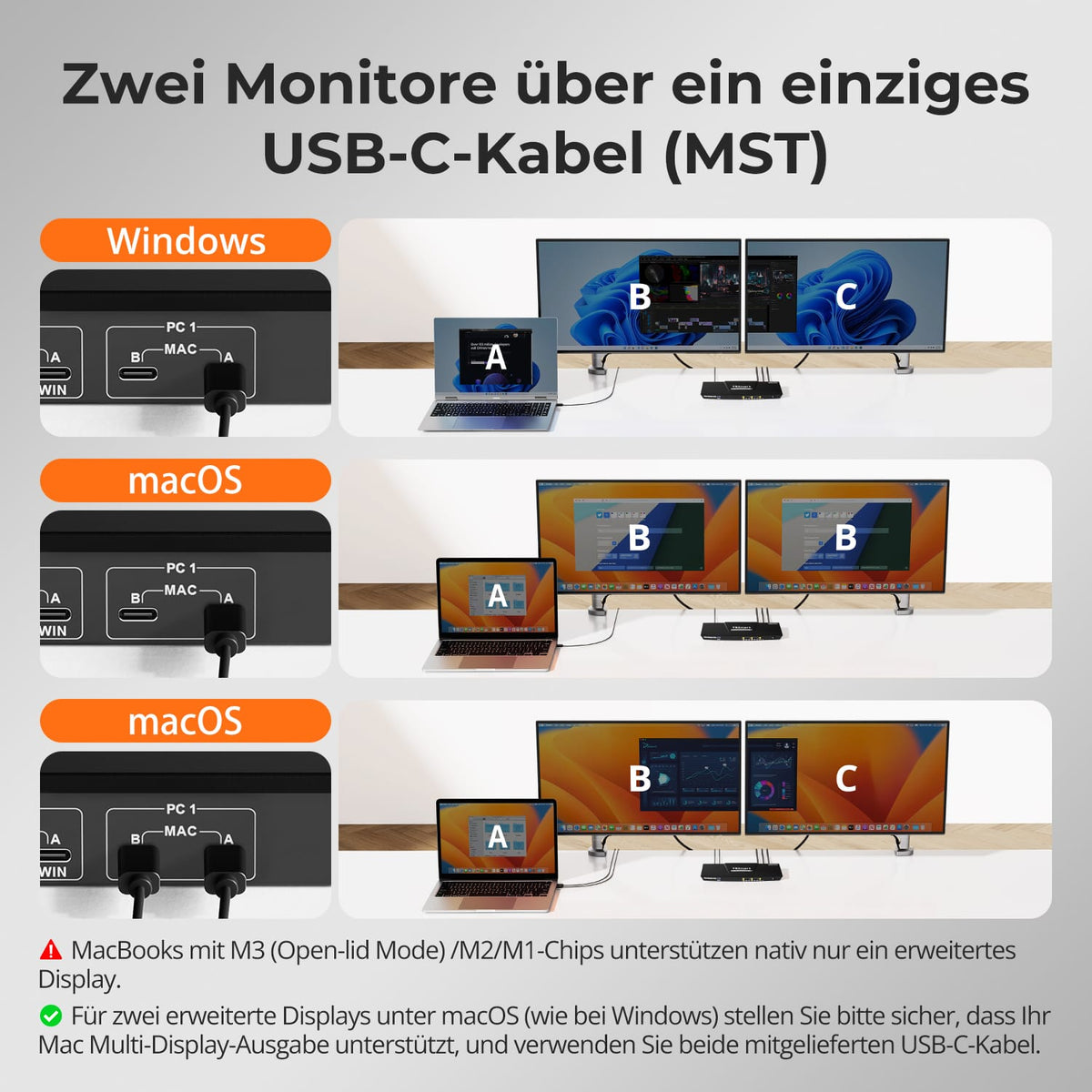
Monitorkonfiguration
Max. Auflösung
Monitorkonfiguration

Laptop laden
Gemeinsames Netzwerk
Stabile Anzeige
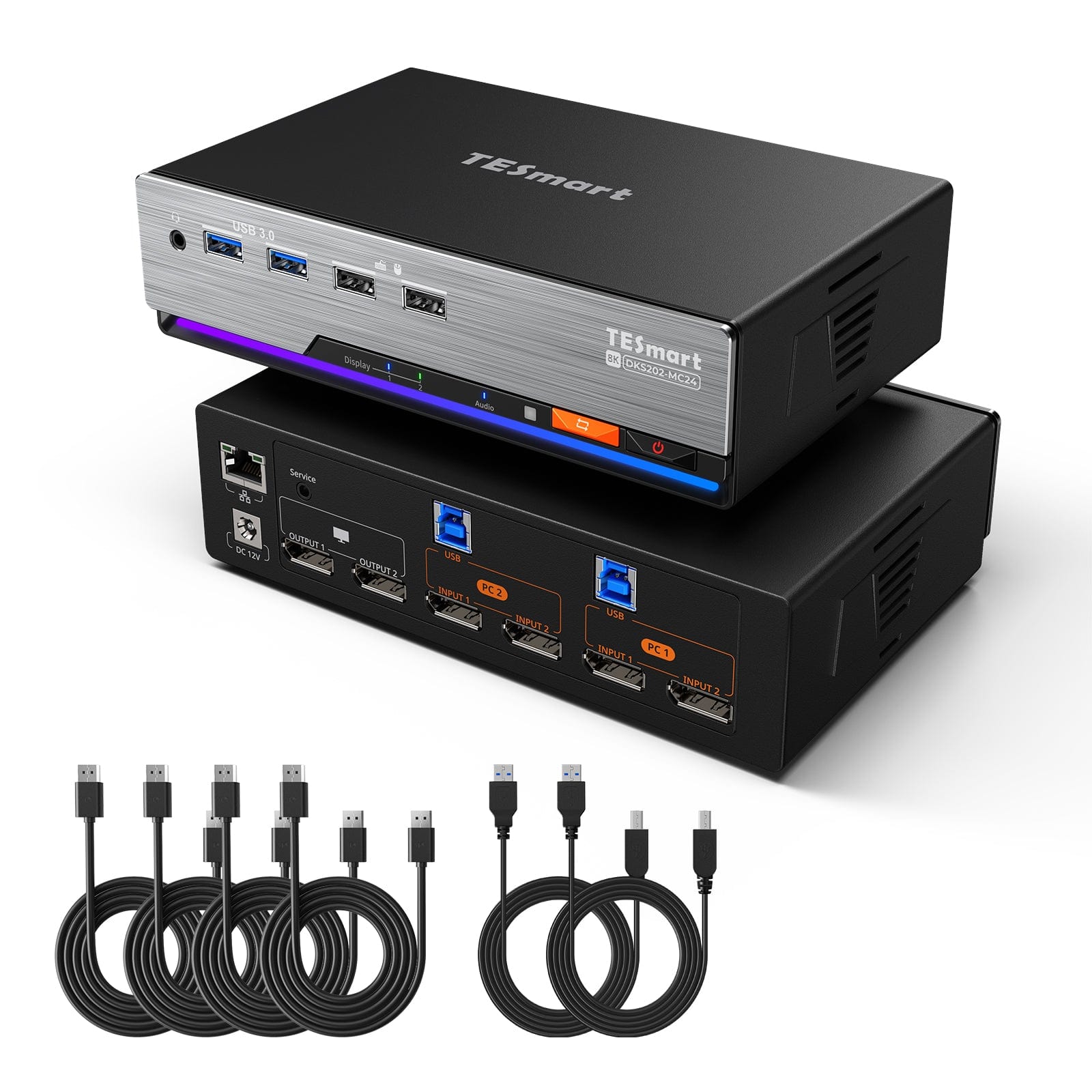
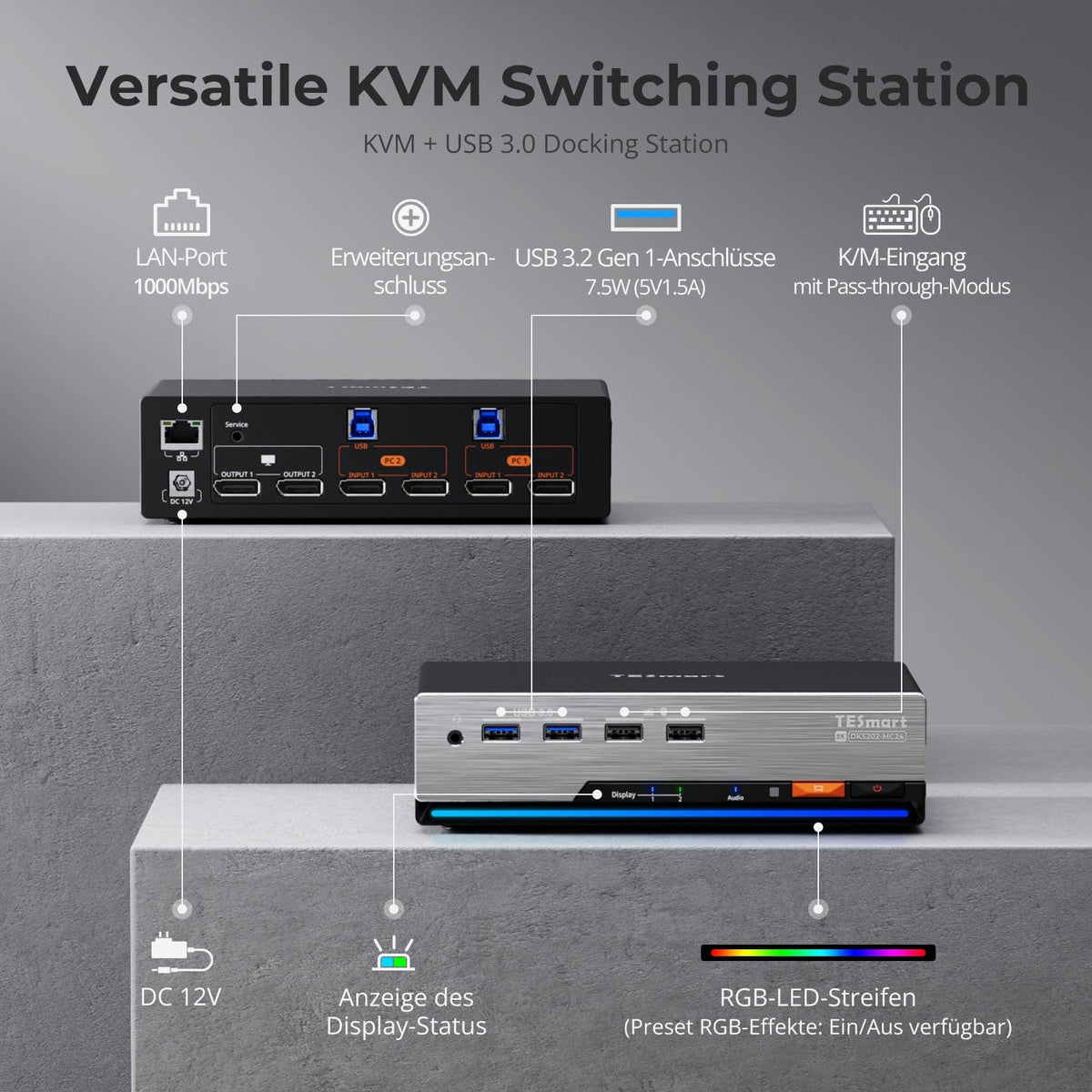
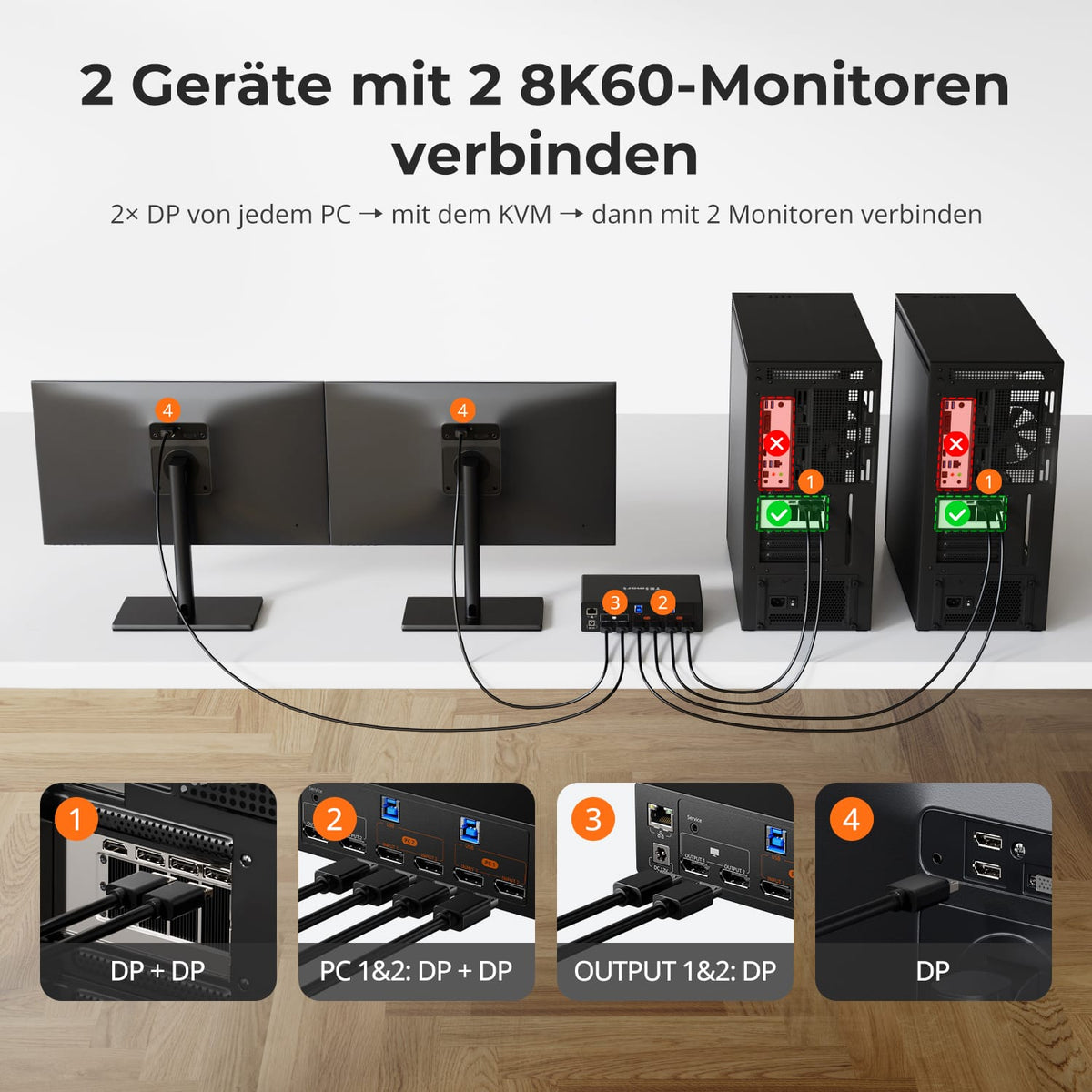
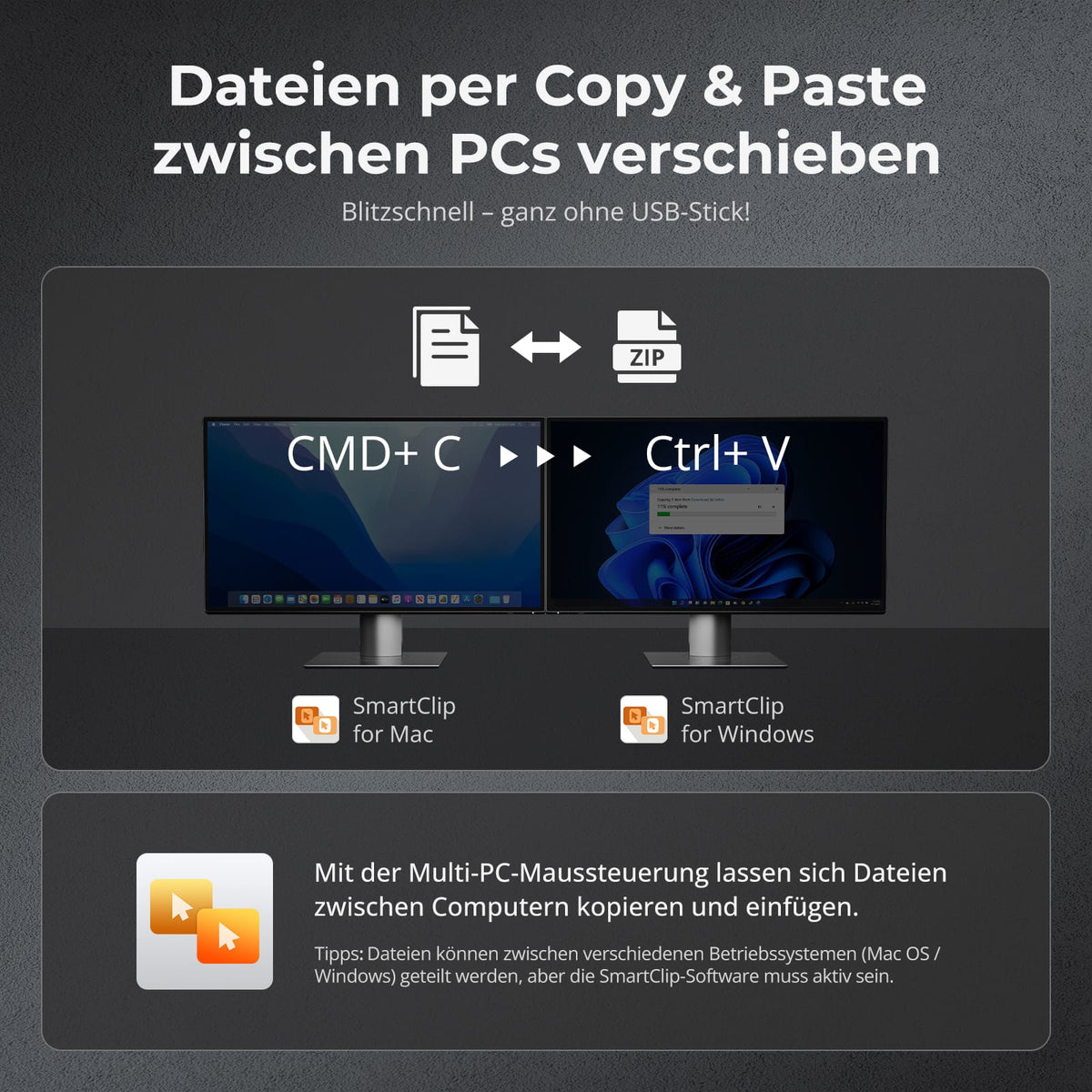
2×2 DP-1.4-KVM | 8K60/4K144 y SmartClip
Monitorkonfiguration
Max. Auflösung
Maussteuerung und Dateitransfer
Farbdarstellung
Gaming
Stabile Anzeige
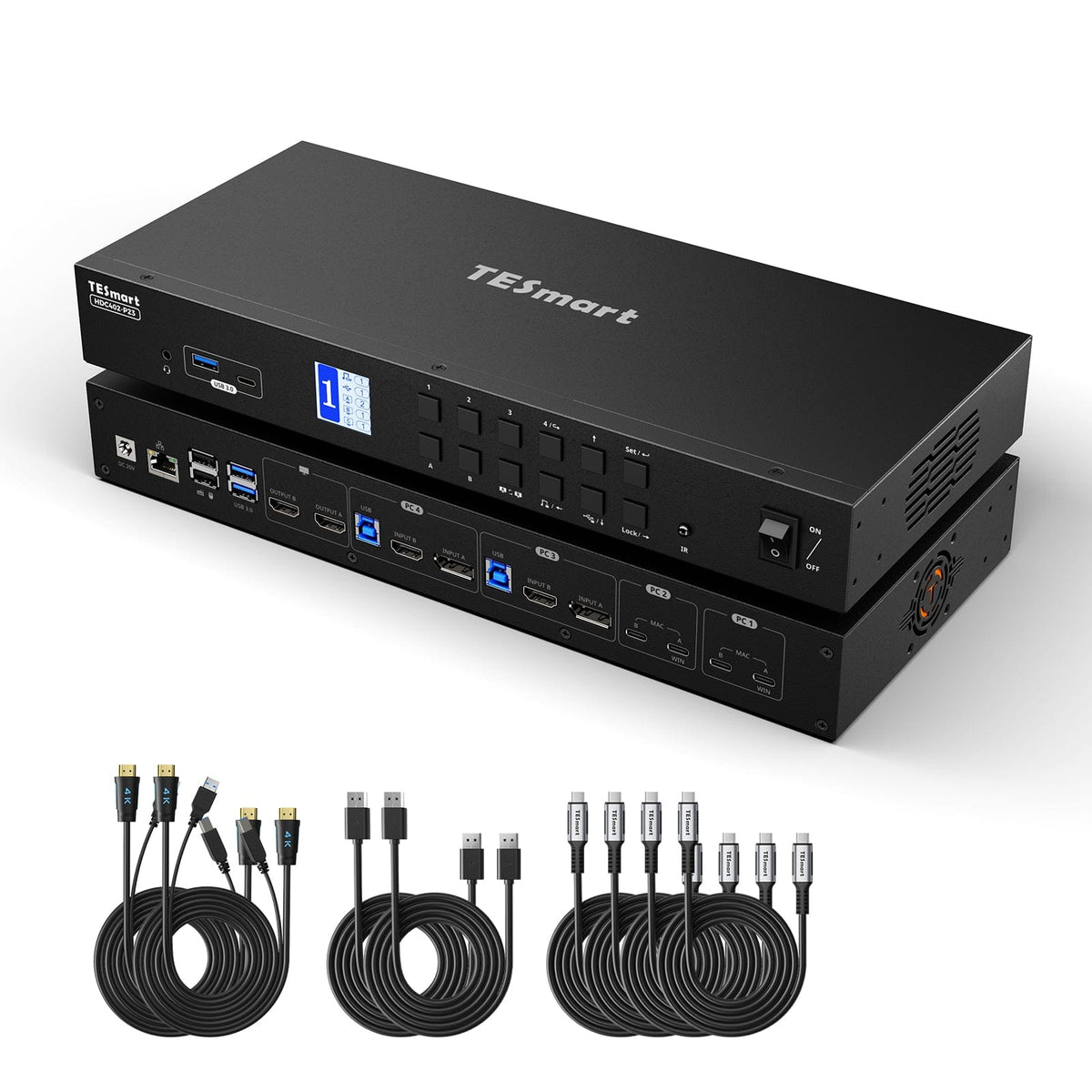
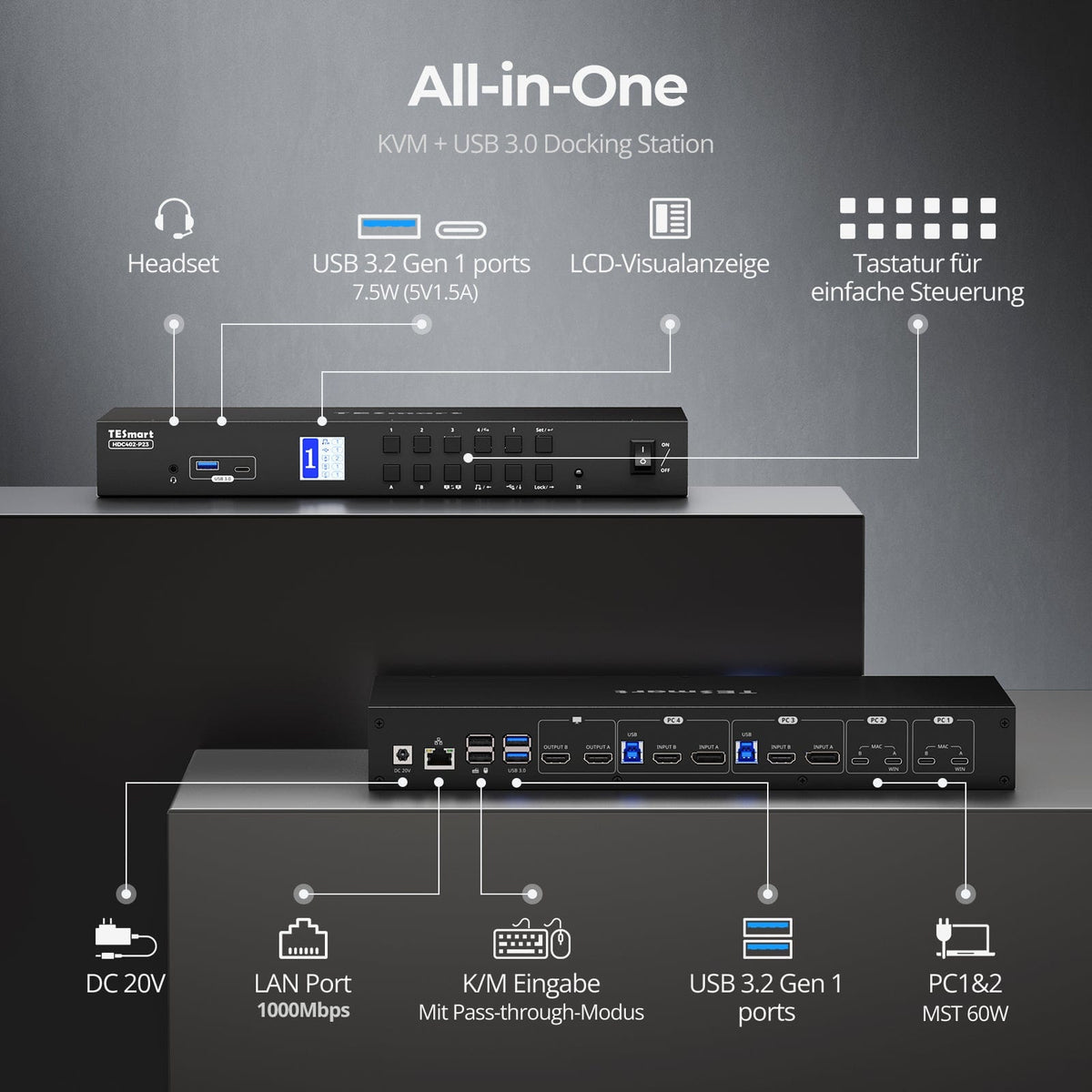
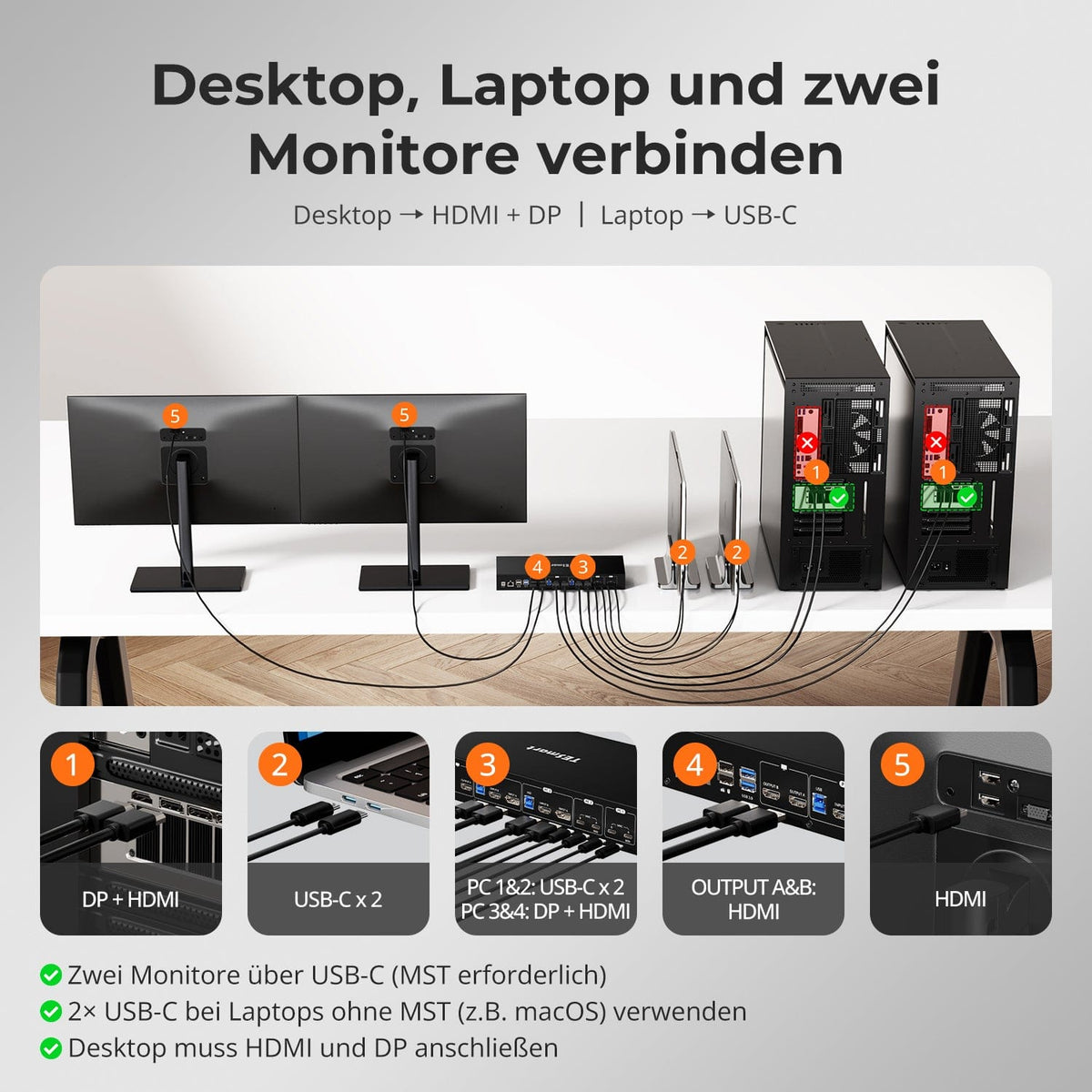
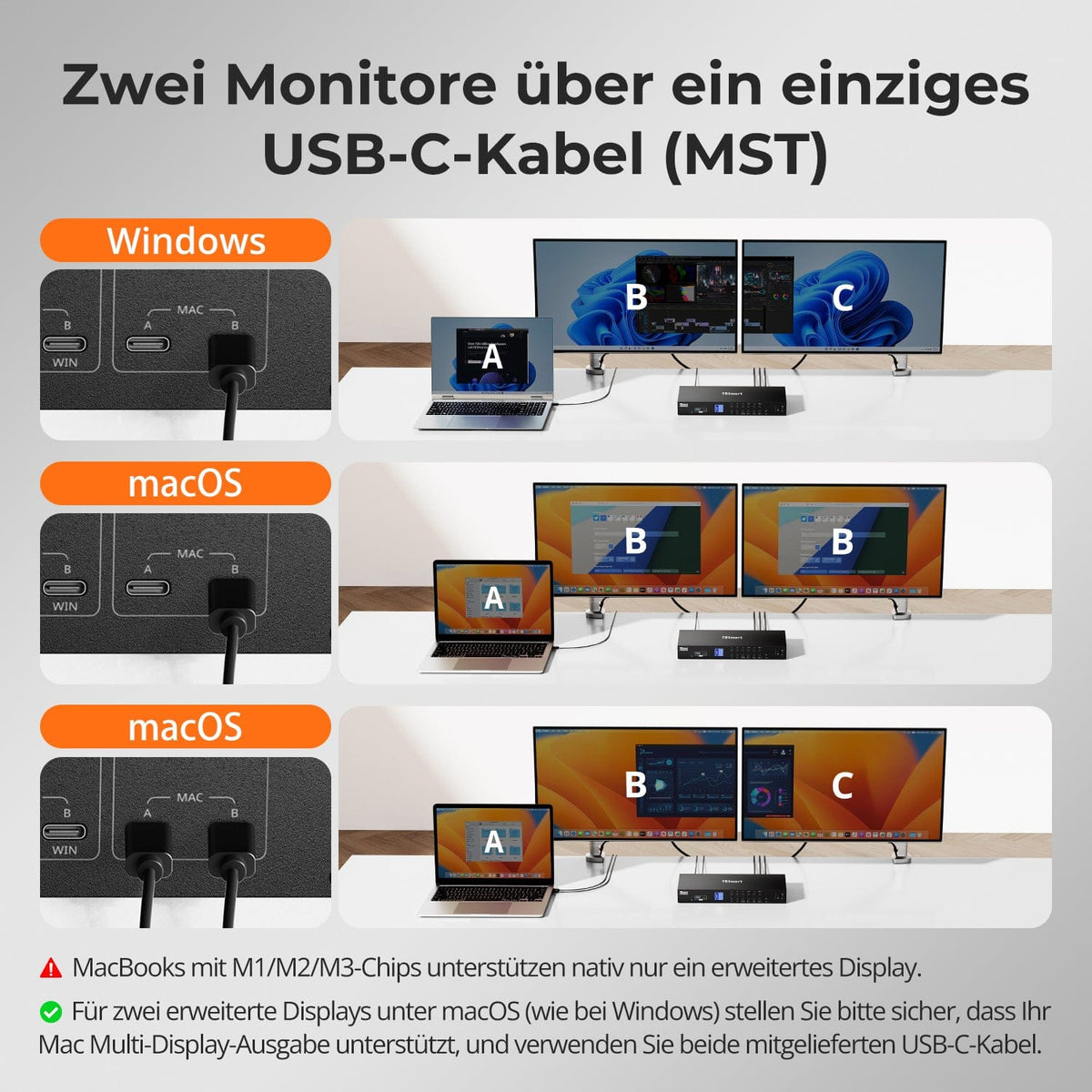
KVM híbrido 4×2 | USB-C, 4K60, MST y EDID
Monitorkonfiguration
Max. Auflösung
Anzeigetechnik
Stabile Anzeige

Netzwerksteuerung
Laptop laden
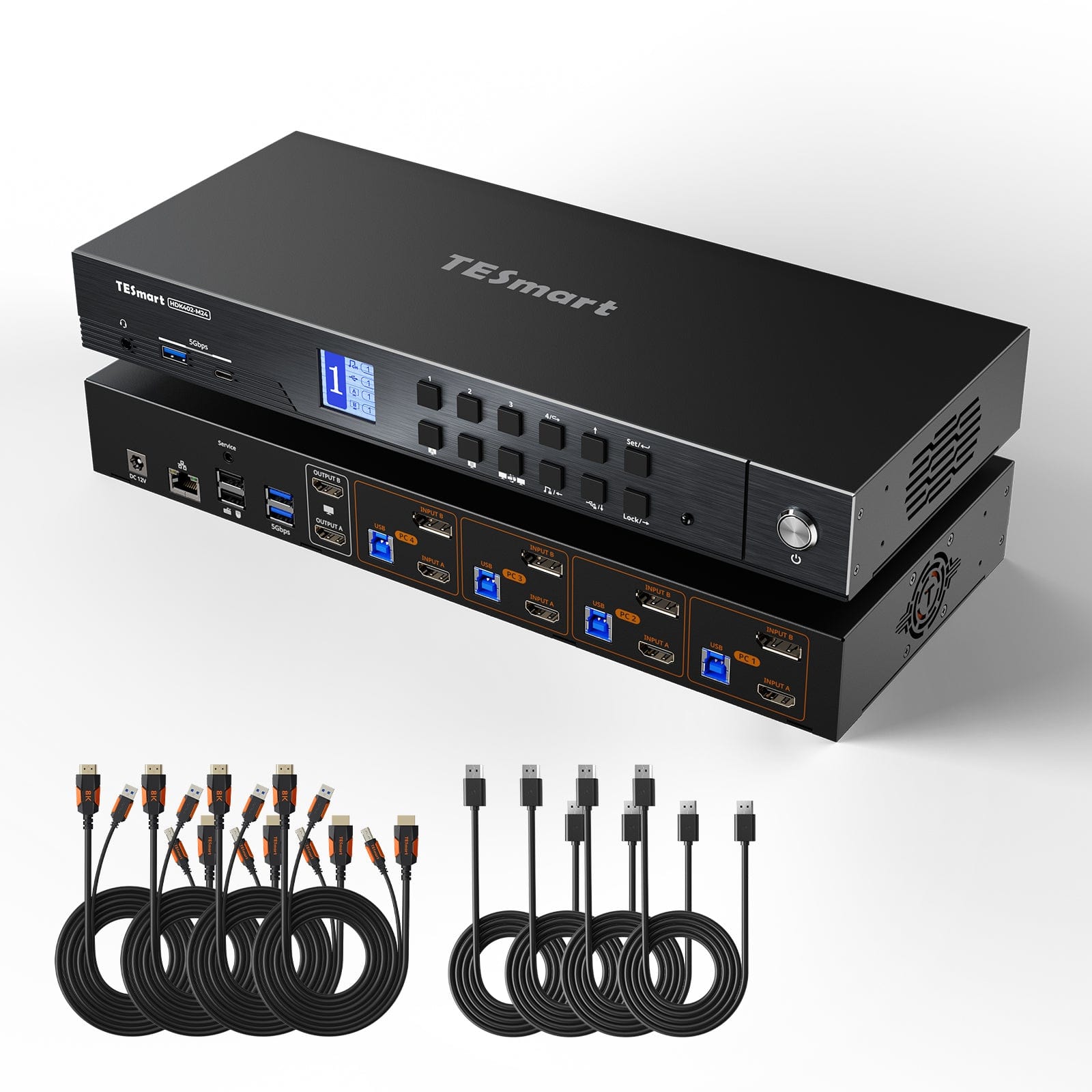
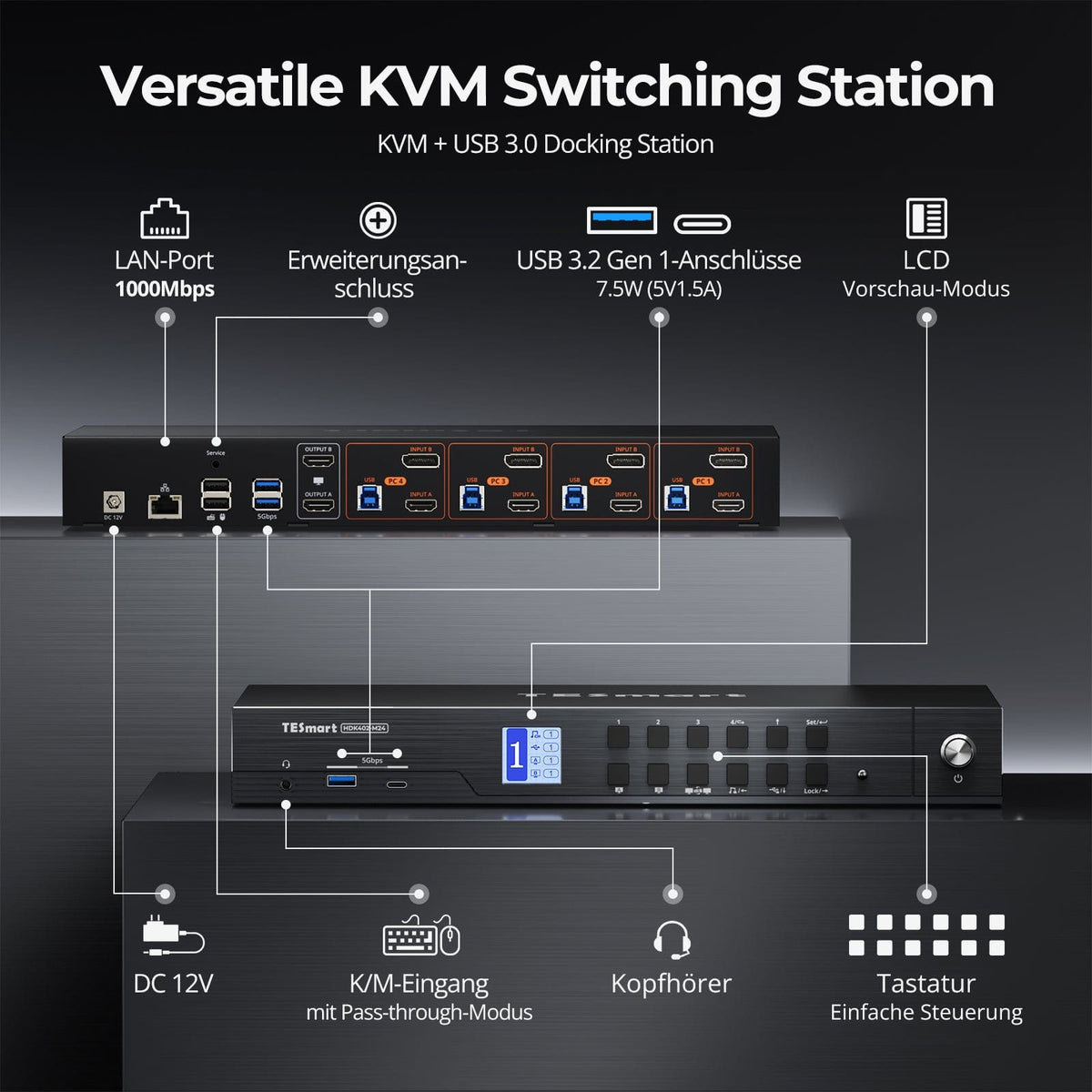
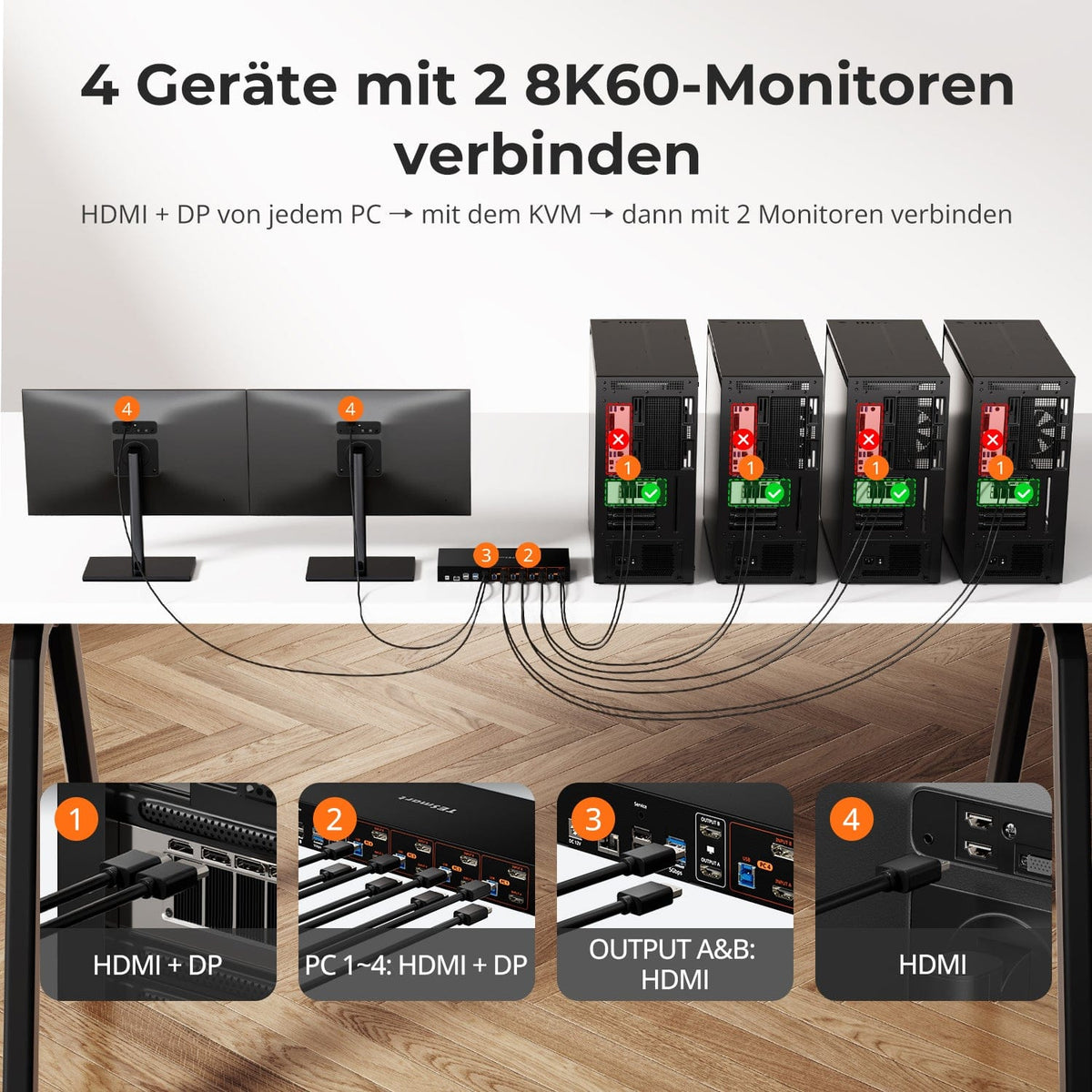

KVM 4×2 HDMI+DP | 8K60/4K144 y EDID
Monitorkonfiguration
Max. Auflösung

Gerätekonfiguration
Farbdarstellung
Gaming
Stabile Anzeige
2×2 HDMI 2.1 KVM | 8K60/4K144 y EDID
Monitorkonfiguration
Max. Auflösung
Farbdarstellung
Gaming
Stabile Anzeige
Gemeinsames Netzwerk