

- Introduction
- 1. Core Working Principle of DisplayLink
- 2. Key Features and Technical Advantages
- 3. DisplayLink in Multi-Monitor Systems
- 4. Limitations of DisplayLink
- 5. Conclusion
Introduction
In recent years, DisplayLink technology has established itself as a key solution for overcoming the native video output limitations of computers. By combining software drivers with dedicated hardware chips, it enables the transmission of video signals over USB channels and external decoding. This allows computers, which typically cannot support multiple displays, to be used with more monitors.
This article provides a deeper technical insight into how DisplayLink works, its transmission mechanism, performance characteristics, and practical applications. It also explains how it integrates into multi-monitor setups, USB-C docks, and KVM switches, using the TESmart dual-monitor USB-C KVM (HDC203-PM24) as a typical example.
1. Core working principle of DisplayLink
1.1 Sending video signals via USB
Traditionally, video output requires a GPU's native interface, such as HDMI or DisplayPort. DisplayLink's breakthrough lies in:
- Not relying on additional physical GPU ports.
- Capturing rendered frames on the host via a software driver and compressing them into a data stream.
- Transmitting the compressed data over USB (including USB-A, USB-C, or Thunderbolt) to an external device.
This approach enables “video over USB” and allows ultraportable laptops and M-series Macs to drive multiple monitors even with limited physical ports.
1.2 Encoding, Compression, and Transmission Flow
DisplayLink's data transmission can be summarized in three stages:
-
Host Side – Frame Capture and Compression
The driver captures the GPU framebuffer and compresses it using DisplayLink's proprietary algorithms. The compression is designed to: -
Transfer – USB bus transfer:
The compressed data is transferred via USB 2.0, USB3.x, Sent via USB-C or Thunderbolt. USB3.x and USB-C offer higher throughput, suitable for high-resolution or multi-monitor setups.
External device – decoding and output:
The external device's DisplayLink chip decodes the data and restores it to standard video signals (HDMI/DP). These devices include USB-C docks, video adapters, multi-monitor hubs, and KVM switches with DisplayLink modules.z.B. HDC203-PM24). The decoded signal is then displayed on connected monitors.
2. Key features and technical advantages
2.1 Cross-platform compatibility
DisplayLink supports Windows, macOS, Linux, and ChromeOS. This is especially valuable for macOS, where M1/M2/M3 Macs have strict limitations on the number of external monitors they can support. DisplayLink offers a way to bypass these restrictions.
2.2 Number of displays independent of host ports
DisplayLink enables additional displays independent of the host's native video outputs. For example, a dual-monitor KVM with DisplayLink (HDC203-PM24) can provide additional displays even if the host natively only supports one monitor.
2.3 CPU and bandwidth utilization
Because compression and decompression are involved, DisplayLink adds some CPU load to the host:
-
Office tasks such as document processing or web browsing → minimal impact
-
Videos with high motion or high bitrate content → higher compression, possibly slight loss of quality
Therefore, DisplayLink is ideal for office productivity, but not for high-frame-rate gaming or professional video production.
3.DisplayLink in multi-monitor systems
3.1 Extending Monitors
The most common use of DisplayLink is to add additional screens.
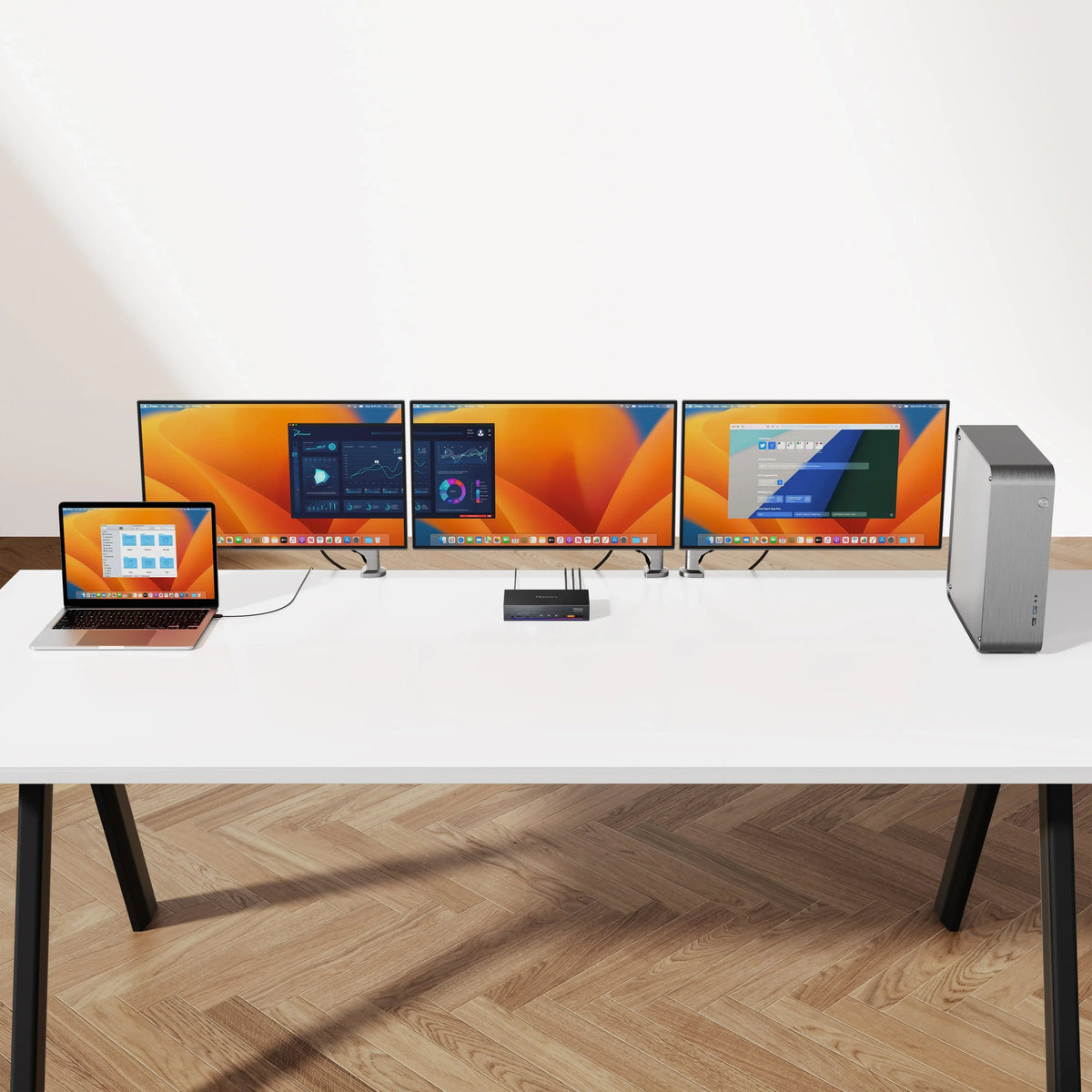
For example, in a three-display setup with the HDC203-PM24:
-
One display uses the native USB-C DP Alt Mode.
-
Two displays use DisplayLink decoding.
This is especially useful for Macs:
- MacBook Air M1/M2/M3 only natively supports one external display and macOS does not support MST.
- DisplayLink enables expansion to three monitors with a single USB connection, thus significantly increasing productivity in multi-screen setups.
3.2 Combining native and DisplayLink signals
Many devices, including KVMs, combine:
- a native HDMI/DP output
- one or two DisplayLink outputs.
This ensures:
- that at least one monitor has GPU-native quality
- while additional monitors can be flexibly added via DisplayLink
In HDC203-PM24 setups, this combination is a clear advantage.
3.3 Role in KVM switches
DisplayLink allows KVMs to maintain the multi-monitor switch even when:
-
Host interfaces are limited (e.g., only USB-C)
-
The host does not natively support multiple displays.
-
Mixed operating system environments are used, especially macOS
Therefore, DisplayLink has become a key component in modern multi-monitor KVM switches.
4.Limitations of DisplayLink
- Not Ideal for High Frame Rate or High Motion Content
Due to compression and decompression, it is not suitable for:
-
-
Competitive Gaming
-
High-frequency video playback
-
Color-critical professional applications
-
- Requires driver installation
Especially on macOS:
Install DisplayLink Manager
Enable "Screen Recording" permissions
Sometimes restarting the system is necessary.
3. Video Quality Depends on USB Bandwidth
Using USB2.0 or inferior adapters may impair image quality or cause latency.
These limitations highlight that DisplayLink is best suited for office productivity, document editing, programming, web browsing and multi-window work, but not for media or gaming scenarios.

Split:
DisplayLink + HDBaseT dual screen extension up to 100 m - TESmart HKE10SS-PD25
Break through the multi-monitor limitations of macOS: The HDC203-PM24 Triple DisplayLink KVM Docking Station explained in detail