

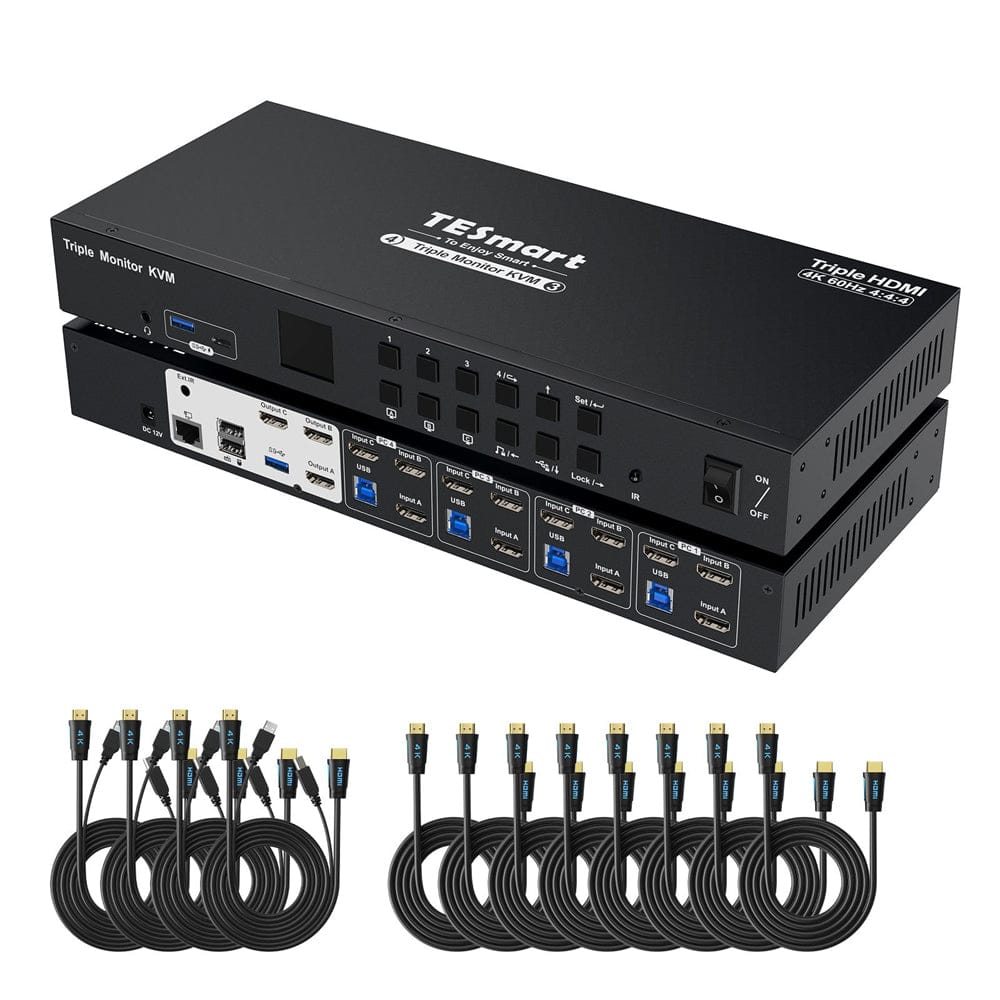


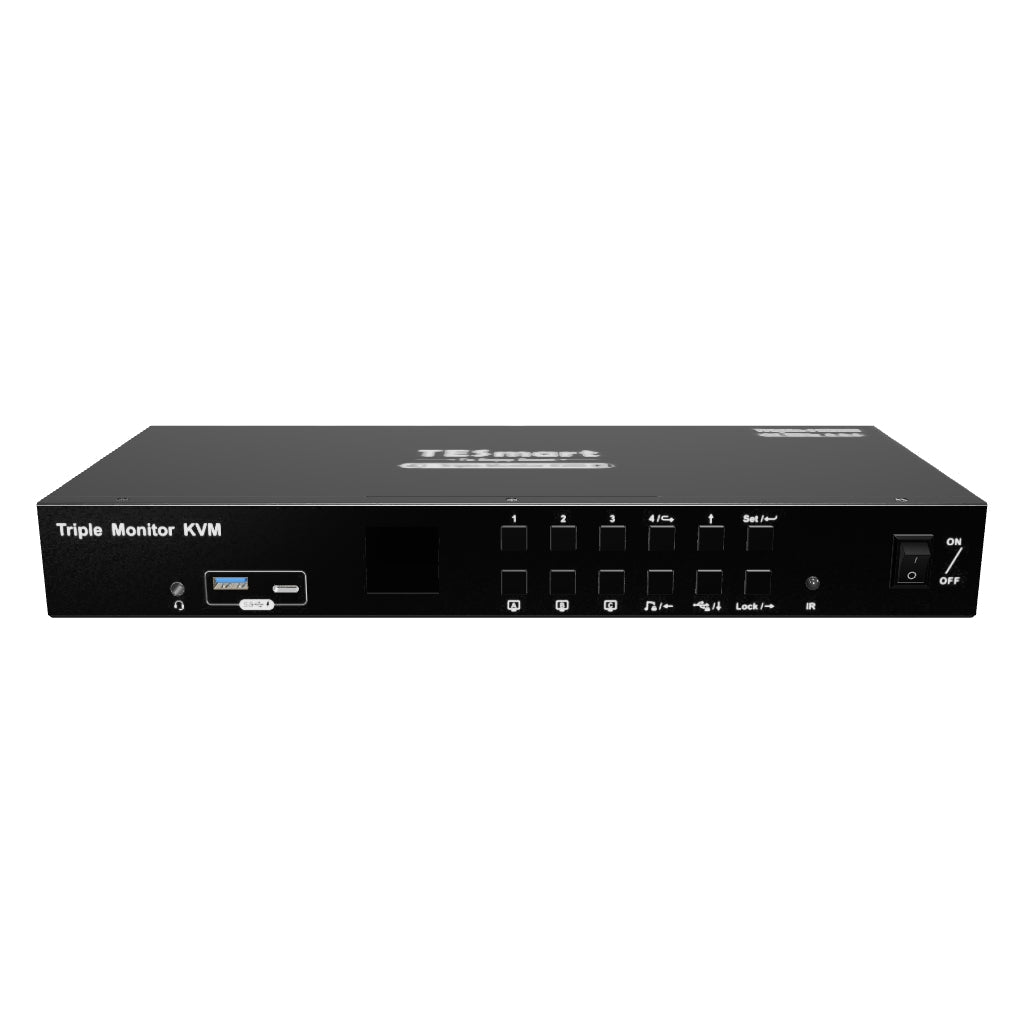
4 Port Three Monitor KVM Switch HDMI 4K@60Hz mit USB Hub
HKS403-P24: 4 PCs share 3 HDMI monitors, keyboard and mouse - with up to 4K60, EDID and a shared USB hub.
4 Port Three Monitor KVM Switch HDMI 4K@60Hz mit USB Hub
Why HKS403-P24?
Overview
01
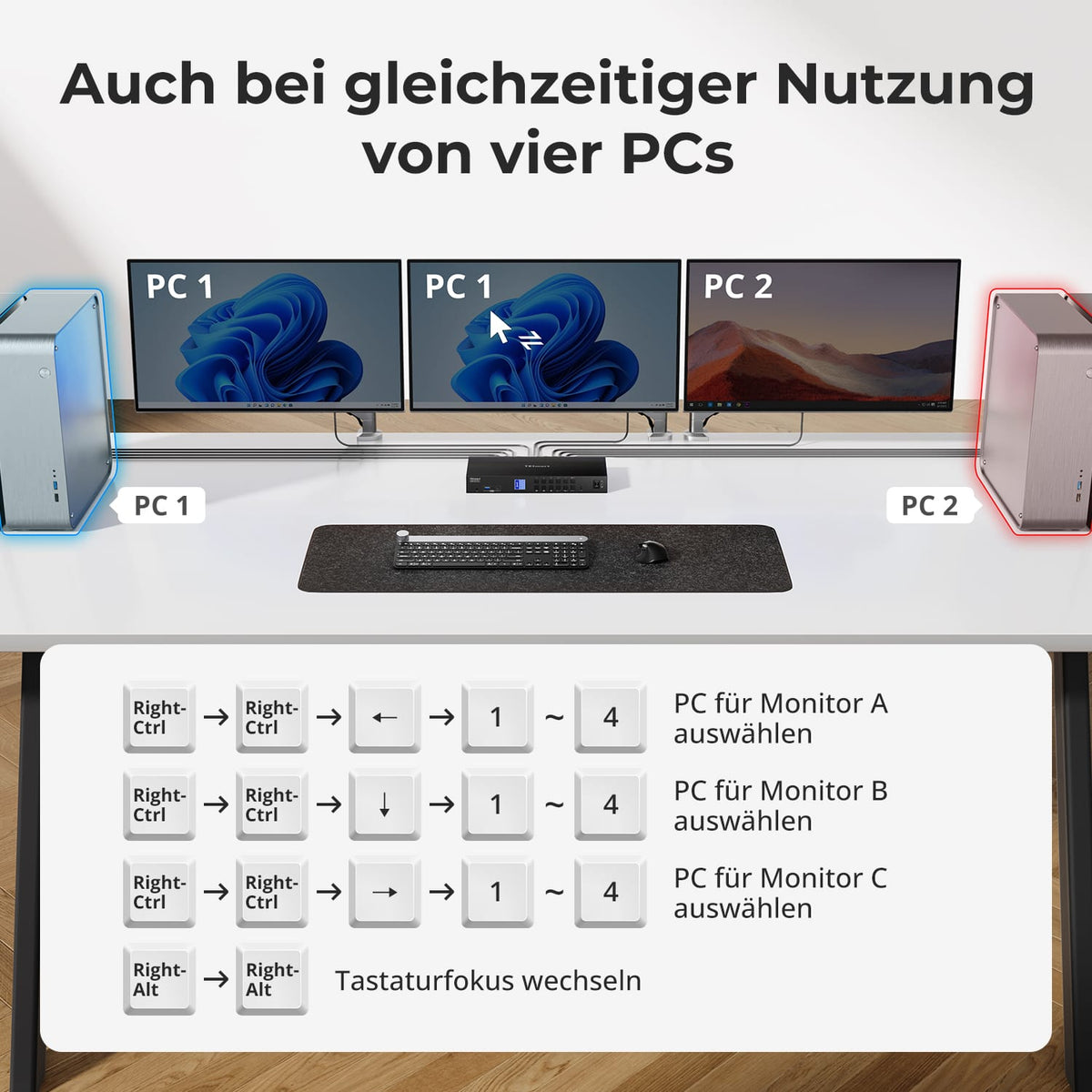
Four PCs connected to three displays
Up to four HDMI computers can share three monitors and one keyboard/mouse – for more information visible at the same time without duplicate devices.
02
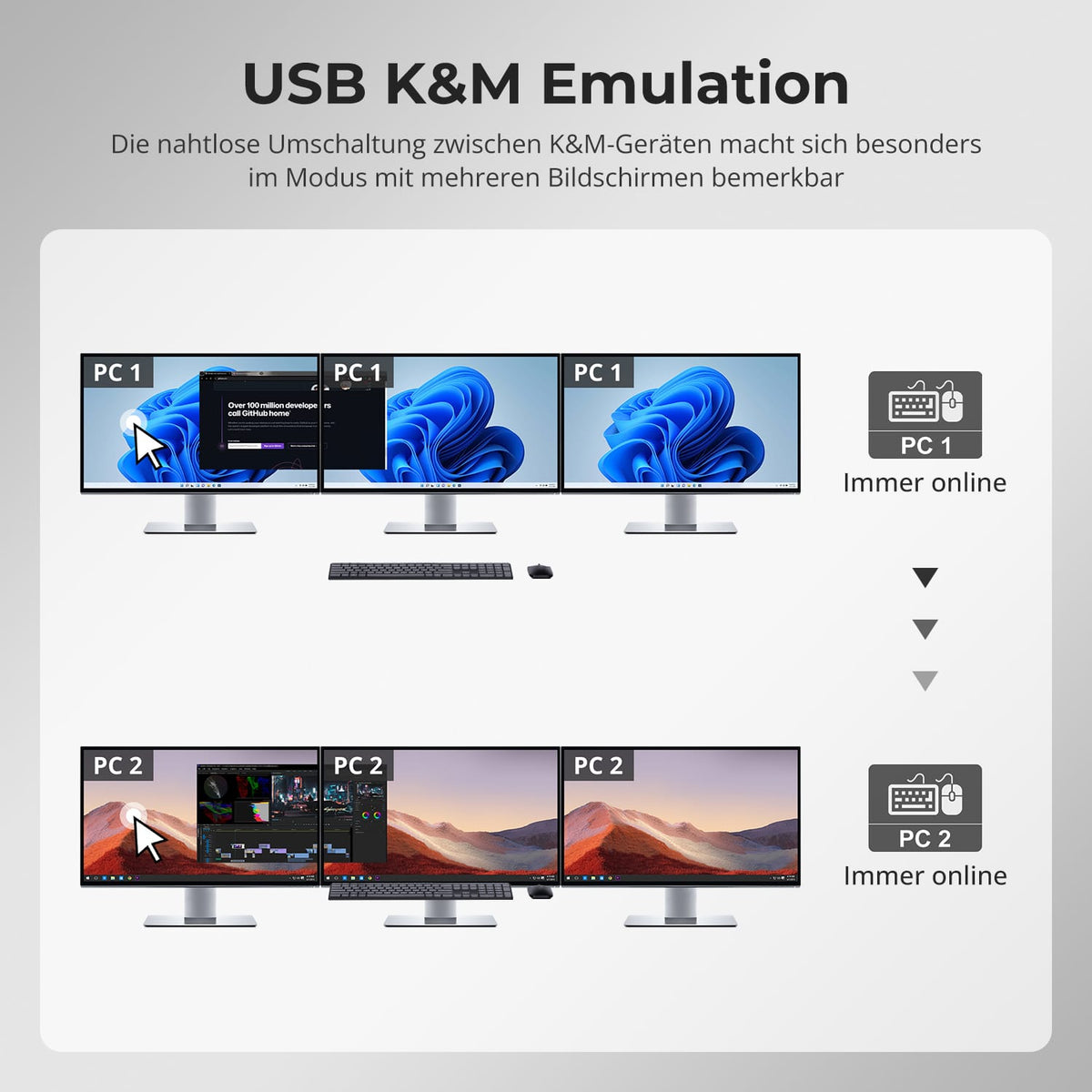
Three displays, flexible modes
Use all three displays with one computer or assign different systems to the monitors. The keyboard and mouse control the desired system.
03
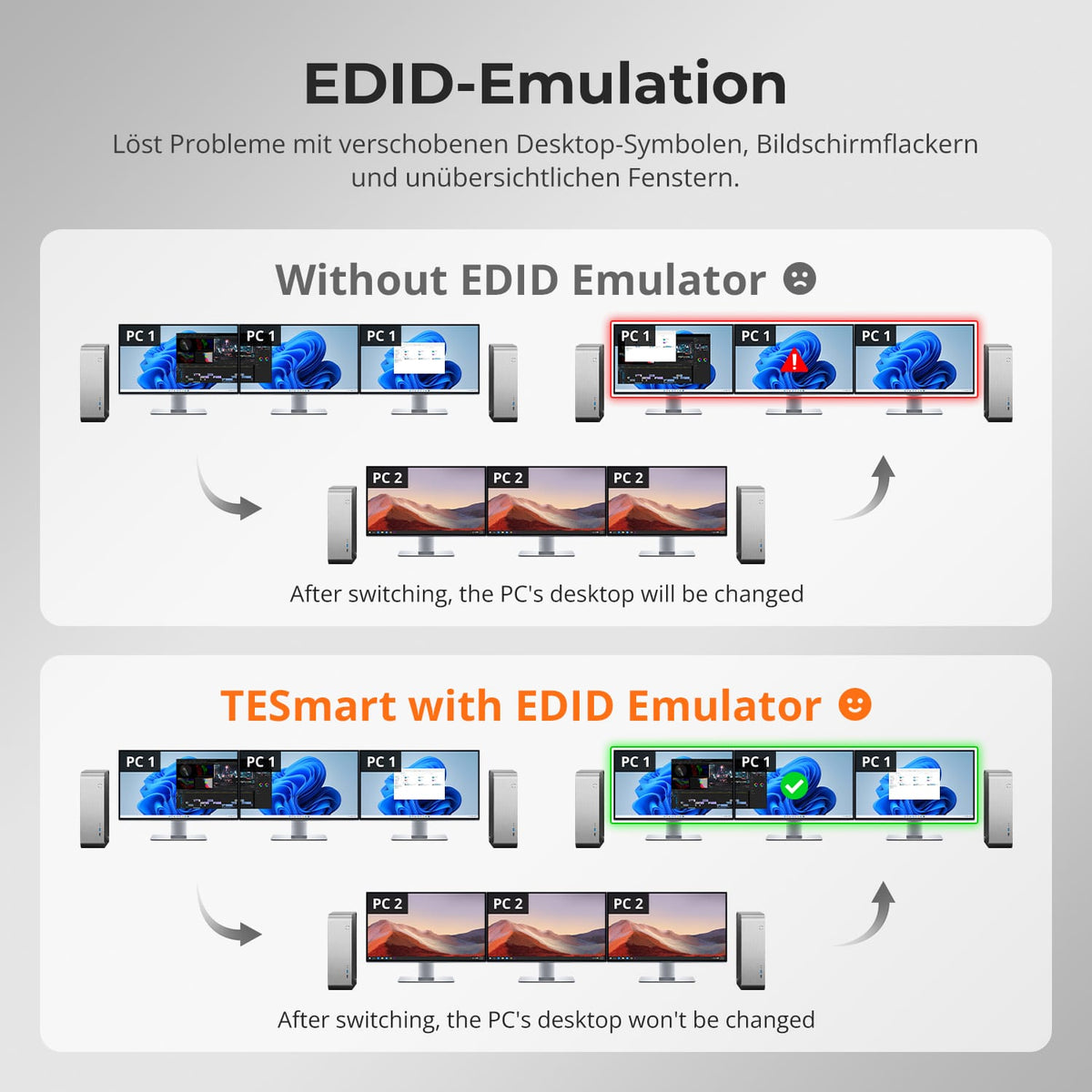
EDID keeps display layouts stable
EDID emulation keeps display information available for each input and reduces resolution changes, missing displays, and shifted windows.
04
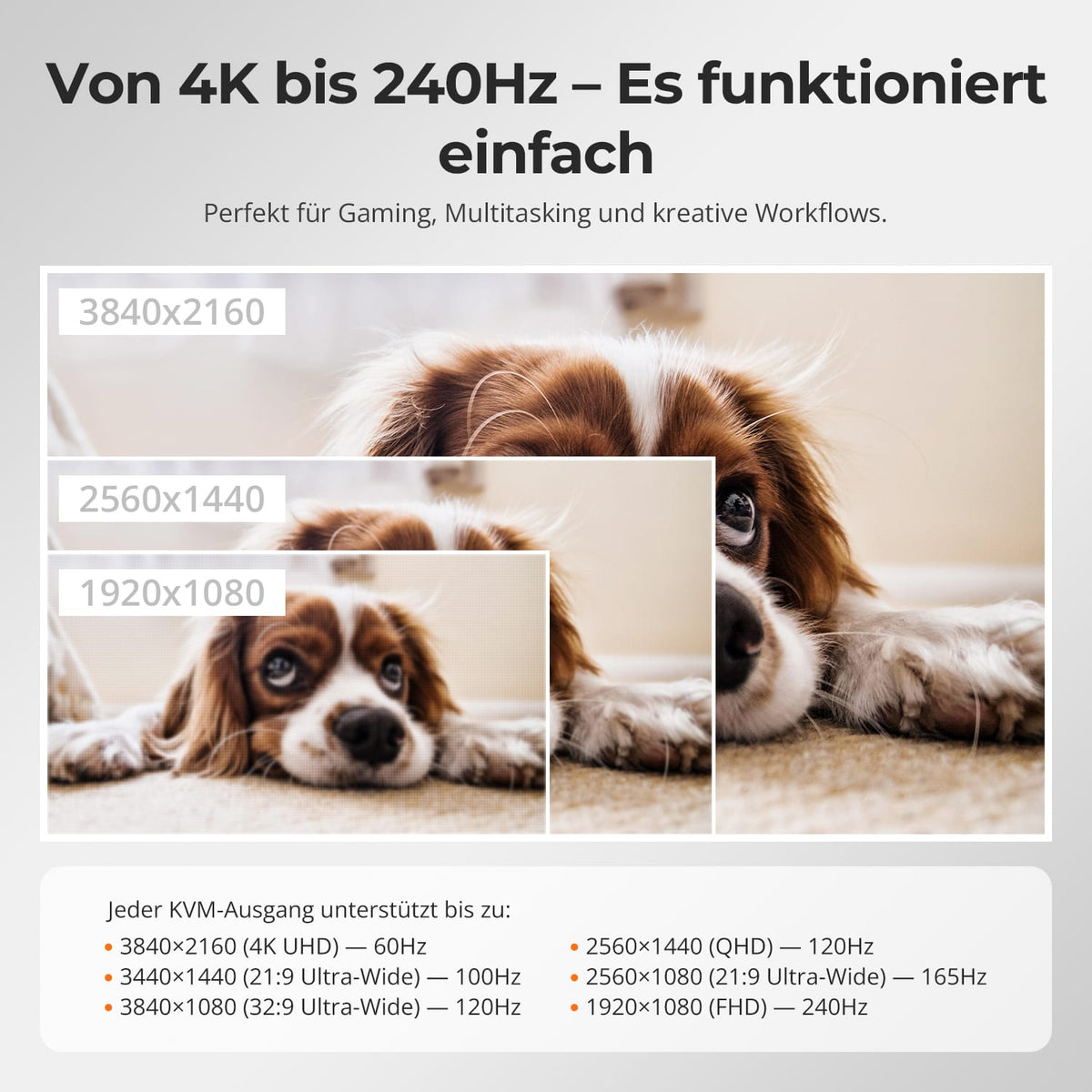
Three times 4K60
Up to 3840×2160@60Hz in 4:4:4, backward compatible with lower resolutions and higher refresh rates with suitable hardware.
05
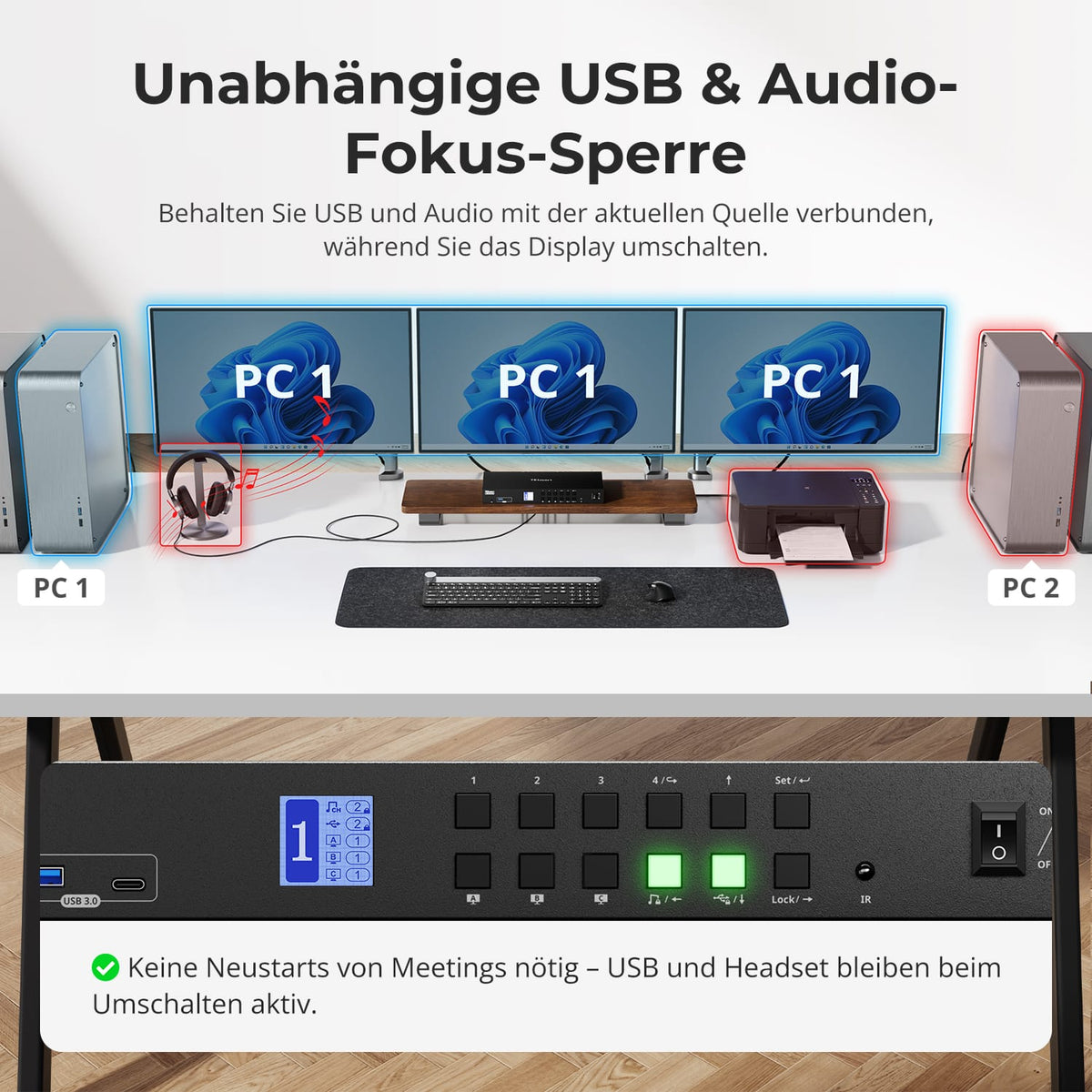
USB and audio on the desired computer
USB and audio can remain on one computer while you switch displays – for active headsets, storage, or calls.
06
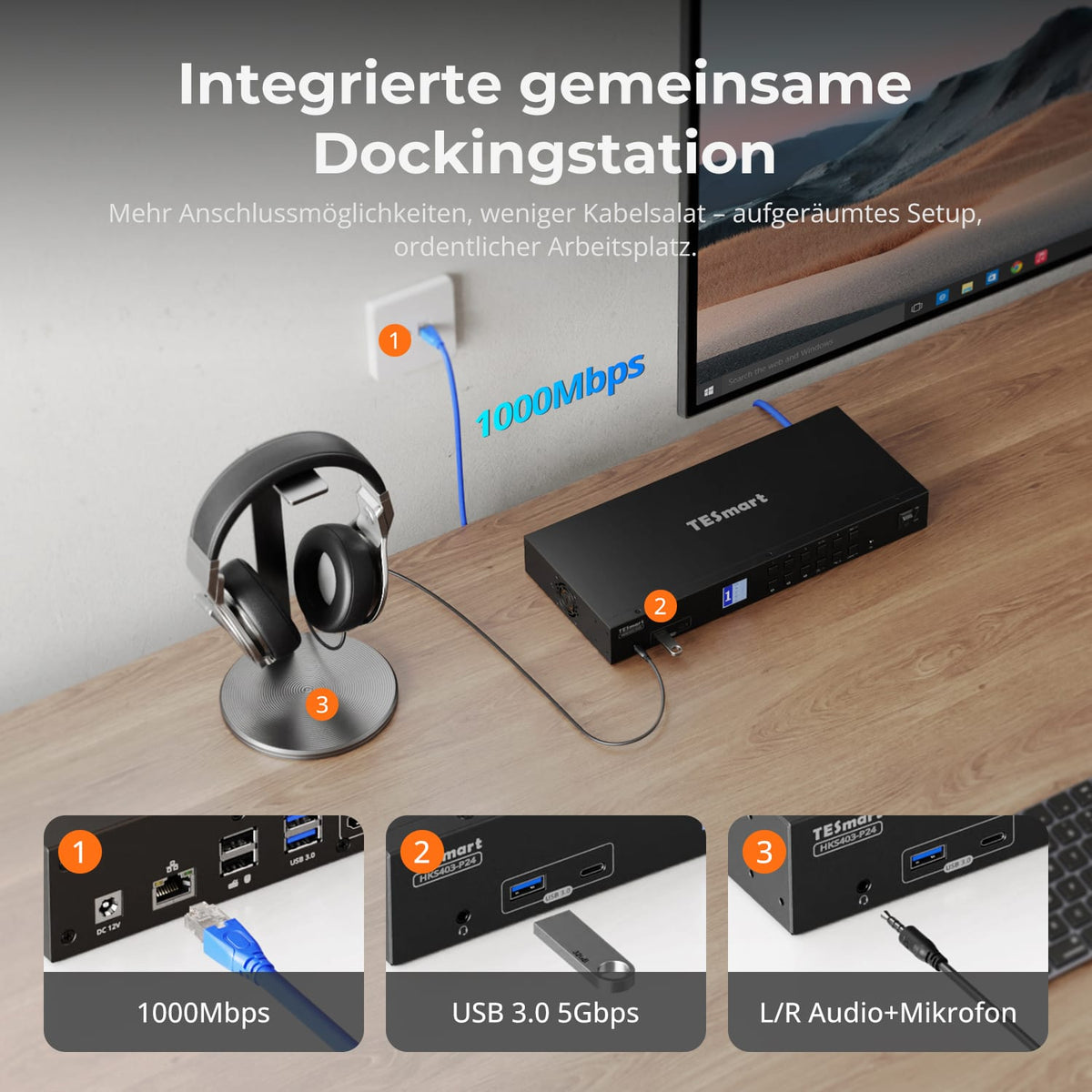
One equipment set for four systems
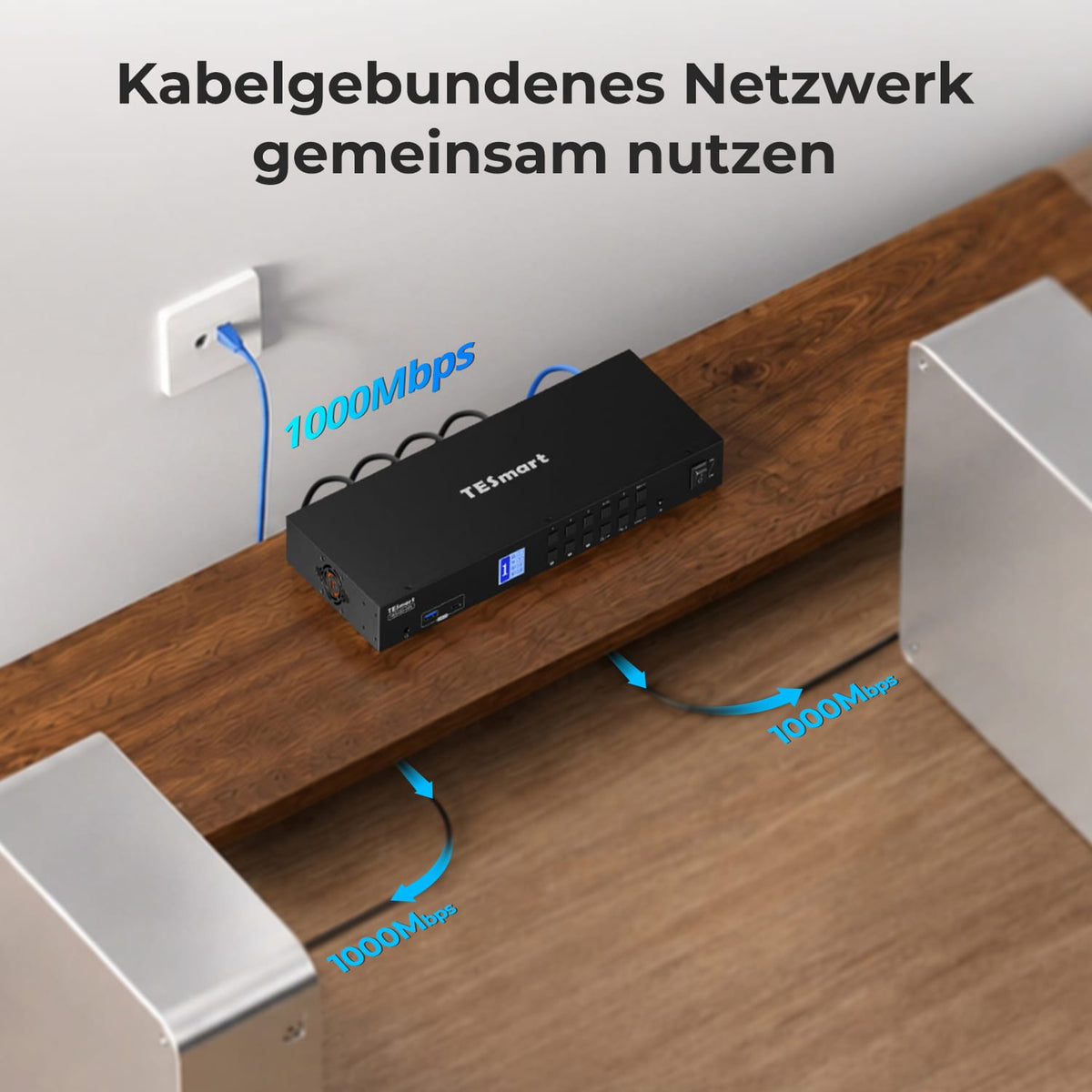
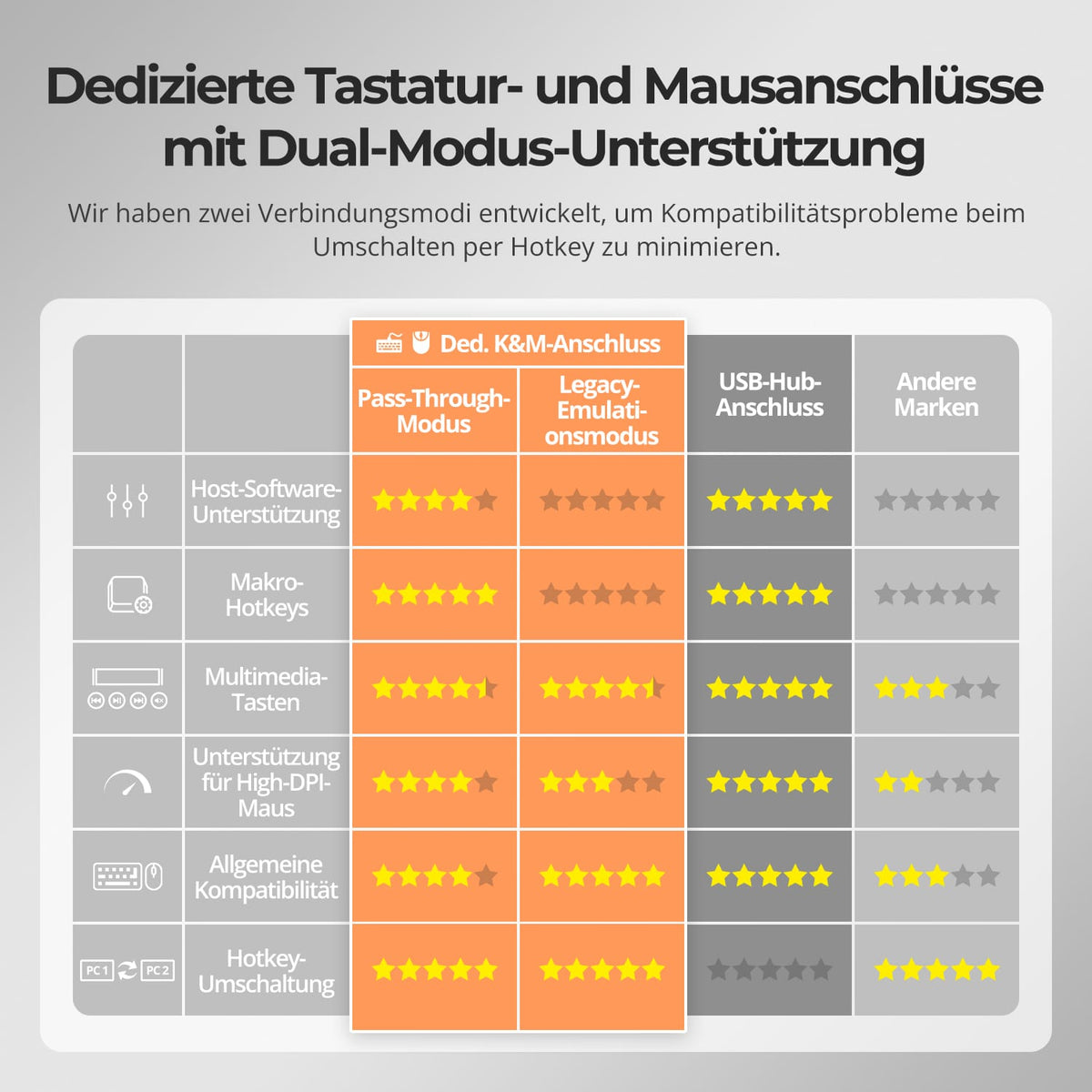
Share USB 3.0 devices, keyboard, mouse and 3.5 mm audio/microphone instead of equipping each computer with its own accessories.
07
Switching without changing cables
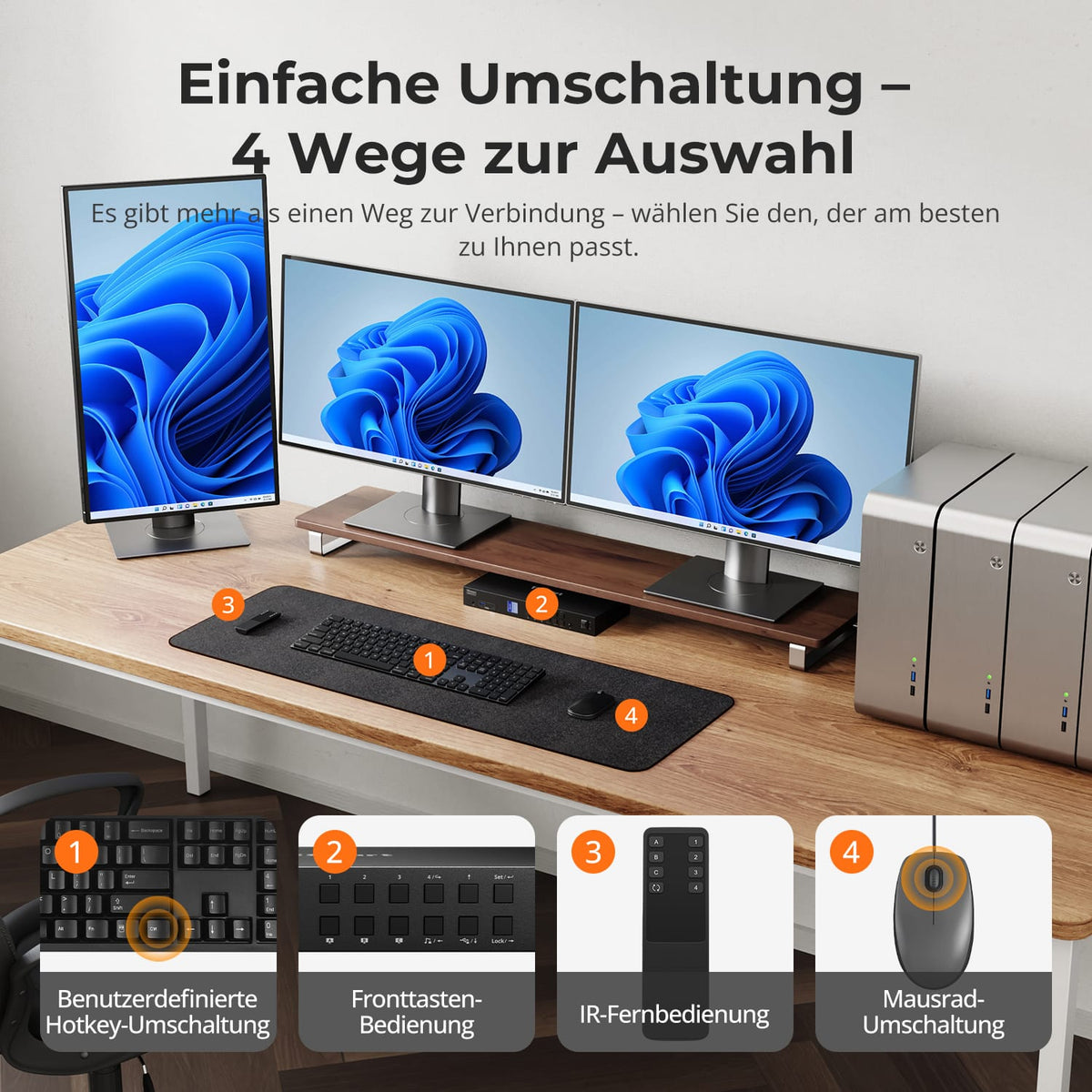
Switch between devices using the control panel, IR remote control, hotkeys or mouse wheel, without unplugging any devices.
08

09
10
Data & Support
Scope of delivery
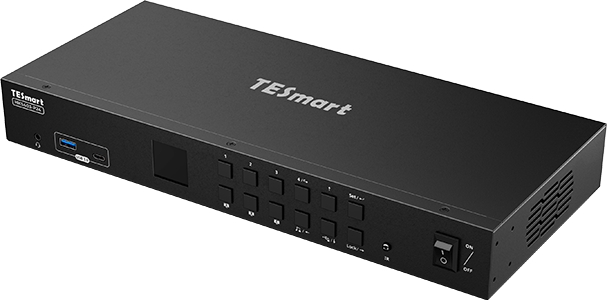
1×4×3 HDMI KVM Switch
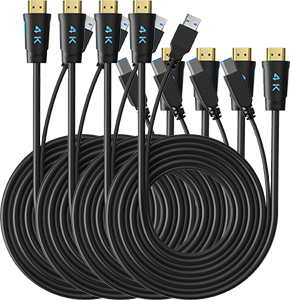
4 × KVM cables
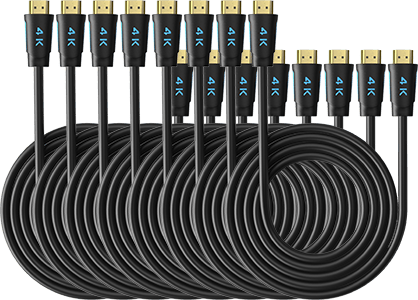
8 × HDMI cables
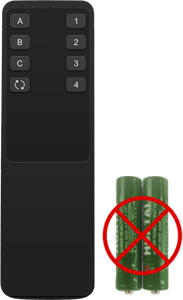
1 × IR Remote Control
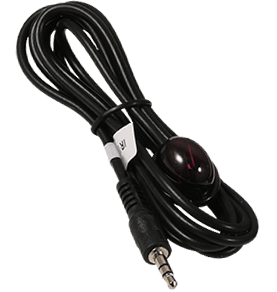
1 × IR Extension Cable
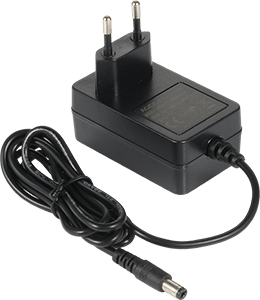
1 × 12V DC power supply
1×User manual
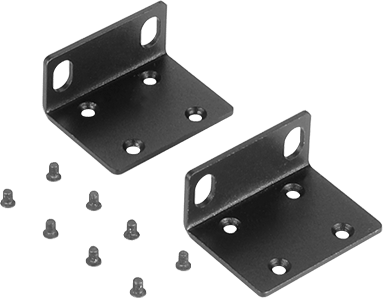
2 × Rack Angle
Frequently asked questions
You can find further answers in our Help Center.
[Compatibility] How many computers and monitors does the HKS403-P24 support?
Up to four computers and three HDMI monitors with one shared keyboard/mouse.
[Compatibility] What is the maximum supported resolution?
According to the instructions, up to 3840×2160@60Hz in 4:4:4. Computers, monitors, and cables determine the output.
[Compatibility] What does a PC need to support all three monitors?
Three HDMI video signals for the appropriate input group, as well as USB for KVM control and shared devices.
[Functions] Can the HKS403-P24 display different computers simultaneously?
Yes. Multi-system mode assigns different computers to different monitors. Alternatively, one computer can display its desktop on all three displays.
[Functions] Does the HKS403-P24 support EDID emulation?
Yes. EDID emulation keeps display information available for each computer and reduces changes to resolution and window positions.
[Functions] Can USB and audio connections remain connected to a computer when changing displays?
Yes. According to the instructions, USB and audio can be assigned so that supported devices remain connected to the desired computer when changing displays.
[Connections] Can I share USB and audio?
Yes. Shared USB ports and 3.5 mm audio/microphone jacks are available on the selected computer.
[Switch] How do I switch between computers?
According to the instructions, control is via control panel, IR remote control, hotkeys or mouse wheel.
[Functions] Does the HKS403-P24 support auto-scan?
Yes. Auto-Scan switches between computers for monitoring at a set interval.
