


Signalzuweisung

Max. Auflösung

Monitorsteuerung

Videosignale umschalten

Live-Vorschau

Audiozuweisung

Signalzuweisung
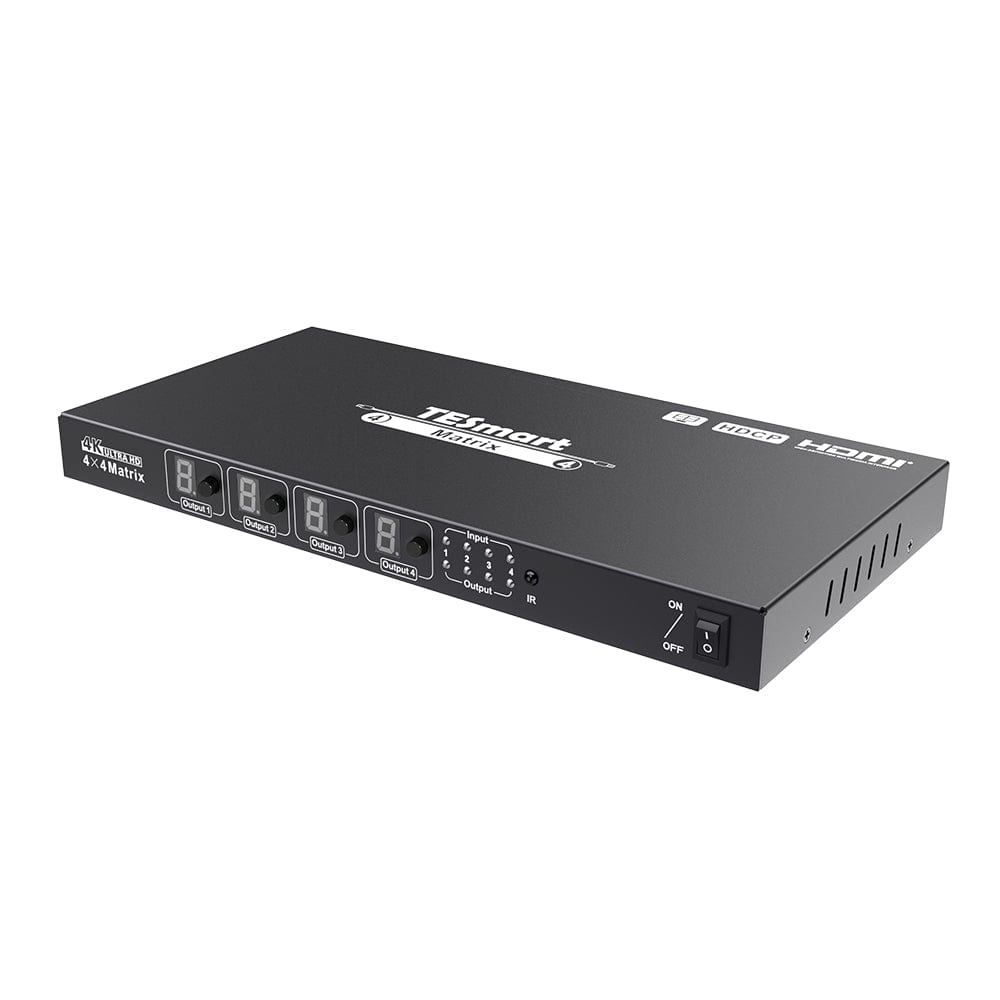
4×4 HDMI matrix | 1080p60 & seamless switching
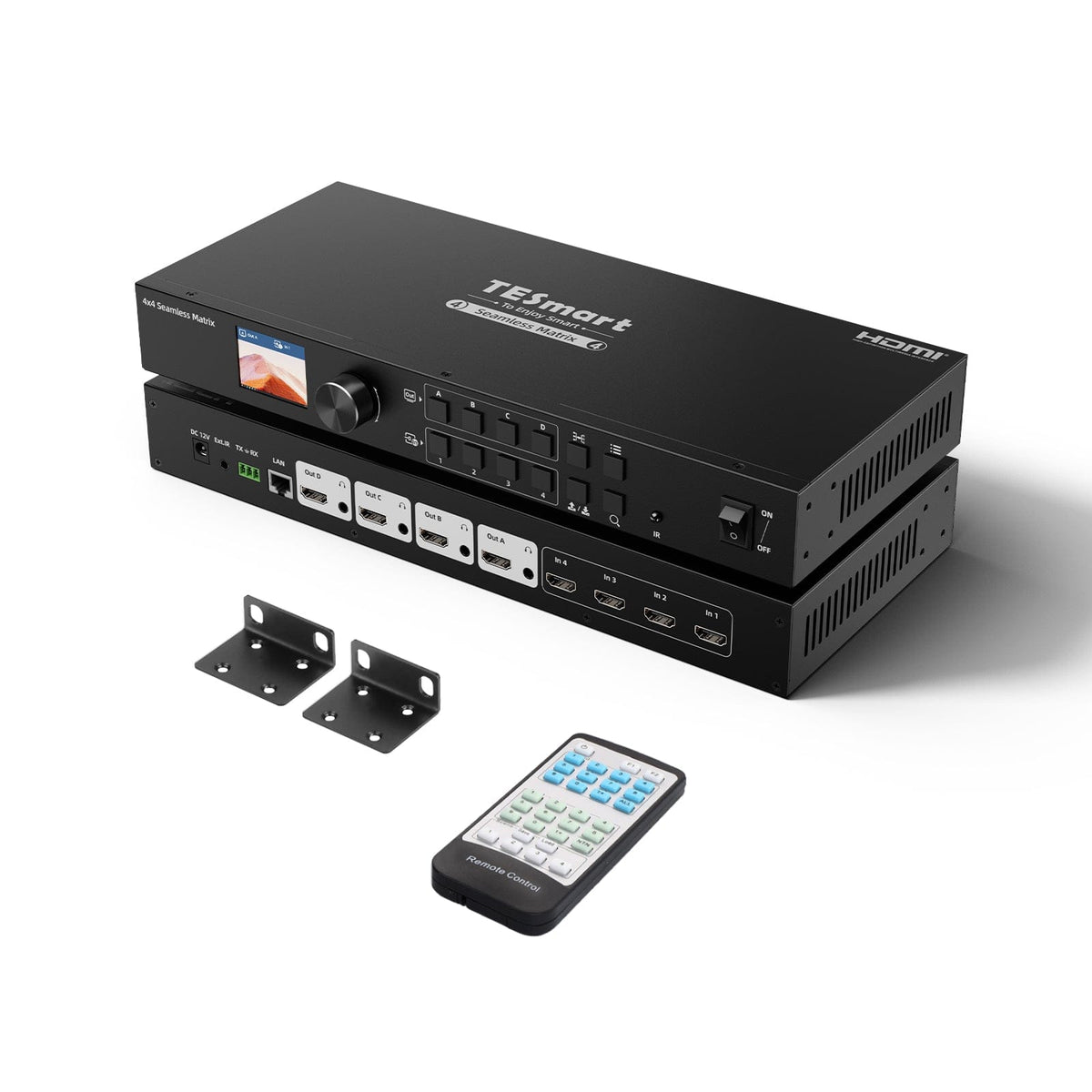
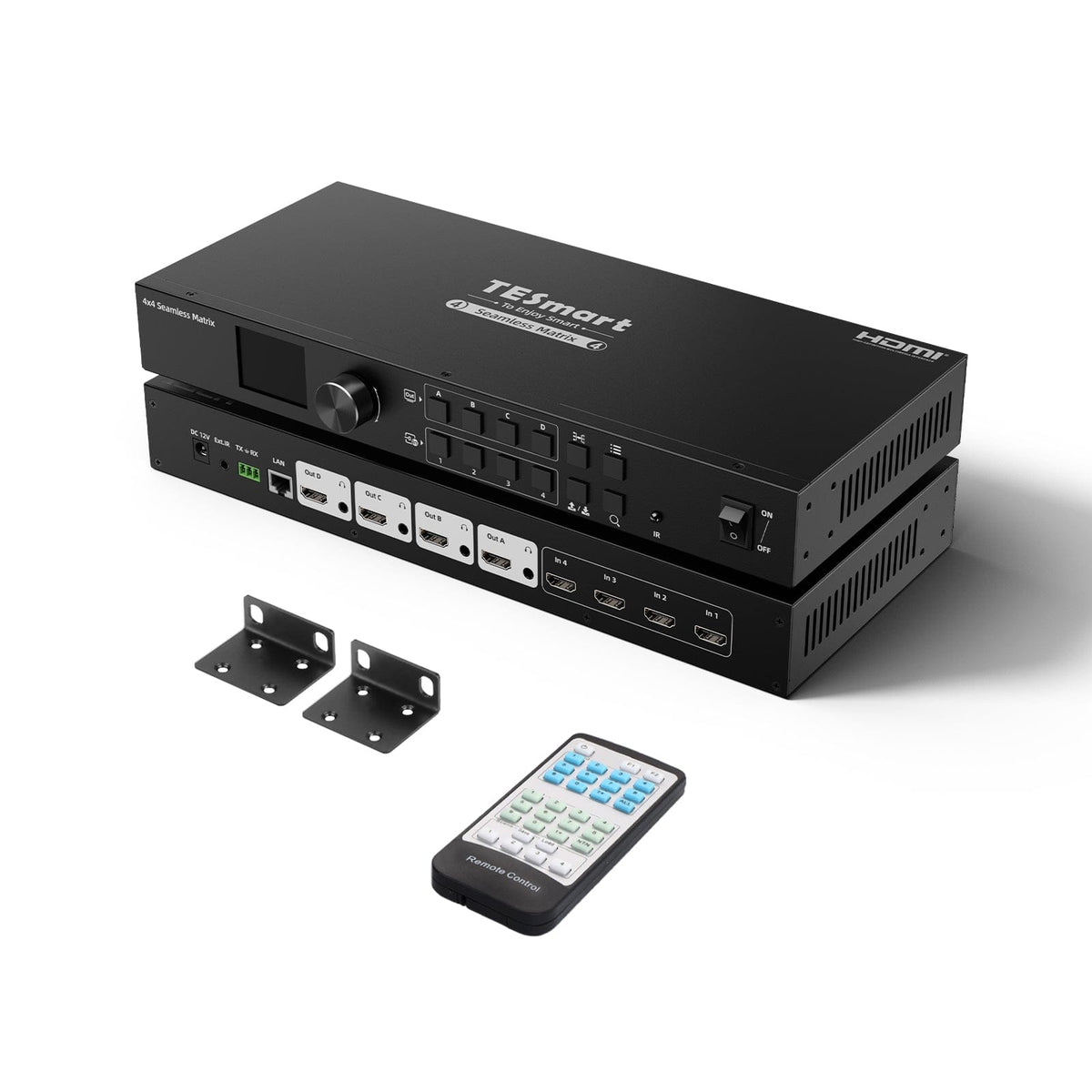
HMA404-ES23 connects four HDMI sources to four displays. Seamless switching up to 1080p60, LCD preview and audio outputs are suitable for presentations and monitoring.
Signalzuweisung
Max. Auflösung
Monitorsteuerung
Videosignale umschalten
Live-Vorschau
Audiozuweisung
Signalzuweisung
4×4 HDMI matrix | 1080p60 & seamless switching
Why HMA404-ES23?
Overview
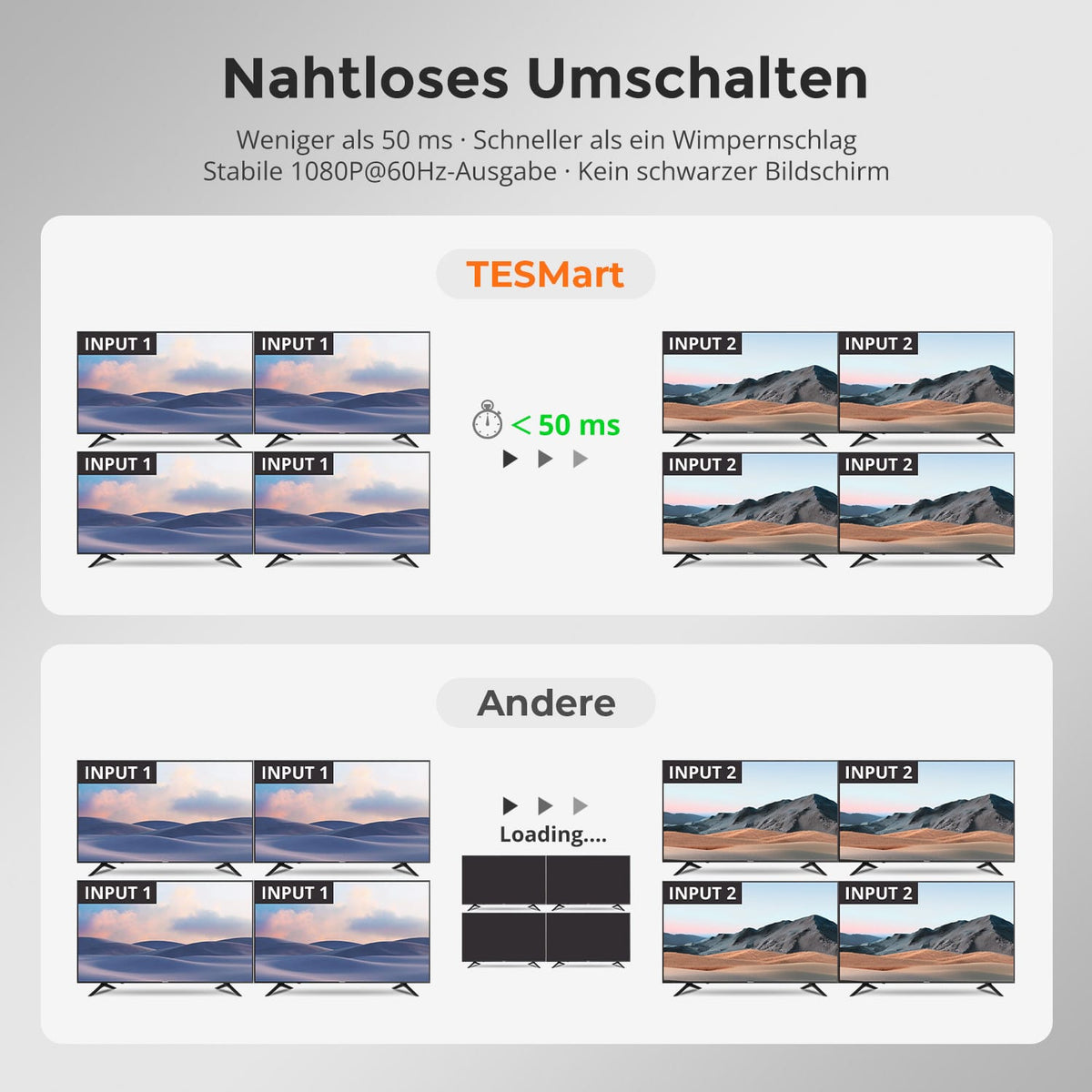
01
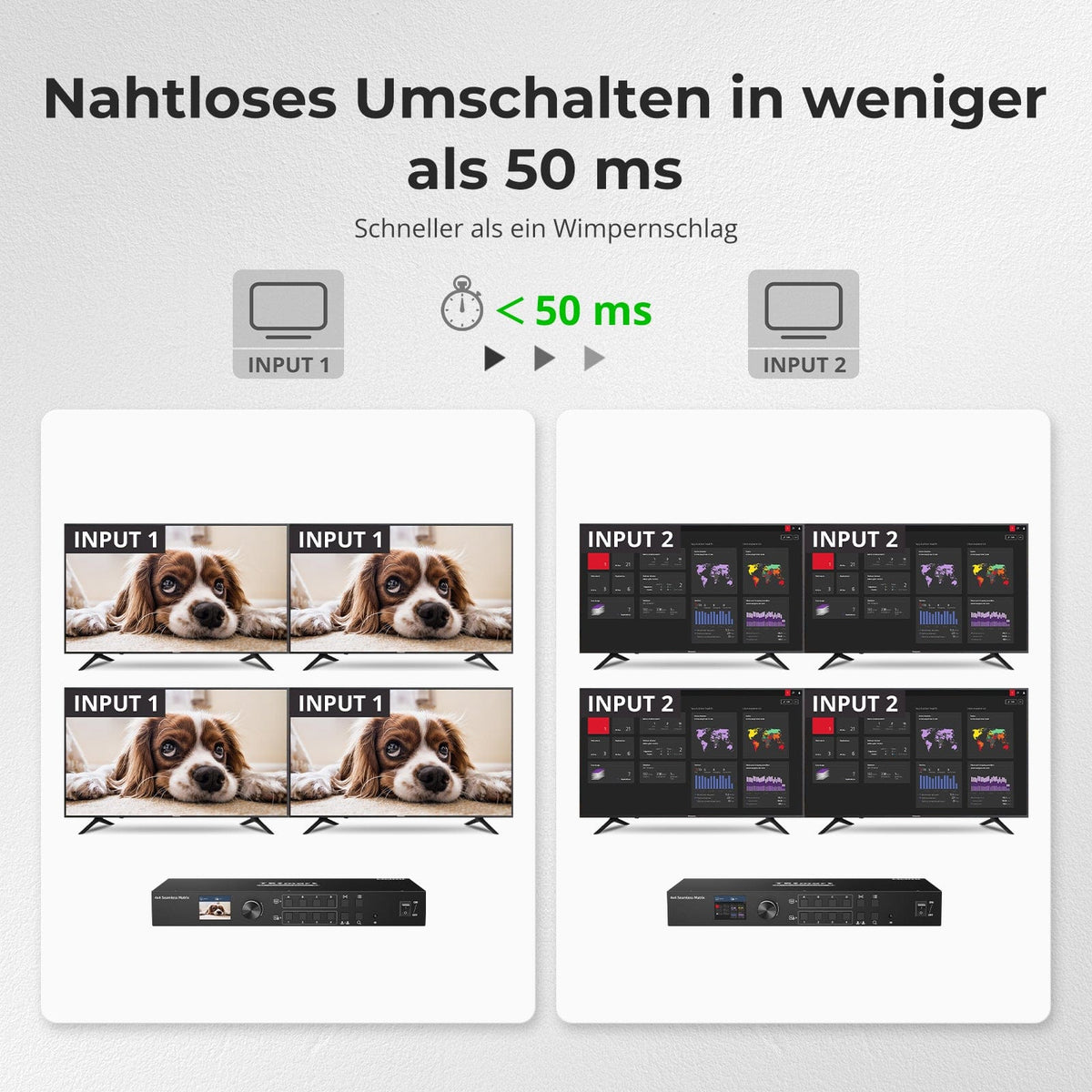
Switching in less than 50 ms
Switch HDMI sources in under 50 ms with stable connection 1080p@60Hz-Ausgabe – for fewer interruptions during presentations and monitoring.
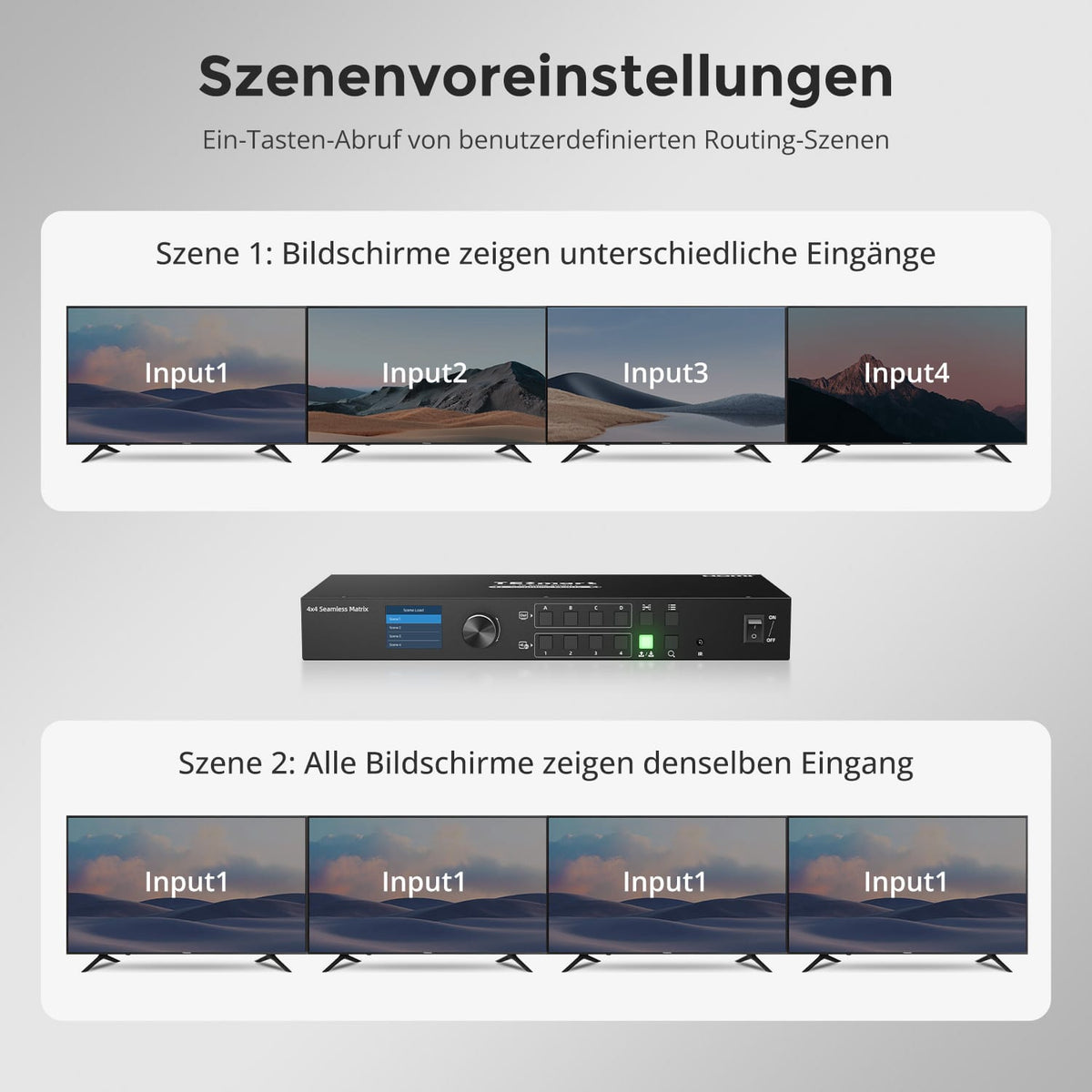
02
Call up your own scenes at the touch of a button
Save frequently used mappings and retrieve them directly. Switch between four independent sources and one shared source without reconfiguring.
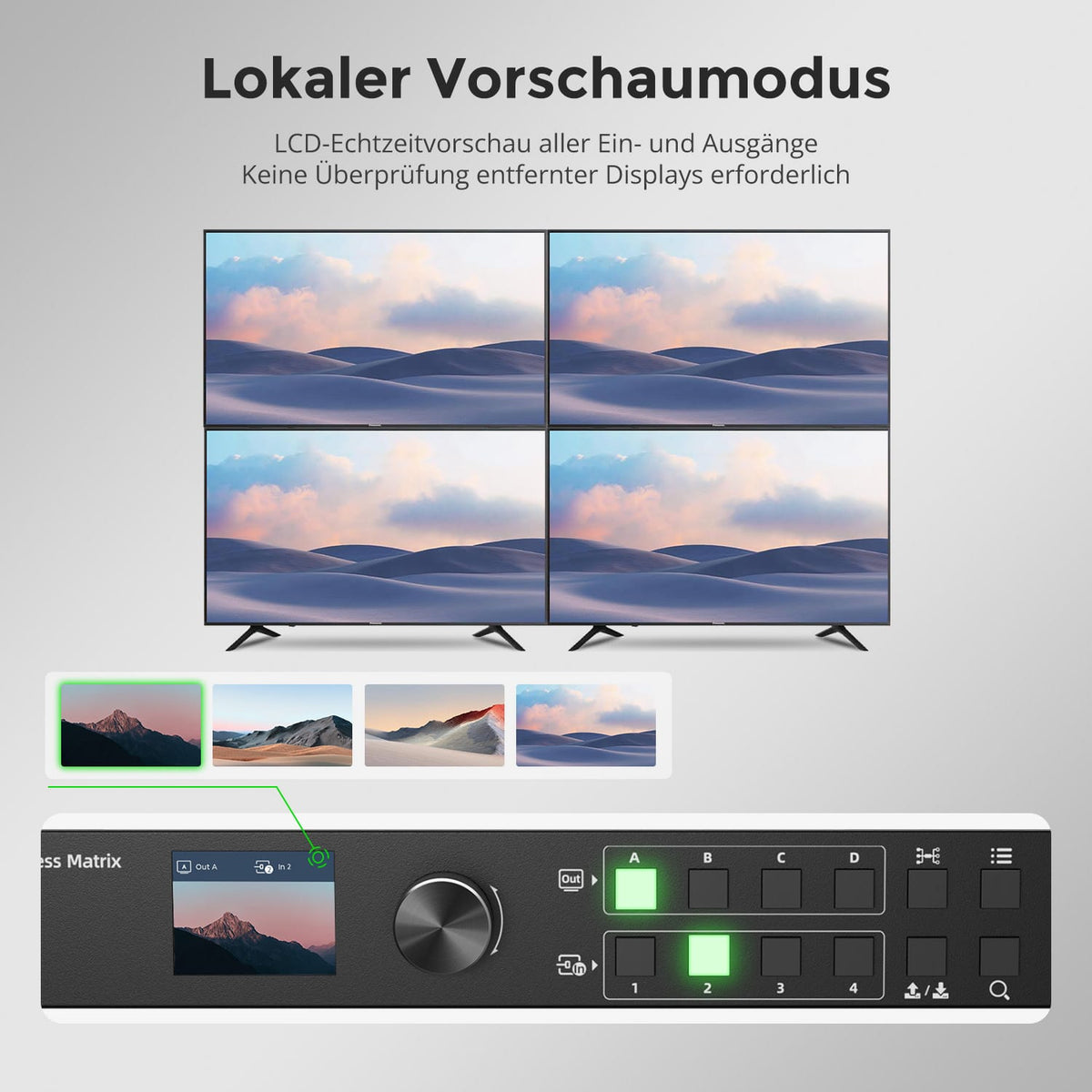
03
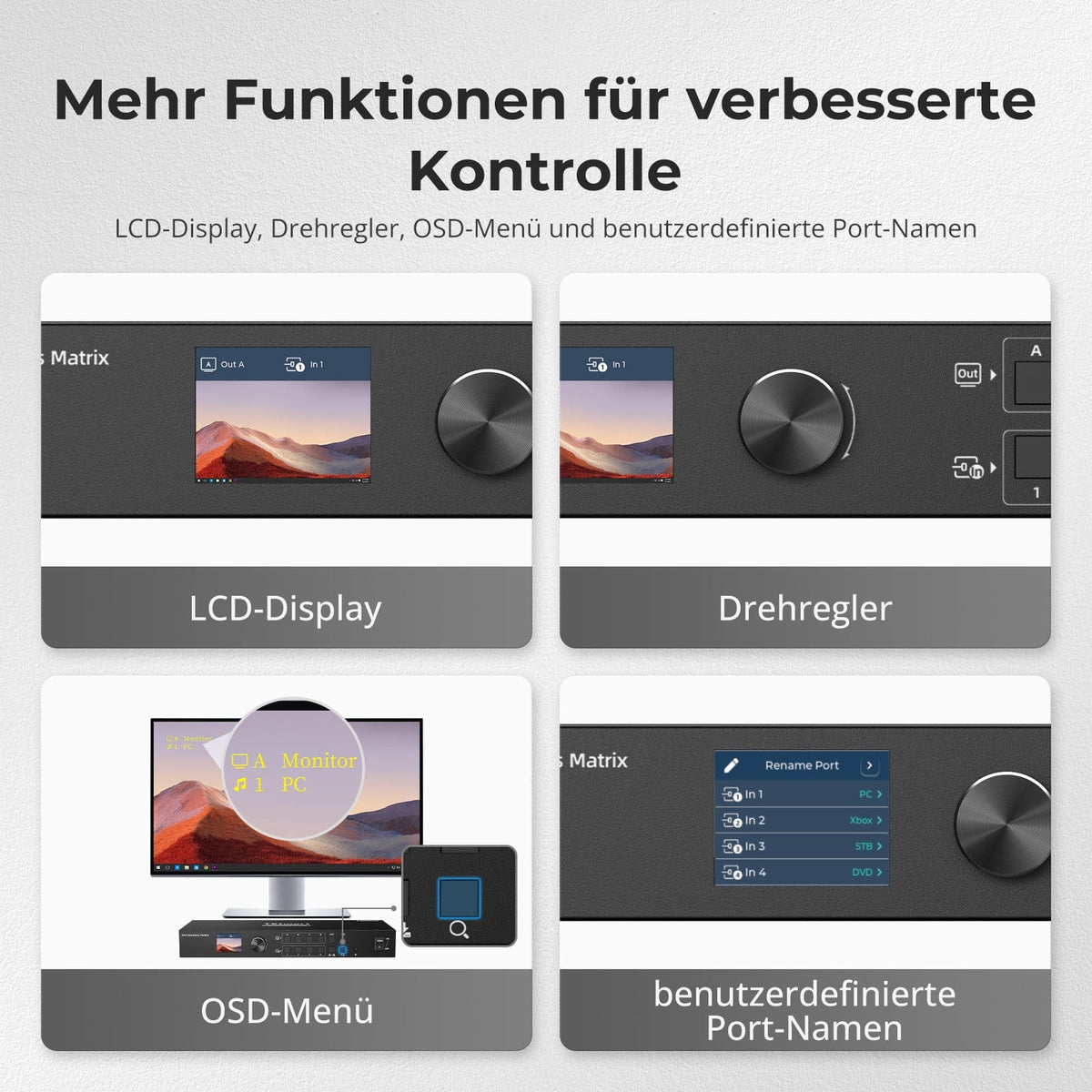
Check every signal directly on the device
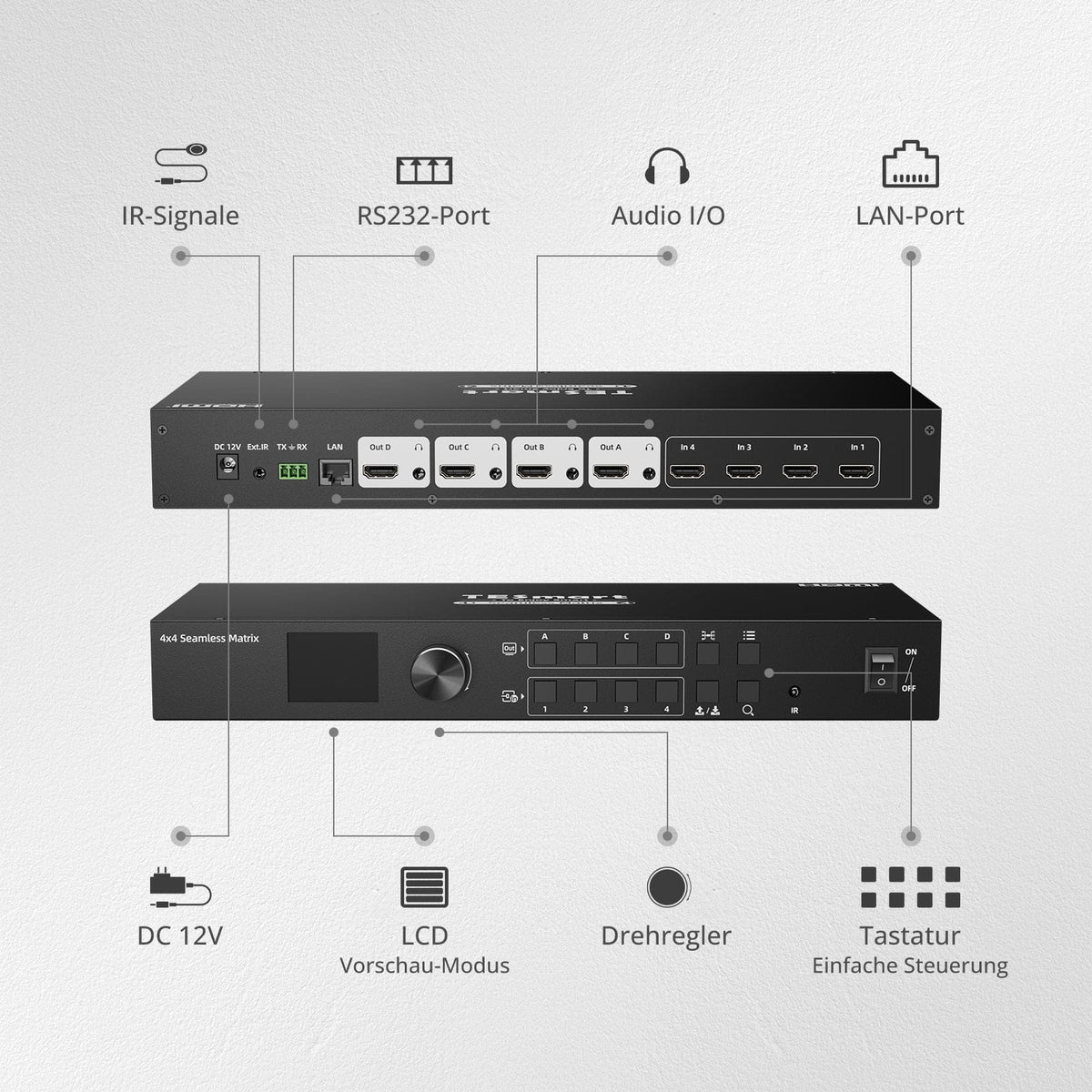
The integrated LCD displays input/output signals in real time. Check sources and assignments directly on the matrix.
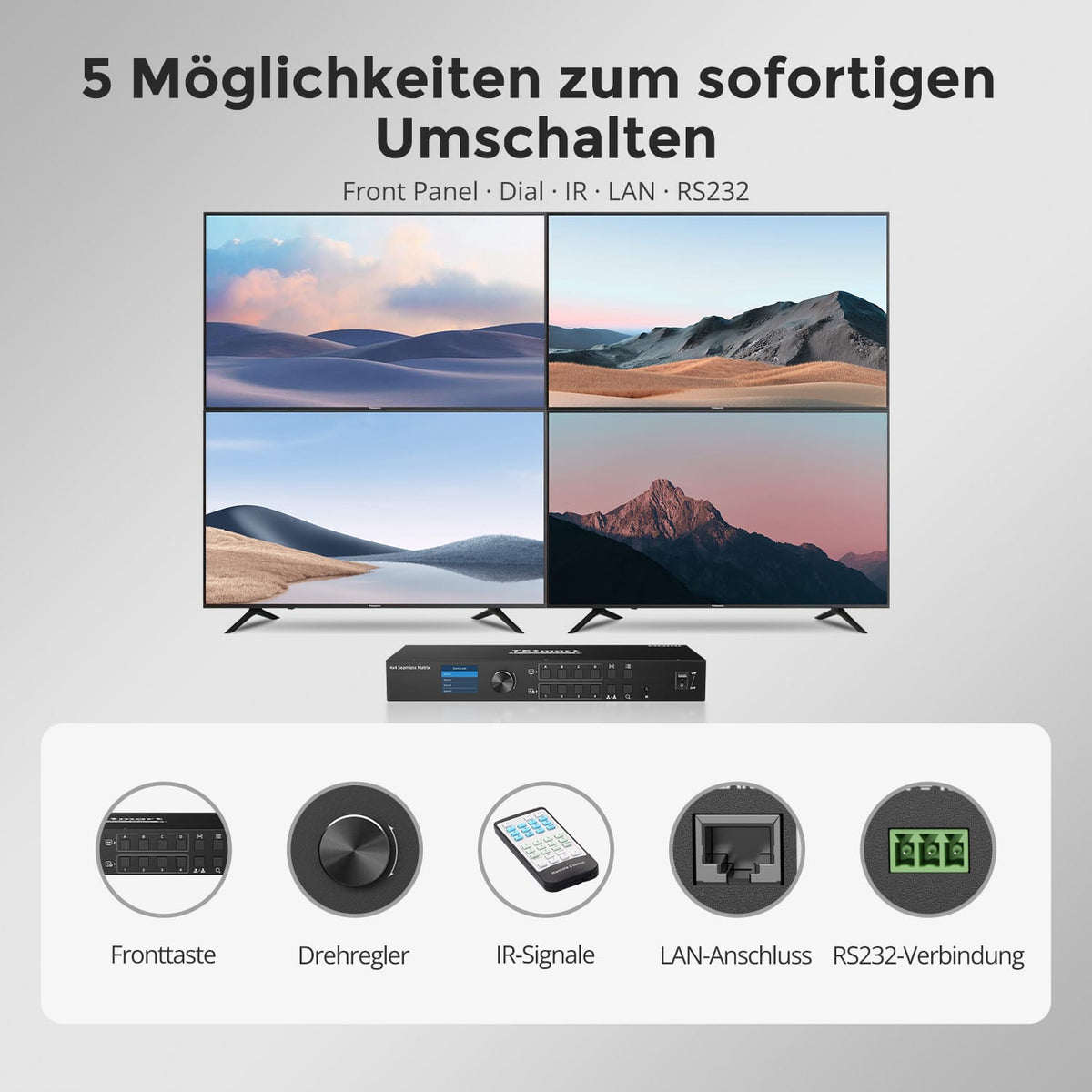
04
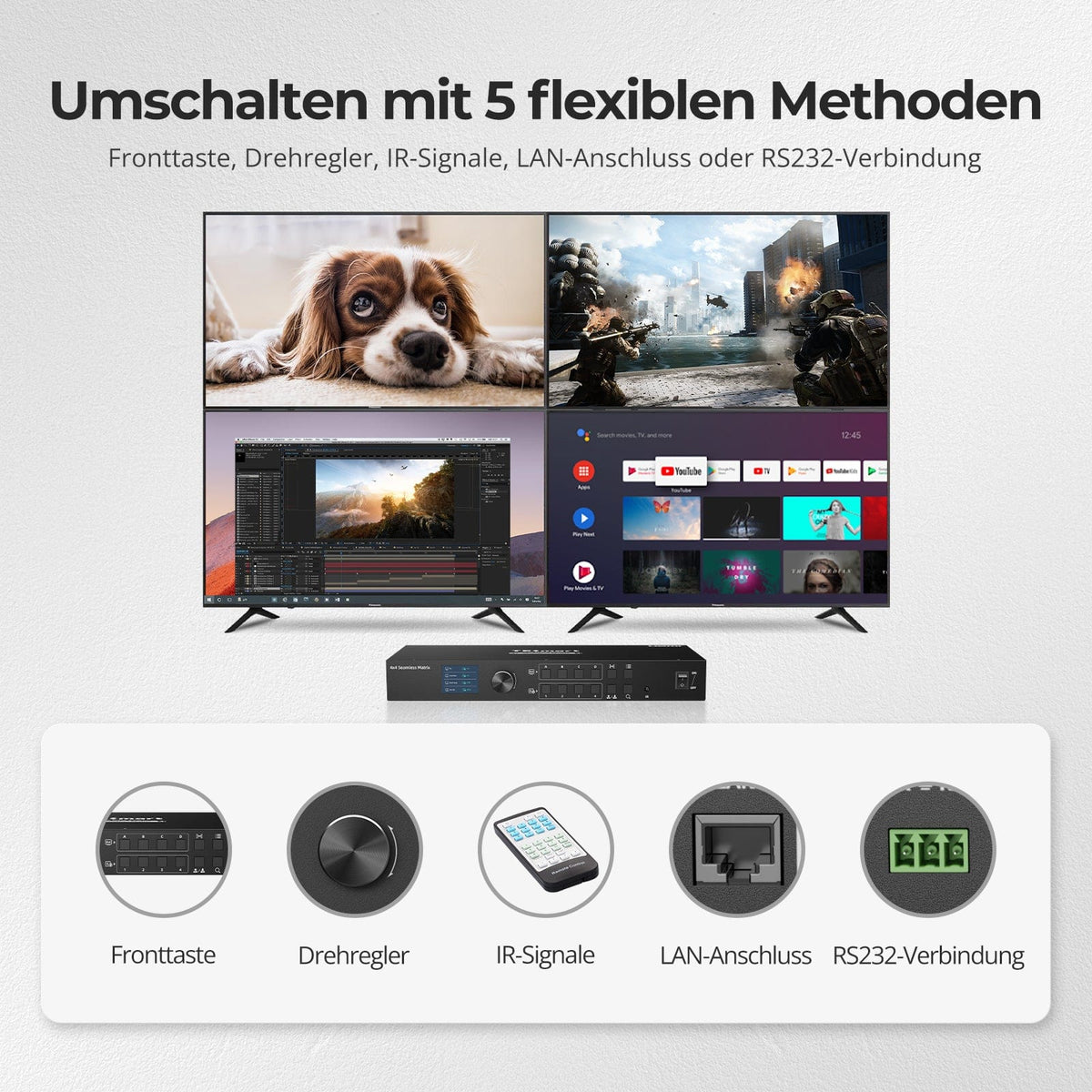
Five ways to matrix control
Via control panel, rotary knob, IR, LAN or RS232 – locally for everyday use or integrated into professional AV systems.
05
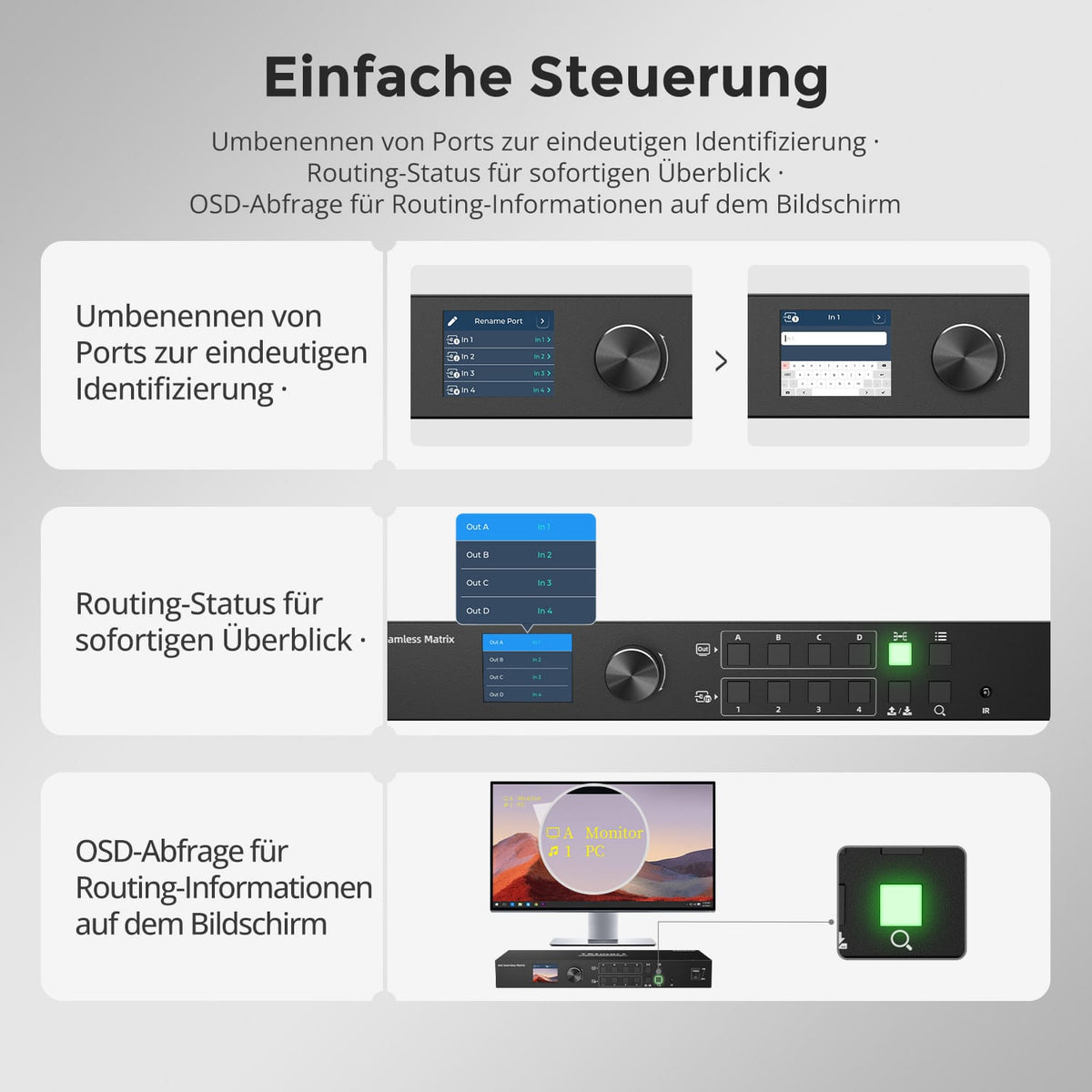
Manage assignments at a glance
Name inputs, check the routing status on the LCD, and query information via the OSD on the display.
06
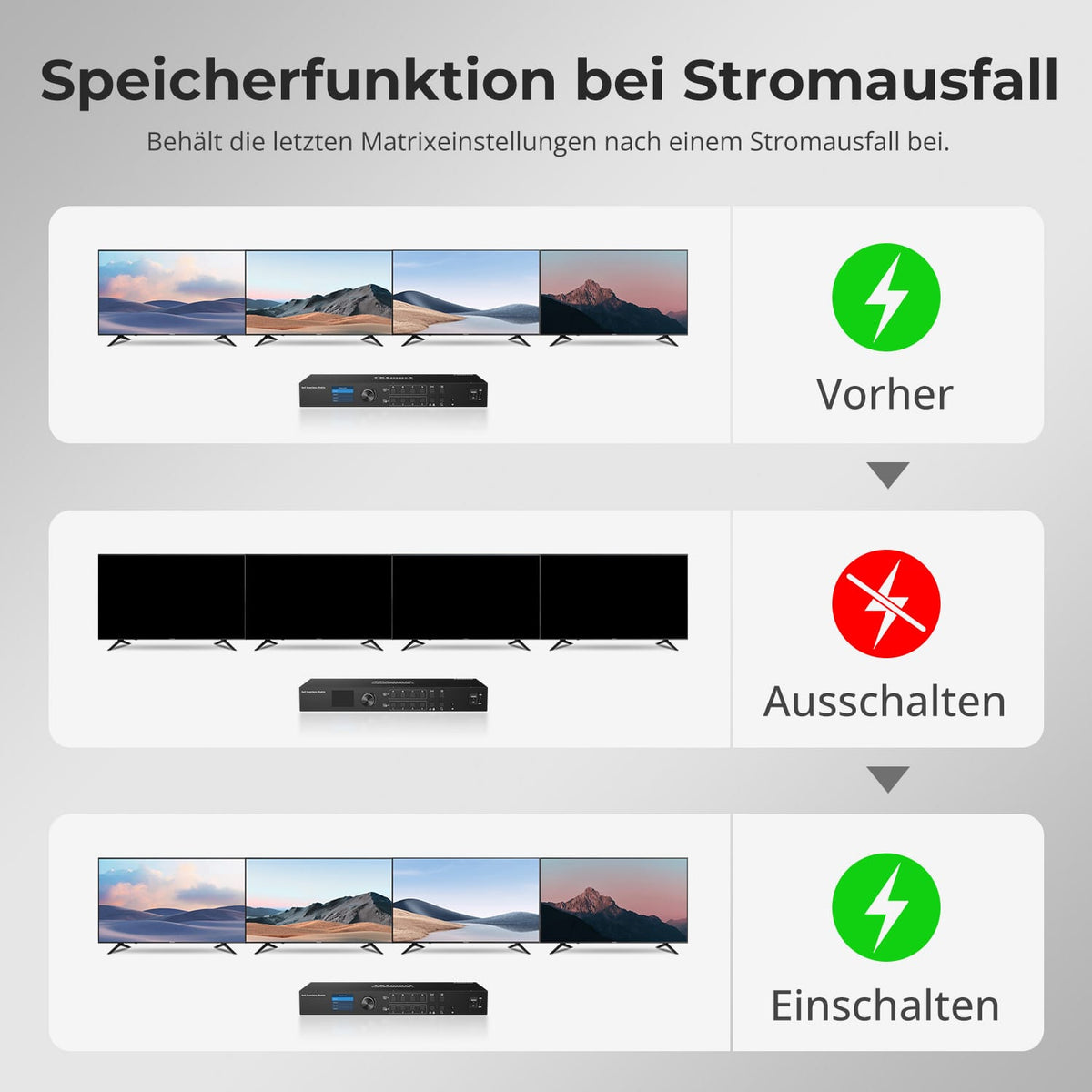
Your assignment remains saved
The last state is saved during a power interruption and is automatically restored when the power is switched on.
07
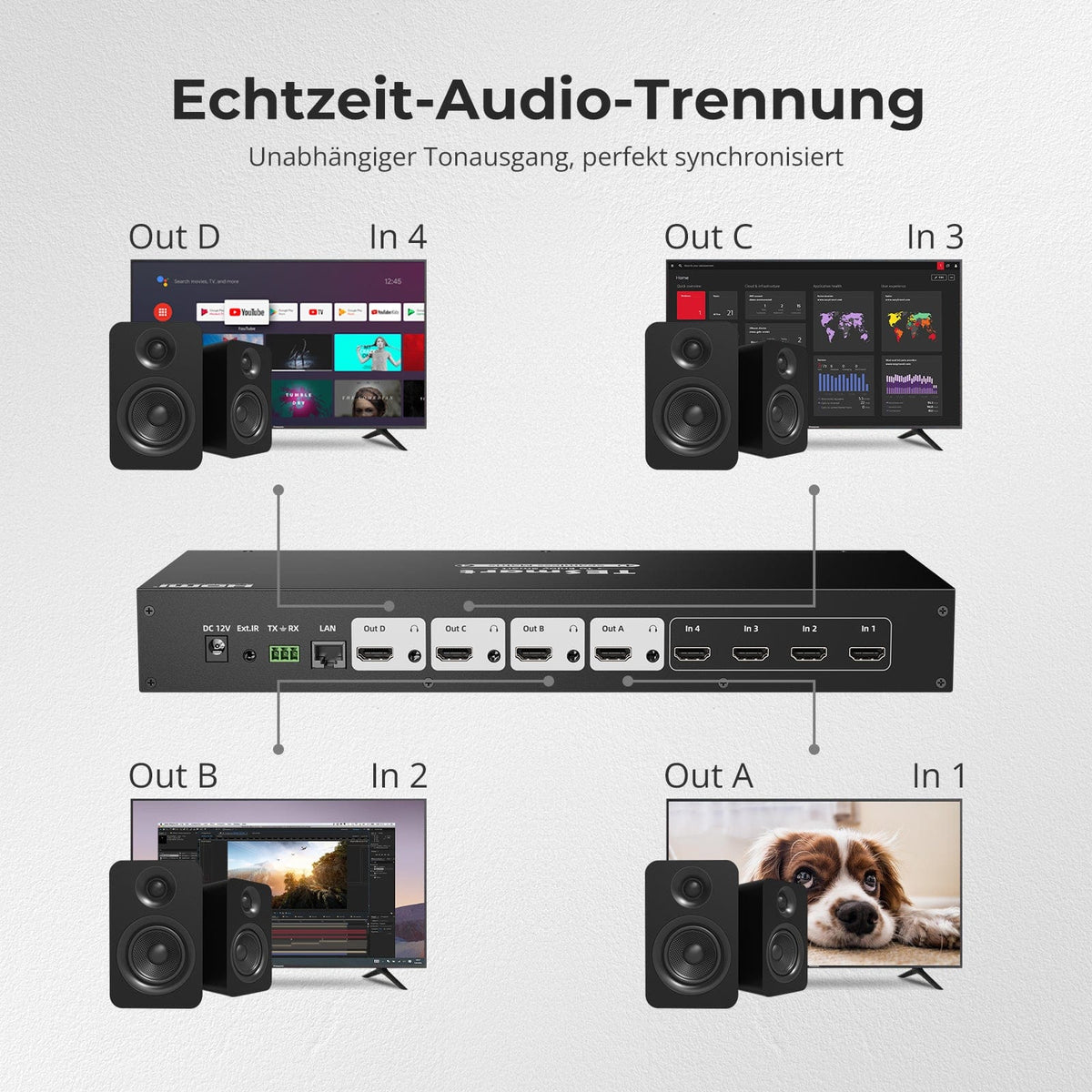
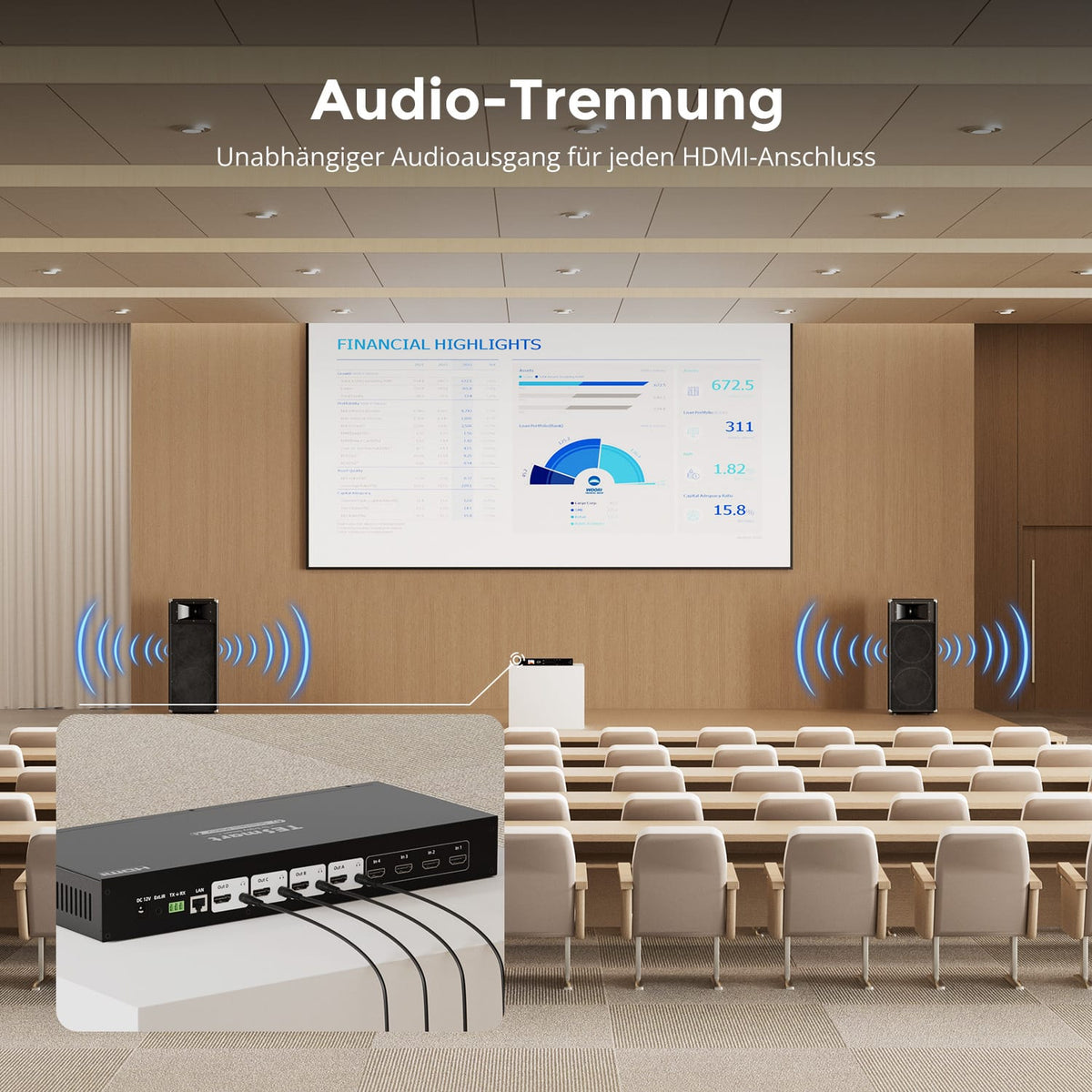
Audio for each output
Each HDMI output has its own L/R audio connection. Audio follows the respective video path – for separate speaker zones in conference rooms, classrooms, and AV installations.
Data & Support
Compatibility & Connections
Technical data
Instructions & Downloads
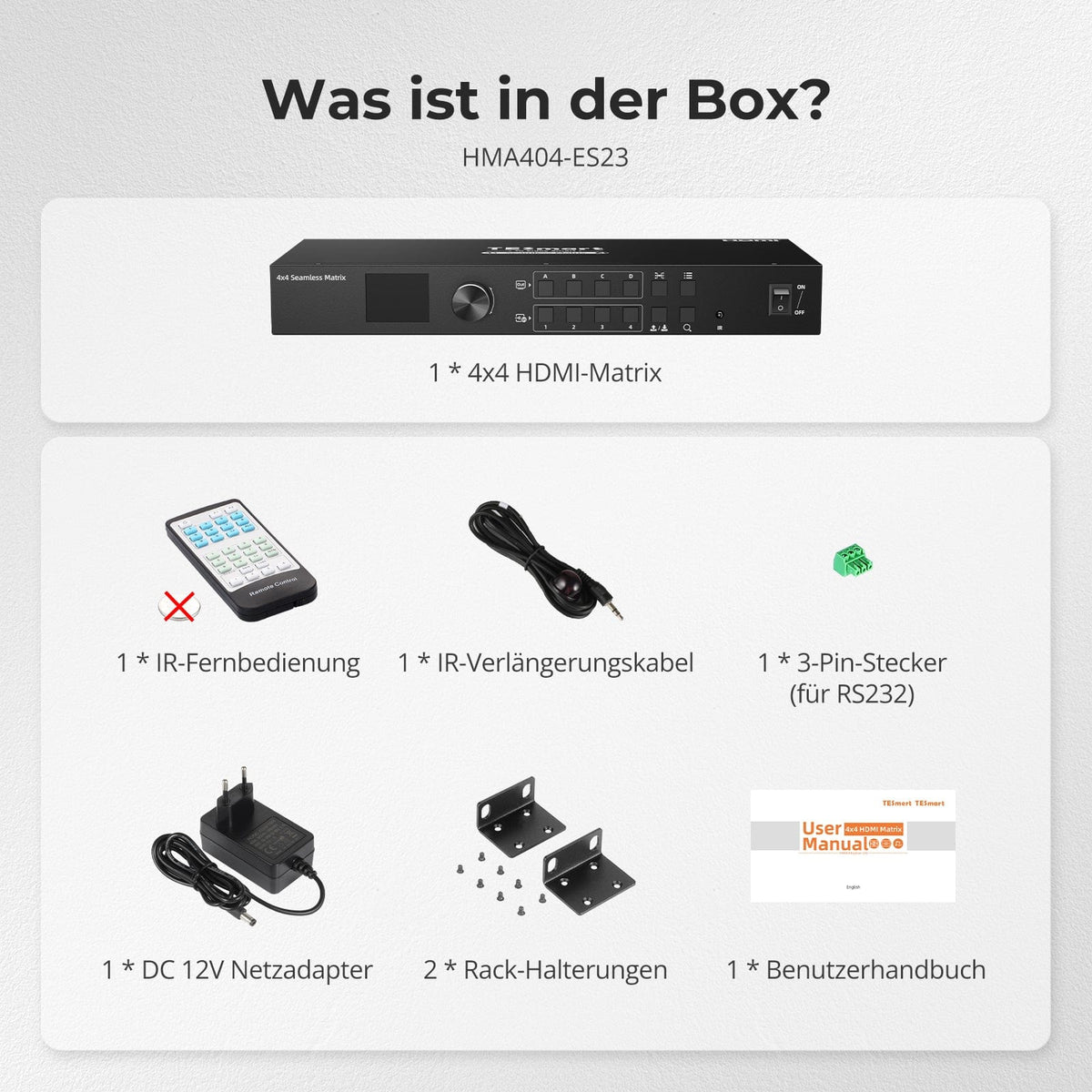
Scope of delivery
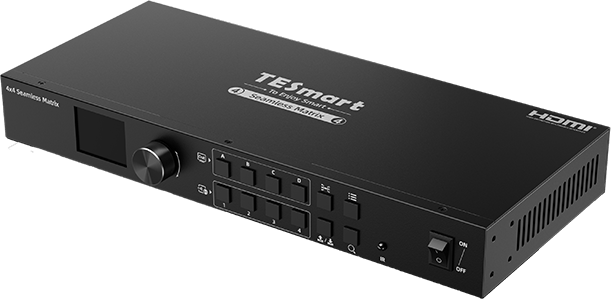
1×4×4 HDMI matrix
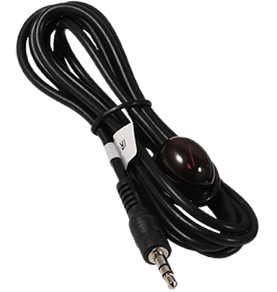
1 × IR Extension Cable

1 × 3-pin RS232 connector

2 × Rack Angle

1 × 12V DC power supply
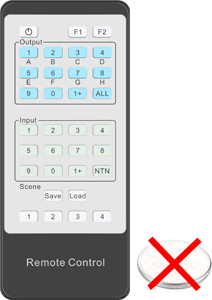
1 × IR Remote Control
1×User manual


Compare suitable models
Compare resolution, switching modes, and switching behavior for a four-input, four-output HDMI system.
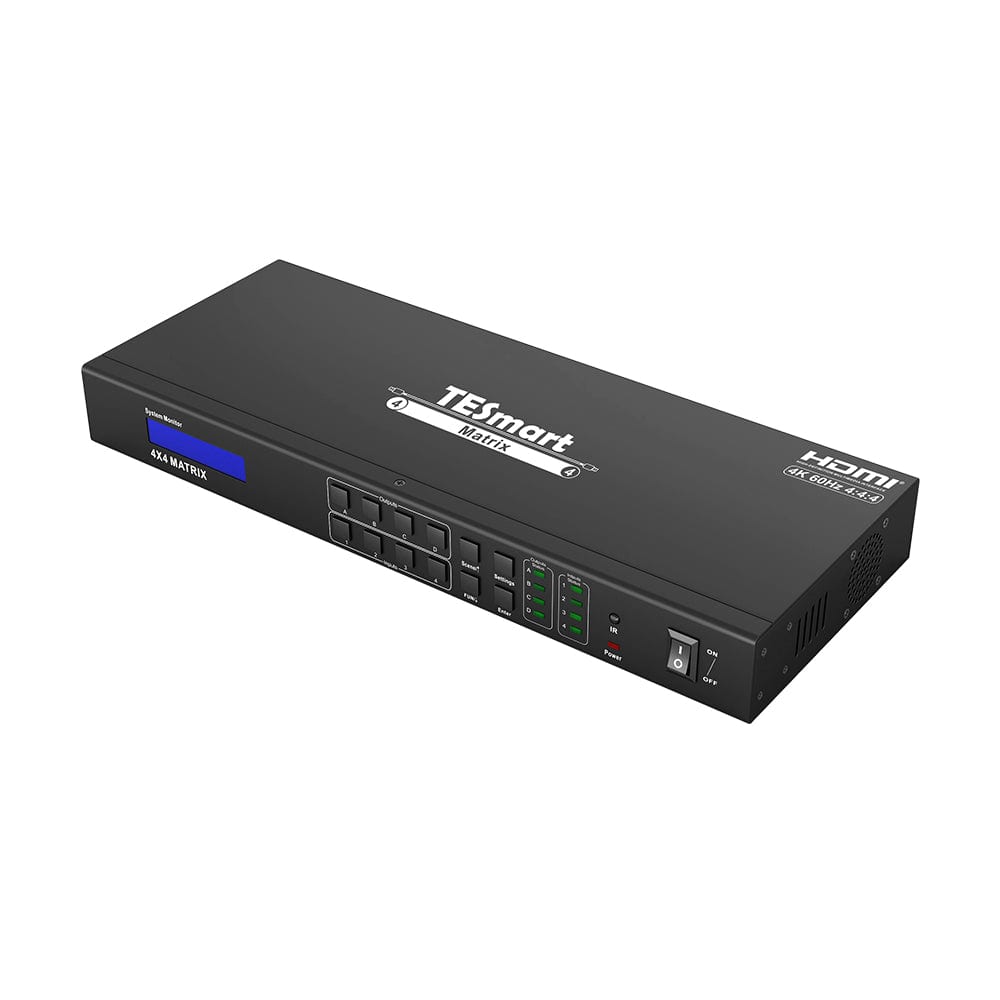
Model
HMA404-ES23
Model
HMA404-E23
Model
HMA404-L23
Video inputs
4 × HDMI
Video inputs
4 × HDMI
Video inputs
4 × HDMI
Monitor outputs
4 × HDMI
Monitor outputs
4 × HDMI
Monitor outputs
4 × HDMI
Image output
1080p60
Image output
4K60
Image output
4K30 in single-frame mode; 1080p60 in quad-view
Display modes
Independent full-screen switching
Display modes
Independent full-screen switching
Display modes
Full screen mode + quad view on each output
Source change
Seamless switching in full-screen mode
Source change
Standard matrix switching
Source change
Standard matrix switching
Audio outputs
4 × analog L/R, assigned to the HDMI outputs
Audio outputs
4 × analog L/R, assigned to the HDMI outputs
Audio outputs
HDMI audio; source selectable in Quad-View
Steering
Front buttons, rotary controls, IR, RS232 and LAN
Steering
Front buttons, IR, RS232 and LAN
Steering
Front buttons, IR and RS232
Saved circuits
4 circuits
Saved circuits
4 circuits
Saved circuits
4 circuits
USB sharing
USB sharing
USB sharing
Frequently asked questions
You can find further answers in our Help Center.
[Compatibility] Which sources and displays does the HMA404-ES23 support?
Up to four HDMI sources and four displays, such as computers, consoles, streaming boxes, televisions, monitors and projectors.
[Compatibility] What is the maximum supported resolution?
The HMA404-ES23 supports resolutions up to 1920×1080 at 60 Hz. The source and display must be set within this range.
[Compatibility] Is the HMA404-ES23 a KVM switch?
No. It distributes HDMI video and audio, not USB keyboard, mouse, or other USB devices.
[Compatibility] Is the video transmission latency-free?
No. Seamless switching avoids black screens, but video processing introduces latency. This model is not designed for frame-accurate synchronization with the built-in source display.
[Compatibility] Do I need Windows?
Not for control panel, rotary knob and IR. The matrix controller software for PC control via LAN/RS232 is for Windows.
[Functions] Can each monitor display a different source?
Yes. Each of the four outputs can independently select any connected input. A single source can also be displayed on multiple or all monitors.
[Functions] What does seamless switching mean?
When switching to a full-screen source, the display remains active instead of waiting for the next image with a black screen.
[Connections] How does audio extraction work?
Each HDMI output has a corresponding analog L/R output. Audio follows the selected source of this display.
[Functions] What does the LCD show?
Previews of inputs, outputs or both consecutively, as well as routing information for testing directly on the device.
[Functions] Can I save associations?
Yes. Four custom scenes and the last state after shutdown are saved and restored upon startup.
[Furnishings] Which cables do I need?
HDMI connection for each source and display, plus the included 12V power supply. HDMI cables are not included. Use the IR extension cable if the integrated receiver is difficult to reach.
[Switch] How do I change HDMI assignments?
Via input/output buttons, rotary controls, IR, Windows Matrix Controller via LAN or RS232 from the control terminal.
[Furnishings] What are the standard LAN/RS232 values?
LAN IP 192.168.1.10, TCP port 5000, gateway 192.168.1.1, subnet mask 255.255.255.0. RS232: 9600 bit/s, 8 data bits, 1 stop bit, no parity.
