5.0
TESmart Produkthighlight
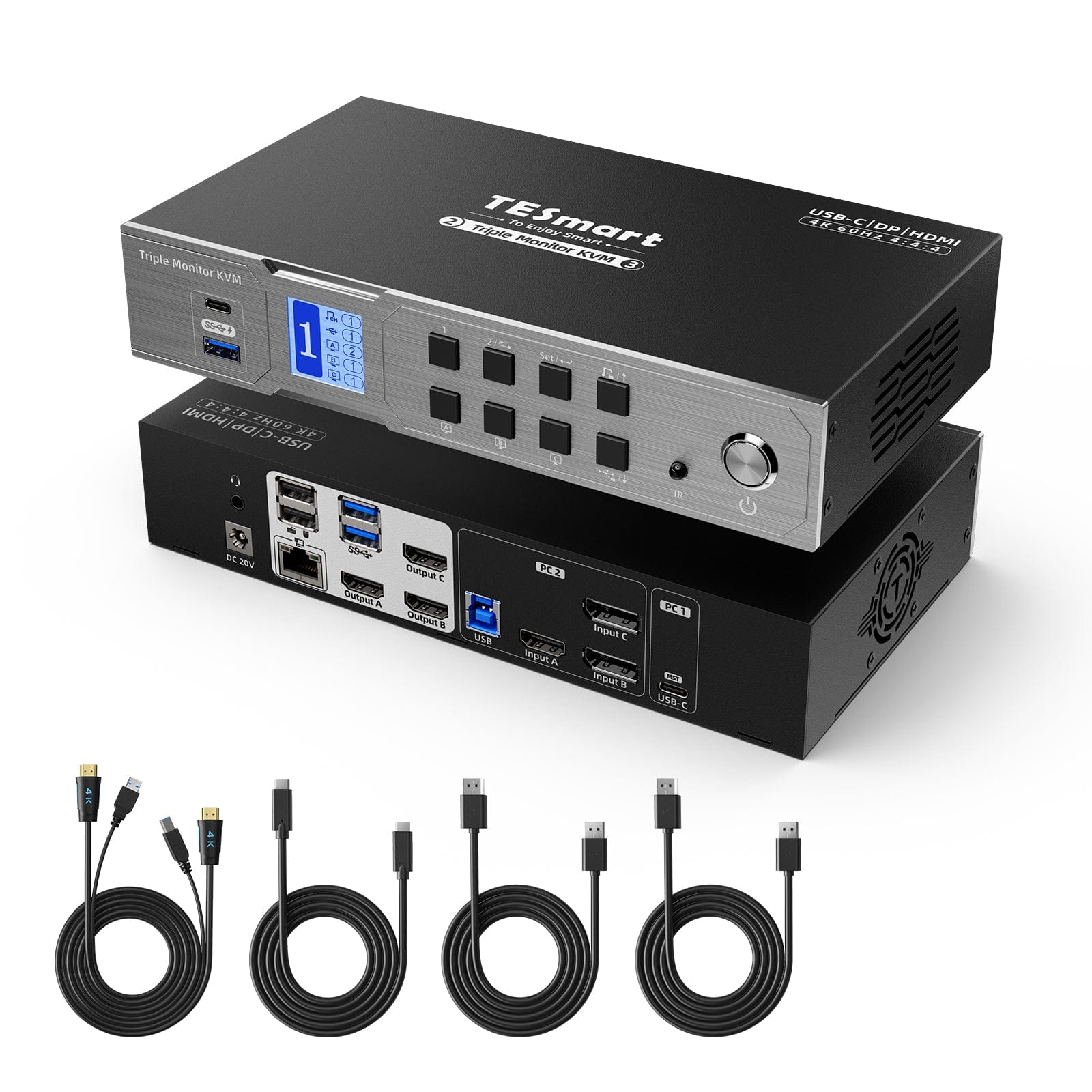
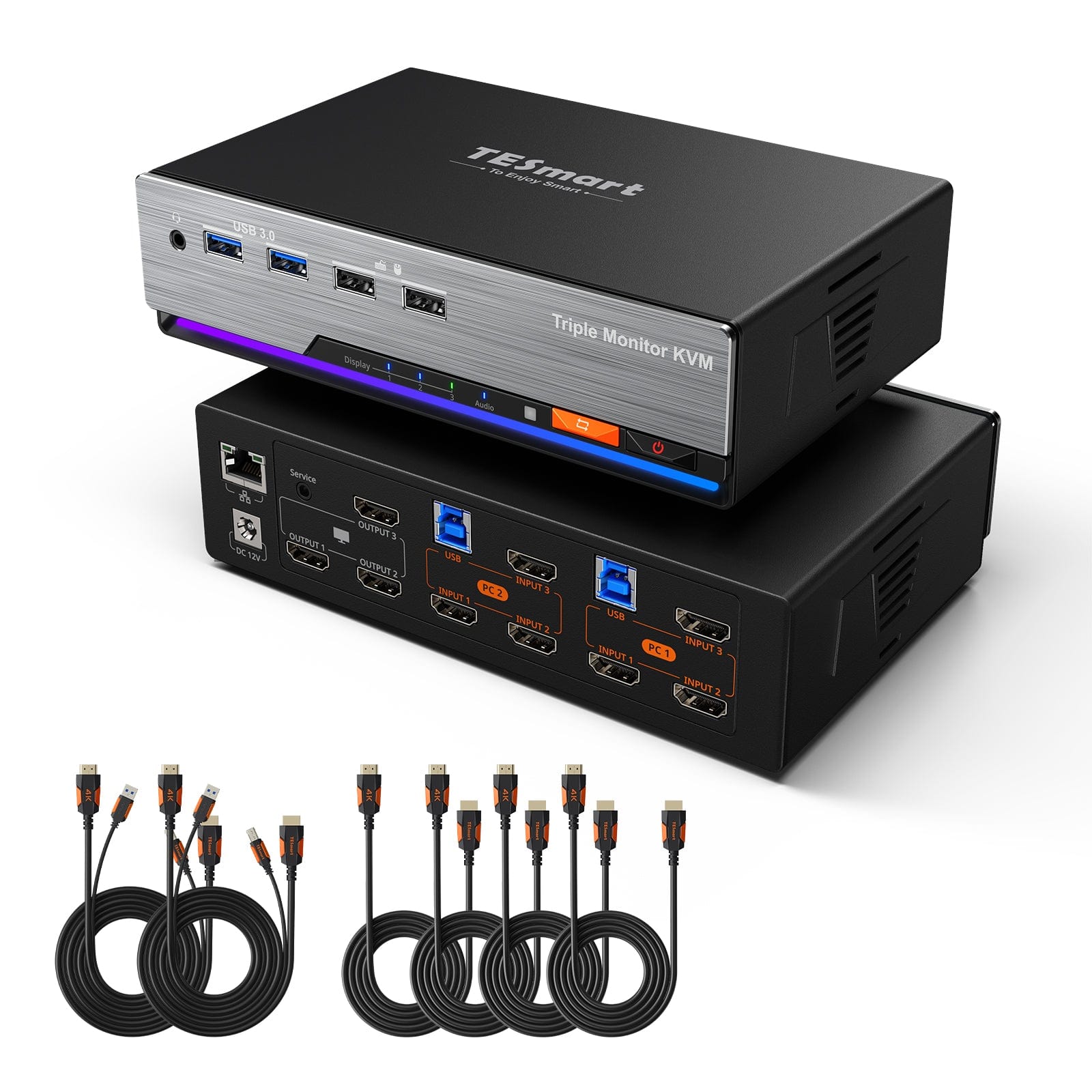
2 Computer × 3 Monitore

Monitorkonfiguration

TESmart Produkthighlight
4K60

Max. Auflösung

TESmart Produkthighlight
EDID-Emulation

Stabile Anzeige

TESmart Produkthighlight
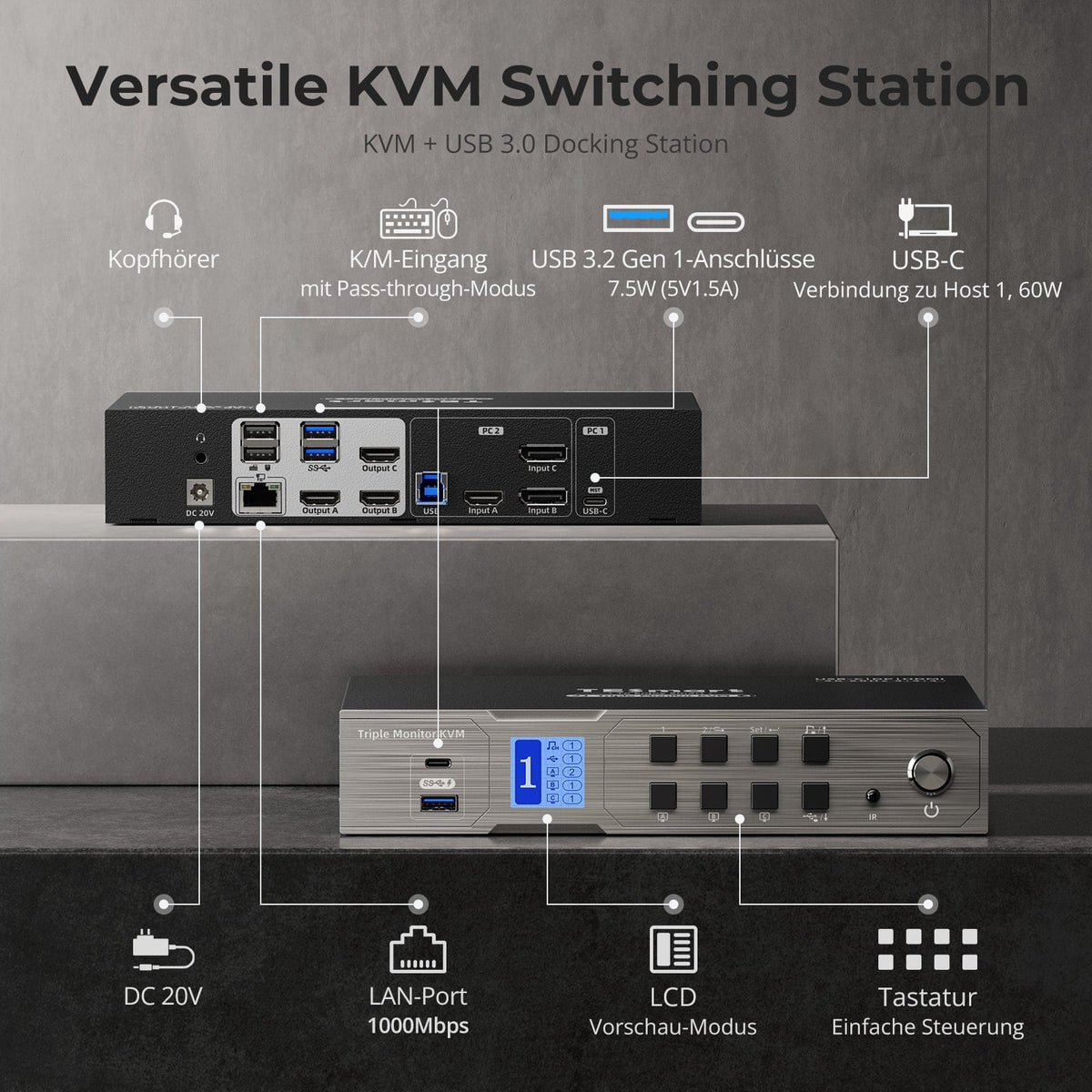
Separates Gigabit-LAN

Netzwerksteuerung

TESmart Produkthighlight
USB 3.2 Gen 1 / 5Gbps

USB-Geschwindigkeit

TESmart Produkthighlight
K&M Compatibility 3.0

Tastatur und Maus

4.8
TESmart Produkthighlight
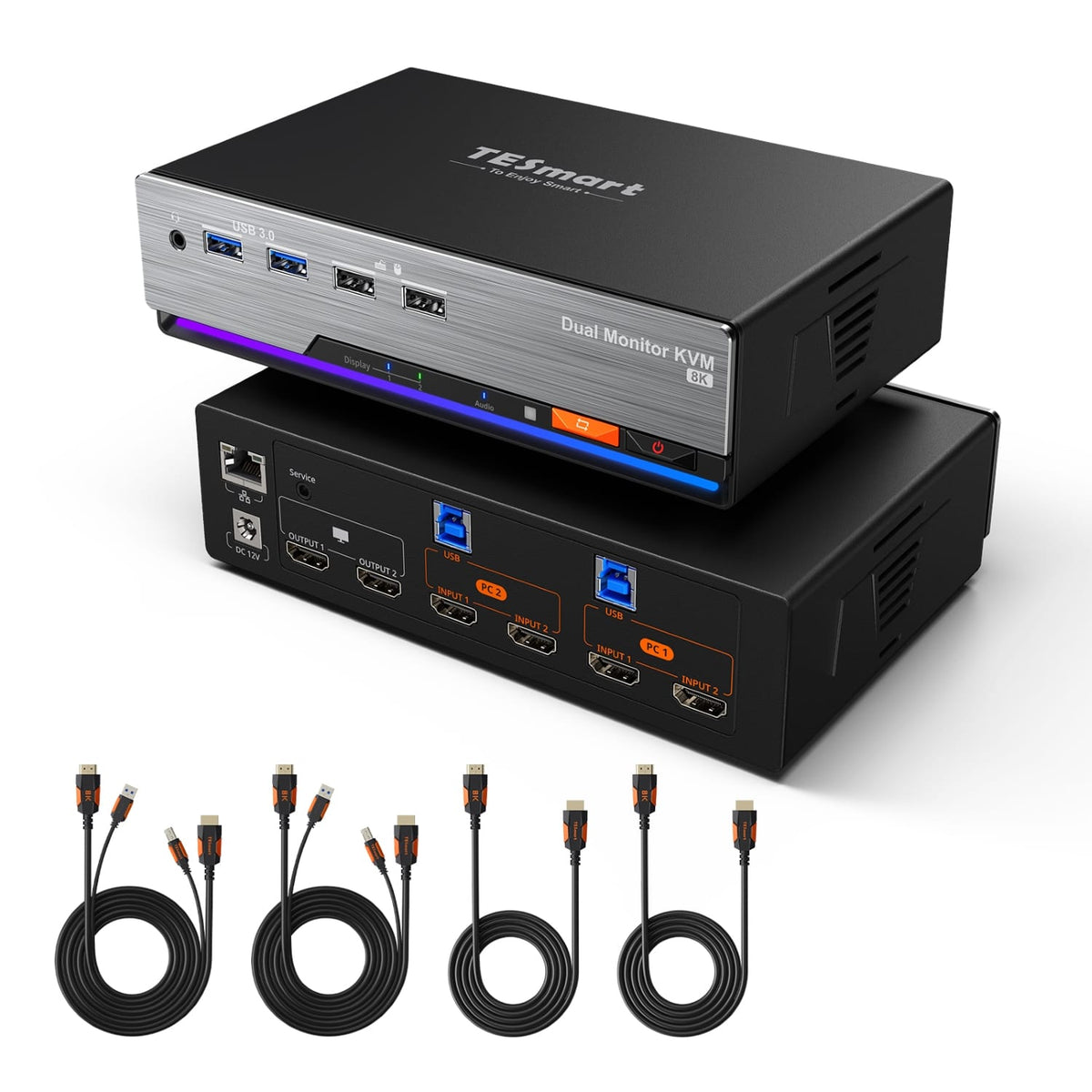
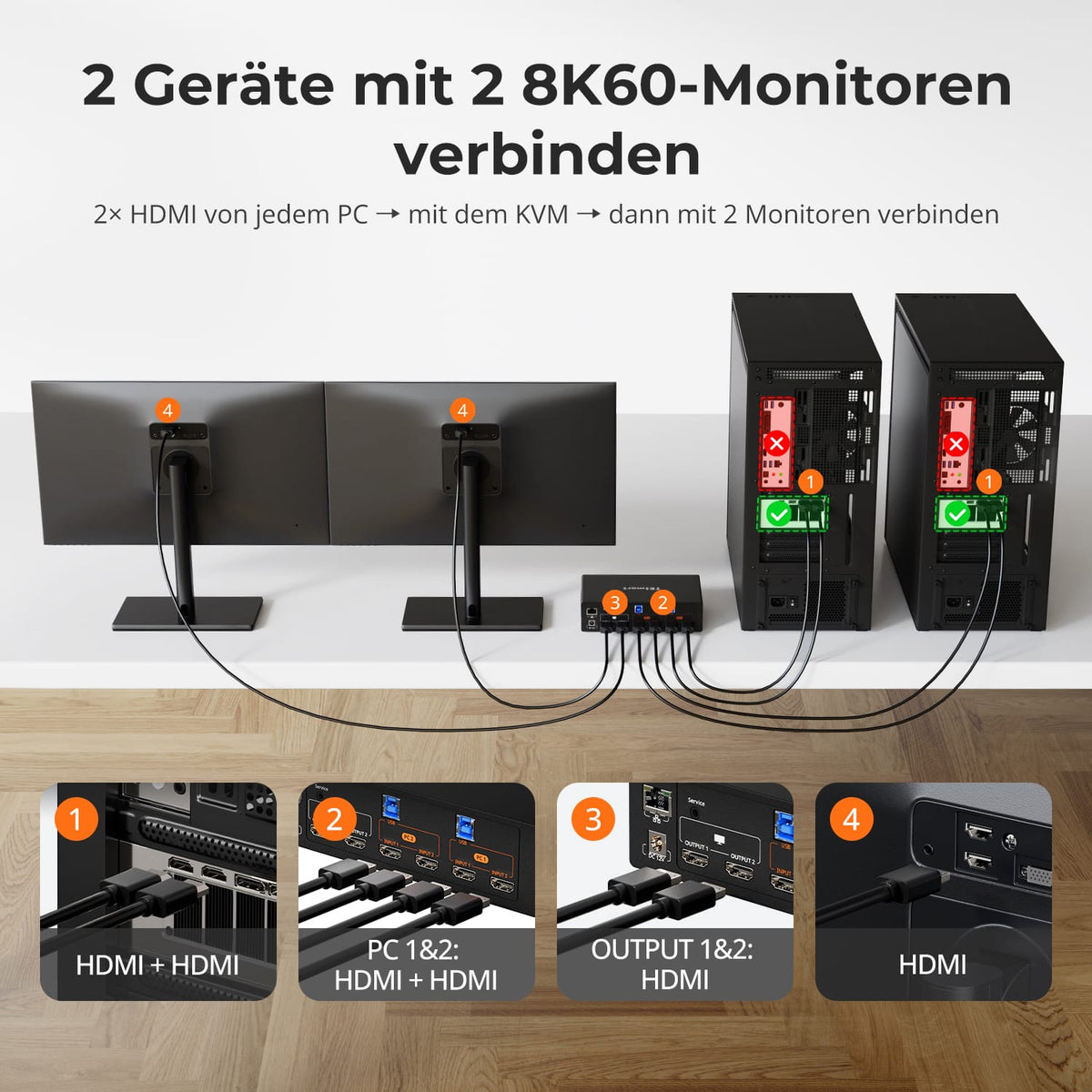
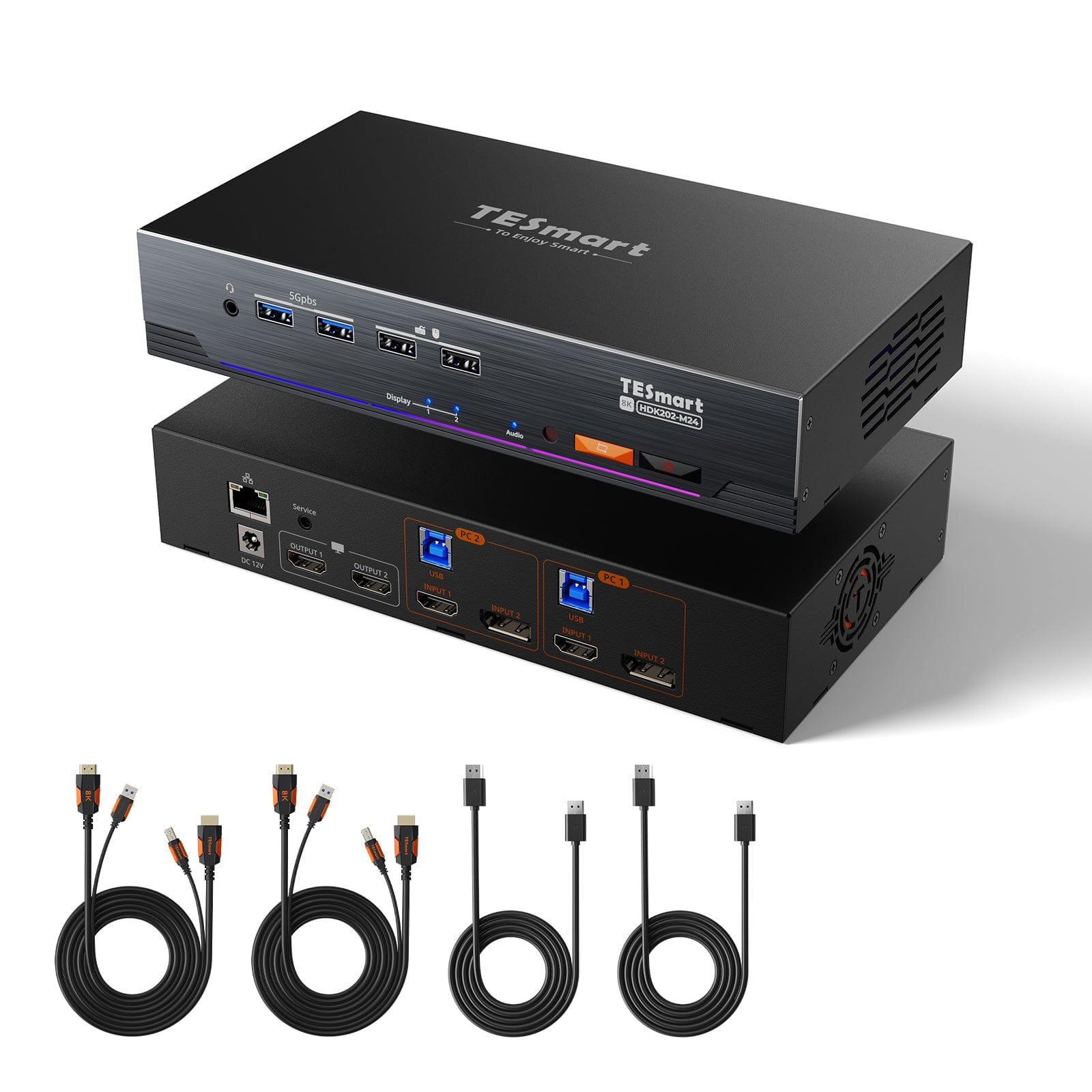
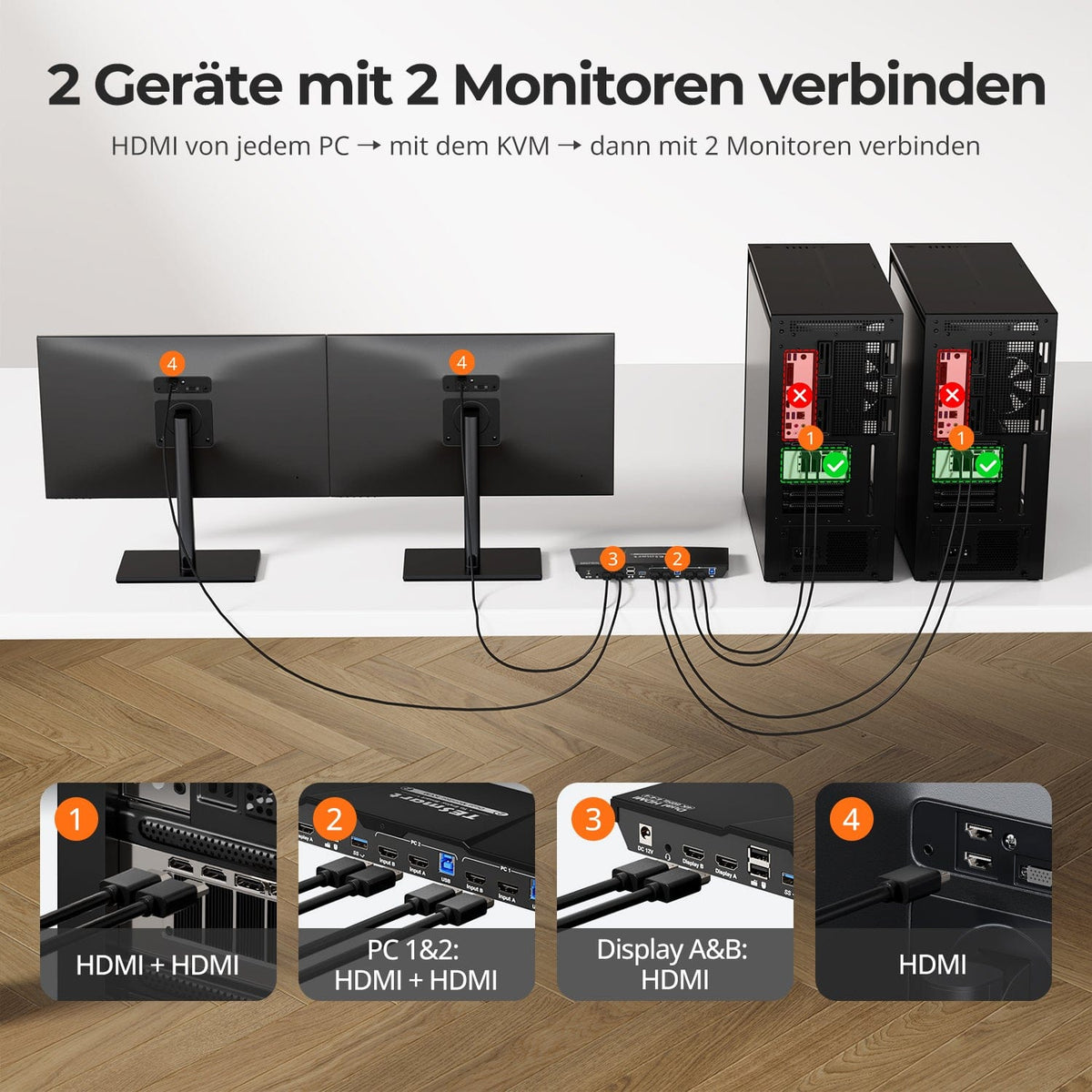
2 Computer × 2 Monitore

Monitorkonfiguration

TESmart Produkthighlight
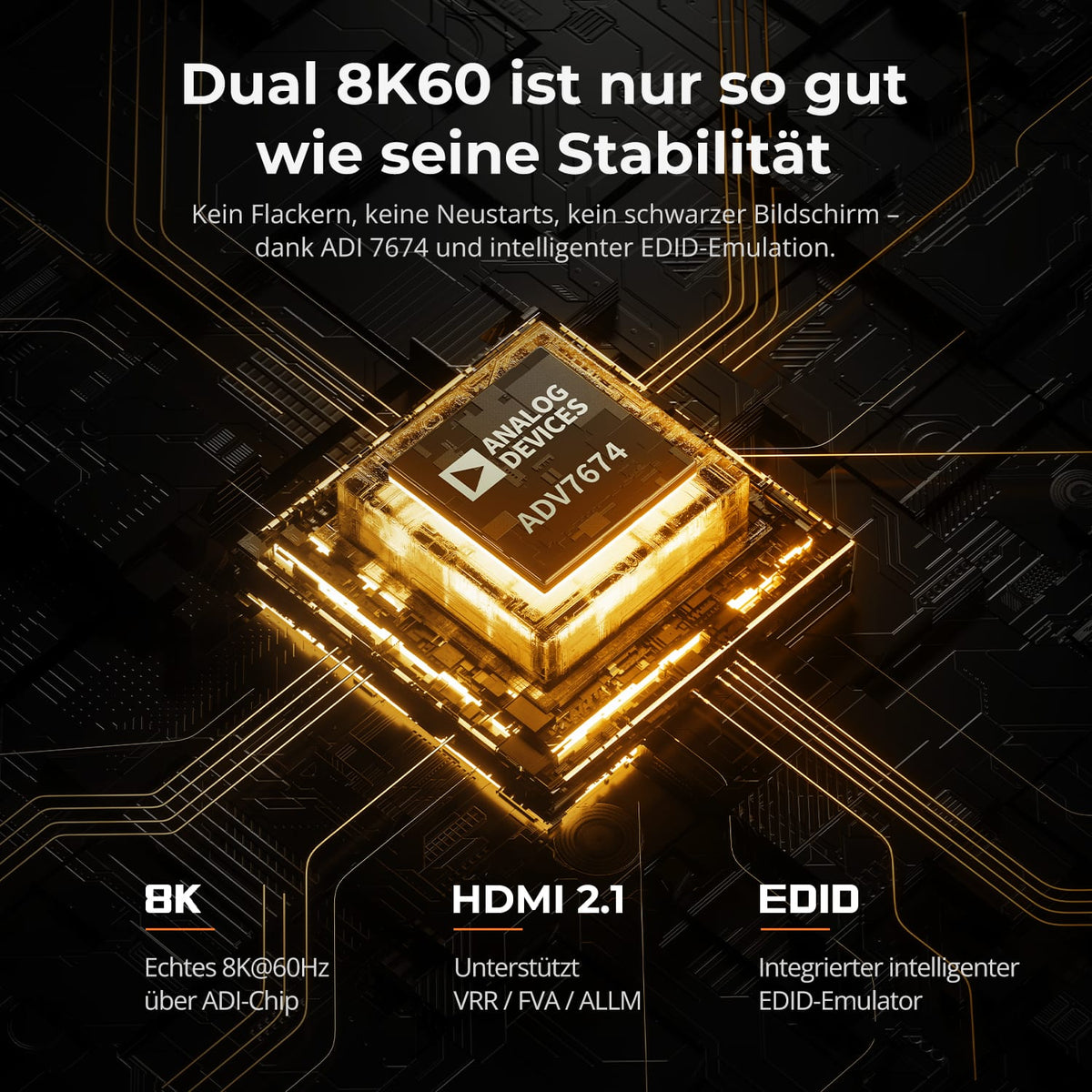
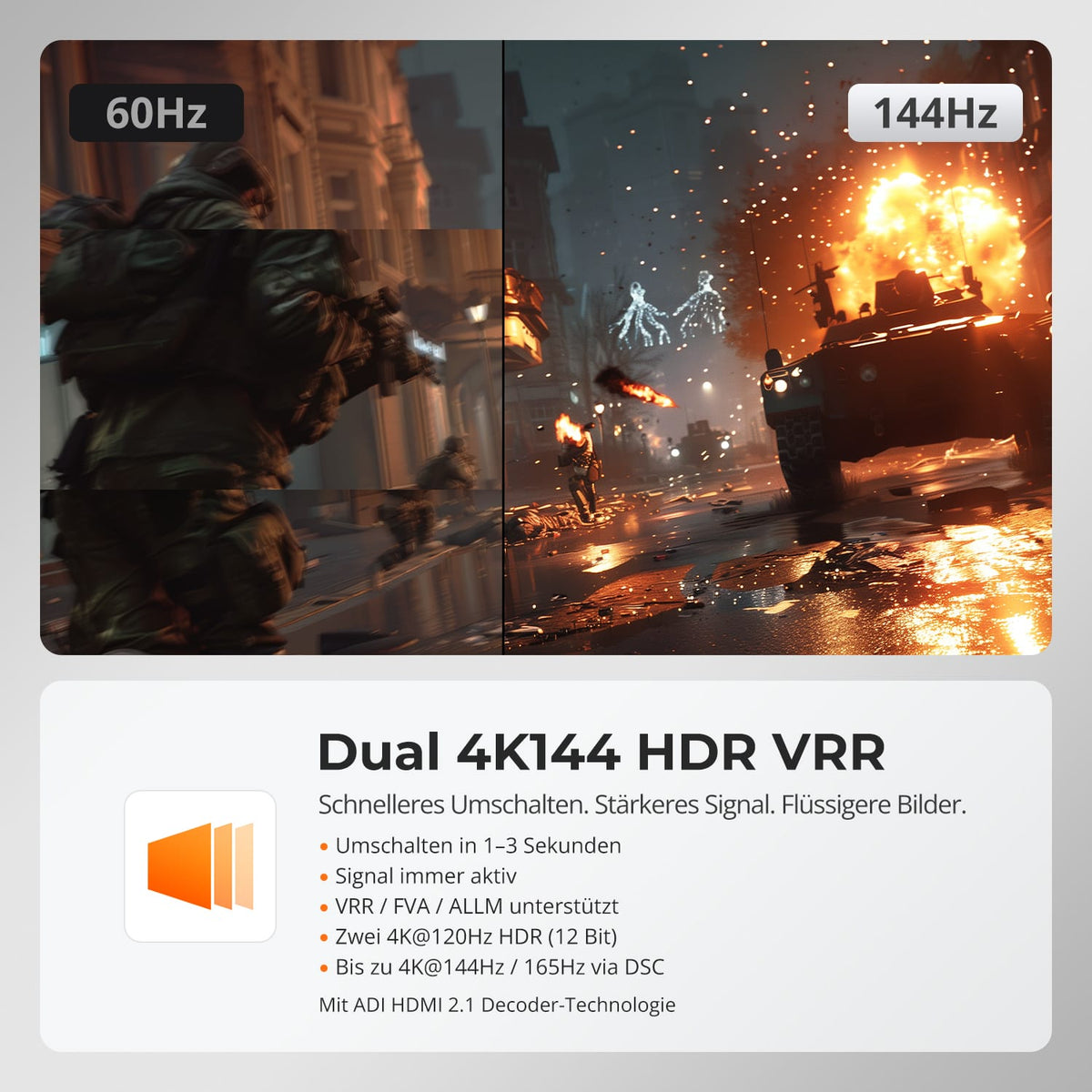
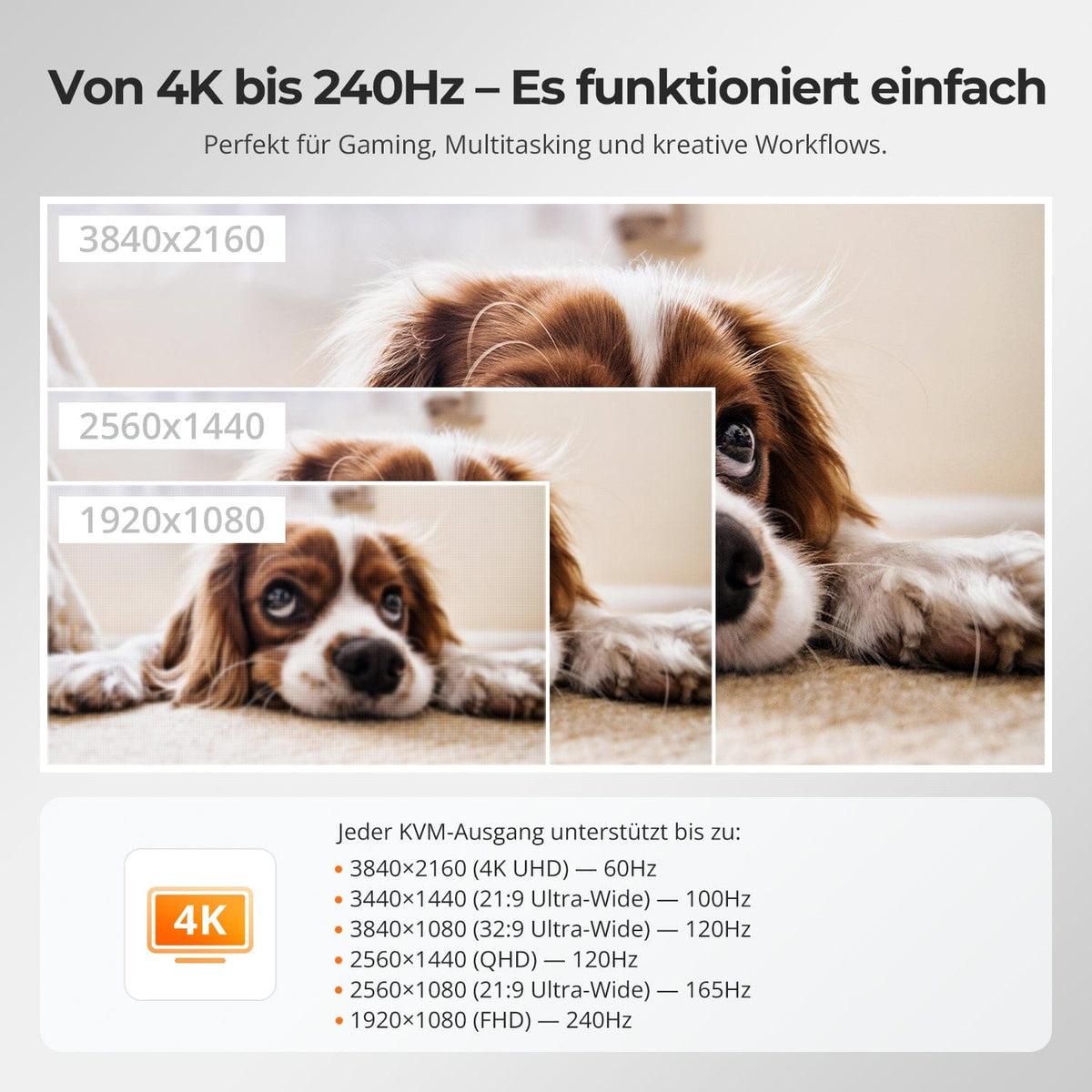
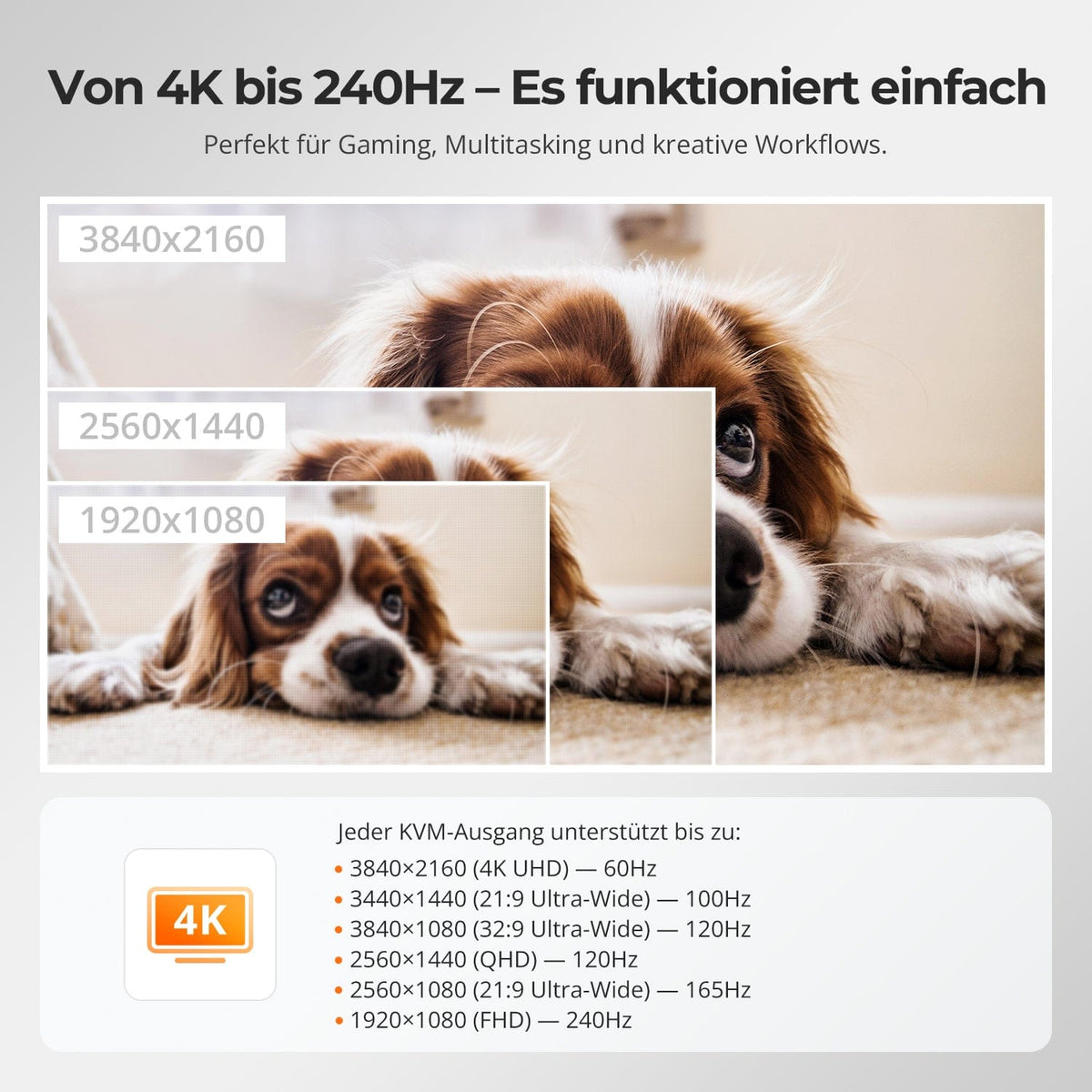
8K60/4K144

Max. Auflösung

TESmart Produkthighlight
HDR

Farbdarstellung

TESmart Produkthighlight
VRR / G-Sync / FreeSync

Gaming

TESmart Produkthighlight
EDID-Emulation

Stabile Anzeige

TESmart Produkthighlight
Gigabit Ethernet

Gemeinsames Netzwerk

4.9
TESmart Produkthighlight
2 Computer × 3 Monitore

Monitorkonfiguration

TESmart Produkthighlight
4K60

Max. Auflösung

TESmart Produkthighlight
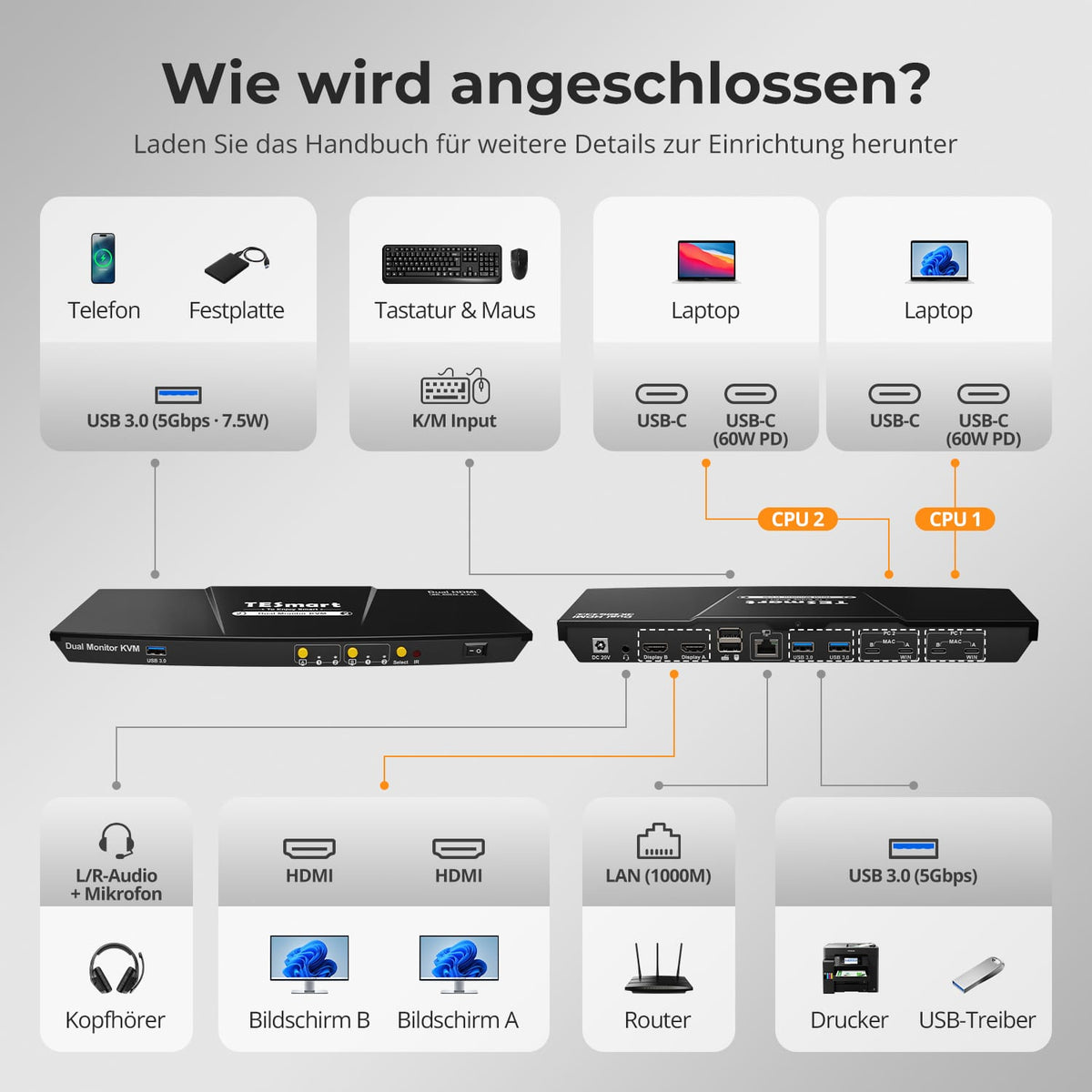
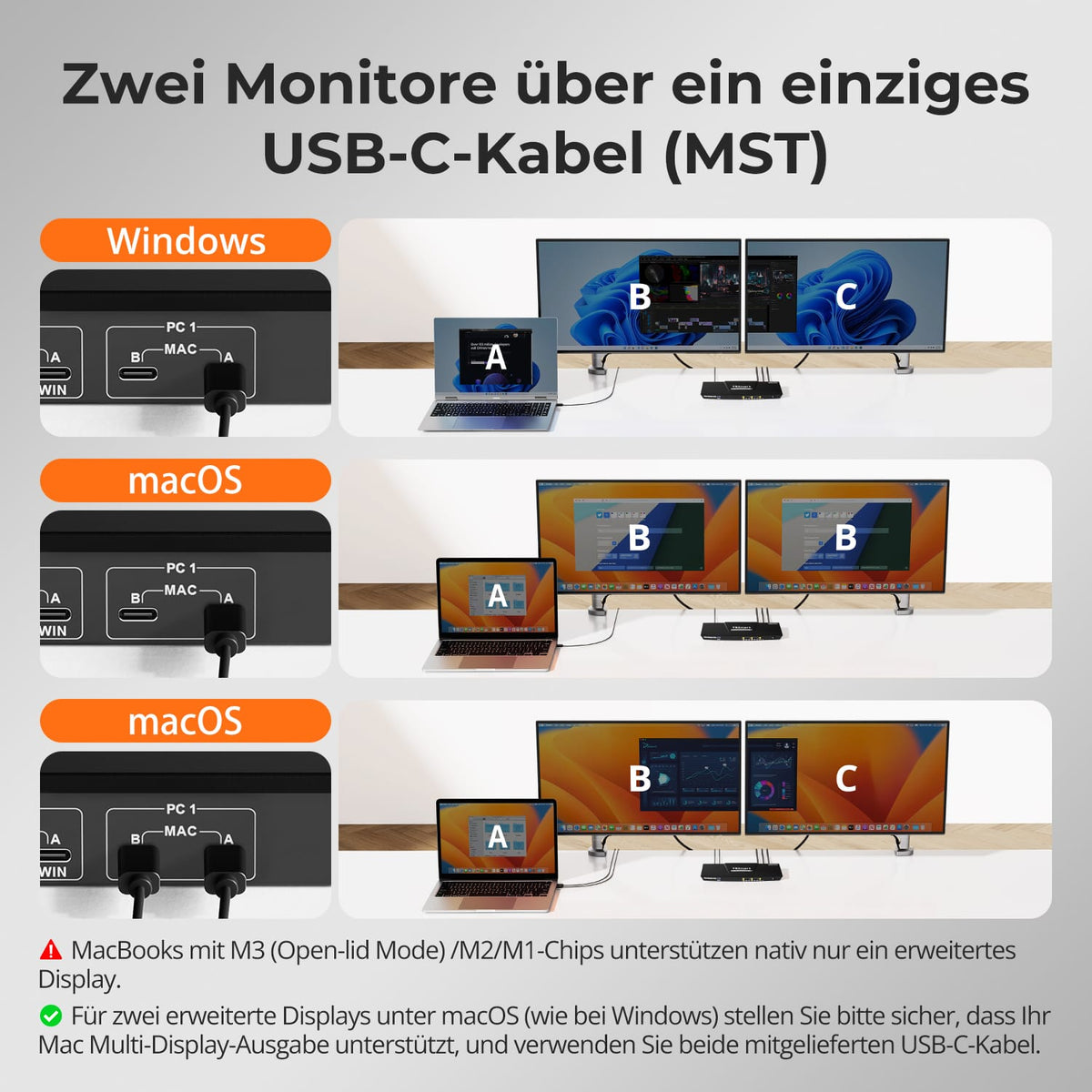
MST für mehrere Monitore

Anzeigetechnik

TESmart Produkthighlight
60W

Laptop laden

TESmart Produkthighlight
Gigabit Ethernet

Gemeinsames Netzwerk

TESmart Produkthighlight
EDID-Emulation

Stabile Anzeige

4.9
Sold out
TESmart Produkthighlight
2 Computer × 2 Monitore

Monitorkonfiguration

TESmart Produkthighlight
8K60/4K144

Max. Auflösung

TESmart Produkthighlight
Für Desktop-PCs

Gerätekonfiguration

TESmart Produkthighlight
HDR

Farbdarstellung

TESmart Produkthighlight
VRR / G-Sync / FreeSync

Gaming

TESmart Produkthighlight
EDID-Emulation

Stabile Anzeige

5.0
TESmart Produkthighlight
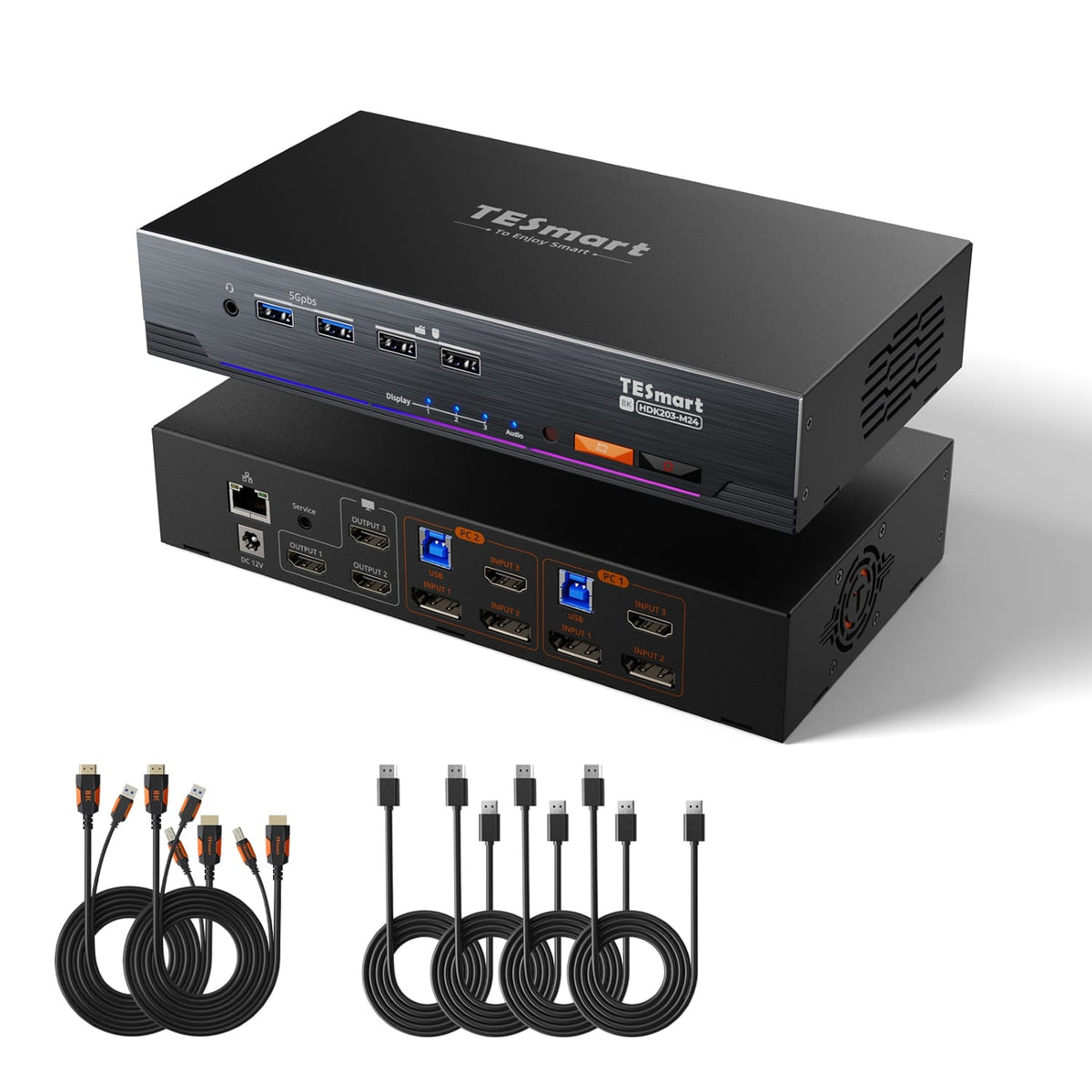
2 Computer × 3 Monitore

Monitorkonfiguration

TESmart Produkthighlight
8K60/4K144

Max. Auflösung

TESmart Produkthighlight
Für Desktop-PCs

Gerätekonfiguration

TESmart Produkthighlight
EDID-Emulation

Stabile Anzeige

TESmart Produkthighlight
HDR

Farbdarstellung

TESmart Produkthighlight
VRR / G-Sync / FreeSync

Gaming

4.9
TESmart Produkthighlight
2 Computer × 2 Monitore

Monitorkonfiguration

TESmart Produkthighlight
4K60

Max. Auflösung

TESmart Produkthighlight
Intel JHL8440

Thunderbolt-Controller

TESmart Produkthighlight
Zusätzlicher Thunderbolt-4-Port

Anschlüsse

TESmart Produkthighlight
Thunderbolt-4-kompatibel

Kompatibilität

TESmart Produkthighlight
60W

Laptop laden

5.0
TESmart Produkthighlight
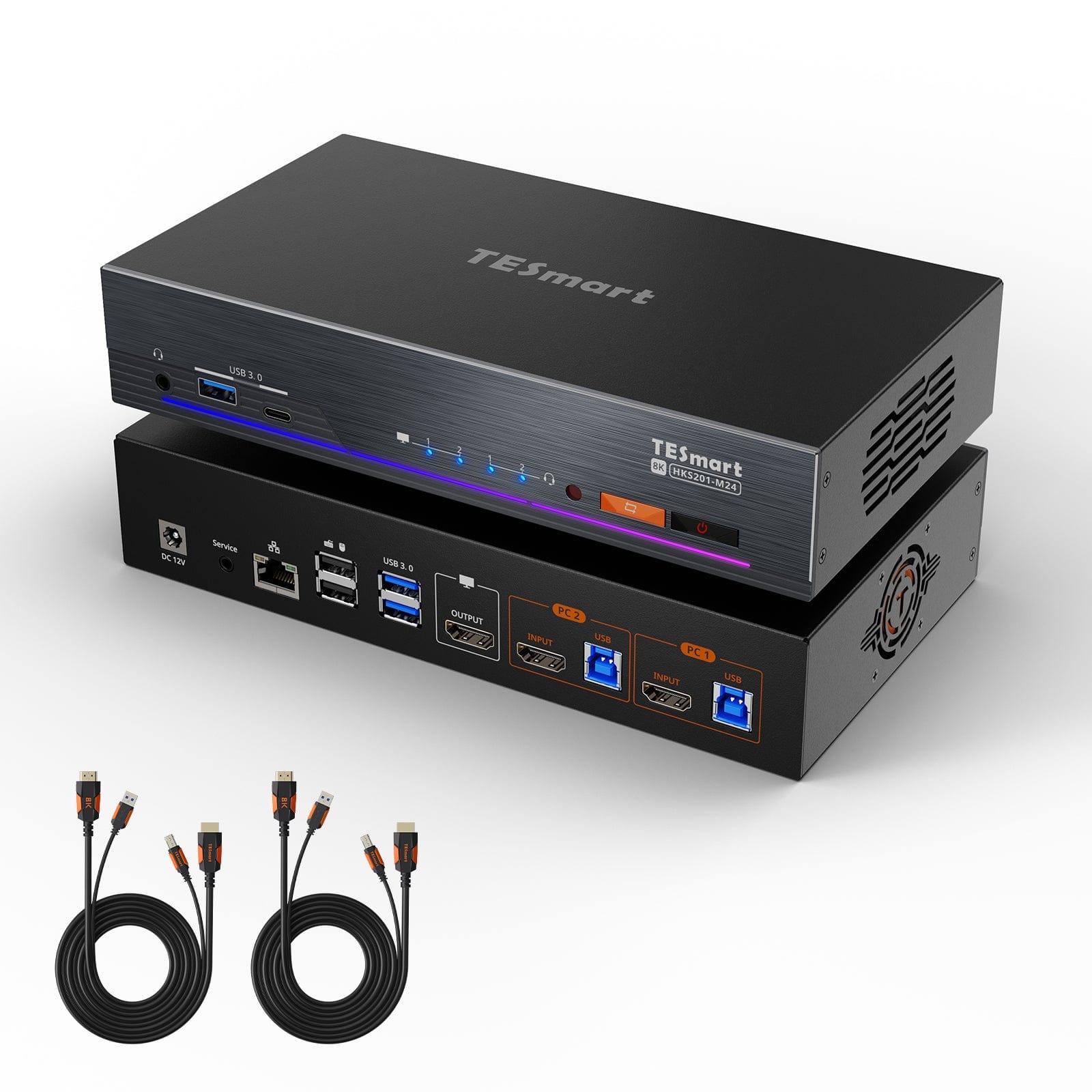
2 Computer × 1 Monitor

Monitorkonfiguration

TESmart Produkthighlight
8K60/4K144

Max. Auflösung

TESmart Produkthighlight
HDR

Farbdarstellung

TESmart Produkthighlight
VRR / G-Sync / FreeSync

Gaming

TESmart Produkthighlight
EDID-Emulation

Stabile Anzeige

TESmart Produkthighlight
Gigabit Ethernet

Gemeinsames Netzwerk

KVM finder with instructions
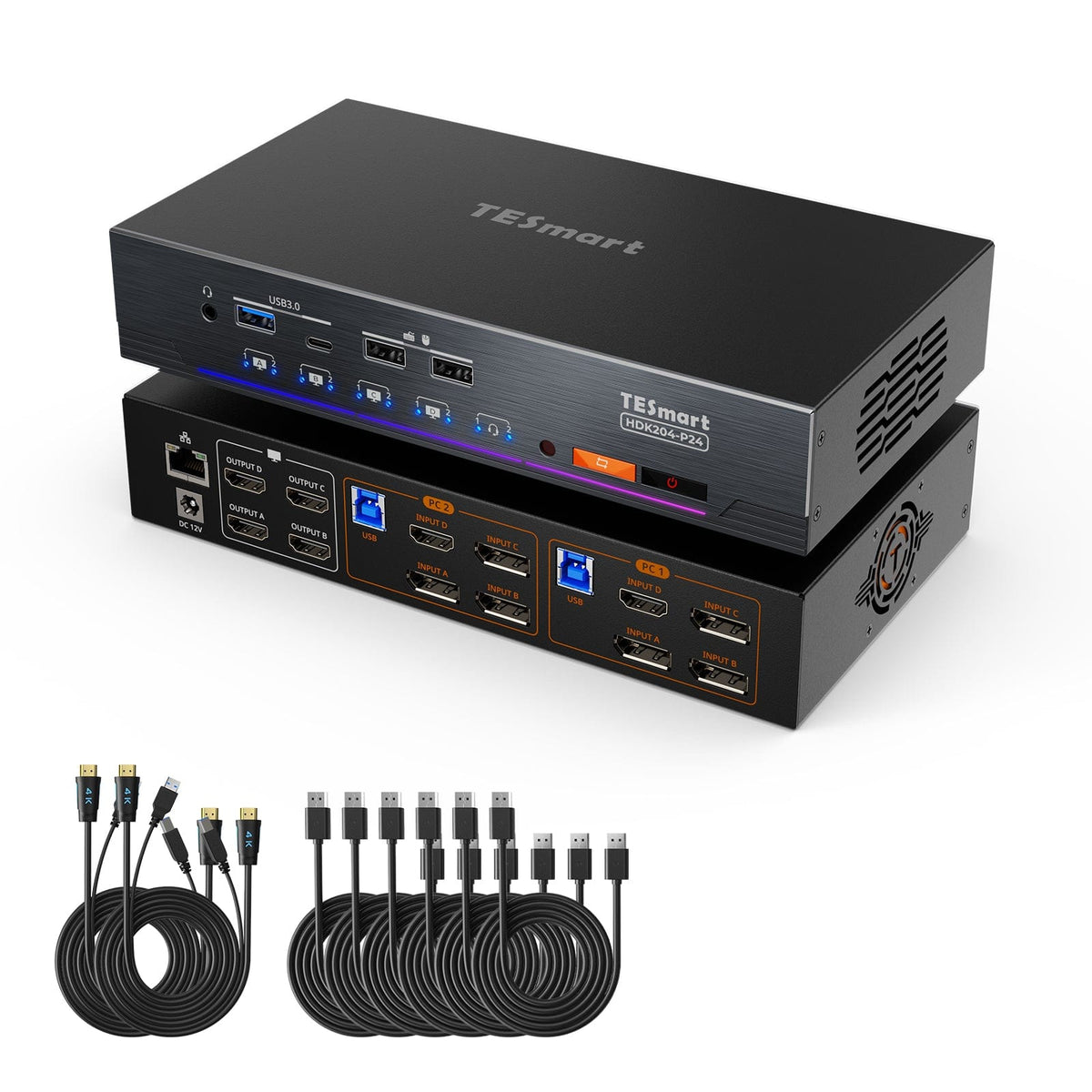
50+ models
TESmart Produkthighlight
2 Computer × 4 Monitore

Monitorkonfiguration

TESmart Produkthighlight
4K60

Max. Auflösung

TESmart Produkthighlight
Für Desktop-PCs

Gerätekonfiguration

TESmart Produkthighlight
EDID-Emulation

Stabile Anzeige

TESmart Produkthighlight
USB 3.2 Gen 1 / 5Gbps

USB-Geschwindigkeit

TESmart Produkthighlight
Gigabit Ethernet

Gemeinsames Netzwerk

4.0
TESmart Produkthighlight
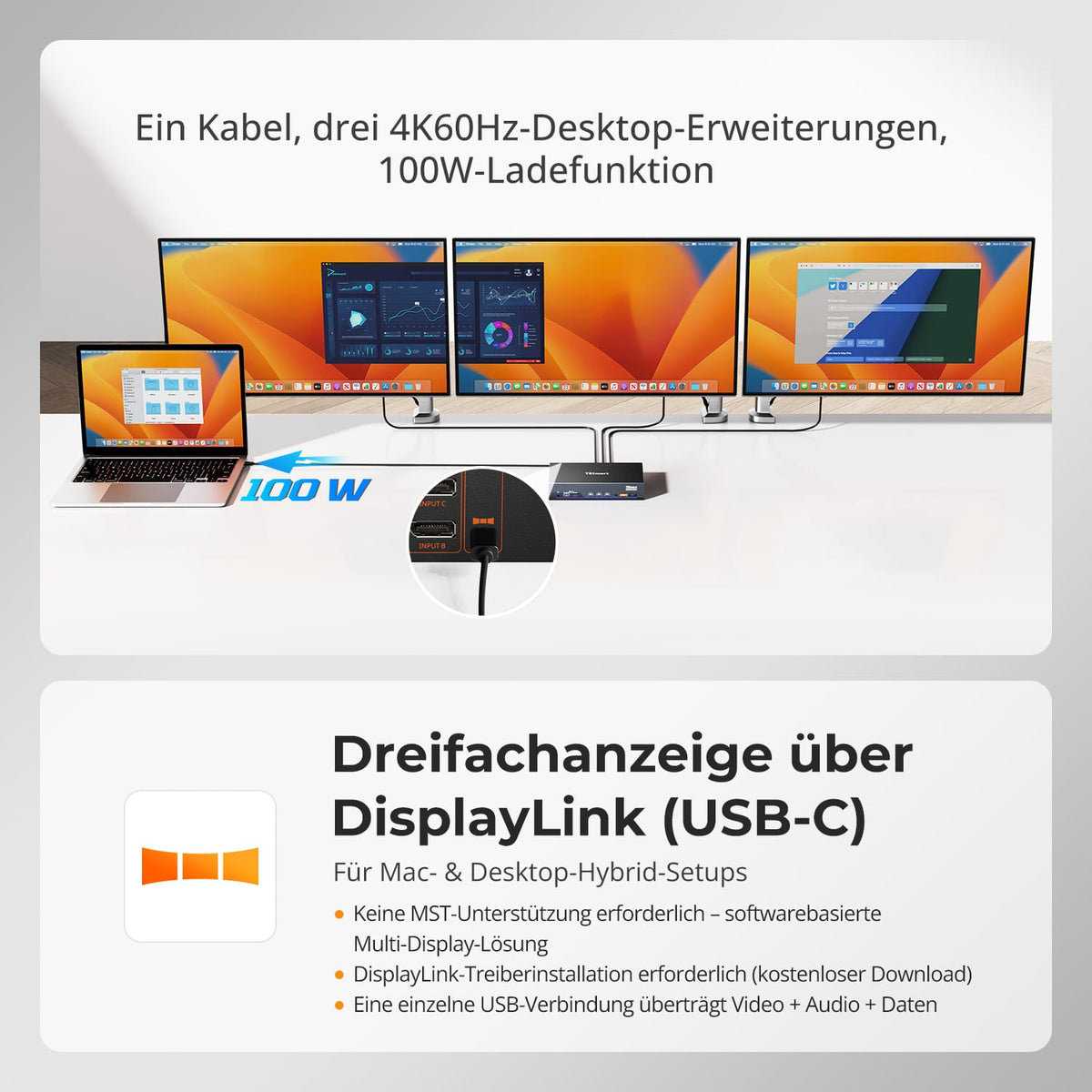
2 Computer × 3 Monitore

Monitorkonfiguration

TESmart Produkthighlight
4K60

Max. Auflösung

TESmart Produkthighlight
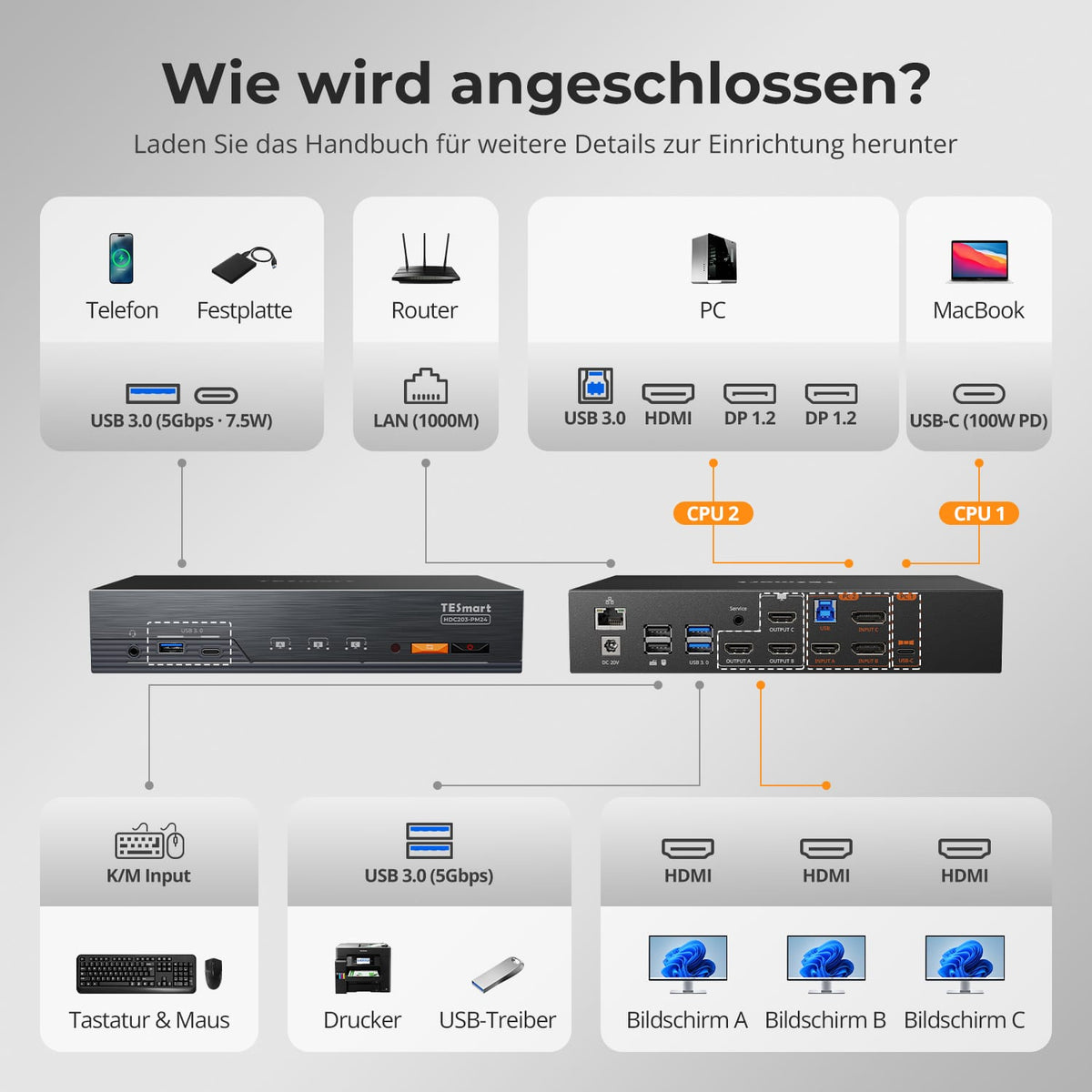
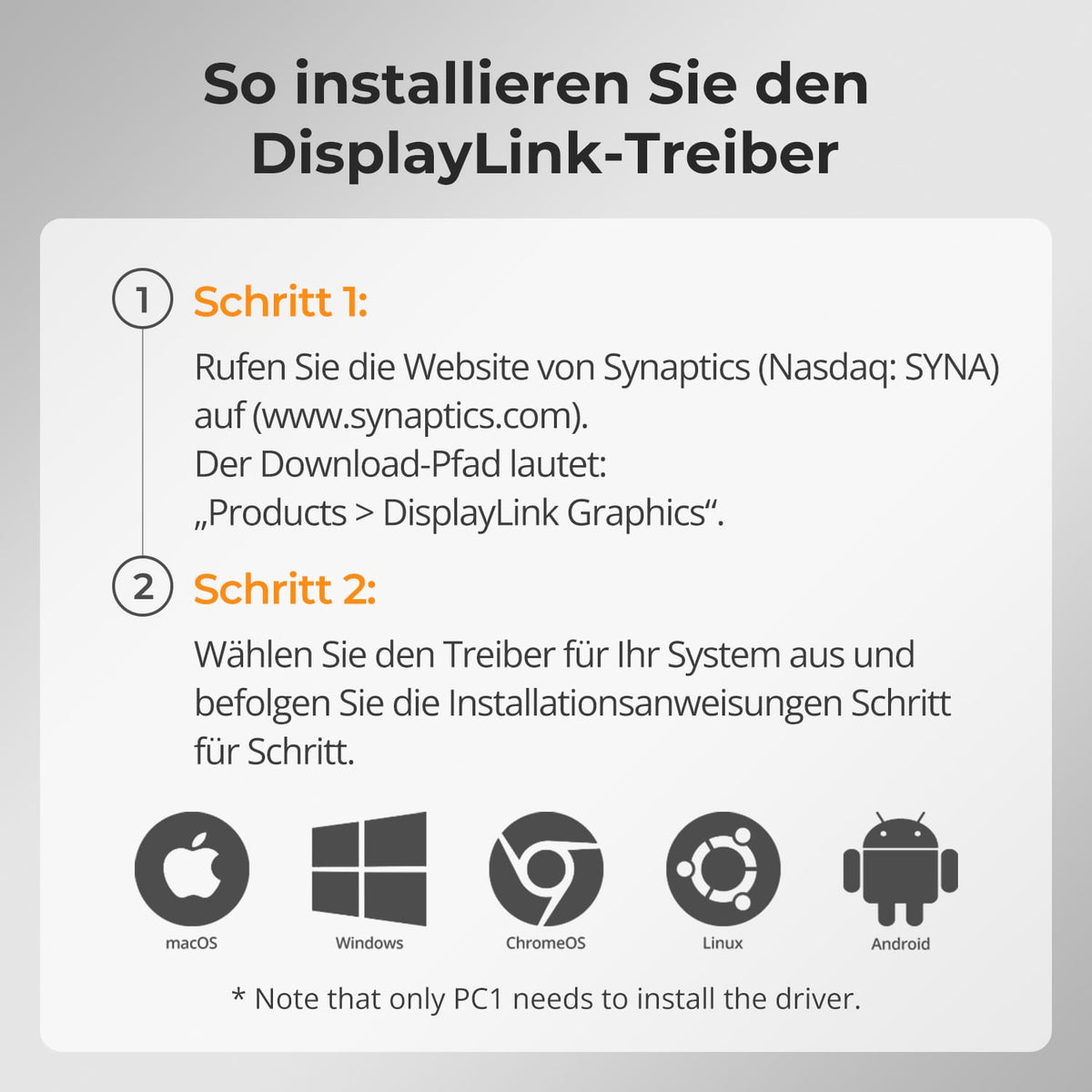
DisplayLink

Mehrere Monitore

TESmart Produkthighlight
100W

Laptop laden

TESmart Produkthighlight
Ein-Kabel-Setup

Ein-Kabel-Anschluss

TESmart Produkthighlight
Gigabit Ethernet

Gemeinsames Netzwerk

4.0
TESmart Produkthighlight
2 Computer × 2 Monitore

Monitorkonfiguration

TESmart Produkthighlight
4K60

Max. Auflösung

TESmart Produkthighlight
MST: Win 1 / Mac 2 Kabel

Monitorkonfiguration

TESmart Produkthighlight
60W

Laptop laden

TESmart Produkthighlight
Gigabit Ethernet

Gemeinsames Netzwerk

TESmart Produkthighlight
EDID-Emulation

Stabile Anzeige

4.0
TESmart Produkthighlight
2 Computer × 2 Monitore

Monitorkonfiguration

TESmart Produkthighlight
4K60

Max. Auflösung

TESmart Produkthighlight
EDID-Emulation

Stabile Anzeige

TESmart Produkthighlight
USB 3.2 Gen 1 / 5Gbps

USB-Geschwindigkeit

TESmart Produkthighlight
K&M Compatibility 3.0

Tastatur und Maus

TESmart Produkthighlight
Gemischter Anzeigemodus

Anzeigemodus

KVM selection · 50+ models

The right KVM for your setup

After setup, select, use the KVM finder, or have our team check compatibility before purchasing.
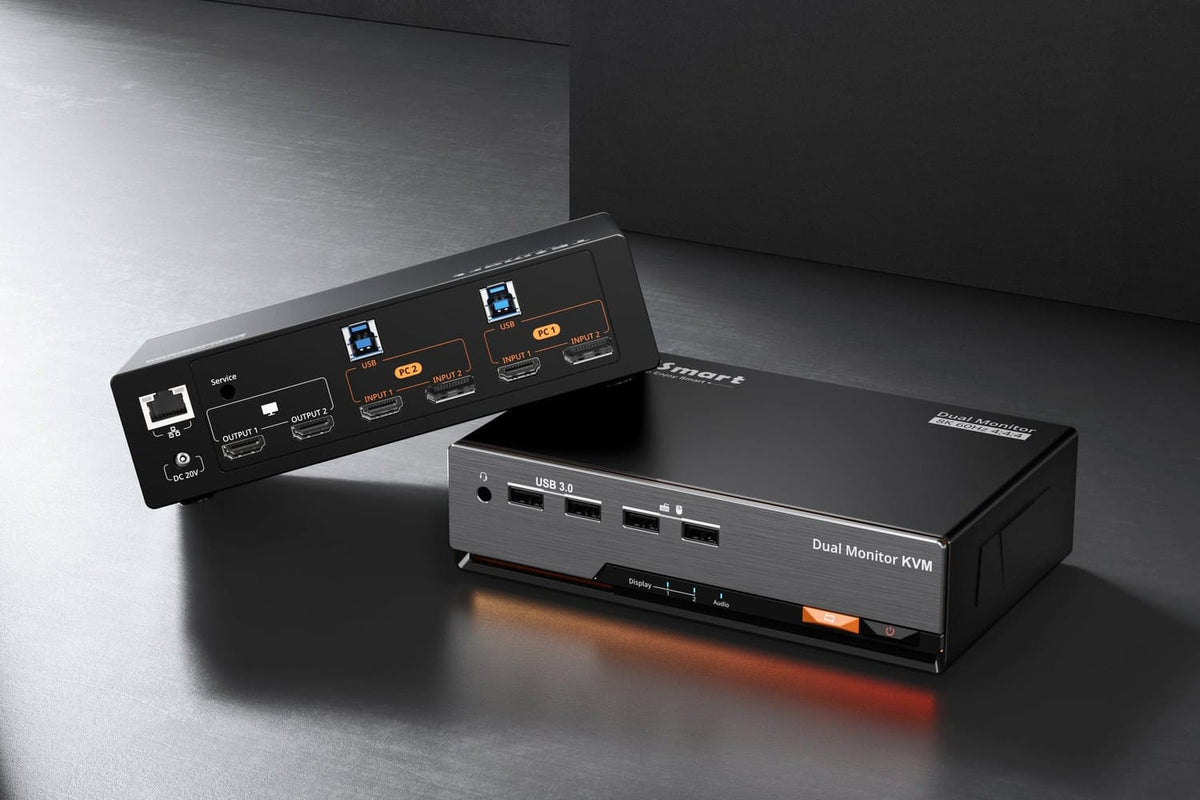
Select by setup

Do you already know how many computers and monitors you use? Start by setting up your workspace.

DISCOVER BY SETUP

KVM finder with instructions

Answer some questions about computers, monitors, ports, and desired resolution.

START KVM FINDER

We check your setup

Send us your computer and monitor models along with your requirements. Our team will check compatibility.

📧 service@tesmart.de

HAVE SETUP CHECKED

🎁 BLACKFRIDAY has been copied to your clipboard!
Coupon here!