
HKS1601-L23-EUBK
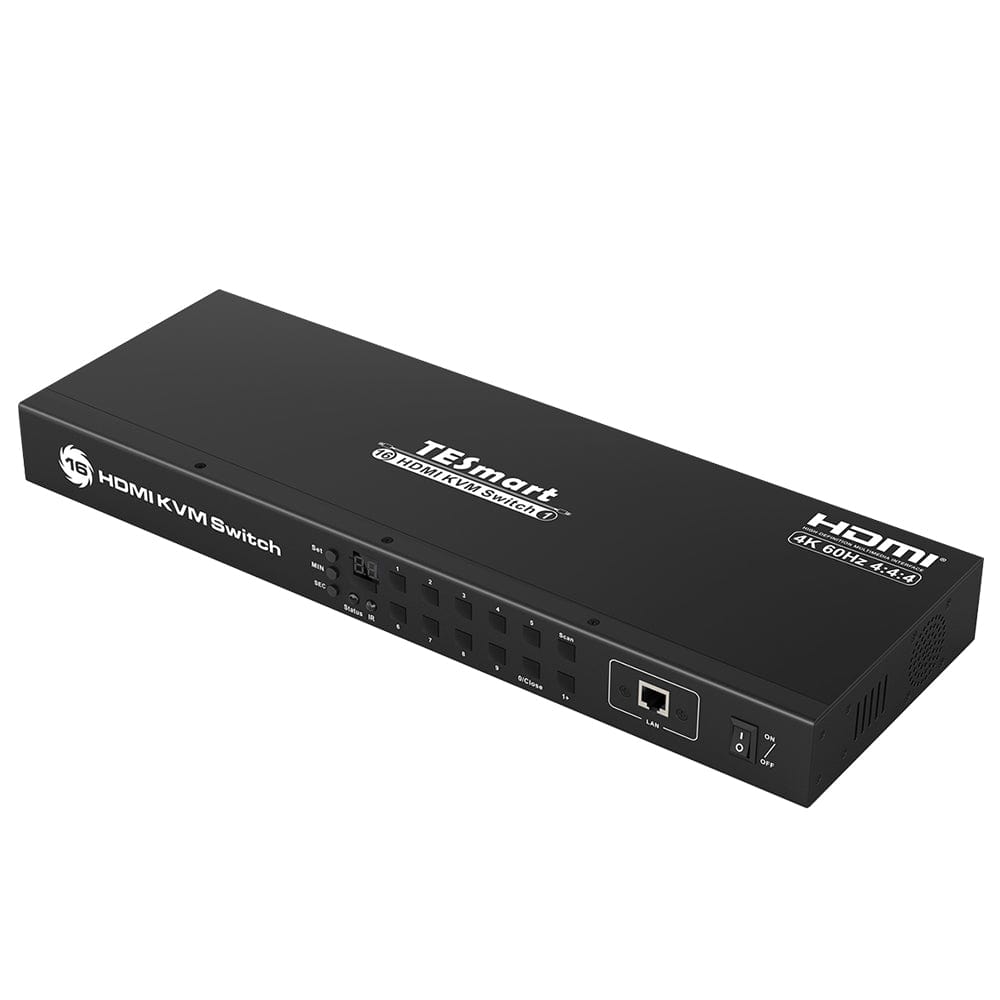
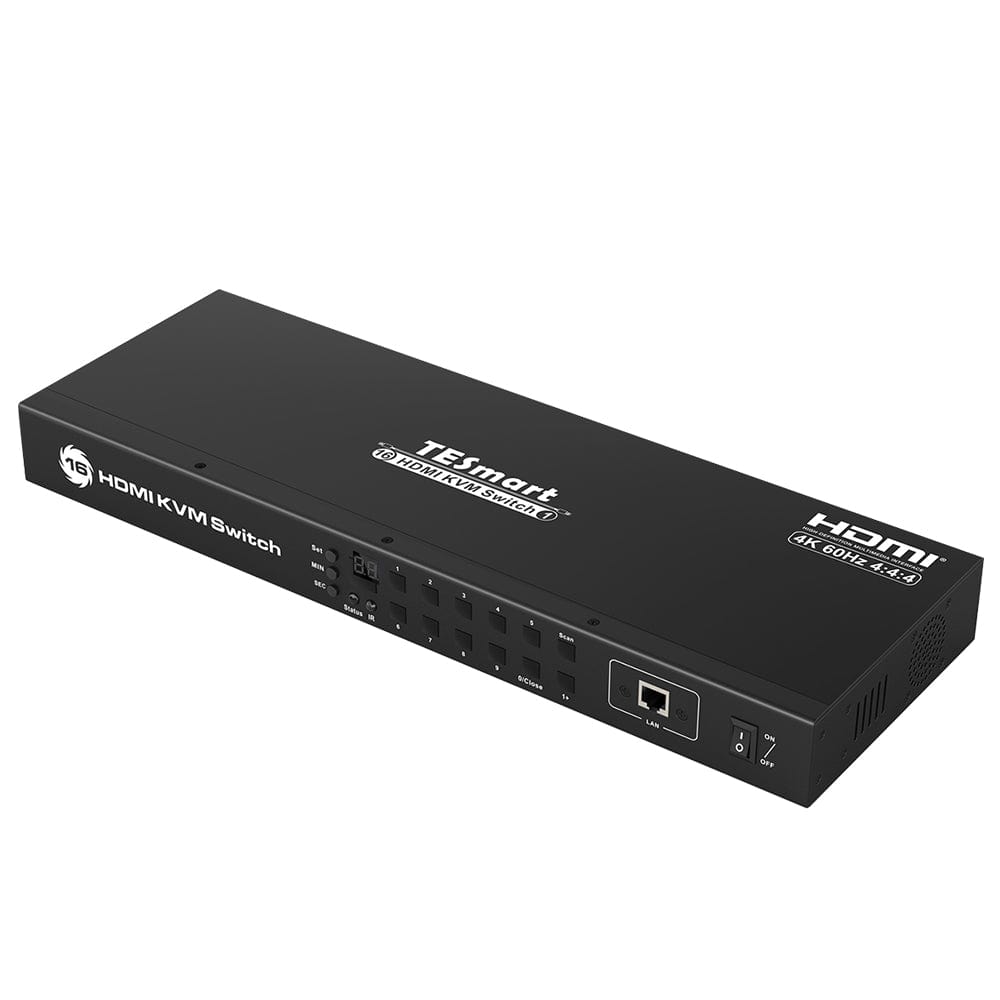
16 Port HDMI KVM Switch 4K30Hz support RS232/LAN control
(Formerly named HKS1601A10)
- Regulärer Preis
-
€238,02 - Regulärer Preis
-
€396,70 - Verkaufspreis
-
€238,02
PLEASE CHECK IF THE PRODUCT'S CONNECTORS ARE COMPATIBLE WITH YOUR DEVICE.
- Number of connectable computers: 16
- Number of connectable monitors: 1
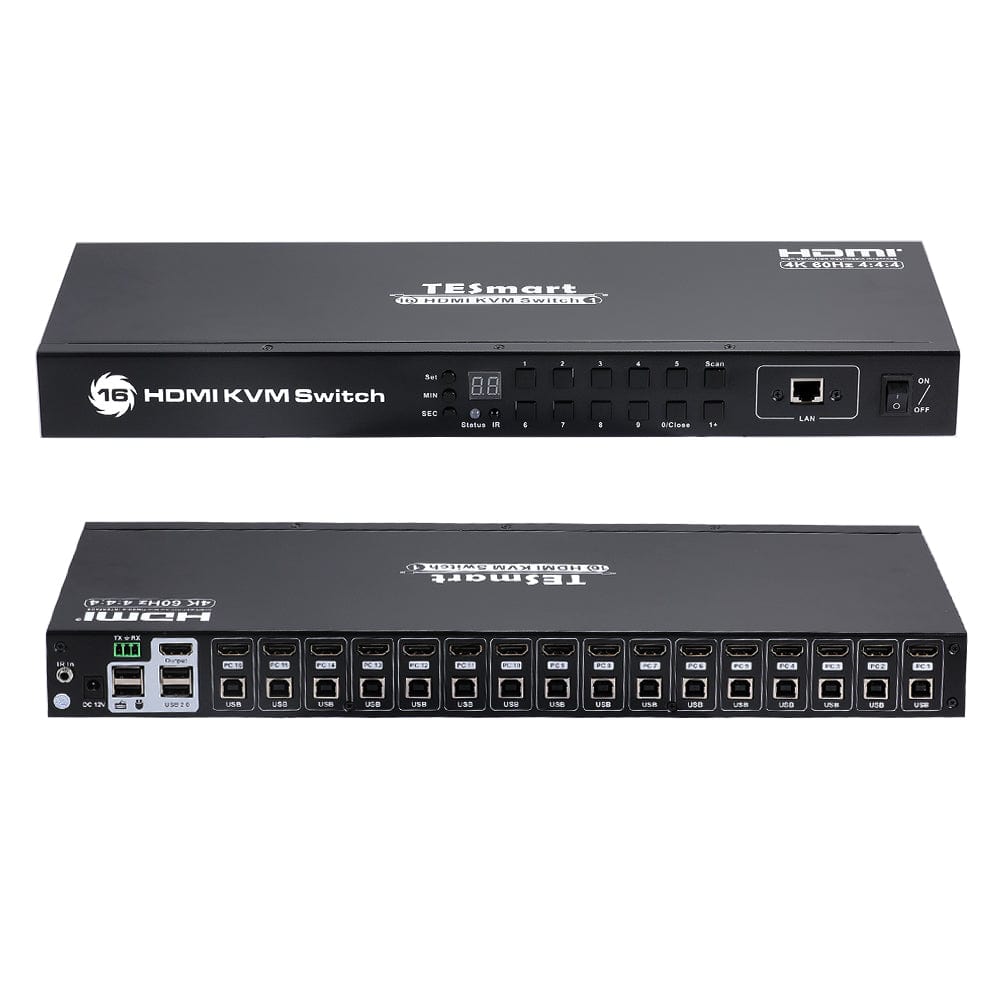
- Type of entrance sport: 16*(HDMI+USB-B)
- Type of starting port: HDMI
- Maximum resolution: 4K @ 30Hz
Abholverfügbarkeit konnte nicht geladen werden
Product overview
-
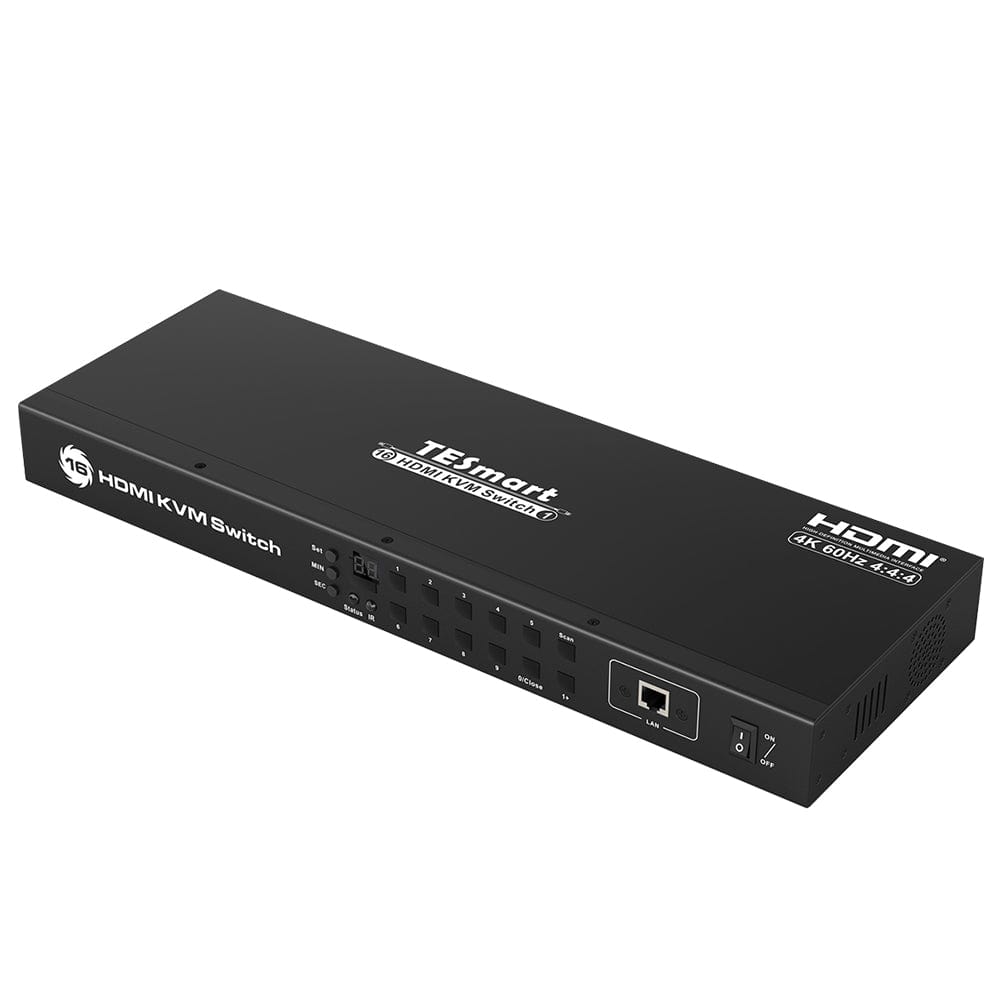
The KVM switch comes with the complete PC cables. 8* HDMI/USB to the computers are included.
-
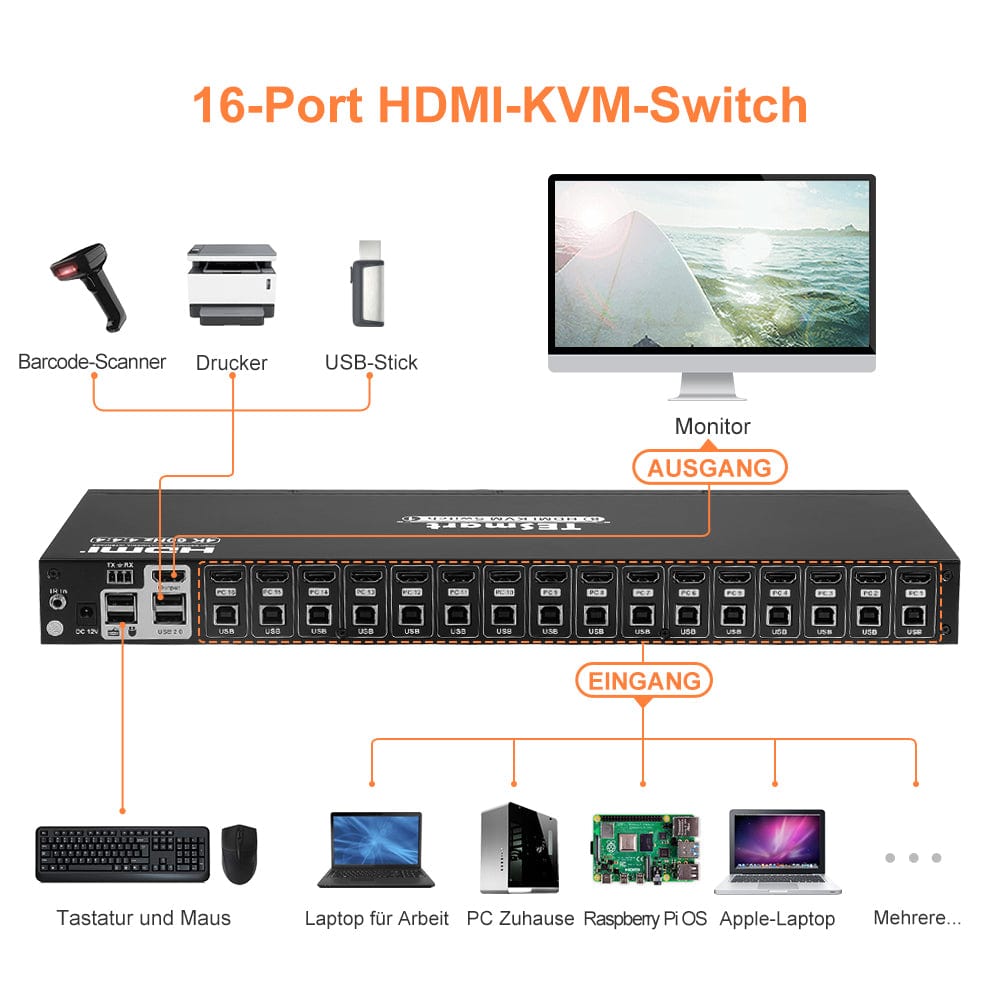
You can control 16 computers with just 1 set of keyboard, mouse and monitor.
-
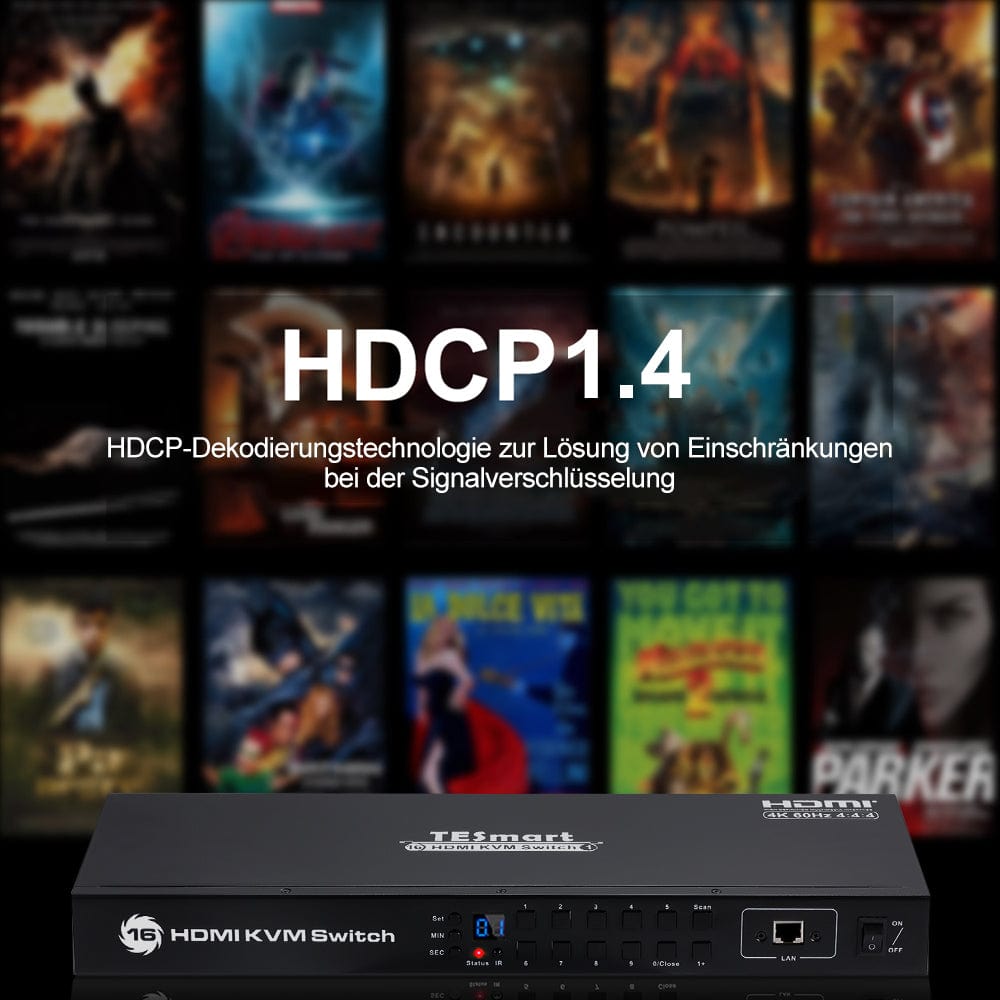
High resolution up to 3840*2160@30Hz, HDMI 1.4 and HDCP 1.4 compliant.
-
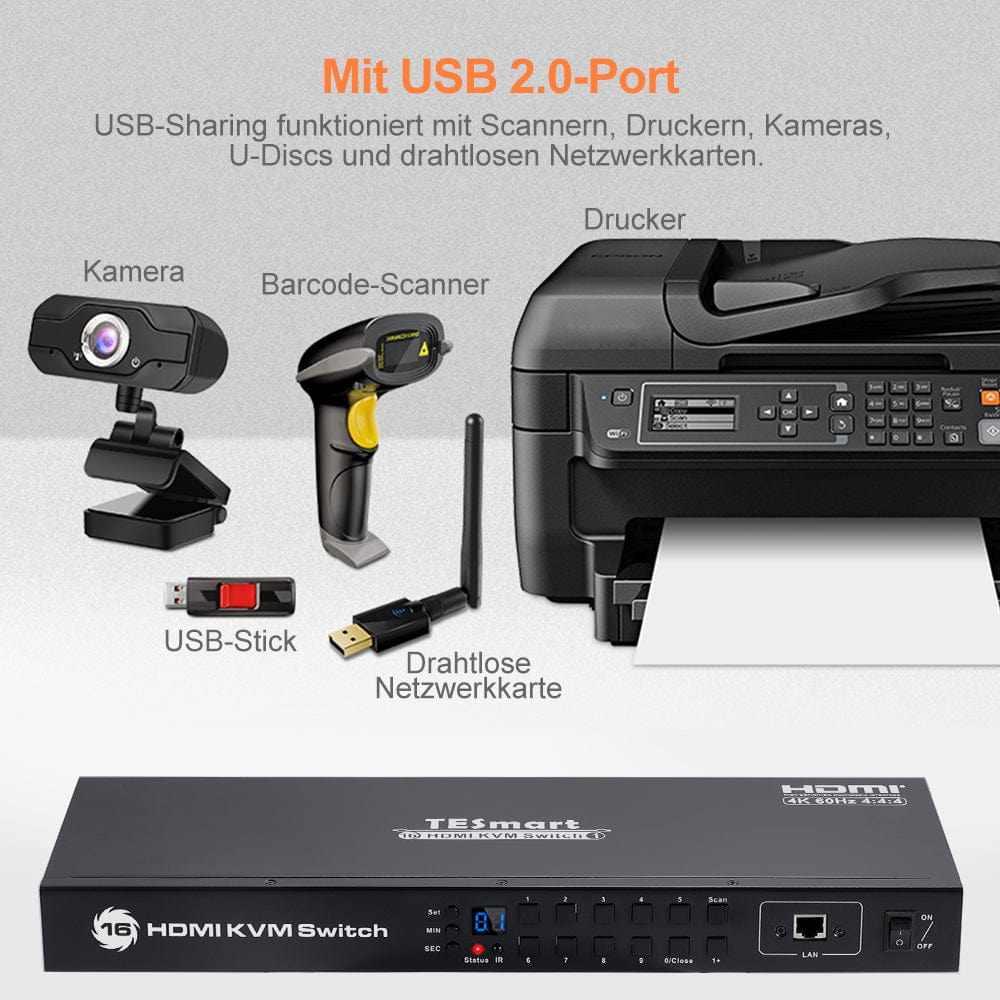
Supports 2 additional USB2.0 ports for sharing USB peripherals.
-
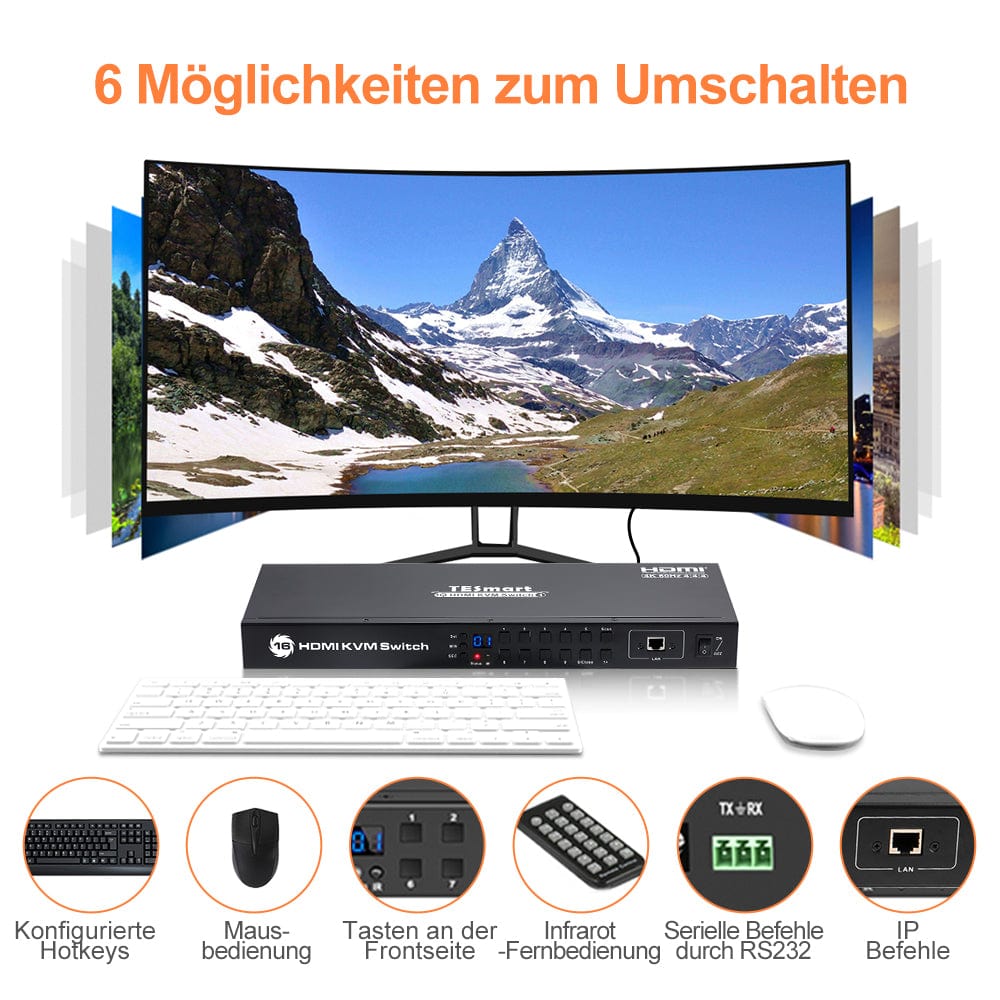
Supports front panel buttons, keyboard hotkeys, remote control, mouse gestures, auto switch, RS232 serial commands or IP commands to control the KVM switch.
-
With EDID emulators on each input port, PCs can always operate with the correct display information.
| Produktattribut | |
|---|---|
SKU |
HKS1601-L23-EUBK
|
Produkttyp |
KVM Switch
|
Maximale Auflösung |
|
Gemeinsame Entschließungen |
|
Smart EDID Emulation |
|
Handbuch |
|
Eingangsport |
|
Ausgabeport |
|
Docking Port freigeben |
|
Anzeigemodi |
|
der Wege zu wechseln |
|
Zuweisbare Tastenkombinationen |
|
Weitere Features |
|


Compare products
 |  | 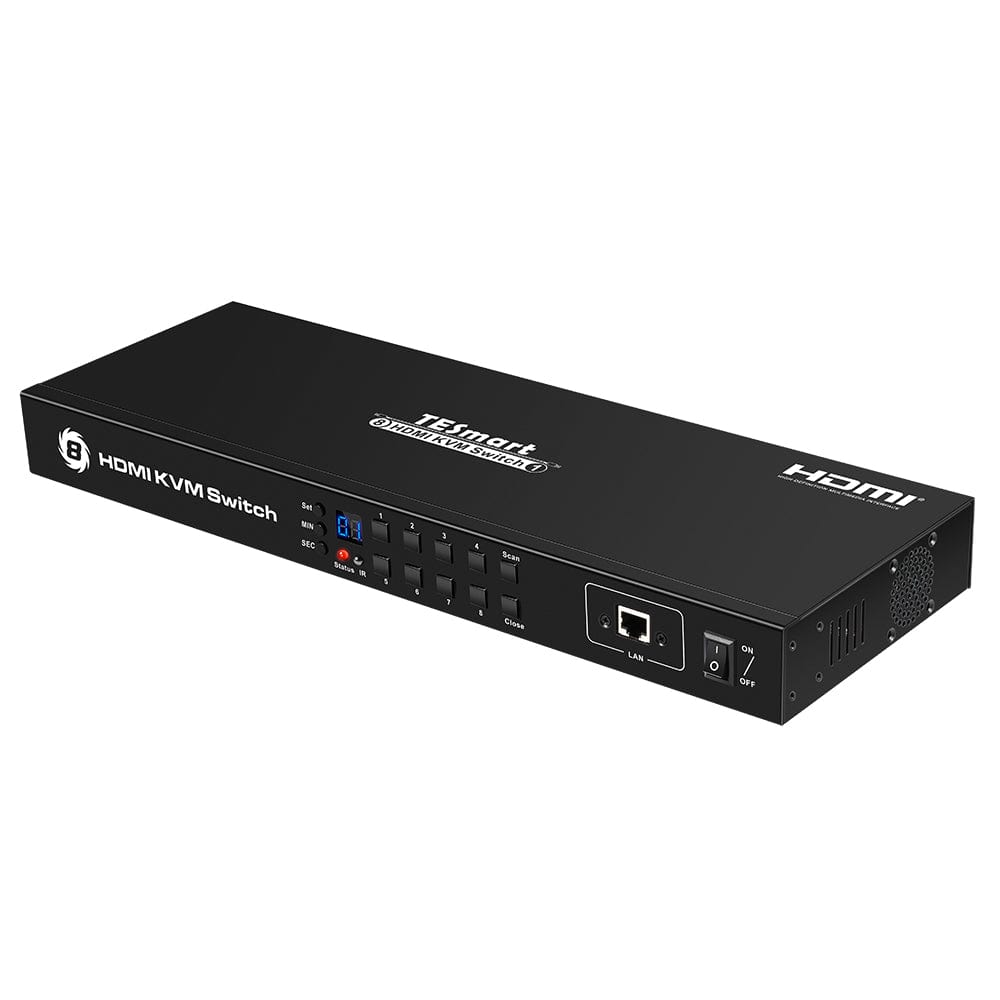 |  | |
|---|---|---|---|---|
| Produktattribut | ||||
SKU |
HKS1601-L23-EUBK
|
HKS801-E23-EUBK
|
HKS0801A30-EUBK
|
HKS1601-E23-EUBK
|
Produkttyp |
KVM Switch
|
KVM Switch
|
KVM Switch
|
KVM Switch
|
Maximale Auflösung |
|
|
|
|
Gemeinsame Entschließungen |
|
|
|
|
Smart EDID Emulation |
|
|
|
|
Handbuch | ||||
Eingangsport |
|
|
|
|
Ausgabeport |
|
|
|
|
Docking Port freigeben |
|
|
|
|
Anzeigemodi |
|
|
|
|
der Wege zu wechseln |
|
|
|
|
Zuweisbare Tastenkombinationen |
|
|
|
|
Weitere Features |
|
|
|
|

Schnellansicht
16 Port HDMI KVM Switch 4K30Hz support RS232/LAN control
-
Regulärer Preis
-
€238,02
€396,70
-
Regulärer Preis
-
€396,70
-
Verkaufspreis
-
€238,02
€396,70
- Regulärer Preis
-
€238,02 €396,70 - Regulärer Preis
-
€396,70 - Verkaufspreis
-
€238,02 €396,70
Specification
Description
This 16-port HDMI KVM switch offers great flexibility for easily integrating cross-platform computer equipment. It allows you to switch between any HDMI-compatible computer simply and reliably. With EDID emulators in each input port, it ensures that PCs always have the correct display information and prevents display settings from changing when switching input ports.
Packing list
- 1 * 16x1 HDMI KVM switch
- 1 * DC 12V power supply
- 8 * KVM cables (HDMI+USB)
- 1 * IR receiver cable
- 1 * 3-pin connector (for RS232)
- 2 * Rack-ears
- 1 * IR remote control
- 1 * User manual
Main feature
- Supports maximum resolution up to 3840*2160@30Hz.
- Compatible with HDCP 1.4 and HDMI 1.4.
- Supports front panel buttons, infrared remote control and configured hotkeys, RS232 serial commands and IP commands for controlling the KVM switch.
- Supports Unix/Windows/Debian/Ubuntu/Fedora/Mac OS X/Raspbian/Ubuntu for Raspberry Pi and other Linux-based systems.
- Supports DVI-D single-link sources and displays when using HDMI-to-DVI adapters.
- Rack mountable in a rack.
- With EDID emulators in all input ports, PCs always have the correct display information.
- Support hot-plugging at any time; connect or disconnect devices with the KVM switch without turning off the devices.
- Supports automatic switching to monitor computers at a specific time interval.
- Available to use the keyboard without delay after switching input sources.
- With an additional standard USB 2.0 hub port, it is possible to connect barcode scanners, USB hard drives or other USB devices to the KVM, just as you would connect these devices directly to the computer.
Compatible operating systems
Support Unix/Windows/Debian/Ubuntu/Fedora/Mac OS X/Raspbian/Ubuntu for Raspberry Pi and other Linux based systems.
Security measures
- Please use a 12-volt power supply for product installation. Using an incorrect power supply can damage the product and even your devices.
- Cables (including power and charging cables) should be laid in such a way that they do not pose any electrical, tripping or safety hazards.
- If the product has an exposed circuit board, do not touch the product while it is powered on.
-
Download
User manuals
-
Link to HKS1601A10 FAQ
More info
-
Help Center
Support
Characteristics