




Signalverlängerung

Max. Auflösung

Empfohlenes Setup

Monitorverwaltung

Stromversorgung an einem Ende

Fernsteuerung
Fernsteuerung
HDMI KVM Extender | 100m, 4K30 & PoE
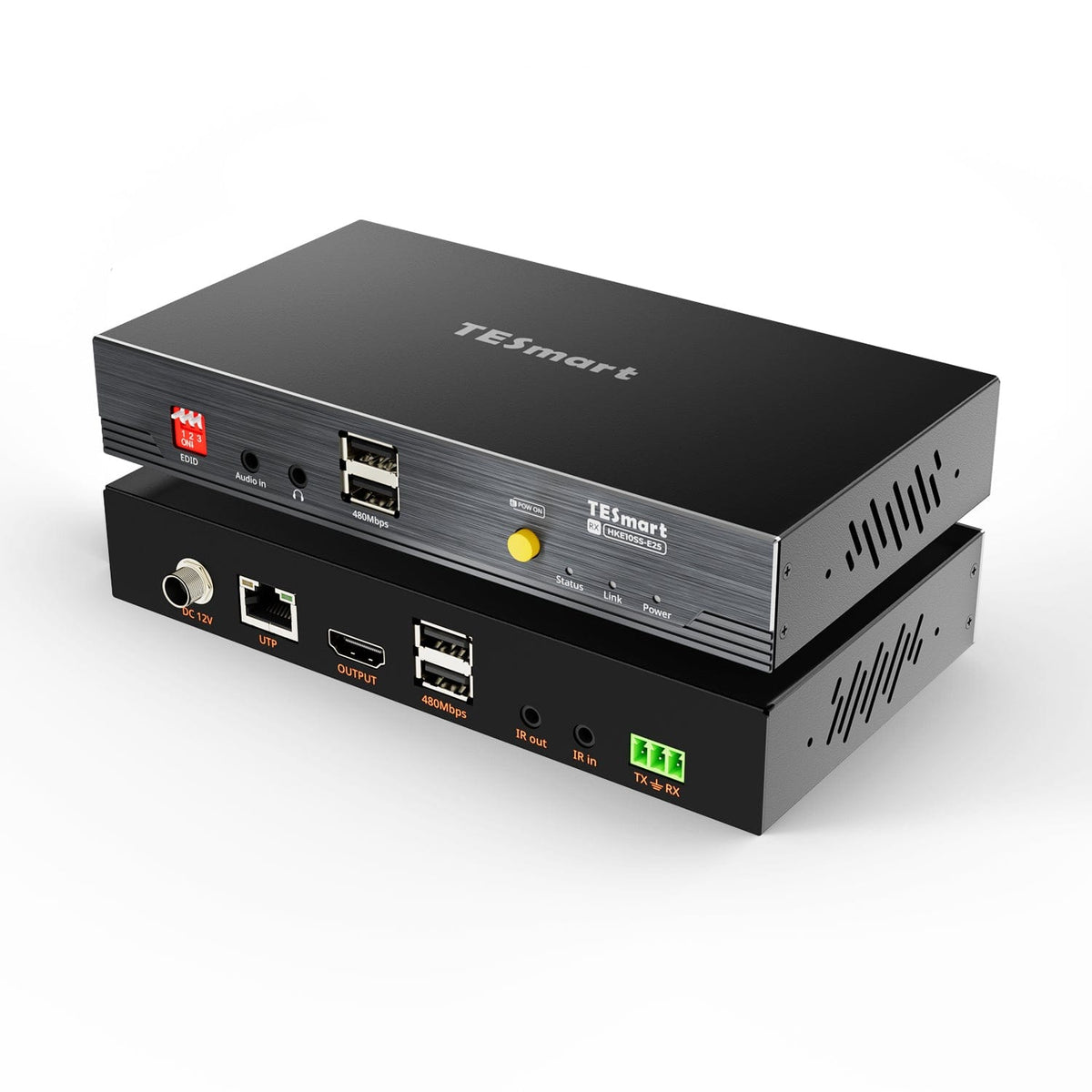
HKE10SS-E25 extends HDMI, USB 2.0 as well as IR, audio and RS232 over up to 100 m Cat6 - with 4K30 and single-sided power supply.
Signalverlängerung
Max. Auflösung
Empfohlenes Setup
Monitorverwaltung
Stromversorgung an einem Ende
Fernsteuerung
Fernsteuerung
HDMI KVM Extender | 100m, 4K30 & PoE
Why HKE10SS-E25?
Overview
01
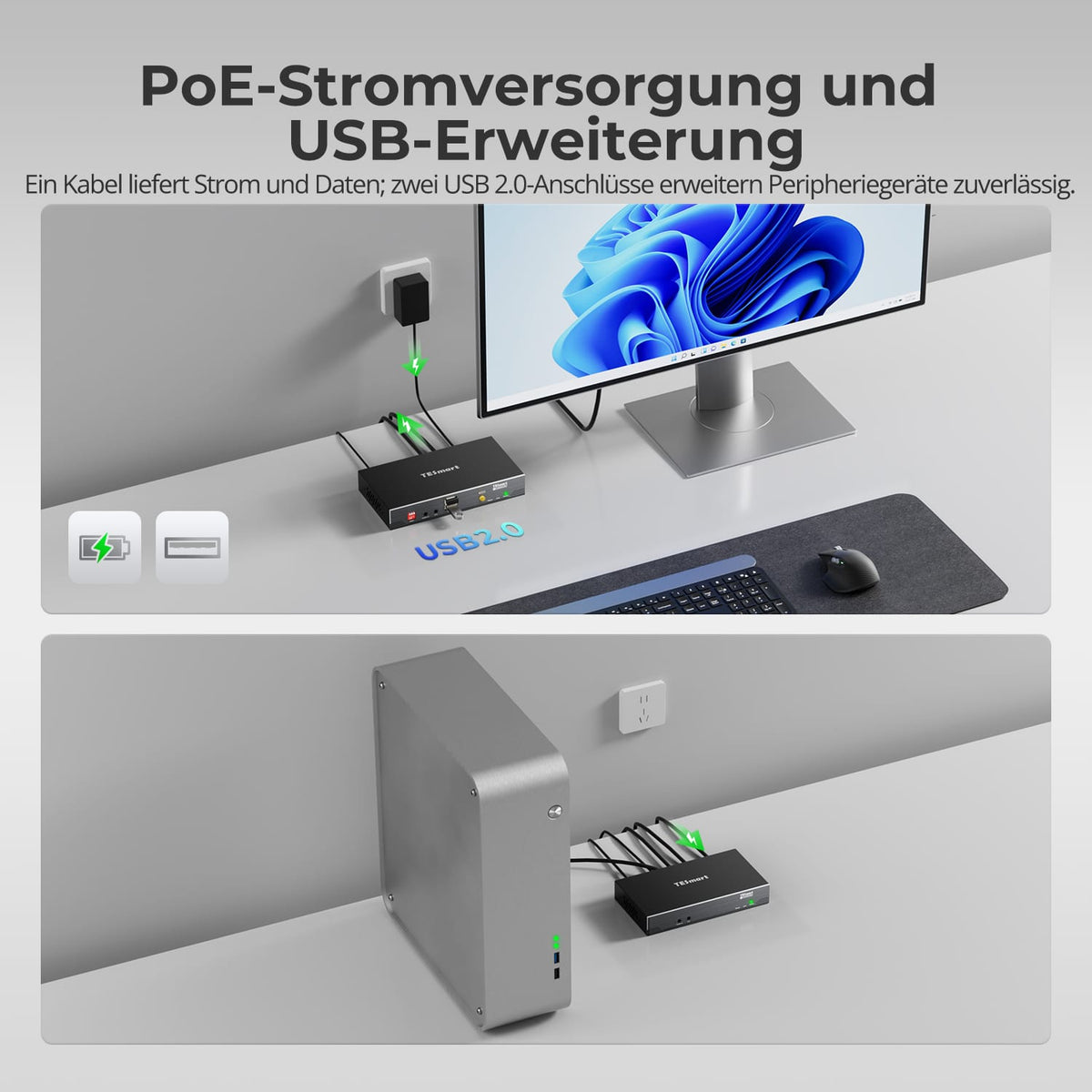
Power and USB at the remote workplace
A 12V power supply at one end powers the transmitter and receiver. Powering the receiver from the end is recommended. USB 2.0 devices can be extended up to 100m via the same direct Cat6 connection.
02
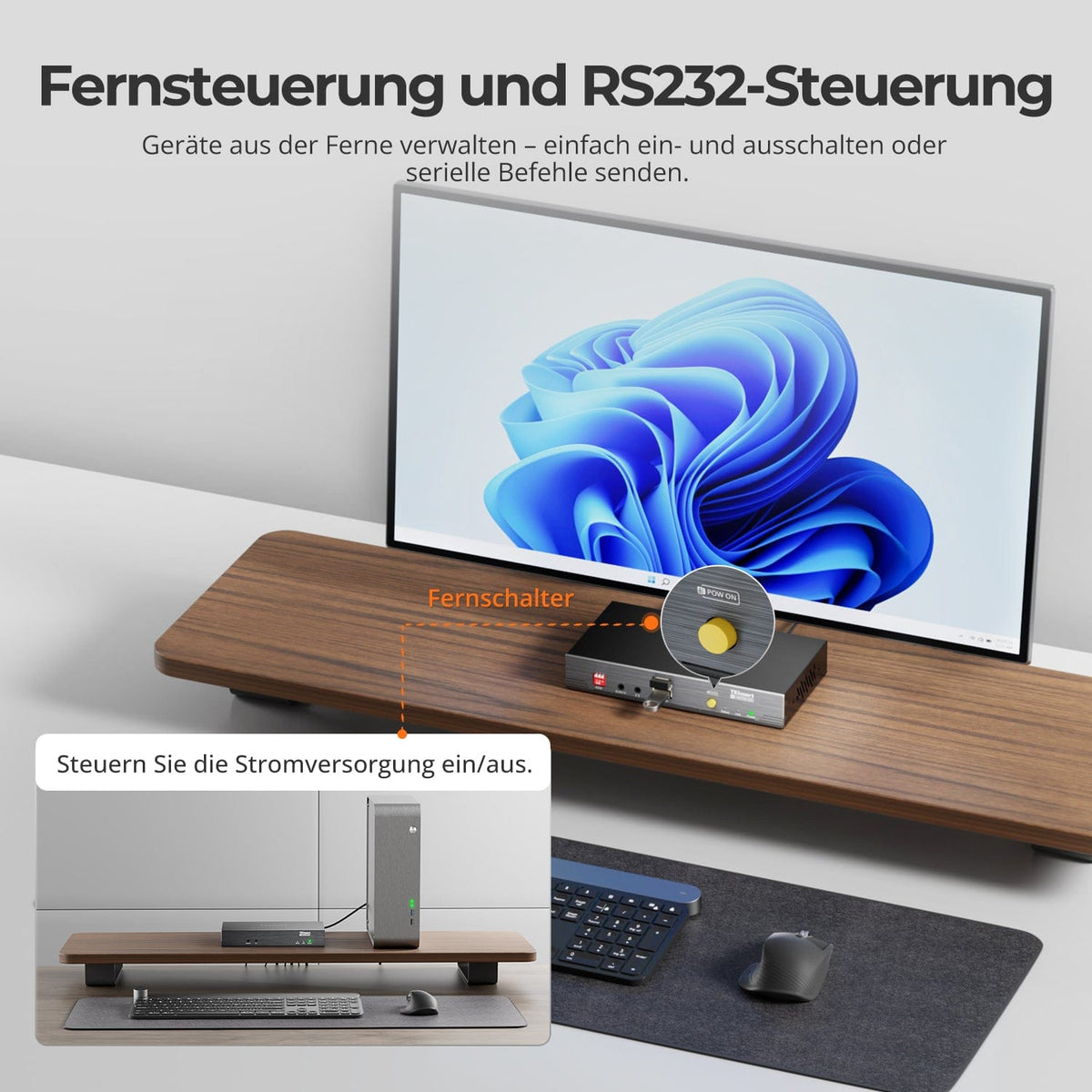
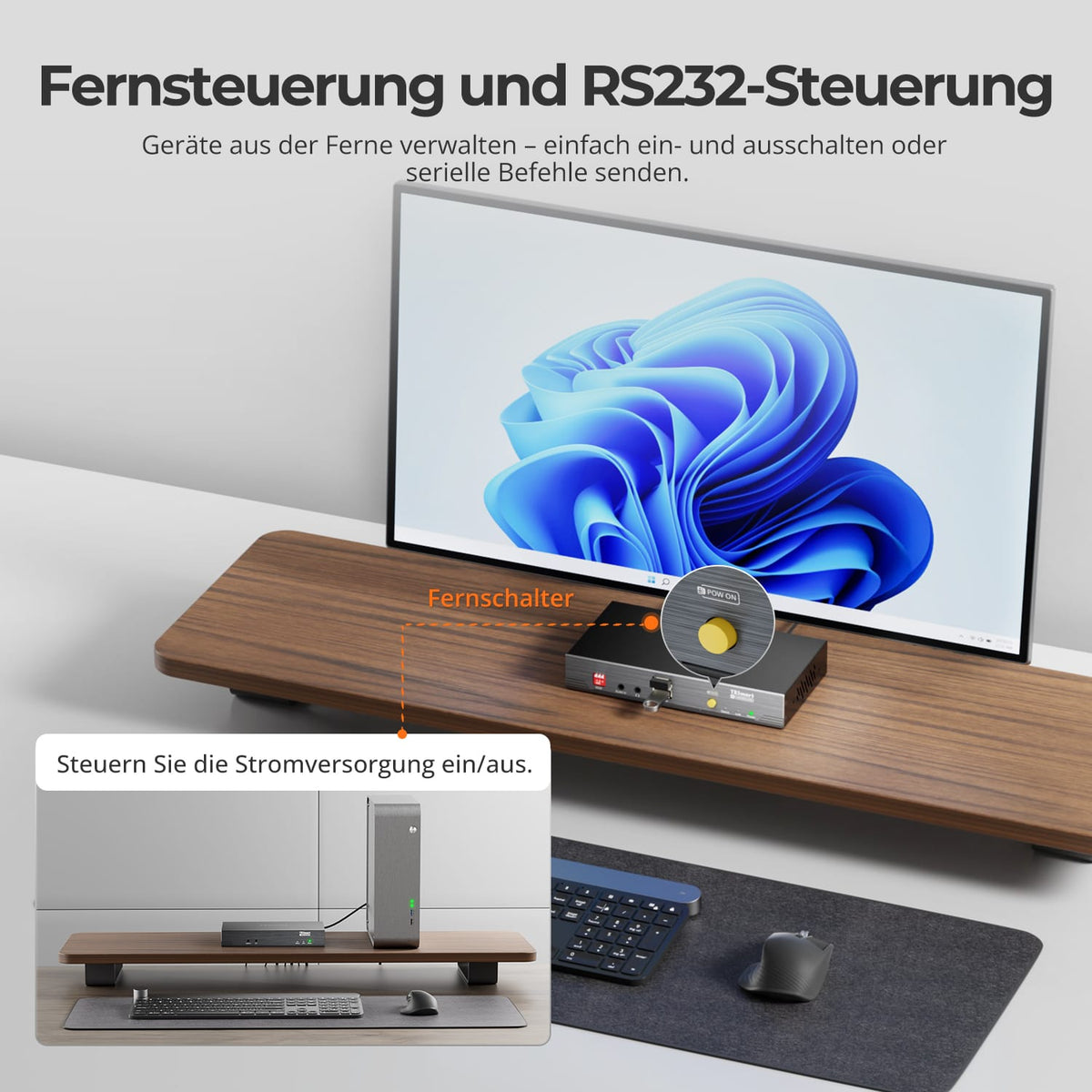
Remotely control PC power supply and RS232
Turn the desktop PC on, off, or reset it at the receiver – via the included motherboard power switch splitter. Bidirectional RS232 passthrough transmits compatible serial control commands.
03
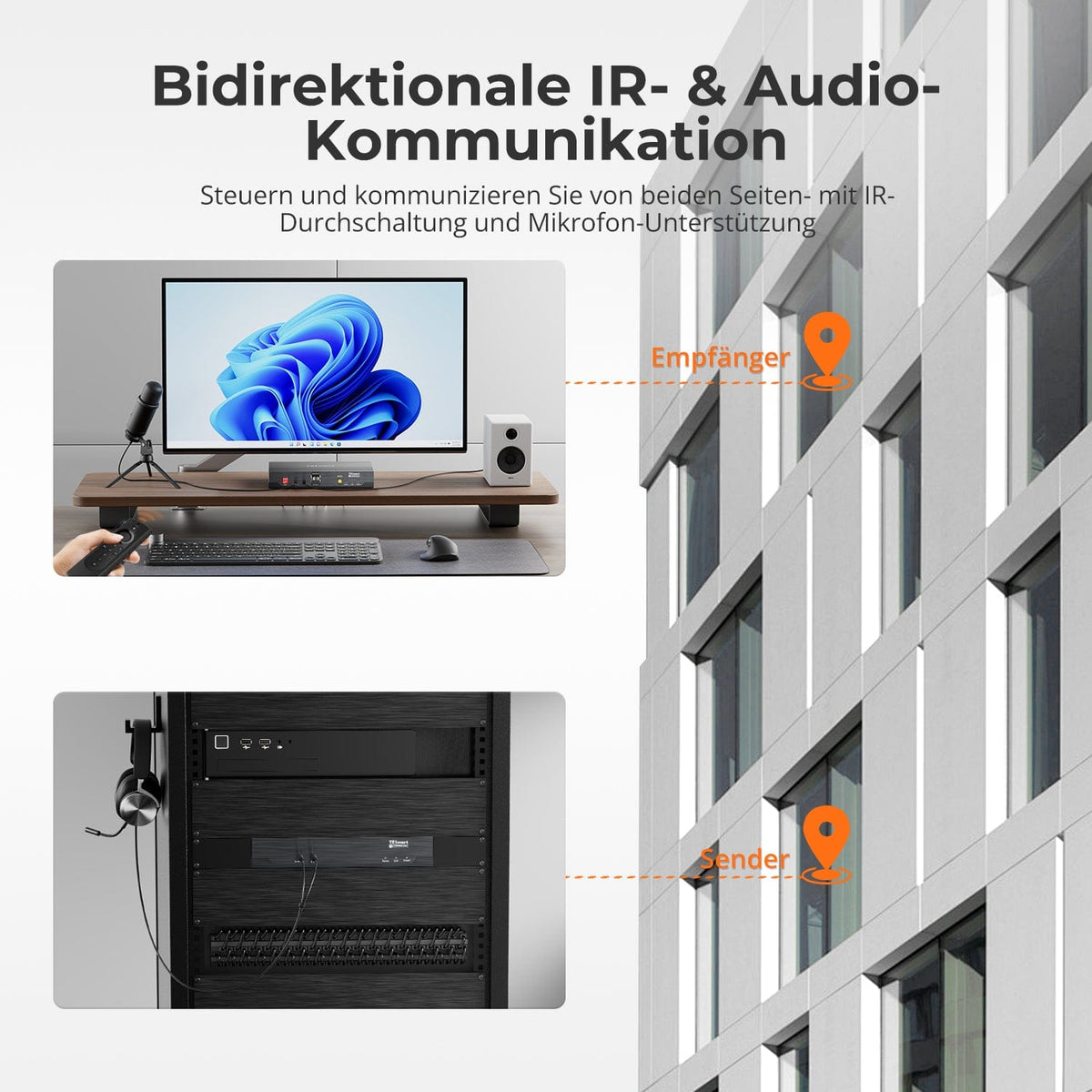
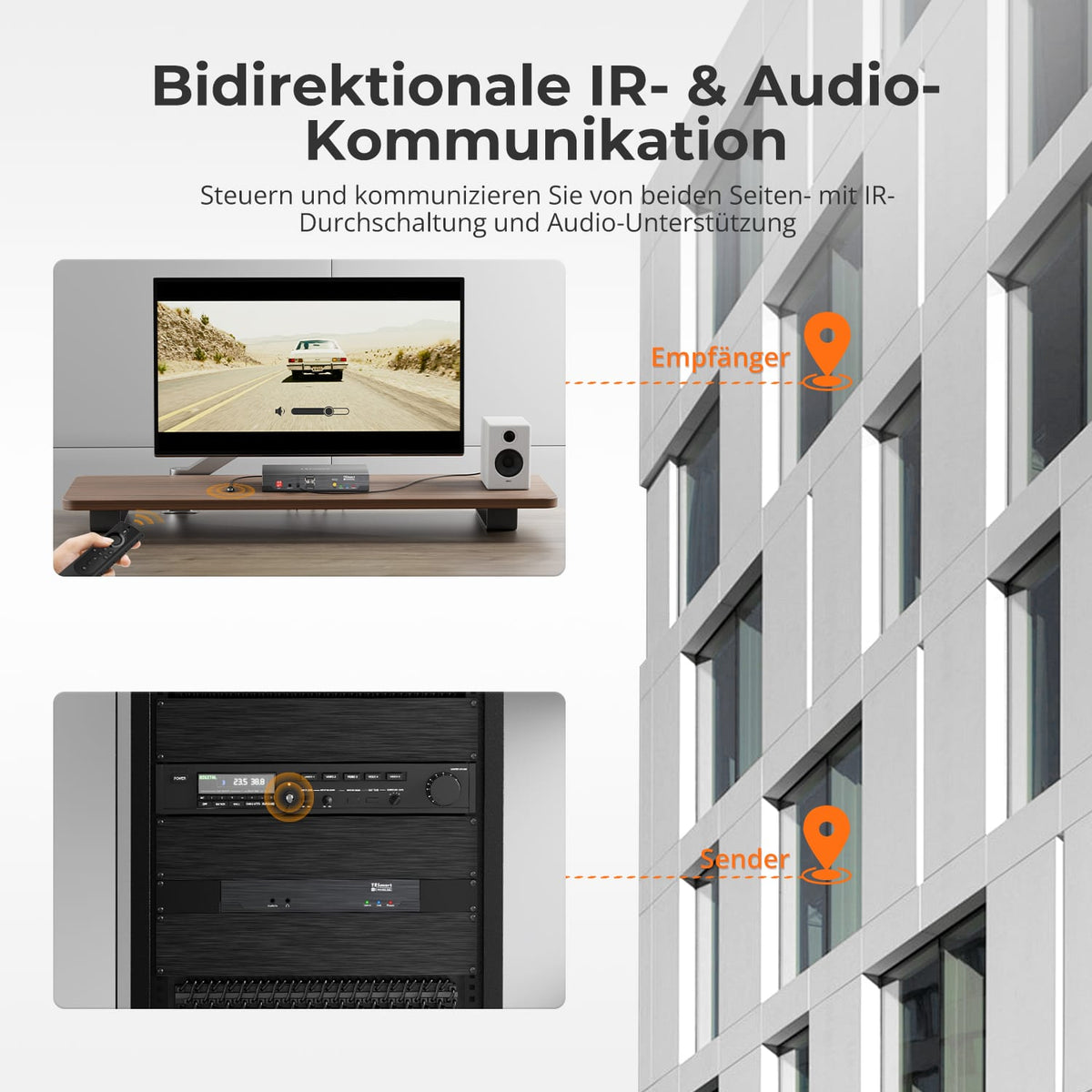
IR and audio in both directions
Transmit IR commands and analog audio in both directions: control the source from the display, operate the display from the source, or transmit audio between the two locations.
Data & Support
Compatibility & Connections
Technical data
Instructions & Downloads
Scope of delivery
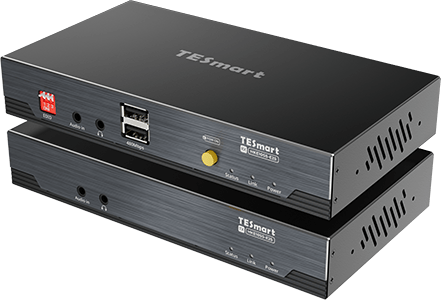
1 × HKE10SS-E25 TX+RX
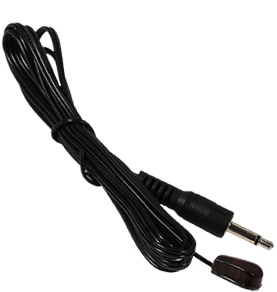
1 × IR Transmitter Cable
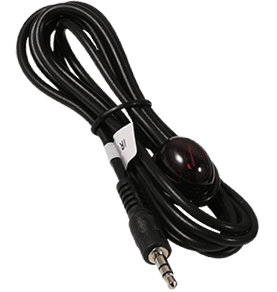
1 × IR Receiver Cable
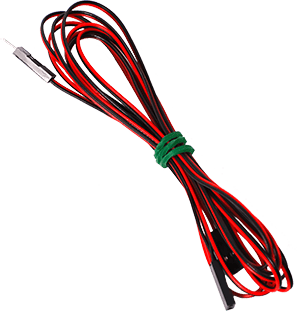
1 × F-PANEL POWER SW Splitter
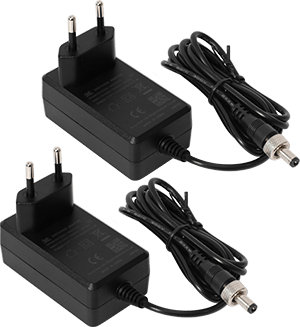
2 × 12V DC power supplies
1×User manual

4 × rack angles
Compare suitable models
Select the models in the menus to compare computer connections, distance, image output, and installation requirements.

Model
HKE10SS-E25
Model
HKE10SS-PD25
Model
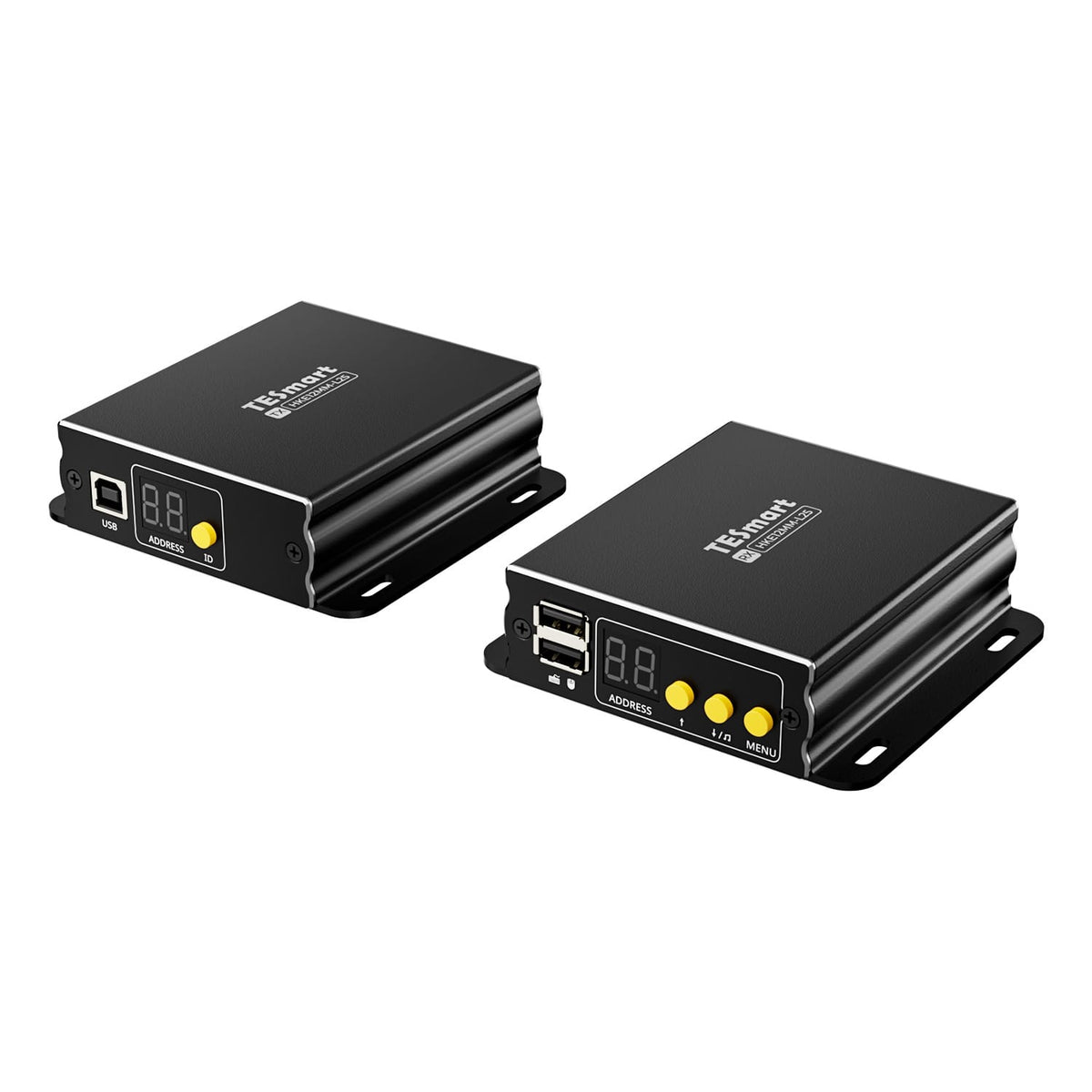
HKE12MM-L25
Computer connection
HDMI + USB
Computer connection
USB-A computer port with USB 3.2 Gen 1 or higher
Computer connection
HDMI + USB per transmitter
Monitor outputs
1 × HDMI
Monitor outputs
2 × HDMI
Monitor outputs
1 × HDMI per receiver
Image output
4K30
Image output
Dual 4K60
Image output
1080p60
Transmission medium
23AWG Cat6 or higher, S/FTP
Transmission medium
23AWG Cat6a or higher, S/FTP
Transmission medium
Cat5e or higher, UTP/FTP
Maximum distance
100 m/328 ft
Maximum distance
100 m/328 ft
Maximum distance
120 m/394 ft per supported copper connection
Connection establishment
Direct point-to-point connection
Connection establishment
Direct point-to-point connection
Connection establishment
Point-to-point or network-based; up to 32 transmitters + 32 receivers
USB at the remote workplace
USB 2.0/up to 480 Mbit/s
USB at the remote workplace
USB 3.2 Gen 1/5 Gbit/s
USB at the remote workplace
Keyboard and mouse; cross-screen control in quad-screen mode
Software requirements
Video connection via hardware
Software requirements
DisplayLink driver required
Software requirements
Video connection via hardware
Power supply
12V DC power supply to transmitter or receiver
Power supply
2 × 12V DC power supplies
Power supply
Compatible PoE switch or local power supplies
Installation requirements
A continuous shielded cable; without an Ethernet switch or router.
Installation requirements
Direct TX-RX connection; HDCP videos under macOS are subject to DisplayLink limitations.
Installation requirements
Ethernet switch/router supported; single screen or quad screen
Frequently asked questions
You can find further answers in our Help Center.
[Compatibility] Which sources, displays, and systems are suitable for the HKE10SS-E25?
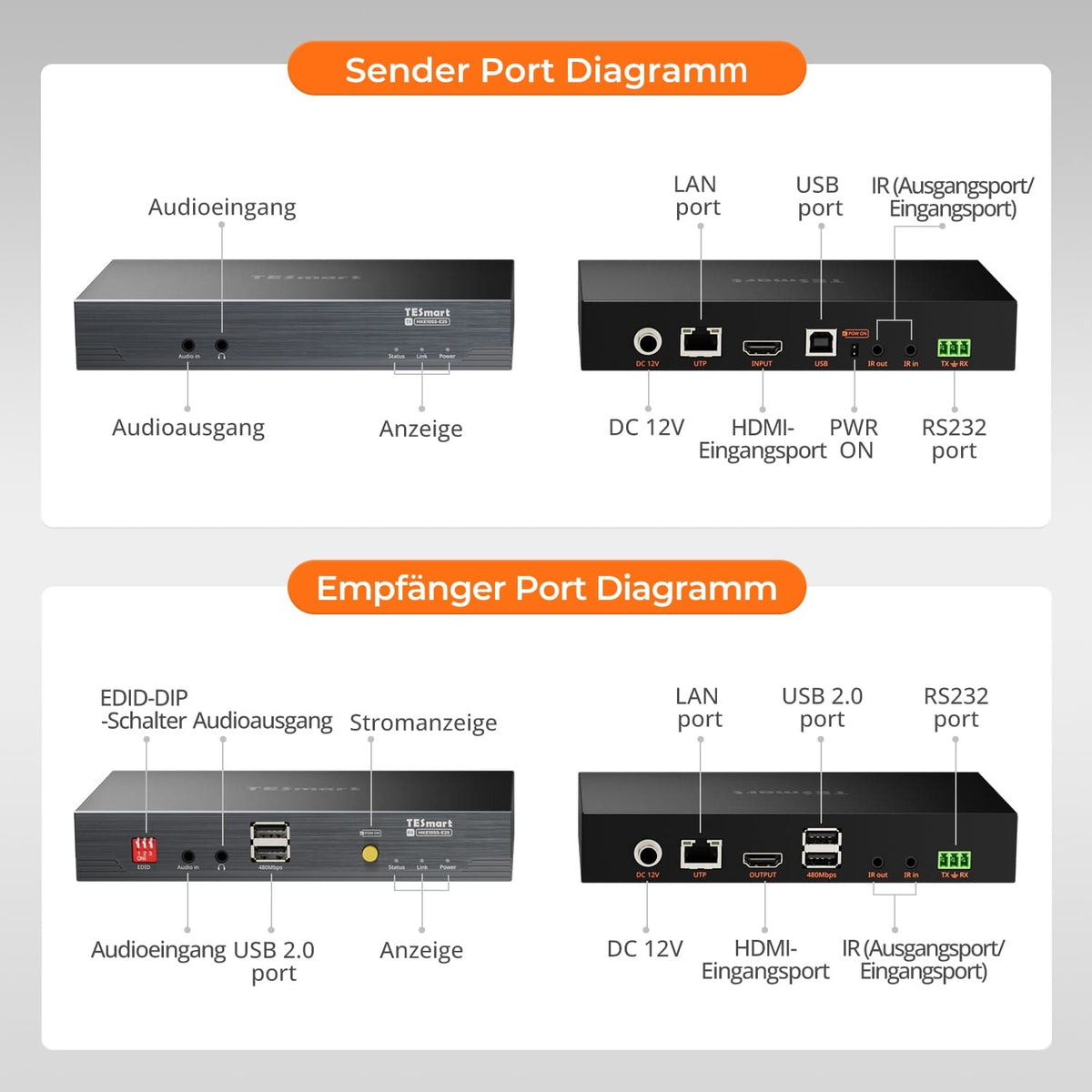
Connect an HDMI source to the transmitter's USB port and an HDMI display or projector to the receiver. Windows, macOS, Linux, and older operating systems are supported. Both the source and display must meet resolution and HDCP requirements.
[Compatibility] Which cable and maximum distance are possible?
A continuous, shielded 23 AWG S/FTP cable (Cat6 or larger) connects the transmitter and receiver directly over distances of up to 100 m. Do not use Ethernet switches, routers, or other active network devices in between. Avoid couplers and patch panels whenever possible.
[Compatibility] What is the maximum possible video resolution?
Maximum resolution 3840×2160 at 30 Hz, plus lower resolutions such as 1920×1080 at 60 Hz. 4K60 is not supported. The actual output depends on the source, display, HDMI and Cat cables, HDCP, and EDID mode.
[Functions] Which signals and controls does the HKE10SS-E25 extend?
HDMI video/audio, USB 2.0, bidirectional analog audio, IR and RS232, and hardware-based PC power control. HDCP 1.4 is supported; the transmission latency is less than 0.1 ms.
[Connections] Which USB standard does the extender support?
USB 2.0 with speeds up to 480 Mbps. Connect computers and transmitters via USB-A to USB-B, and devices to the receiver. USB 3.x devices operate at USB 2.0 speeds. For high power requirements, use a separate power supply or an active hub.
[Functions] How does bidirectional IR control work?
For source control from the receiver, connect the IR receiver to RX IR In and the IR transmitter to TX IR Out before the source sensor. For display control from the transmitter, use the opposite connections: TX IR In and RX IR Out.
[Connections] How does bidirectional audio work?
Analog audio can be transmitted in both directions simultaneously. Connect the source to the Audio In port and speakers, headphones, or other receivers to the corresponding Audio Output port.
[Connections] What is RS232 used for?
RS232 transmits serial data transparently in both directions. The extender does not generate or translate device commands. Both devices must use the same baud rate, data bits, stop bits, and parity.
[Functions] How does remote PC power control work?
The receiver button simulates a press of the motherboard power button – regardless of the operating system, even before startup or in the BIOS. Connect the F-PANEL-POWER-SW splitter on the transmitter to the appropriate two-pin motherboard connector. Check the motherboard manual beforehand and disconnect the power supply before making any internal connections.
[Connections] Do both devices require their own power supply?
No. A single 12V power supply connected to either the transmitter or receiver can power both devices; the receiver side is recommended. Two power supplies are included and can be used separately if needed. Use only compatible 12V power supplies.
[Furnishings] How do I connect the transmitter and receiver?
Connect the computer's HDMI and USB cables to the transmitter. Connect the TX cable directly to the RX cable using shielded Cat6 cable, and then connect the display and USB devices to the RX cable. Turn on the power, source, and display, and check the power, link, and video signals. Test with short cables first.
[Furnishings] How do I select the EDID mode?
On the receiver's DIP switch: switch 2 to ON for fixed 4K@30Hz, Switch 3 set to ON for fixed 1080p@60Hz; Other combinations are available for Intelligent EDID. Afterwards, restart the source or reconnect the HDMI cable so that the EDID is reread.
[Functions] What do Power, Link, and Video mean?
Red: DC power supply detected. Blue: Cat connection established between transmitter and receiver. Regularly flashing green: active video signal. If no link indicator appears, check cables and power supply.
