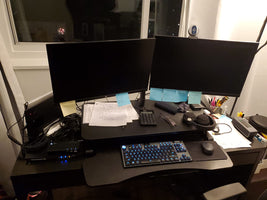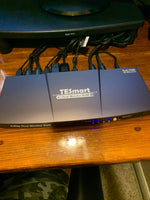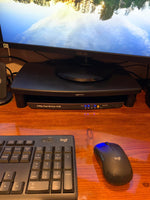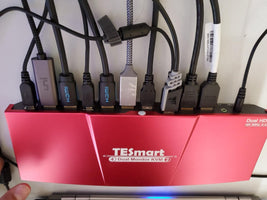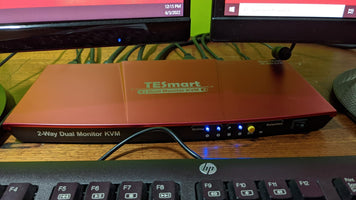
HKS402-E23-EUBK
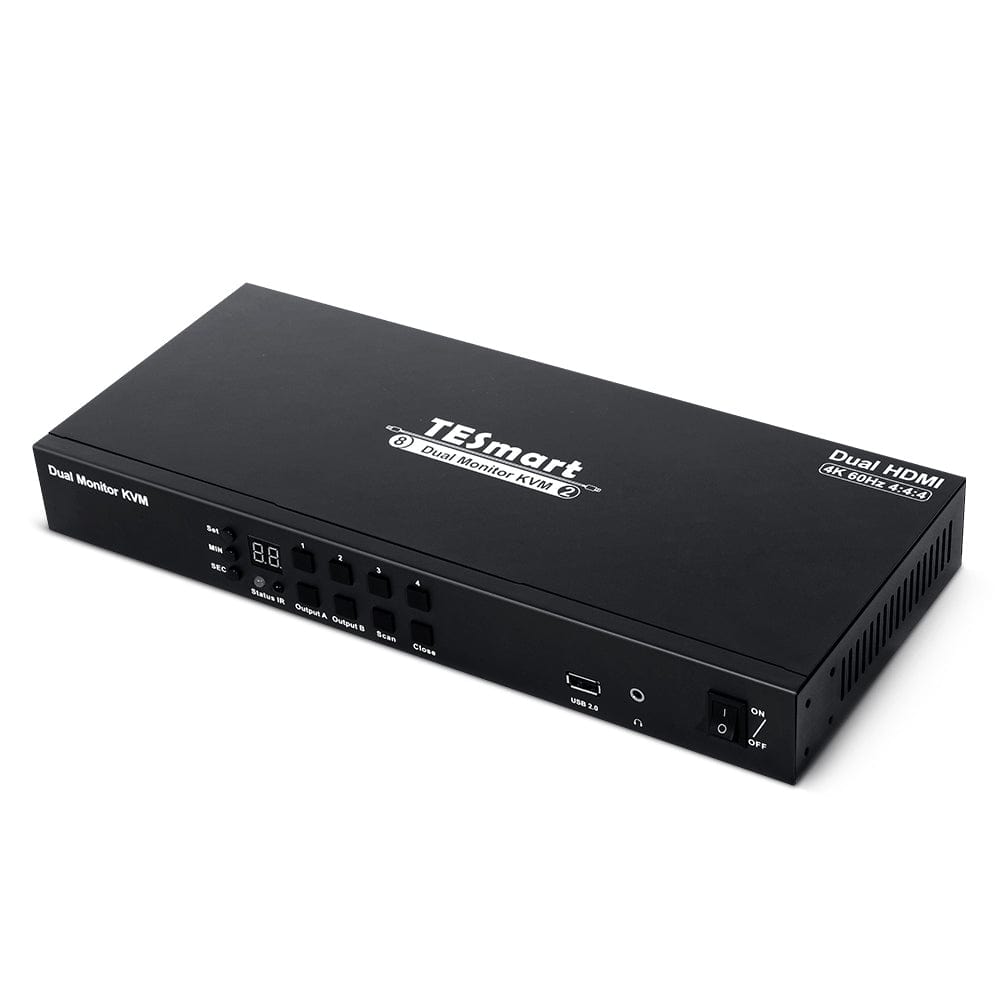
4-Port Dual Monitor KVM Switch Kit HDMI 4K60Hz with EDID
(Formerly named HKS0402A1U)
- Regulärer Preis
-
€385,60 - Regulärer Preis
-
€385,60 - Verkaufspreis
-
€385,60
Abholverfügbarkeit konnte nicht geladen werden
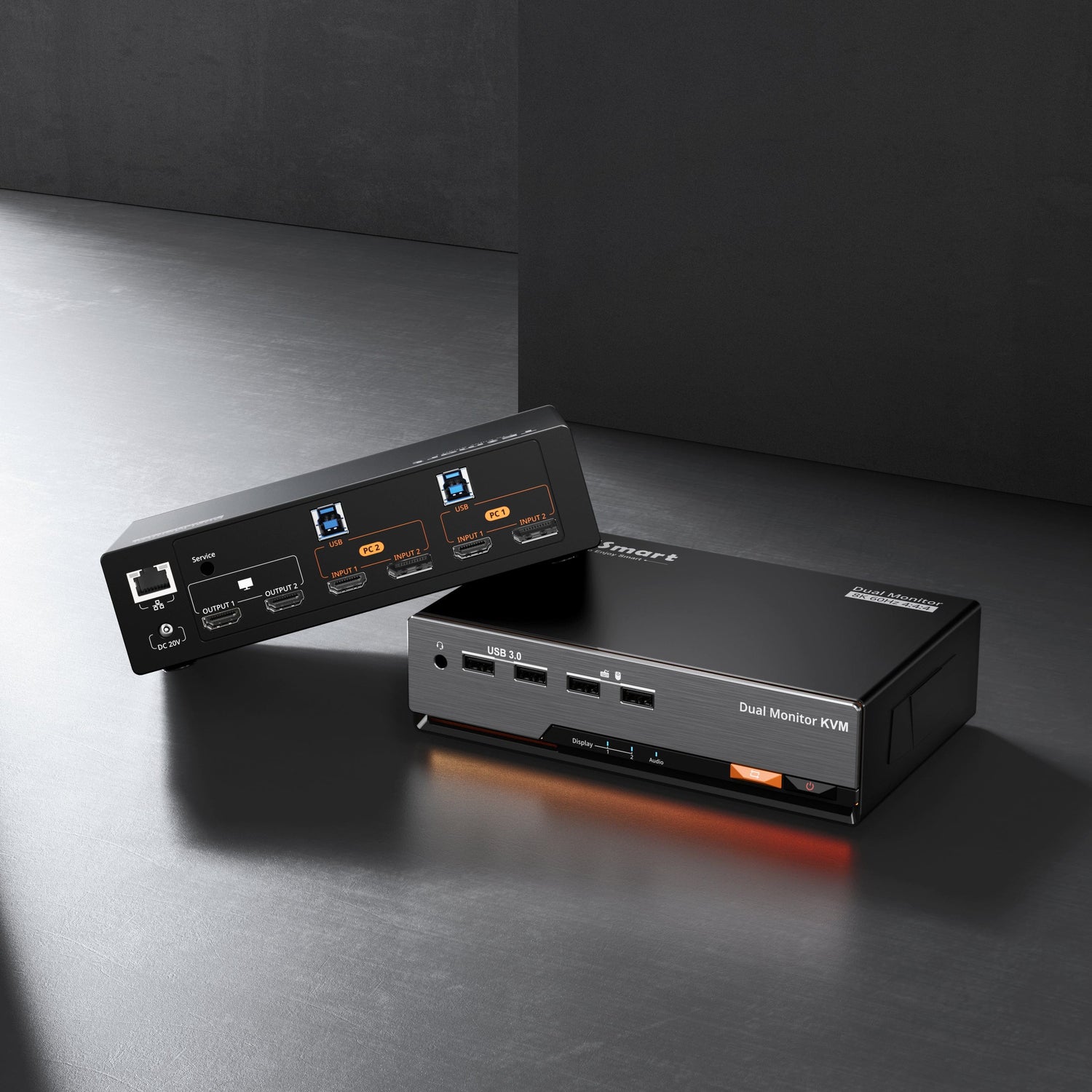
- The KVM switch kit comes with four complete KVM to PC cables each containing a USB cable and two HDMI Cable included.
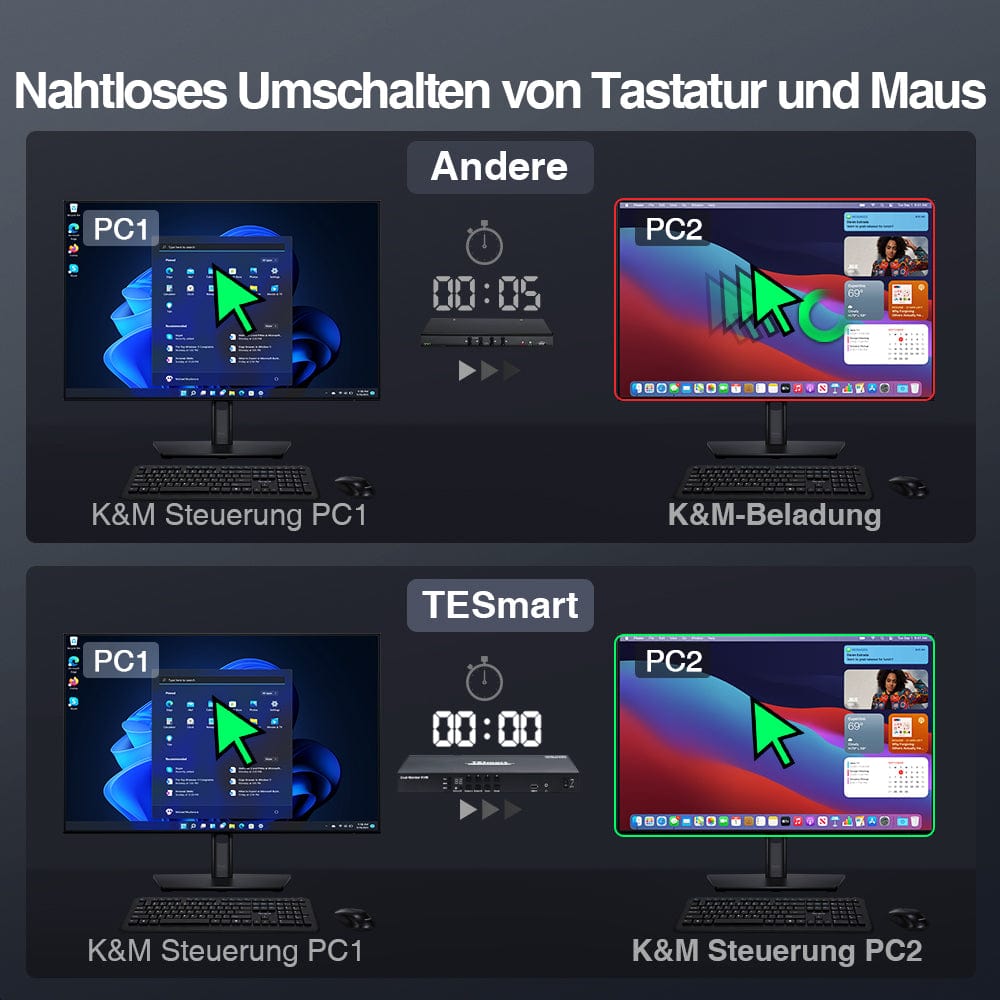
- With only 1 keyboard, mouse and 2 monitor set to control 4 computers, supports seamless switching of keyboard and mouse as well as the Throughmode.
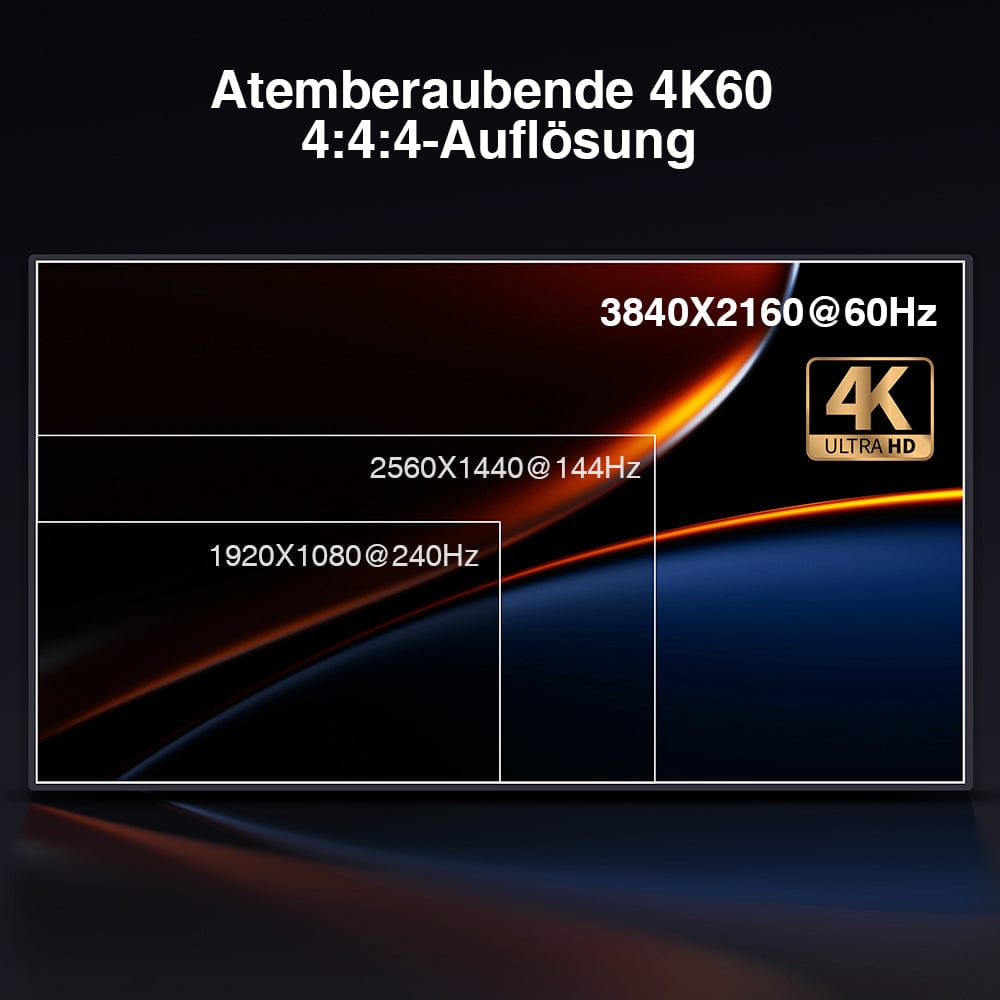
- High resolution up to 3840*2160@60Hz 4:4:4 on any monitor, HDMI 2.0 and HDCP 2.2 compliant.
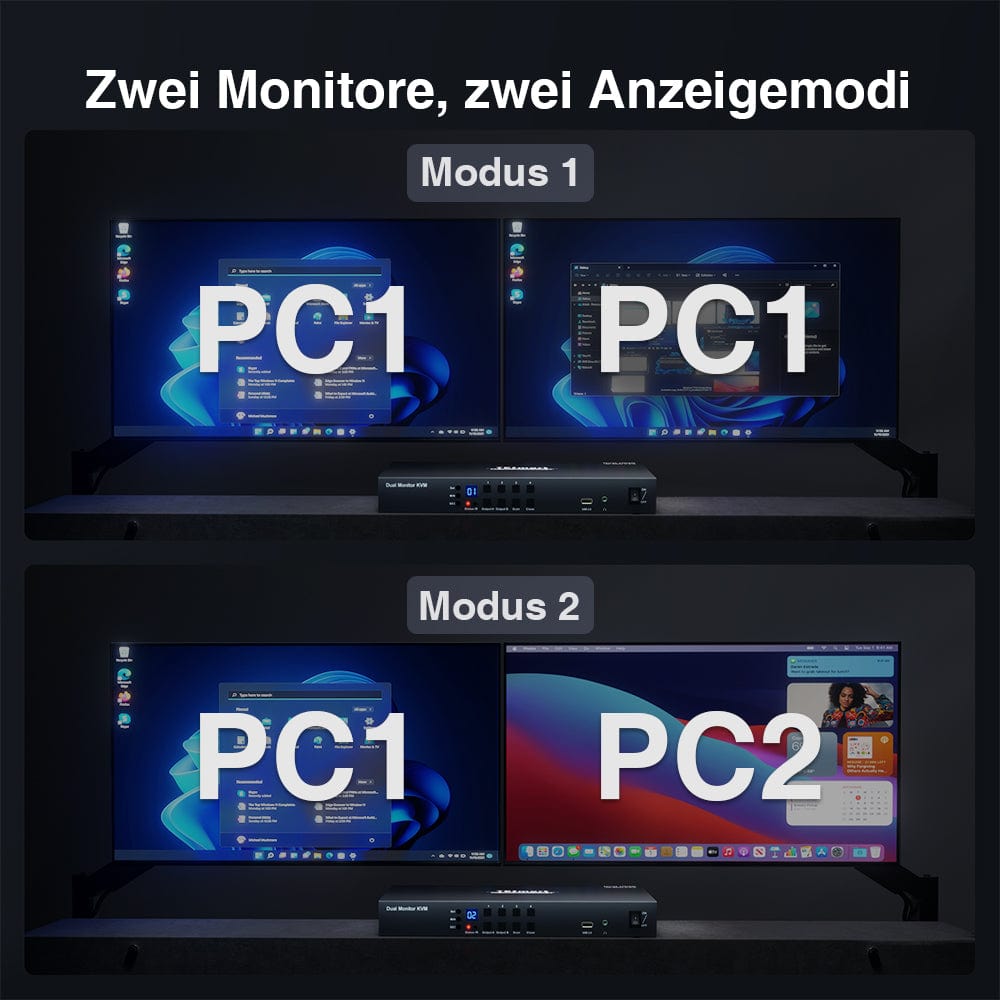
- Two unique display modes allow both monitors to be switched simultaneously, as well as individual display from each computer.
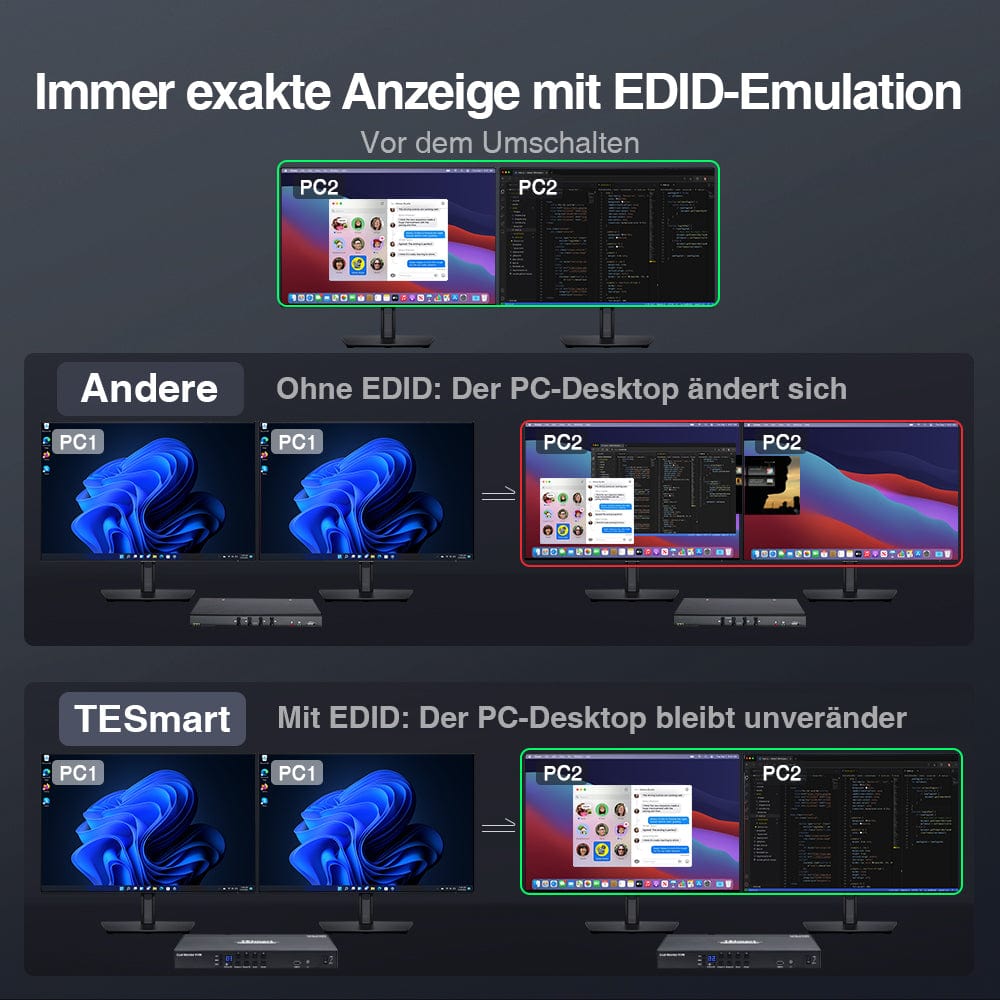
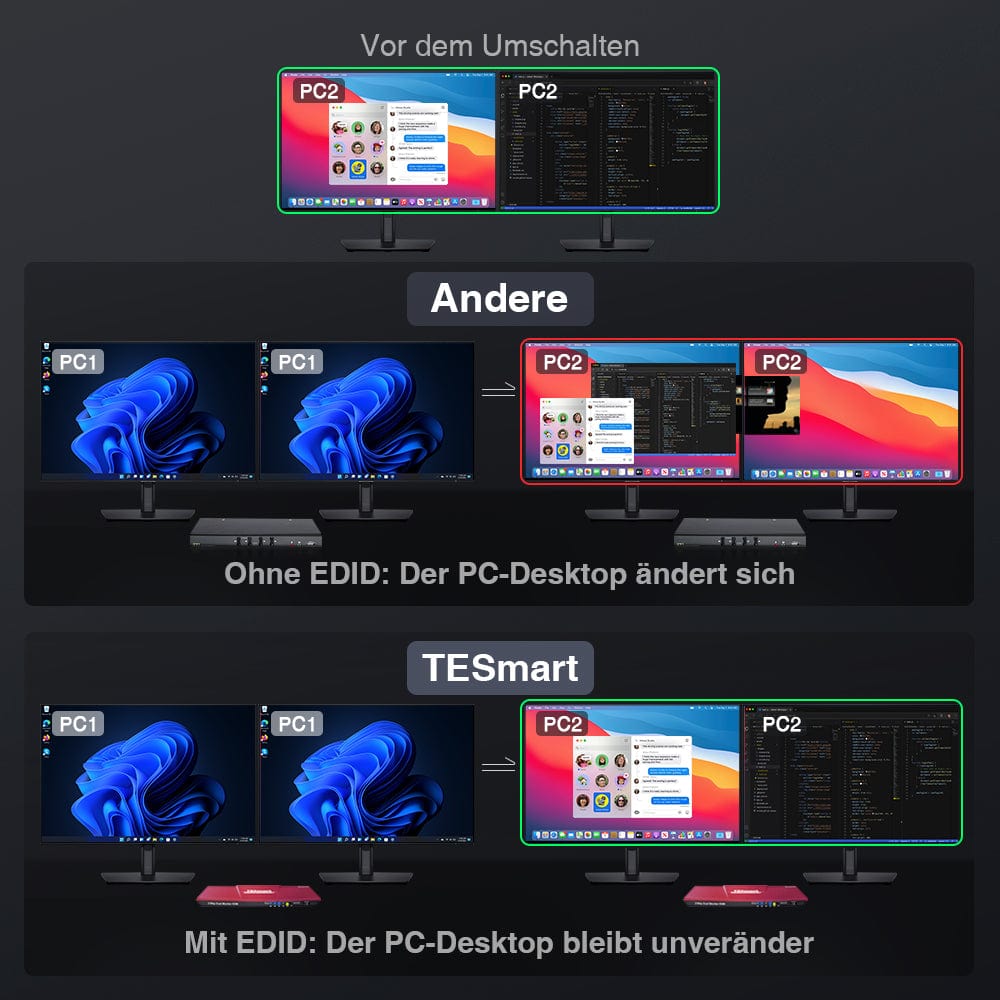
- With EDID emulators in each input port, PCs always retain correct information.
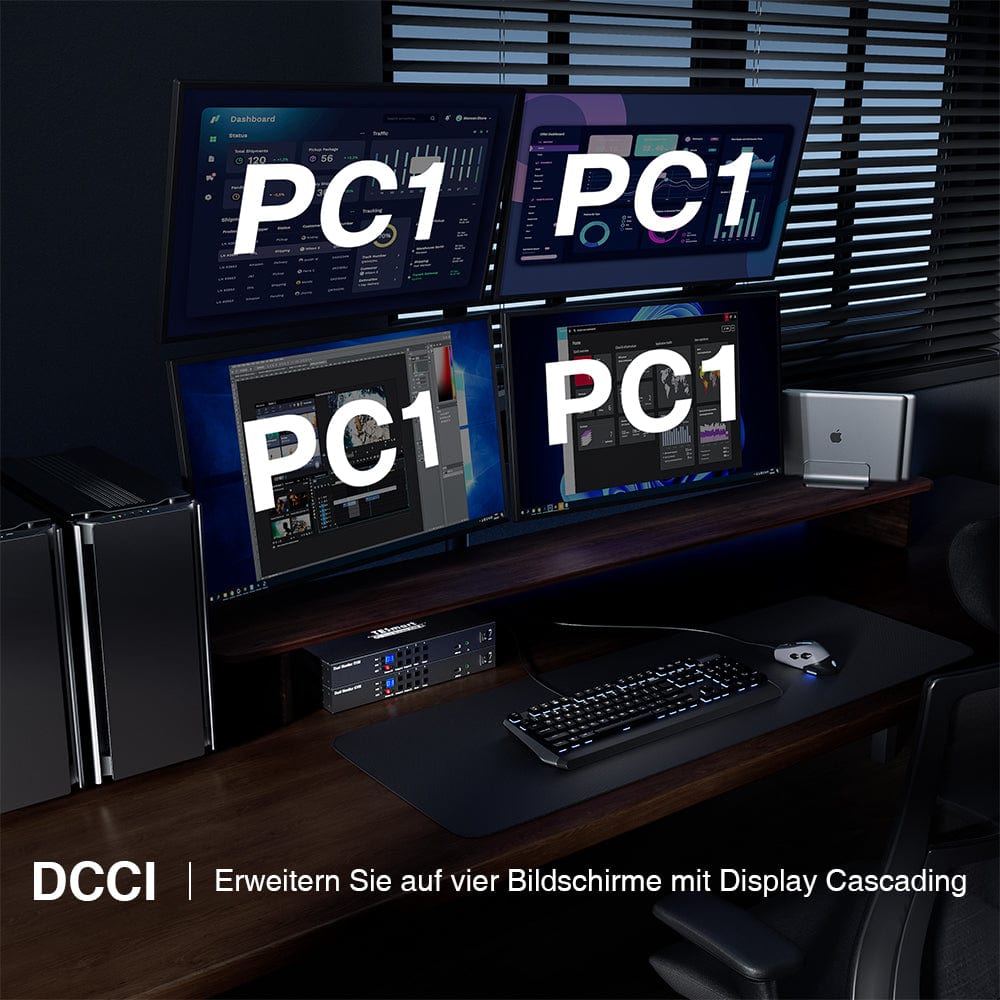
- By connecting two HKS0802A1U KVM switches in parallel with the provided DCCI cable, you get a 4-PC-to-4-monitor KVM switch solution.
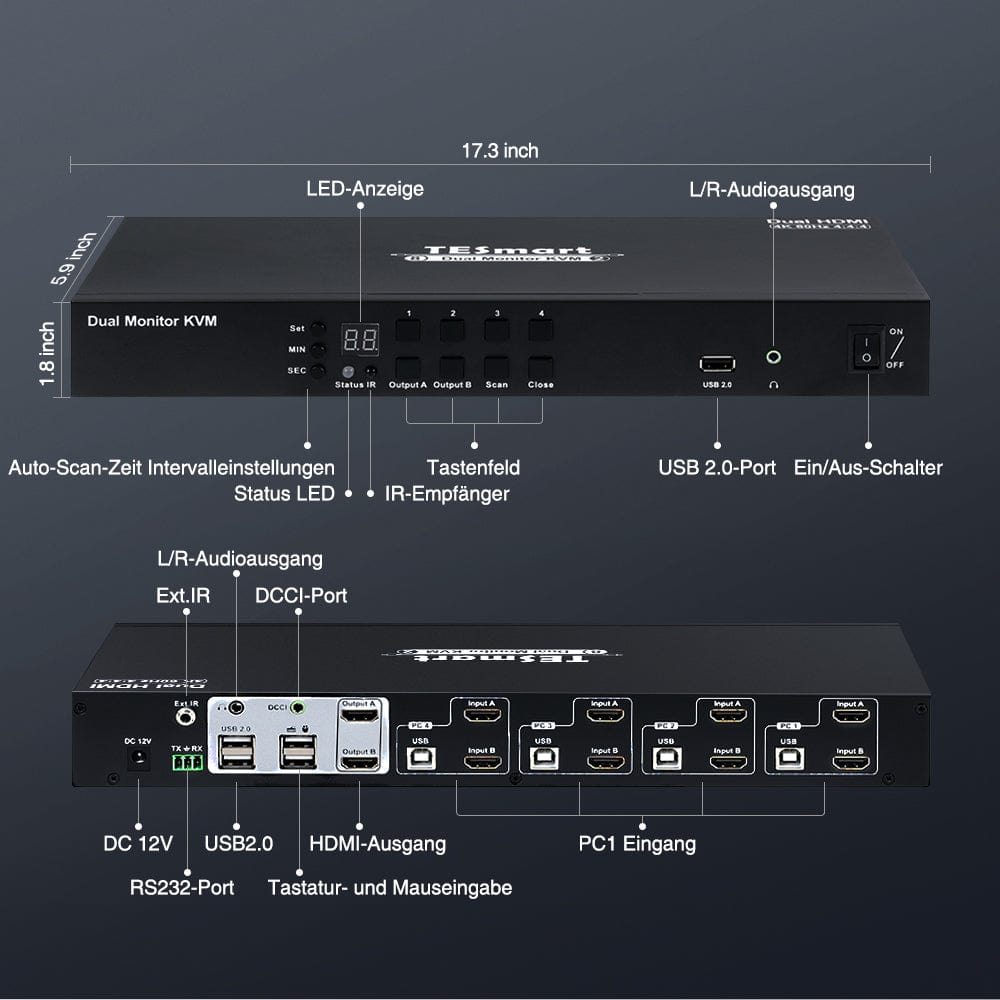
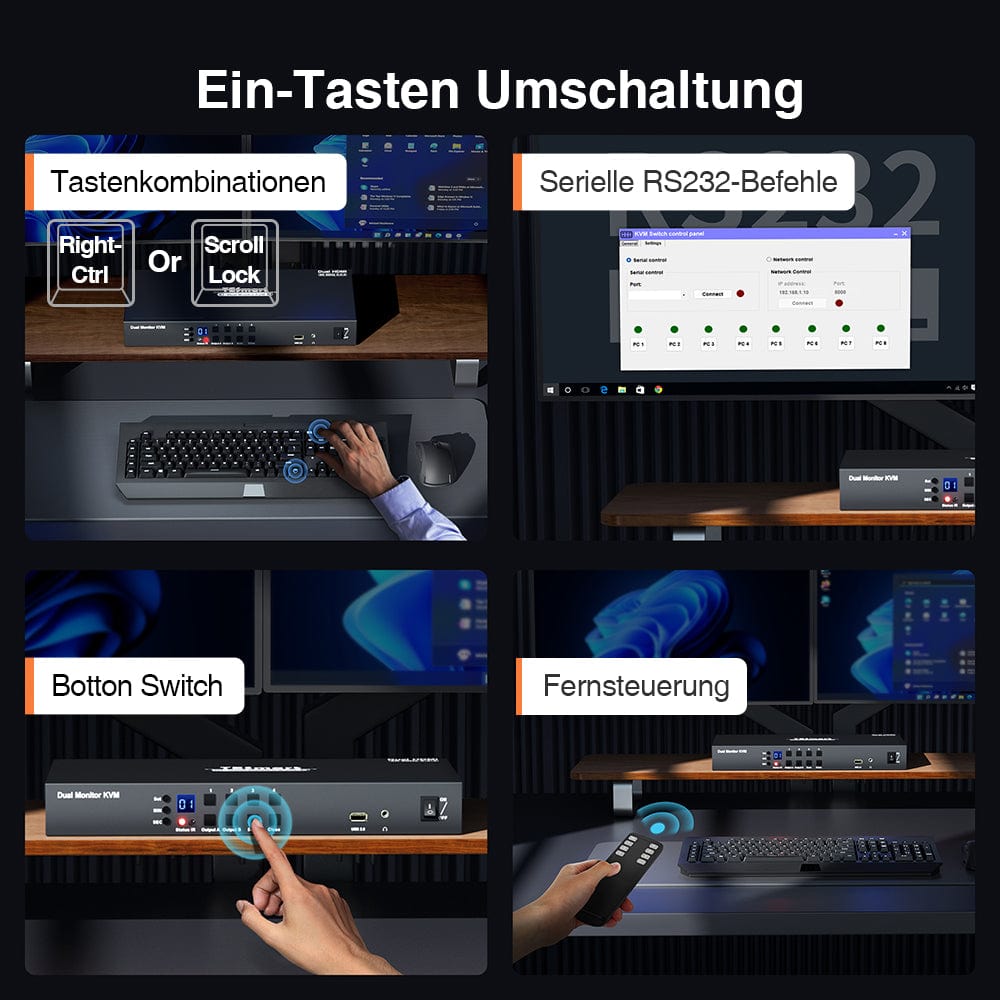
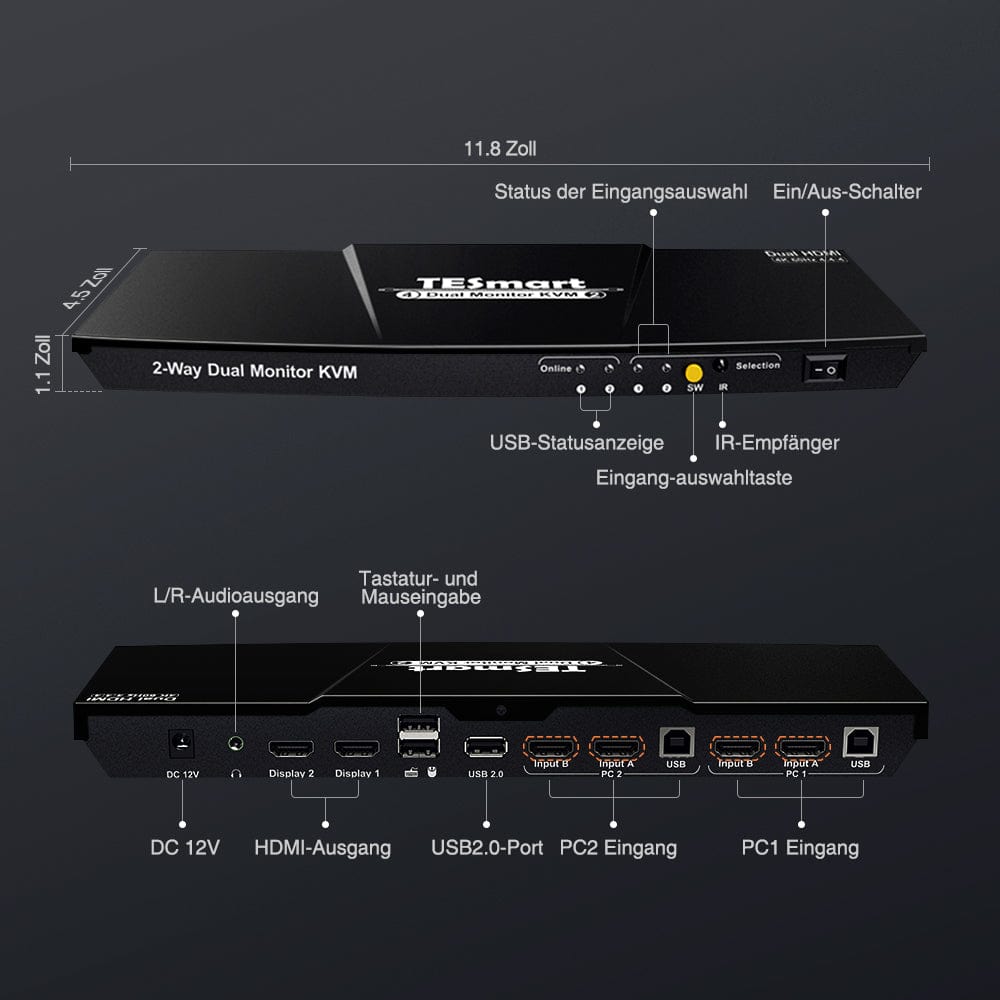
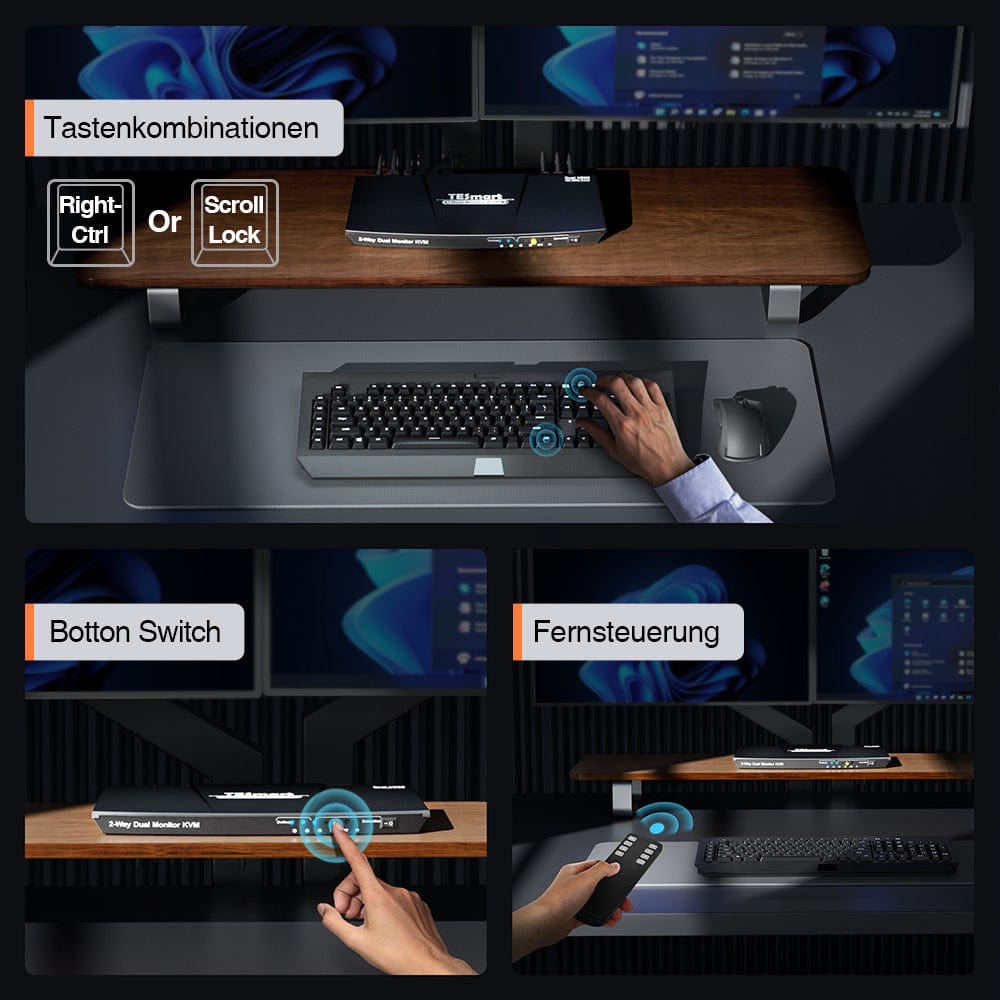
- Control your KVM switch with ease using multiple switching methods including front panel button, keyboard hotkeys, IR remote and RS232.
|
model
|
interface
|
Resolution
|
USB hub
|
Audio
|
| HKS0402A2U | HDMI | 3840x2160(4K)@60Hz | USB 3.0 Hub | Audio I/O |
| HKS0802A1U-SE | HDMI | 3840x2160(4K)@30Hz | USB 2.0 Hub | Audio Out |
| HKS0802A1U | HDMI | 3840x2160(4K)@60Hz | USB 2.0 Hub | Audio Out |
| PKS0802A10 | DP | 3840x2160(4K)@60Hz | USB 2.0 Hub | Audio Out |
Share


-
Free EU shipping
Fast delivery from the local warehouse
-
Hassle-free returns
30-day money-back guarantee
-
Secure payment
No payment information is stored.
-
Lifetime tech support
Official professional customer service
Key Features
MAIN FEATURES
- Efficient management of two PCs with one set of keyboard, mouse and two 4K60Hz displays.
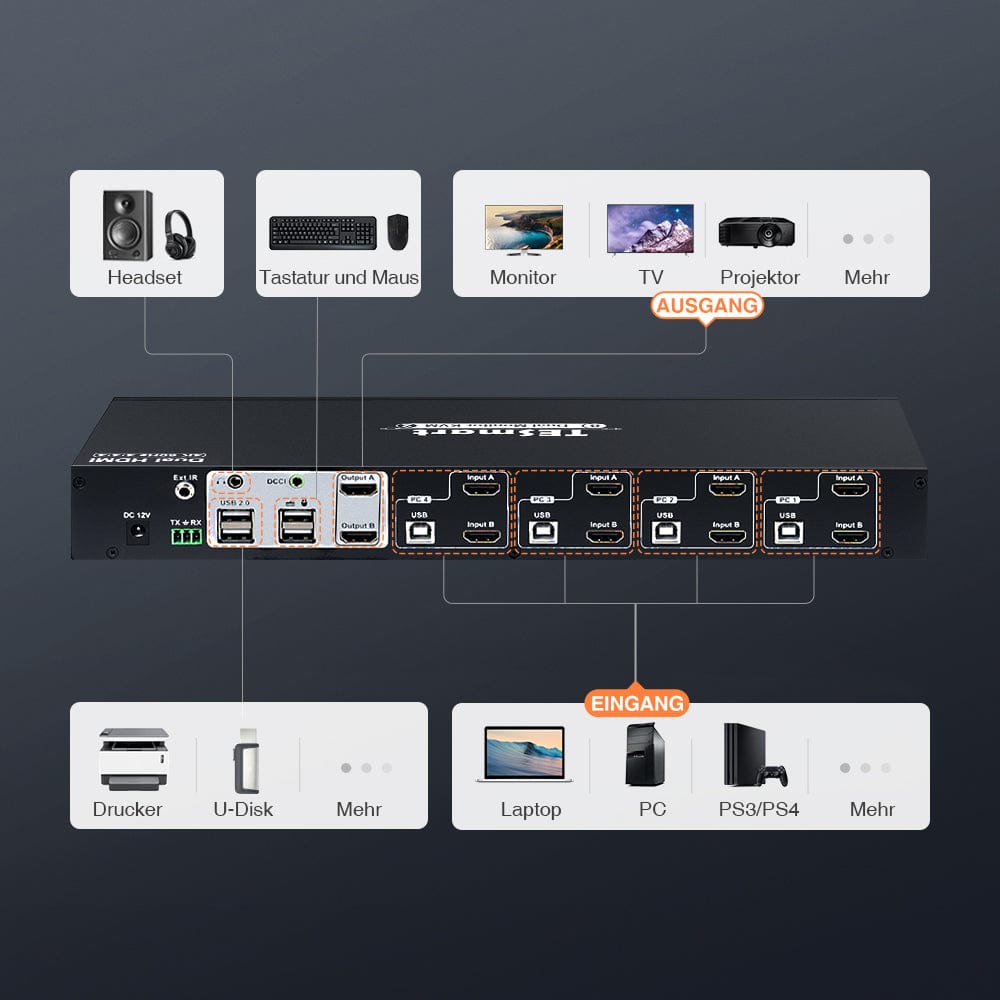
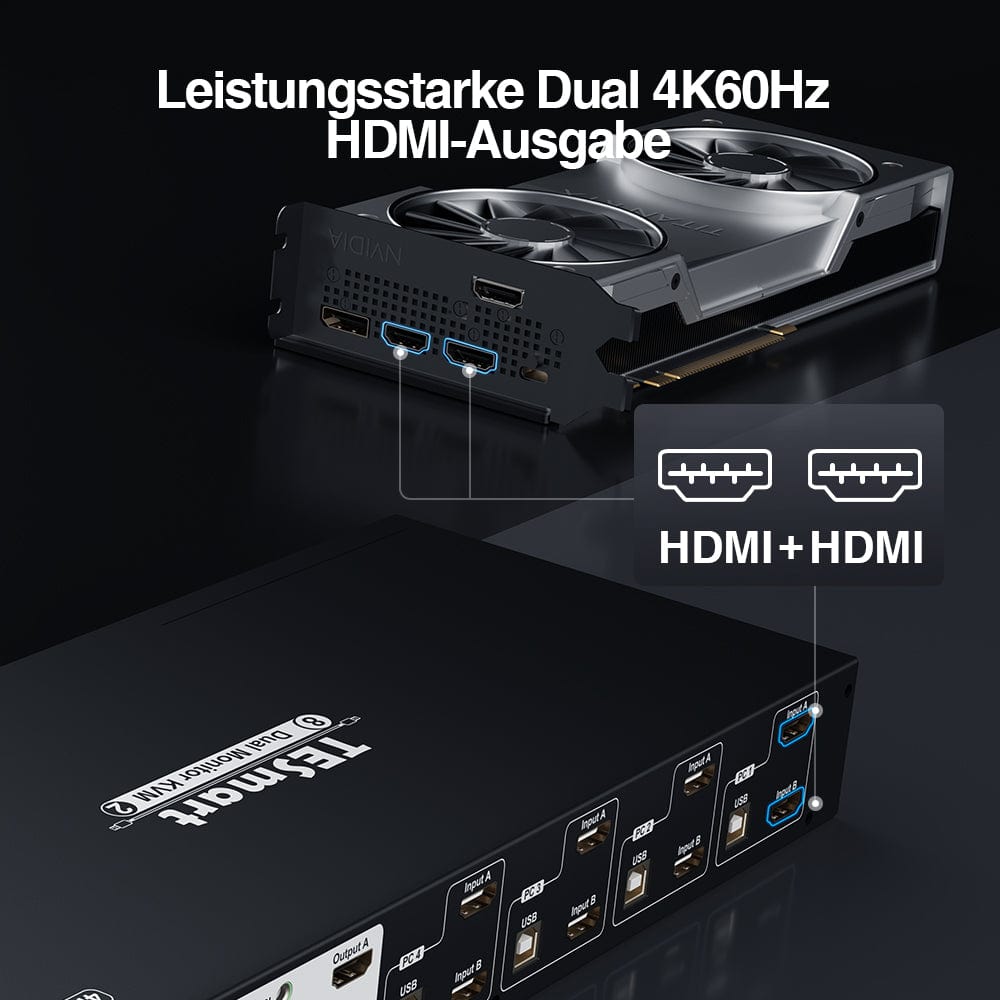
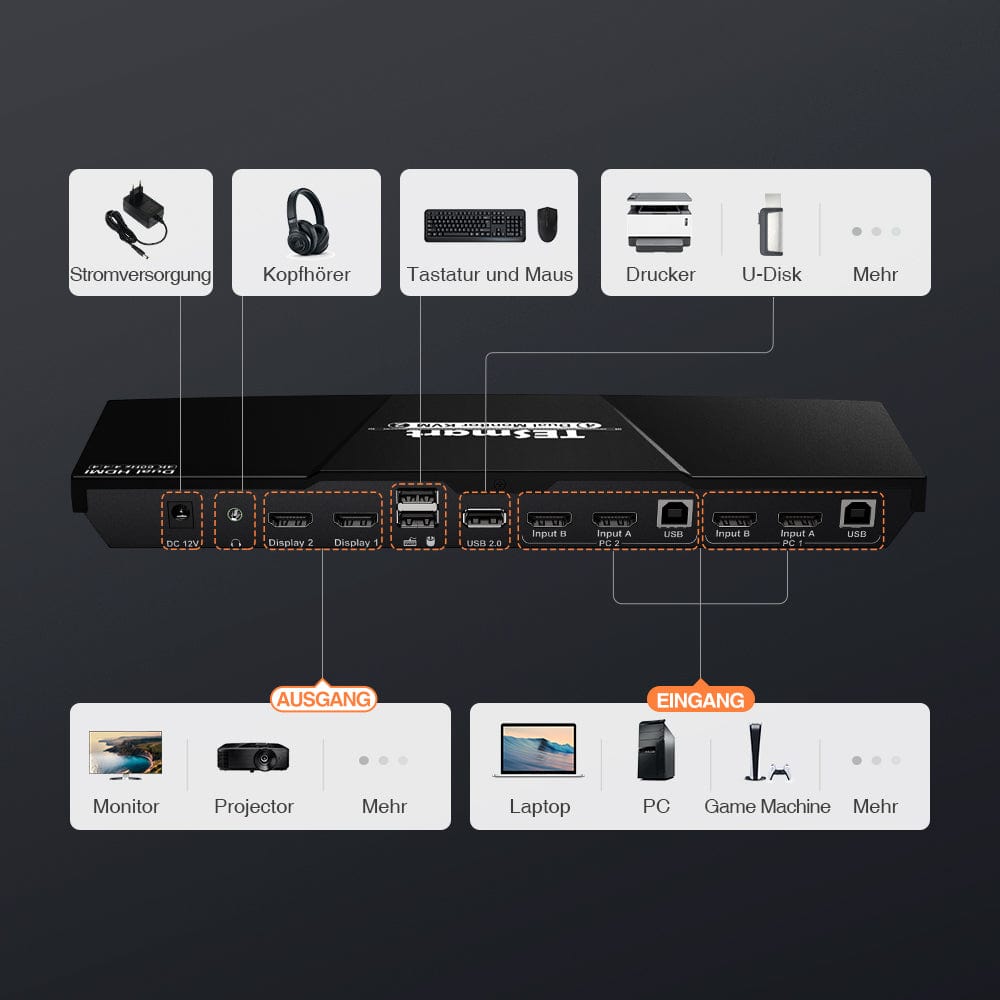
- Connect each PC to this KVM switch with one HDMI input and one HDMI output to ensure dual monitor functionality.
- 2 operating modes: Mode 1 for extended desktop and Mode 2 for split desktop (each computer is displayed simultaneously on 1 monitor).
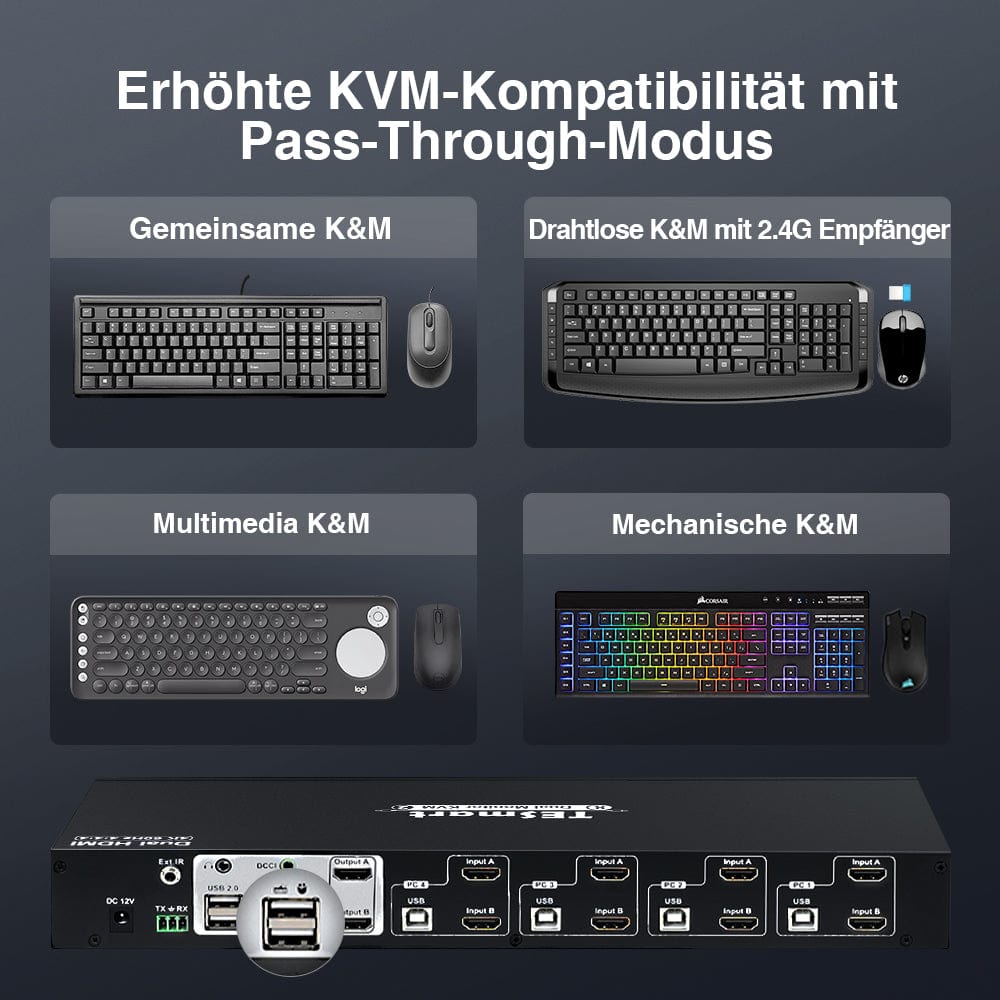
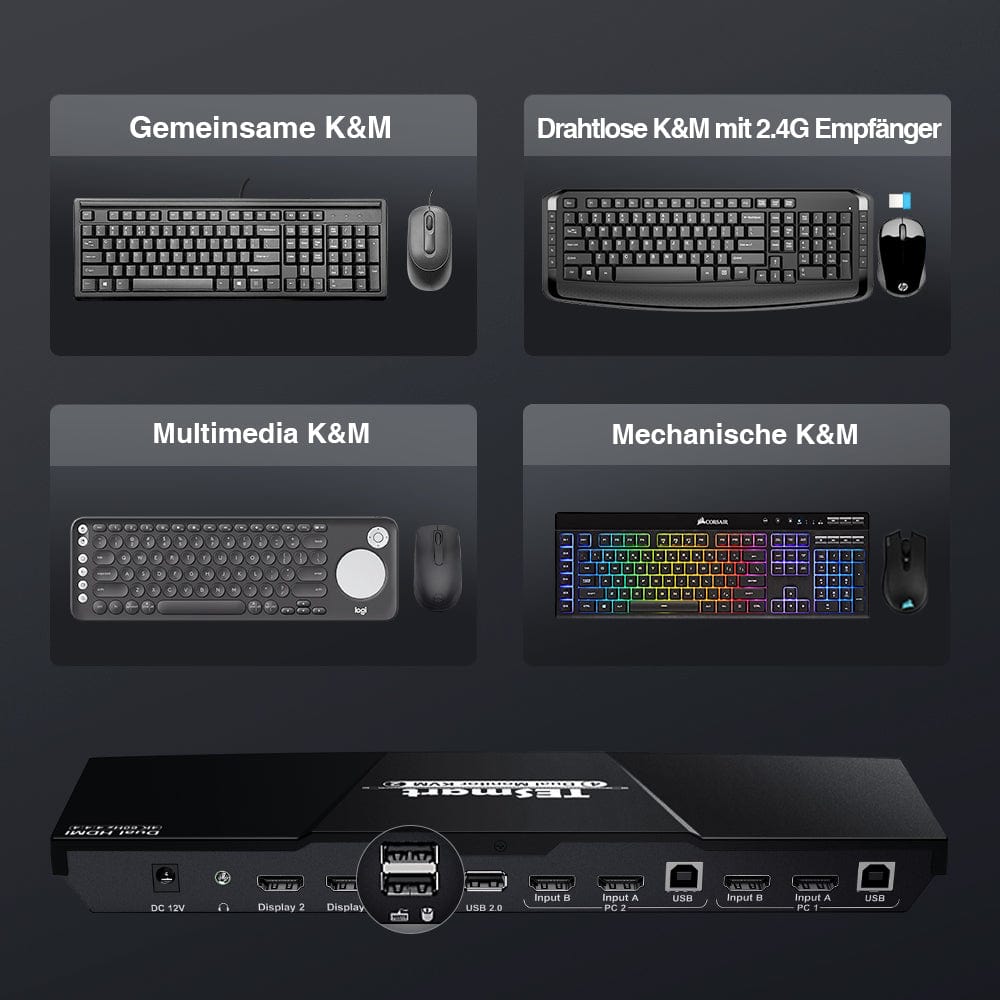
- K&M Pass-through for compatibility with various keyboard types: wired, wireless, mechanical, and gaming.
- Simple plug & Play setup without drivers.
- Compatible with Windows, Mac and Linux, ideal for use at home, in the office or in education.
OTHER FEATURES
- Three ways to switch inputs: keyboard hotkeys, push buttons on the front panel, or remote control.
- Assignable hotkey triggers from roles to right CTRL.
- USB sharing for printers, skipping drives, USB headsets and webcams for teleconferencing.
- Automatic scanning with an adjustable time interval of 1 to 250 seconds.
- Transmits audio via HDMI to monitors or external speakers via the KVM's stereo output.
TECHNICAL DATA
- HDMI 2.0 supports 3840x2160(4K)@60hz, 3440x1440@100Hz, QHD@144hz, FHD@144hz.
- HDCP 2.2 compliant.
- EDID emulation to avoid resolution and symbol changes.
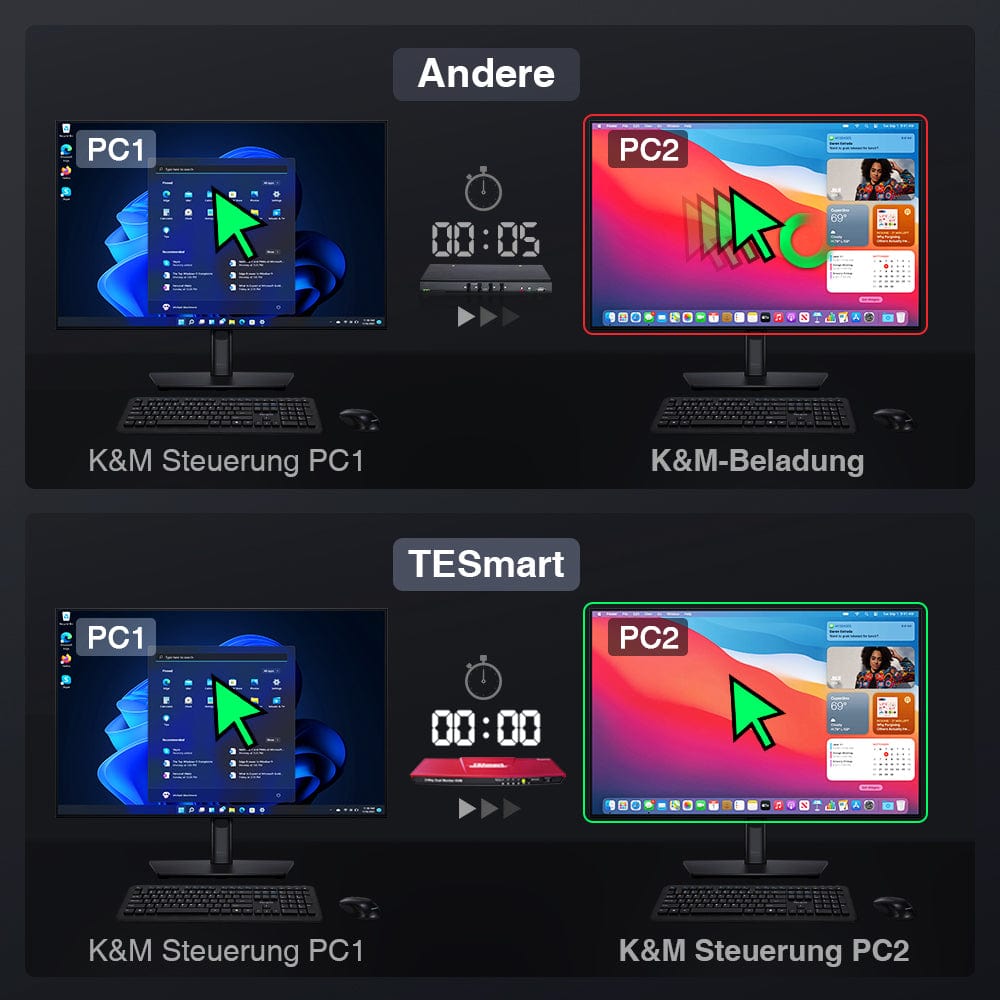
- Keyboard and mouse switching without delay or latency.
- IR remote control (battery not included). Requires 2 AAA batteries.
Before purchasing
Scope of delivery
Each PC must establish two video connections (HDMI+HDMI) to a KVM for two monitors.
- 1 * 2x2 HDMI+HDMI Dual Monitor KVM Switch
- 1 * DC 12V power adapter
- 2 HDMI cables
- 2 * KVM cables (HDMI+USB)
- 1 * IR remote control
- 1 * User manual
SHIPMENT
- We offer free express shipping (FedEx/DHL) for EU orders.
2-YEAR WARRANTY, EXTENDED TO 3 YEARS
- The TESmart KVM switch comes with a 2-year warranty from the date of purchase. We offer a warranty extension program. Register to extend the warranty to 3 years.
- The warranty covers all defects in materials and workmanship under normal use. We reserve the right to replace any defective product under warranty (no repairs, only exchanges).
Support
FAQ
- For output to two monitors, the switch must receive video signals on both HDMI inputs per PC.
- Audio is transmitted via an HDMI connection. An HDMI monitor is required for audio.
- Hotkeys are triggered via a keyboard connected to the special mouse or keyboard ports.
- Emulation programming is locked and cannot be removed from the mouse and keyboard ports.
- Dedicated mouse and keyboard ports should not be used for other USB devices.
- Use a powered USB hub to increase the number of USB 2.0 ports.
- If your wireless mouse/keyboard is "stuttering", use a USB extender to reduce the distance to the receiver.
- Please insert 2 AAA batteries before using the remote control (batteries not included).
COMPATIBILITY INFORMATION
- Dedicated mouse and keyboard ports feature emulation programming. Second-generation chipsets have a "passthrough mode" for transmitting special characters such as multimedia keys (play, pause, volume up/down, etc.), which significantly improves keyboard compatibility.
- Keyboard software such as Logitech Options, DAS Q, Corsair iCUE, etc., conflicts with emulation programming and limits the ability to use dedicated macro keys. We recommend using the KVM's USB 2.0 port as a workaround if this software is desired. The USB 2.0 port does not support emulation programming, and therefore the KVM will not recognize hotkey toggling commands. If necessary, use a powered USB hub to extend USB connectivity.
MORE INFO

Tired of chaos? Try TESmart KVM Switch.


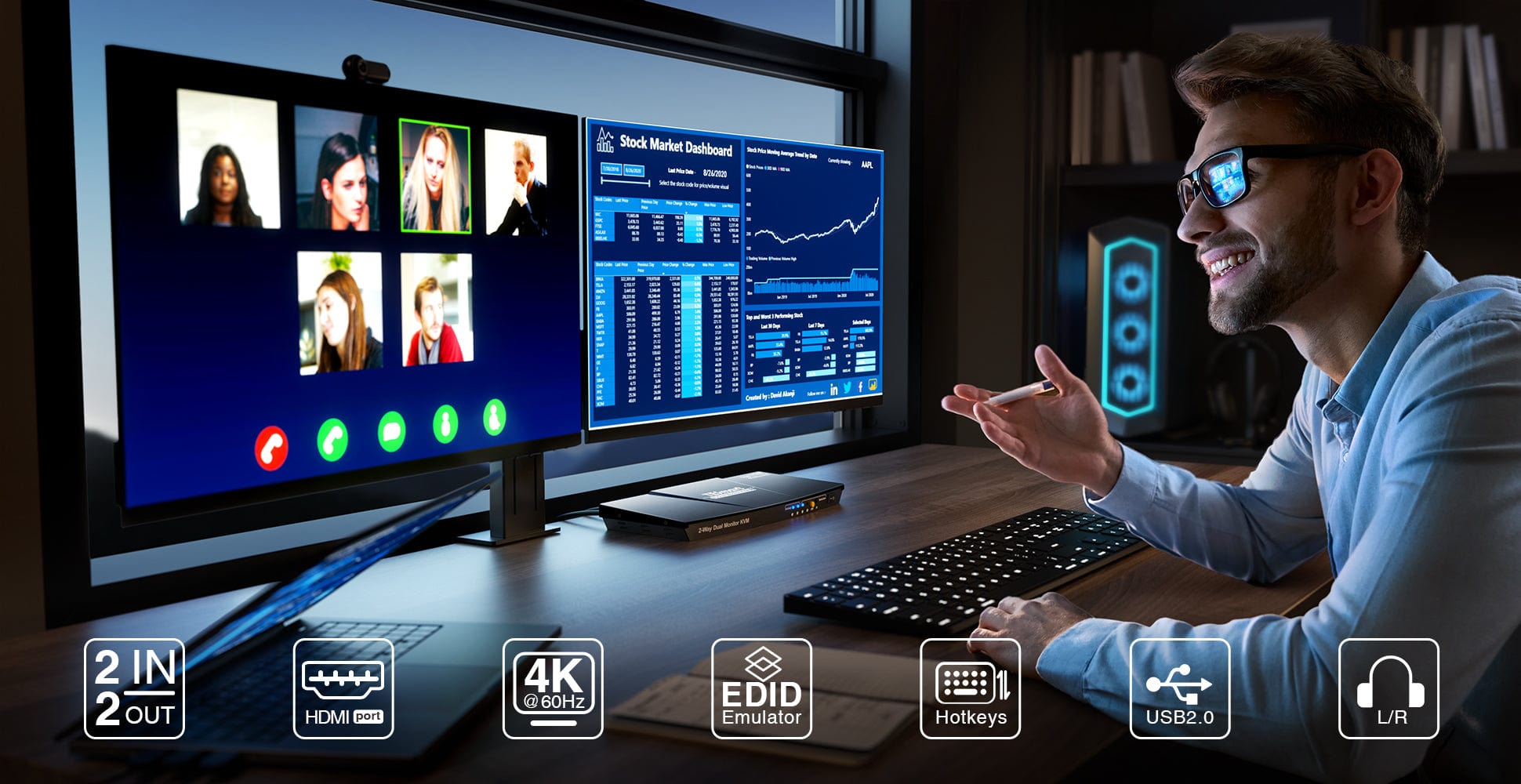
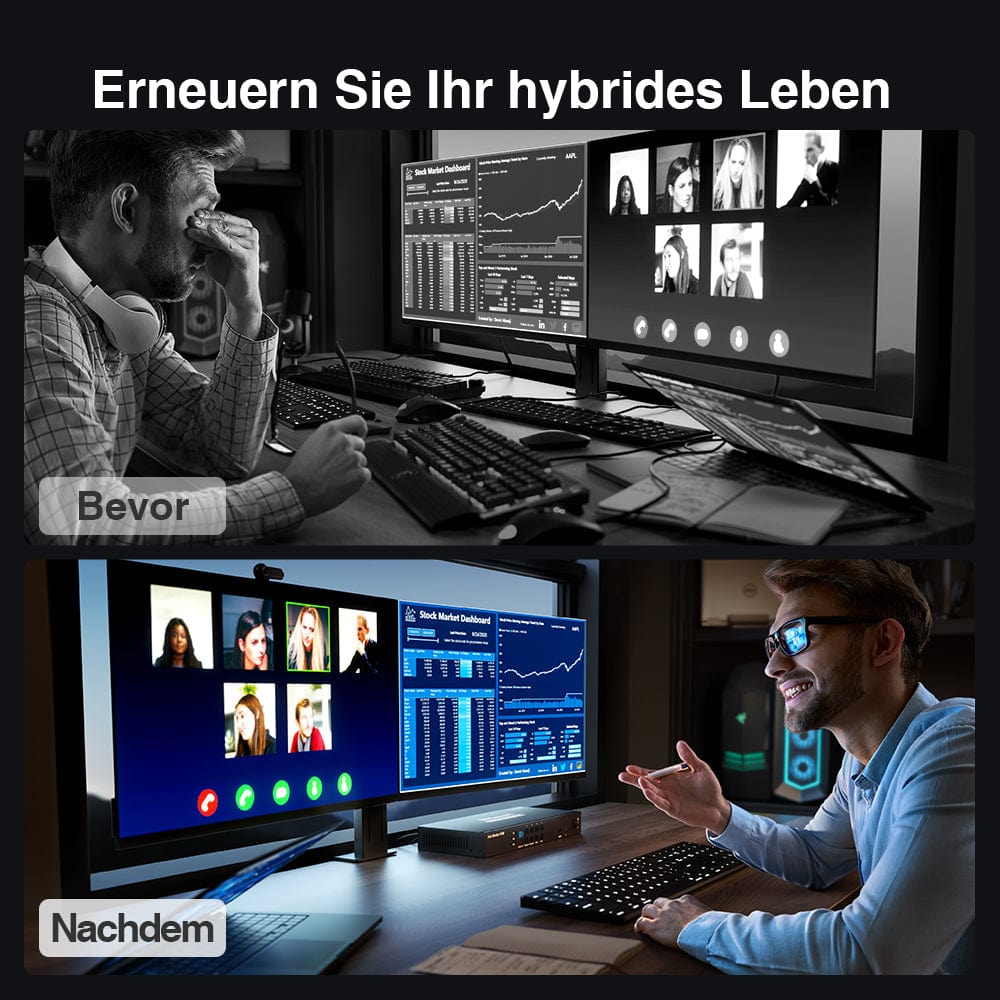
Renew your hybrid life
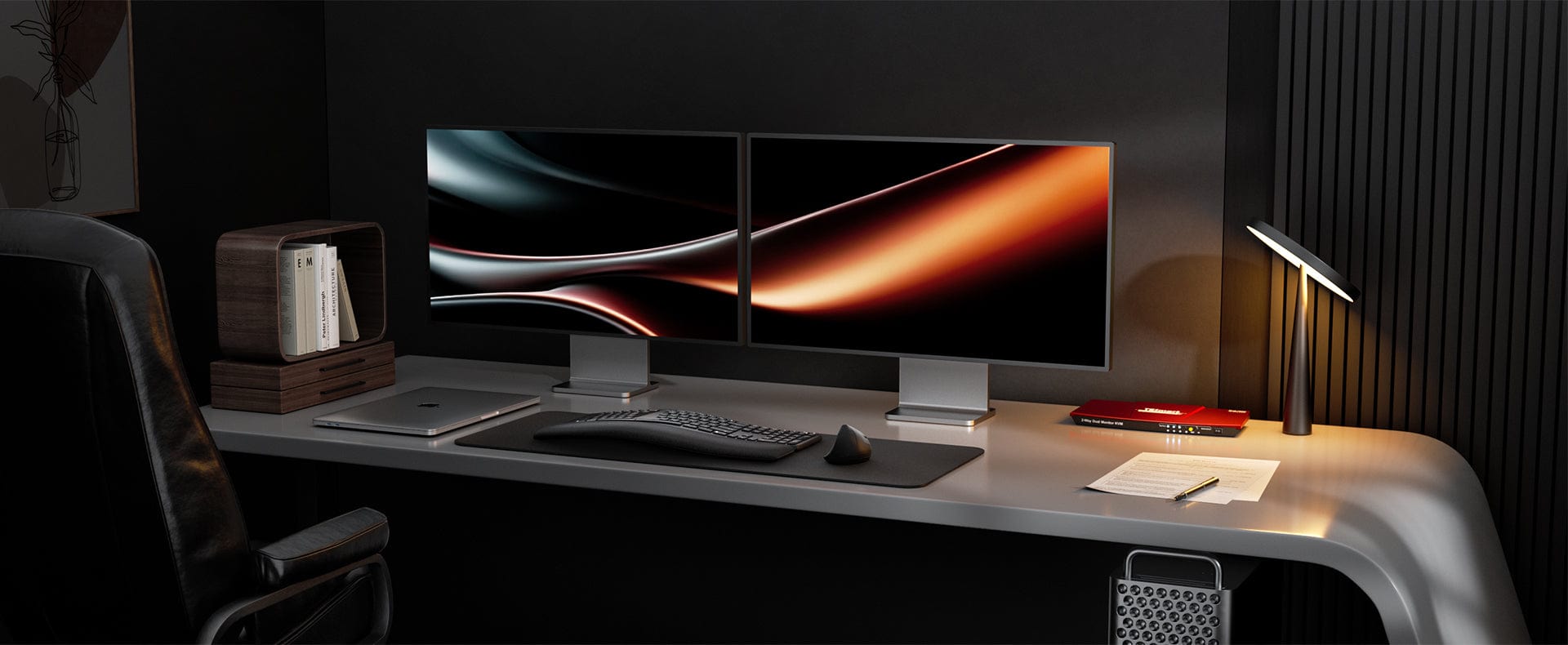
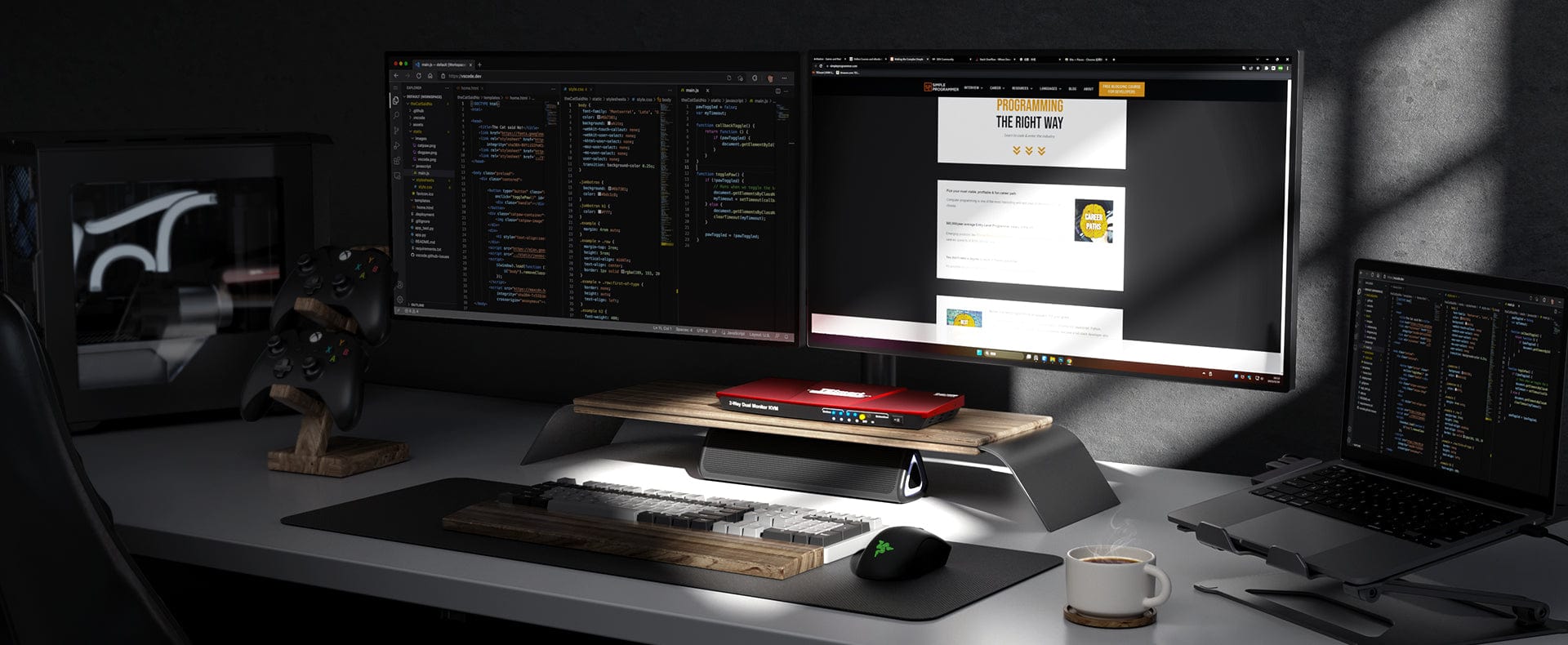
Optimize your productivity with fast switching, stable performance, and comprehensive device compatibility. Experience the convenience and efficiency of KVM switches on a new level.
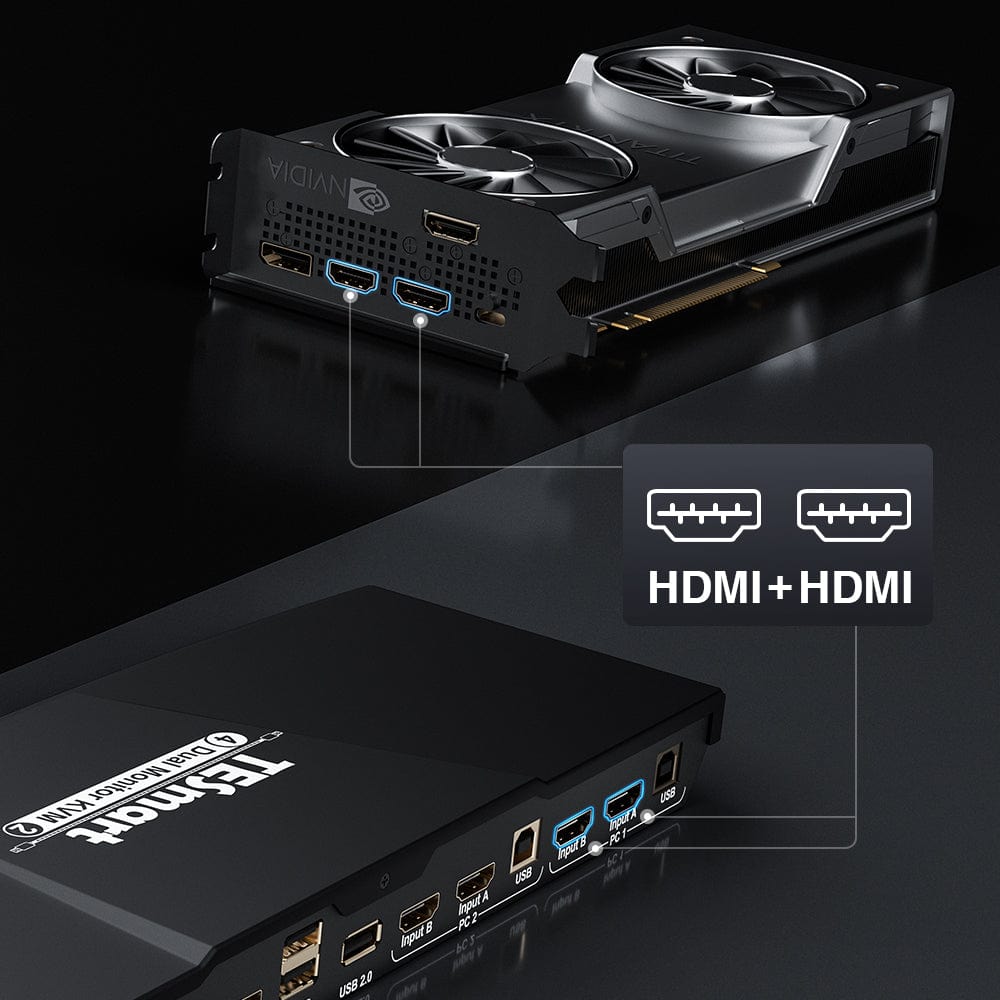
Unleash the power of HDMI & HDMI
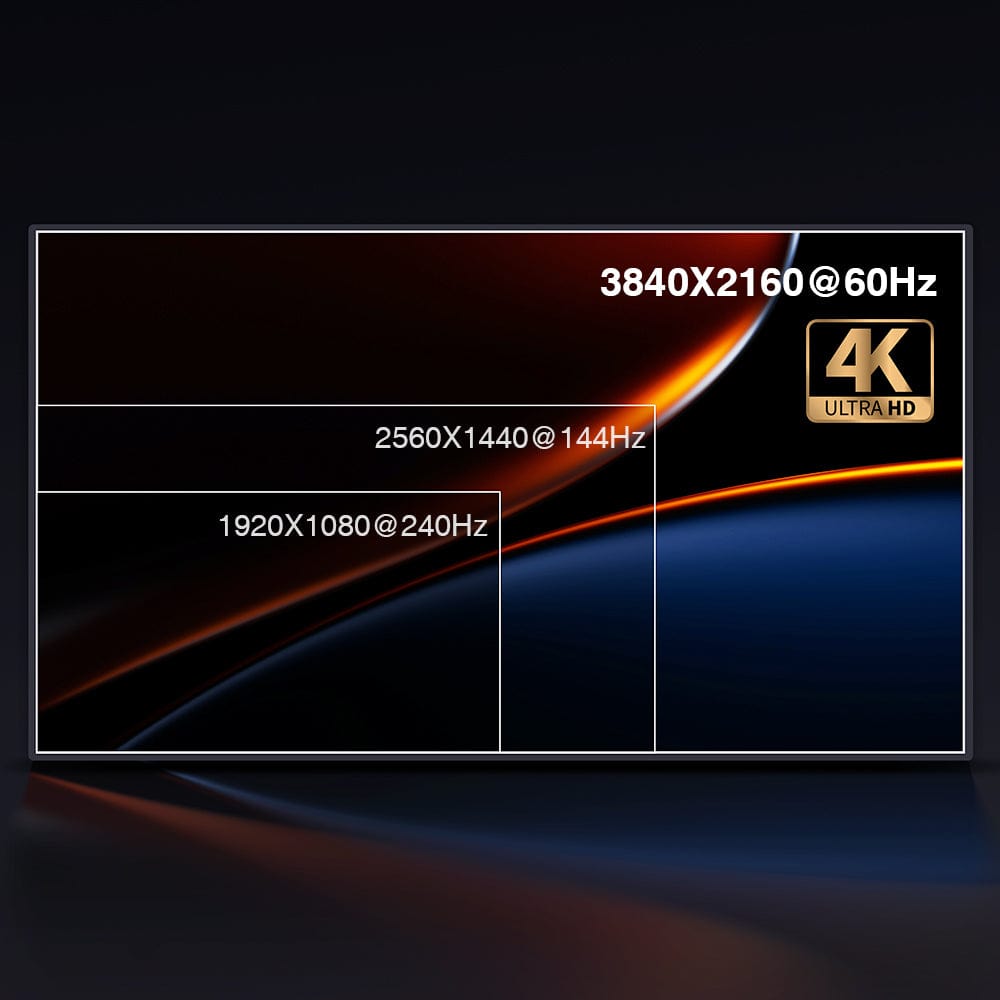
Unlock the full potential of 4K@60Hz
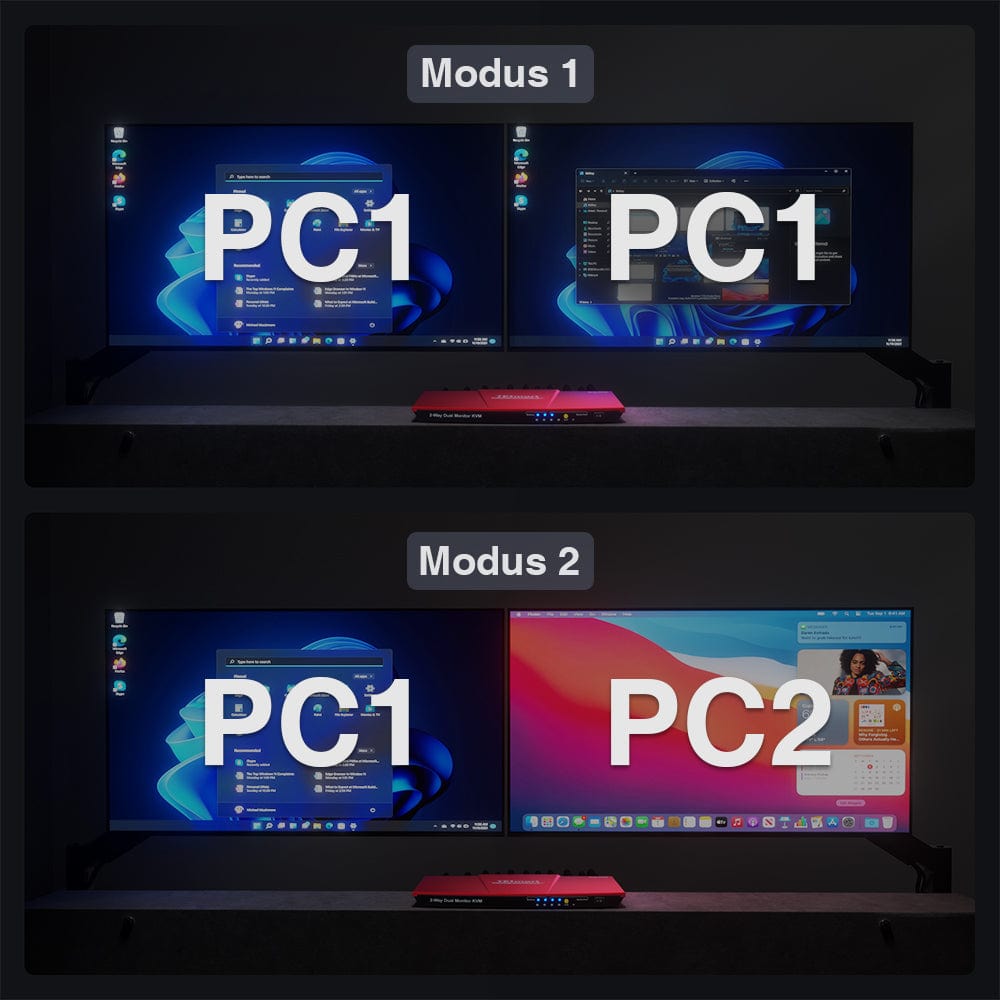
Two monitors, two display modes
One-button switching
Experience the full potential of your HDMI devices with our KVM switch. Effortlessly connect any PC to two monitors via our powerful HDMI port.
Enjoy seamless switching between devices and optimize your productivity.
Please note that for two monitors, each PC must establish two video connections to the KVM.
Ultimate compatibility for 4K, ultrawide, and state-of-the-art displays. Enhance your visual experience with this dual monitor HDMI DP KVM switch.
Supports resolutions up to:
- 3840x2160 (4K) @60Hz,
- 3440x1440 @100Hz,
- 2560x1440 @144Hz.
Choose between extended and split desktop modes for seamless control of multiple devices across two screens. Effortlessly switch between laptop and PC while controlling two monitors, audio, keyboard, and mouse.
Perfect for home, office or training.
Enjoy reliable 4K monitor support for Mac and Windows.
Simplify your setup and save time with this amazing KVM switch.
Choose your ideal switching method:
Keyboard hotkeys, IR remote control or buttons on the front panel.
Always accurate display with EDID emulation
Increased KVM compatibility with pass-through mode
Seamless keyboard and mouse switching
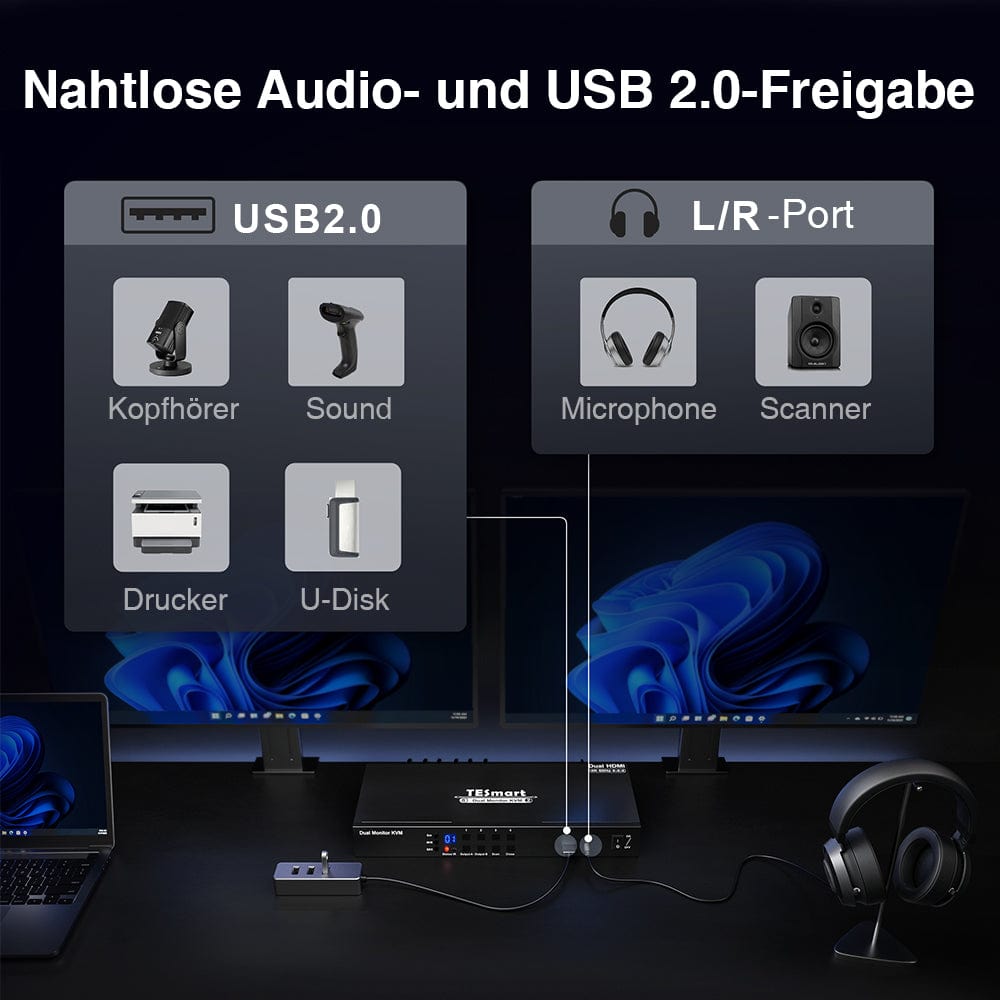
Seamless audio and USB 2.0 sharing
Never worry about display problems again.
Our KVM switch with EDID emulation ensures that your computers always receive the correct display information, providing a seamless and worry-free experience.
Compatible with various keyboard types, including wired, wireless with 2.4G receiver, mechanical and multimedia keyboards.
Enjoy improved KVM compatibility with pass-through mode.
Experience instant keyboard and mouse access to any connected PC with seamless switching.
Say goodbye to waiting and look forward to uninterrupted productivity with our KVM switch.
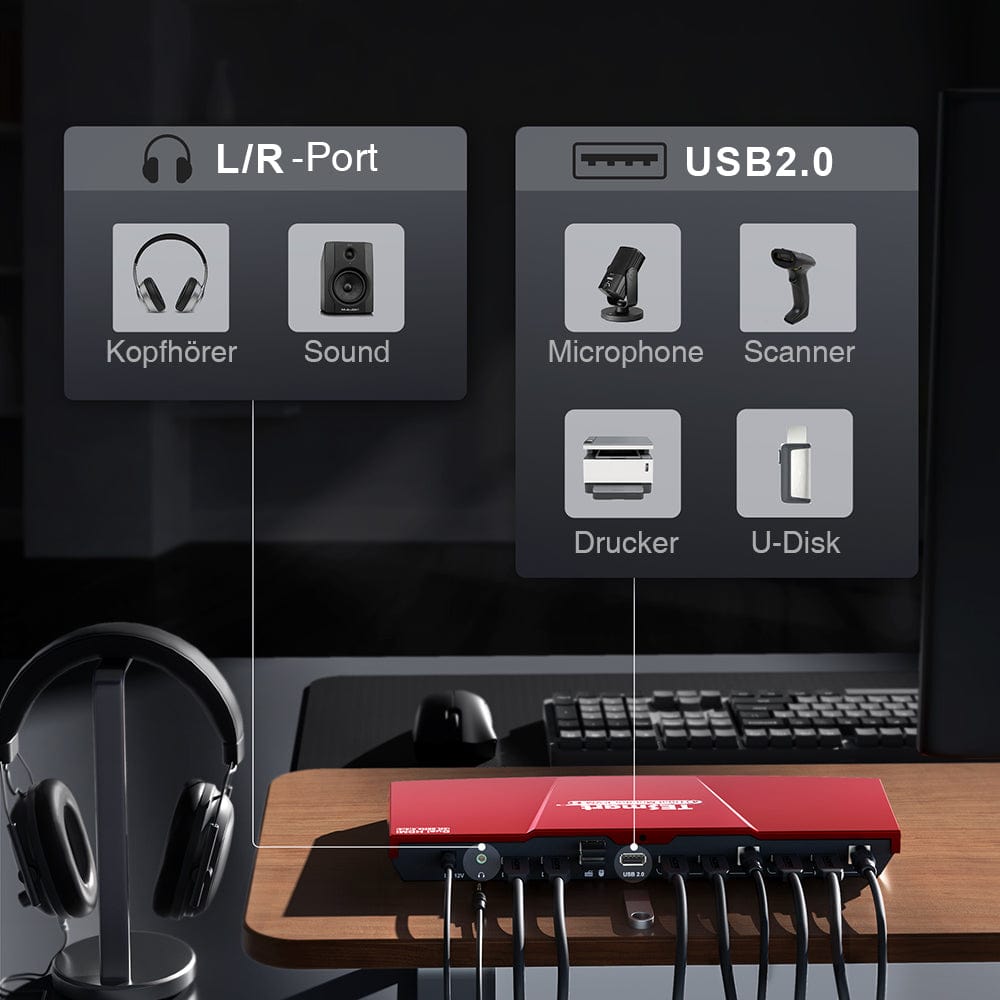
Simply connect your headphones or speakers via the L/R audio output and enjoy seamless audio output.
Sharing USB 2.0 devices across multiple devices simplifies your setup and increases your productivity.
Perfect for home, office or training.
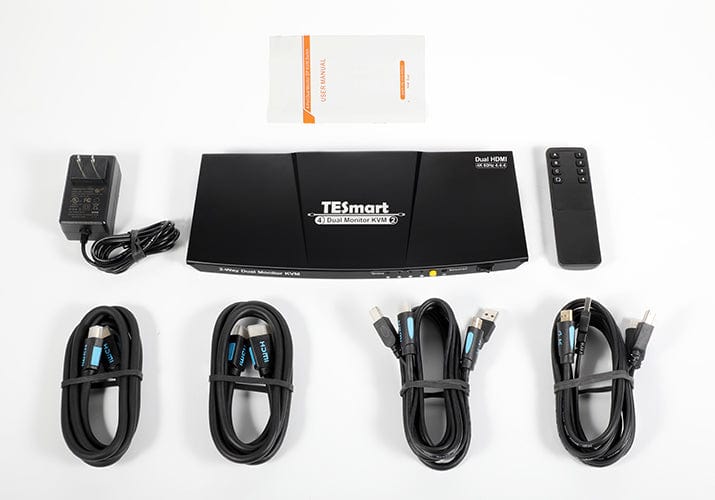
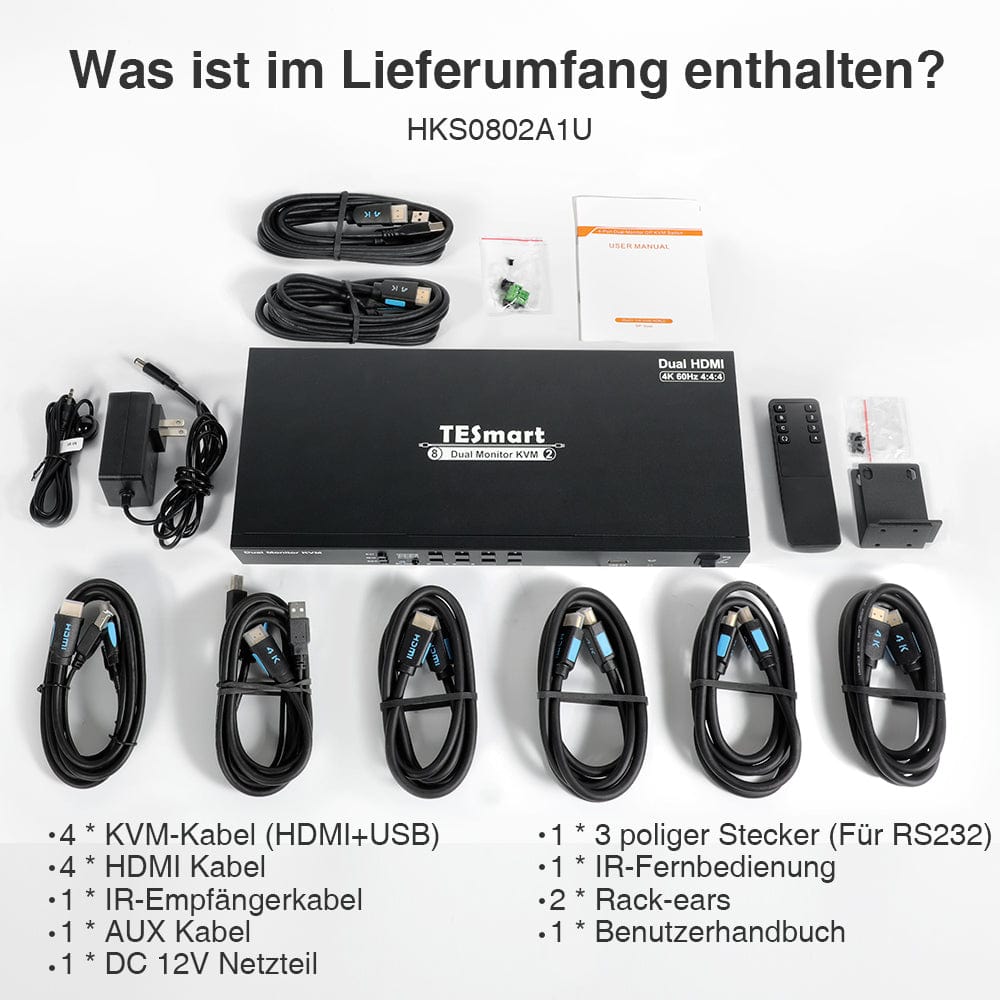
What is included?
Each PC must establish two video connections (HDMI+HDMI) to a KVM for two monitors.
- 1 * 2x2 HDMI+HDMI Dual Monitor KVM Switch
- 1 * DC 12V power adapter
- 2 HDMI cables
- 2 * KVM cables (HDMI+USB)
- 1 * IR remote control
- 1 * User manual
Reviews from Youtubers
@Mash IT
@Max's Tech
@Aivars Meijers
Best KVM for HOME OFFICE? TESmart Dual 4k 60hz HDMI KVM switch unboxing and review
In this video we unbox and review the TESmart Dual HDMI KVM switch which allows you to run 2 4k 60hz HDMI monitors on 2 different computers. Declutter you desktop and switch with ease.
- Mash IT
What is a KVM? - Explained!
KVM switches - What are they? How can you use it? Let's all learn now!
- Max's Tech
You Need This KVM Switch for Dual Computer Setup
TESmart KVM Switch 4K 60hz HDMI setup, review my use case, and experience. Mac + PC setup with KVM switch.
- Aivars Meijers